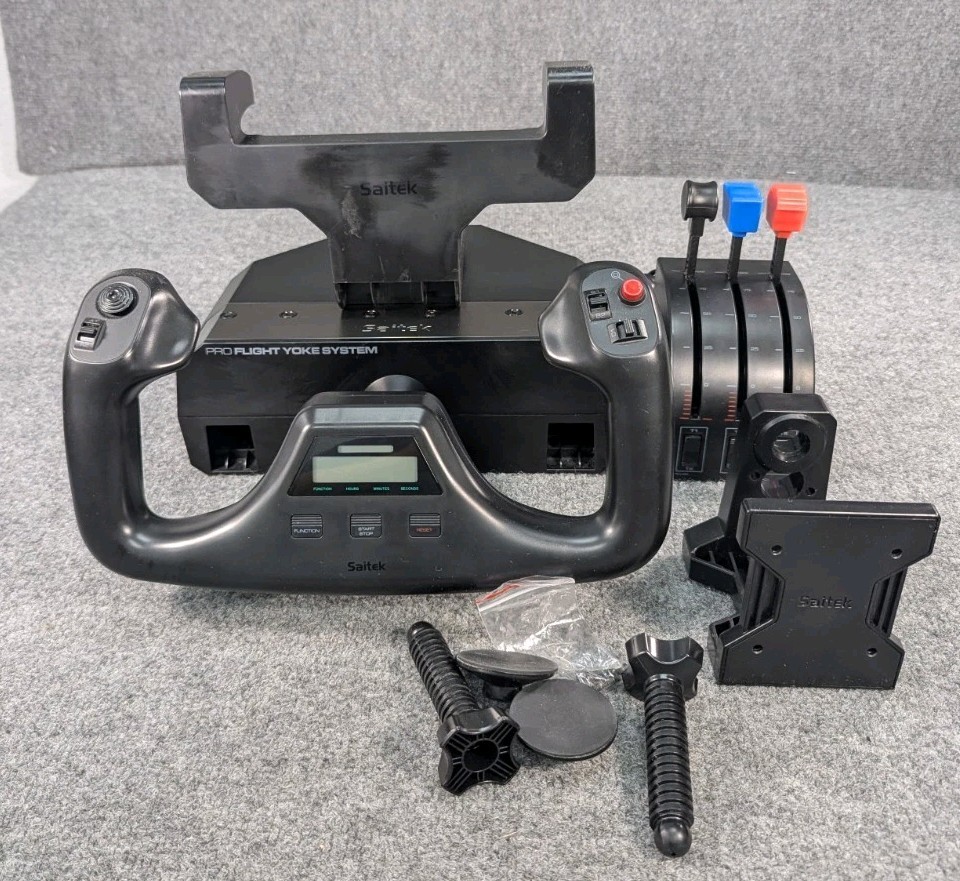

Photos from current listings. Actual item, color, and included accessories may vary.
Saitek Pro Flight Yoke Buying Guide
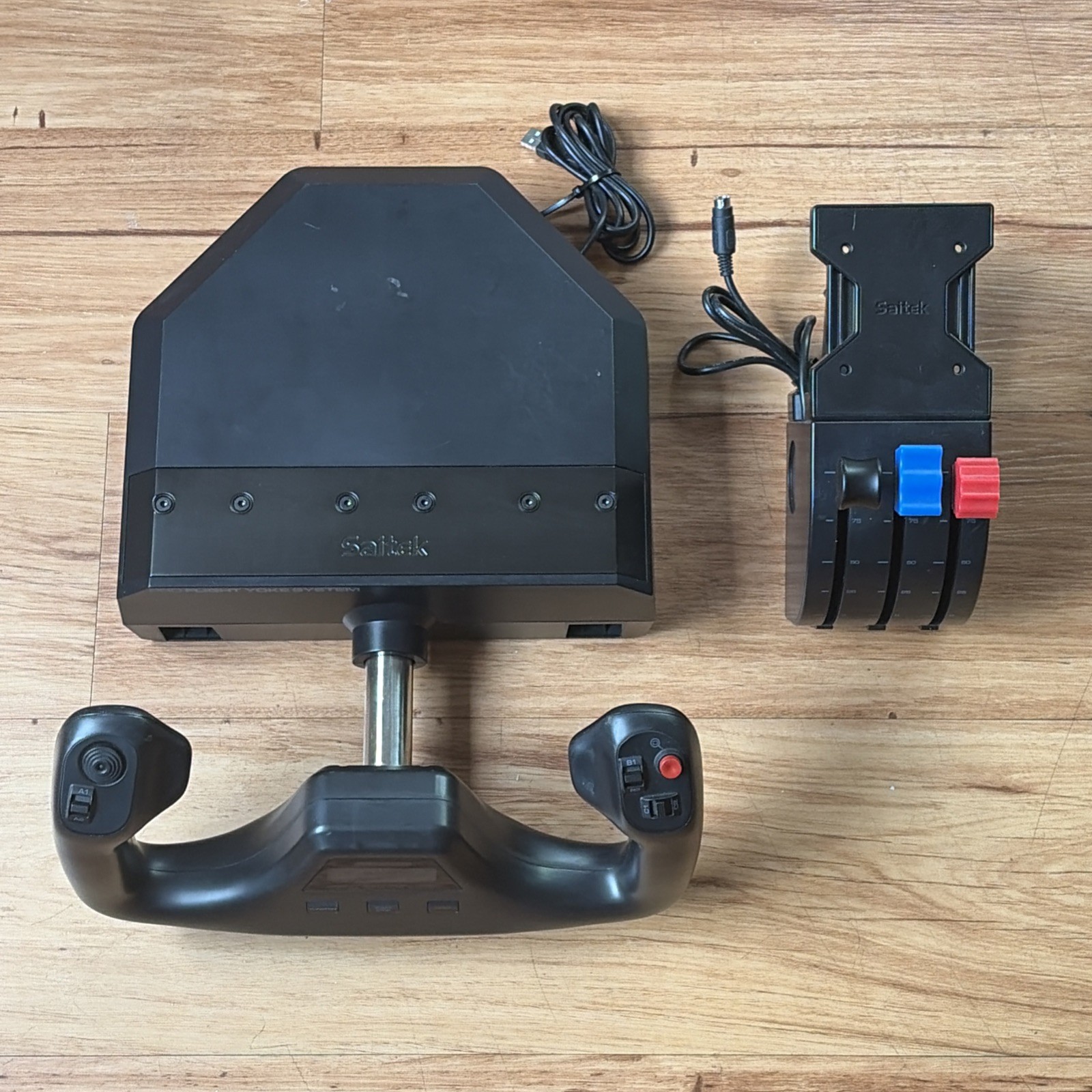
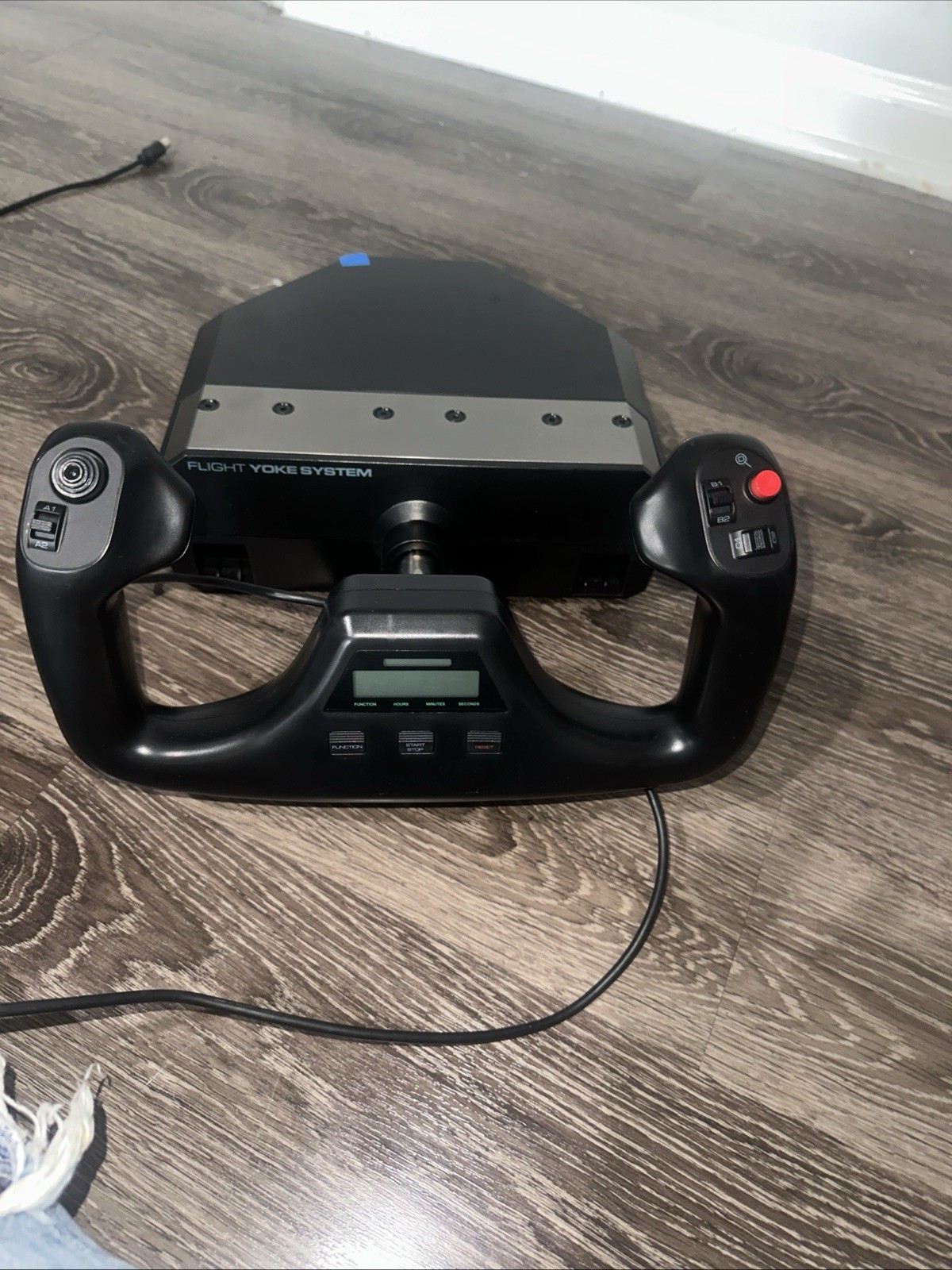
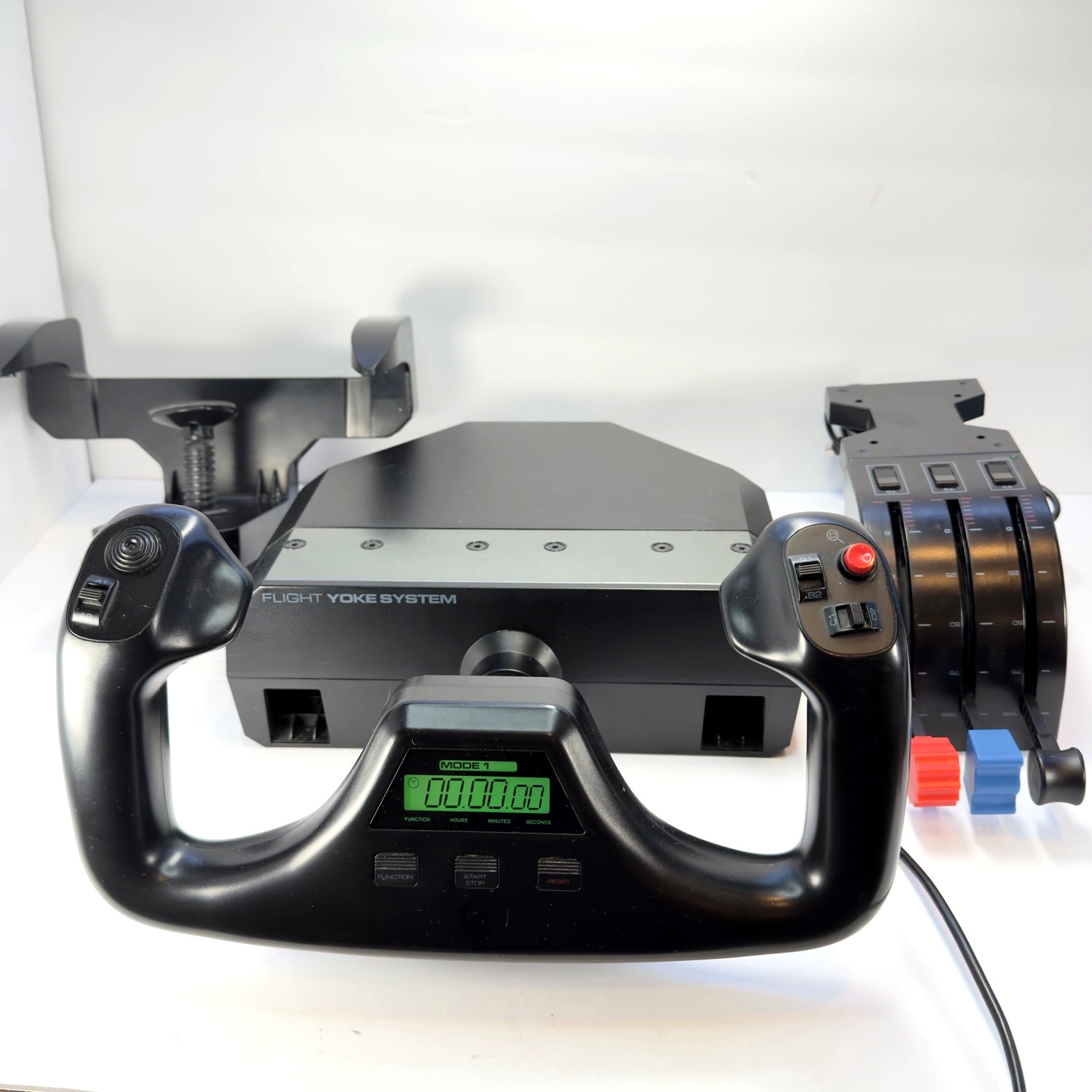
The Saitek Pro Flight Yoke is a legacy entry-level flight sim yoke with an integrated throttle quadrant, now sold only on the used market because Saitek's line was absorbed into Logitech's G-series. Its plastic build and older potentiometer sensors are the key durability trade-offs: it works fine for casual desktop simming but lacks the Hall-effect sensors and metal internals of modern yokes or the newer Logitech G Pro Flight Yoke. Buy it only if the price reflects its age and you can accept potentiometer wear; budget for a newer Logitech or Honeycomb yoke if you need long-term precision.
Key takeaways
- Original Saitek Pro Flight Yoke (PZ44) uses potentiometers for pitch, roll, and throttle axes; these wear and develop dead zones over years of use.
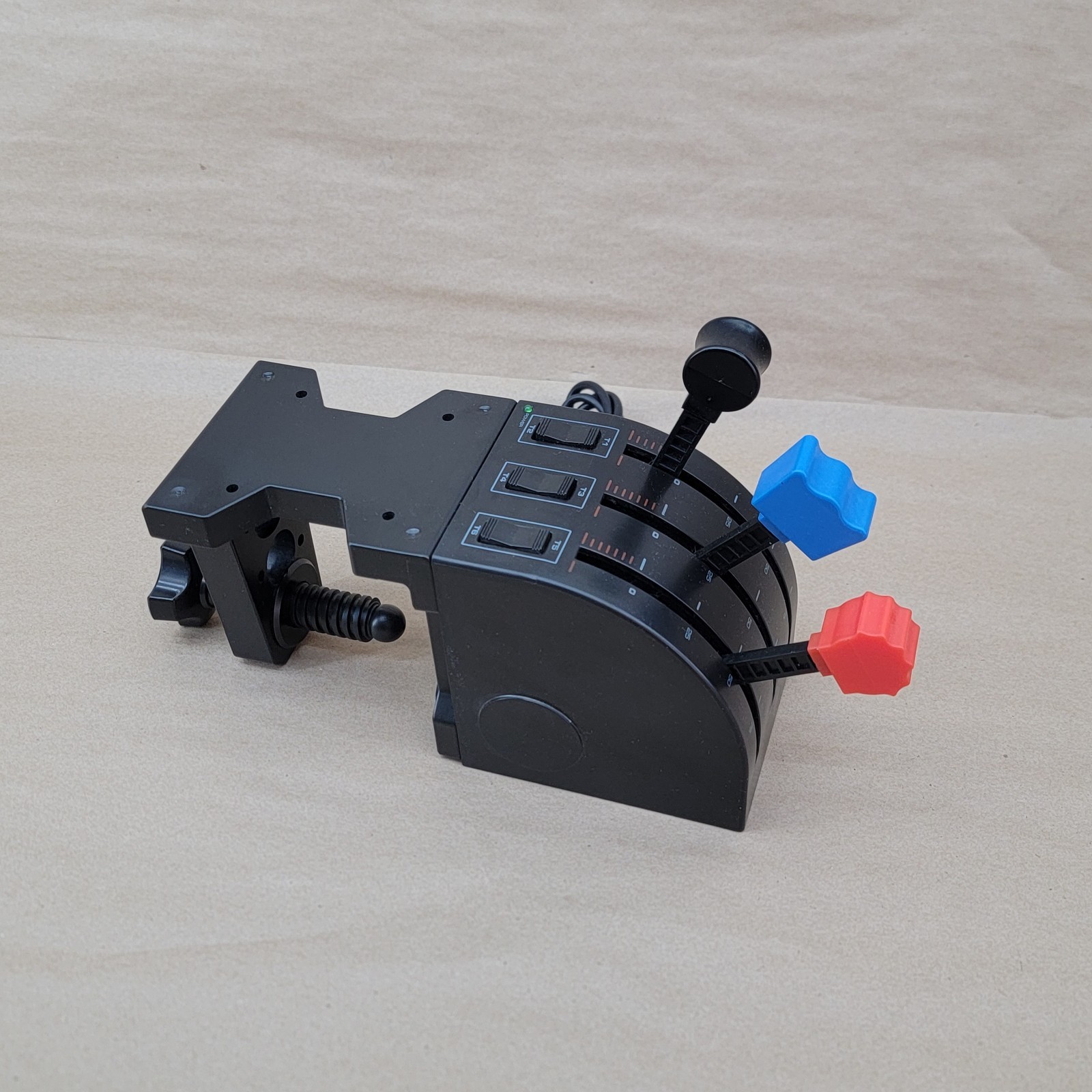
- Includes a separate throttle quadrant with three levers (throttle, prop, mixture) and detents, but no reverse-thrust or afterburner detents out of the box.
- Plastic housing and shaft with metal internal bearings on the yoke; the clamp-style desk mount fits surfaces up to roughly 2 inches thick.
At a glance
- Category
- Flight Sim Yokes & Throttles
- Status
- Listings available
- Last updated
- Nov 24, 2026
Current offers
Highlights
- Original Saitek Pro Flight Yoke (PZ44) uses potentiometers for pitch, roll, and throttle axes; these wear and develop dead zones over years of use.
- Includes a separate throttle quadrant with three levers (throttle, prop, mixture) and detents, but no reverse-thrust or afterburner detents out of the box.
- Plastic housing and shaft with metal internal bearings on the yoke; the clamp-style desk mount fits surfaces up to roughly 2 inches thick.
- Successor Logitech G Pro Flight Yoke (945-000023) adds a smoother shaft and improved centering spring; Saitek-branded units are pre-2016 production.
Best use cases
- Best fit: budget desktop simmers flying Cessna-class aircraft in MSFS or X-Plane who want a yoke-and-throttle bundle for under a mid-range joystick price—buy a tested used unit with no axis spiking.
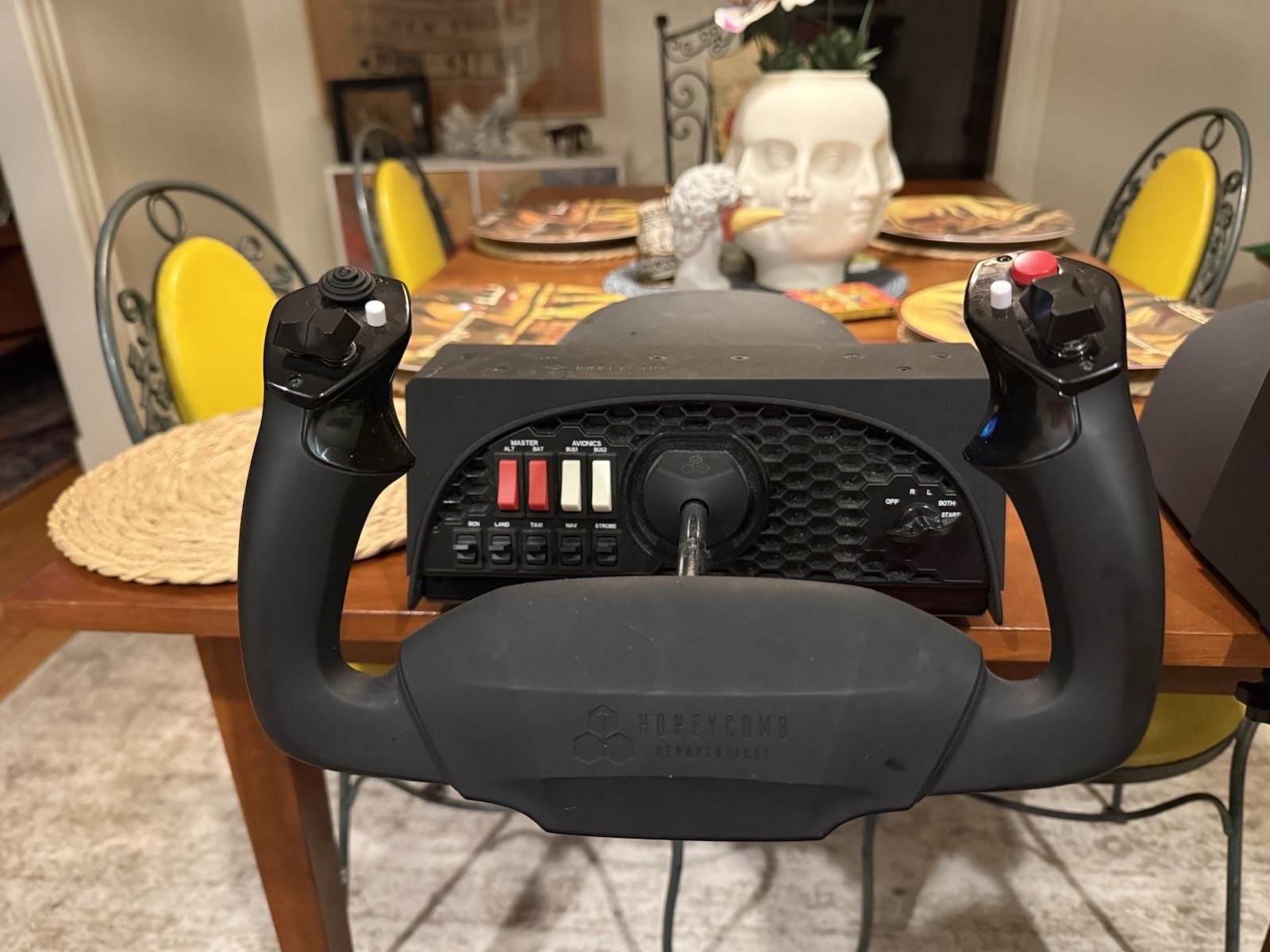
- Wrong fit: airliner or long-haul simmers needing precise autopilot and fine throttle control—skip this and choose a Hall-effect yoke like the Honeycomb Alpha or Logitech G Pro.
- Wrong fit: buyers wanting modern USB-C or Xbox compatibility—the Saitek yoke is USB-A and PC-only; pick a current-generation Logitech or Turtle Beach yoke for console support.
Buying tips
- Inspect for potentiometer spiking: ask for a video showing full pitch/roll sweeps in Windows Game Controllers or DIView; any jumping or dead zones means worn sensors.
- Confirm the unit includes the desk clamp and the throttle quadrant's connecting cable—missing clamps are common on used listings and replacements are scarce.
- Check the Saitek vs Logitech branding: Saitek units are pre-2016 and may lack newer driver support; Logitech-branded yokes are the same design with better QA and current software.
- Measure your desk edge: the clamp needs a flat overhang of at least 2 inches and a surface no thicker than about 2 inches; glass or rounded-edge desks will not hold.
Specs
| Sensor Type | Potentiometers (non-contact Hall on newer yokes) |
|---|---|
| Included Controls | Yoke + 3-lever throttle quadrant |
| Connectivity | USB-A wired, PC only |
| Build Material | Plastic housing, metal shaft bearings |
Alternatives to compare
Related searches
What to check before buying
- Desk depth and overhang: at least 12 inches of clear depth behind the yoke for full pitch travel; the clamp requires a flat, square edge.
- USB port: a standard USB-A port on a powered hub or rear motherboard port; avoid unpowered front-panel hubs that can cause axis dropouts.
- Sim compatibility: MSFS, X-Plane 11/12, and Prepar3D support it via native or Logitech drivers; verify your sim recognizes separate yoke and throttle devices.
- Space for throttle quadrant: the quadrant is a separate unit roughly 7 inches wide and needs its own flat surface or included mounting bracket.
FAQ
Data sources: eBay / Amazon listings and product attribute feeds. Updated Nov 24, 2026.
Some links on this page are affiliate links. If you buy after clicking one, we may earn a commission at no extra cost to you. This does not change which products appear here or their order. Affiliate disclosure.