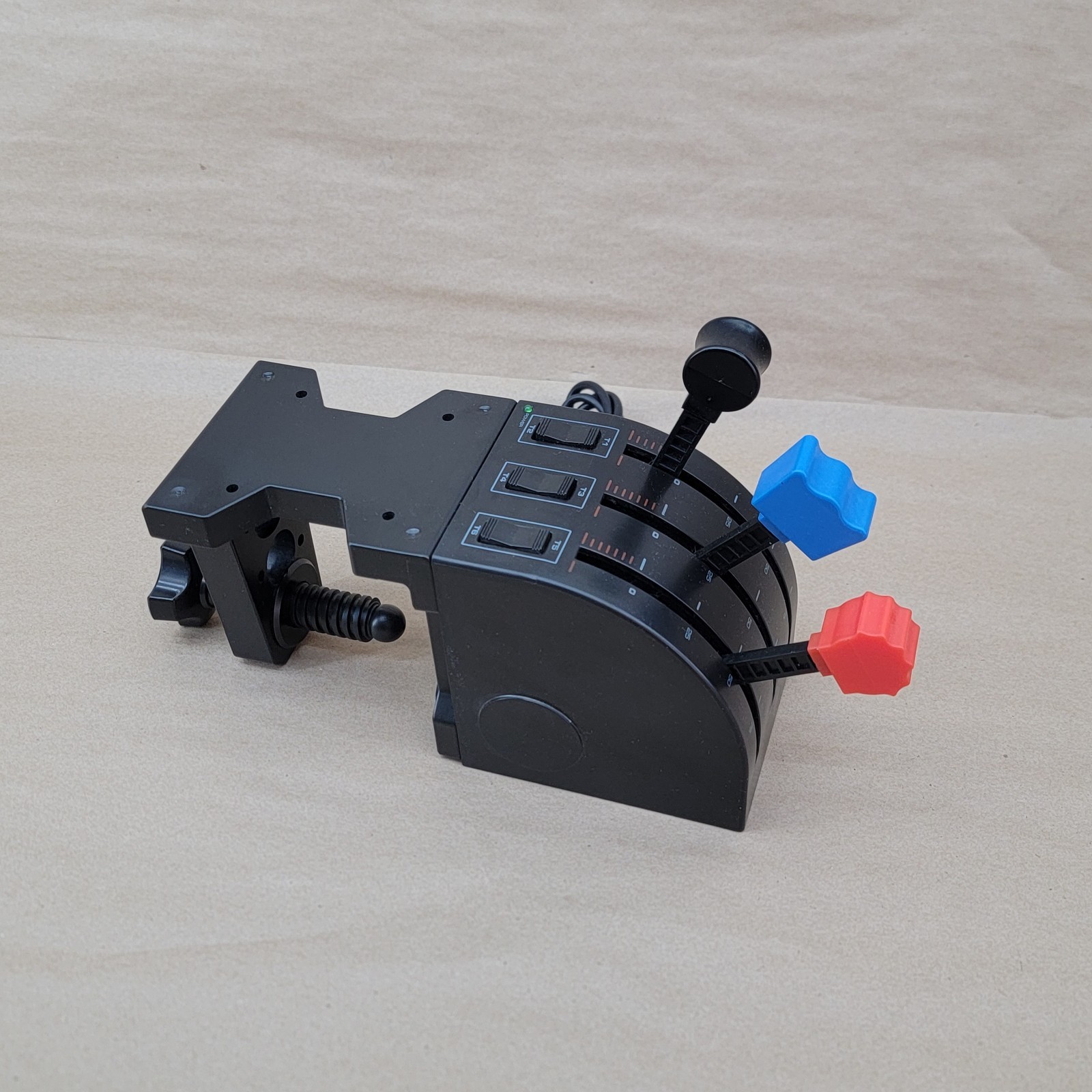

Photos from current listings. Actual item, color, and included accessories may vary.
Logitech G Buying Guide
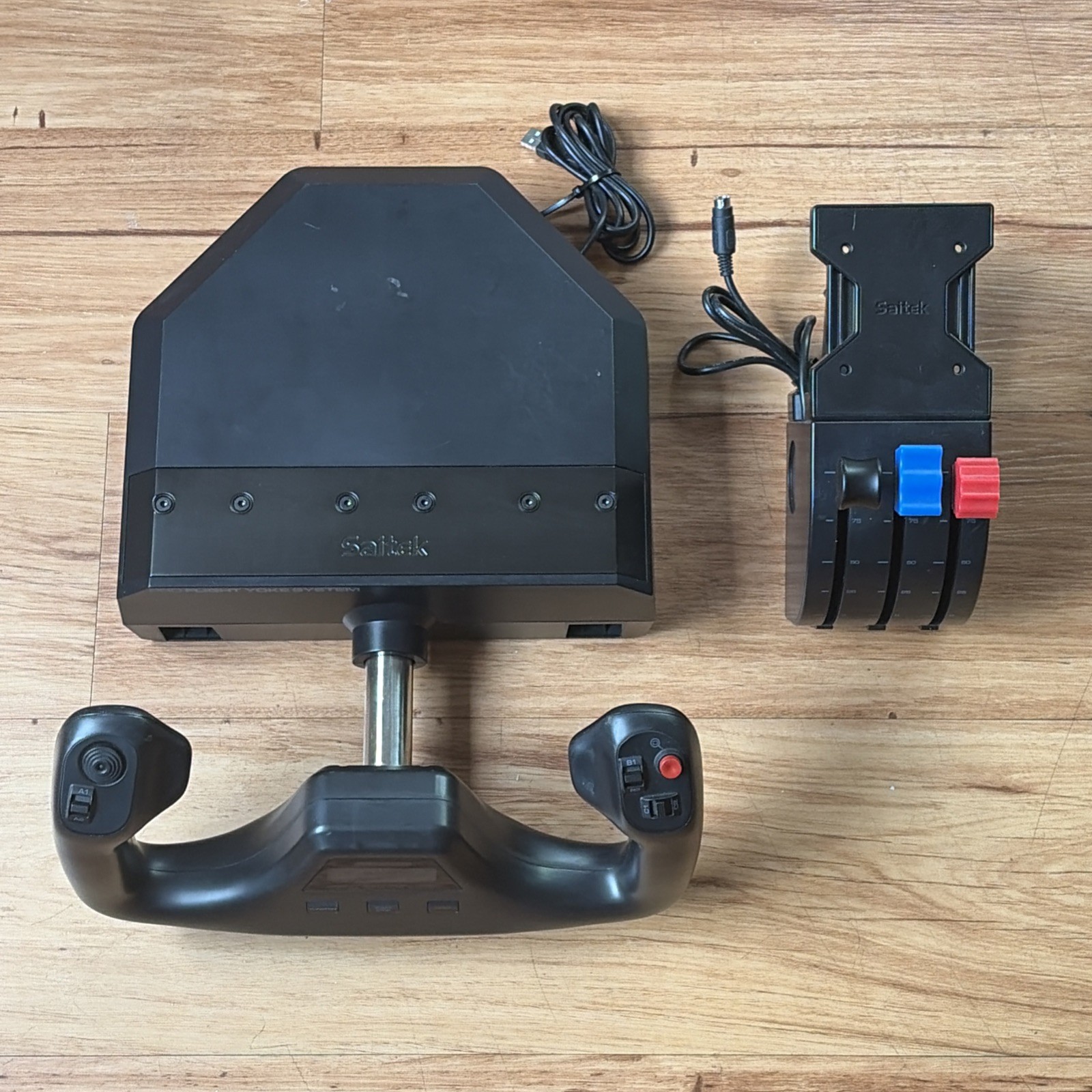
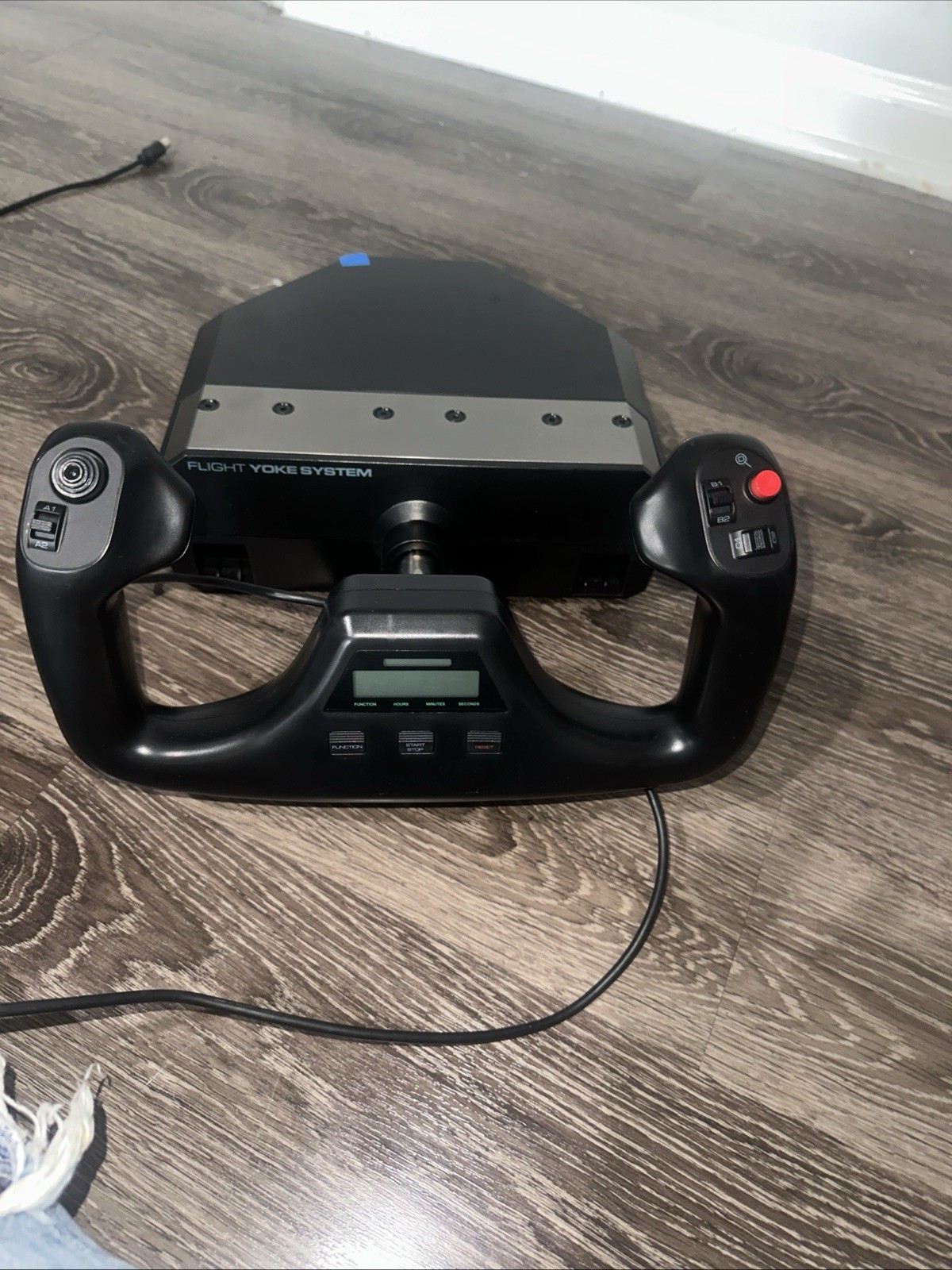
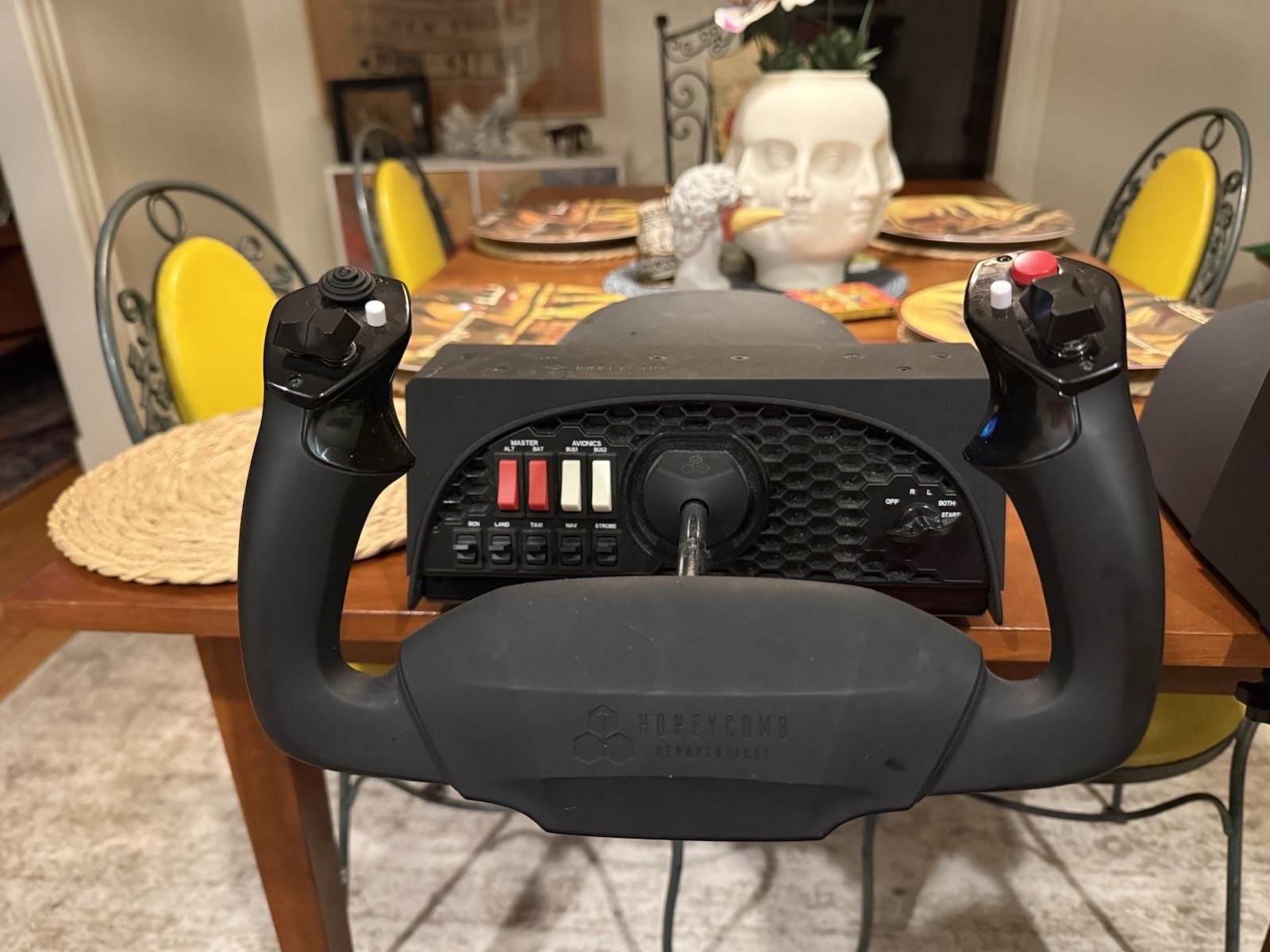
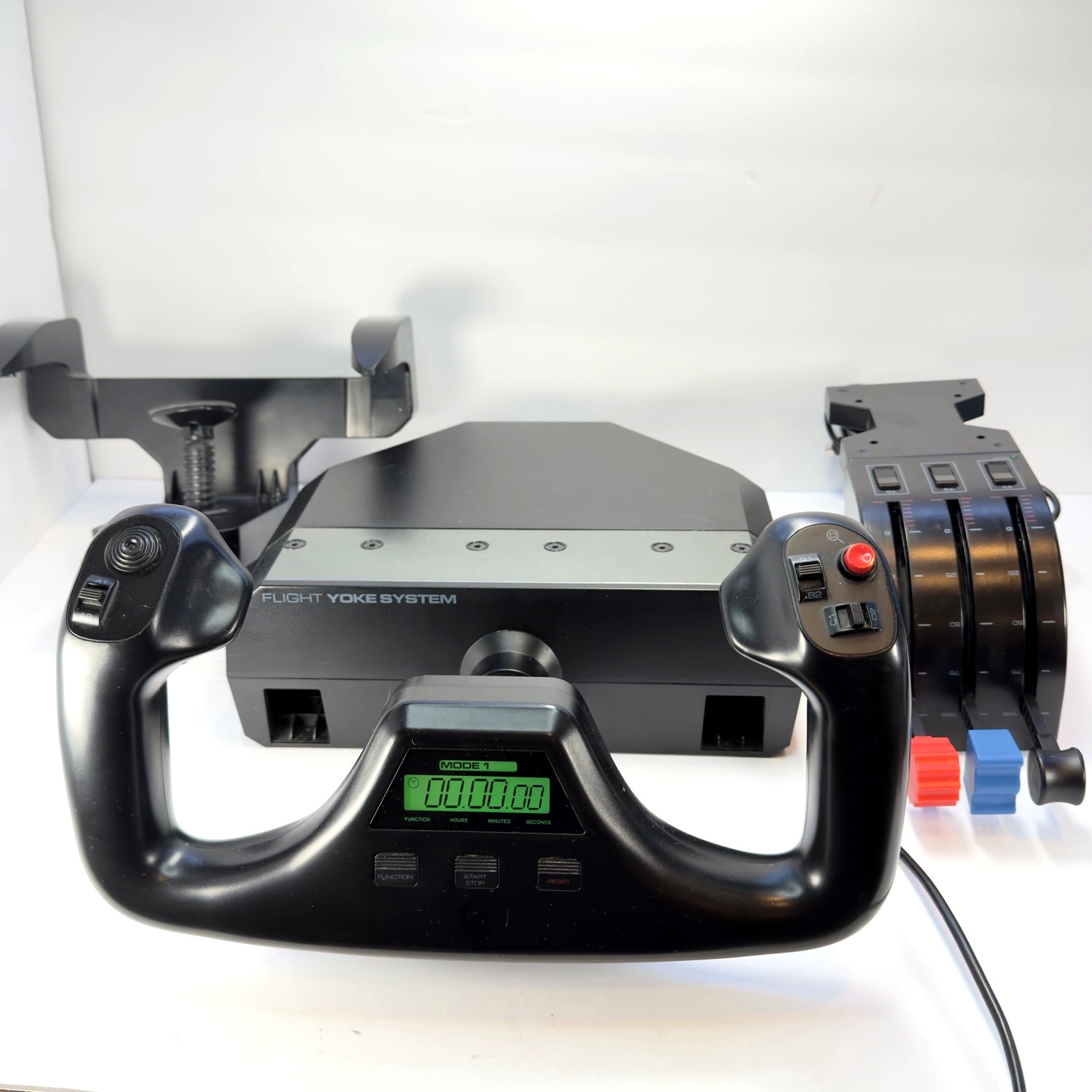
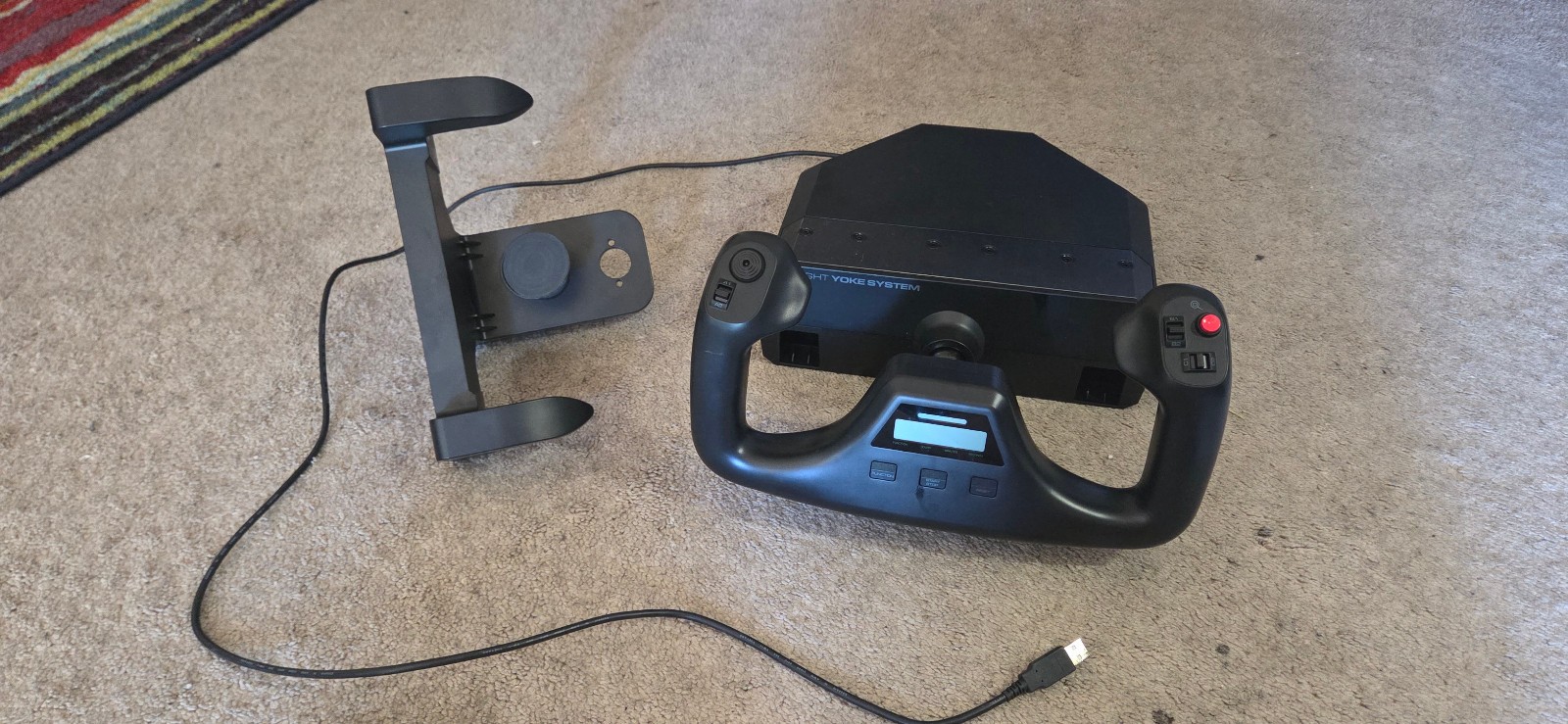
The Logitech G flight simulation line (formerly Saitek Pro Flight) centers on the G Pro Flight Yoke System and the Pro Flight Throttle Quadrant, both USB HID devices built around plastic housings with metal shafts and clamp-style desk mounting. The core trade-off is that Logitech G gear sits at the durable entry-to-mid tier: it delivers real 3-lever throttle control and a 90-degree yoke with built-in rudder rocker, but uses potentiometers rather than Hall-effect sensors, so centering drift and spiking are the long-term wear points. Buy Logitech G if you want a proven, widely supported USB yoke-and-quadrant combo for airliners and general aviation; step up to Hall-effect yokes or dedicated rudder pedals if you need precise, drift-free axes or serious IFR practice.
Key takeaways
- G Pro Flight Yoke System ships as a two-piece kit: a 90-degree rotation yoke with five-axis control (pitch, roll, yaw rocker, plus two thumb axes) and a separate throttle quadrant with three levers and detents.
- Pro Flight Throttle Quadrant uses three linear potentiometers on a USB HID interface, with configurable lever detents for idle, reverse, and afterburner zones in the Logitech/Saitek driver.
- Both devices mount via C-clamps to desks up to roughly 2 inches thick and draw power over USB only, with no external AC adapter required.
At a glance
- Category
- Flight Sim Yokes & Throttles
- Status
- Listings available
- Last updated
- Nov 24, 2026
Current offers
Highlights
- G Pro Flight Yoke System ships as a two-piece kit: a 90-degree rotation yoke with five-axis control (pitch, roll, yaw rocker, plus two thumb axes) and a separate throttle quadrant with three levers and detents.
- Pro Flight Throttle Quadrant uses three linear potentiometers on a USB HID interface, with configurable lever detents for idle, reverse, and afterburner zones in the Logitech/Saitek driver.
- Both devices mount via C-clamps to desks up to roughly 2 inches thick and draw power over USB only, with no external AC adapter required.
- The yoke's internal potentiometers are the primary wear item; the metal yoke shaft and clamp hardware outlast the plastic housing, and the quadrant levers use friction washers that loosen with heavy use.
Best use cases
- Best fit: Microsoft Flight Simulator or X-Plane general aviation and airliner flying where you want a clamped desk yoke plus a 3-lever throttle for under a full cockpit budget.
- Best fit: Twin-engine or multi-engine sim pilots who need a standalone second throttle quadrant to pair with an existing yoke for throttle/prop/mixture or twin-throttle control.
- Wrong fit: Helicopter or space-sim pilots who need a centered cyclic stick and collective, not a 90-degree yoke; choose a joystick or HOTAS instead.
- Skip if: You demand Hall-effect, contactless axes for long-term precision or competitive IFR practice; the potentiometer-based Logitech G axes will drift and spike over years of use.
Buying tips
- Buy the Yoke System kit rather than a bare yoke if you need throttle control, since the kit bundles the 3-lever quadrant and a single USB connection setup is simpler than sourcing the quadrant separately.
- For twin-engine aircraft, budget for a second Pro Flight Throttle Quadrant: two quadrants give six levers, enough for throttle, prop, and mixture on both engines.
- Measure your desk edge before ordering: the C-clamps need a flat, overhanging edge and roughly 2 inches of clearance, and a glass desk or thick beveled edge will not clamp safely.
- Confirm the sim supports native USB HID joystick mapping or the Logitech driver; MSFS and X-Plane recognize both devices directly, but some older titles need manual axis assignment.
Specs
| Yoke Rotation | 90° total (45° each way) |
|---|---|
| Throttle Levers | 3 per quadrant, detented |
| Axis Sensor Type | Potentiometer (contacting) |
| Connectivity | USB-A HID, bus-powered |
Alternatives to compare
Related searches
What to check before buying
- Desk edge: flat, rigid, and thin enough (about 2 inches max) for the C-clamps, with clear space behind for the yoke's USB cable.
- USB port: a free USB-A port (or a powered hub) within cable reach, since both yoke and quadrant are bus-powered HID devices.
- Sim compatibility: your flight sim must accept multi-axis USB HID controllers and allow separate yoke and quadrant axis mapping.
- Footprint: the yoke base and quadrant each need roughly a foot of desk width, plus room to push the yoke forward for pitch travel without hitting the keyboard.
FAQ
Data sources: eBay / Amazon listings and product attribute feeds. Updated Nov 24, 2026.
Some links on this page are affiliate links. If you buy after clicking one, we may earn a commission at no extra cost to you. This does not change which products appear here or their order. Affiliate disclosure.