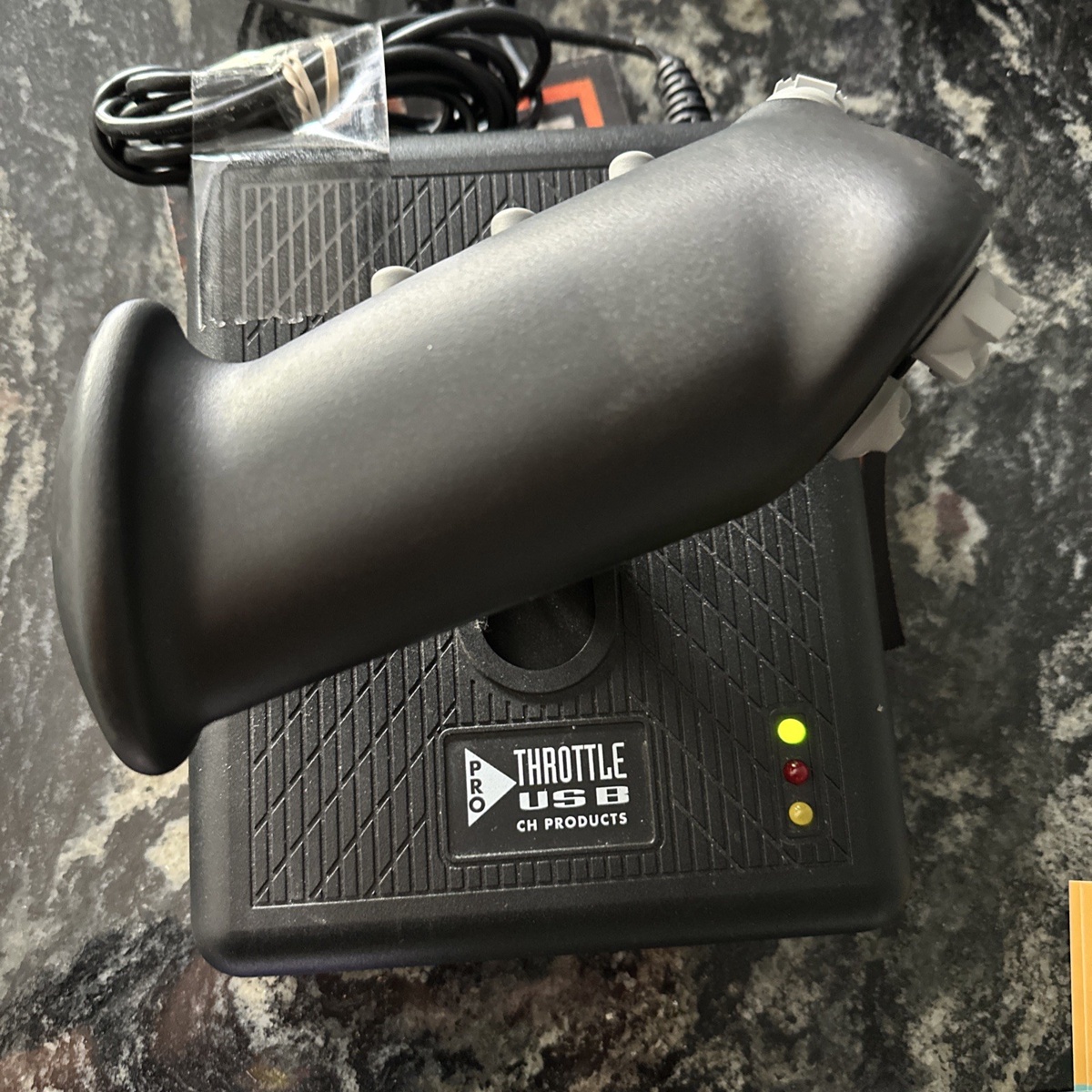

Photos from current listings. Actual item, color, and included accessories may vary.
CH Products Pro Throttle USB Buying Guide
The CH Products Pro Throttle USB is a wired, single-lever throttle quadrant built around CH's classic analog potentiometer architecture, not Hall-effect sensors. The core trade-off is long-term potentiometer wear and spiking versus the cheaper cost and immediate plug-and-play compatibility of a legacy USB game controller. Buy it if you want a proven, repairable PC throttle for Warbirds, DCS, or MSFS on a budget; skip it if you demand contactless Hall-effect precision or dual-throttle separate engine control.
Key takeaways
- Single-axis analog potentiometer throttle with no Hall-effect or magnetic sensing, so smoothness depends on carbon-track condition and calibration.
- Wired USB 1.1/2.0 game-controller class device with a built-in 8-way hat, three 4-way switches, and a 2-axis mini-stick, all mapping as standard DirectInput buttons.
- Plastic housing and lever assembly with CH's long-running PTU996 part number; the same shell and electronics have been sold for decades, so spare parts and teardown guides are common.
At a glance
- Category
- Flight Sim Yokes & Throttles
- Status
- Listings available
- Last updated
- Nov 24, 2026
Current offers
Highlights
- Single-axis analog potentiometer throttle with no Hall-effect or magnetic sensing, so smoothness depends on carbon-track condition and calibration.
- Wired USB 1.1/2.0 game-controller class device with a built-in 8-way hat, three 4-way switches, and a 2-axis mini-stick, all mapping as standard DirectInput buttons.
- Plastic housing and lever assembly with CH's long-running PTU996 part number; the same shell and electronics have been sold for decades, so spare parts and teardown guides are common.
- No force feedback and no separate left/right engine axes; it is a single throttle axis plus auxiliary buttons, not a twin-throttle quadrant.
Best use cases
- Best fit: single-engine warbird and jet sims (IL-2, DCS modules with one throttle axis) where you need a cheap, durable, programmable USB throttle with plenty of mappable buttons.
- Best fit: MSFS or X-Plane pilots pairing it with a CH Fighterstick or Yoke who want a matched CH control set and can tolerate analog potentiometer maintenance.
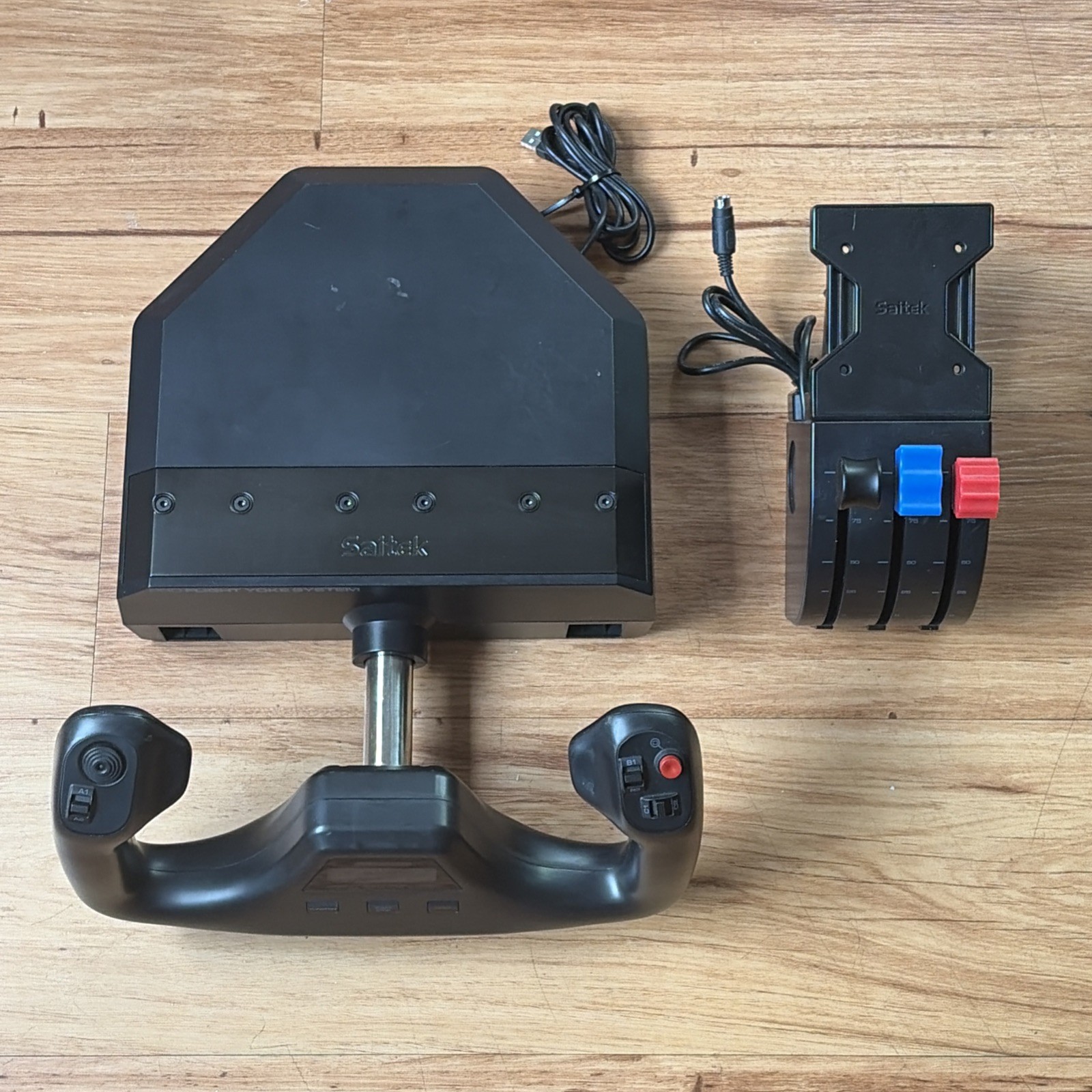
- Wrong fit: twin-engine or multi-crew sims requiring independent left/right throttle levers; buy a dual-quadrant (e.g., Logitech G Saitek Pro Flight Quadrant or Honeycomb Bravo) instead.
- Wrong fit: buyers wanting contactless Hall-effect longevity and out-of-box precision; choose a Hall-effect throttle such as the Thrustmaster TWCS or Virpil/VKB units.
Buying tips
- Confirm the listing is the USB Pro Throttle (PTU996) and not the older analog gameport version; gameport units need a USB adapter and lose button mapping.
- Expect to calibrate in Windows Game Controllers and in-sim; potentiometer units often ship with slight axis noise that calibration and a deadzone resolve.
- If buying used, test for throttle spiking or non-linearity across the full travel; a jumpy axis means a worn potentiometer that needs cleaning or replacement.
- Budget for a plastic-safe contact cleaner (e.g., DeoxIT) or a replacement potentiometer as routine maintenance; this is a wear item, not a sealed Hall sensor.
Specs
| Sensor Type | Analog potentiometer (non-contactless) |
|---|---|
| Throttle Axes | Single throttle axis |
| Connectivity | Wired USB-A (HID game controller) |
| Aux Controls | 8-way hat + 3x 4-way switches + mini-stick |
Alternatives to compare
Related searches
What to check before buying
- Verify your PC has a free USB-A port and you are on Windows 10/11; the Pro Throttle is a legacy DirectInput device with no official modern driver suite.
- Check your sim supports single-axis throttle mapping and separate button/hat bindings; DCS and MSFS do, but some console-oriented titles do not.
- Measure desk or mount space for the base footprint and ensure the lever's full forward/back travel clears your keyboard or monitor stand.
- If pairing with a CH Fighterstick or Yoke, confirm both are USB models so CH Manager or in-sim mapping sees them as separate controllers.
FAQ
Data sources: eBay / Amazon listings and product attribute feeds. Updated Nov 24, 2026.
Some links on this page are affiliate links. If you buy after clicking one, we may earn a commission at no extra cost to you. This does not change which products appear here or their order. Affiliate disclosure.