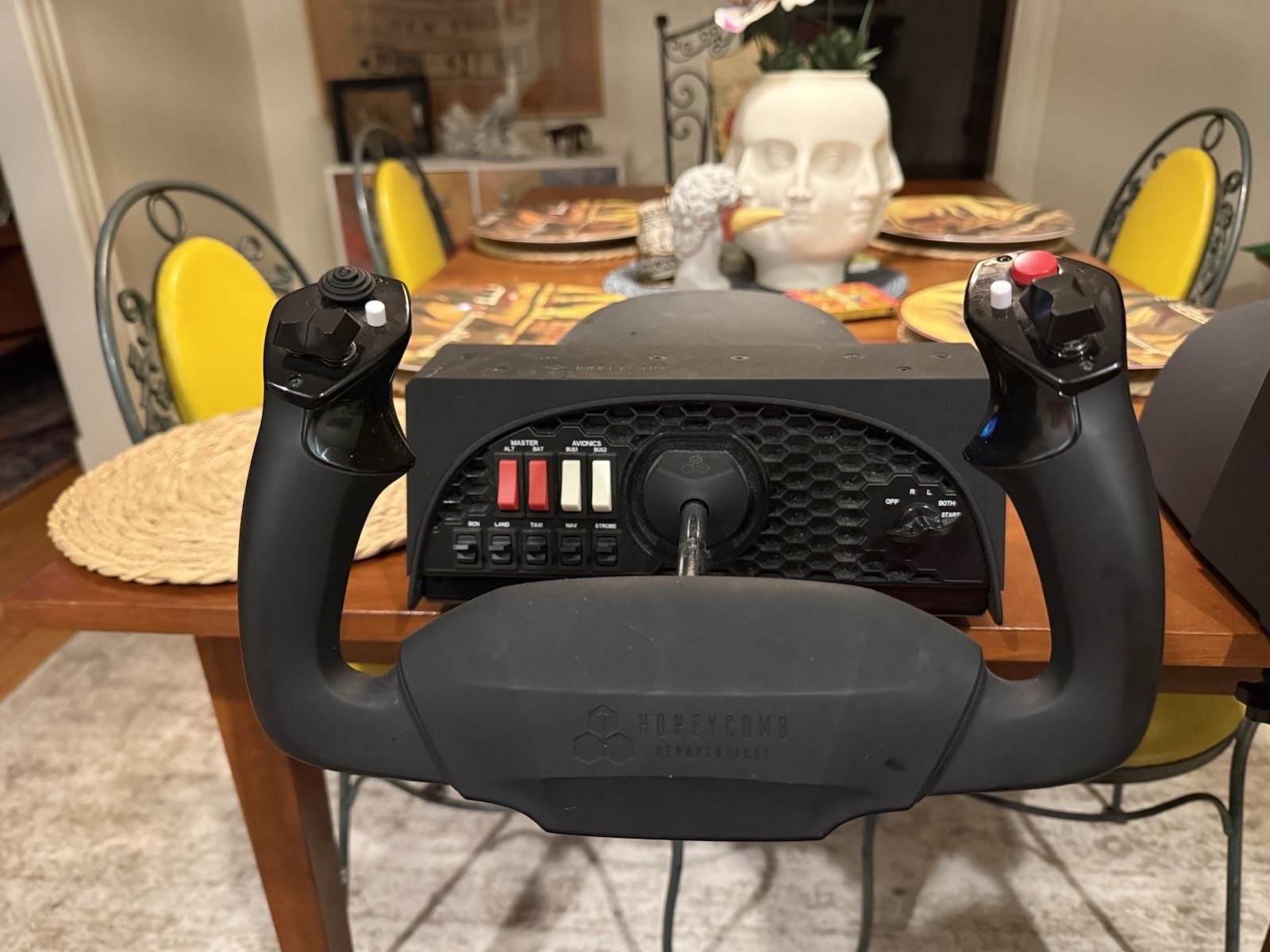

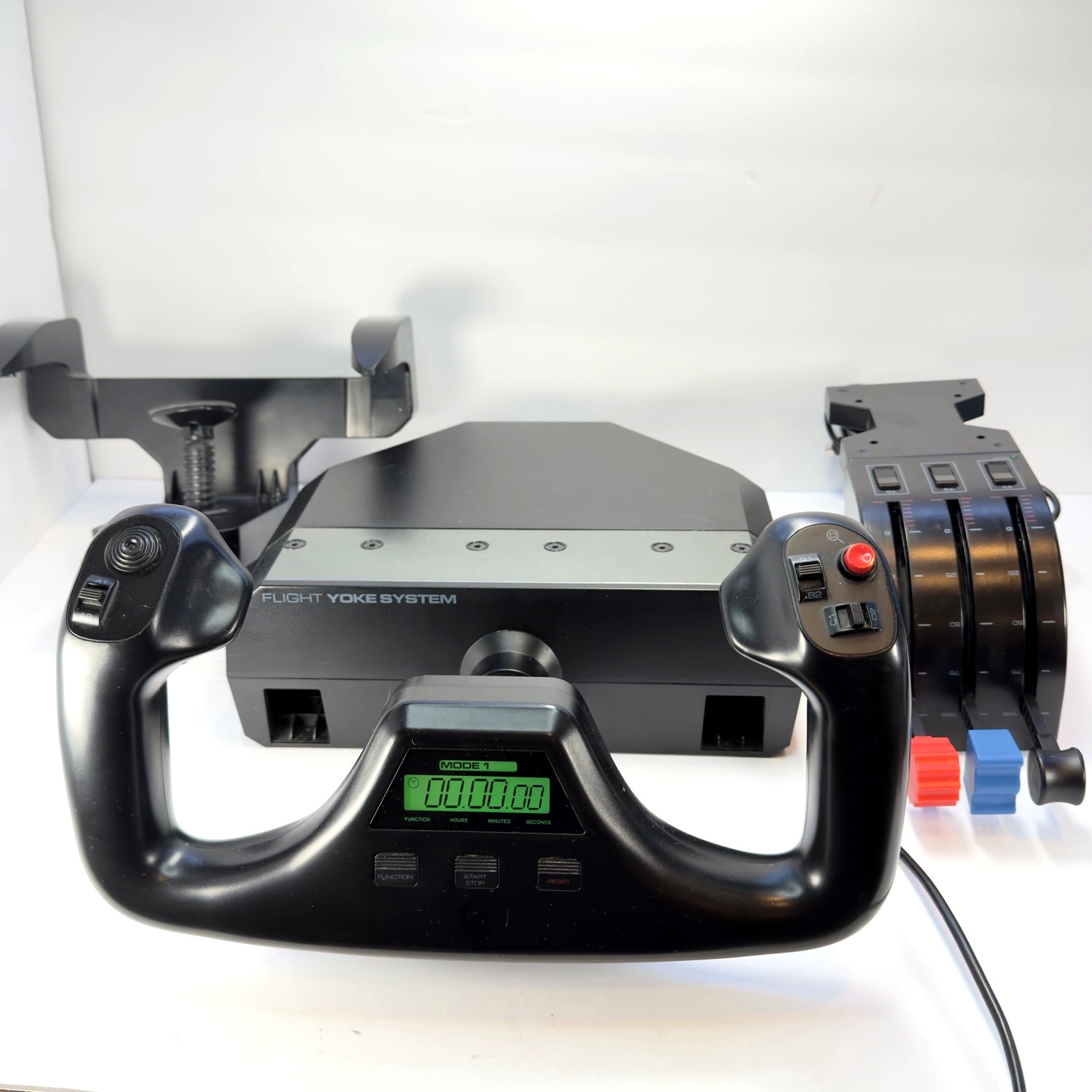
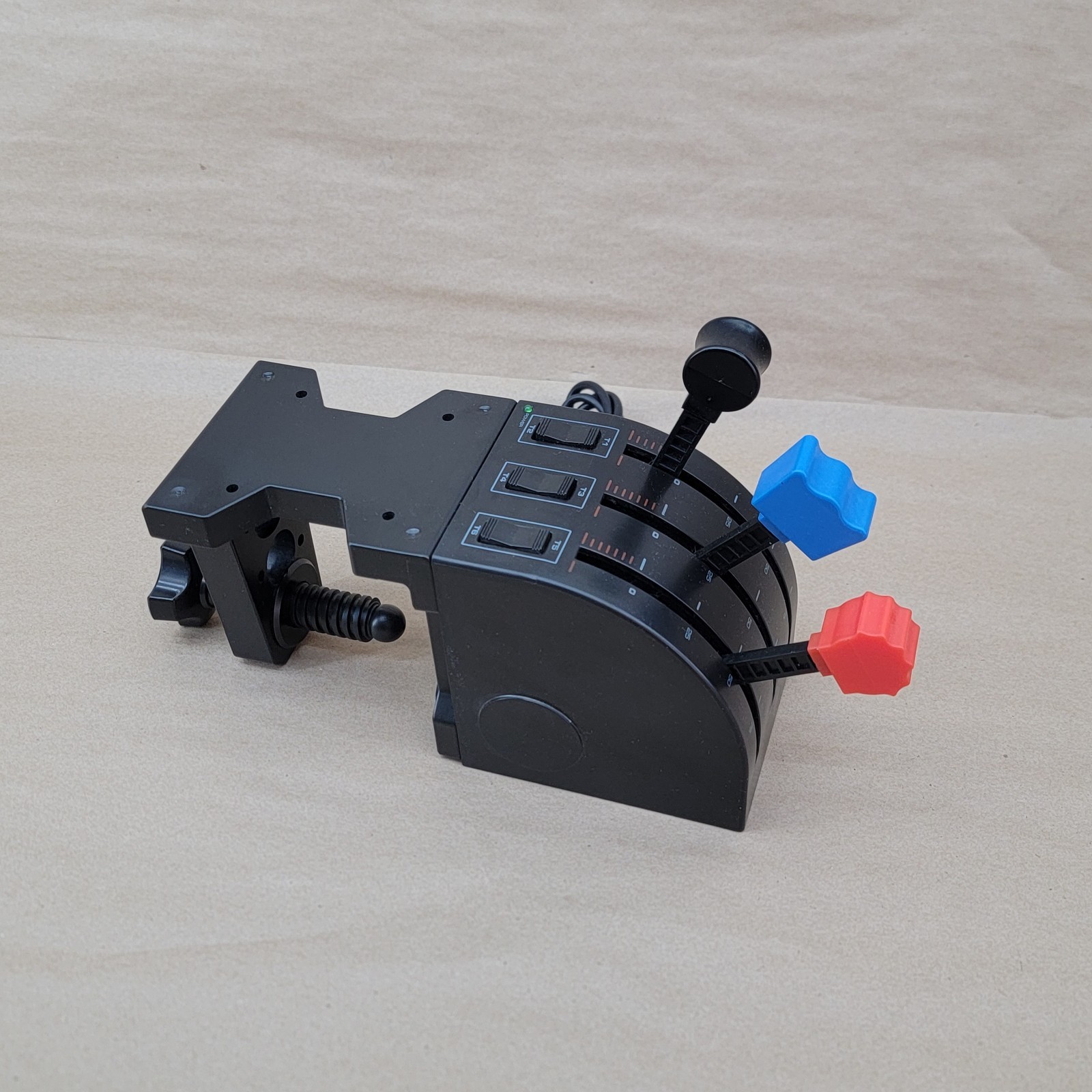
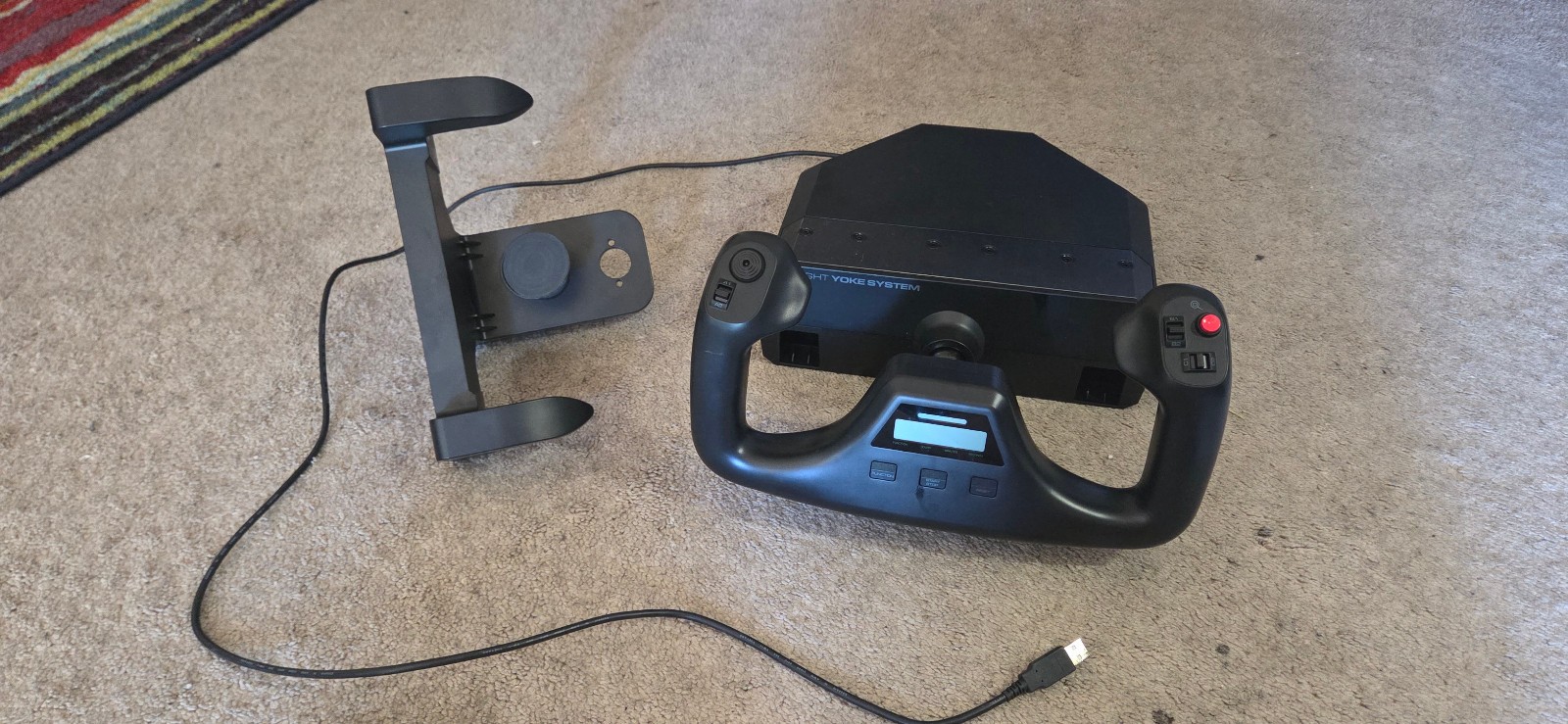
Photos from current listings. Actual item, color, and included accessories may vary.
Honeycomb Alpha Buying Guide
The Honeycomb Alpha is a mid-tier consumer flight yoke that combines a 180-degree control column with an integrated switch panel, targeting simmers who want more realism than a joystick but not a full cockpit build. Its core trade-off is plastic construction and Hall-effect sensors versus the metal gimbals and force feedback of premium yokes. Buy it if you need a self-contained yoke-and-switch-panel unit for GA aircraft simulation; skip it if you require helicopter, airliner, or force-feedback fidelity.
Key takeaways
- Hall-effect magnetic sensors on both pitch and roll axes eliminate potentiometer wear and dead zones common in entry-level yokes.
- 180-degree roll travel matches real light-aircraft control column throw, versus 90-120 degrees on budget yokes.
- Integrated switch panel includes master, alternator, avionics, and light toggles plus a magnetic ignition key switch for cold-and-dark starts.
At a glance
- Category
- Flight Sim Yokes & Throttles
- Status
- Listings available
- Last updated
- Nov 24, 2026
Current offers
Highlights
- Hall-effect magnetic sensors on both pitch and roll axes eliminate potentiometer wear and dead zones common in entry-level yokes.
- 180-degree roll travel matches real light-aircraft control column throw, versus 90-120 degrees on budget yokes.
- Integrated switch panel includes master, alternator, avionics, and light toggles plus a magnetic ignition key switch for cold-and-dark starts.
- Glass-filled plastic housing with metal internal shafts keeps weight down while surviving normal desktop use; 5 ft fixed USB cable is non-detachable.
Best use cases
- Best fit: GA piston singles (Cessna 172, Piper Cherokee) in MSFS or X-Plane — the 180-degree throw and switch panel map directly to these cockpits.
- Wrong fit: Airliners or helicopters — the Alpha lacks a tiller, trim wheel, or collective, so you will need a separate quadrant and pedals.
- Best fit: Desk-based simmers with 5 ft USB reach and clamp or suction mounting — the integrated panel saves USB ports and desk space.
- Skip if: You want force feedback or metal gimbals — step up to a force-feedback yoke or a metal-gimbal premium unit instead.
Buying tips
- Confirm 180-degree roll versus 90-degree budget yokes — the wider throw is the single biggest realism upgrade for GA flying.
- Check that your sim supports Native USB HID with at least 8 axes and 20+ buttons; the Alpha exposes switches as standard DirectInput buttons.
- Measure desk depth: the yoke body plus full forward pitch needs roughly 12 inches of clearance behind the panel edge.
- Plan for rudder pedals — the Alpha has no yaw axis, so budget for a separate USB pedal set to complete the control chain.
Specs
| Sensor Type | Hall-effect magnetic (pitch & roll) |
|---|---|
| Roll Travel | 180 degrees |
| Connection | USB-A, 5 ft fixed cable |
| Switch Panel | Integrated toggles + ignition key |
Alternatives to compare
Related searches
What to check before buying
- Desk or mount surface at least 12 inches deep and 20 inches wide to accommodate full pitch travel and the integrated switch panel.
- USB-A port within 5 ft of the yoke position; the cable is fixed and non-detachable, so a powered hub may be needed.
- Sim platform compatibility: MSFS, X-Plane, and Prepar3D recognize it natively; verify your sim's axis mapping supports 180-degree roll.
- Companion hardware: rudder pedals and a throttle quadrant are required for complete GA control — the Alpha supplies only pitch, roll, and switches.
FAQ
Data sources: eBay / Amazon listings and product attribute feeds. Updated Nov 24, 2026.
Some links on this page are affiliate links. If you buy after clicking one, we may earn a commission at no extra cost to you. This does not change which products appear here or their order. Affiliate disclosure.