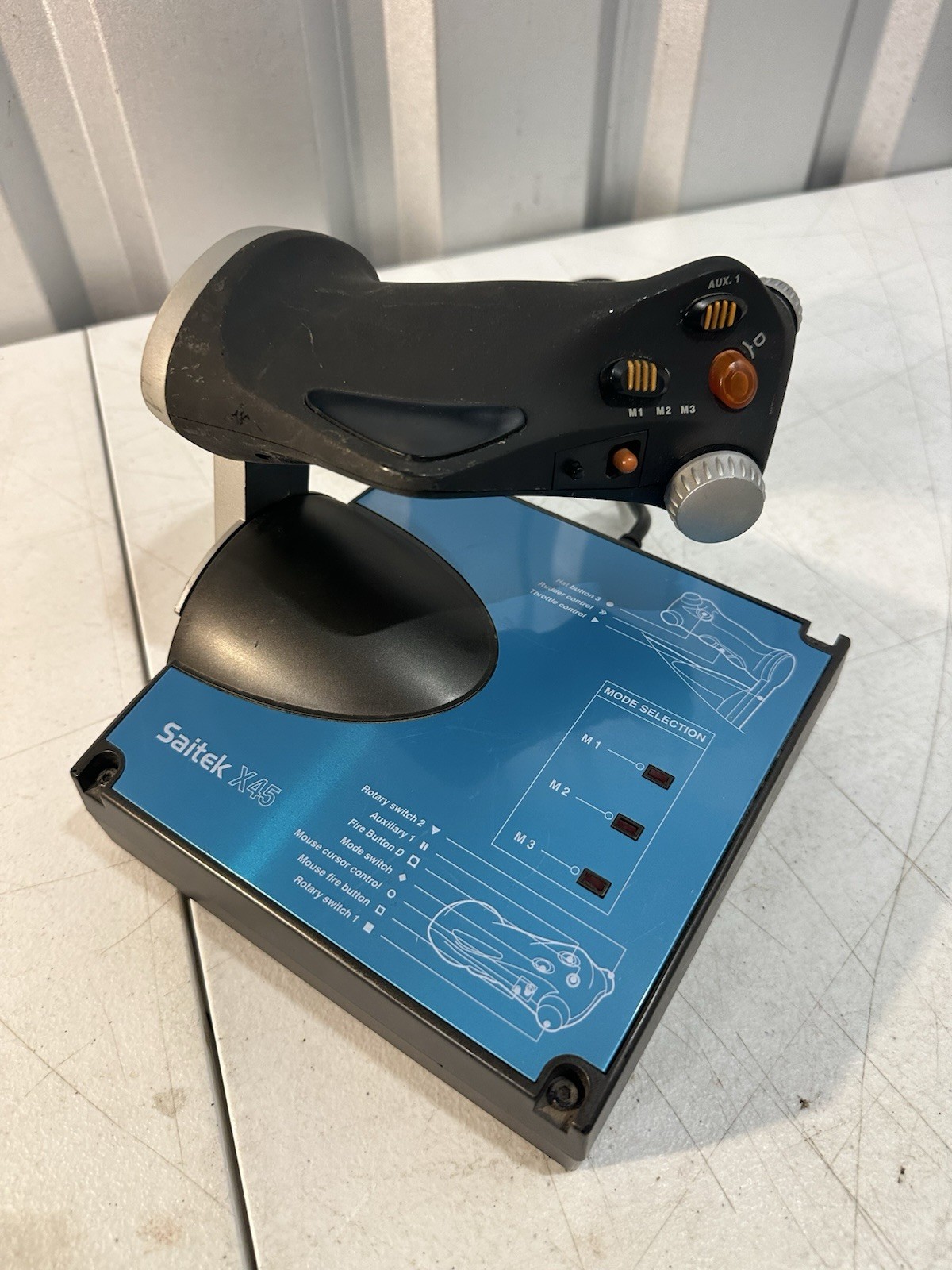

Photos from current listings. Actual item, color, and included accessories may vary.
Saitek HOTAS Buying Guide
Saitek HOTAS refers to the legacy line of hands-on-throttle-and-stick controllers—most notably the X45, X52, and X56—that defined affordable flight-sim hardware before the brand was acquired by Logitech. The critical trade-off is between the classic Saitek-era potentiometer and Hall-effect sensor designs, which vary widely in durability and driver support, versus modern Logitech reissues with updated internals. Buy a Logitech-era X52/X56 for plug-and-play Windows 10/11 support, and treat original Saitek units as enthusiast-restoration projects requiring driver workarounds and switch/ potentiometer inspection.
Key takeaways
- X45 uses a digital throttle with rotary and toggle controls but relies on older potentiometer axis sensors prone to spiking; X52/X56 moved to Hall-effect main-axis sensors for drift-free longevity.
- Saitek-era X52 and X56 shipped with proprietary Smart Technology software that lacks signed Windows 10/11 drivers; Logitech reissues use Logitech G HUB with current OS support.
- X56 adds dual throttle axes, more rotaries, and a metal-look finish over the X52, but both share the same 3-axis stick plus twist-rudder architecture and separate throttle base.
At a glance
- Category
- Flight Sim Yokes & Throttles
- Status
- Listings available
- Last updated
- Nov 24, 2026
Current offers
Highlights
- X45 uses a digital throttle with rotary and toggle controls but relies on older potentiometer axis sensors prone to spiking; X52/X56 moved to Hall-effect main-axis sensors for drift-free longevity.
- Saitek-era X52 and X56 shipped with proprietary Smart Technology software that lacks signed Windows 10/11 drivers; Logitech reissues use Logitech G HUB with current OS support.
- X56 adds dual throttle axes, more rotaries, and a metal-look finish over the X52, but both share the same 3-axis stick plus twist-rudder architecture and separate throttle base.
- Original Saitek units use PS/2-style or fixed USB cabling between stick and throttle; Logitech versions standardize on detachable USB and revised internal wiring harnesses.
Best use cases
- Best fit: Buy a Logitech-branded X52 or X56 if you run modern Windows and want working drivers, HOTAS software, and warranty support for Elite Dangerous, DCS, or Microsoft Flight Simulator.
- Best fit: Buy a tested original Saitek X45 only if you are comfortable sourcing legacy drivers, cleaning potentiometers, and using third-party remapping tools like Joystick Gremlin.
- Wrong fit: Skip any Saitek HOTAS if you need console compatibility—these are PC-only USB devices—or if you require force feedback, which no Saitek HOTAS offers.
- Wrong fit: Skip the X45 if you need twist-rudder or dual throttle control; the X45 lacks twist and has a single throttle axis, unlike the X52/X56.
Buying tips
- Match the model to your sim: X52 for space sims and general aviation with twist rudder; X56 for twin-engine and DCS modules needing dual throttle axes and extra rotaries.
- Prioritize Logitech G-era units (X52 Pro, X56) over Saitek-badged stock—the reissues carry revised sensor boards, detachable cabling, and signed drivers for Windows 10/11.
- Inspect used Saitek units for potentiometer spiking by testing all axes in the Windows game controller panel; drift or jitter on the stick means sensor replacement or cleaning is required.
- Confirm the throttle base includes its original desk clamp or mounting plate—Saitek X52/X56 bases are wide and light, and missing clamps make stable mounting difficult.
Specs
| Sensor Type | Potentiometer (X45) vs Hall-effect (X52/X56) |
|---|---|
| Throttle Axes | Single (X45/X52) vs Dual (X56) |
| Rudder Control | Twist stick (X52/X56); none (X45) |
| Driver Support | Logitech G HUB vs legacy Saitek software |
Alternatives to compare
Related searches
What to check before buying
- Measure your desk or mount area: the X52/X56 throttle base is roughly 20 cm wide and the stick base similar, so plan for two separate mounting points.
- Confirm you have a powered USB 2.0/3.0 port per device—Saitek HOTAS units draw more current than a passive hub reliably supplies.
- Verify your PC OS: Logitech G HUB supports Windows 10/11; original Saitek software is 32-bit era and may require compatibility modes or third-party drivers.
- Check that your sim supports directInput axis mapping or has a profile for X52/X56; some modern titles default to Xbox controller layouts and need manual rebinding.
FAQ
Data sources: eBay / Amazon listings and product attribute feeds. Updated Nov 24, 2026.
Some links on this page are affiliate links. If you buy after clicking one, we may earn a commission at no extra cost to you. This does not change which products appear here or their order. Affiliate disclosure.