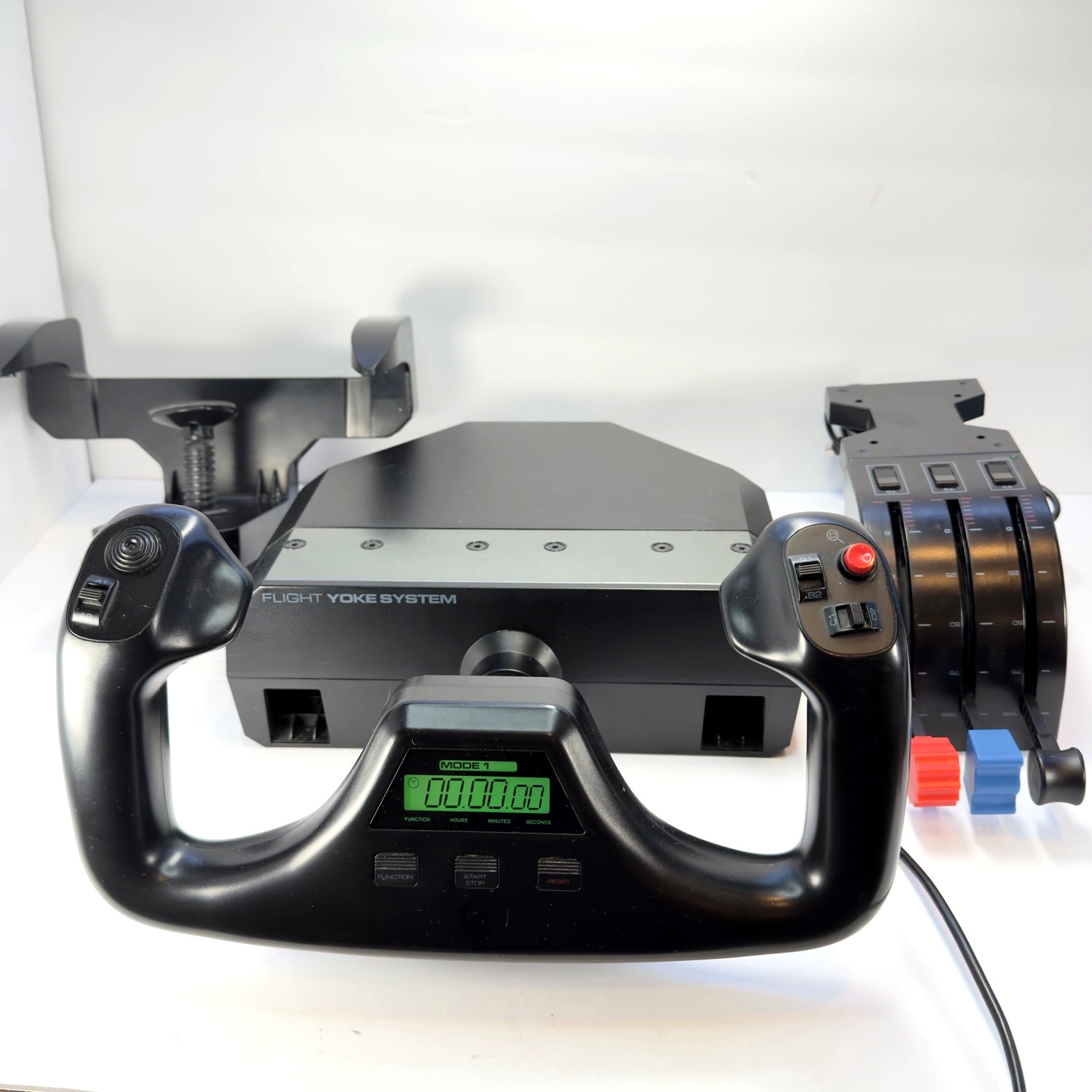

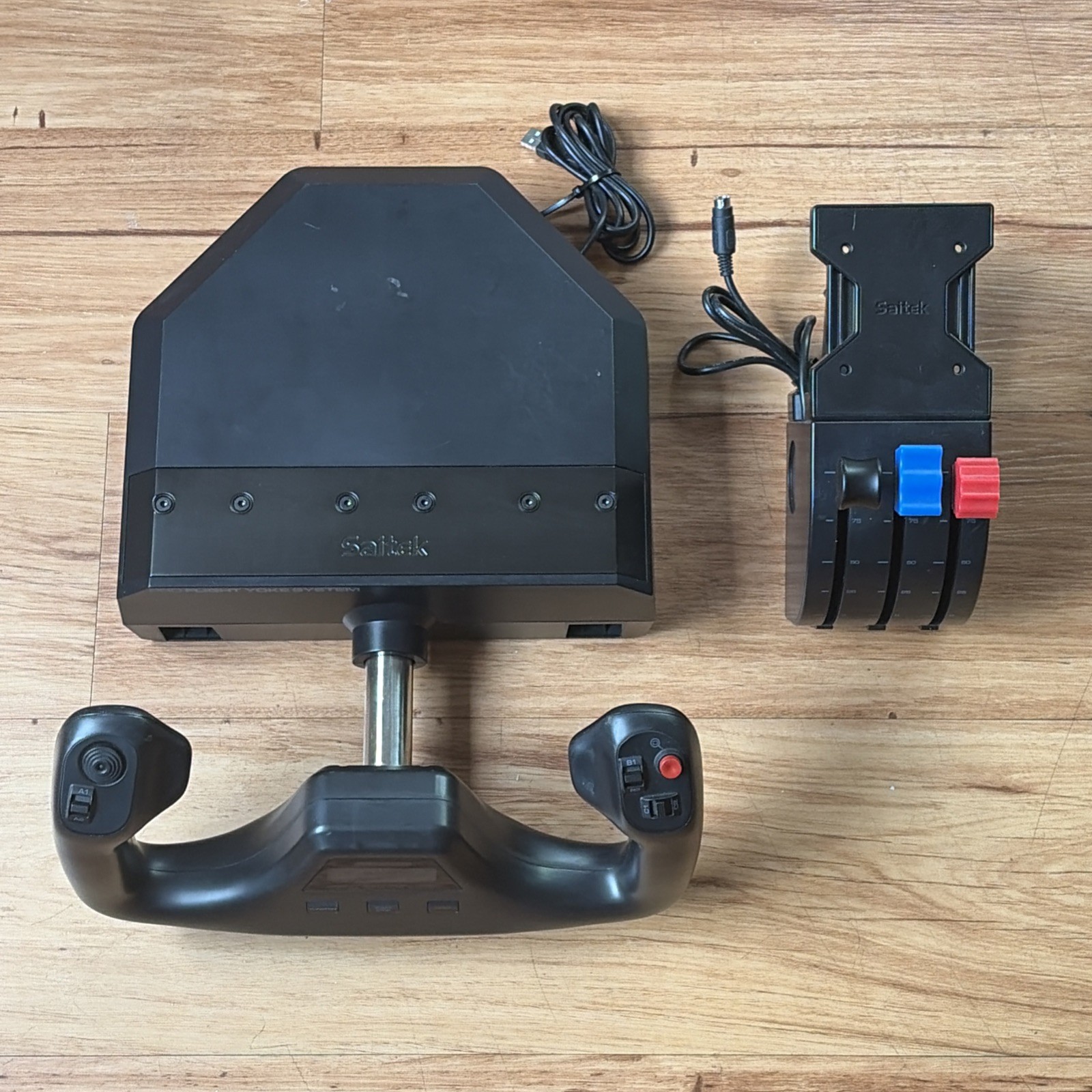
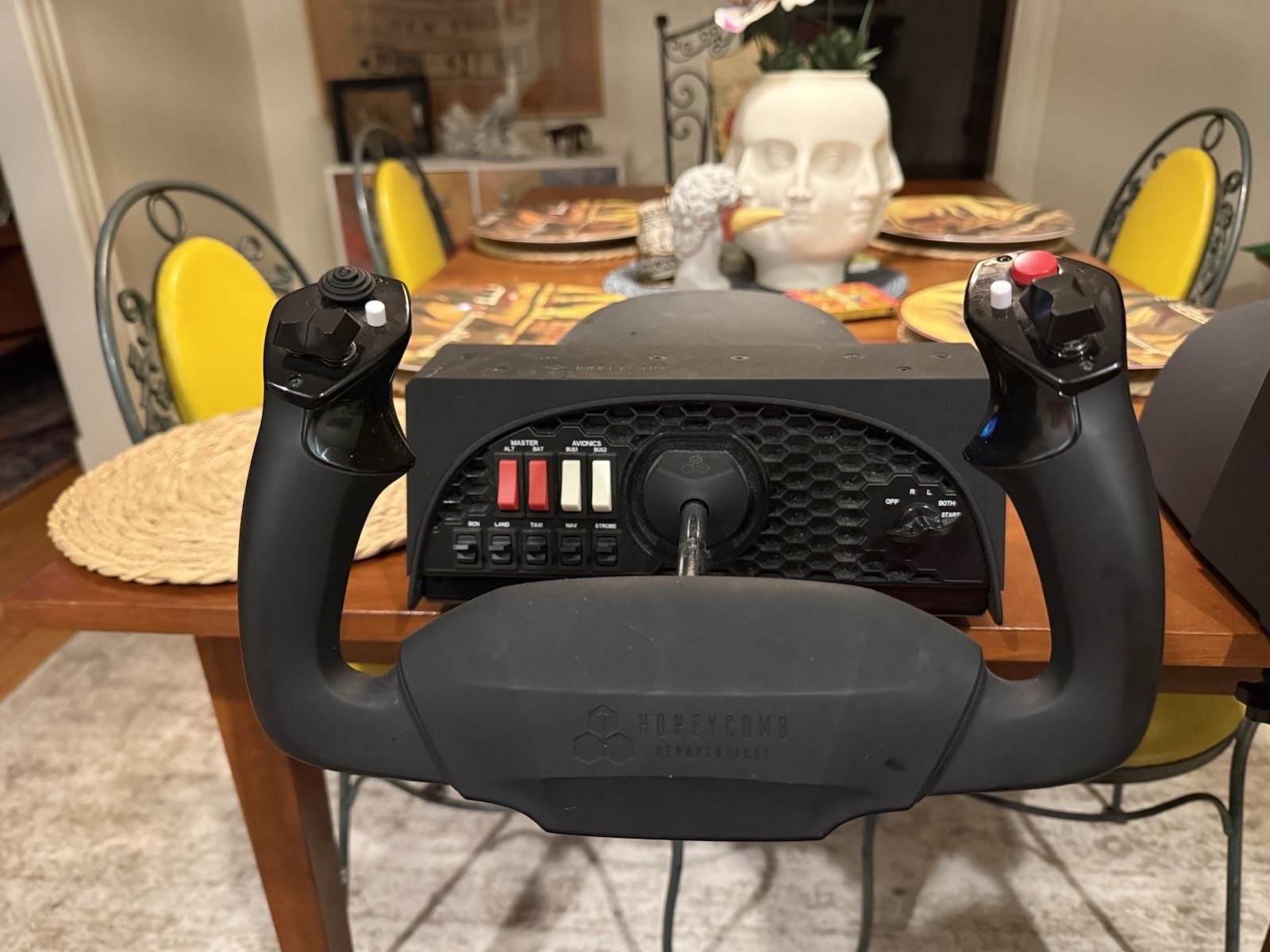
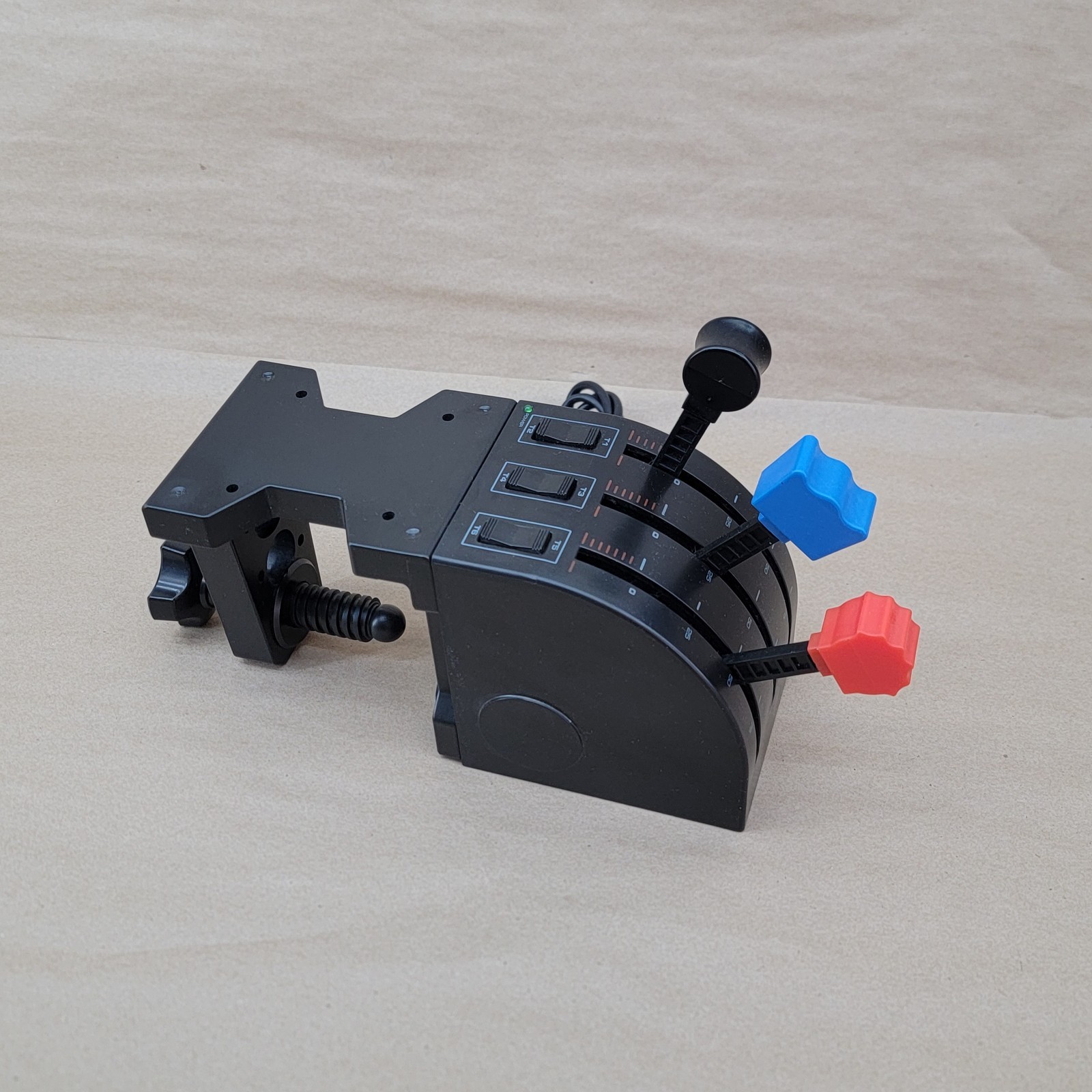
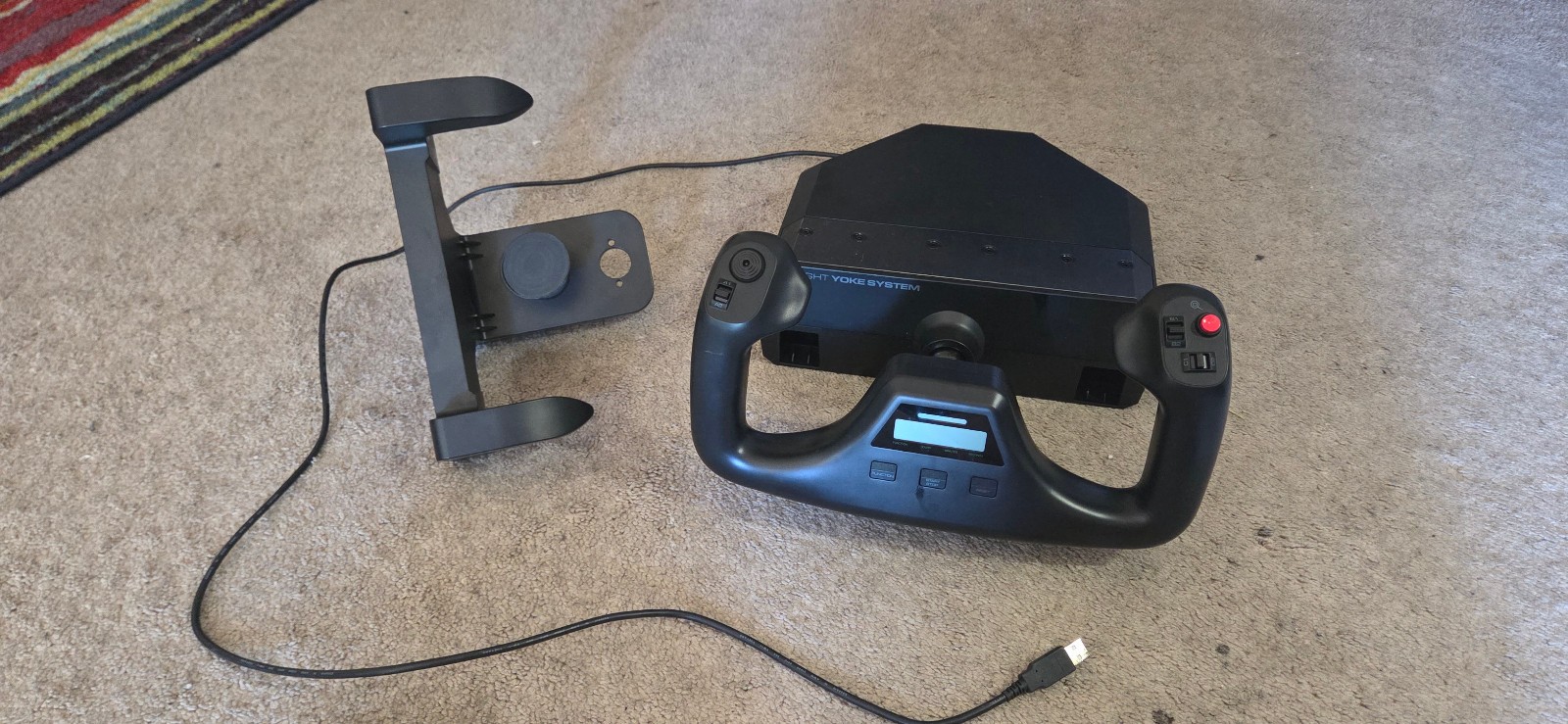
Photos from current listings. Actual item, color, and included accessories may vary.
Logitech Flight Yoke System Buying Guide
The Logitech Flight Yoke System is a plug-and-play PC yoke and throttle quadrant built around a spring-centered yoke with 90° of roll travel and a detachable three-lever throttle module. The core trade-off is realistic control geometry versus potentiometer-based sensing and plastic-on-plastic shaft movement, which wear faster than Hall-effect or ball-bearing yokes. Buy it only if you need a complete, light-force desktop yoke for GA-style simming; skip it if you require force feedback, long-throw pitch authority, or heavy-duty cyclical use.
Key takeaways
- Yoke travel: 90° roll (45° each way) and 4.7 in pitch stroke with stainless-steel shaft — short versus 180°-class yokes.
- Sensing: rotary potentiometers on all axes deliver 8-bit-class resolution; they drift and spike with dust and wear.
- Throttle quadrant: three levers (throttle, prop, mixture) lock together or split; no detents and no reverser zone.
At a glance
- Category
- Flight Sim Yokes & Throttles
- Status
- Listings available
- Last updated
- Nov 24, 2026
Current offers
Highlights
- Yoke travel: 90° roll (45° each way) and 4.7 in pitch stroke with stainless-steel shaft — short versus 180°-class yokes.
- Sensing: rotary potentiometers on all axes deliver 8-bit-class resolution; they drift and spike with dust and wear.
- Throttle quadrant: three levers (throttle, prop, mixture) lock together or split; no detents and no reverser zone.
- Compatibility: USB-A plug-and-play on Windows PC and macOS; button mapping works in MSFS, X-Plane, and Prepar3D without drivers.
Best use cases
- Best fit: casual to mid-level GA simmers flying Cessna/piper patterns in MSFS or X-Plane on a desktop — pick this for the complete yoke-plus-quadrant package at light control forces.
- Wrong fit: airline-cabin builders and force-feedback seekers — skip it; the 90° roll and spring centering cannot emulate heavy transport yokes or trim feedback.
- Best fit: second-station or guest-rig setups where a single USB-A yoke must work across multiple PCs without software installs.
- Wrong fit: competitive or high-hour pilots who log hundreds of hours monthly — the plastic gimbal and potentiometers wear out before Hall-effect alternatives.
Buying tips
- Match desk depth: the yoke body plus full pitch stroke needs roughly 12–14 in of clear desk before the monitor to avoid wrist hyperextension.
- Check clamp capacity: the integrated desk clamp accepts surfaces up to about 2 in thick; glass or beveled desks need a rigid 3/4 in plywood sub-plate.
- Plan for calibration drift: budget for periodic potentiometer cleaning or replacement after heavy use; Hall-effect yokes avoid this entirely.
- Buy the bundle only if you need all three axes — standalone yokes plus separate quadrants cost more and add USB port demand.
Specs
| Control Type | Spring-centered yoke + 3-lever quadrant |
|---|---|
| Axis Sensing | Rotary potentiometers (non-contact Hall: no) |
| Roll Travel | 90° total (45° per side) |
| Platform | PC Windows / macOS, USB-A wired |
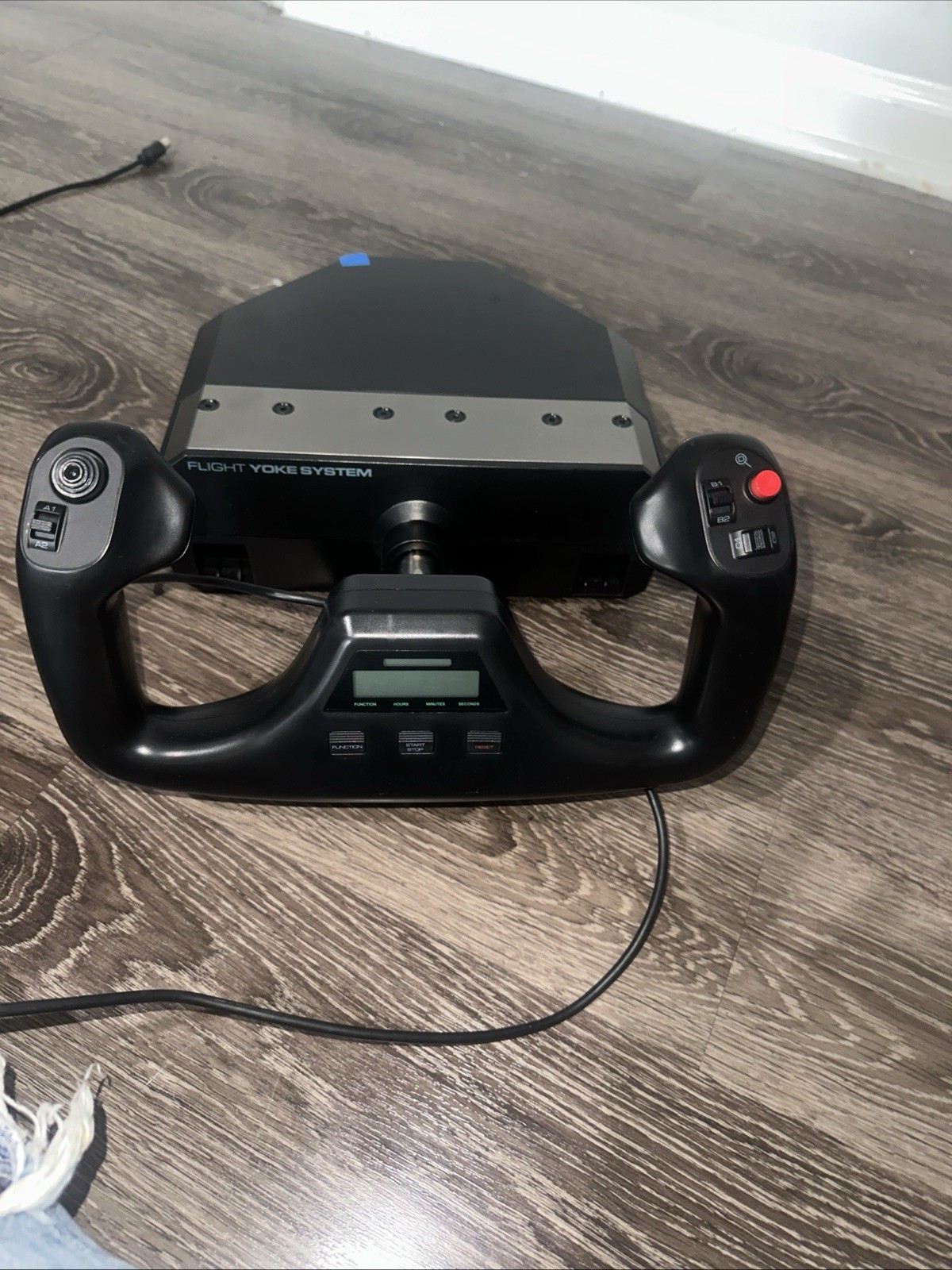
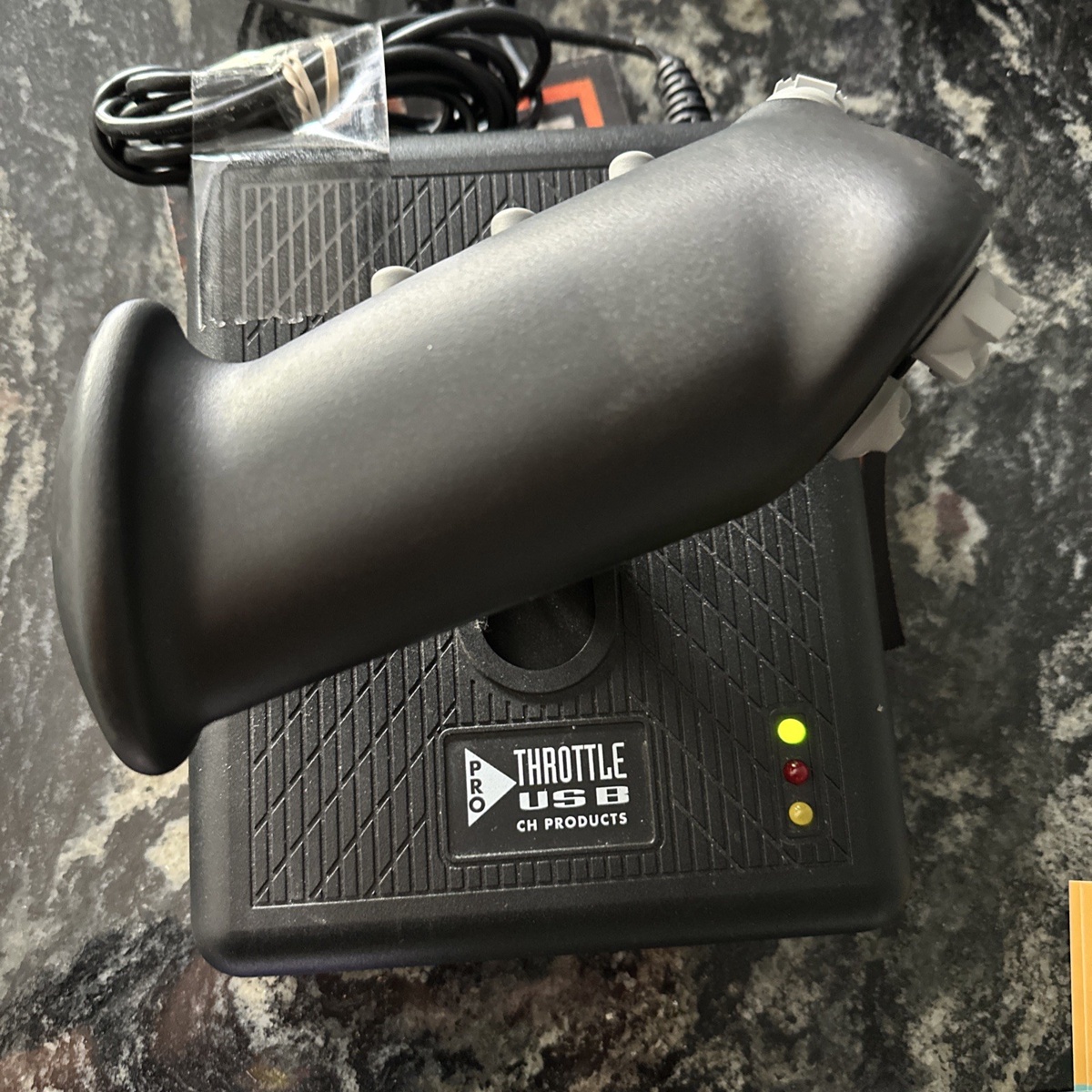
Alternatives to compare
Related searches
What to check before buying
- Measure desk depth and front-edge clearance: at least 12 in of flat, non-flexing surface ahead of the monitor for the yoke base and full pitch travel.
- Confirm desk thickness under 2 in and a square, non-tapered edge for the clamp; add a rigid sub-plate for glass or thin laminate tops.
- Verify a free USB-A port within cable reach (approx. 6 ft) and Windows 10/11 or macOS with no driver requirement.
- Reserve desk space for the throttle quadrant beside or behind the yoke — it is a separate module with its own cable run.
FAQ
Data sources: eBay / Amazon listings and product attribute feeds. Updated Nov 24, 2026.
Some links on this page are affiliate links. If you buy after clicking one, we may earn a commission at no extra cost to you. This does not change which products appear here or their order. Affiliate disclosure.