
Photos from current listings. Actual item, color, and included accessories may vary.
Saitek Pro Flight Buying Guide
Saitek Pro Flight (now sold under Logitech G) is a modular, plastic-bodied flight-sim cockpit ecosystem: a 90°-travel yoke with an integrated throttle quadrant plus add-on quadrants, pedals, and radio panels. The core trade-off is that the same yoke model has been sold across three generations with different encoder boards, clamp designs, and connector standards, so age and revision matter more than the badge. Buy the newest Logitech-branded revision you can find with all clamps and cables, and skip any older Saitek unit with a missing clamp, cracked yoke shaft, or no USB cable.
Median $74.95
Key takeaways
- Yoke travel is 90° pitch/roll (45° each way) on a steel shaft in a plastic housing; the bundled throttle is a 3-lever quadrant with detents, not a standalone HOTAS.
- The yoke and throttle are two separate USB devices: the yoke body has its own USB output plus a DB9-style port for the throttle quadrant, so a missing cable kills half the kit.
- Three generations exist: Saitek-branded (pre-2016), Logitech G Saitek (2016+), and newer Logitech G revisions; the newer modules use the same USB HID standard and work with the current Logitech G Hub.
At a glance
- Category
- Flight Sim Yokes & Throttles
- Last updated
- Nov 24, 2026
Current offers
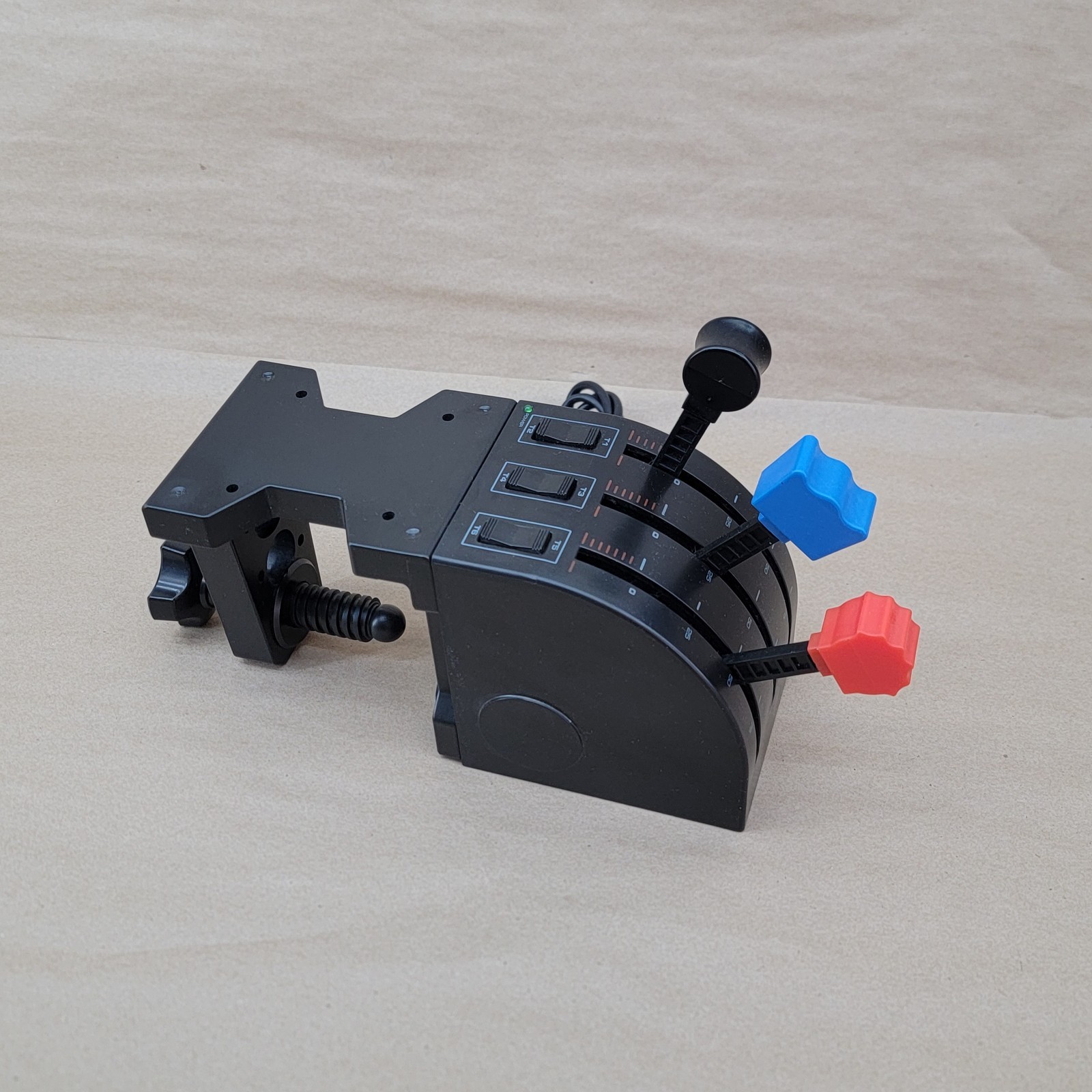 Logitech USB G Saitek PRO Flight Throttle Quadrant 3-Lever Flight Sim Black READ$29.99View on eBay
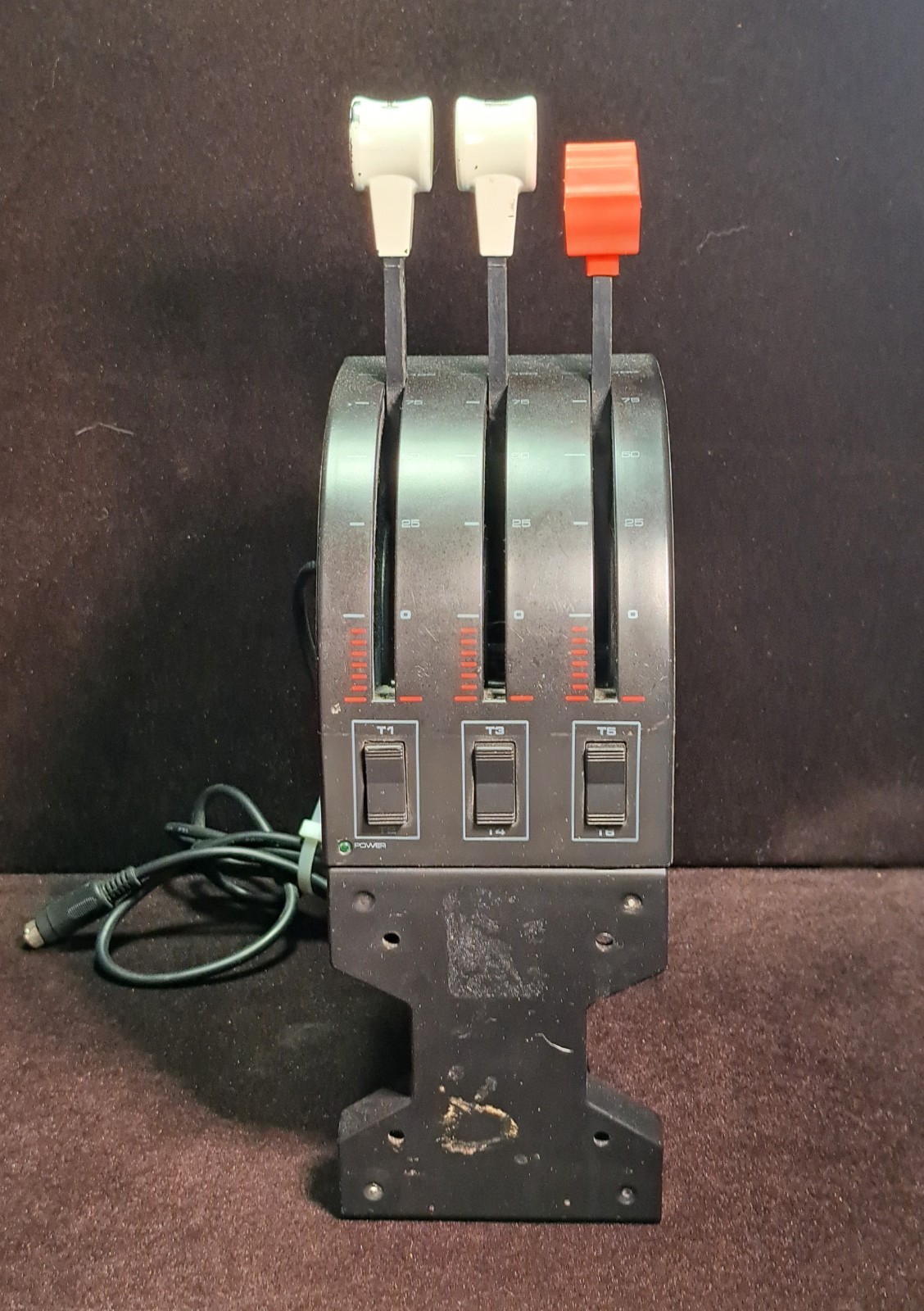 Saitek Pro Flight Yoke System Simulator Controller Throttle$35.00View on eBay
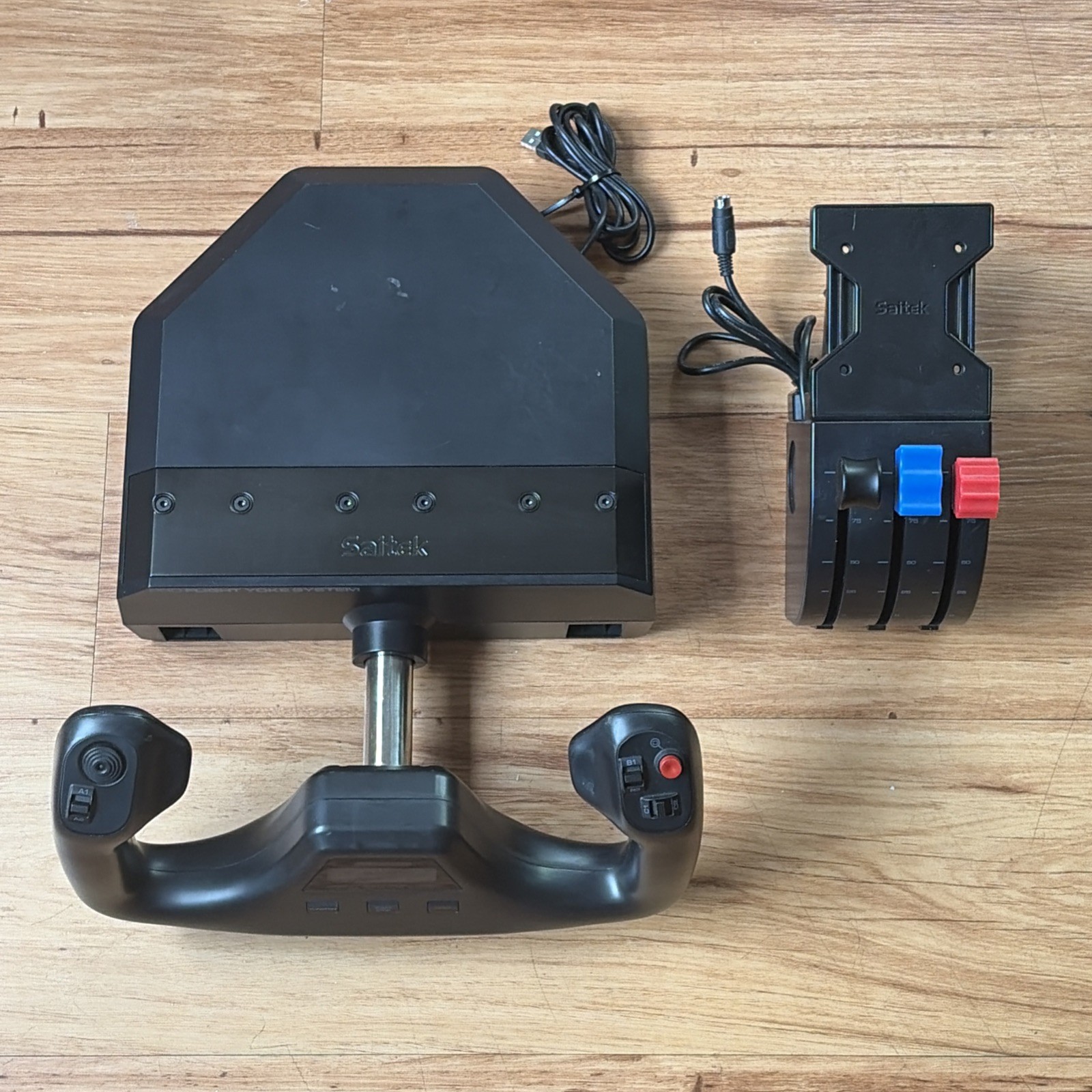 Logitech Saitek Pro Flight Yoke System Throttle Simulator (Missing Yoke Clamp)$74.95View on eBay
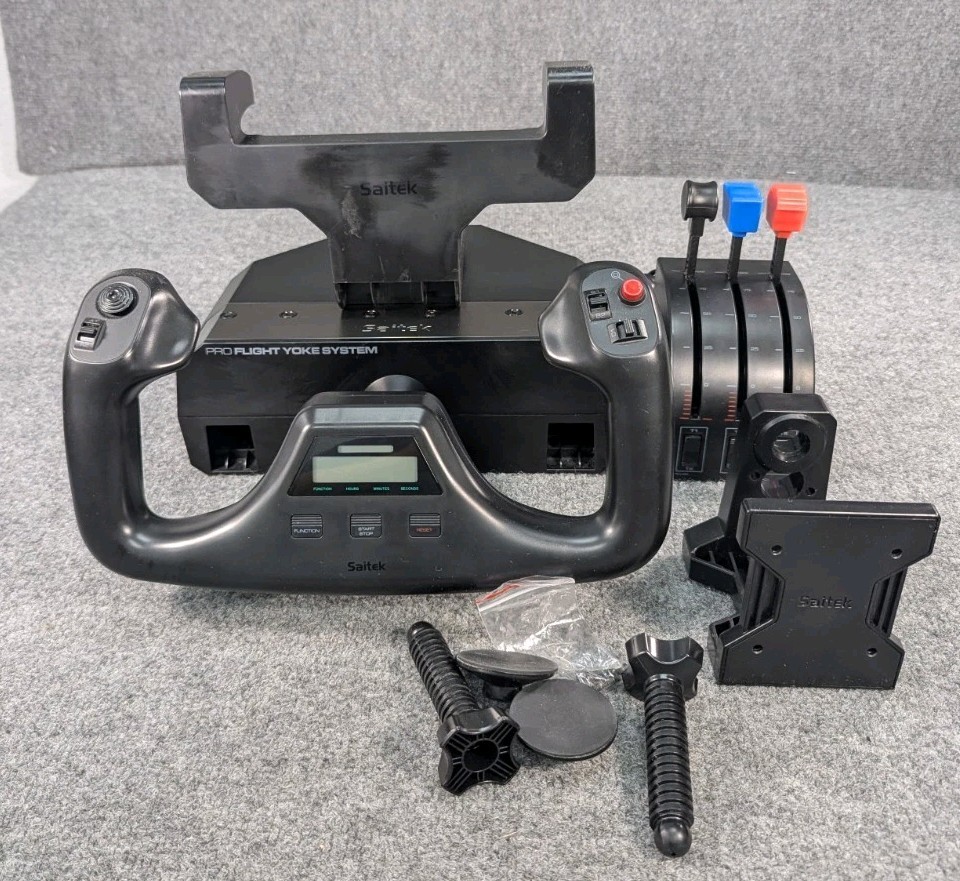 Saitek Pro Flight Yoke System w/throttle$84.99View on eBay
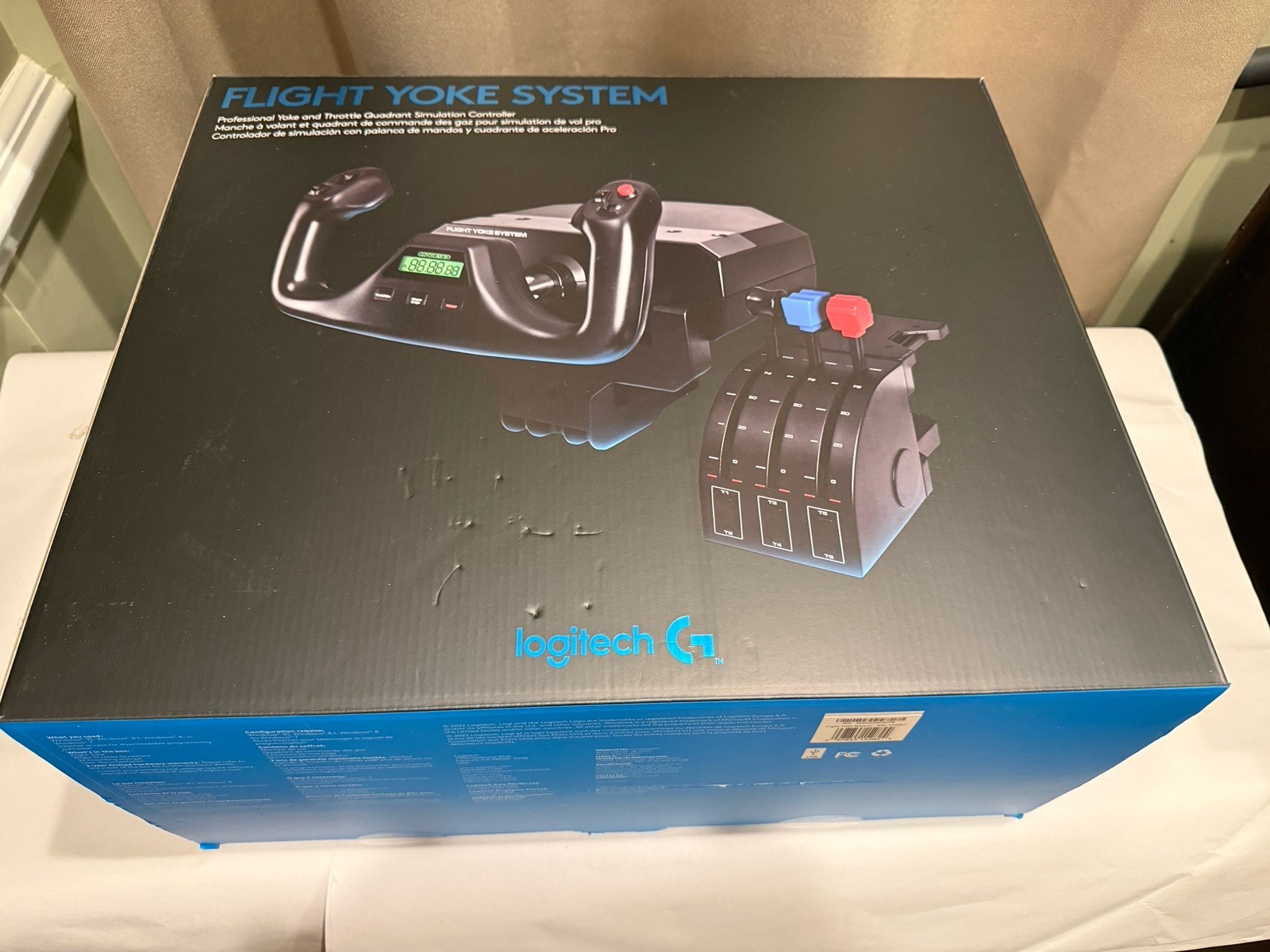 💙Logitech Saitek Pro Flight Yoke System ~JU0025 simulator Controls$199.00View on eBay
Highlights
- Yoke travel is 90° pitch/roll (45° each way) on a steel shaft in a plastic housing; the bundled throttle is a 3-lever quadrant with detents, not a standalone HOTAS.
- The yoke and throttle are two separate USB devices: the yoke body has its own USB output plus a DB9-style port for the throttle quadrant, so a missing cable kills half the kit.
- Three generations exist: Saitek-branded (pre-2016), Logitech G Saitek (2016+), and newer Logitech G revisions; the newer modules use the same USB HID standard and work with the current Logitech G Hub.
- The desk clamp is a plastic C-clamp rated for roughly 1.5 in/38 mm desk thickness; the add-on Throttle Quadrant and Rudder Pedals are separate purchases, and pedals require their own USB port.
Best use cases
- Best fit: a desk-based Microsoft Flight Simulator or X-Plane pilot who wants a yoke-plus-throttle core and will add the Throttle Quadrant and Rudder Pedals later as separate modules.
- Best fit: buyers who want a low-cost, full-cockpit ecosystem (yoke, throttle, pedals, radio panel, switch panel) under one software driver rather than a single premium yoke.
- Wrong fit: combat-sim players needing a HOTAS stick with twist rudder and many hat switches — buy a joystick, not this yoke.
- Wrong fit: buyers wanting a premium all-metal yoke (Honeycomb Alpha/Bravo, VelocityOne) — the Pro Flight is plastic-bodied and has plastic shaft bearings.
Buying tips
- Count the levers: the bundled Pro Flight Throttle Quadrant has 3 levers (throttle, prop, mixture); the standalone add-on quadrant is also 3-lever, so two quadrants give 6 axes for twin-engine setups.
- Match the desk: the clamp opens to about 1.5 in/38 mm; measure your desk lip before buying, and skip desks thicker than that or with a deep front edge bevel.
- Buy the Logitech G revision, not an older Saitek box, for current Logitech G Hub support; older Saitek units still enumerate as HID but need the legacy Saitek driver.
- For MSFS/X-Plane, budget USB ports: yoke, throttle quadrant, and pedals each need a port (or a powered hub), because these are separate USB devices, not one hub-connected unit.
Specs
| Yoke Travel | 90° pitch/roll (45° each way) |
|---|---|
| Bundled Throttle | 3-lever quadrant (thr/prop/mix) |
| Connection | USB-A, separate yoke + quadrant |
| Desk Clamp Fit | Up to ~1.5 in / 38 mm |
Related searches
What to check before buying
- Measure desk thickness at the mounting point: the plastic C-clamp fits up to about 1.5 in/38 mm; thicker desks need a different mount.
- Confirm the listing includes the yoke clamp and both cables (yoke USB and throttle DB9-to-yoke cable); missing clamps are the most common used-unit defect.
- Check your PC has at least three free USB-A ports (or a powered hub) for yoke, throttle quadrant, and pedals.
- Verify the platform: MSFS 2020/2024, X-Plane 11/12, and Prepar3D all support the HID device; Xbox consoles do not support the full Pro Flight ecosystem.
FAQ
Data sources: eBay / Amazon listings and product attribute feeds. Updated Nov 24, 2026.
Some links on this page are affiliate links. If you buy after clicking one, we may earn a commission at no extra cost to you. This does not change which products appear here or their order. Affiliate disclosure.