
Photos from current listings. Actual item, color, and included accessories may vary.
Saitek Flight Yoke Buying Guide
The Saitek Flight Yoke (now sold under Logitech) is a plastic-bodied, spring-centered yoke with an integrated throttle quadrant, designed for desktop flight simulation. The key trade-off is its 180-degree pitch and 90-degree roll travel with a single spring return versus the heavier, Hall-effect yokes used in higher tiers. Buy the Logitech-branded PZ44 revision for the improved internal wiring and clamped mounting; skip any unit missing its desk clamp or throttle quadrant unless you already own those parts.
Median $79.97
Key takeaways
- Yoke travel is 180° pitch and 90° roll, with a single central spring providing self-centering; force increases nonlinearly toward full deflection.
- The integrated throttle quadrant has three levers (throttle, prop, mixture) on a shared plastic housing that clamps to the same desk edge as the yoke.
- Logitech-branded units are the PZ44 revision; earlier Saitek-labeled units share the same mold but have known weaker USB cable strain relief.
At a glance
- Category
- Flight Sim Yokes & Throttles
- Last updated
- Nov 24, 2026
Current offers
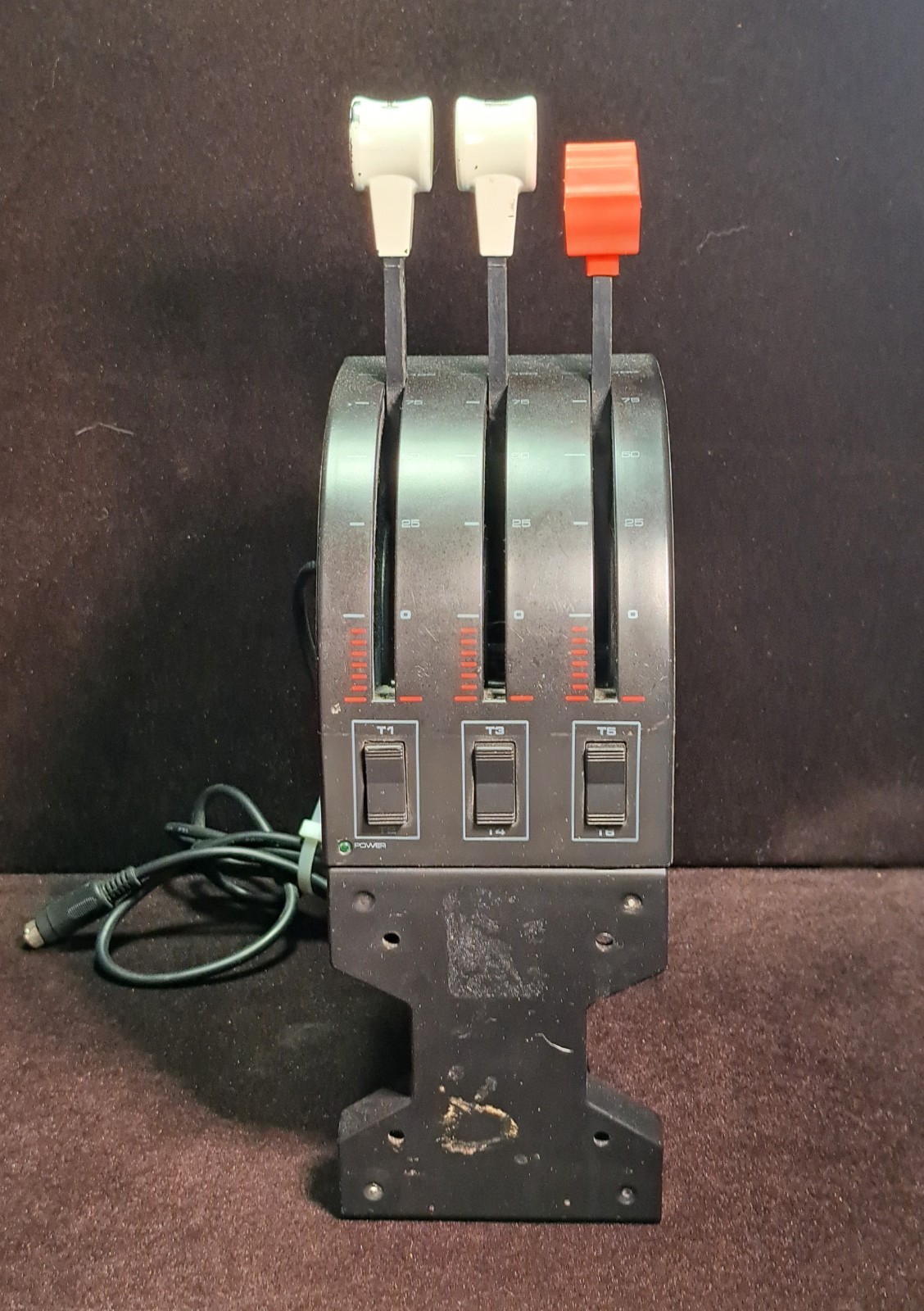 Saitek Pro Flight Yoke System Simulator Controller Throttle$35.00View on eBay
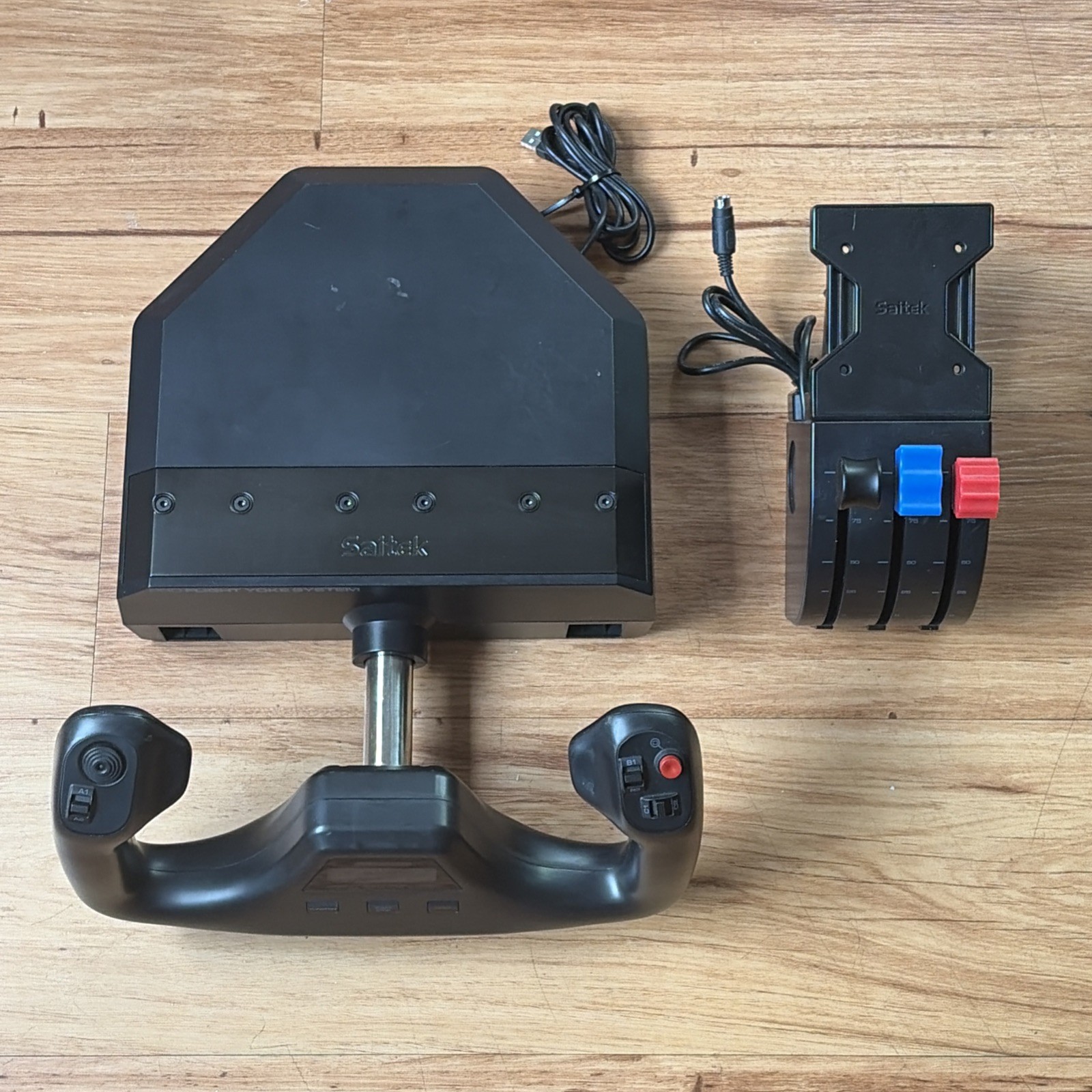 Logitech Saitek Pro Flight Yoke System Throttle Simulator (Missing Yoke Clamp)$74.95View on eBay
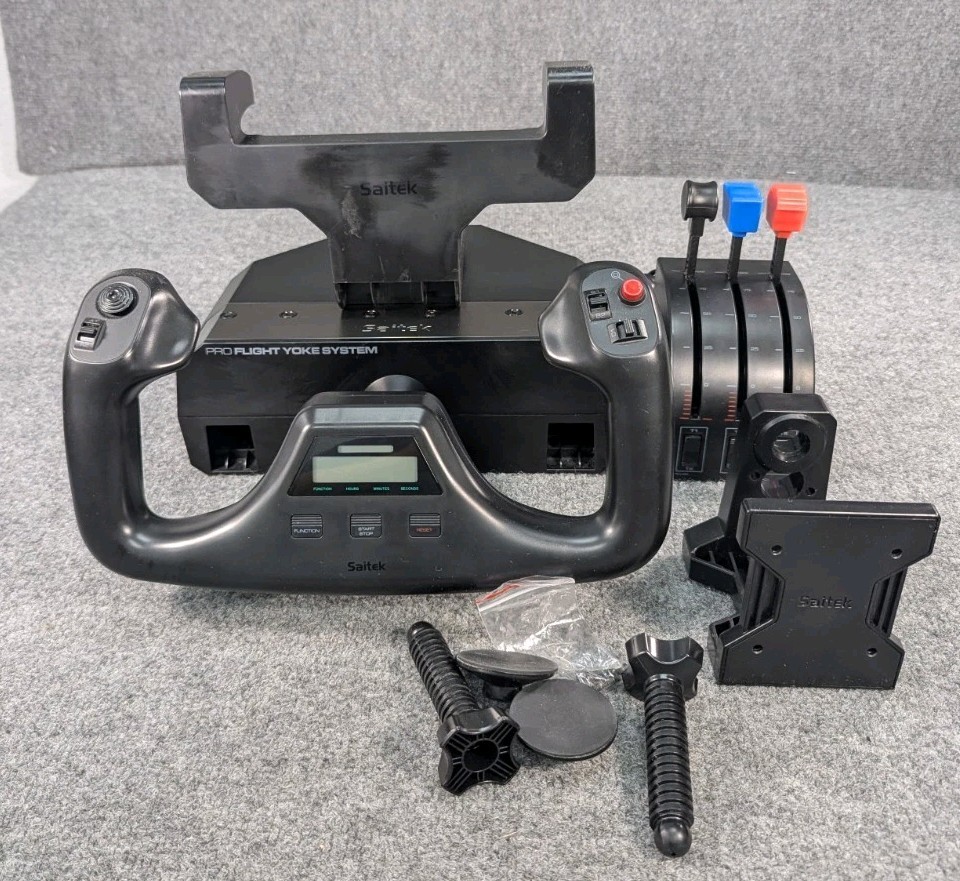 Saitek Pro Flight Yoke System w/throttle$84.99View on eBay
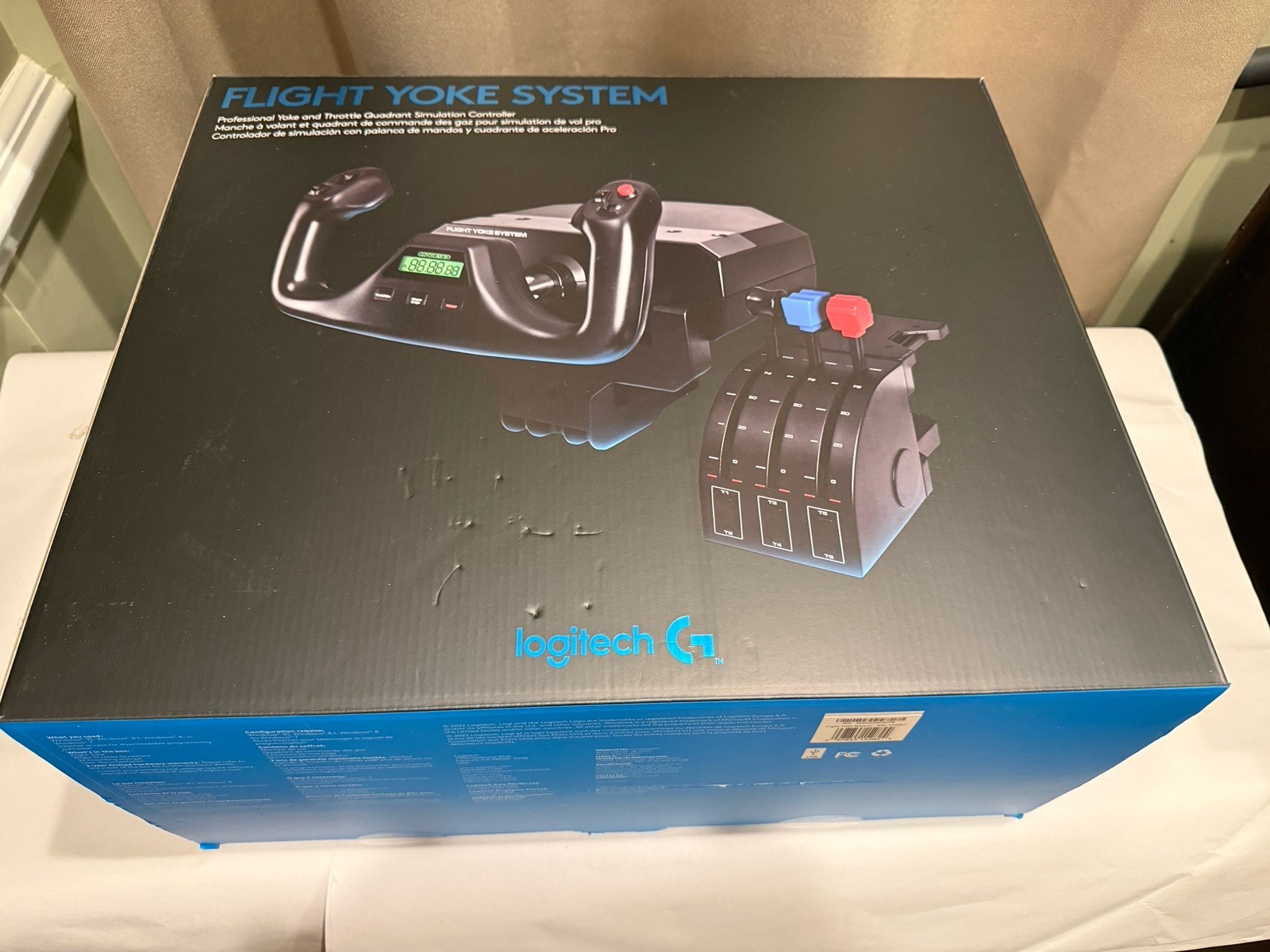 💙Logitech Saitek Pro Flight Yoke System ~JU0025 simulator Controls$199.00View on eBay
Highlights
- Yoke travel is 180° pitch and 90° roll, with a single central spring providing self-centering; force increases nonlinearly toward full deflection.
- The integrated throttle quadrant has three levers (throttle, prop, mixture) on a shared plastic housing that clamps to the same desk edge as the yoke.
- Logitech-branded units are the PZ44 revision; earlier Saitek-labeled units share the same mold but have known weaker USB cable strain relief.
- All versions use a plastic body with metal internal shafts; no Hall-effect sensors, so potentiometers require periodic cleaning for drift-free centering.
Best use cases
- Best fit: desktop flight simmers flying Cessna-class aircraft in MSFS or X-Plane who want a clamp-mounted yoke and three-axis throttle for under a mid-tier budget.
- Best fit: buyers who already own rudder pedals—the yoke has no twist-rudder axis, so pedals are mandatory for realistic ground steering and coordinated flight.
- Wrong fit: Airbus or fighter-jet simmers—the 90° roll and 180° pitch travel mimic a general-aviation yoke, not a sidestick or HOTAS.
- Wrong fit: cockpit builders needing force feedback or long-throw precision—the plastic body and spring centering cannot match a direct-drive or Hall-effect yoke.
Buying tips
- Choose the Logitech PZ44 revision over older Saitek-labeled stock: same geometry, but improved cable gland and clamp hardware reduce the most common failure points.
- Confirm the desk clamp is included—without it the yoke cannot be secured, and a replacement clamp costs nearly as much as a used yoke body.
- Verify the throttle quadrant is in the box; the three-lever unit is proprietary and not sold separately in most regions, so a missing quadrant halves the kit's value.
- Budget for rudder pedals from the start: the yoke has no yaw axis, so ground handling and crosswind takeoffs are impossible with the yoke alone.
Specs
| Control Type | Spring-centered yoke + 3-lever quadrant |
|---|---|
| Axis Travel | 180° pitch / 90° roll |
| Sensor Type | Potentiometer (non-contact Hall: no) |
| Mounting | Desk clamp, ~38 mm max thickness |
Related searches
What to check before buying
- Measure your desk edge thickness: the clamp opens to roughly 1.5 inches (38 mm); thicker tops need a spacer or a different mount.
- Confirm you have a free USB-A port and at least 30 cm of clear desk depth in front of the monitor for the yoke's 180° pitch arc.
- Check that your sim supports direct XInput/DirectInput assignment—MSFS, X-Plane, and Prepar3D all recognize the PZ44 natively without third-party drivers.
- If buying used, ask for a photo of the centering test screen in the sim's calibration UI to confirm both axes return to center without drift.
FAQ
Data sources: eBay / Amazon listings and product attribute feeds. Updated Nov 24, 2026.
Some links on this page are affiliate links. If you buy after clicking one, we may earn a commission at no extra cost to you. This does not change which products appear here or their order. Affiliate disclosure.