
Photos from current listings. Actual item, color, and included accessories may vary.
Logitech Throttle Quadrant Buying Guide
The Logitech (formerly Saitek) Pro Flight Throttle Quadrant is a three-lever USB controller that adds modular axis control to flight sim setups, either as a standalone unit or bundled with the Pro Flight Yoke System. The core trade-off is plastic construction and potentiometer-based sensing versus metal-bodied, Hall-effect competitors—durable enough for casual to intermediate simming, but not a lifetime buy. Buy the standalone quadrant only if you already own a yoke or stick; buy the yoke bundle if you need a complete Boeing-style control column, and skip both if you require contactless sensors or heavy-duty metal internals.
Median $114.99
Key takeaways
- Three independent levers (throttle, prop, mixture) with detents and reversible lever orientation for multi-engine or twin-throttle mapping.
- Potentiometer-based axis sensing, not Hall-effect: smooth but subject to wear and spiking over years of heavy use; contact cleaner or replacement pots are the fix.
- Plastic housing and lever arms with clamp-style desk mounting; the bundled Pro Flight Yoke adds a metal shaft and 180-degree rotation with integrated quadrant mounting.
At a glance
- Category
- Flight Sim Yokes & Throttles
- Last updated
- Nov 24, 2026
Current offers
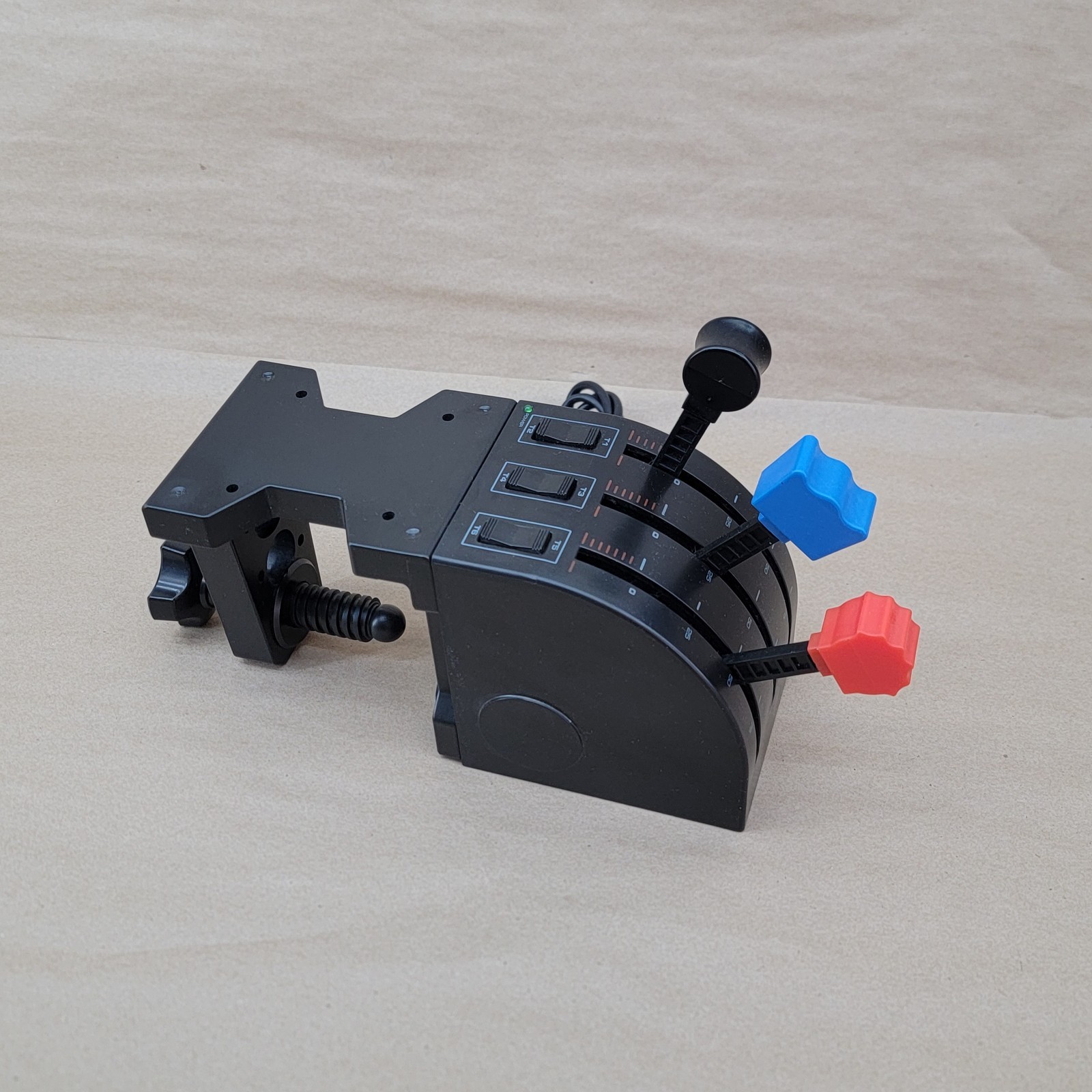 Logitech USB G Saitek PRO Flight Throttle Quadrant 3-Lever Flight Sim Black READ$29.99View on eBay
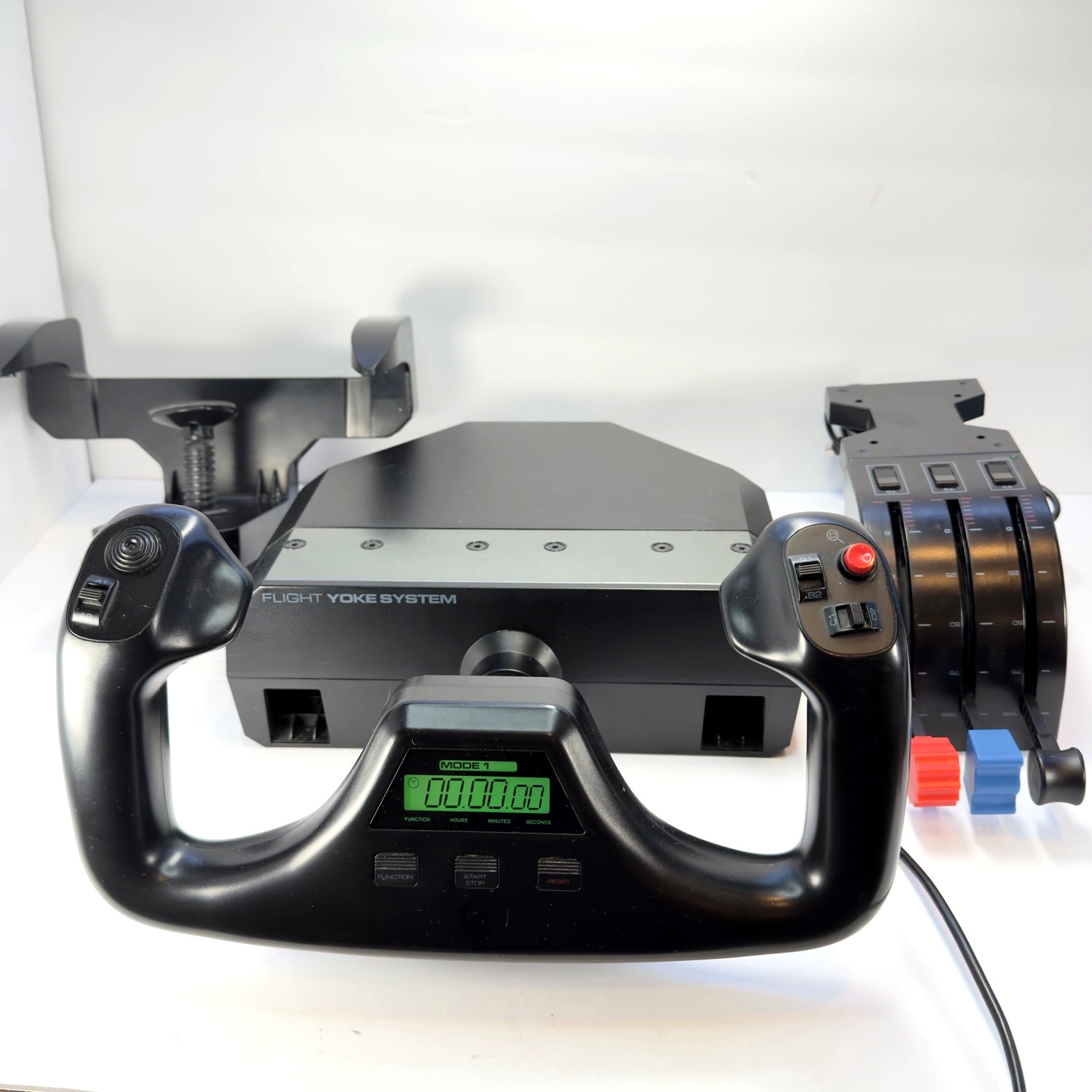 Logitech G Pro Flight Yoke System J-U0004 Throttle Quadrant PC Tested Working$109.99View on eBay
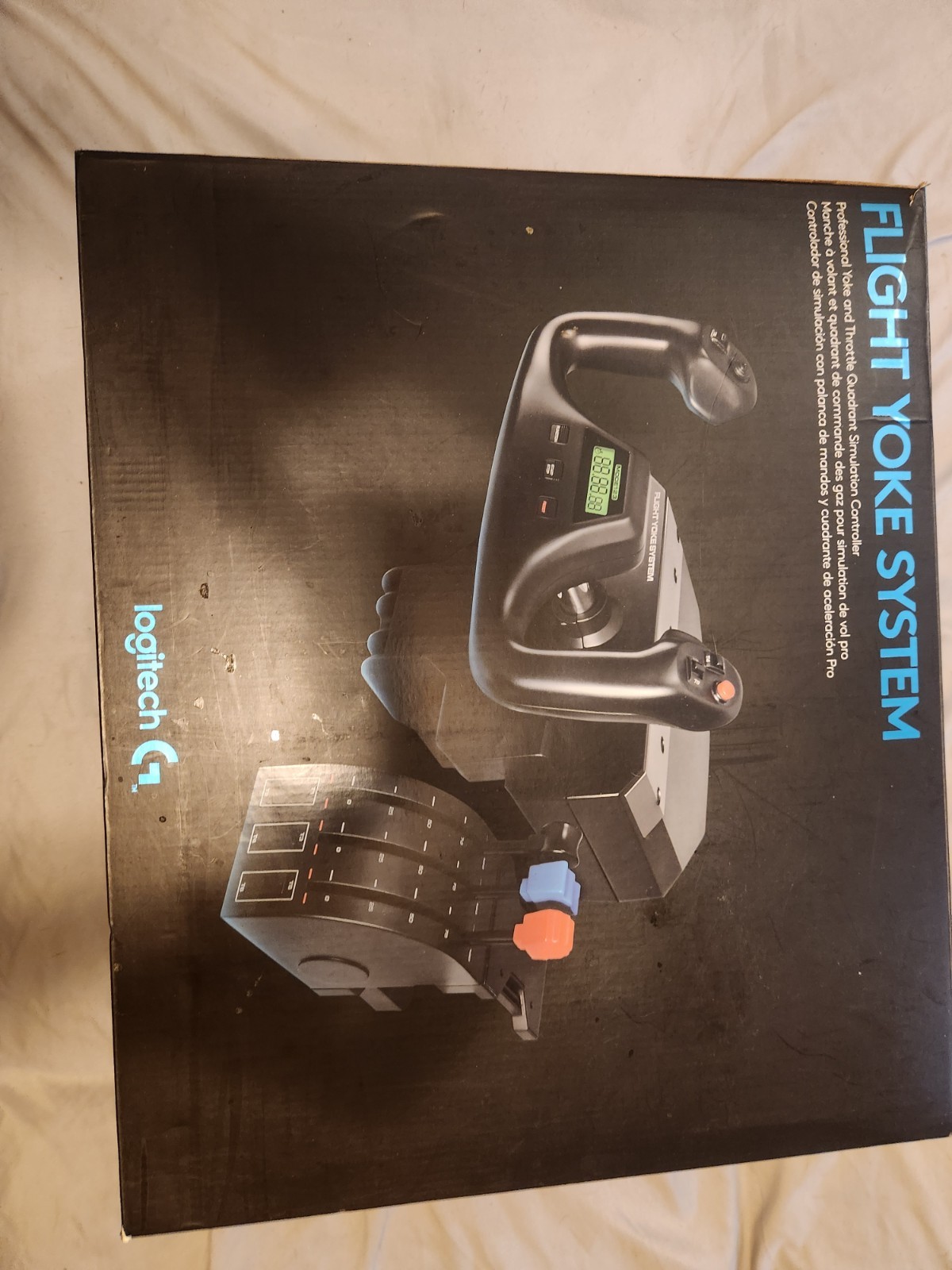 Logitech Flight Yoke System Professional Simulation Yoke and Throttle Quadrant$119.99View on eBay
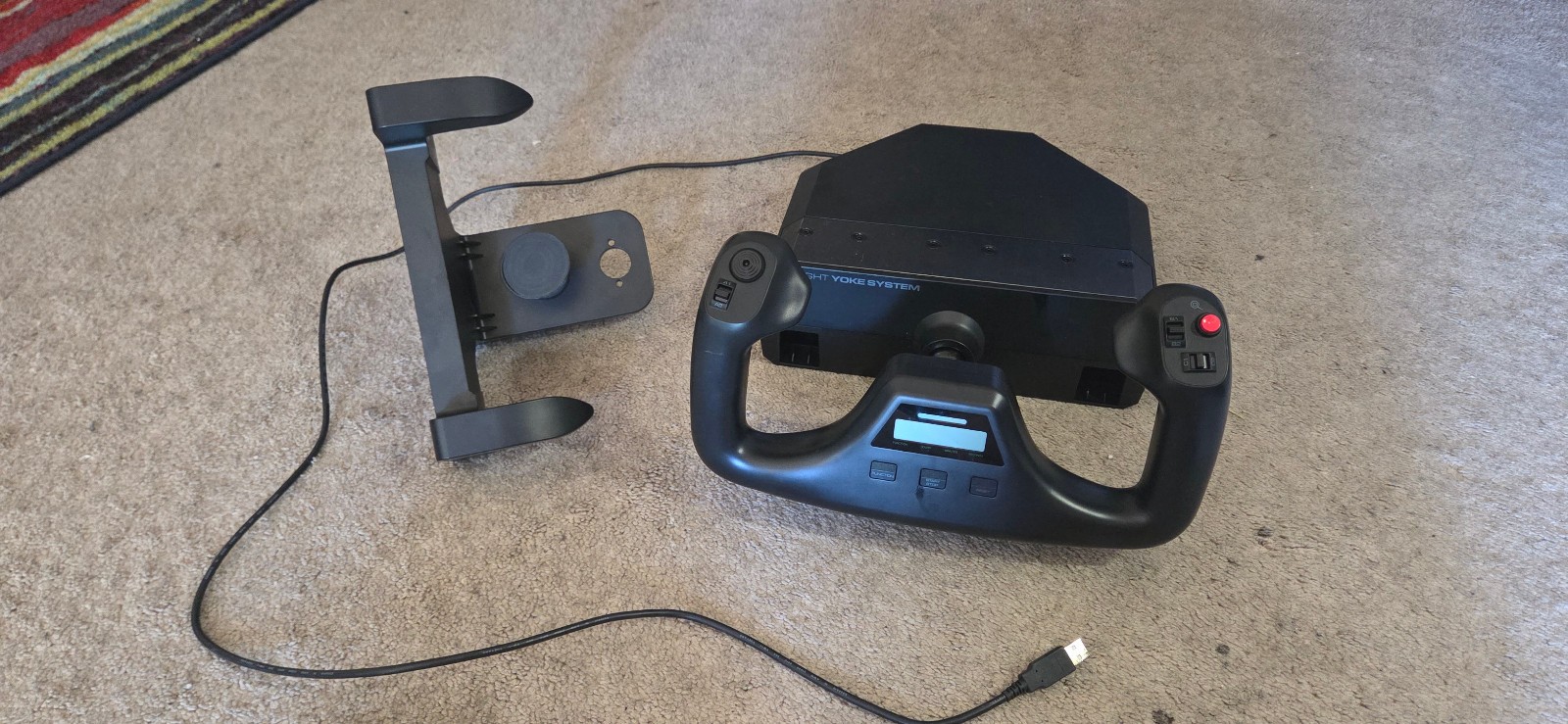 Logitech G Flight Simulator Yoke, Throttle Quadrant, Rudder Pedals, & X3D Pro$130.00View on eBay
Highlights
- Three independent levers (throttle, prop, mixture) with detents and reversible lever orientation for multi-engine or twin-throttle mapping.
- Potentiometer-based axis sensing, not Hall-effect: smooth but subject to wear and spiking over years of heavy use; contact cleaner or replacement pots are the fix.
- Plastic housing and lever arms with clamp-style desk mounting; the bundled Pro Flight Yoke adds a metal shaft and 180-degree rotation with integrated quadrant mounting.
- USB 2.0 plug-and-play with Logitech G HUB / Saitek driver support; recognized as a standard game controller in MSFS, X-Plane, and Prepar3D without third-party middleware.
Best use cases
- Best fit: simmers who already own a yoke or joystick and want a cheap second axis bank for multi-engine throttle, prop, and mixture control—buy the standalone quadrant.
- Best fit: buyers starting from zero who want a matching yoke-plus-quadrant set—buy the Pro Flight Yoke System bundle rather than sourcing parts separately.
- Wrong fit: users who fly primarily Airbus or fighter jets with sidestick logic—a standalone throttle or HOTAS is the correct purchase, not a yoke-style quadrant.
- Skip if: you demand contactless Hall-effect sensors, full metal construction, or force feedback—those start with Virpil, Honeycomb Bravo, or Brunner-class hardware.
Buying tips
- Buy the standalone quadrant only if your existing yoke or stick lacks spare axes; otherwise the yoke bundle is cheaper than buying yoke and quadrant separately.
- Check lever count against your aircraft: three levers cover throttle/prop/mixture for a twin, but four-engine jets need two quadrants or a six-lever unit.
- Prefer units sold with the USB cable and mounting clamps included—used listings frequently omit them, and replacements are not standard parts.
- Inspect used units for pot spiking: ask for a screenshot of the axis calibration screen showing smooth 0-100% travel without jumps or dead zones.
Specs
| Lever Count | 3 levers (throttle/prop/mixture) |
|---|---|
| Axis Sensing | Potentiometer (not Hall-effect) |
| Construction | Plastic housing and lever arms |
| Connection | USB-A plug-and-play HID |
Related searches
What to check before buying
- Measure desk thickness and clearance: the clamp mount needs a flat edge lip roughly 1-2 inches thick; thick beveled desks may not accept the clamp.
- Confirm you have a free USB-A port and that your sim (MSFS, X-Plane, P3D) recognizes standard HID game controllers—no proprietary hub required.
- Verify your existing yoke or stick has available axis slots in-sim; some entry-level sticks already consume all mappable axes.
- For the bundle, confirm desk depth for the yoke's 180-degree rotation arc and that you have room for rudder pedals if you plan to add them.
FAQ
Data sources: eBay / Amazon listings and product attribute feeds. Updated Nov 24, 2026.
Some links on this page are affiliate links. If you buy after clicking one, we may earn a commission at no extra cost to you. This does not change which products appear here or their order. Affiliate disclosure.