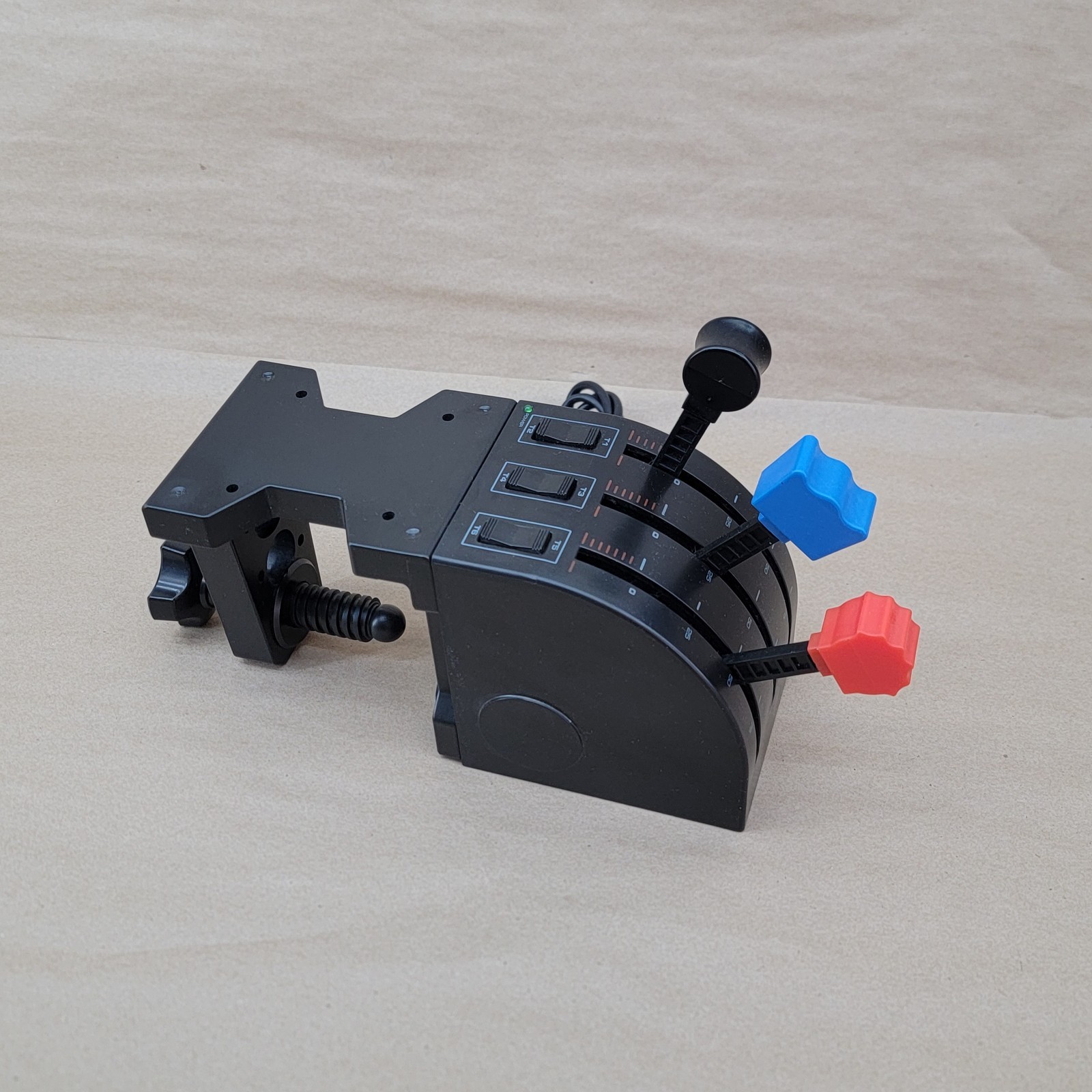

Photos from current listings. Actual item, color, and included accessories may vary.
Logitech Pro Flight Throttle Quadrant Buying Guide
The Logitech Pro Flight Throttle Quadrant is a three-lever USB add-on controller for flight simulators, built around the same plastic housing and potentiometer-based axis design as the yokes it accompanies. The core trade-off is simple: this quadrant delivers six assignable axes and reversible detents for multi-engine or auxiliary control at a low entry point, but its plastic construction and contact-style potentiometers mean it is a consumable-grade part, not a buy-once-for-life control. Buy it when you need extra analog axes for twins, turboprops, or mixtures; skip it if you expect Hall-effect precision, metal internals, or heavy daily abuse.
Median $109.99
Key takeaways
- Three physical levers each carry a primary axis plus a secondary detent axis, giving six assignable analog channels from one USB device.
- Levers ship with friction adjusters and are reversible for twin-engine setups where throttle and prop/mixture need mirrored orientation.
- Potentiometer-based sensing, not Hall-effect or magnetic, so centering drift and spiking are the long-term wear failure mode.
At a glance
- Category
- Flight Sim Yokes & Throttles
- Last updated
- Nov 24, 2026
Current offers
Highlights
- Three physical levers each carry a primary axis plus a secondary detent axis, giving six assignable analog channels from one USB device.
- Levers ship with friction adjusters and are reversible for twin-engine setups where throttle and prop/mixture need mirrored orientation.
- Potentiometer-based sensing, not Hall-effect or magnetic, so centering drift and spiking are the long-term wear failure mode.
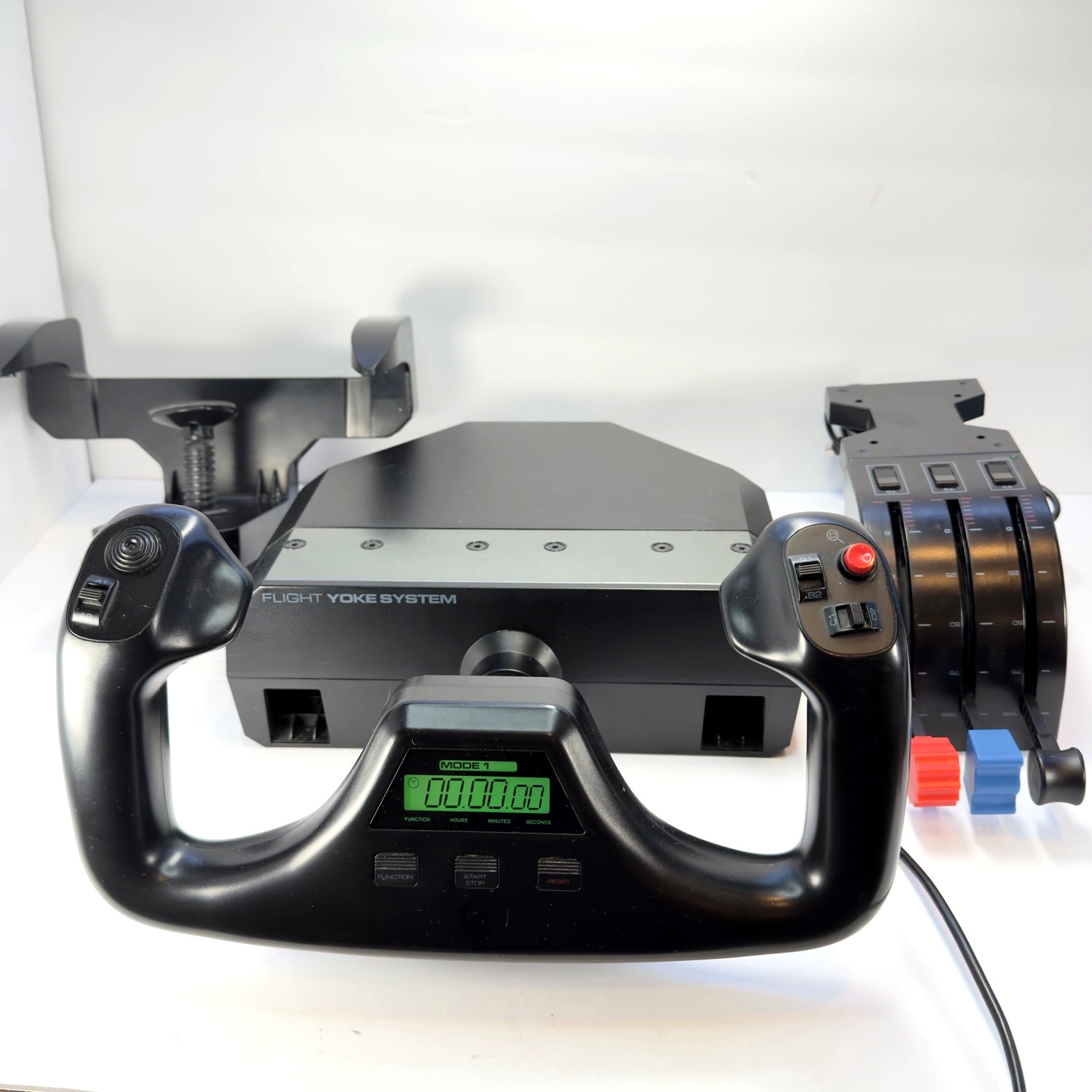
- Plastic housing with a clamp-style base; it is designed to sit beside a Logitech/Saitek yoke, not to replace a full HOTAS or throttle base.
Best use cases
- Best fit: twin-engine piston or turboprop sims where you need throttle, prop RPM, and mixture on separate levers, plus condition or cowl flaps on the extra axes.
- Best fit: existing Logitech/Saitek yoke owners adding a second or third quadrant for a multi-engine cockpit layout without changing brands.
- Wrong fit: jet combat or space sims needing afterburner detents, split throttles, and Hall-effect durability — choose a dedicated metal HOTAS throttle instead.
- Wrong fit: buyers wanting a standalone primary throttle for single-engine GA — the included yoke-mounted quadrant already covers that, so a separate quadrant is redundant.
Buying tips
- Buy the 'G' branded version (Logitech G Pro Flight) over older Saitek-labeled stock; the G line is the current support and warranty path.
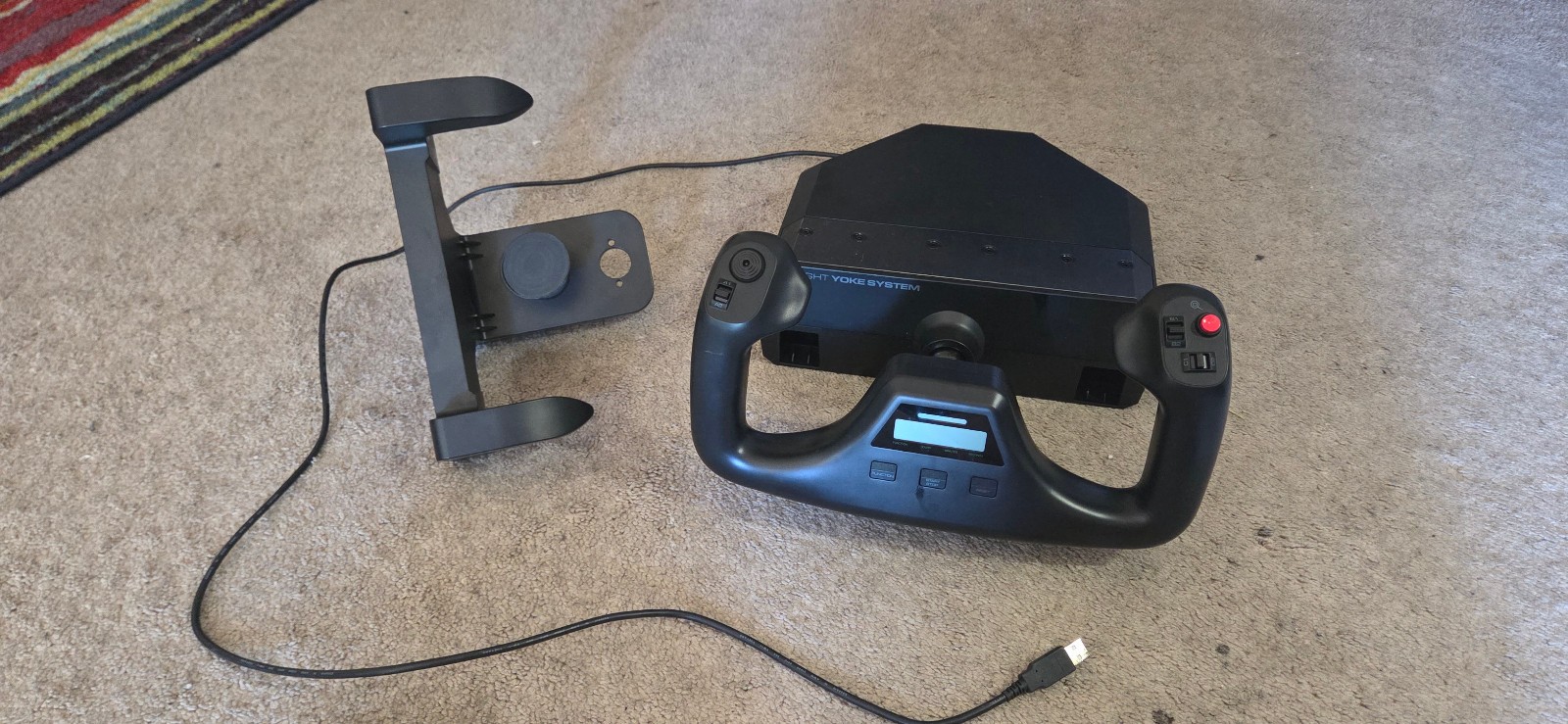
- Confirm three levers and six axes in the listing photos — some sellers split the quadrant out of a yoke bundle and ship the yoke-only box.
- Match to your sim's axis count: twin throttle + prop + mixture needs 4-6 axes, which this provides; a single-engine setup rarely justifies it.
- Inspect for lever wobble and potentiometer spiking on used units — a smooth full-travel sweep with no jumps is the pass/fail test.
Specs
| Lever Count | 3 levers / 6 assignable axes |
|---|---|
| Sensor Type | Potentiometer (not Hall-effect) |
| Mounting | Clamp base, plastic housing |
| Connection | USB-A wired, standalone HID |
Related searches
What to check before buying
- Measure desk or rig space beside your yoke: the quadrant footprint is roughly a compact rectangular block, so plan clamp clearance and cable routing.
- Verify your sim recognizes multiple USB HID controllers simultaneously and can map six extra axes without conflicting with the yoke's own throttle.
- Check that your yoke or mount has a flat, clampable surface at the same height as the quadrant base to avoid lever reach issues.
- Confirm USB-A availability and that you are not already at a USB hub power limit with yoke, pedals, and quadrant all connected.
FAQ
Data sources: eBay / Amazon listings and product attribute feeds. Updated Nov 24, 2026.
Some links on this page are affiliate links. If you buy after clicking one, we may earn a commission at no extra cost to you. This does not change which products appear here or their order. Affiliate disclosure.