
Photos from current listings. Actual item, color, and included accessories may vary.
Logitech Flight Throttle Quadrant Buying Guide
The Logitech Flight Throttle Quadrant is a standalone three-lever USB controller designed to add engine, prop, and mixture axes to a yoke or joystick setup. The key trade-off is between the aging but serviceable Saitek-derived plastic mechanism and modern Hall-effect rivals; buy Logitech for low-cost multi-engine and GA sim rigs, skip it if you need contactless sensors or heavy-duty metal construction.
Median $114.99
Key takeaways
- Three independent 0-100% linear levers map to throttle, propeller, and mixture for twin-engine or complex single-engine aircraft.
- Detachable linking plates let you gang two quadrants into a six-lever bank for four-engine airliners or multi-crew setups.
- Each lever includes a mid-detent and a bottom-rear push button; toggle and rocker switches cover gear, flaps, and trim binds.
At a glance
- Category
- Flight Sim Yokes & Throttles
- Last updated
- Nov 24, 2026
Current offers
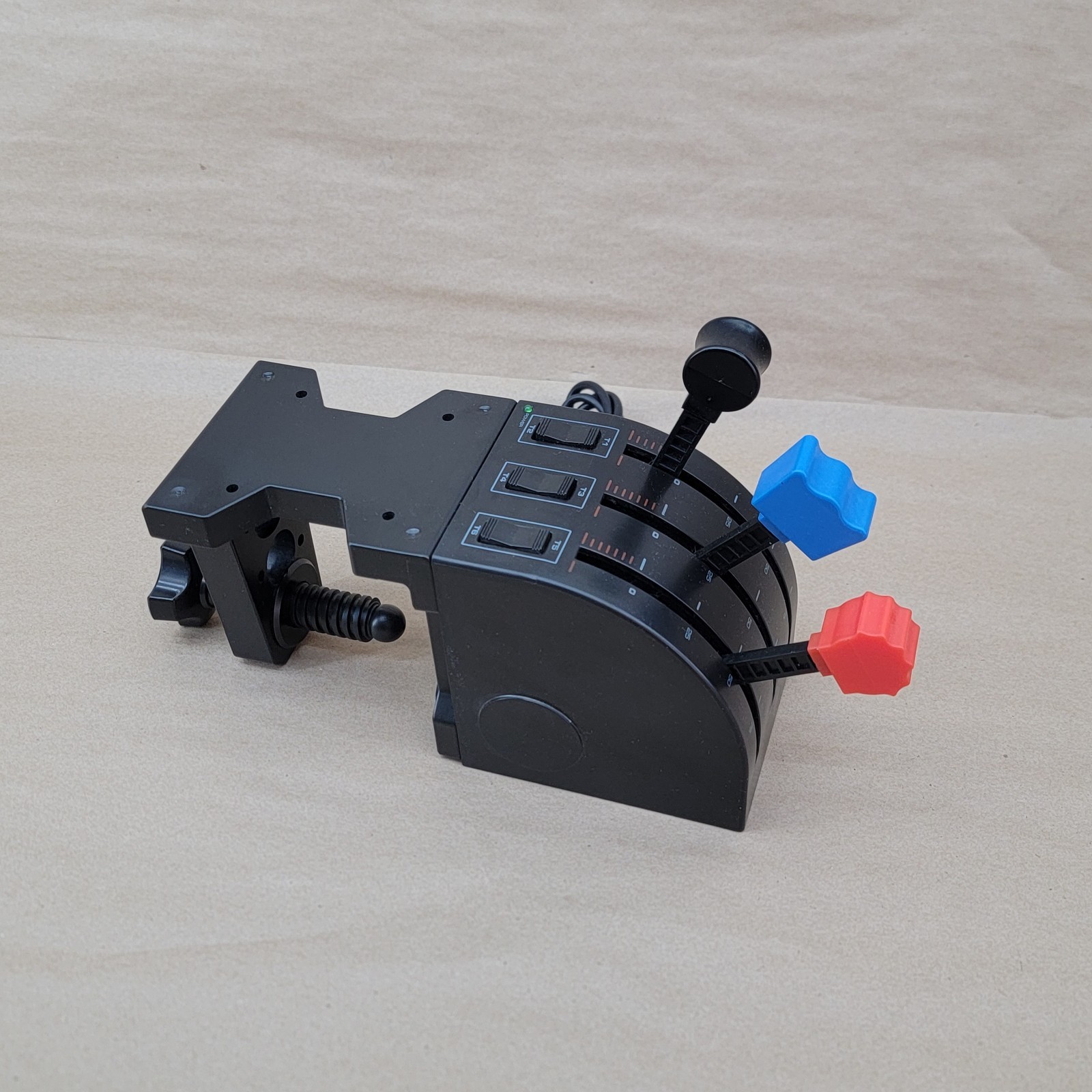 Logitech USB G Saitek PRO Flight Throttle Quadrant 3-Lever Flight Sim Black READ$29.99View on eBay
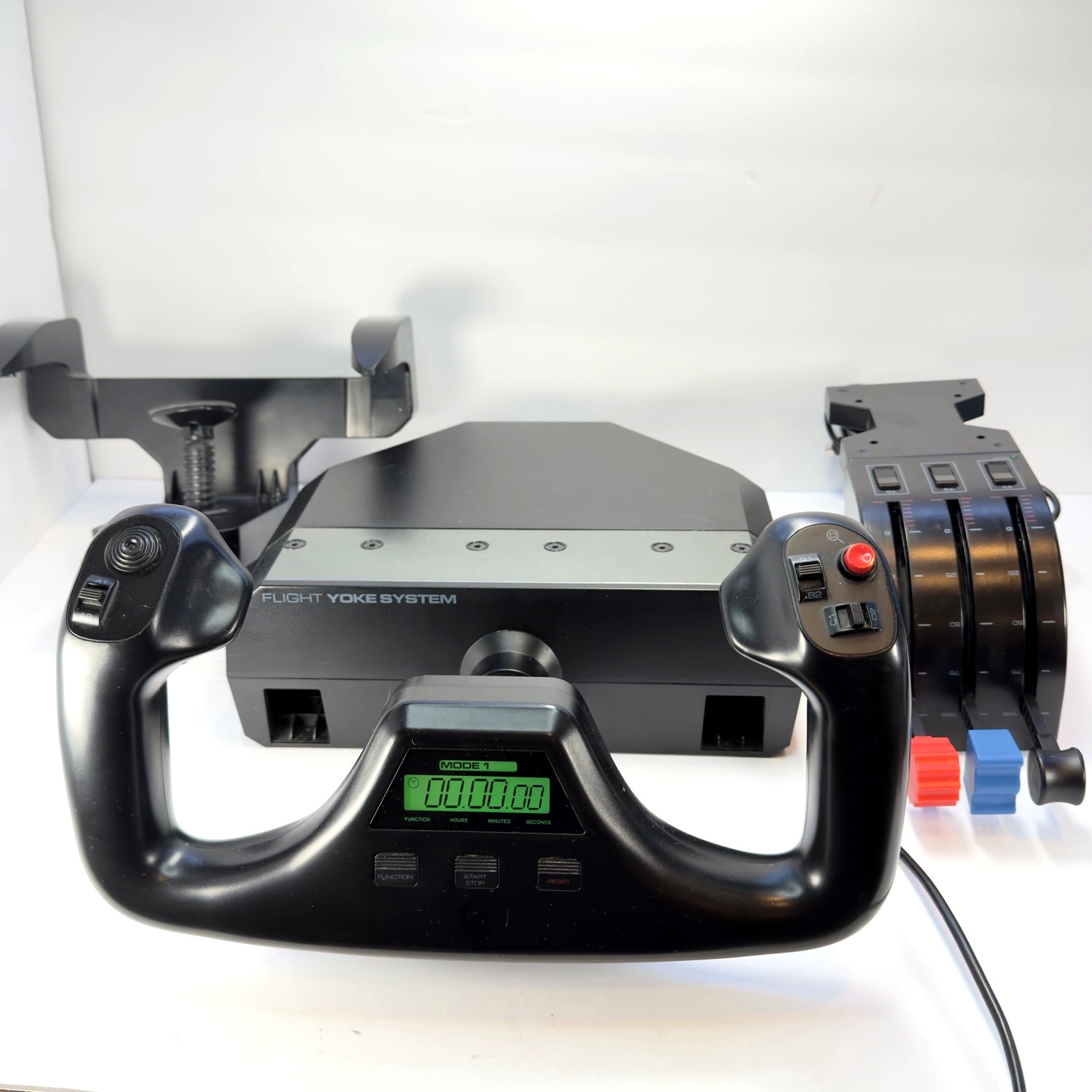 Logitech G Pro Flight Yoke System J-U0004 Throttle Quadrant PC Tested Working$109.99View on eBay
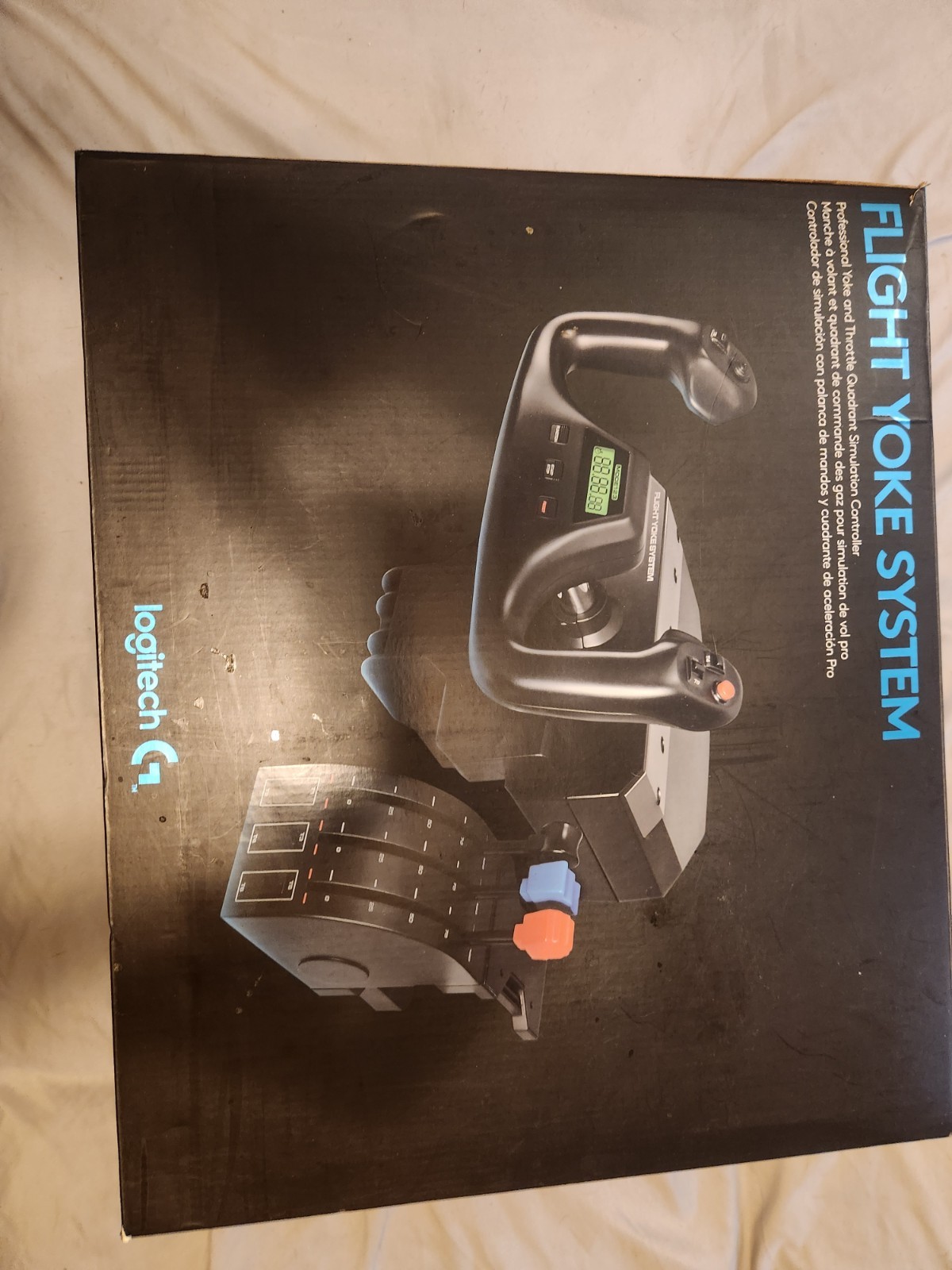 Logitech Flight Yoke System Professional Simulation Yoke and Throttle Quadrant$119.99View on eBay
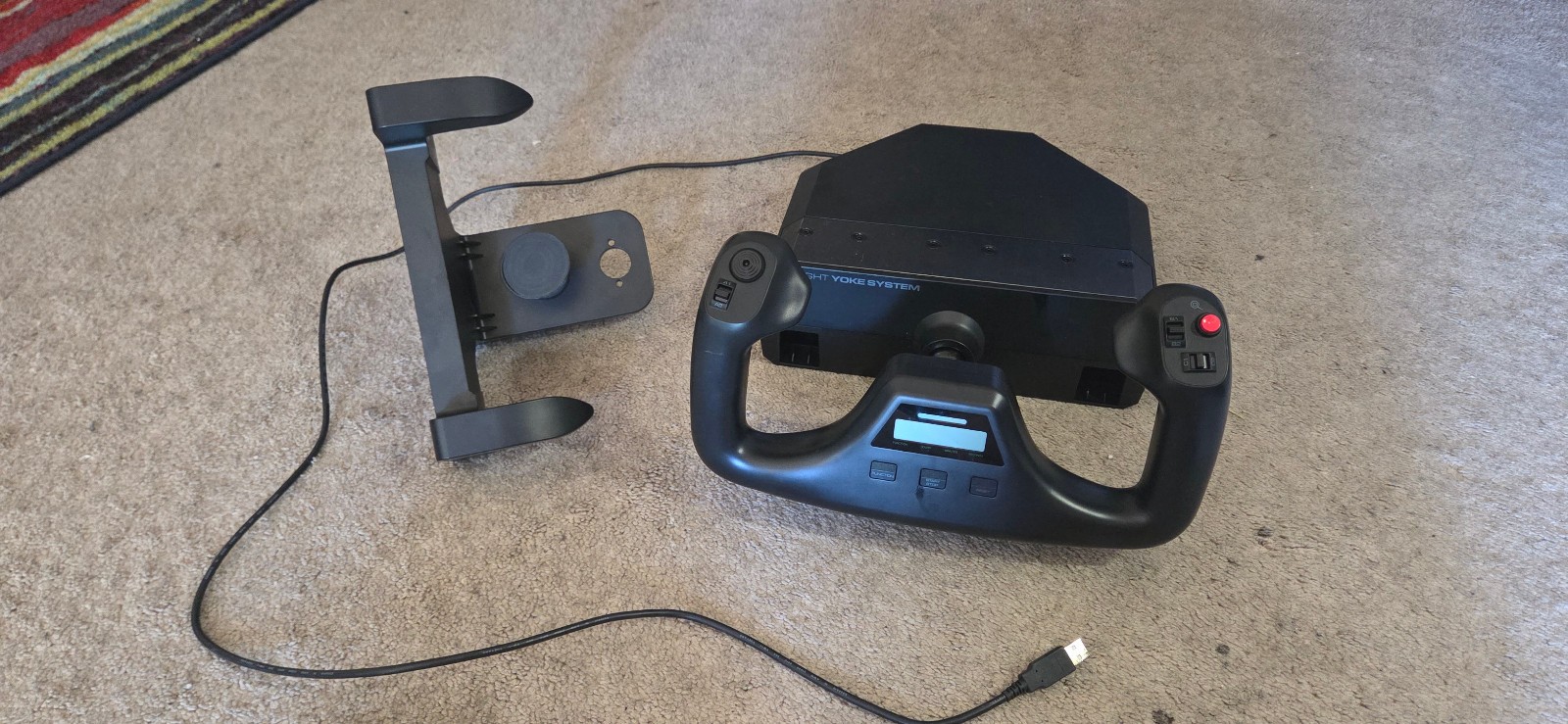 Logitech G Flight Simulator Yoke, Throttle Quadrant, Rudder Pedals, & X3D Pro$130.00View on eBay
Highlights
- Three independent 0-100% linear levers map to throttle, propeller, and mixture for twin-engine or complex single-engine aircraft.
- Detachable linking plates let you gang two quadrants into a six-lever bank for four-engine airliners or multi-crew setups.
- Each lever includes a mid-detent and a bottom-rear push button; toggle and rocker switches cover gear, flaps, and trim binds.
- Plastic body with potentiometer sensors and USB-A wired connection; no Hall-effect sensors or metal housing at this tier.
Best use cases
- Best fit: twin-engine GA and turboprop sims — pick this quadrant to control throttle, prop, and mixture on one compact unit.
- Best fit: four-engine airliner sims — buy two units and link them with the included plates for six synchronized levers.
- Wrong fit: modern jet or competitive combat sims — skip this and choose a metal Hall-effect throttle with more hats and switches.
- Wrong fit: Xbox or PlayStation console setups — skip it; this is a PC-only USB-A device with no console compatibility.
Buying tips
- Budget for a USB-A port or powered hub: the quadrant is wired USB-A and does not include a USB-C adapter.
- For four-engine aircraft, buy two quadrants; the linking plates ship with each unit and join them into a six-lever bank.
- Match lever count to your aircraft: three levers cover twin-engine GA, while jets need separate axis and switch assignments.
- Inspect used units for lever friction and potentiometer spiking; smooth travel across the full arc is the key wear check.
Specs
| Lever Count | 3 linear levers + detents |
|---|---|
| Sensor Type | Potentiometer (non-contact Hall upgrade) |
| Connection | Wired USB-A, PC only |
| Expandability | Link 2 units = 6 levers |
Related searches
What to check before buying
- Confirm your PC has a free USB-A port; the quadrant is wired and does not support Bluetooth or wireless pairing.
- Measure desk or mount space for the quadrant's footprint plus clearance for the levers' full forward and backward travel.
- Plan the linking plates if pairing two quadrants, and leave room for the combined six-lever width on your rig.
- Check your sim's control assignment menu supports multiple USB controllers so the quadrant can bind alongside your yoke.
FAQ
Data sources: eBay / Amazon listings and product attribute feeds. Updated Nov 24, 2026.
Some links on this page are affiliate links. If you buy after clicking one, we may earn a commission at no extra cost to you. This does not change which products appear here or their order. Affiliate disclosure.