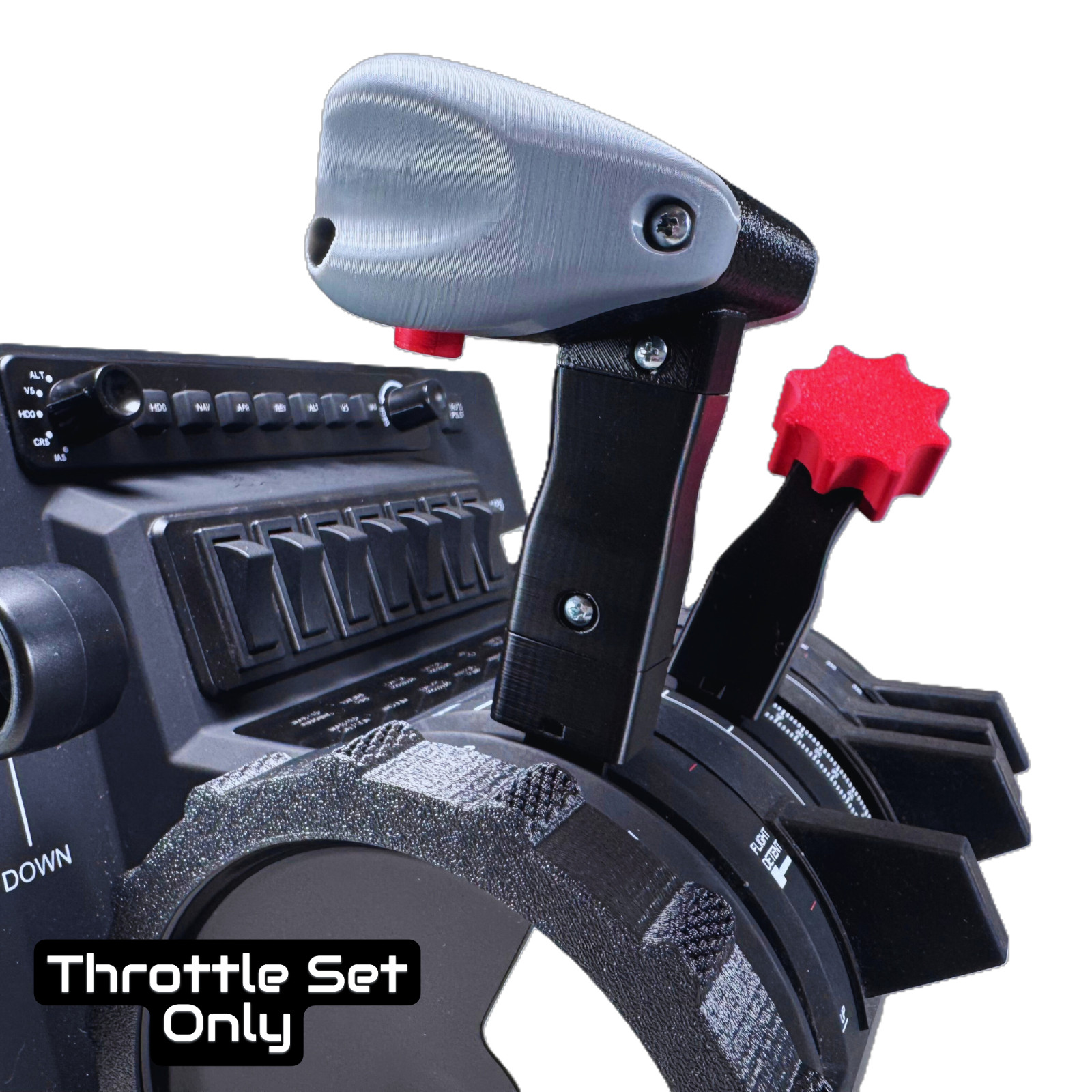

Photos from current listings. Actual item, color, and included accessories may vary.
Honeycomb Bravo Throttle Buying Guide
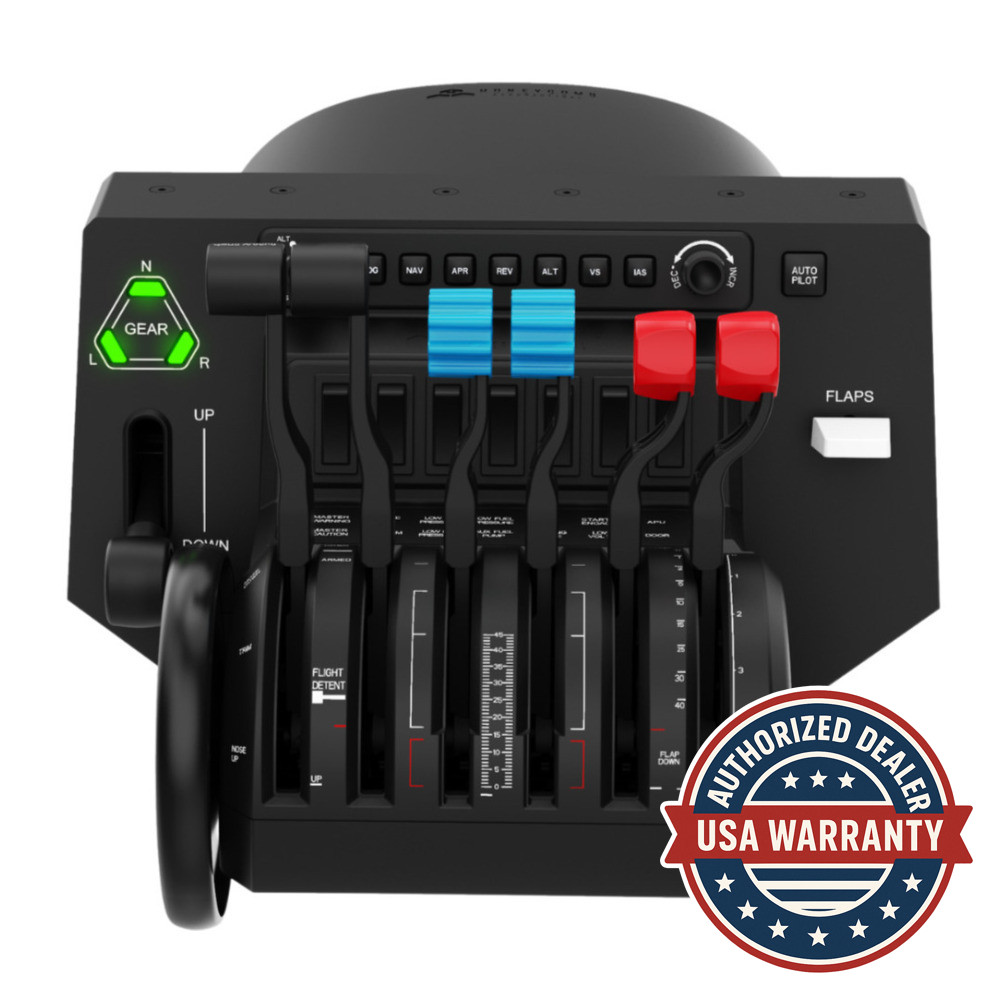
The Honeycomb Bravo Throttle Quadrant is a modular, six-lever desktop controller with swappable throttle/power/prop/mixture configurations for multi-engine and jet sims. The core trade-off is lever feel and module flexibility versus footprint and mounting rigidity: the Bravo uses plastic levers on a reinforced frame, and its friction and detent behavior determine whether it feels like a real quadrant or a toy. Buy the Bravo only if you want six axes and swappable handles; otherwise a simpler twin-lever or HOTAS setup is more space-efficient.
Median $179.99
Key takeaways
- Six lever axes: two throttles, two prop RPM, two mixture, plus a configurable spoiler and flap lever on the same base.
- Swappable handle sets: airliner (two-engine jet), general aviation (twin prop), and single-engine configurations ship in-box and change the detent feel.
- Plastic levers and body with metal friction adjusters; lever tension is set per-axis via underside screws, not a single global knob.
At a glance
- Category
- Flight Sim Yokes & Throttles
- Last updated
- Nov 24, 2026
Current offers
Highlights
- Six lever axes: two throttles, two prop RPM, two mixture, plus a configurable spoiler and flap lever on the same base.
- Swappable handle sets: airliner (two-engine jet), general aviation (twin prop), and single-engine configurations ship in-box and change the detent feel.
- Plastic levers and body with metal friction adjusters; lever tension is set per-axis via underside screws, not a single global knob.
- Includes TOGA button, gear horn/silence, autopilot disconnect, and annunciator-style buttons mapped through the Honeycomb configurator software.
Best use cases
- Best fit: twin-engine prop or regional jet simmers who need throttle, prop, and mixture on separate axes simultaneously—buy the Bravo with the GA or airliner handle set installed.
- Best fit: simmers building a desk cockpit who want flap and spoiler levers without a second peripheral; the Bravo covers both on one base.
- Wrong fit: single-engine Cessna-only flyers who never move past one throttle and one mixture axis—a compact twin-lever quadrant is cheaper and takes less desk depth.
- Wrong fit: combat-sim pilots needing afterburner detents and radar cursor control—buy a HOTAS throttle, not the Bravo.
Buying tips
- Confirm you have at least 30 cm of desk depth behind the keyboard for the Bravo base plus lever throw; levers arc rearward when fully advanced.
- Match handle set to your primary aircraft: airliner handles for two-engine jets, GA handles for twin props; single-engine use leaves four levers idle unless remapped.
- Plan for the Honeycomb Configurator software for MSFS and X-Plane; default Windows game-controller mapping exposes axes but not the annunciator or TOGA logic.
- Check that your sim supports six independent axes per device; older sims and some console titles cap at four and will leave mixture/prop levers dead.
Specs
| Lever Count | 6 main axes + flap/spoiler |
|---|---|
| Handle Sets | Airliner, GA twin, single-engine |
| Build Material | Plastic levers, metal friction screws |
| Connectivity | USB-A, PC only (HID) |
Related searches
What to check before buying
- Measure desk width and depth: the Bravo base is roughly 30 cm wide and needs clearance behind for full lever travel.
- Confirm your PC or console recognizes multi-axis HID controllers; the Bravo reports as a game controller with six analog axes and multiple buttons.
- Verify your sim version supports per-aircraft profile switching, which is how the swappable handle sets pay off.
- Check mounting: the base has screw holes for hard mounting, but most desks need a clamp or non-slip pad because lever friction can slide a loose base.
FAQ
Data sources: eBay / Amazon listings and product attribute feeds. Updated Nov 24, 2026.
Some links on this page are affiliate links. If you buy after clicking one, we may earn a commission at no extra cost to you. This does not change which products appear here or their order. Affiliate disclosure.