
Photos from current listings. Actual item, color, and included accessories may vary.
Flight Yoke Buying Guide
A flight yoke is a PC flight-simulation controller with a column-style yoke and a separate throttle quadrant, trading the twist-axis and compactness of a joystick for realistic aircraft control. The decisive split is between all-plastic, short-throw yokes and metal-shaft/steel-bearing yokes with 180°+ rotation and Hall-effect sensors, which dictate resolution, centering feel, and lifespan. Buy a Hall-effect, dual-axis yoke with a bundled quadrant if you fly airliners or GA regularly; skip 90°-rotation plastic yokes if you need precise pitch trim or long-session durability.
Median $84.99
Key takeaways
- Yoke rotation travel ranges from 90° (entry plastic) to 180° (Logitech G Pro/Saitek Pro) — more travel means finer elevator input resolution.
- Sensor type determines drift: potentiometers wear and spike over years; Hall-effect/magnetic sensors stay linear for the life of the controller.
- Throttle quadrants are 3-lever (throttle, prop, mixture) with 0–100% axis travel; some bundle a rocker for rudder, others require separate pedals.
At a glance
- Category
- Flight Sim Yokes & Throttles
- Last updated
- Nov 24, 2026
Current offers
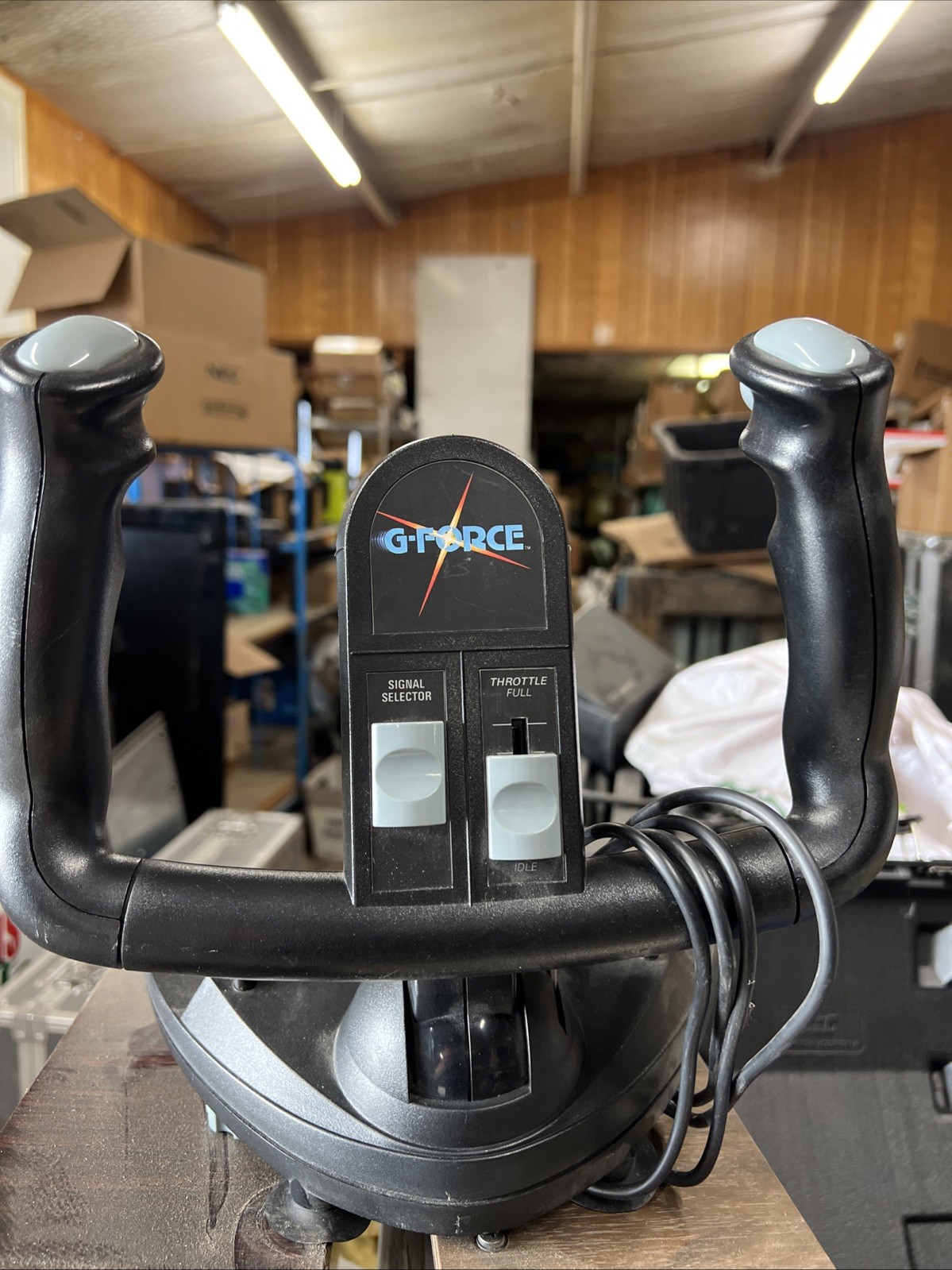 SUNCOM TECHNOLOGIES G-FORCE FLIGHT SIM YOKE~ MODEL # 96-0390$31.92View on eBay
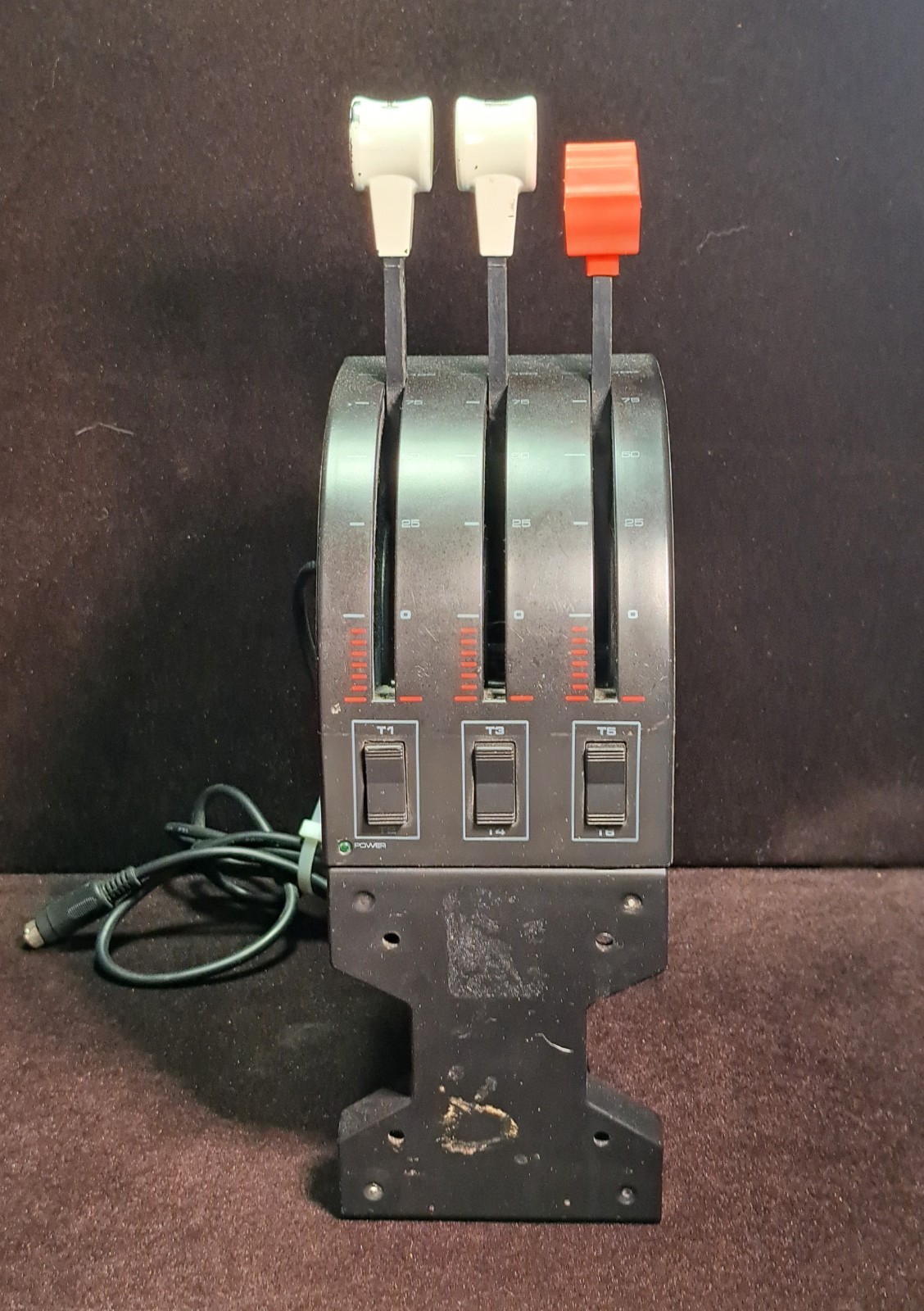 Saitek Pro Flight Yoke System Simulator Controller Throttle$35.00View on eBay
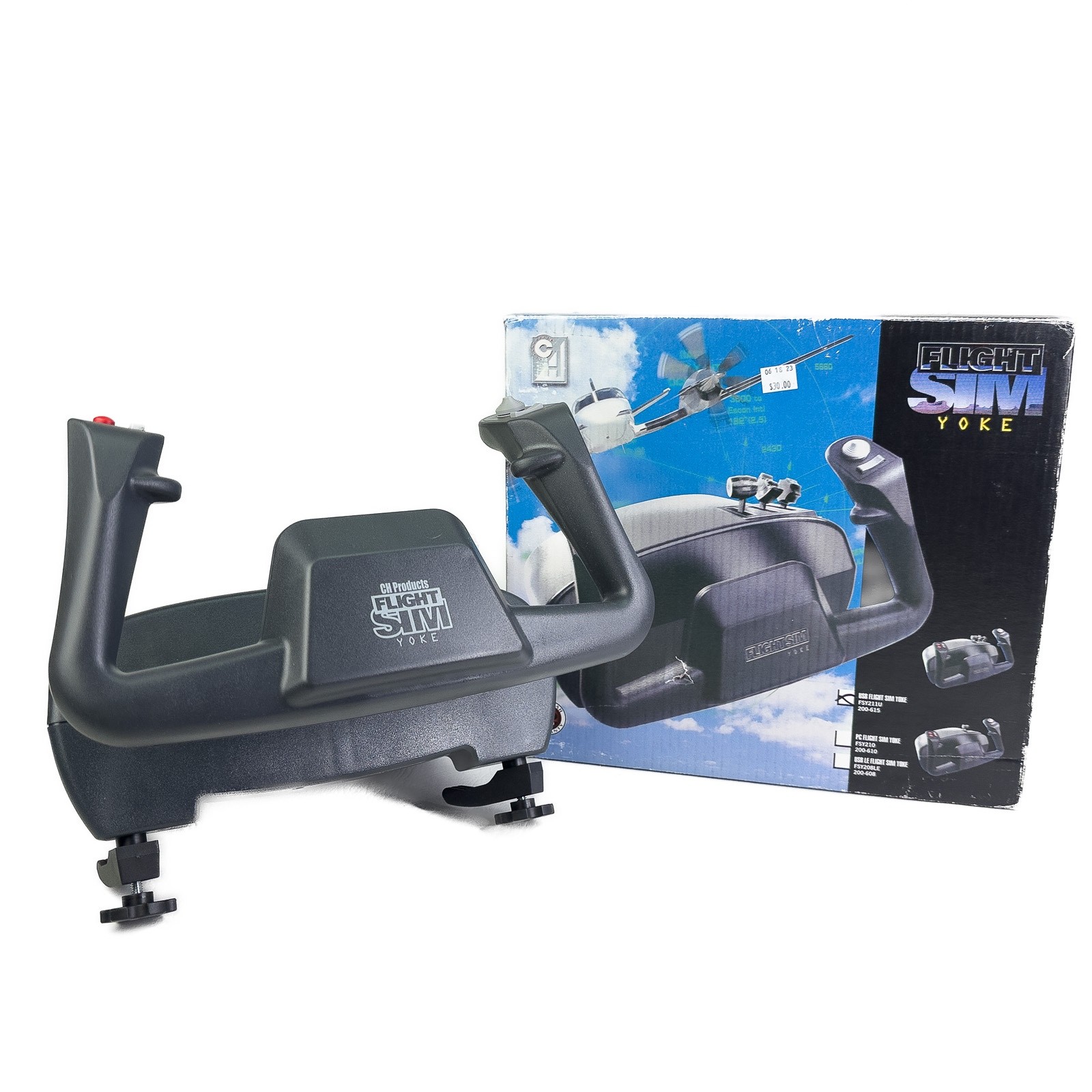 CH Products Flight Sim Yoke FSY211U USB Simulator Yoke ( No Pedals )$43.96View on eBay
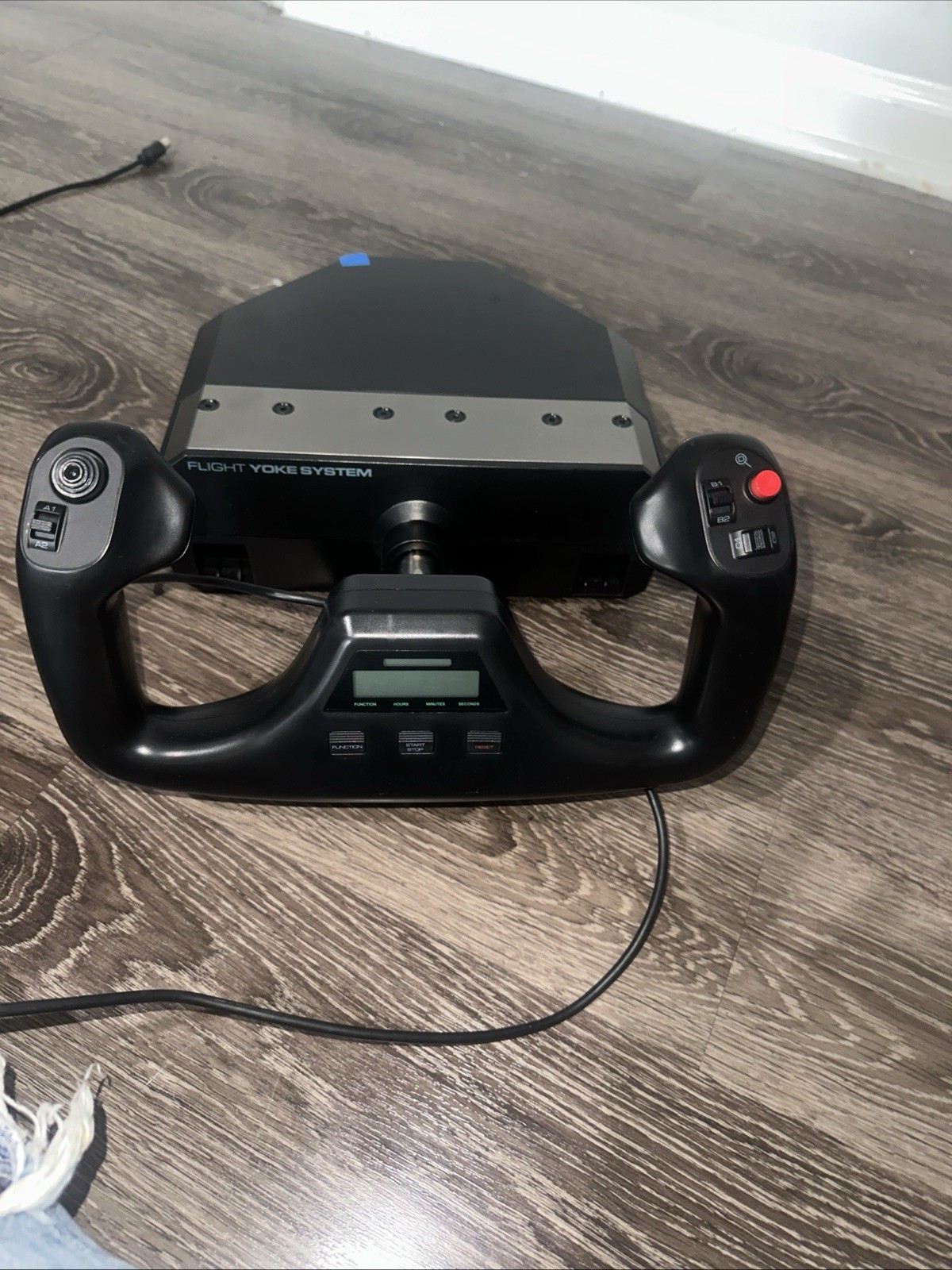 Logitech J-U0004 Flight Yoke; No Clamp$60.00View on eBay
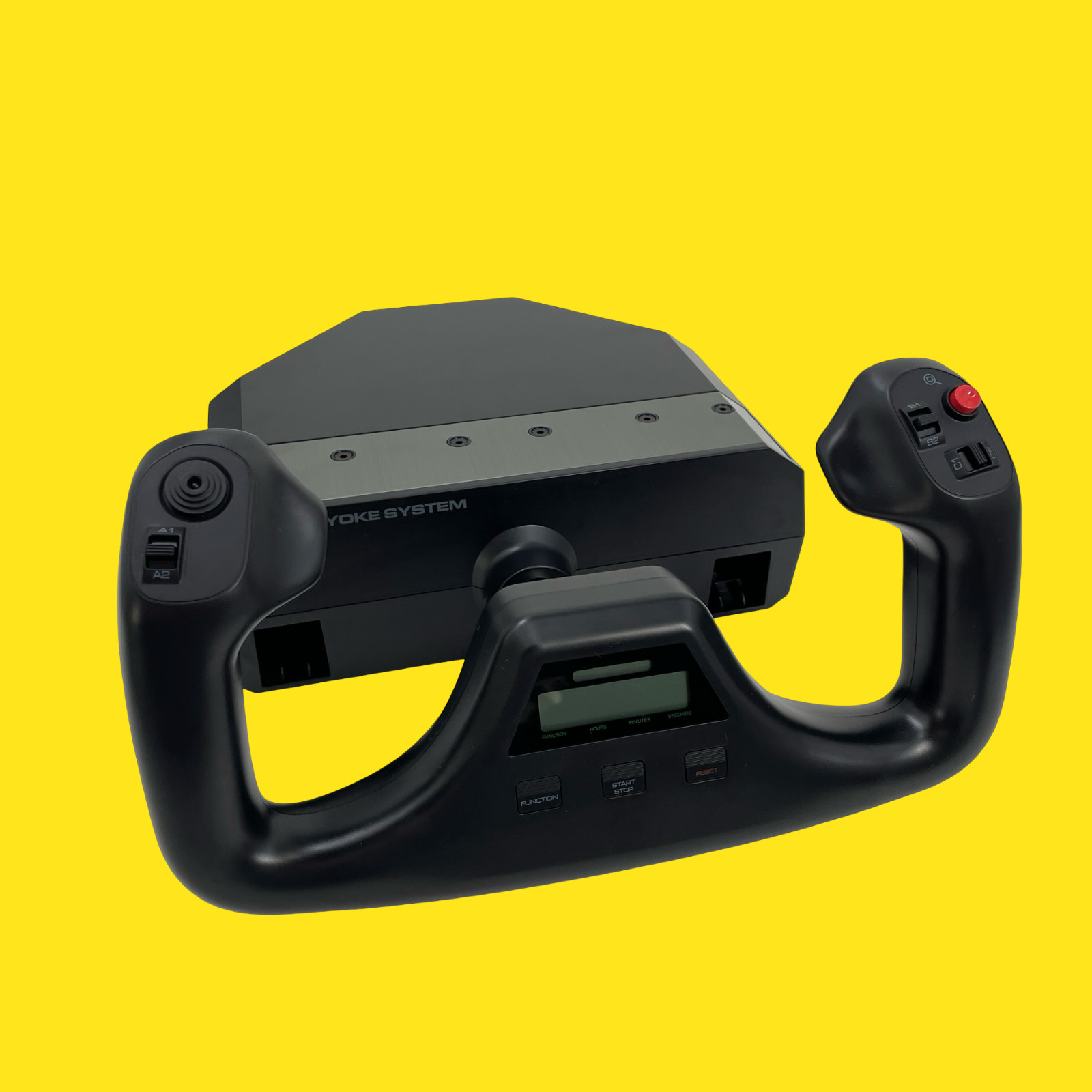 Logitech Flight Yoke System JU-0025 USB Controller Yoke Only #6939 z44/2$60.88View on eBay
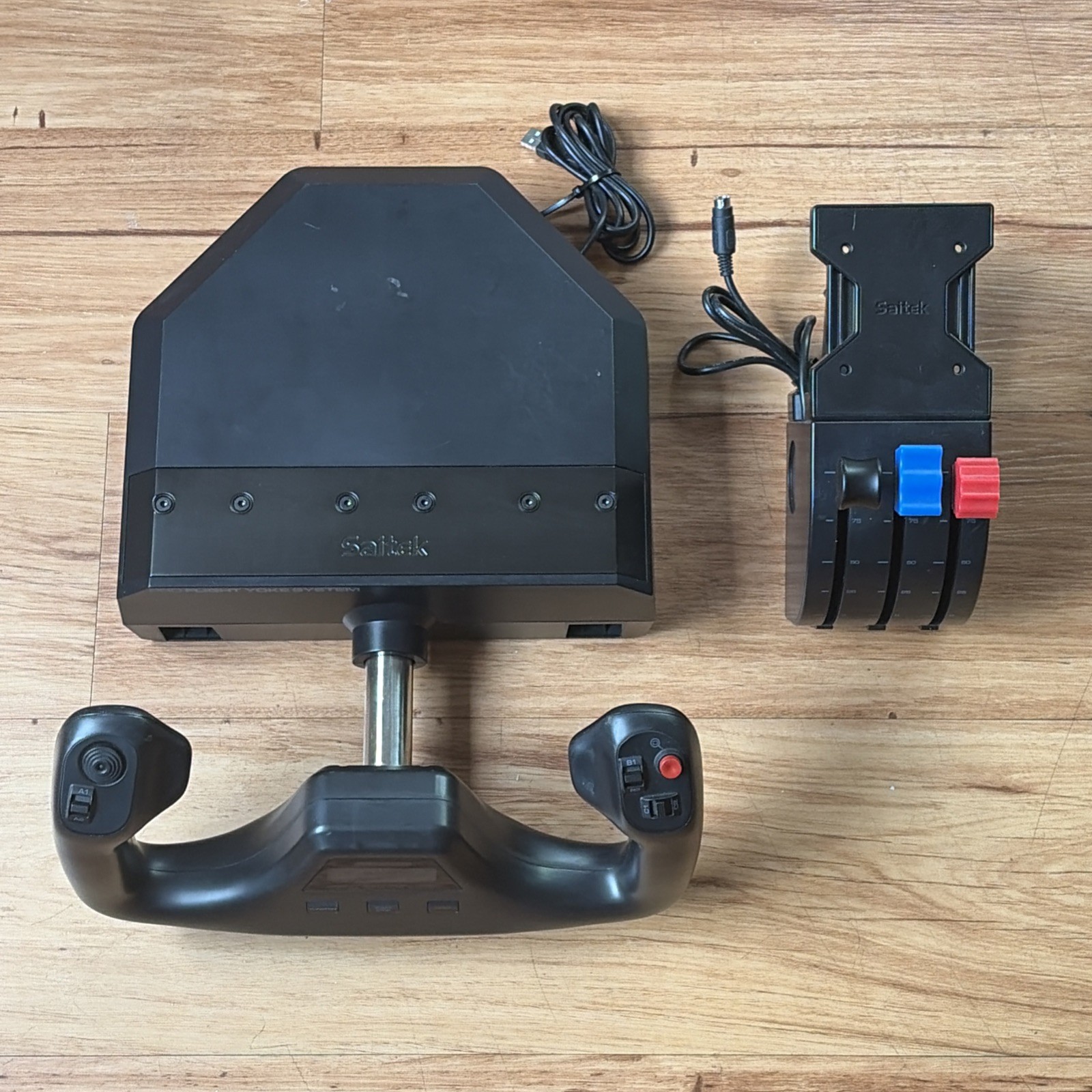 Logitech Saitek Pro Flight Yoke System Throttle Simulator (Missing Yoke Clamp)$74.95View on eBay
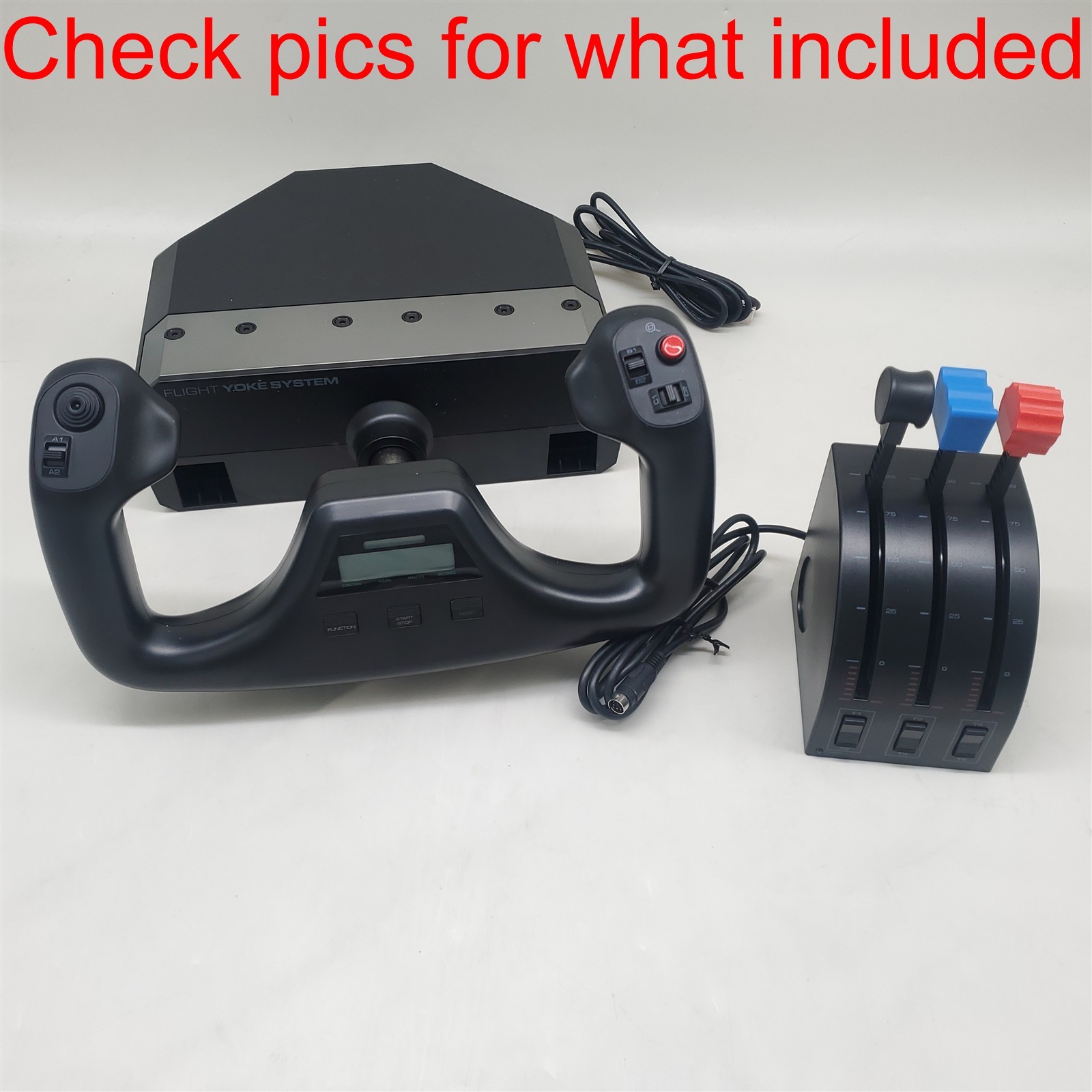 Logitech G PRO Flight Yoke System, Simulation Yoke - Black [945-000067] *READ*$76.67View on eBay
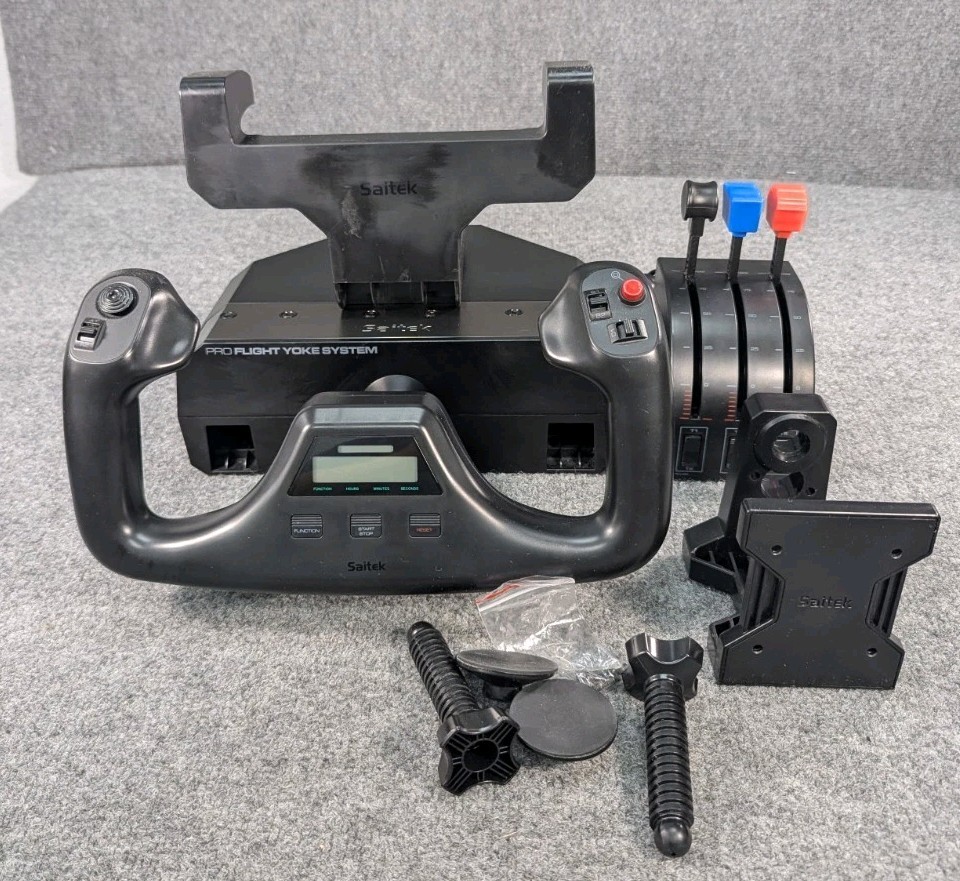 Saitek Pro Flight Yoke System w/throttle$84.99View on eBay
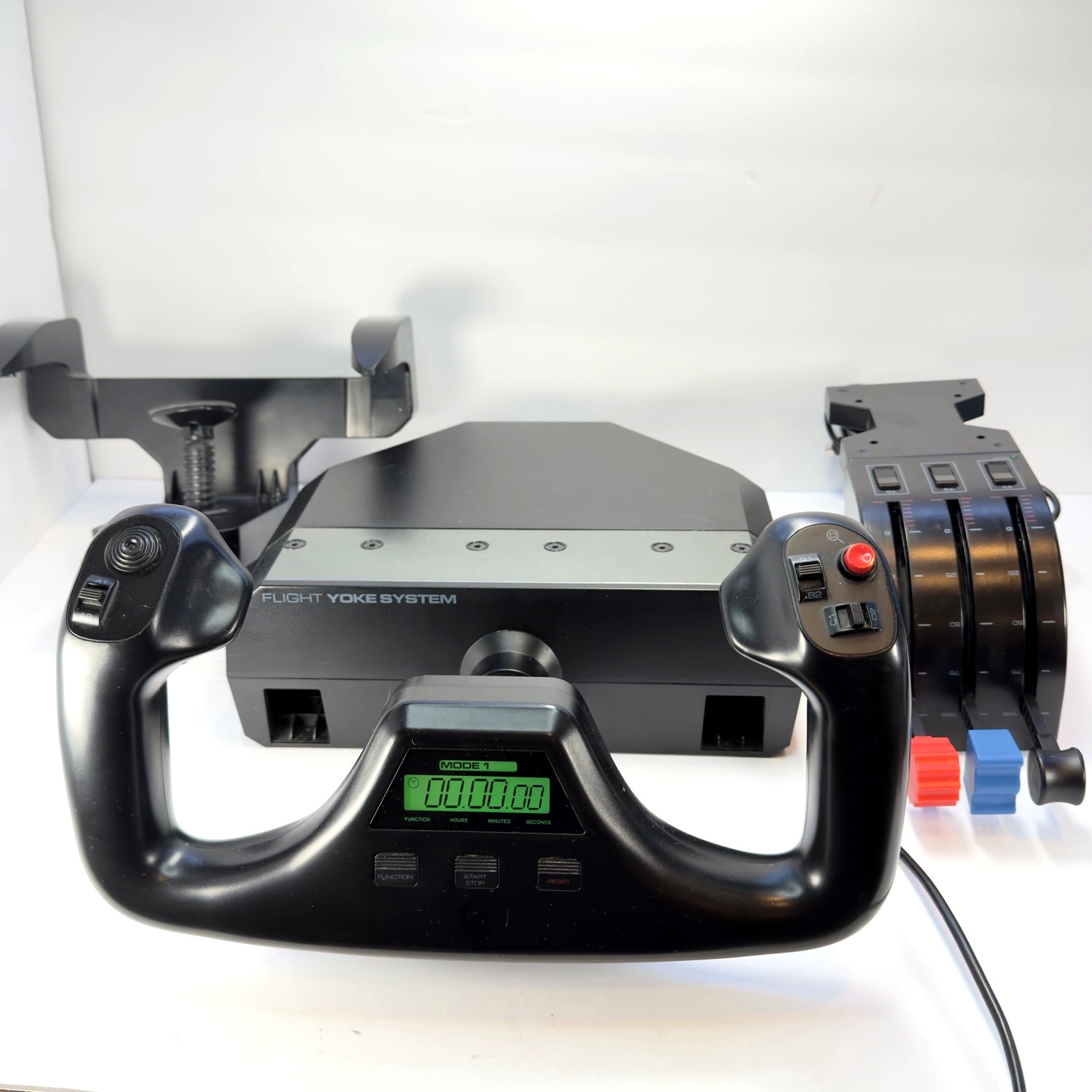 Logitech G Pro Flight Yoke System J-U0004 Throttle Quadrant PC Tested Working$109.99View on eBay
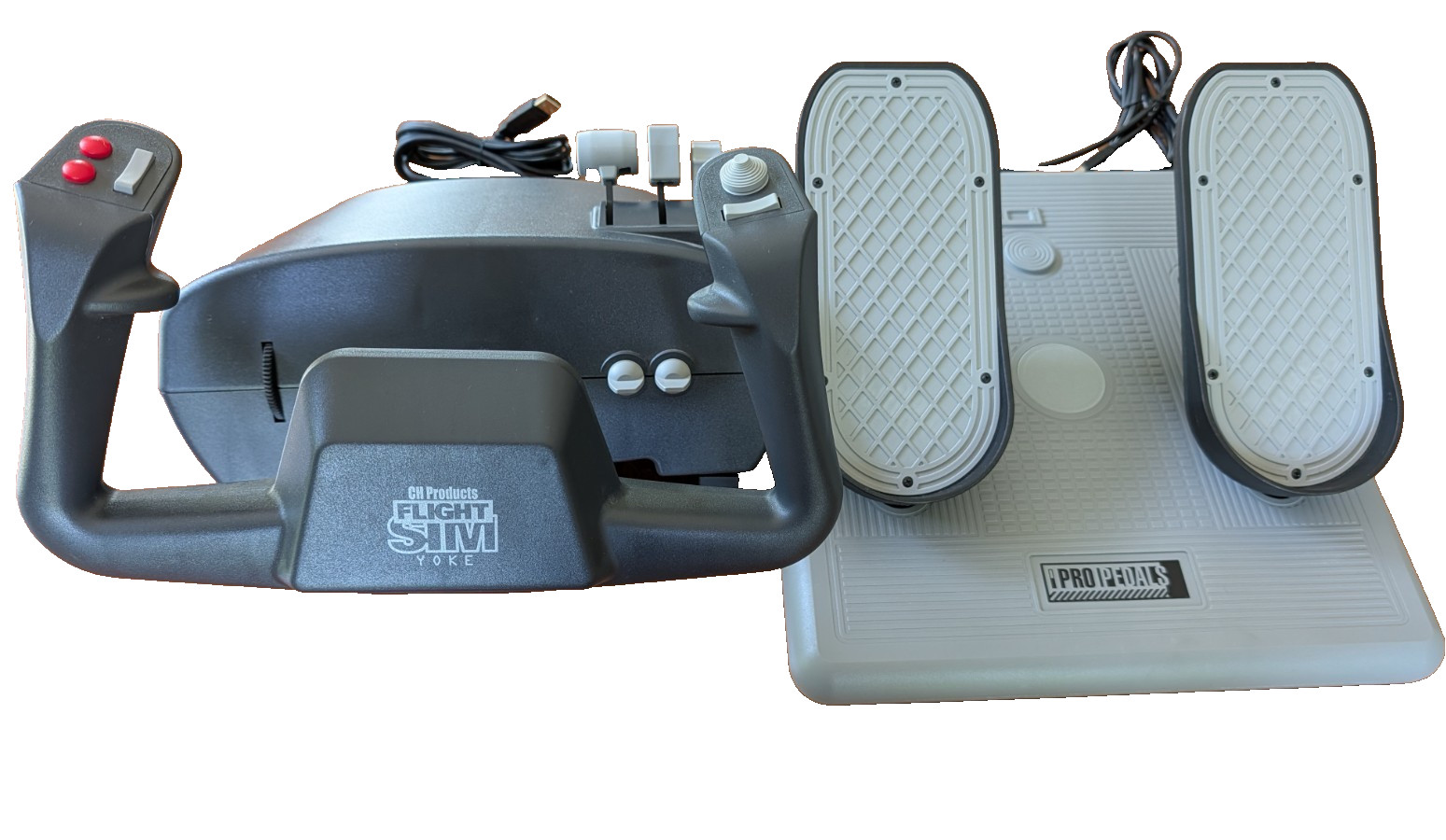 CH Products Simulator USB Flight Sim Yoke FSY211U and Pro Pedals PPU995$111.00View on eBay
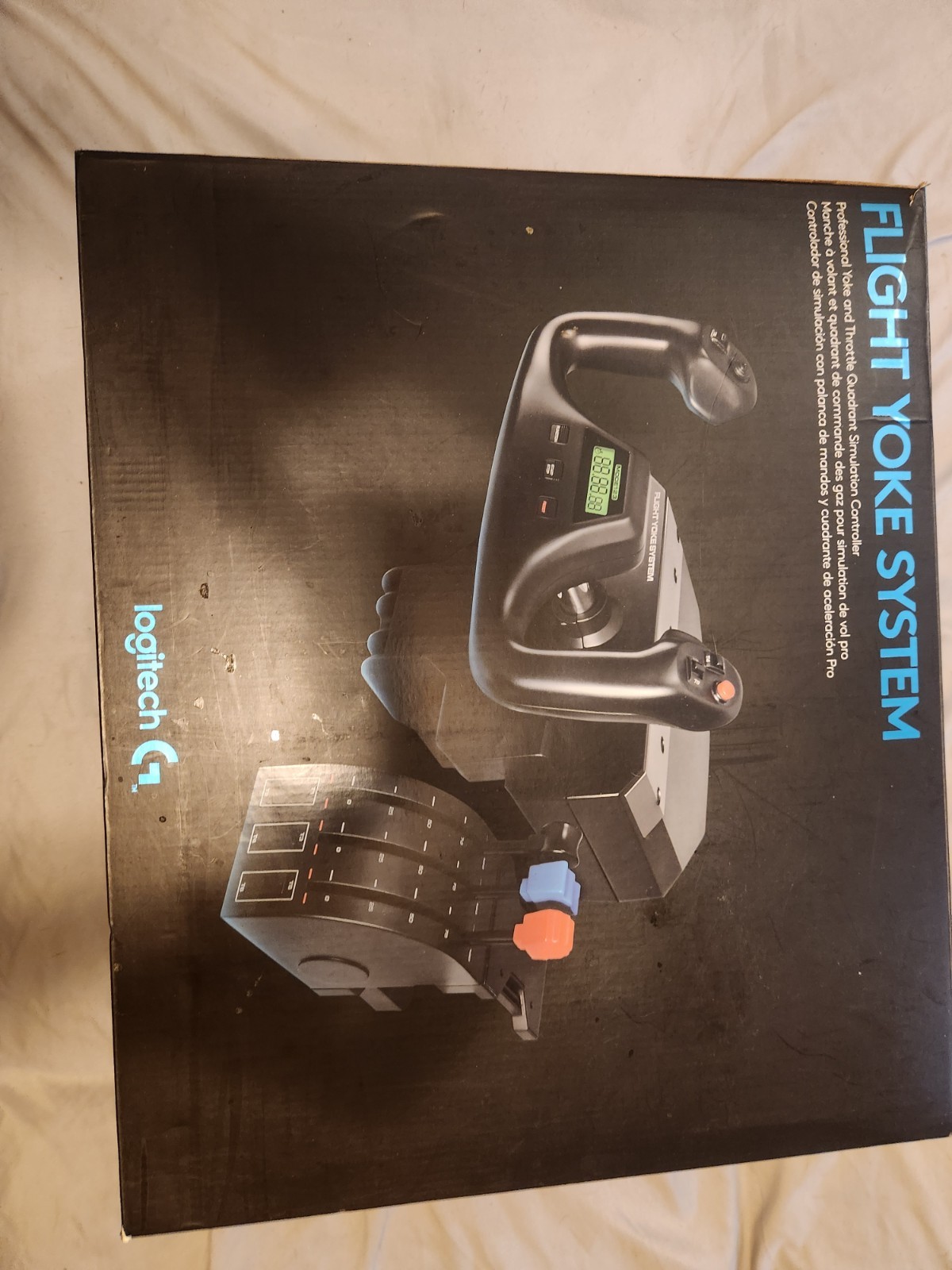 Logitech Flight Yoke System Professional Simulation Yoke and Throttle Quadrant$119.99View on eBay
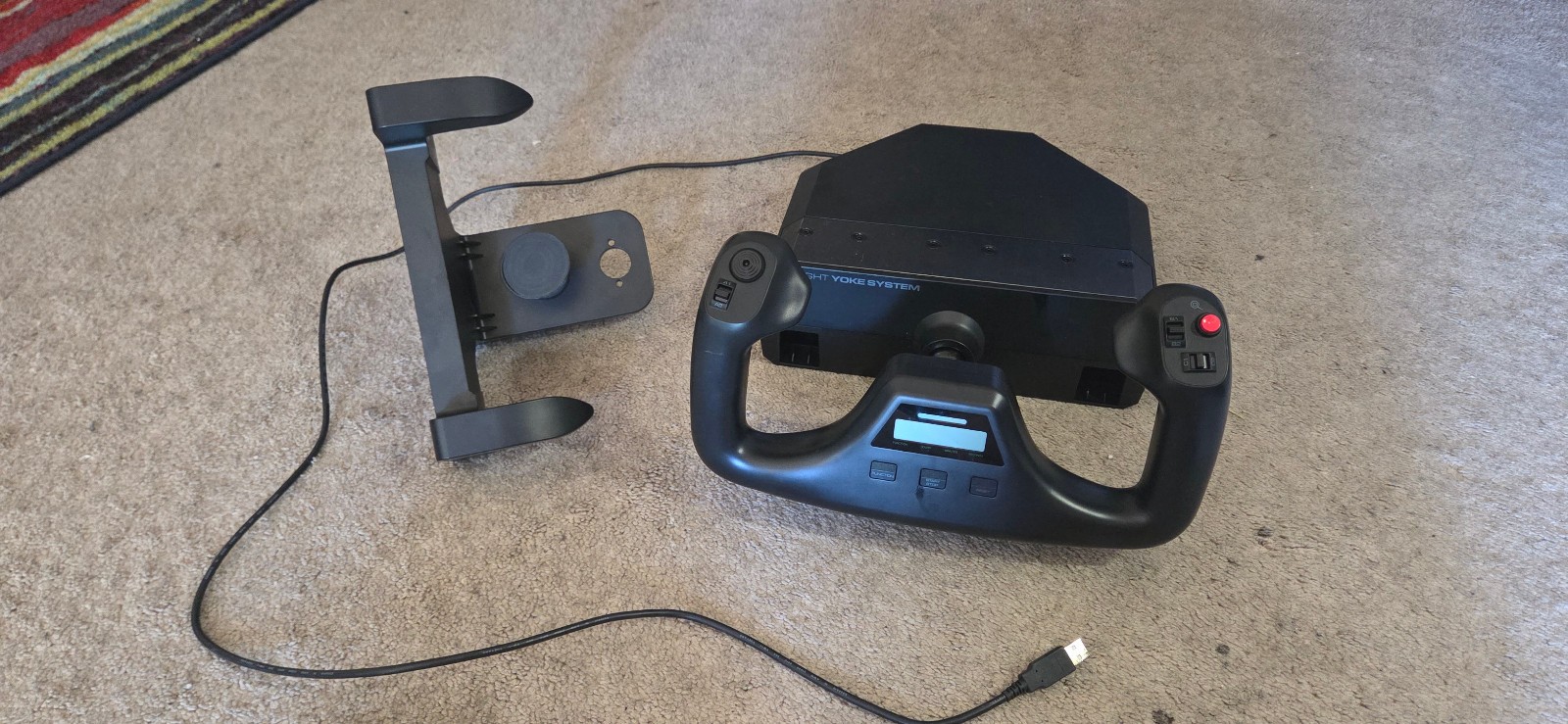 Logitech G Flight Simulator Yoke, Throttle Quadrant, Rudder Pedals, & X3D Pro$130.00View on eBay
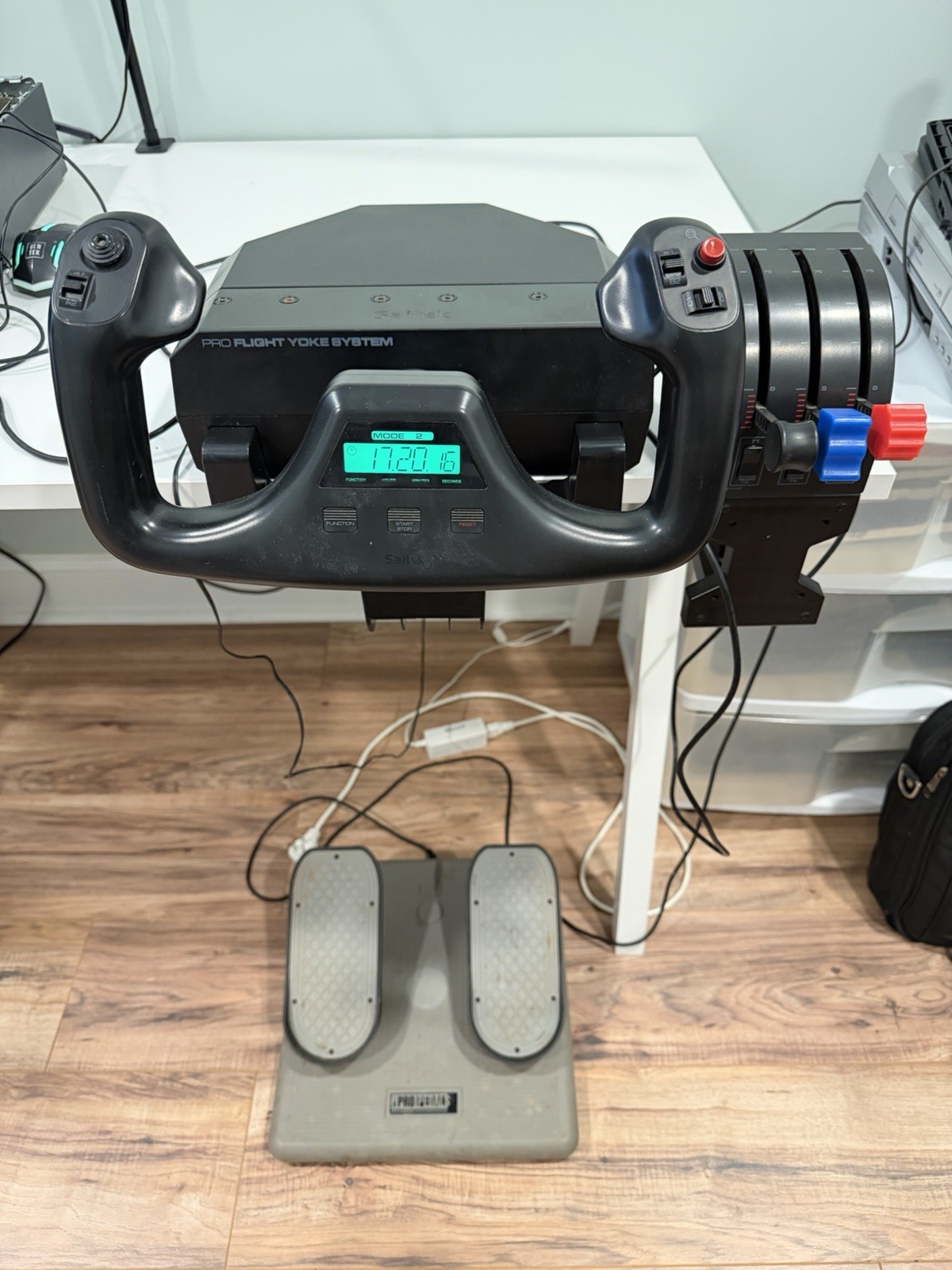 Logitech G PRO Flight Yoke System for PC - Black - VG + CH Pro Pedals$140.00View on eBay
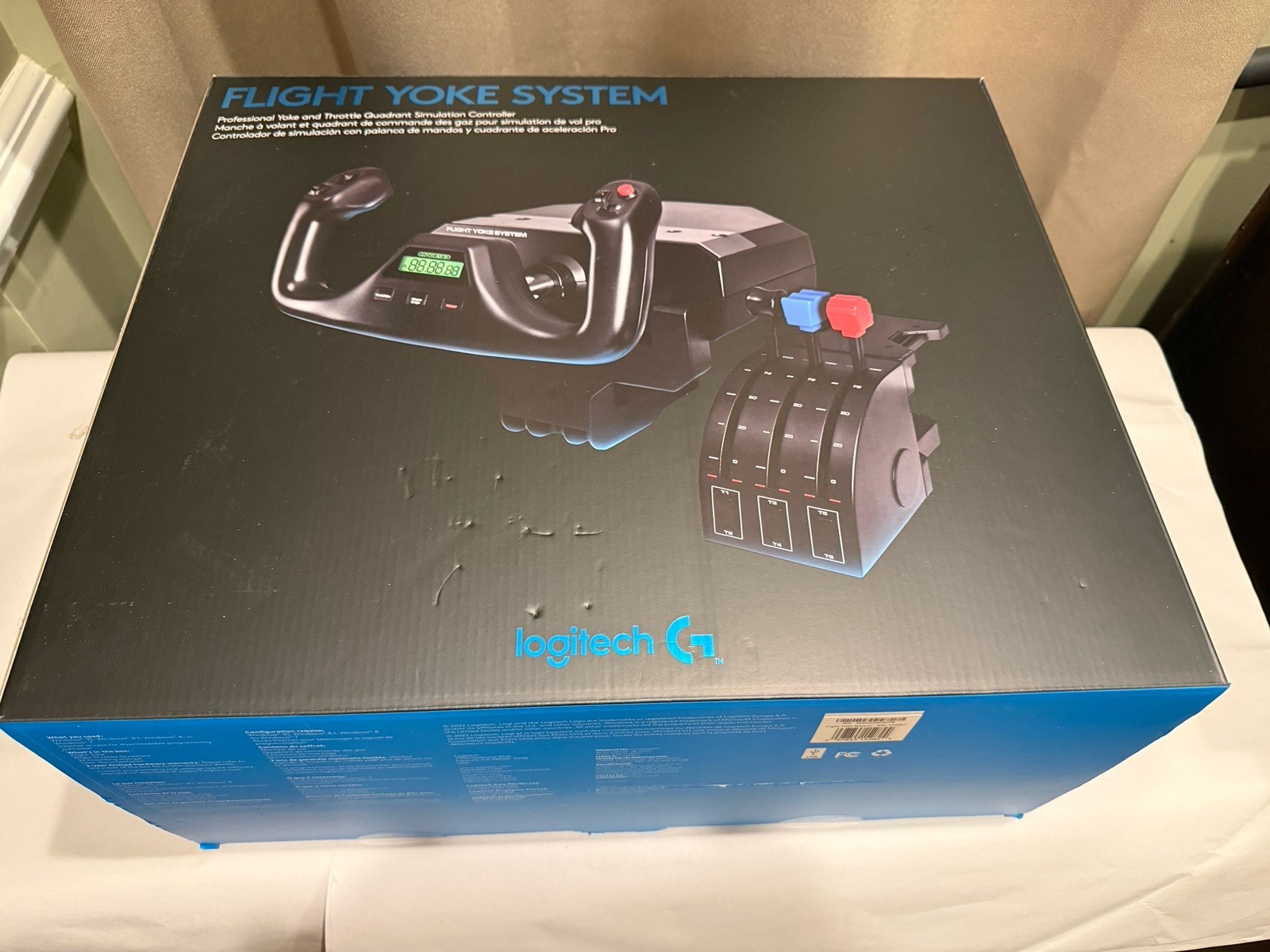 💙Logitech Saitek Pro Flight Yoke System ~JU0025 simulator Controls$199.00View on eBay
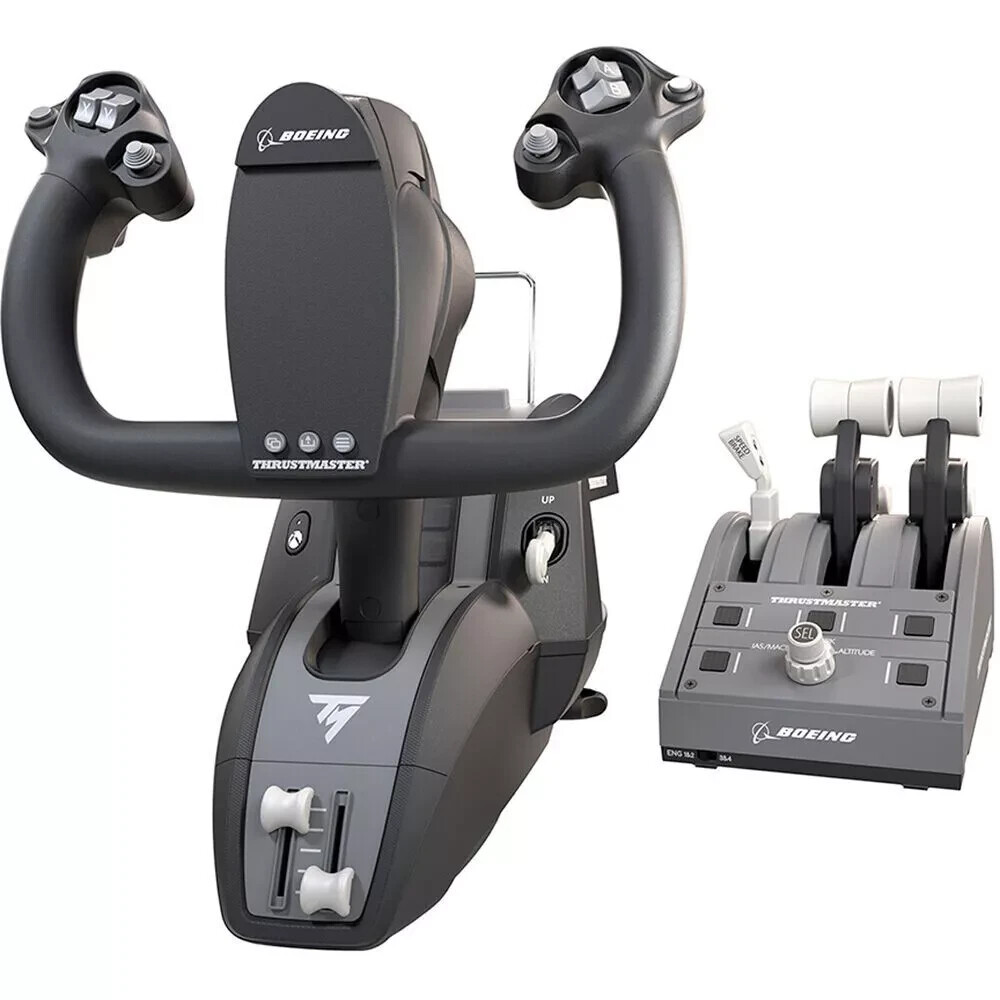 Thrustmaster TCA Yoke Pack Boeing Edition Flight Stick & Quadrant Bundle$449.99Last checked Nov 18, 2026View on eBay
Highlights
- Yoke rotation travel ranges from 90° (entry plastic) to 180° (Logitech G Pro/Saitek Pro) — more travel means finer elevator input resolution.
- Sensor type determines drift: potentiometers wear and spike over years; Hall-effect/magnetic sensors stay linear for the life of the controller.
- Throttle quadrants are 3-lever (throttle, prop, mixture) with 0–100% axis travel; some bundle a rocker for rudder, others require separate pedals.
- Clamp vs. desk-mount: bundled C-clamps fit up to ~2 in (50 mm) desk edges; bolt-through or rail mounts are needed for thicker or glass-topped desks.
Best use cases
- Best fit: PC airliner/GA simmers flying Microsoft Flight Simulator or X-Plane with a 2 in-or-thinner desk — pick a 180° yoke with bundled 3-lever quadrant and plan for separate rudder pedals.
- Wrong fit: Xbox/console-only players — no mainstream flight yoke is natively Xbox-compatible; a console-compatible HOTAS or gamepad is the correct purchase.
- Best fit: Space-constrained desks — choose a yoke with removable clamp and compact quadrant footprint; skip full cockpit-style throttle panels that need 18 in+ of depth.
- Wrong fit: Buyers expecting force feedback — no current consumer flight yoke offers FFB; force-feedback sticks are a different product category.
Buying tips
- Choose 180° rotation over 90° for airliner/GA fidelity; 90° yokes are only adequate for arcade-style flying and light aircraft.
- Prioritize Hall-effect or contactless sensors over potentiometers — potentiometers introduce dead zones and spiking after extended use.
- Confirm the bundle: yoke-only vs. yoke + 3-lever quadrant vs. yoke + quadrant + pedals — missing clamps and missing quadrants are the most common used-unit gaps.
- Match connectivity: USB-A plug-and-play works on PC and Mac sims; Xbox compatibility requires a separate adapter or a different controller class entirely.
Specs
| Yoke Rotation | 90° entry vs 180° pro travel |
|---|---|
| Sensor Type | Hall-effect vs potentiometer |
| Throttle Bundle | Yoke-only vs +3-lever quadrant |
| Mount Type | C-clamp (≤2 in) vs bolt/rail |
Related searches
What to check before buying
- Measure desk thickness and front-edge clearance: standard C-clamps grip up to ~2 in (50 mm); glass or rounded-edge desks need a mount plate.
- Confirm sim platform support: MSFS 2020/2024, X-Plane 11/12, and Prepar3D recognize USB HID yokes natively; consoles do not.
- Check included accessories in the box: yoke clamp, throttle quadrant, and USB cable — used listings frequently omit the clamp or quadrant.
- Plan rudder input: most yokes have no twist or rudder rocker, so budget for separate rudder pedals or a rocker-equipped throttle.
FAQ
Data sources: eBay / Amazon listings and product attribute feeds. Updated Nov 24, 2026.
Some links on this page are affiliate links. If you buy after clicking one, we may earn a commission at no extra cost to you. This does not change which products appear here or their order. Affiliate disclosure.