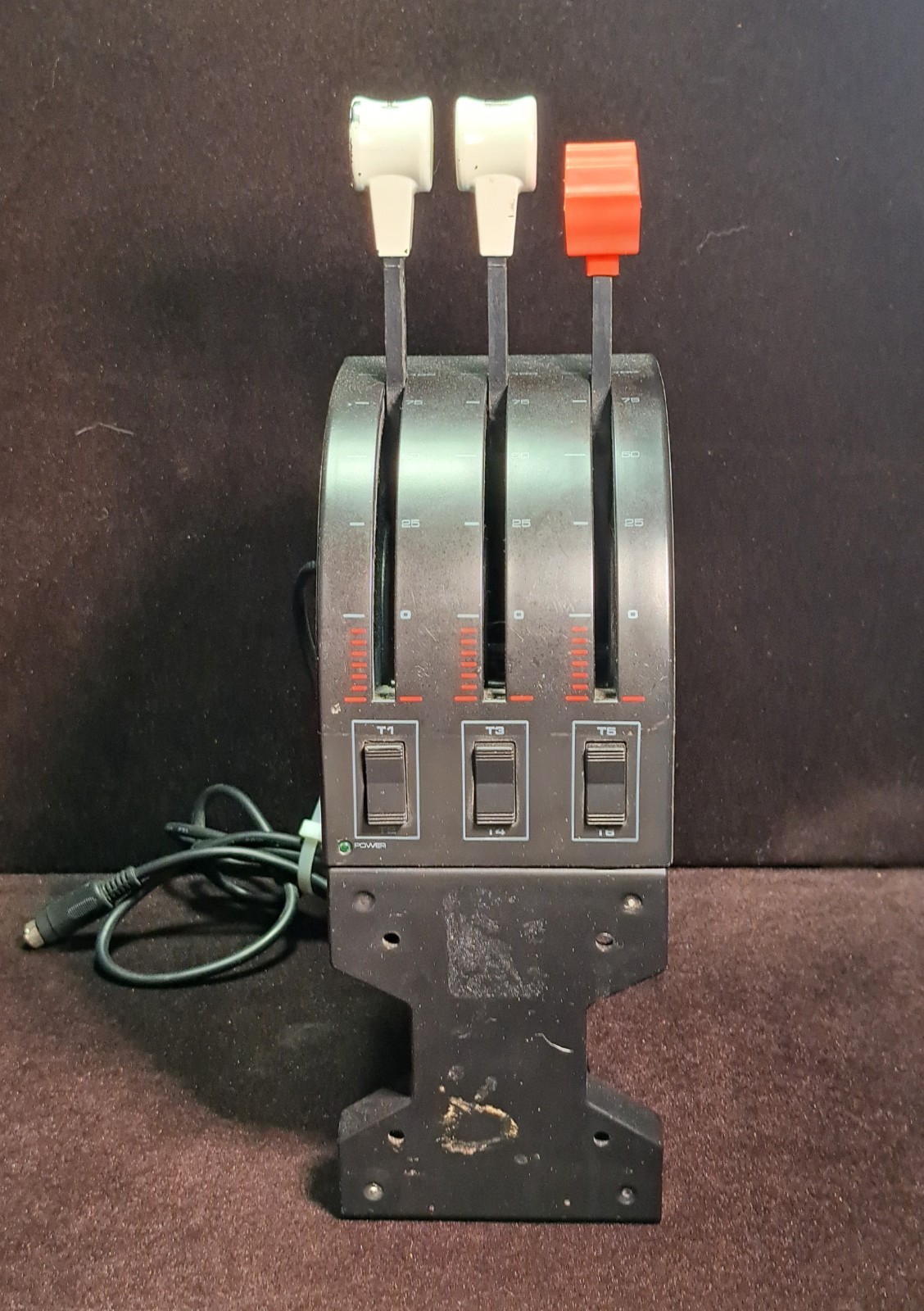

Photos from current listings. Actual item, color, and included accessories may vary.
Flight Simulator Yoke Throttle Buying Guide
A flight simulator yoke and throttle system replaces a joystick with a column-and-wheel control plus a separate lever quadrant for a more realistic fixed-wing cockpit feel. The primary trade-off is sensor resolution and axis count versus build materials and mounting rigidity: Hall-effect or contactless sensors with metal shafts last far longer than entry-level potentiometers in plastic housings. The clear rule is to buy a system with at least 5 axes, a detachable or included throttle quadrant, and a clamping or hard-mount solution, and to skip any bundle missing the yoke clamp or using only 3-axis potentiometer control.
Median $74.95
Key takeaways
- Yoke travel is typically 180° of wheel rotation and 3-4 inches of pitch travel; throttles use 2-6 levers, with 3-lever (throttle/prop/mixture) being the minimum for multi-engine and GA realism.
- Sensor type separates tiers: contactless Hall-effect or magnetic sensors (Logitech G/Saitek Pro Flight, Honeycomb) resist wear, while cheap potentiometers develop dead zones and spiking within a year of heavy use.
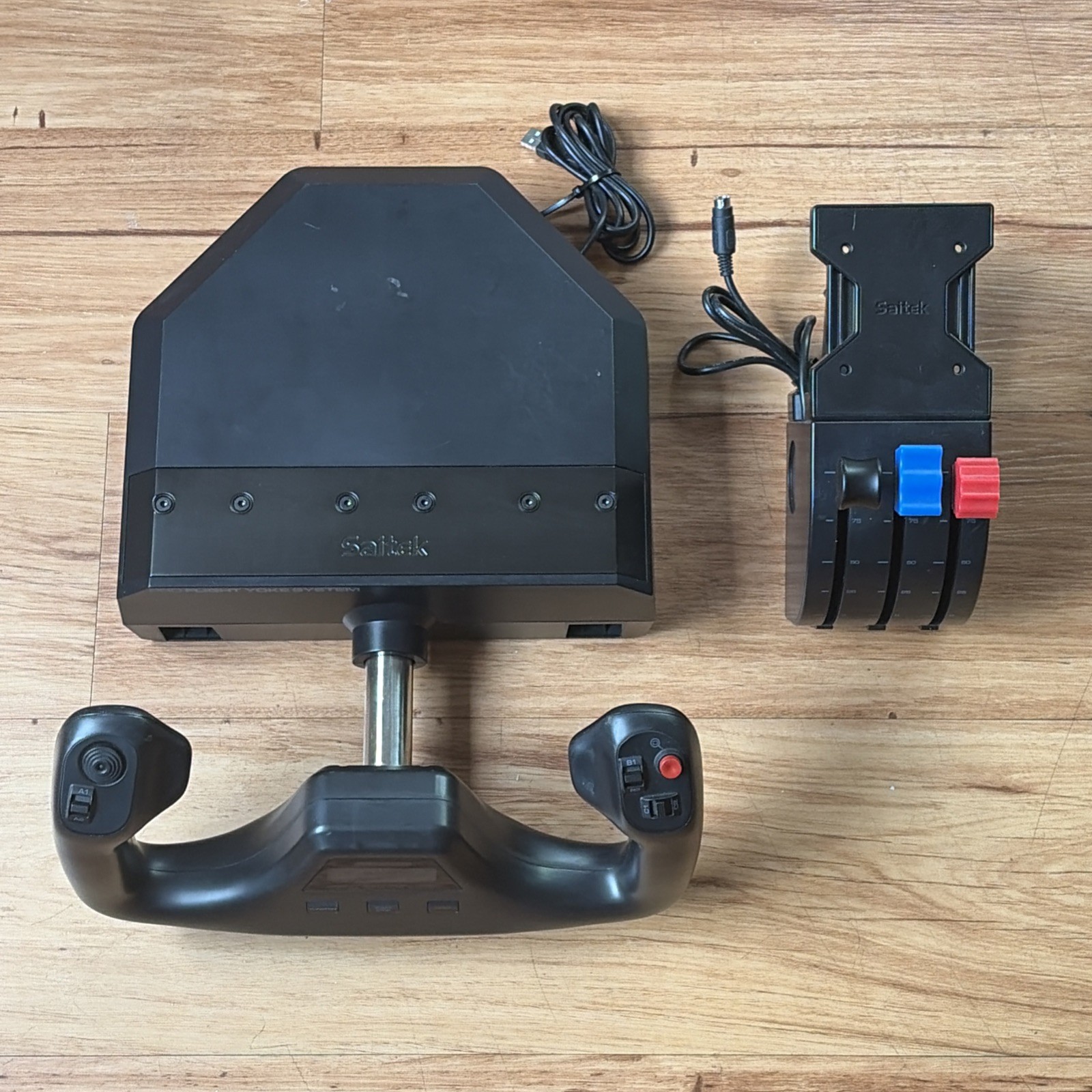
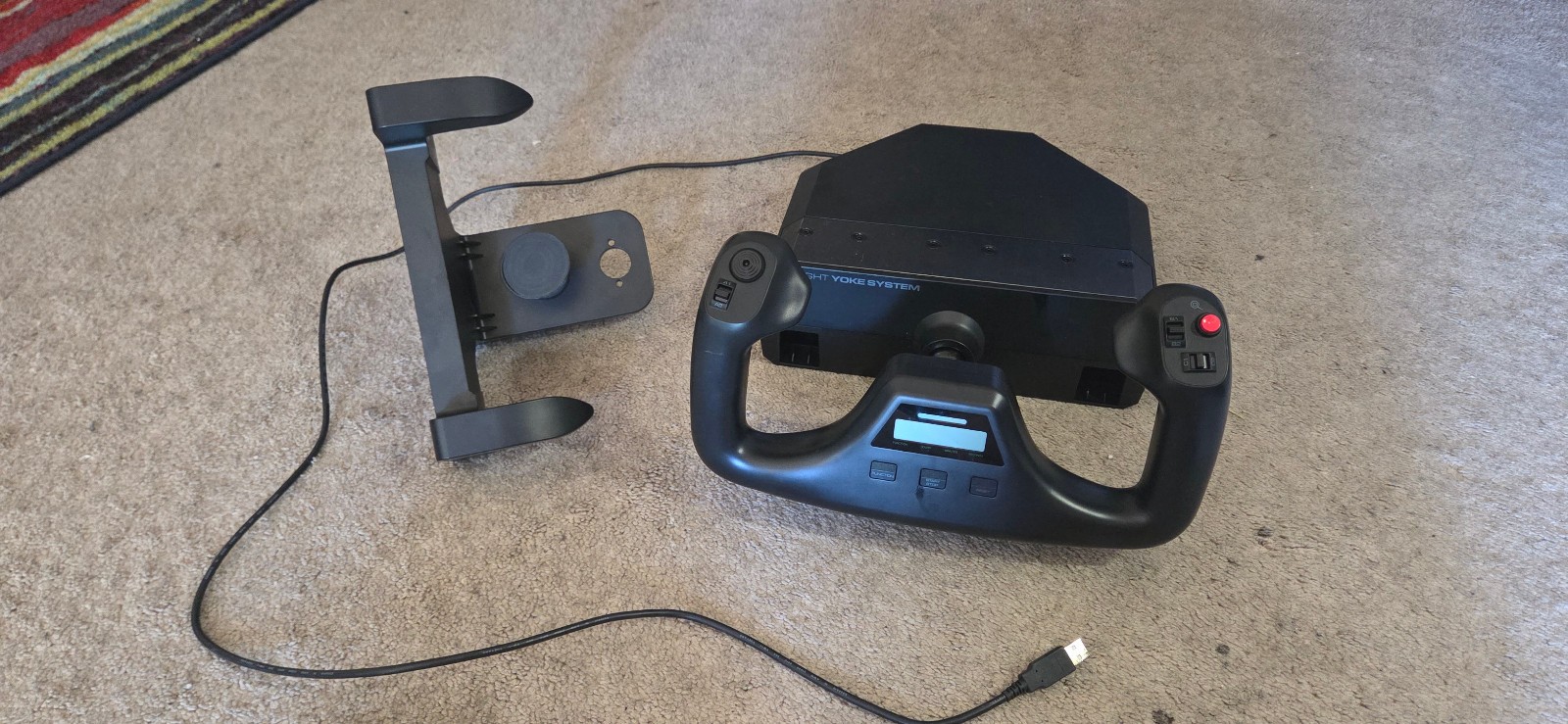
- Mounting hardware is a real differentiator: the Saitek/Logitech Pro Flight yoke uses a C-clamp and thumbscrews, so units sold without the clamp cannot be secured to a desk and are effectively parts-only.
At a glance
- Category
- Flight Sim Yokes & Throttles
- Last updated
- Nov 24, 2026
Current offers
Highlights
- Yoke travel is typically 180° of wheel rotation and 3-4 inches of pitch travel; throttles use 2-6 levers, with 3-lever (throttle/prop/mixture) being the minimum for multi-engine and GA realism.
- Sensor type separates tiers: contactless Hall-effect or magnetic sensors (Logitech G/Saitek Pro Flight, Honeycomb) resist wear, while cheap potentiometers develop dead zones and spiking within a year of heavy use.
- Mounting hardware is a real differentiator: the Saitek/Logitech Pro Flight yoke uses a C-clamp and thumbscrews, so units sold without the clamp cannot be secured to a desk and are effectively parts-only.
- Throttle quadrants are sold standalone or bundled; a 3-lever quadrant with detents and reverser zone covers jets and props, while a single-lever throttle is only adequate for basic single-engine trainers.
Best use cases
- Best fit: airliner and GA simmers on PC (MSFS, X-Plane) who need pitch/roll/yaw plus throttle, prop, and mixture — pick a 5+ axis yoke with an included 3-lever quadrant and clamp; skip 3-axis joystick-style bundles.
- Best fit: desk-based setups with a 1-2 inch overhang — choose a C-clamp yoke and a quadrant with its own clamp; skip any listing missing the yoke clamp unless you already own a compatible mount.
- Wrong fit: combat or space sims needing fast 360° pitch — a 180° yoke is slower than a joystick; pick a HOTAS instead and skip yoke systems entirely.
- Wrong fit: console-only players — most yoke/throttle systems are PC USB HID devices; skip unless the listing explicitly states Xbox/PlayStation compatibility.
Buying tips
- Count axes before buying: pitch, roll, yaw (via rudder or twist), throttle, prop, and mixture = 6 axes; a 3-axis yoke alone forces you to add pedals and a quadrant later at higher total cost.
- Check clamp range against your desk: measure desktop thickness and front overhang; C-clamps typically grip 1-2 inches, and a missing clamp turns a yoke into a non-mountable paperweight.
- Prefer contactless/Hall-effect sensors over potentiometers for any yoke used more than a few hours weekly; potentiometer spiking is the most common failure and is not user-serviceable on sealed units.
- Match throttle levers to your aircraft: 1 lever for basic jets, 2 for twin-engine, 3 for constant-speed prop aircraft with mixture; buy the quadrant tier that matches the aircraft you actually fly.
Specs
| Sensor Type | Hall-effect vs potentiometer |
|---|---|
| Yoke Axes | 3-axis (pitch/roll) + throttle |
| Wheel Rotation | 180° typical |
| Throttle Levers | 1-6 levers (3 = GA standard) |
Related searches
What to check before buying
- Desk check: measure desktop thickness (clamp grip 1-2 in) and front edge overhang; ensure the yoke body clears your monitor and keyboard tray.
- Bundle check: confirm the listing includes the yoke clamp, throttle quadrant, and USB cable — 'missing yoke clamp' listings require a separate mount purchase.
- PC check: confirm Windows 10/11 USB HID support and that the sim (MSFS, X-Plane, P3D) recognizes separate yoke and quadrant devices for independent axis mapping.
- Companion check: plan for rudder pedals (yaw axis) and, for airliners, a separate tiller or additional quadrant; a yoke alone leaves yaw unmapped on twist-less wheels.
FAQ
Data sources: eBay / Amazon listings and product attribute feeds. Updated Nov 24, 2026.
Some links on this page are affiliate links. If you buy after clicking one, we may earn a commission at no extra cost to you. This does not change which products appear here or their order. Affiliate disclosure.