
Photos from current listings. Actual item, color, and included accessories may vary.
Flight Simulator Throttle Buying Guide
A flight simulator throttle is a dedicated axis controller that manages engine power, propeller pitch, and mixture, and its primary trade-off is between smooth, long-throw lever feel with metal bearings versus short-throw plastic pots that wear out. The clear decision rule is to buy a standalone quadrant with Hall-effect or contactless sensors and enough levers for your aircraft type, and to skip bundled yoke throttles only if they lack detents, reverse range, or a tension adjustment.
Median $56.98
Key takeaways
- Lever sensor type is the durability divider: contactless Hall-effect or magnetic sensors outlast carbon-film potentiometers that develop dead zones and jitter after heavy use.
- Throw length and detents define realism: throttle quadrants with 60–100 mm of travel and physical idle/cutoff or reverse detents let you command fine power changes without looking down.
- Lever count must match your aircraft: 2-lever units suit jets and twins, while 3- and 4-lever quadrants add propeller pitch and mixture for piston singles and twins.
At a glance
- Category
- Flight Sim Yokes & Throttles
- Last updated
- Nov 24, 2026
Current offers
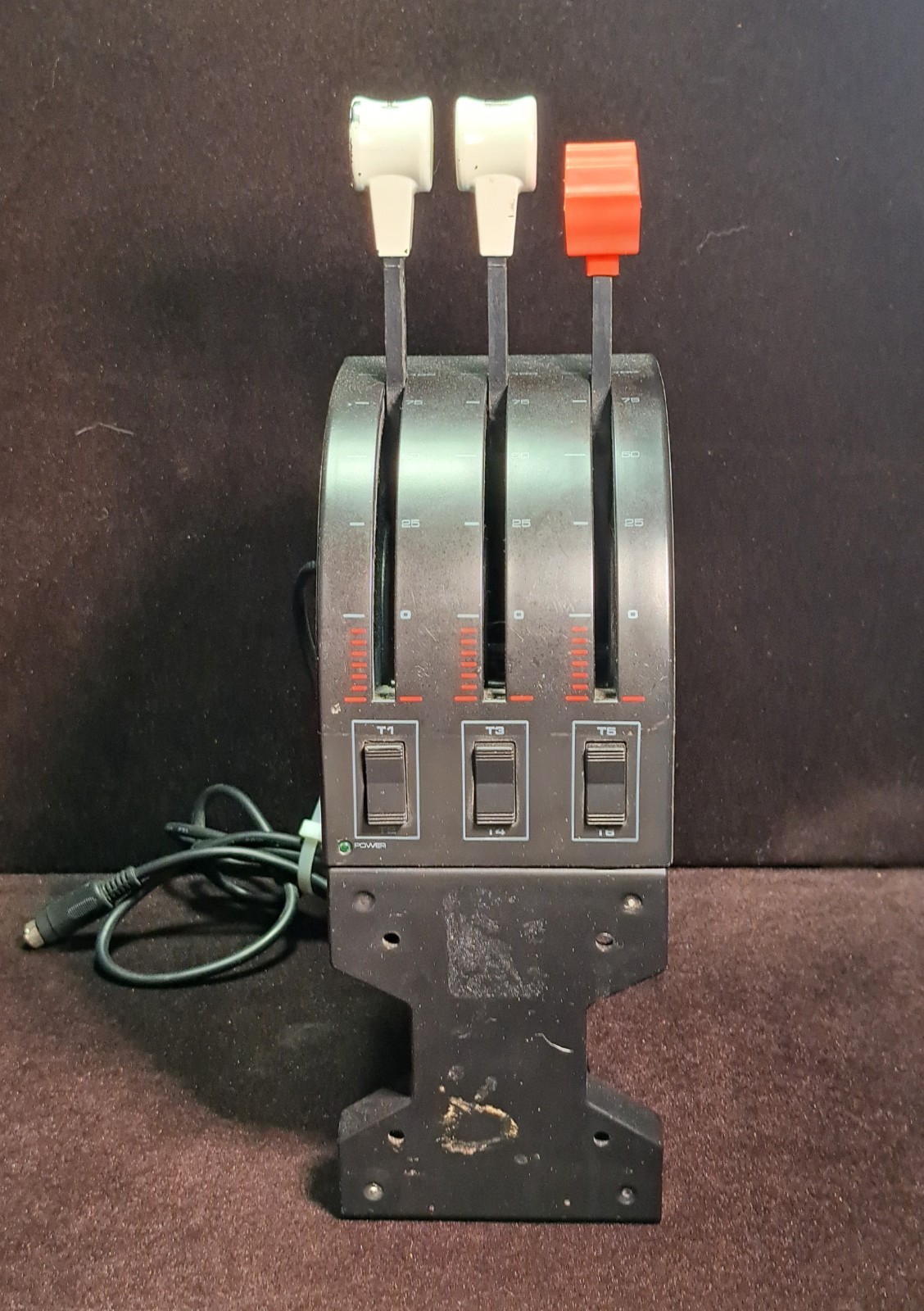 Saitek Pro Flight Yoke System Simulator Controller Throttle$35.00View on eBay
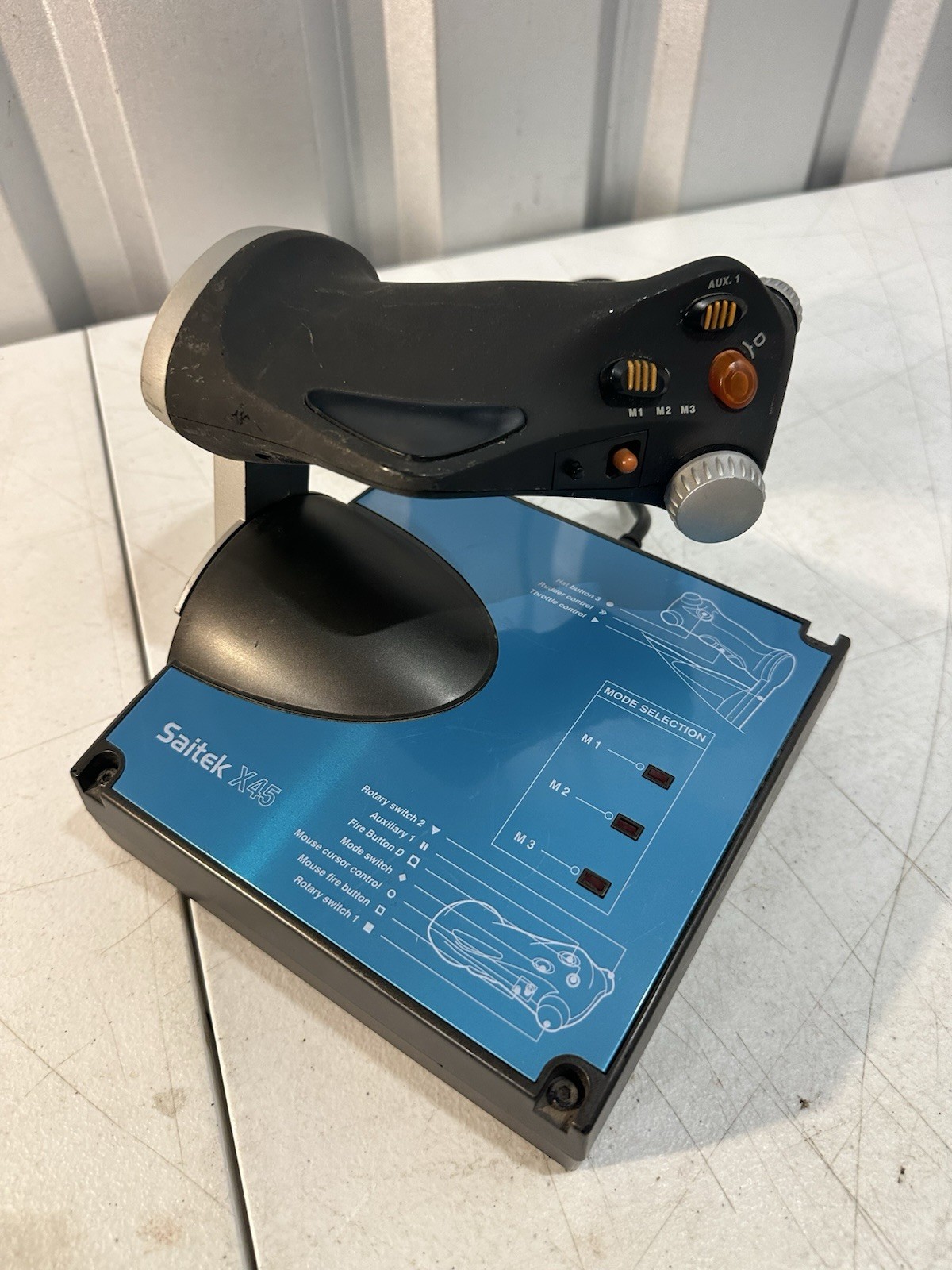 Saitek X45 Digital Throttle Controller Flight Simulator HOTAS Tested Working$39.00View on eBay
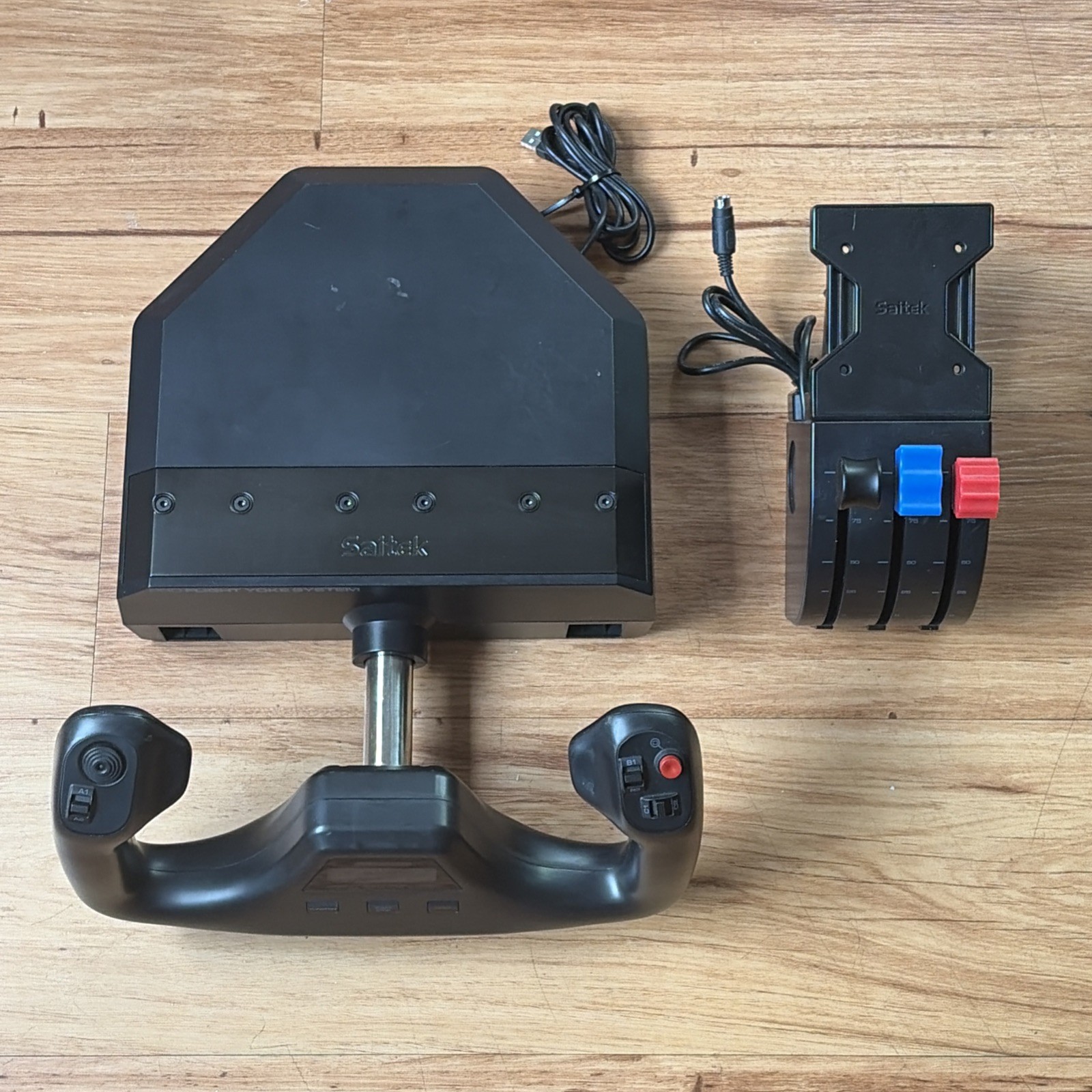 Logitech Saitek Pro Flight Yoke System Throttle Simulator (Missing Yoke Clamp)$74.95View on eBay
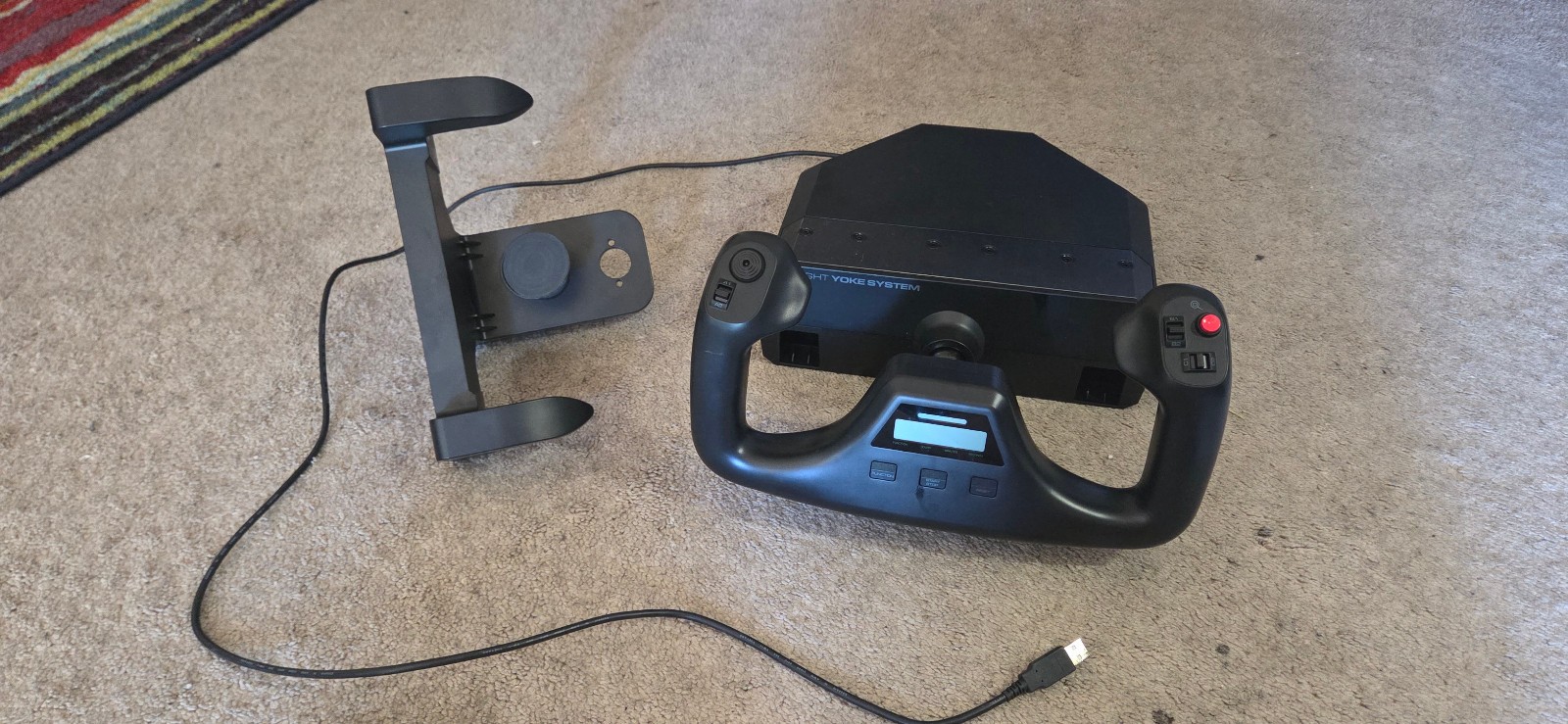 Logitech G Flight Simulator Yoke, Throttle Quadrant, Rudder Pedals, & X3D Pro$130.00View on eBay
Highlights
- Lever sensor type is the durability divider: contactless Hall-effect or magnetic sensors outlast carbon-film potentiometers that develop dead zones and jitter after heavy use.
- Throw length and detents define realism: throttle quadrants with 60–100 mm of travel and physical idle/cutoff or reverse detents let you command fine power changes without looking down.
- Lever count must match your aircraft: 2-lever units suit jets and twins, while 3- and 4-lever quadrants add propeller pitch and mixture for piston singles and twins.
- Mounting and tension matter more than brand: metal bearing pivots, adjustable friction, and a clamp or bolt-down base prevent creeping throttle settings during long approaches.
Best use cases
- Buy a standalone 3- or 4-lever quadrant with Hall-effect sensors if you fly piston singles or twins in MSFS or X-Plane and need pitch and mixture axes; skip 1-lever HOTAS throttles.
- Choose a 2-lever throttle with idle and afterburner or reverse detents if you primarily fly jets and airliners; skip 3-lever quadrants if you never touch mixture.
- Pick a HOTAS-style throttle plus stick if you fly combat sims like DCS and need hat switches and rotary dials; skip yoke-bundled quadrants that lack programmable buttons.
- Avoid vintage Saitek X45 or early Pro Flight bundles unless you accept potentiometer wear and gameport-era or early USB drivers; buy current Logitech G-series or equivalent contactless units for modern sims.
Buying tips
- Match lever count to engine count: 1 lever per engine plus one for prop pitch and one for mixture means a 4-lever quadrant for a twin piston, 2 levers for a jet.
- Check sensor spec first: contactless Hall-effect or magnetic sensors are the durability standard; carbon potentiometers are consumables that need cleaning or replacement.
- Verify detent hardware: physical idle cutoff, reverse, and afterburner detents must be selectable or swappable plates, not software-only mappings that drift.
- Confirm desk or rig mounting: measure your surface thickness against the clamp range and check bolt-hole spacing if you use an aluminum profile rig.
Specs
| Sensor Type | Hall-effect vs potentiometer |
|---|---|
| Lever Count | 1-2 jet / 3-4 piston |
| Detents | Idle cutoff, reverse, afterburner |
| Mounting | Desk clamp or bolt-down base |
Related searches
What to check before buying
- Measure desk or rig surface thickness and edge depth to ensure the throttle clamp opens wide enough and clears your monitor stand.
- Confirm USB connection type and cable length reach your PC or powered hub without strain, and that the unit draws power over USB only.
- Check simulator compatibility for axis assignment: MSFS, X-Plane, and DCS all support DirectInput axes, but button counts and detent mapping differ.
- Plan companion controls: a throttle pairs with a yoke or stick and often rudder pedals, so reserve USB ports and desk space for the full set.
FAQ
Data sources: eBay / Amazon listings and product attribute feeds. Updated Nov 24, 2026.
Some links on this page are affiliate links. If you buy after clicking one, we may earn a commission at no extra cost to you. This does not change which products appear here or their order. Affiliate disclosure.