
Photos from current listings. Actual item, color, and included accessories may vary.
Flight Sim Throttle Buying Guide
A flight sim throttle is a dedicated lever assembly that replaces keyboard/mouse input for engine power, propeller pitch, mixture, and auxiliary axes in PC flight simulation. The core trade-off is between a simple 1-axis sliding or rotating throttle and a multi-lever quadrant with hall-effect or potentiometer sensors, swappable detents, and button/encoder density. Buy a multi-lever quadrant with contactless sensors if you fly multi-engine or complex aircraft; a single-lever throttle with a twist or rocker axis is sufficient for casual single-engine flying and saves desk space.
Median $168.50
Key takeaways
- Sensor type matters more than lever count: hall-effect/contactless sensors (Moza MTQ/MTP, F16 TQS) resist wear and drift; cheap potentiometers (Logitech G Saitek quadrant) develop noise and dead spots over years.
- Lever architecture: 3-lever TPM/PPM quadrants (throttle, prop, mixture) map 1:1 to piston aircraft; 2- or 3-lever generic quadrants can be reassigned for twin-engine throttle/prop/mixture or flaps/trim.
- Detent and friction systems: quality quadrants offer adjustable lever friction and physical indents for idle/max or afterburner; entry units rely on stiff grease or spring tension only.
At a glance
- Category
- Flight Sim Yokes & Throttles
- Last updated
- Nov 24, 2026
Current offers
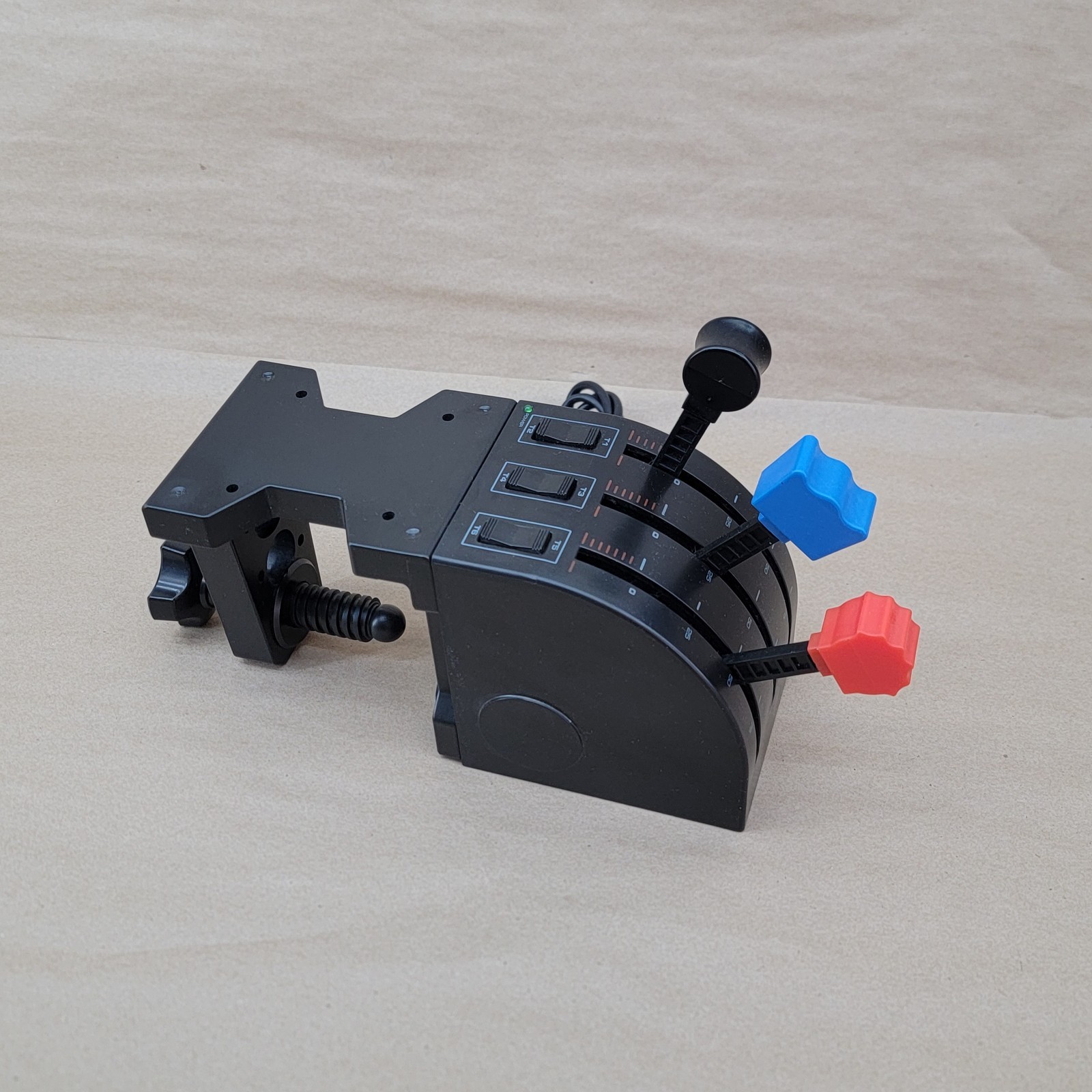 Logitech USB G Saitek PRO Flight Throttle Quadrant 3-Lever Flight Sim Black READ$29.99View on eBay
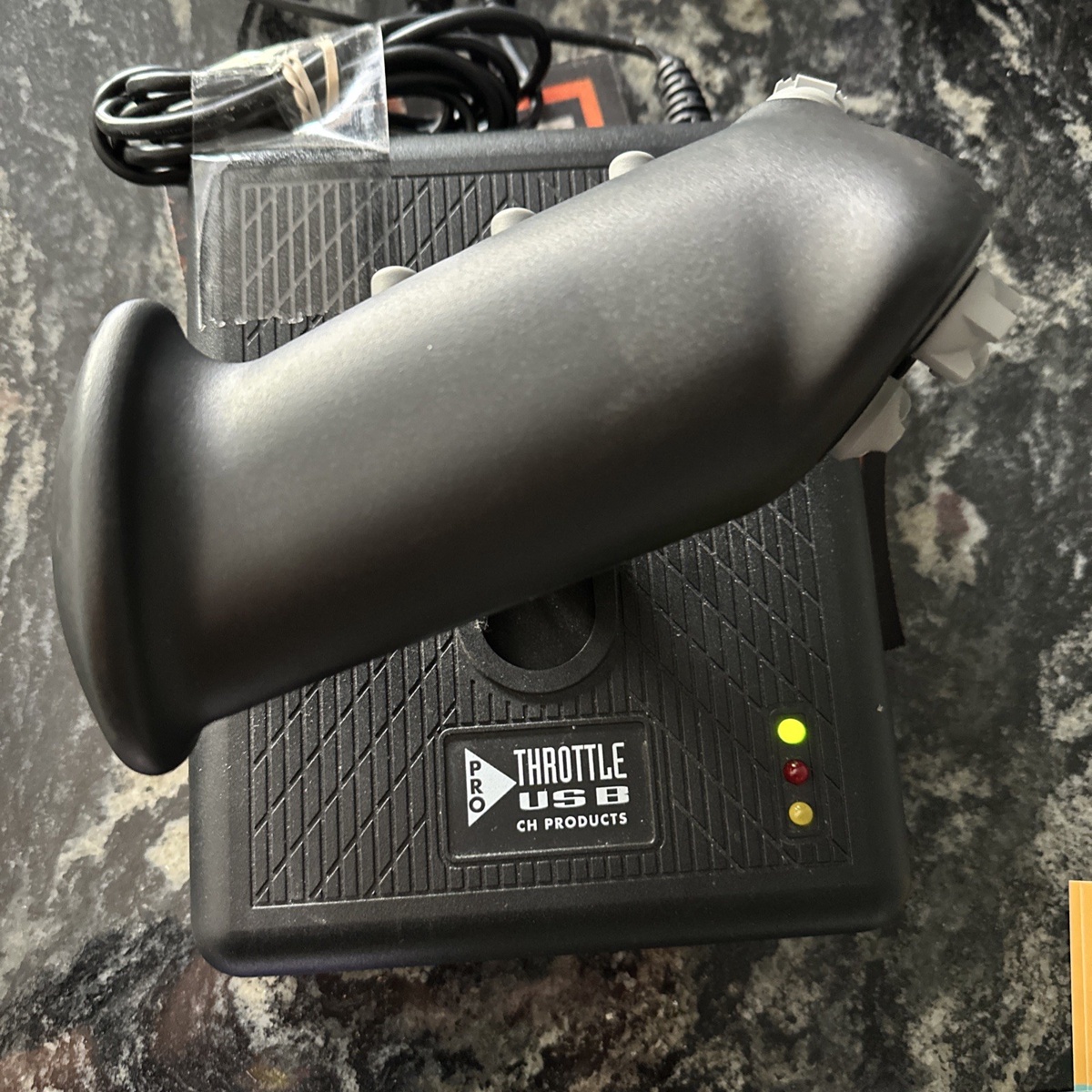 CH Products Pro Throttle USB Flight Sim Controller PTU996 Black PC Gaming a9$32.00View on eBay
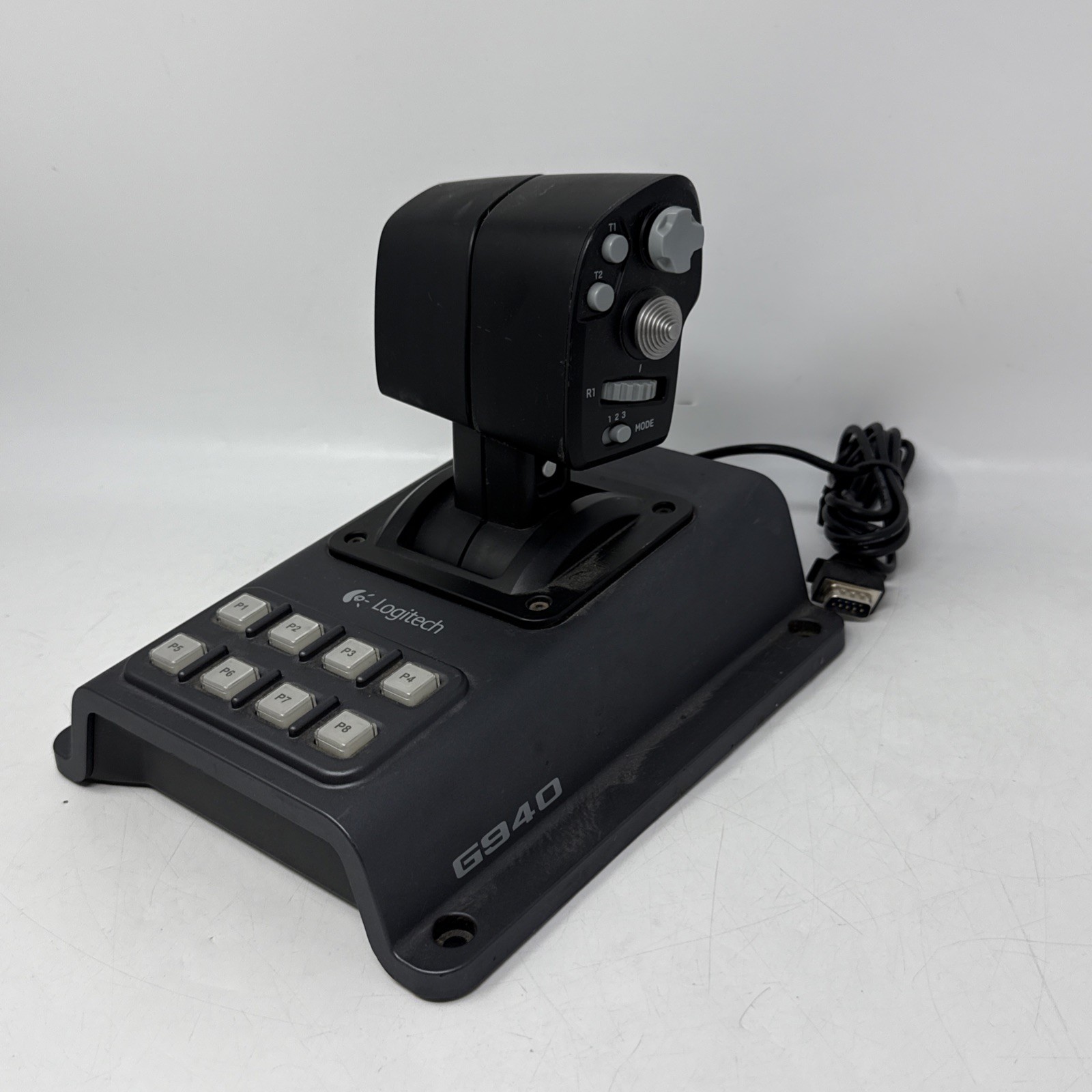 Logitech G940 Force Feedback Flight SIM Hotas - Wired Throttle Only J-U0001$49.99View on eBay
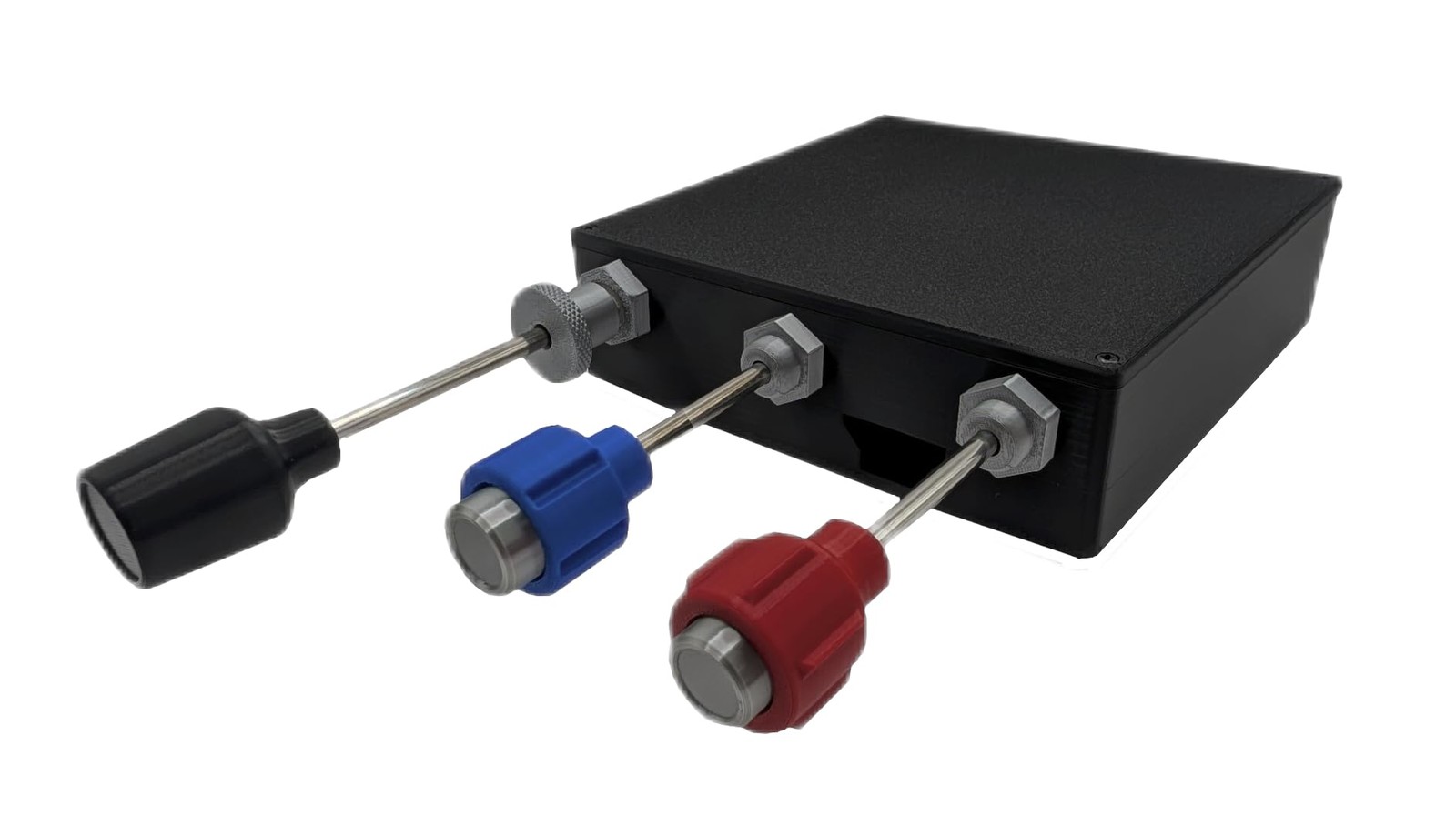 Flight Sim Stuff - Vernier Controls - Throttle, Propeller, and Mixture TPM$137.00View on eBay
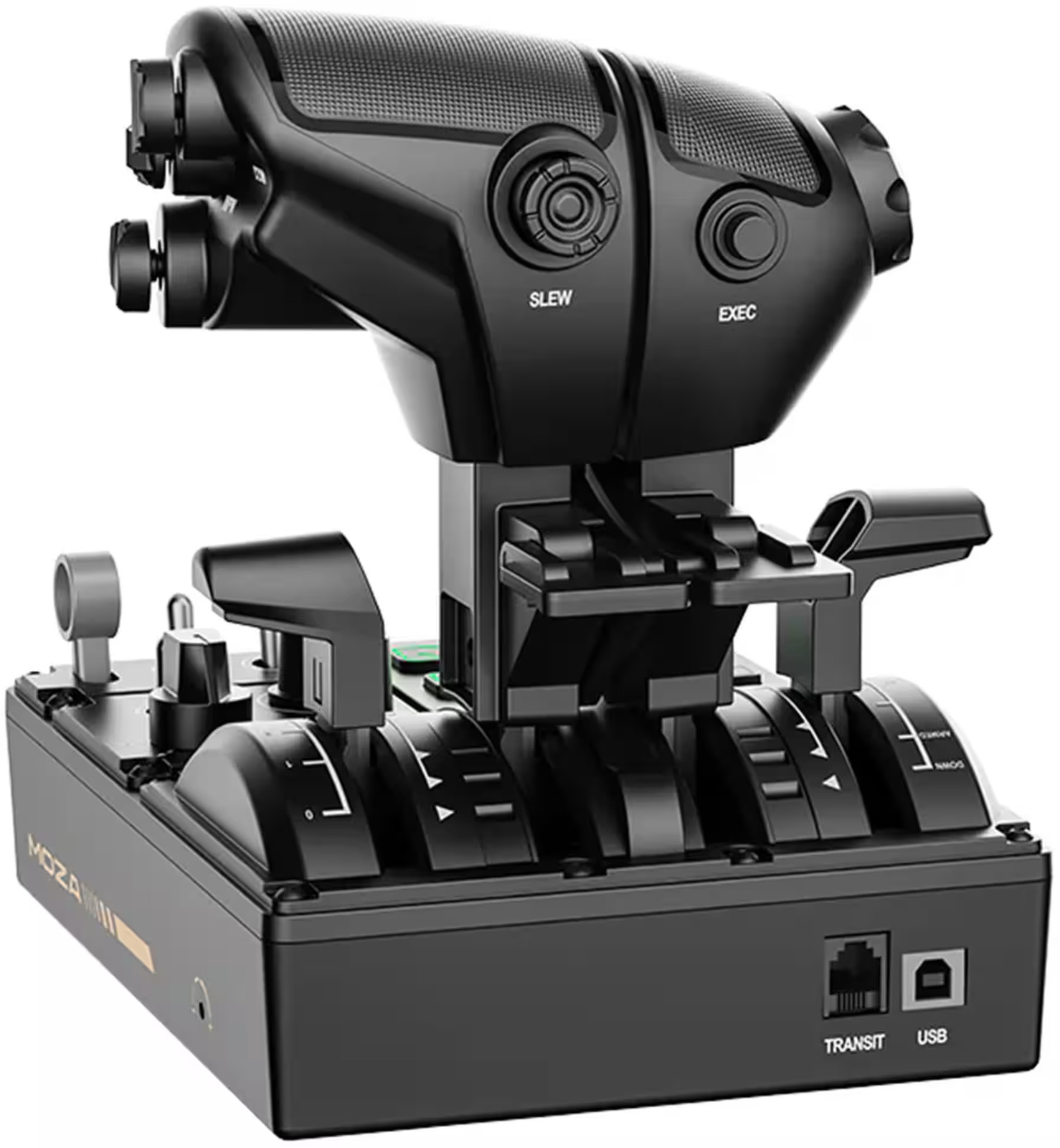 Moza Racing - MTQ Flight Sim Throttle Panel for Windows$199.99View on eBay
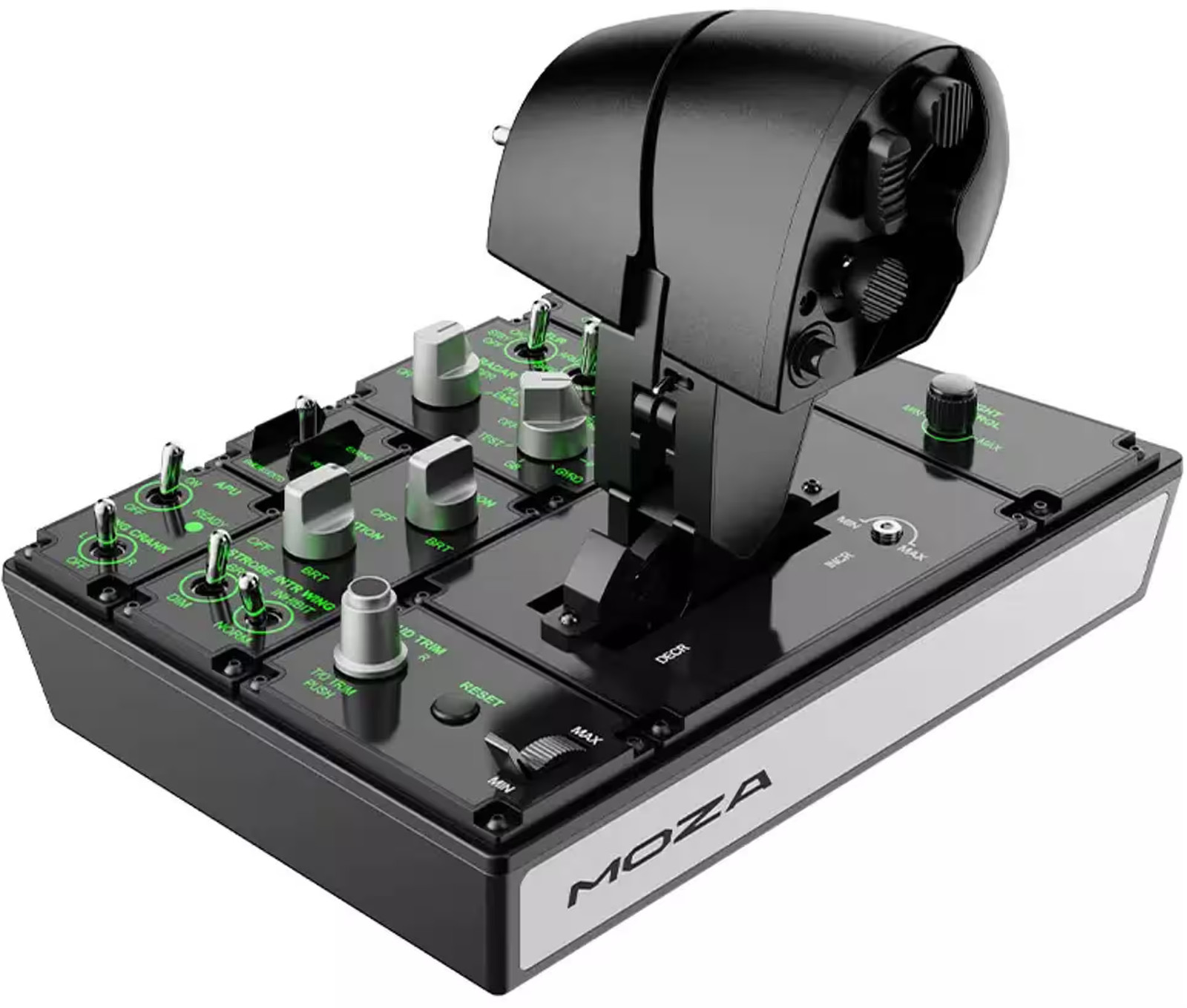 Moza Racing - MTP Flight Sim Stick Throttle for Windows$299.99Last checked Nov 18, 2026View on eBay
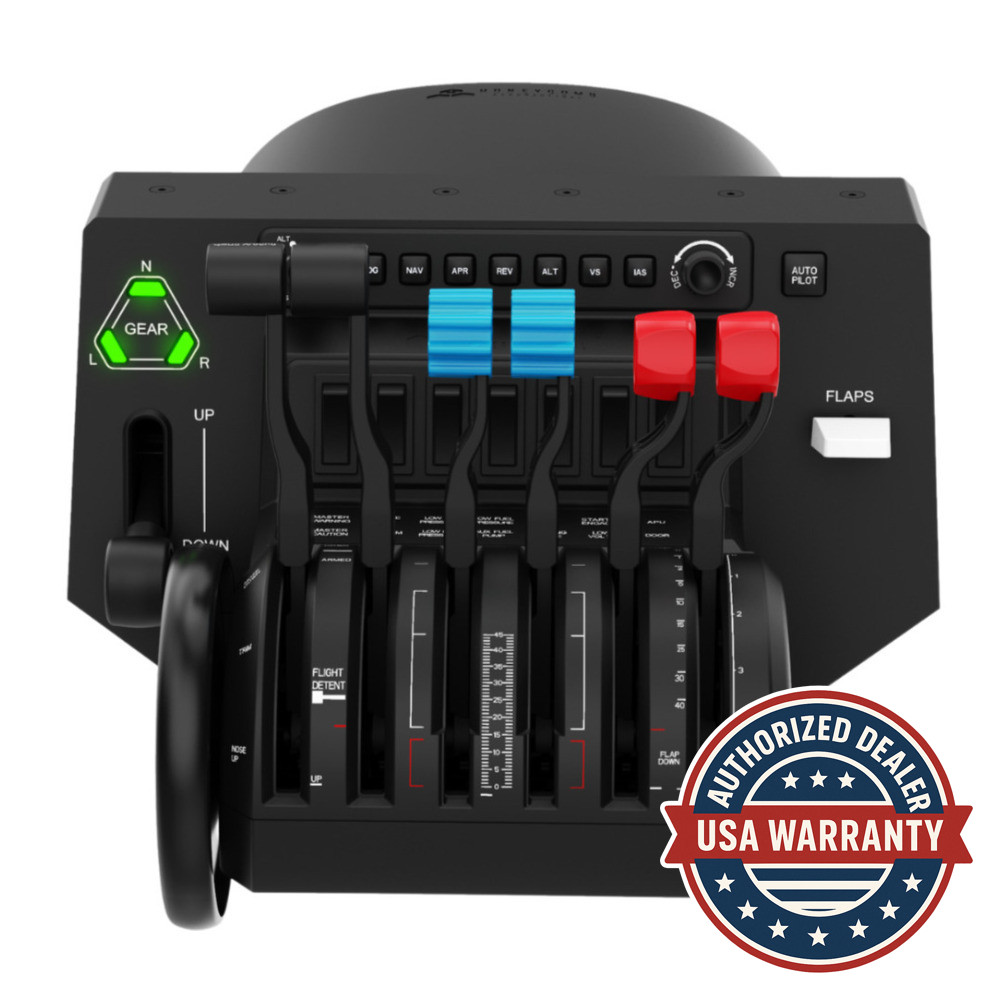 Honeycomb Aeronautical Bravo Throttle Quadrant Flight Sim PRO$299.99Last checked Nov 18, 2026View on eBay
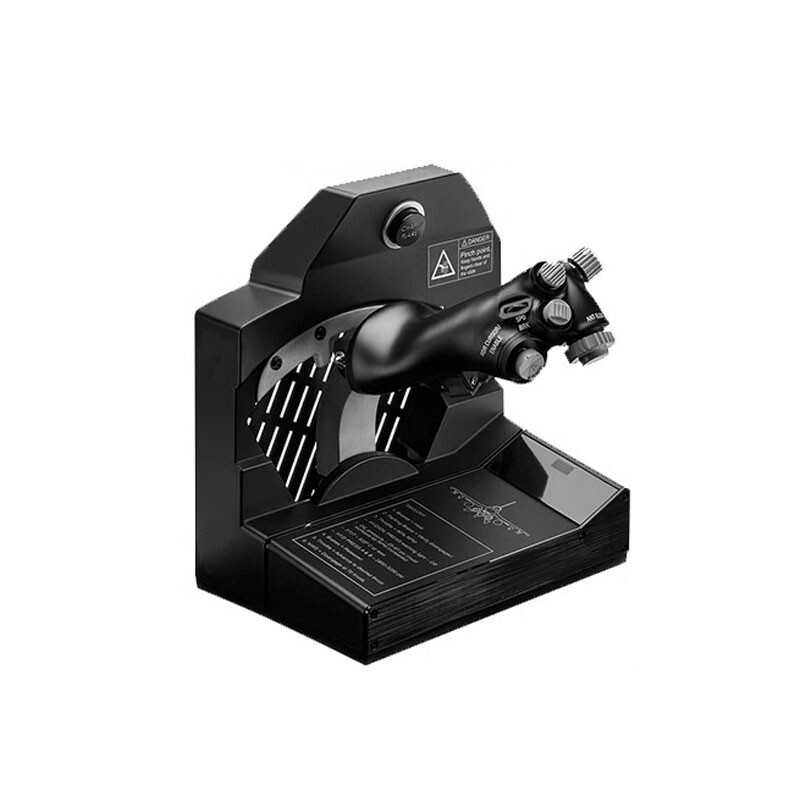 Original F16 Viper TQS Throttle Quadrant System Flight SIM Throttle Quadrant$703.00Last checked Nov 18, 2026View on eBay
Highlights
- Sensor type matters more than lever count: hall-effect/contactless sensors (Moza MTQ/MTP, F16 TQS) resist wear and drift; cheap potentiometers (Logitech G Saitek quadrant) develop noise and dead spots over years.
- Lever architecture: 3-lever TPM/PPM quadrants (throttle, prop, mixture) map 1:1 to piston aircraft; 2- or 3-lever generic quadrants can be reassigned for twin-engine throttle/prop/mixture or flaps/trim.
- Detent and friction systems: quality quadrants offer adjustable lever friction and physical indents for idle/max or afterburner; entry units rely on stiff grease or spring tension only.
- Mounting and footprint: clamp-on quadrants (Logitech, CH Products) fit desk edges; panel-style units (Moza MTQ, MTP) need a rig or flat surface and bolt pattern; plan 2-4 inches of rear clearance for lever travel.
Best use cases
- Buy a 3-lever TPM quadrant (Logitech G Saitek Pro Flight, Vernier TPM, Cessna-style TPM) if you fly Cessna/Piper/GA piston aircraft and want direct throttle-prop-mixture mapping.
- Buy a twin-engine HOTAS throttle or 2-lever quadrant if you fly airliners or twins; assign one lever per engine and use a rocker or encoder for flaps/speedbrake — skip single-lever throttles.
- Buy a panel-style modular unit (Moza MTQ/MTP) only if you have a sim rig or hard-mount surface; skip it for lap/sofa play because lever throw and clamp clearance are poor without a rig.
- Skip force-feedback HOTAS throttles (Logitech G940) for modern sims; the FF throttle is rare, driver support is limited, and parts/repair are difficult — a contactless USB quadrant is the durable choice.
Buying tips
- Count levers against your aircraft: 1 lever = basic single-engine; 2 levers = twin throttle or throttle+flaps; 3 levers = full TPM; 4+ levers = multi-engine or airliner engine sets.
- Demand contactless sensing (hall-effect or magnetoresistive) on primary axes; potentiometer quadrants are acceptable only for secondary axes like flaps or trim.
- Match the connection: USB HID plug-and-play works in Windows and most sims; units with proprietary or gameport-era wiring need adapters and driver workarounds — buy native USB.
- Check lever detents and friction: adjustable friction plus a physical idle/max detent lets you feel cutoff and full power without looking; smooth-only levers cause overboost/underrun in sims.
Specs
| Lever Count | 1-4 levers (TPM, twin, HOTAS) |
|---|---|
| Sensor Type | Hall-effect vs potentiometer |
| Mount Style | Desk clamp / panel bolt-on |
| Connection | USB HID plug-and-play |
Related searches
What to check before buying
- Measure desk edge thickness and rear clearance: clamp quadrants need 1-2 inches of edge and 2-4 inches behind for lever swing; panel units need a flat 8-12 inch footprint.
- Confirm USB-A or USB-C port availability and that the throttle is a standalone HID device — not a slave to a specific joystick base.
- Check sim compatibility: MSFS, X-Plane, and DCS all accept generic USB axes, but some panel units need vendor software for detents/lighting.
- Plan companion controls: a throttle without a stick leaves you keyboard-flying; budget for a matched joystick or yoke and ensure axis assignments don't conflict.
FAQ
Data sources: eBay / Amazon listings and product attribute feeds. Updated Nov 24, 2026.
Some links on this page are affiliate links. If you buy after clicking one, we may earn a commission at no extra cost to you. This does not change which products appear here or their order. Affiliate disclosure.