
Photos from current listings. Actual item, color, and included accessories may vary.
Wireless RGB Keyboard Buying Guide
Wireless RGB mechanical keyboards combine hot-swappable switch sockets, tri-mode connectivity, and per-key lighting; the core trade-off is between low-latency 2.4GHz gaming performance and multi-device Bluetooth convenience. Durable options use gasket-mounted PBT keycaps and QMK/VIA firmware, while compromises rely on soldered switches and ABS caps.
Connectivity:Tri-mode: USB-C / 2.4GHz / BT 5.1Hot-Swap Socket:3-pin vs 5-pin MX-styleLayout Size:60% / 75% / 96-98%Firmware:QMK/VIA vs vendor software
Typical price range$35.98 – $109.00
Median $60.61
Key takeaways
- Tri-mode connectivity (USB-C wired, 2.4GHz dongle, Bluetooth 5.0/5.1) is standard; 2.4GHz delivers 1000Hz polling for gaming, Bluetooth 125Hz for office multi-pairing.
- Hot-swap sockets accept 3-pin and 5-pin MX-style switches (Gateron, Cherry, Akko) without soldering; soldered boards lock you to one switch type.
- Gasket mounting with poron foam and flex-cut PCBs reduces typing fatigue and ping; tray-mount boards feel stiffer and louder.
At a glance
- Category
- Mechanical Keyboards
- Last updated
- Nov 24, 2026
Current offers
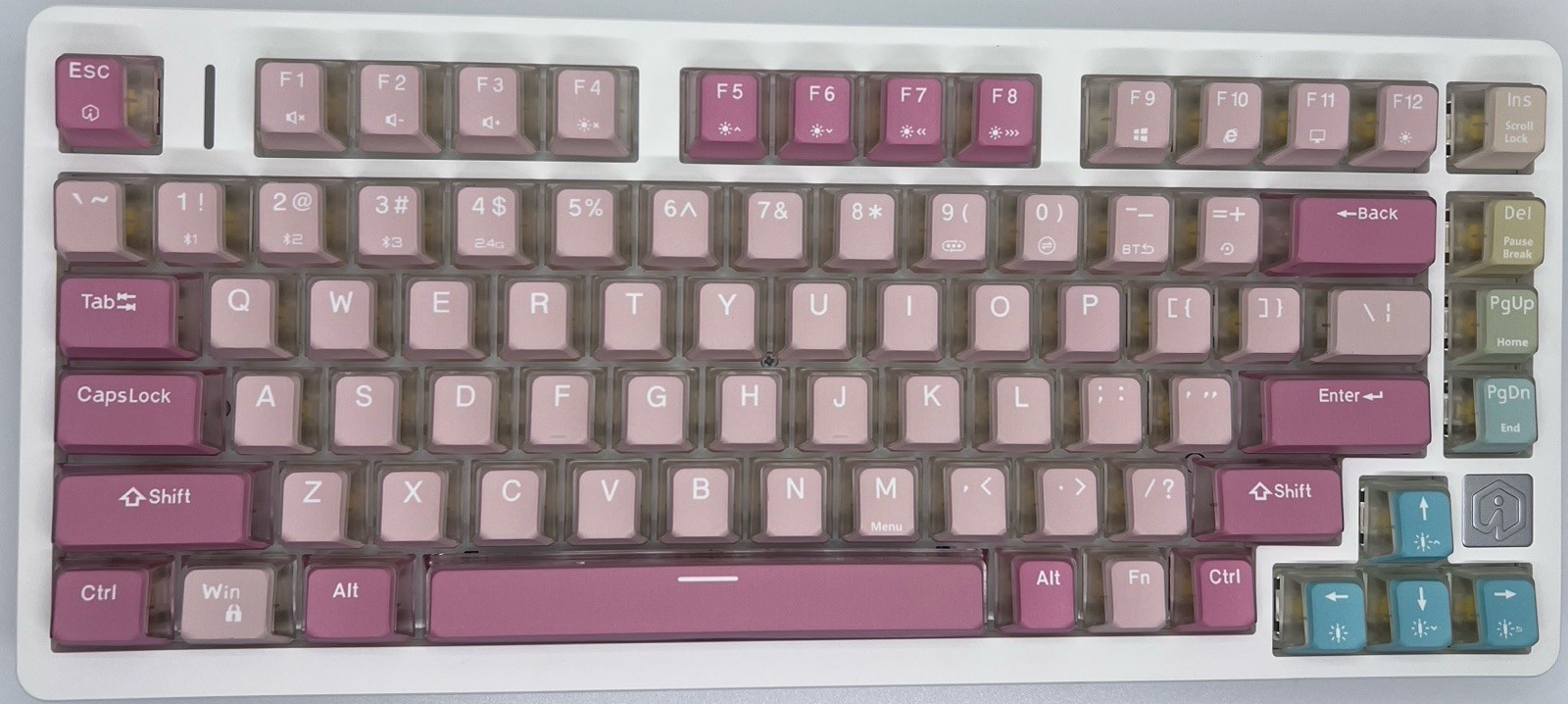 Wireless RGB Hot Swappable Mechanical Keyboard 3 Layers 81 Keys Gaming Keyboard$35.98View on eBay
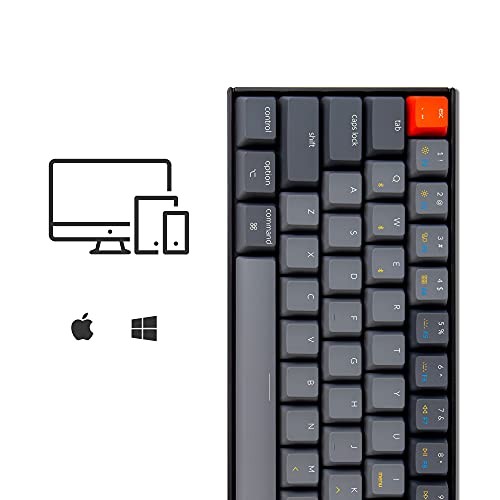 KEYCHRON K12 WIRELESS MECHANICAL KEYBOARD - RGB BACKLIGHT - GATERON -$45.16View on eBay
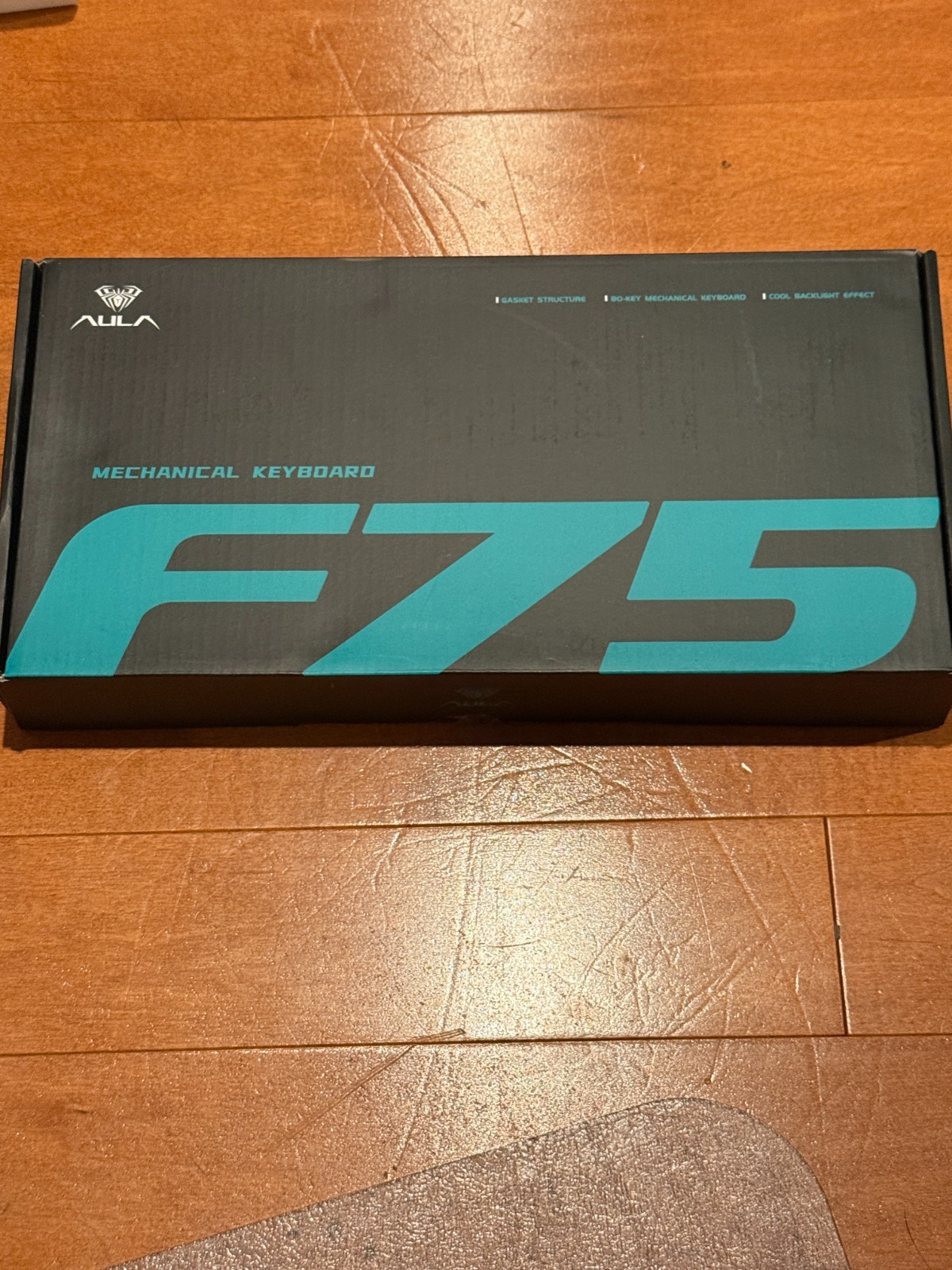 AULA F75 Wireless Gaming Keyboard Mechanical Tri-Mode RGB Backlit NEW SEALED$49.95View on eBay
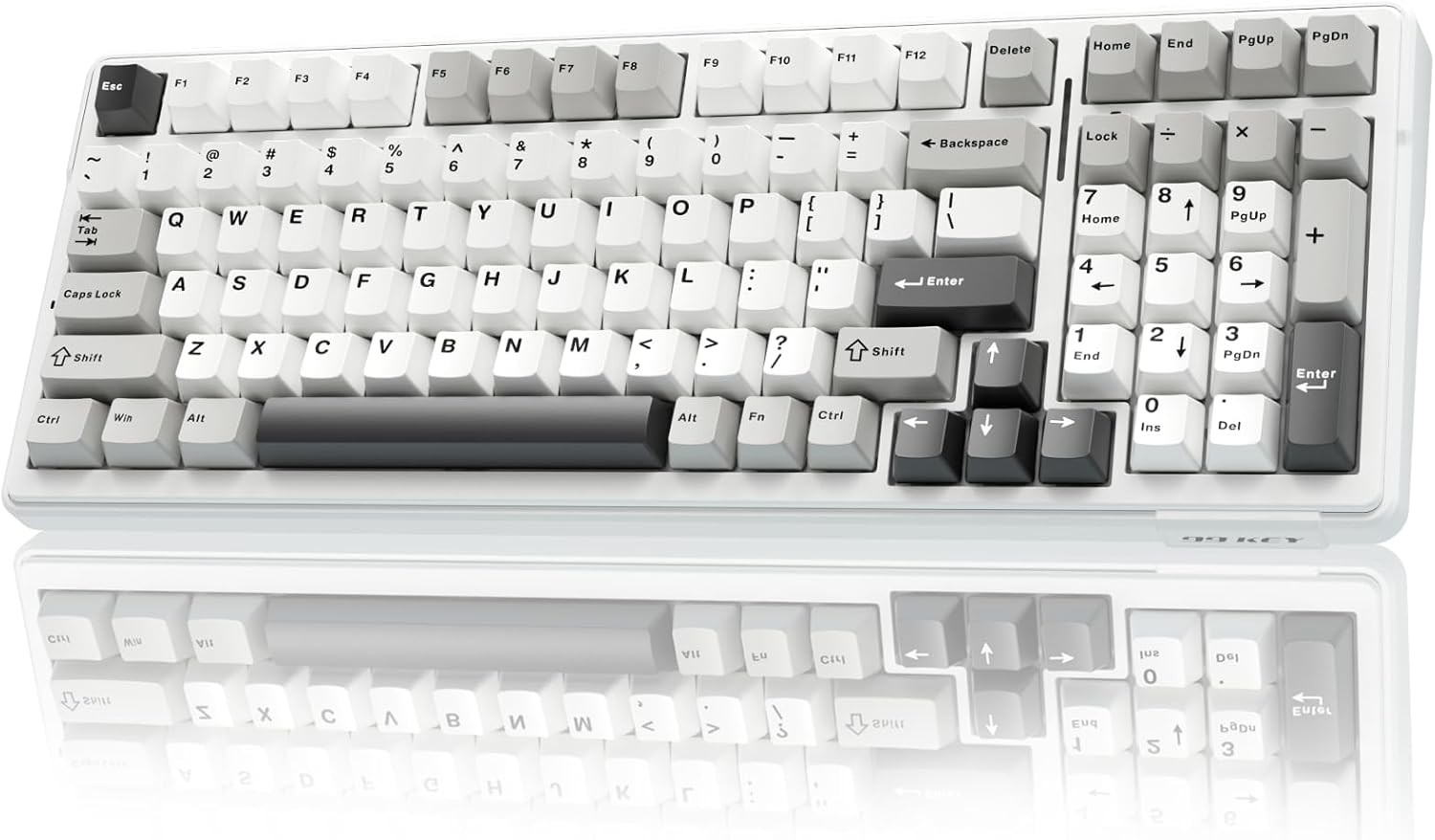 AULA F99/F99 Pro Tri-mode Wireless Mechanical Keyboard RGB Hot Swappable Custom$49.99View on eBay
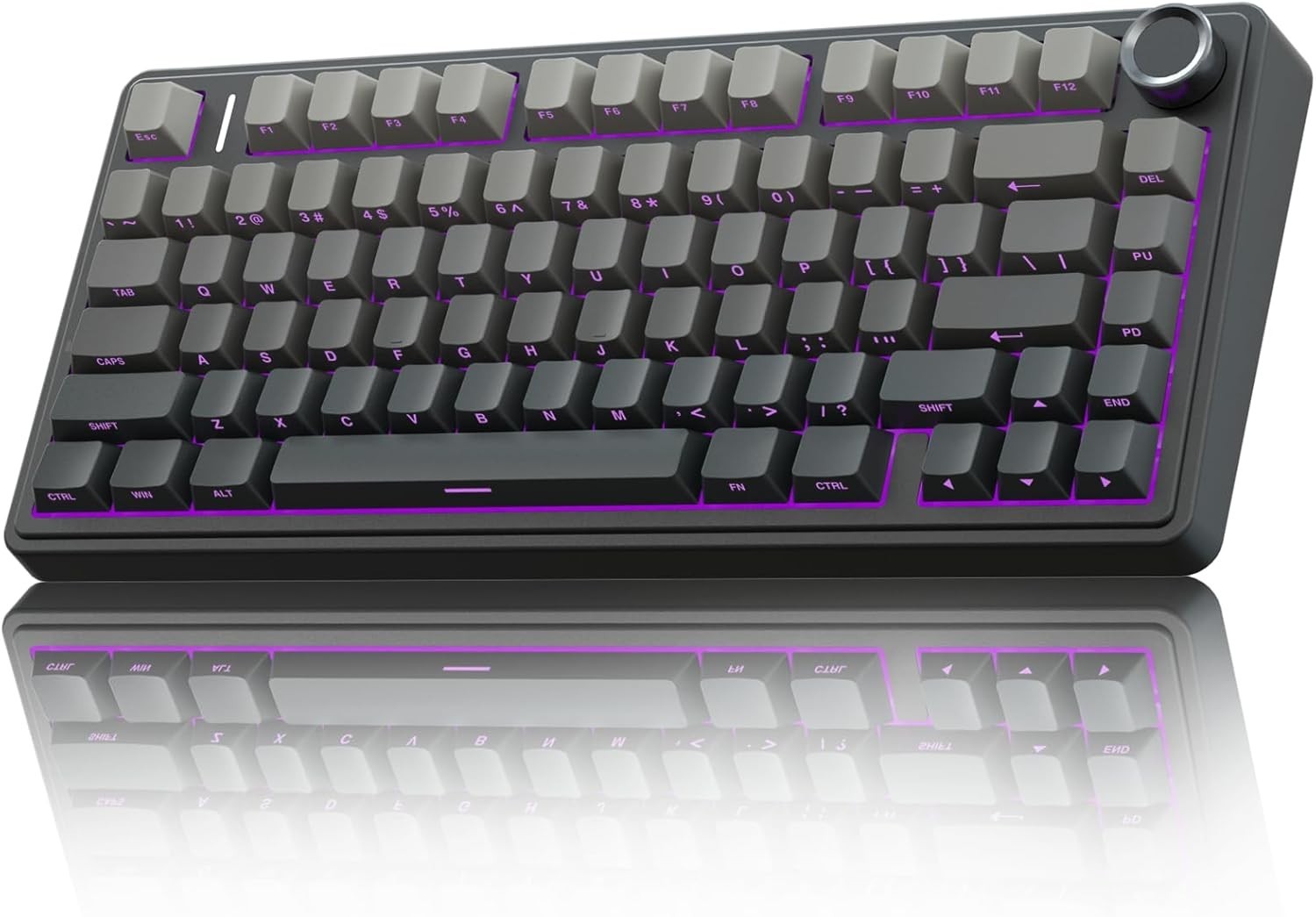 F75 Pro Wireless Mechanical Keyboard,75% Hot Swappable with Knob RGB Backlit$59.99View on eBay
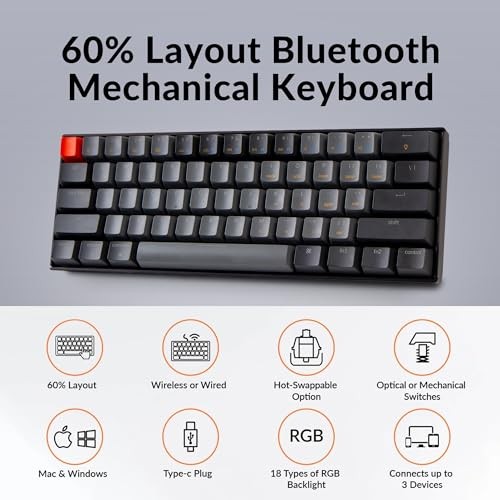 KEYCHRON K12 RGB WIRELESS MECHANICAL KEYBOARD - HOT-SWAPPABLE - BLACK/GRAY$61.22View on eBay
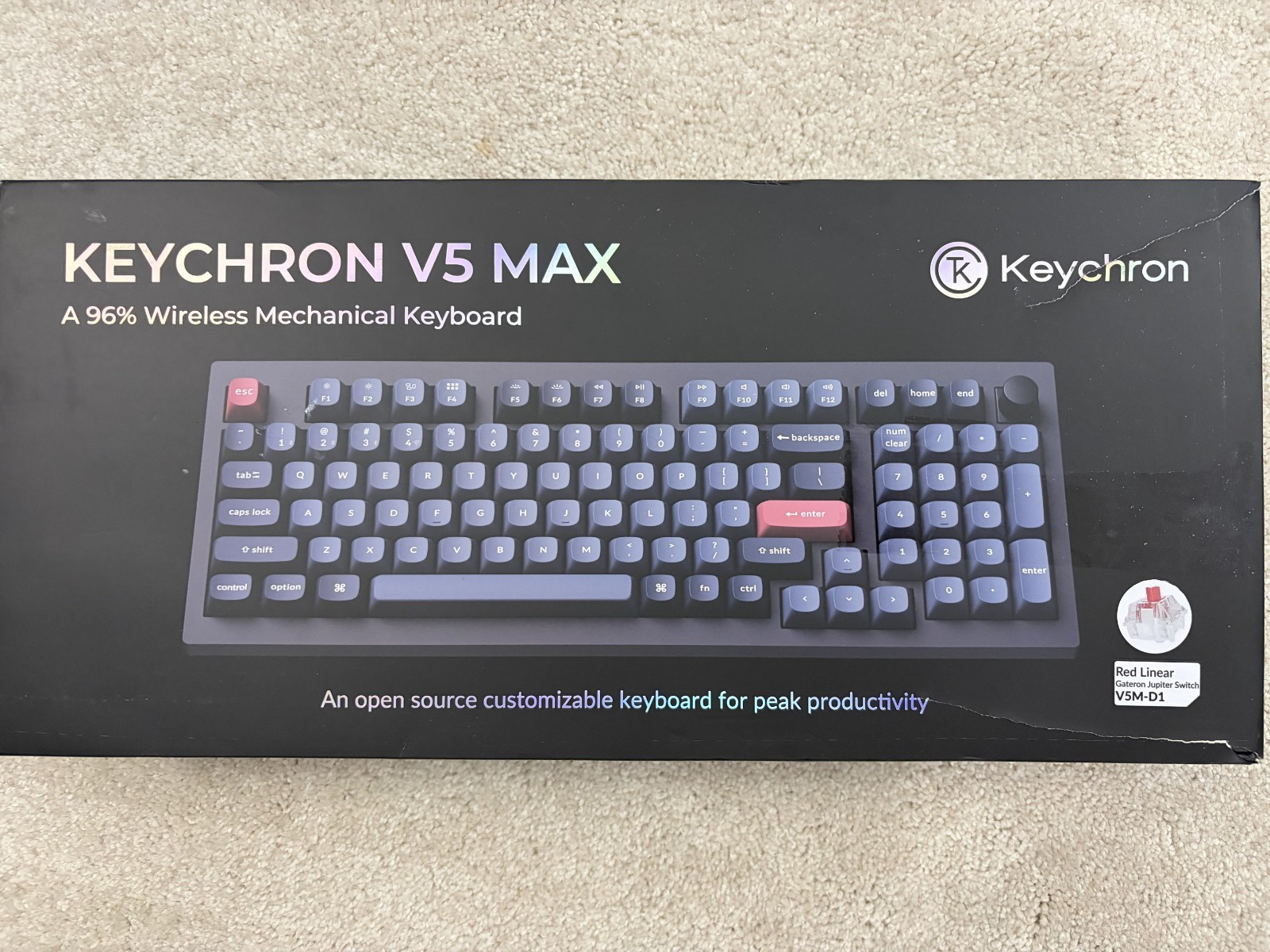 Keychron - V5 Max 96% Custom Wireless RGB Mechanical Keyboard with Programmable$69.90View on eBay
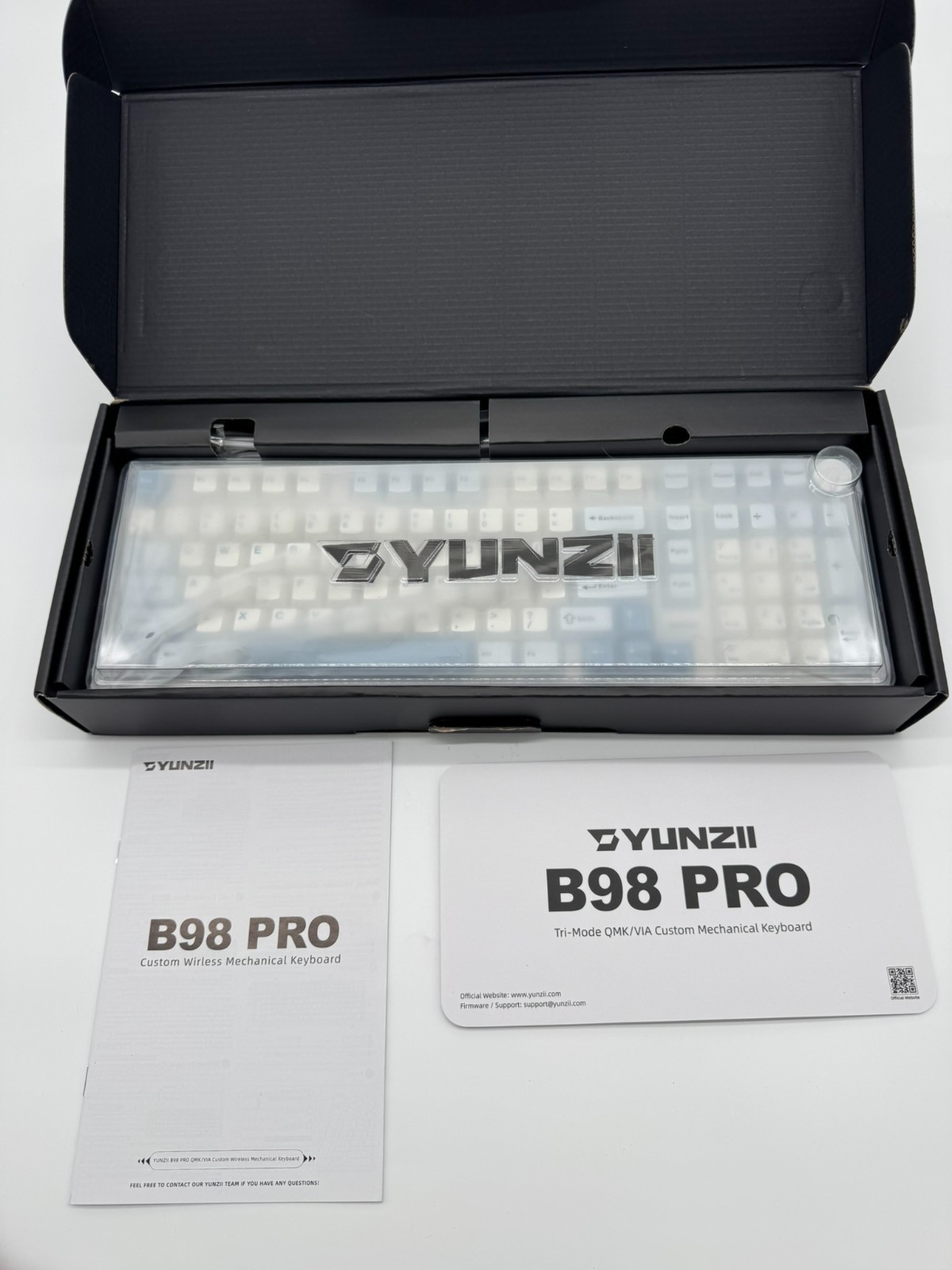 YUNZII B98 PRO 98-Key Wireless Mechanical Keyboard QMK/VIA Tri-Mode Hot-Swap RGB$69.99View on eBay
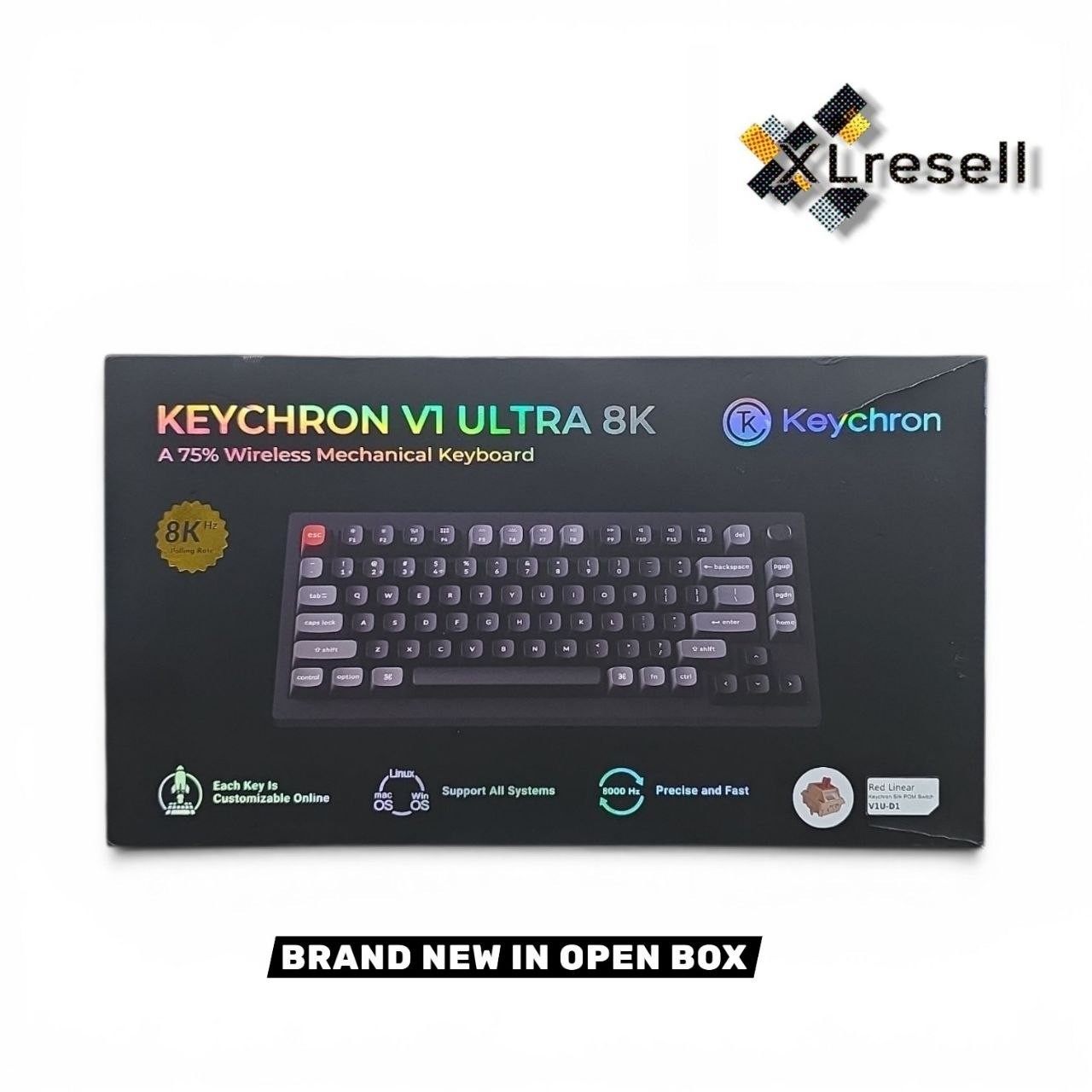 Keychron V1 Ultra 8K Wireless Mechanical Keyboard RGB Backlit Black Red Linear$72.17View on eBay
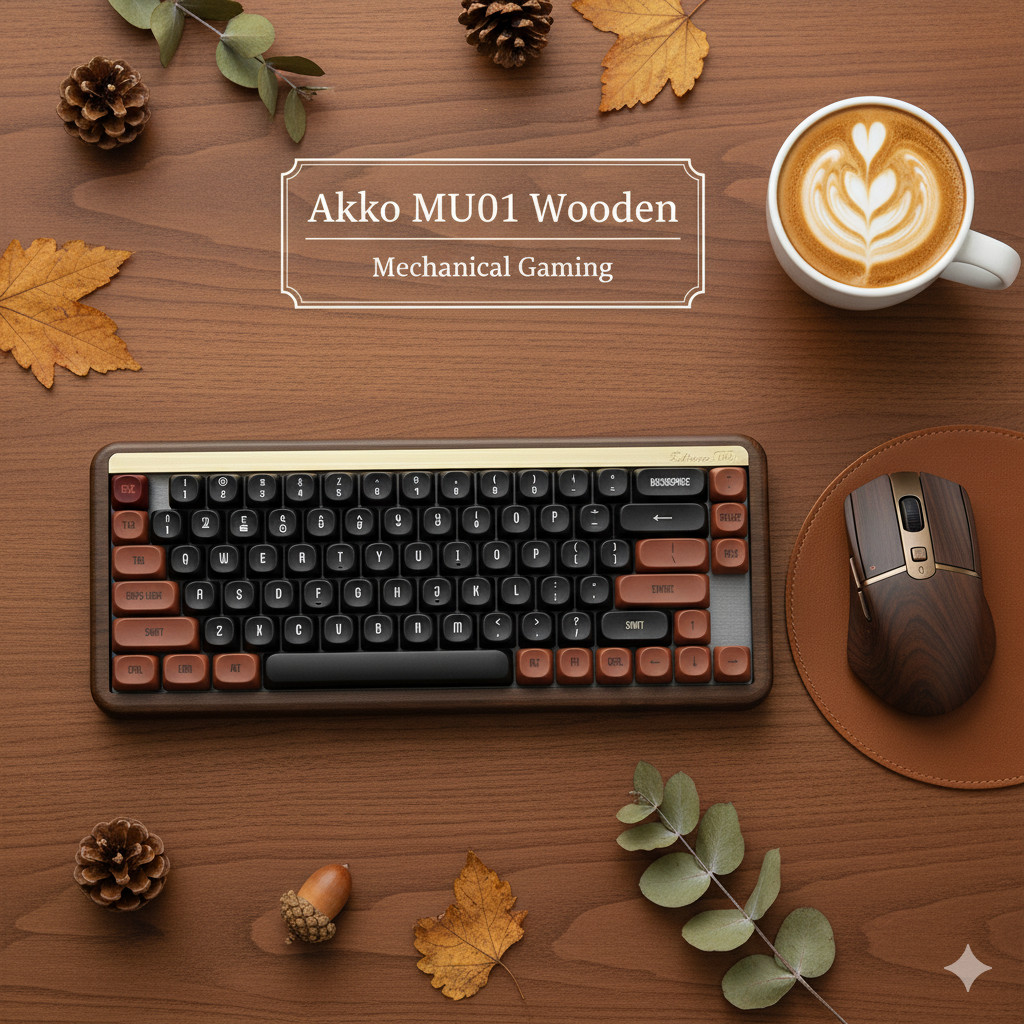 Akko MU01 65% Mechanical Keyboard Walnut RGB Wireless Hot Swap$109.00View on eBay
Highlights
- Tri-mode connectivity (USB-C wired, 2.4GHz dongle, Bluetooth 5.0/5.1) is standard; 2.4GHz delivers 1000Hz polling for gaming, Bluetooth 125Hz for office multi-pairing.
- Hot-swap sockets accept 3-pin and 5-pin MX-style switches (Gateron, Cherry, Akko) without soldering; soldered boards lock you to one switch type.
- Gasket mounting with poron foam and flex-cut PCBs reduces typing fatigue and ping; tray-mount boards feel stiffer and louder.
- QMK/VIA firmware enables full key remapping and macro layers; vendor software-only boards limit customization to the OS driver.
Best use cases
- Competitive gaming: pick a 2.4GHz tri-mode board with 1000Hz polling and hot-swap sockets (e.g., Keychron V1 Ultra 8K) — skip Bluetooth-only models.
- Multi-device office: choose Bluetooth 5.1 with 3-device pairing and 4000mAh+ battery (e.g., Keychron K12) — skip 60% layouts if you need arrow keys.
- Customization hobby: buy QMK/VIA-supported 75% or 98% hot-swap kits (e.g., YUNZII B98 Pro, AULA F99 Pro) — skip soldered budget boards.
- Mac/Windows dual use: select boards with OS toggle switches and Mac keycaps included (Keychron K/V series) — skip Windows-only firmware.
Buying tips
- Match layout to workflow: 60% (61 keys) saves desk space but loses arrows/F-row; 75% (81 keys) adds arrows and knob; 96%/98% keeps numpad in compact width.
- Check battery capacity: 4000mAh supports ~100 hours RGB-off; 2000mAh drops to ~40 hours — prioritize 4000mAh for wireless RGB use.
- Confirm hot-swap socket type: 5-pin supports 3-pin and 5-pin switches; 3-pin-only sockets reject 5-pin PCB-mount switches.
- Verify keycap material: PBT (double-shot or dye-sub) resists shine and oil; ABS shines within months — PBT is the durability threshold.
Specs
| Connectivity | Tri-mode: USB-C / 2.4GHz / BT 5.1 |
|---|---|
| Hot-Swap Socket | 3-pin vs 5-pin MX-style |
| Layout Size | 60% / 75% / 96-98% |
| Firmware | QMK/VIA vs vendor software |
Related searches
What to check before buying
- Measure desk depth: 75% boards are ~320mm wide, 96% ~380mm; ensure mouse space remains.
- Confirm OS: Mac users need a board with Mac/Win toggle and Command keycaps included (Keychron, Akko).
- Check connectivity ports: USB-C charging is standard; verify 2.4GHz dongle storage slot to avoid loss.
- Verify RGB customization: per-key RGB via QMK/VIA beats fixed zone lighting for custom layouts.
FAQ
Data sources: eBay / Amazon listings and product attribute feeds. Updated Nov 24, 2026.
Some links on this page are affiliate links. If you buy after clicking one, we may earn a commission at no extra cost to you. This does not change which products appear here or their order. Affiliate disclosure.