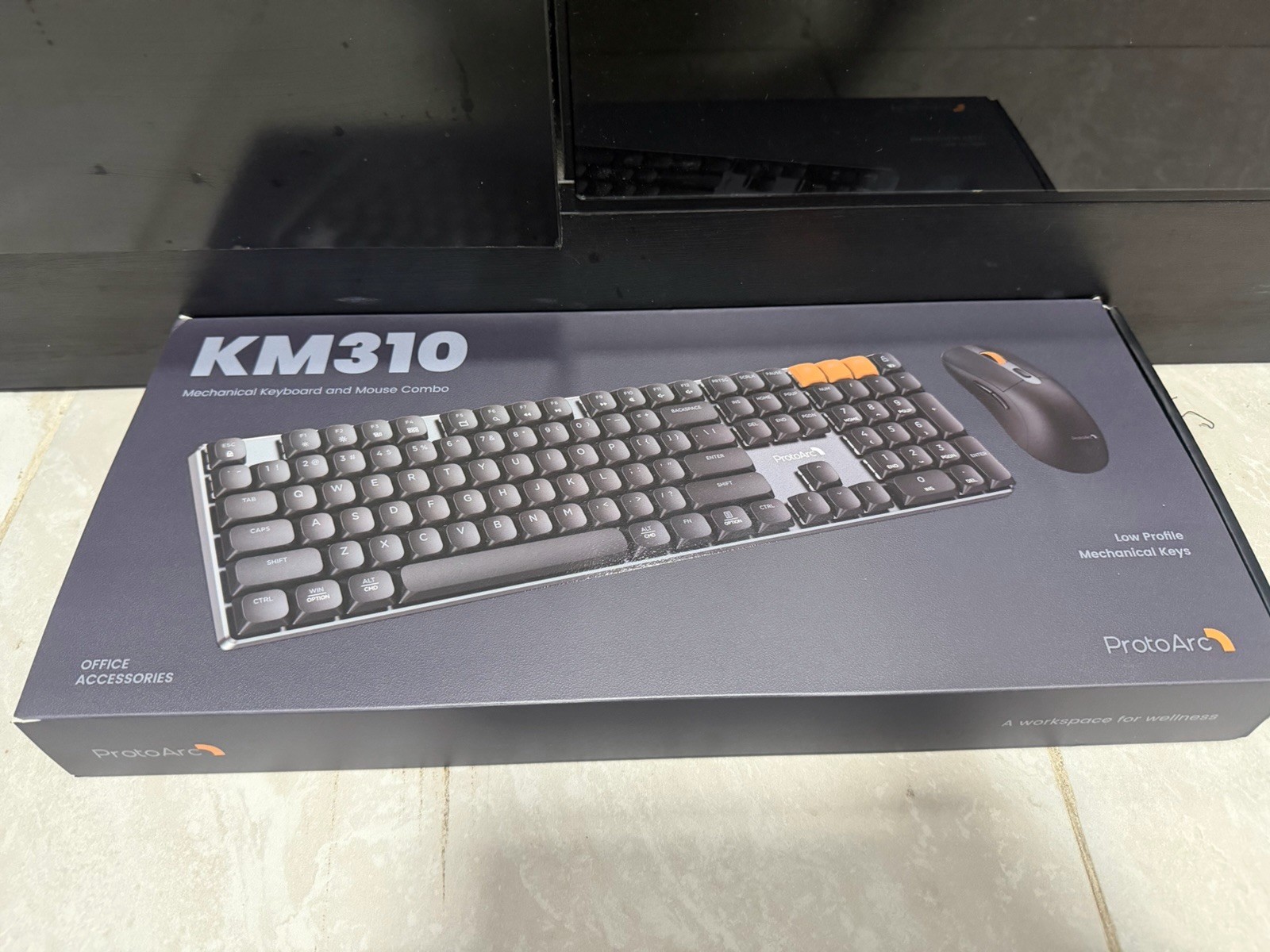

Photos from current listings. Actual item, color, and included accessories may vary.
Wireless Mechanical Keyboard And Mouse Buying Guide
Wireless mechanical keyboards and mice pair tactile, repairable switches with cable-free convenience, but the primary trade-off is connectivity latency and battery management versus wired reliability. The decision rule: buy tri-mode (2.4GHz + Bluetooth + USB-C) with hot-swap sockets and per-key RGB you can disable; skip single-mode Bluetooth boards with soldered switches and no battery indicator.
Key takeaways
- Tri-mode connectivity (2.4GHz dongle, Bluetooth 5.x, USB-C wired) is the durability baseline; 2.4GHz delivers ~1ms polling for gaming while Bluetooth adds multi-device pairing at higher latency.
- Hot-swap sockets (3-pin or 5-pin, Kailh/Gateron compatible) determine repairability and switch experimentation; soldered boards lock you into one switch feel for the board's life.
- Layout tiers change key count and desk footprint: 60% (~61 keys), 65% (~68), 75% (~81-84 with knob), 87-key TKL, and 98/99-key compact full-size with numpad.
At a glance
- Category
- Mechanical Keyboards
- Last updated
- Nov 24, 2026
Current offers
Highlights
- Tri-mode connectivity (2.4GHz dongle, Bluetooth 5.x, USB-C wired) is the durability baseline; 2.4GHz delivers ~1ms polling for gaming while Bluetooth adds multi-device pairing at higher latency.
- Hot-swap sockets (3-pin or 5-pin, Kailh/Gateron compatible) determine repairability and switch experimentation; soldered boards lock you into one switch feel for the board's life.
- Layout tiers change key count and desk footprint: 60% (~61 keys), 65% (~68), 75% (~81-84 with knob), 87-key TKL, and 98/99-key compact full-size with numpad.
- Battery capacity and RGB load drive runtime: 3000-4000mAh cells yield weeks with RGB off, while always-on per-key RGB can drain in days; aluminum cases add rigidity but block 2.4GHz signal if the dongle is enclosed.
Best use cases
- Best fit for competitive gaming: 75% or TKL tri-mode board with 2.4GHz dongle, hot-swap linear switches, and a lightweight 2.4GHz mouse; skip Bluetooth-only boards due to latency spikes.
- Best fit for multi-device office work: 98/99-key tri-mode with Bluetooth 5.x pairing across laptop/desktop/tablet, plus a rechargeable mouse sharing the same dongle channel; skip 60% layouts if you need a numpad for spreadsheets.
- Best fit for first-time mechanical buyers or tinkerers: 75% hot-swappable board (e.g., AULA F75/F87 Pro class) with gasket mount and south-facing RGB; skip soldered, single-mode budget boards that cannot be repaired or customized.
- Wrong fit for silent shared spaces: stock clicky blue switches; choose linear or tactile switches with dampening instead, and skip boards without stabilizer tuning if quiet typing matters.
Buying tips
- Match layout to workflow: 60-65% saves desk space but requires function-layer shortcuts; 75% adds F-row and often a knob; 98/99-key keeps numpad in a footprint ~20% narrower than full-size.
- Choose 5-pin hot-swap sockets over 3-pin for wider switch compatibility, and confirm south-facing RGB so Cherry-profile keycaps don't collide with switches.
- For mice, verify the same 2.4GHz dongle supports both keyboard and mouse (combo receiver) or budget two USB-A ports; Bluetooth-only mice add wake latency unacceptable for gaming.
- Prioritize battery specs: 3000mAh+ keyboard cells and 500mAh+ mouse cells with USB-C charging; boards with a physical power switch prevent phantom drain in bags.
Specs
| Connectivity | Tri-mode 2.4GHz + BT 5.x + USB-C |
|---|---|
| Layout | 60/65/75/TKL/98-key compact |
| Switch Mount | 5-pin hot-swap vs soldered |
| Battery | 3000-4000mAh, USB-C; RGB-off weeks |
Related searches
What to check before buying
- Measure desk depth and width: a 75% board is ~12.6 in wide, TKL ~14 in, 98-key ~15.3 in; confirm mousepad space for low-DPI mouse swings.
- Confirm host ports: one free USB-A for the 2.4GHz dongle (or USB-C adapter), plus Bluetooth 5.0+ on the device for multi-pairing; older Bluetooth 4.x adds latency.
- Check switch and keycap standards: MX-compatible stems, 5-pin hot-swap, and OEM/Cherry profile keycaps if you plan to customize; verify plate material (steel vs FR4) for feel.
- Verify regional power/charging: USB-C 5V input only (no fast-charge dependence), and confirm the board ships with the correct keycap legends and a keycap puller/switch puller.
FAQ
Data sources: eBay / Amazon listings and product attribute feeds. Updated Nov 24, 2026.
Some links on this page are affiliate links. If you buy after clicking one, we may earn a commission at no extra cost to you. This does not change which products appear here or their order. Affiliate disclosure.