
Photos from current listings. Actual item, color, and included accessories may vary.
RGB White Keyboard Buying Guide
A white RGB mechanical keyboard combines a white case/keycap aesthetic with per-key lighting, where the core trade-off is switch type (linear vs tactile vs clicky vs magnetic) and build material (plastic vs aluminum) versus wireless tri-mode convenience. Durable picks use hot-swap sockets, double-shot PBT keycaps, and gasket-mounted aluminum or reinforced plastic plates; compromises skip hot-swap, use ABS caps, and rely on soldered switches.
Median $57.62
Key takeaways
- Tri-mode connectivity (USB-C wired, 2.4GHz dongle, Bluetooth 5.x) is now standard on 75%/80% boards; wired-only TKL/100% boards remain cheaper but lose multi-device pairing.
- Hot-swap sockets (3-pin or 5-pin) let you replace switches without soldering — a decisive durability and customization upgrade over soldered boards.
- Magnetic Hall-effect switches (e.g., in premium gaming boards) enable adjustable actuation and rapid trigger; standard MX-style mechanical switches do not.
At a glance
- Category
- Mechanical Keyboards
- Last updated
- Nov 24, 2026
Current offers
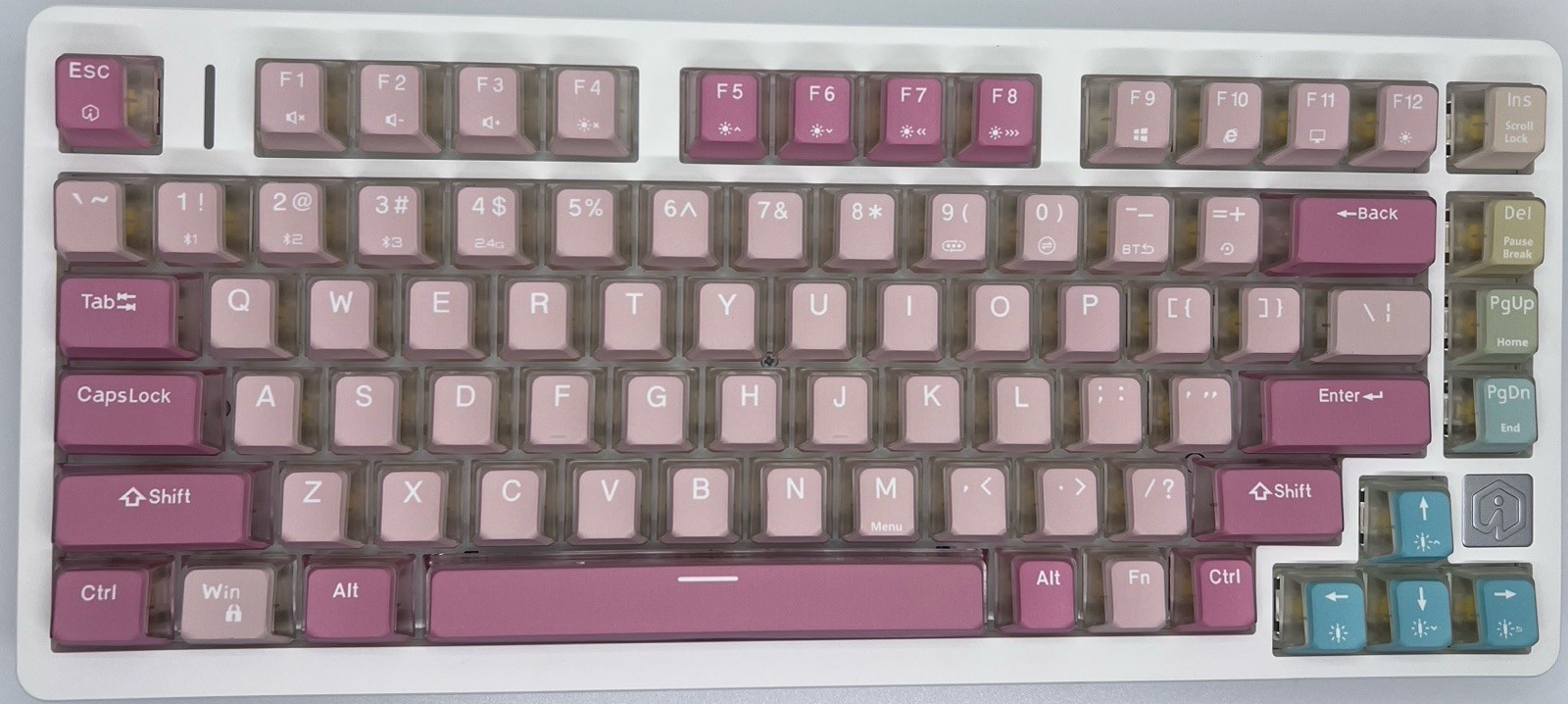 Wireless RGB Hot Swappable Mechanical Keyboard 3 Layers 81 Keys Gaming Keyboard$35.98View on eBay
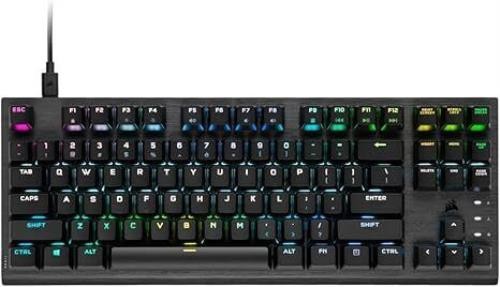 CORSAIR K60 RGB TKL RGB Tenkeyless Optical-Mechanical Wired Gaming Keyboard$37.99View on eBay
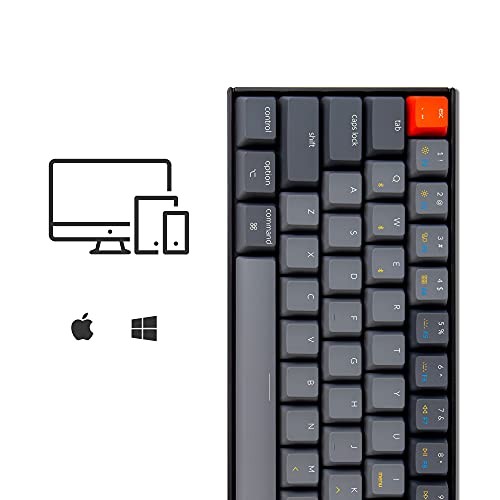 KEYCHRON K12 WIRELESS MECHANICAL KEYBOARD - RGB BACKLIGHT - GATERON -$45.16View on eBay
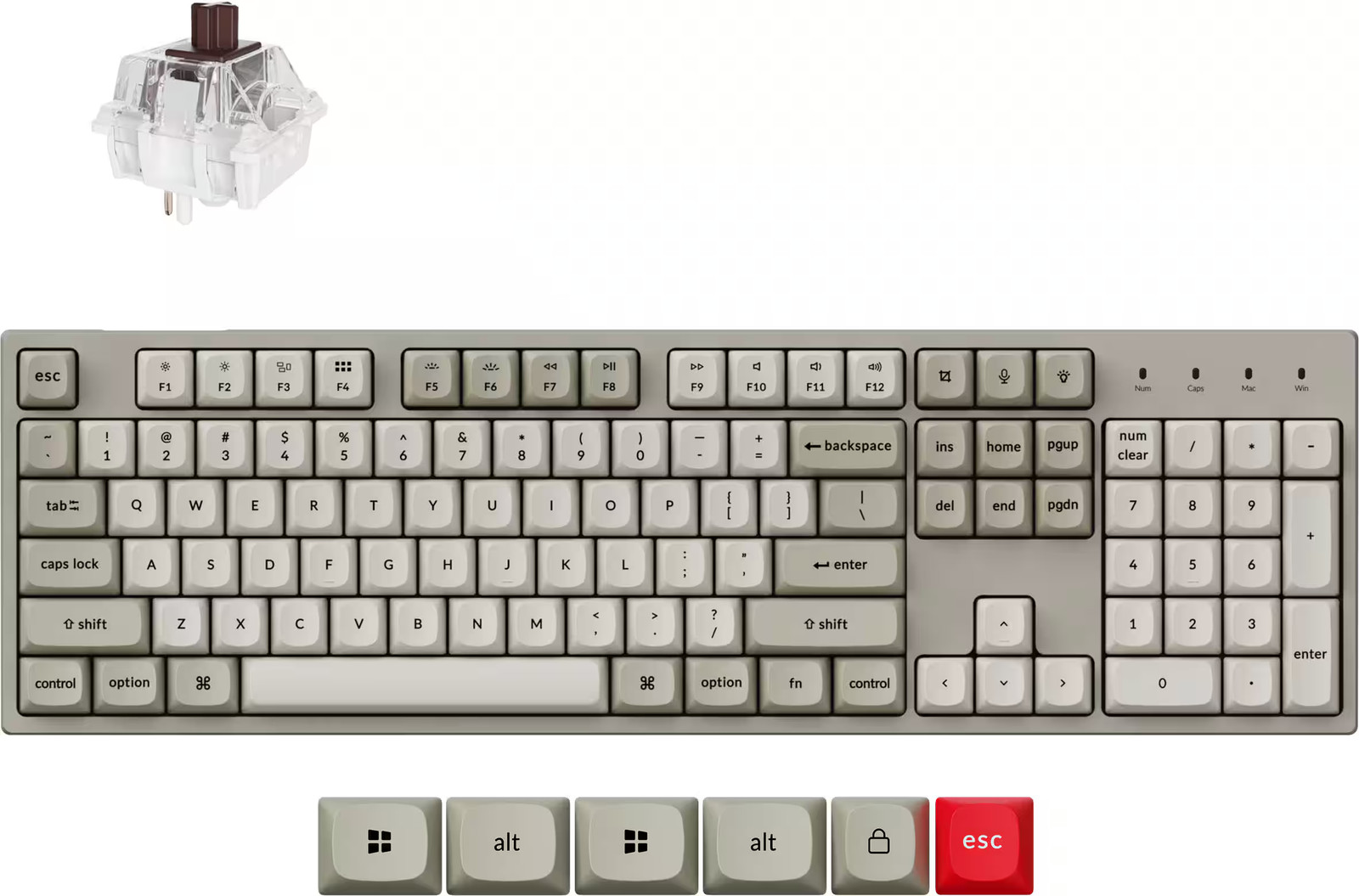 Keychron - C2PX 100% Custom Wired RGB Mechanical Gaming Keyboard with Program...$46.74View on eBay
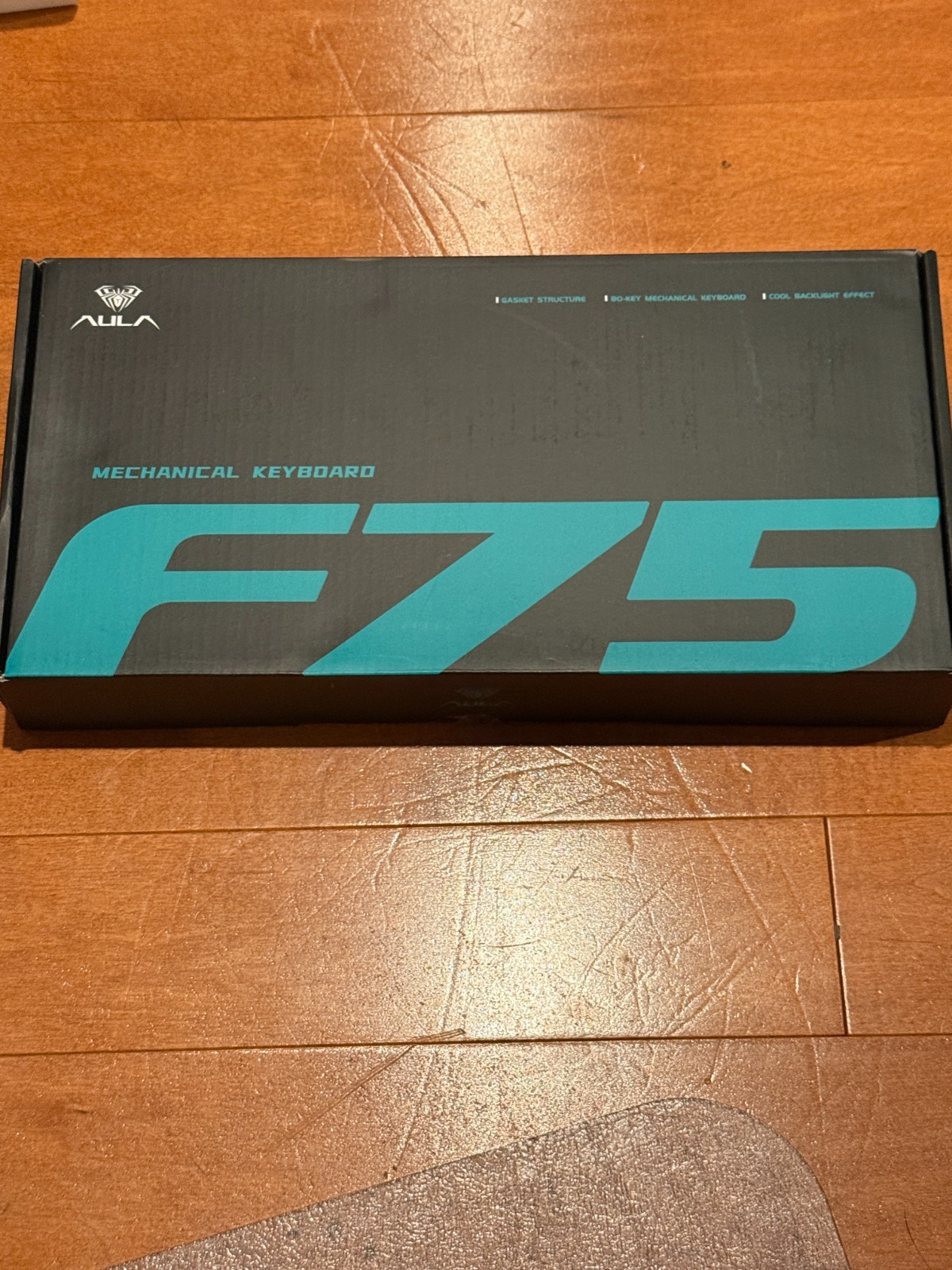 AULA F75 Wireless Gaming Keyboard Mechanical Tri-Mode RGB Backlit NEW SEALED$49.95View on eBay
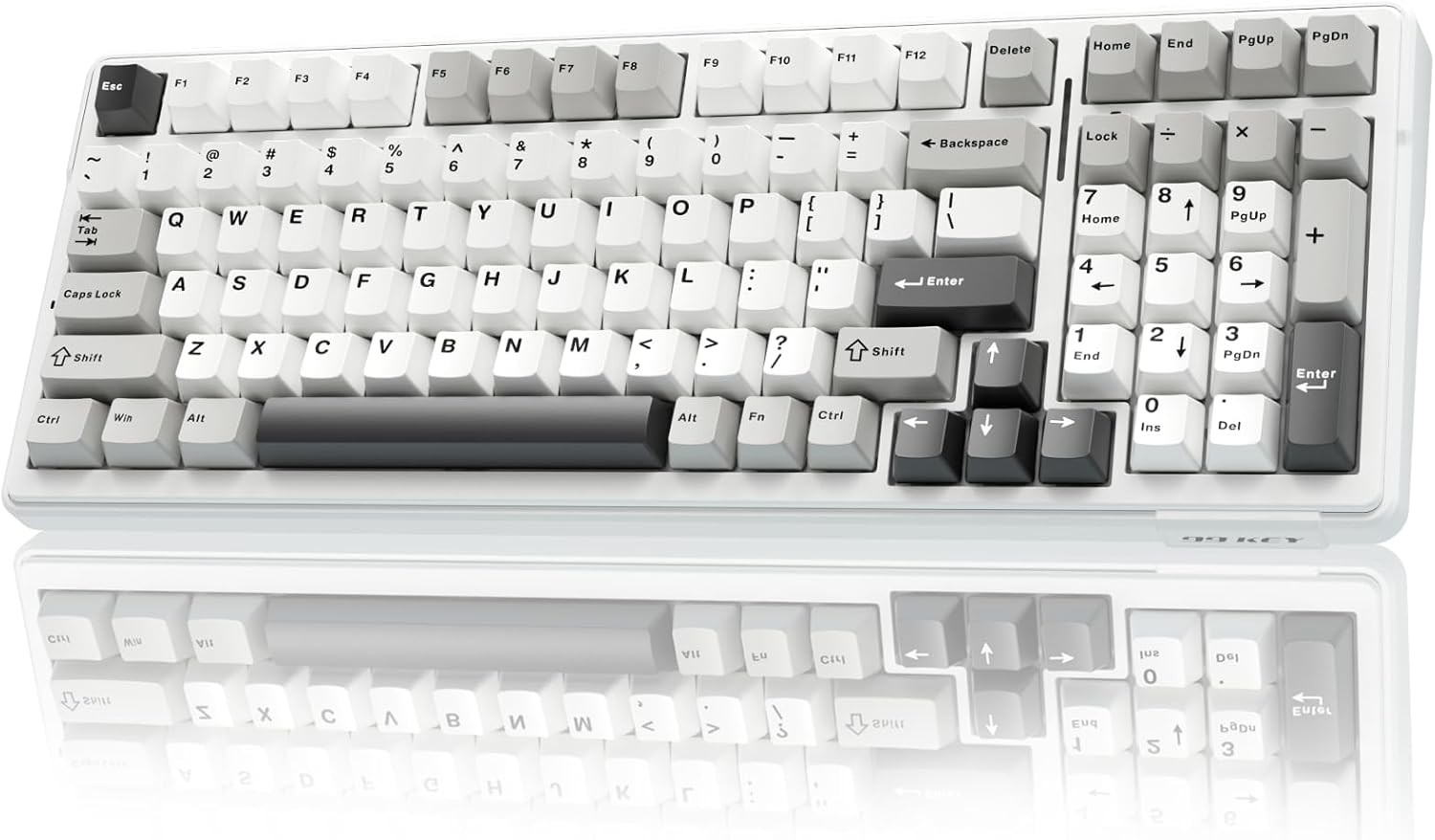 AULA F99/F99 Pro Tri-mode Wireless Mechanical Keyboard RGB Hot Swappable Custom$49.99View on eBay
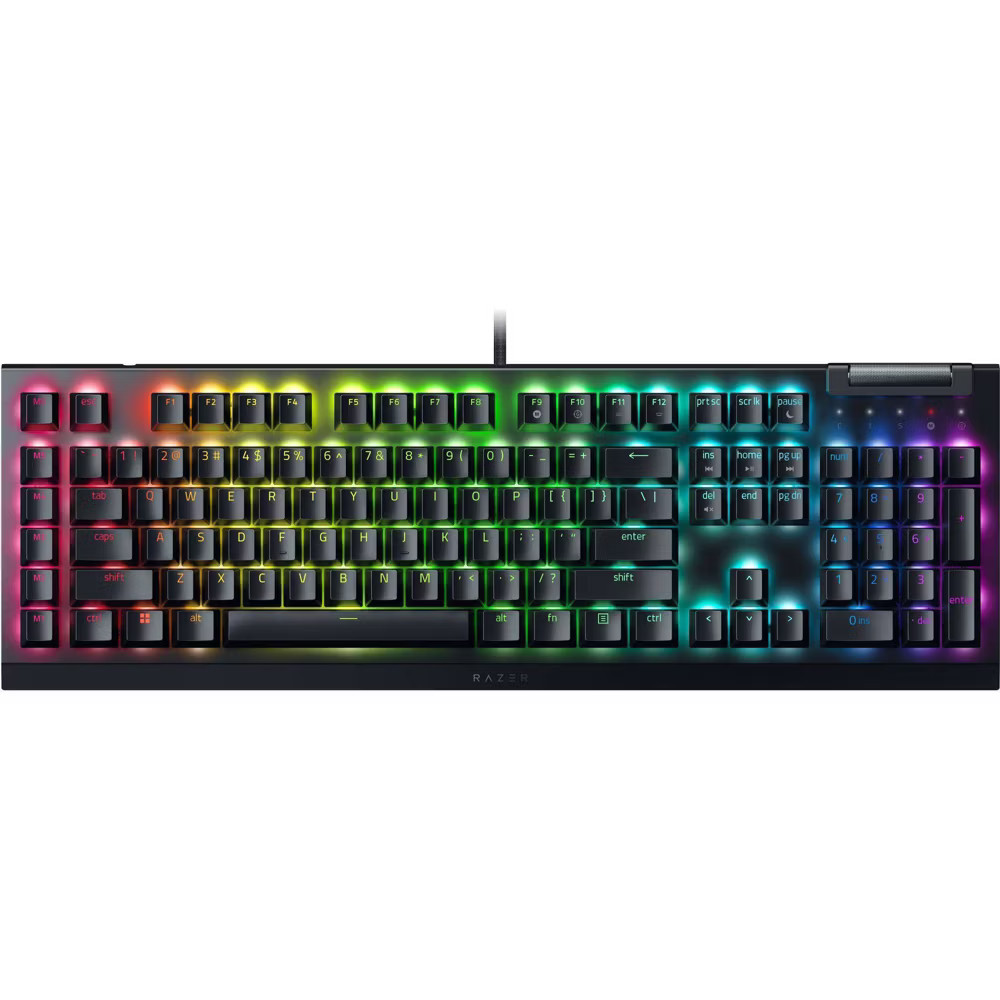 Razer BlackWidow V4 X Mechanical Gaming Keyboard with Razer Chroma RGB: Aluminum$55.24View on eBay
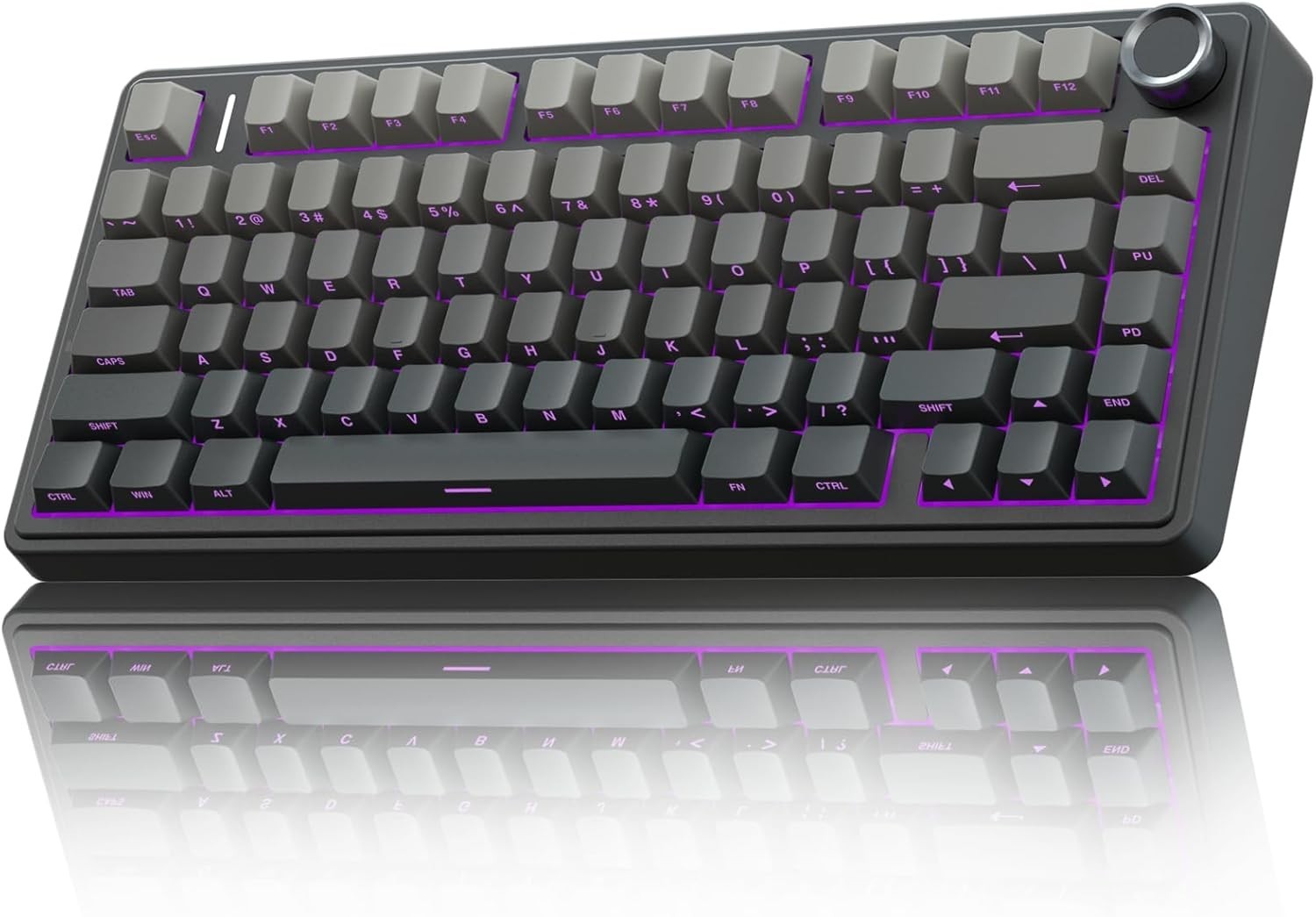 F75 Pro Wireless Mechanical Keyboard,75% Hot Swappable with Knob RGB Backlit$59.99View on eBay
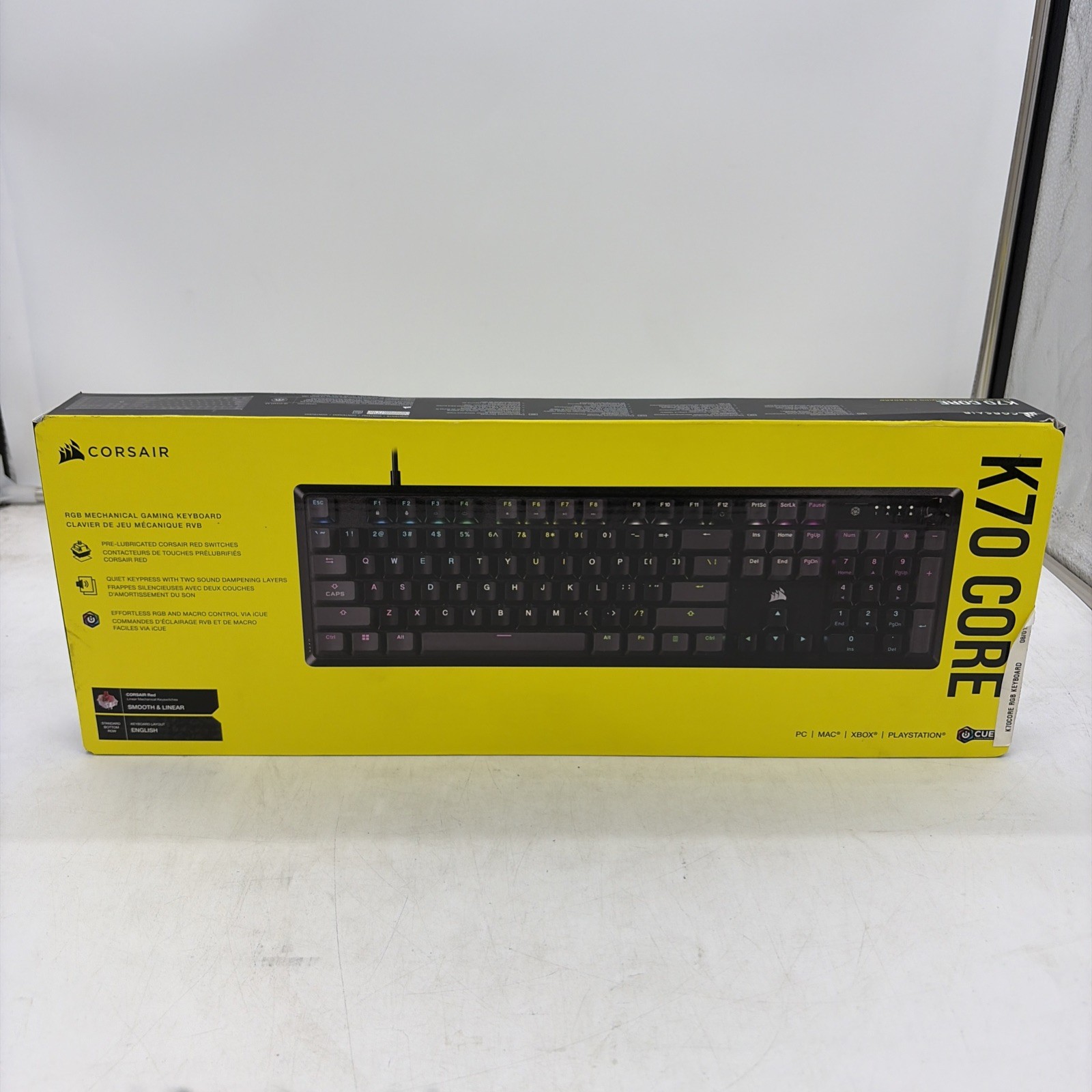 Corsair K70 Core RGB Mechanical Gaming Keyboard$60.00View on eBay
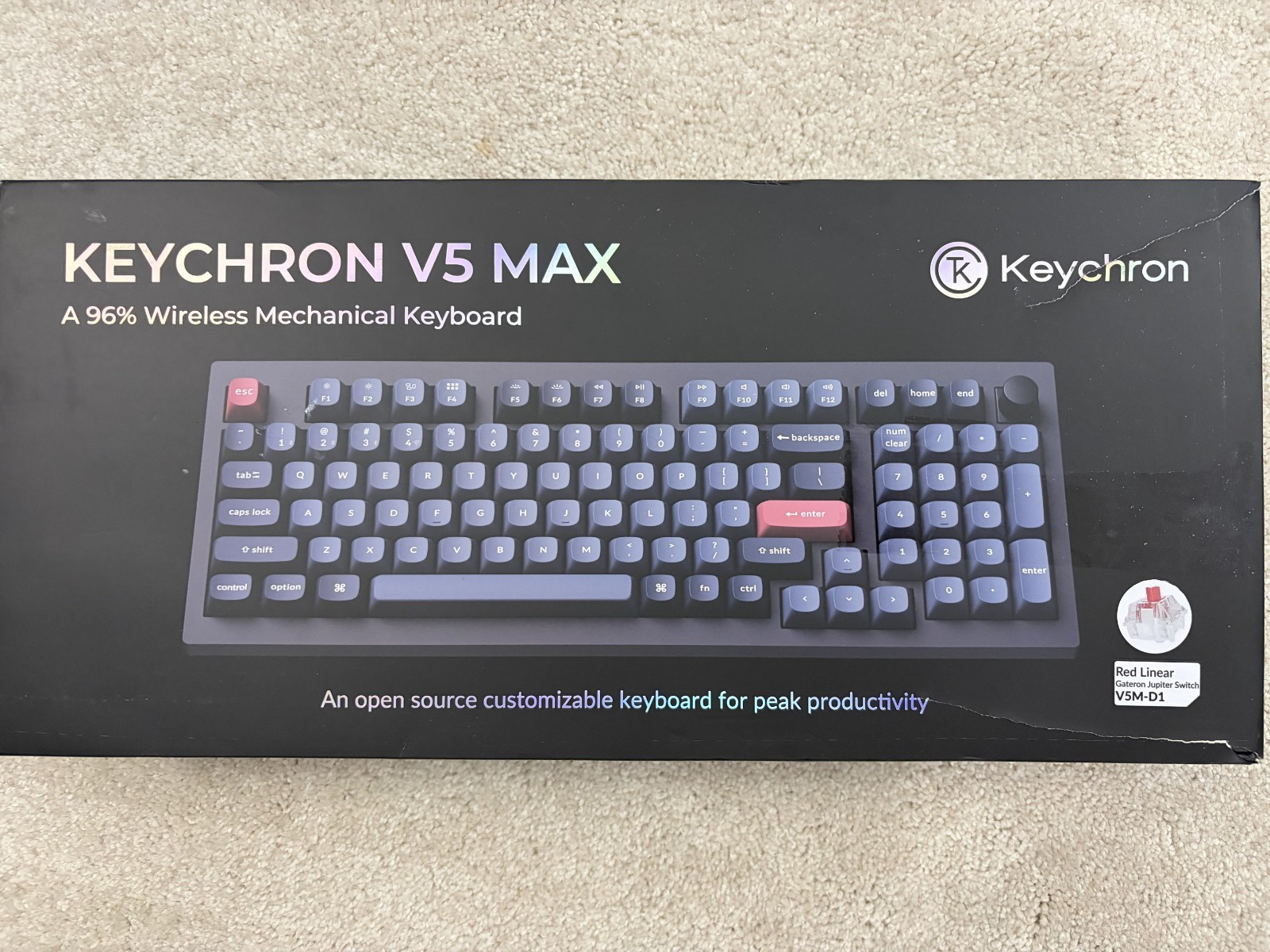 Keychron - V5 Max 96% Custom Wireless RGB Mechanical Keyboard with Programmable$69.90View on eBay
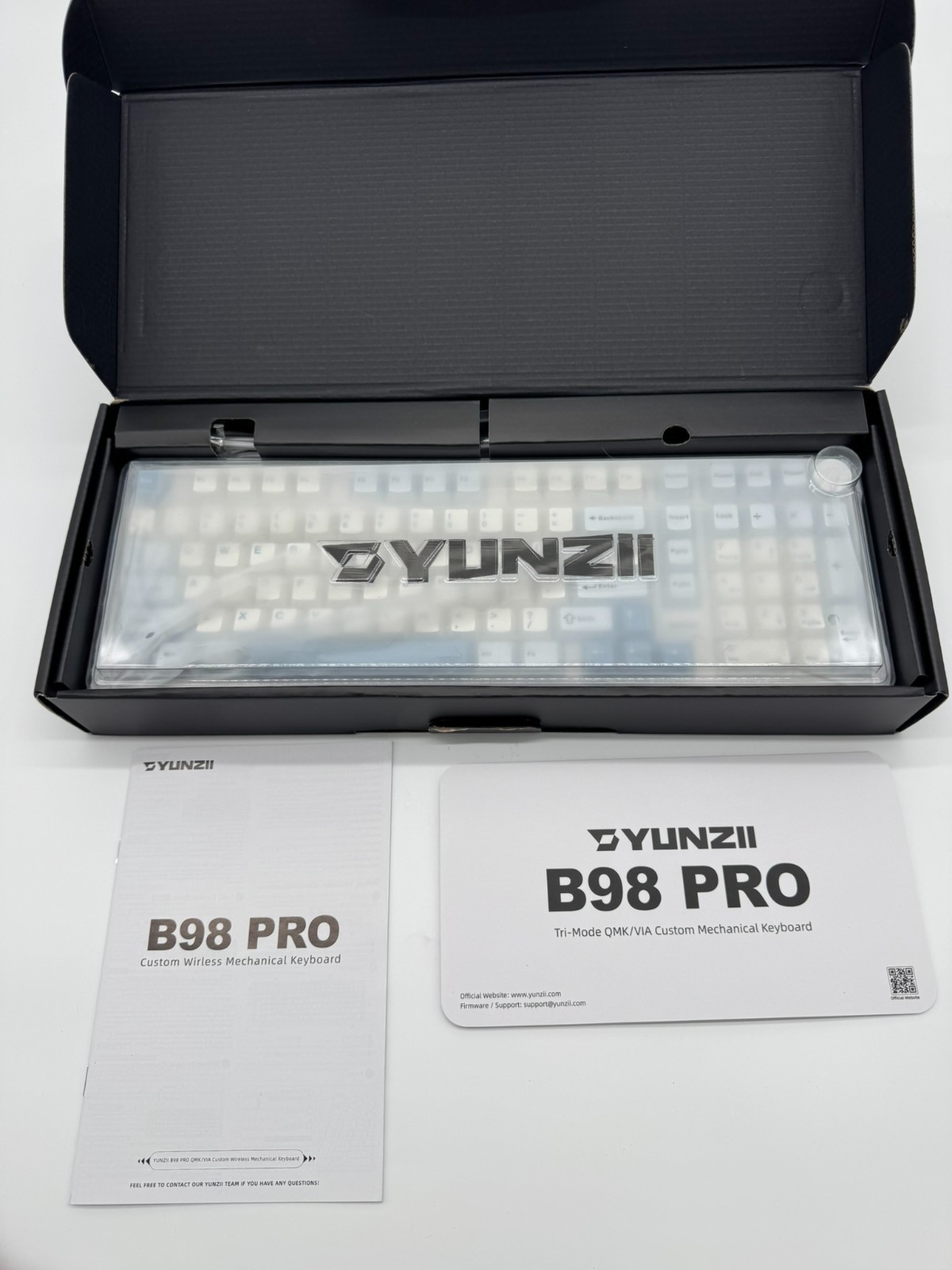 YUNZII B98 PRO 98-Key Wireless Mechanical Keyboard QMK/VIA Tri-Mode Hot-Swap RGB$69.99View on eBay
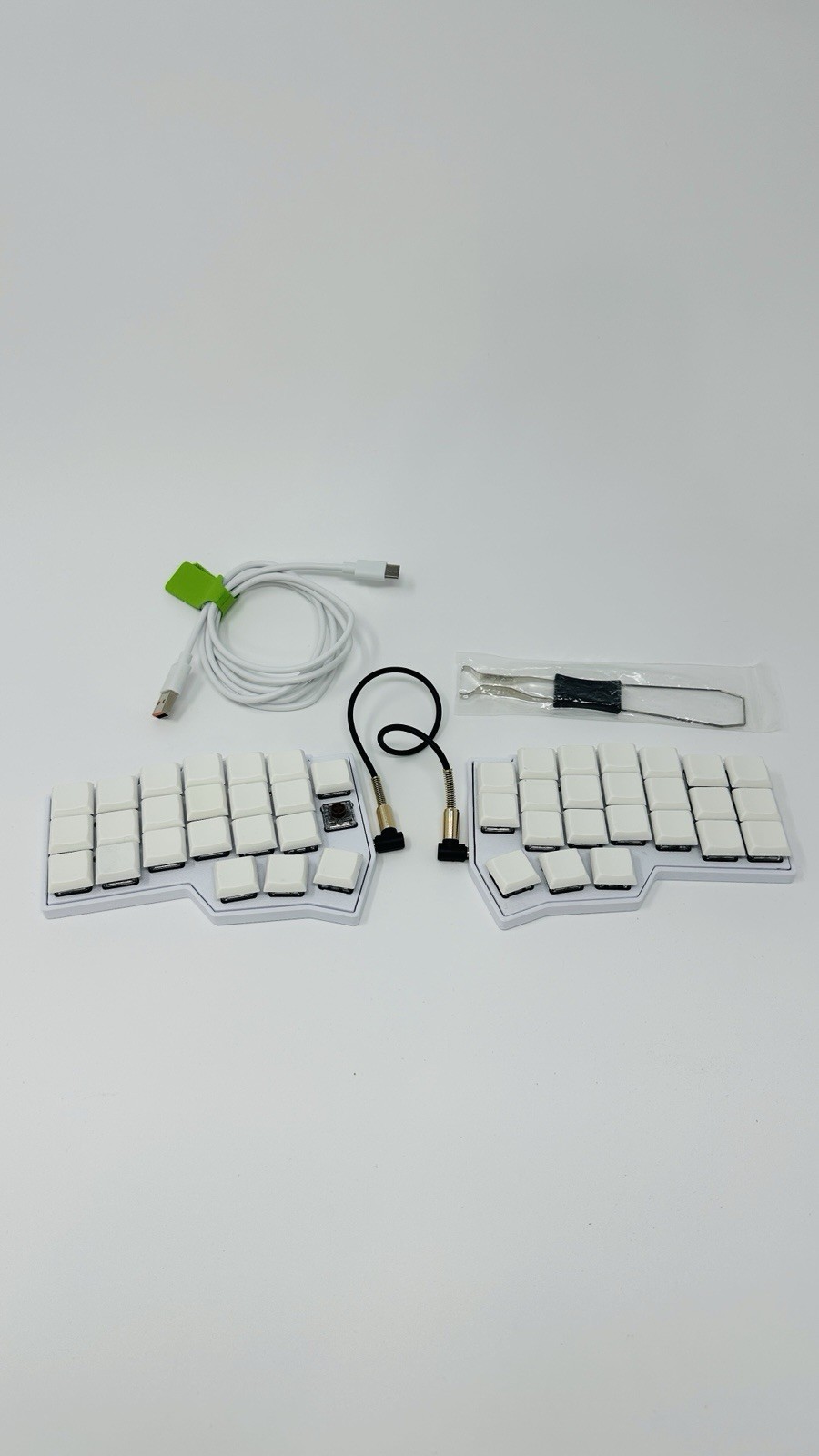 READ! YIVU Corne LP 40% Split Ergonomic Mechanical Keyboard Hot-Swappable RGB$69.99View on eBay
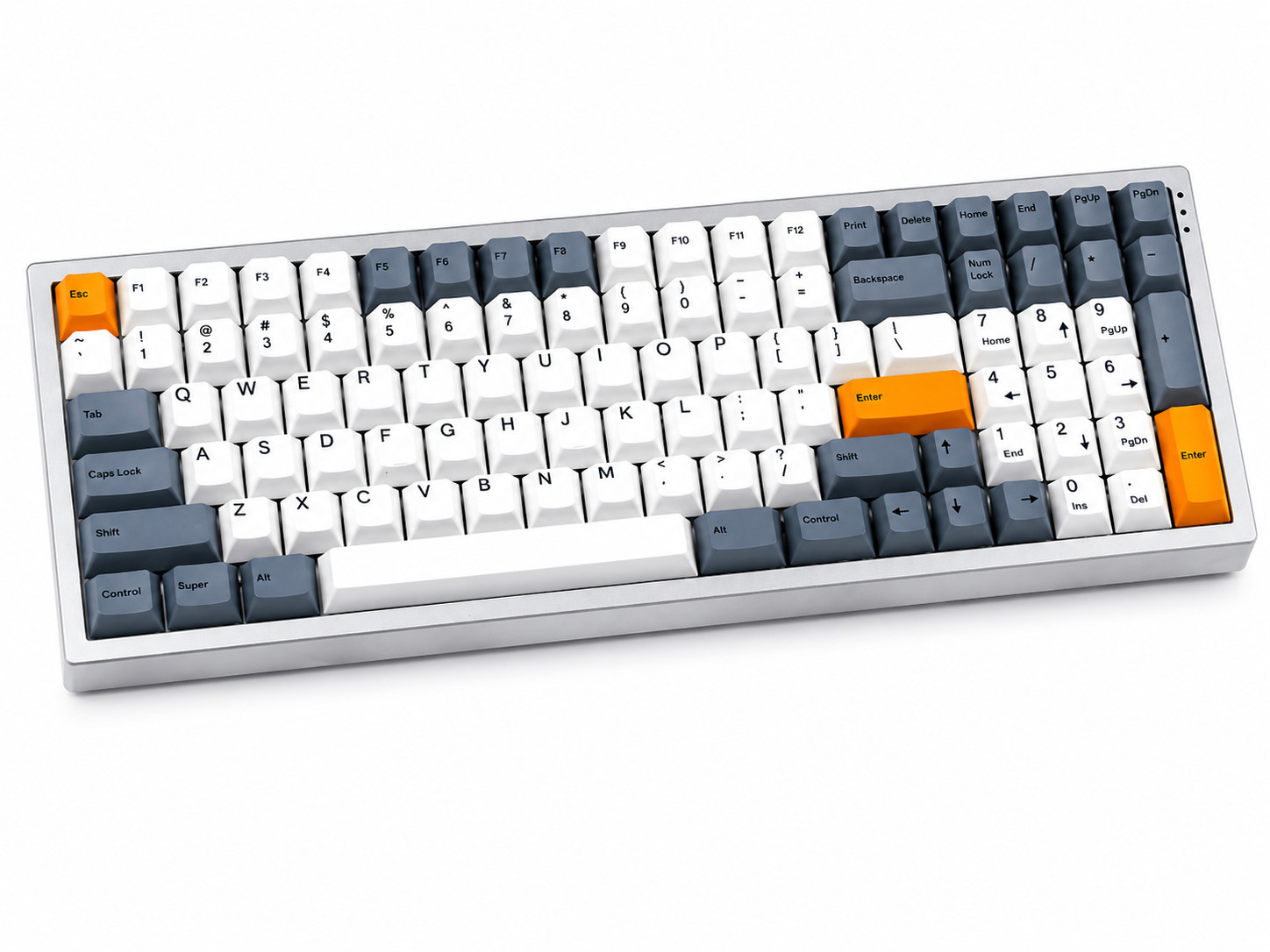 KONO Input Club KIRA 96% Mechanical Keyboard RGB Hot-Swap USB-C w/ Carry Case$79.99View on eBay
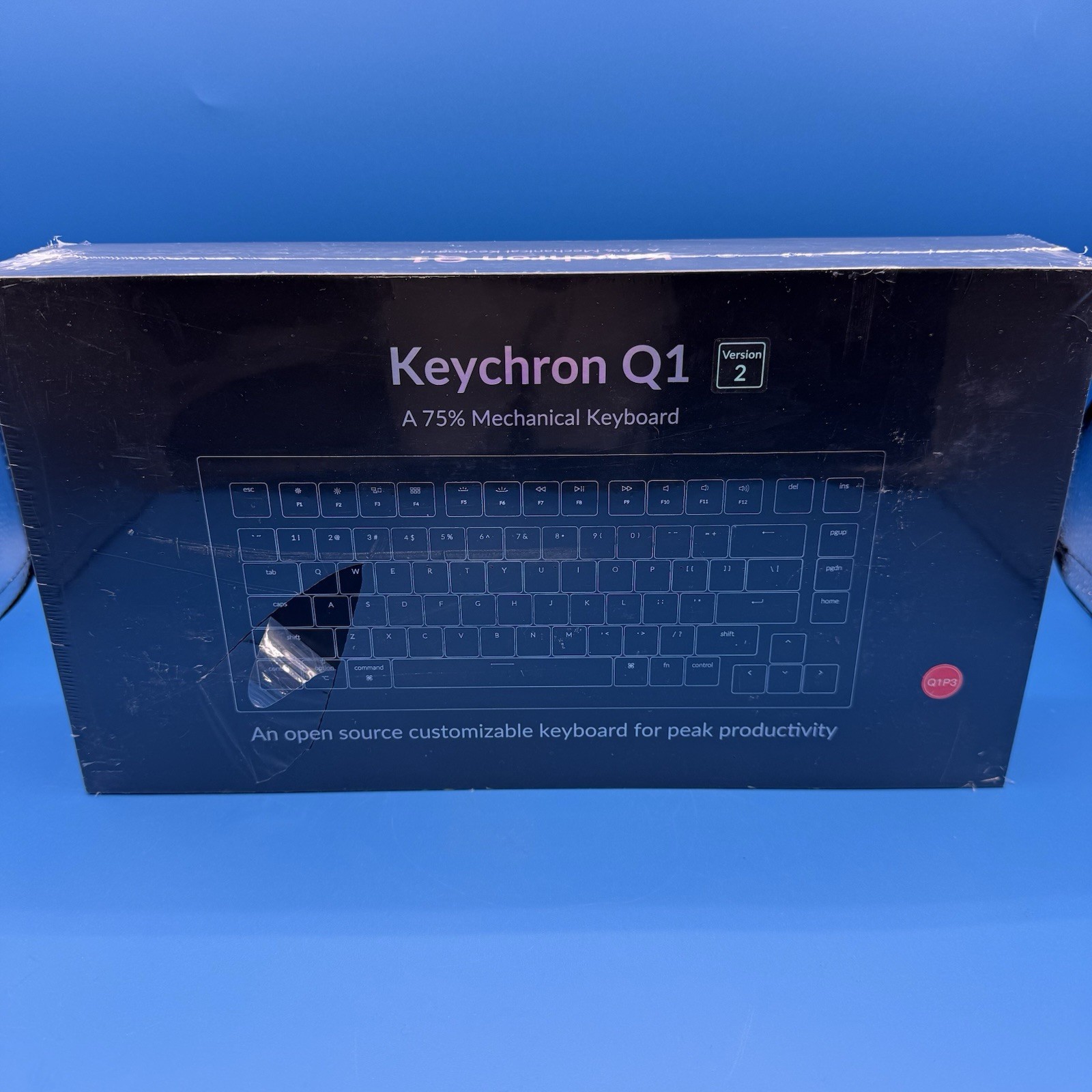 Keychron Q1 RGB Wired Custom Mechanical Keyboard, Version 2 White$100.00View on eBay
Highlights
- Tri-mode connectivity (USB-C wired, 2.4GHz dongle, Bluetooth 5.x) is now standard on 75%/80% boards; wired-only TKL/100% boards remain cheaper but lose multi-device pairing.
- Hot-swap sockets (3-pin or 5-pin) let you replace switches without soldering — a decisive durability and customization upgrade over soldered boards.
- Magnetic Hall-effect switches (e.g., in premium gaming boards) enable adjustable actuation and rapid trigger; standard MX-style mechanical switches do not.
- Keycap material matters: double-shot PBT resists shine and wear far better than ABS, especially on white keycaps where yellowing and shine show quickly.
Best use cases
- Pick a hot-swap 75% tri-mode board (2.4GHz + Bluetooth + wired) if you game and work across multiple devices and want to tune switches later.
- Choose a wired TKL or full-size board with Cherry MX or Gateron switches if you need a stable, low-latency desk keyboard and never move it.
- Skip RGB white boards with ABS keycaps and soldered switches if long-term durability and easy repair matter — go PBT + hot-swap instead.
- Pick Hall-effect magnetic switch boards only if you play competitive FPS and will use adjustable actuation; otherwise standard mechanical switches are cheaper and equally durable.
Buying tips
- Match layout to desk space: 75% keeps arrow keys and F-row in a compact footprint; TKL drops the numpad; 100% adds a numpad for spreadsheet work.
- Confirm 5-pin hot-swap if you plan to use third-party switches; 3-pin sockets accept only plate-mount switches.
- For white boards, prioritize double-shot PBT keycaps (1.2–1.5mm thick) over ABS to resist shine and yellowing.
- Check wireless battery tier: 2.4GHz drains faster than Bluetooth; boards with 4000mAh+ cells last noticeably longer between charges.
Specs
| Layout | 60% / 75% / TKL / Full-size |
|---|---|
| Connectivity | Wired USB-C / 2.4GHz / Bluetooth |
| Switch Type | Linear / Tactile / Clicky / Magnetic |
| Keycap Material | Double-shot PBT vs ABS |
Related searches
What to check before buying
- Measure desk depth and width: a 75% board is roughly 32–34cm wide; TKL about 36cm; full-size 44cm+ — confirm mouse space remains.
- Verify your devices support Bluetooth 5.x or have a free USB-A port for the 2.4GHz dongle.
- Check keycap layout standard (ANSI vs ISO) matches your region and typing habit before buying replacement caps.
- Confirm the board's plate material (aluminum vs steel vs FR4) and mounting style (gasket vs tray) if you care about typing sound and feel.
FAQ
Data sources: eBay / Amazon listings and product attribute feeds. Updated Nov 24, 2026.
Some links on this page are affiliate links. If you buy after clicking one, we may earn a commission at no extra cost to you. This does not change which products appear here or their order. Affiliate disclosure.