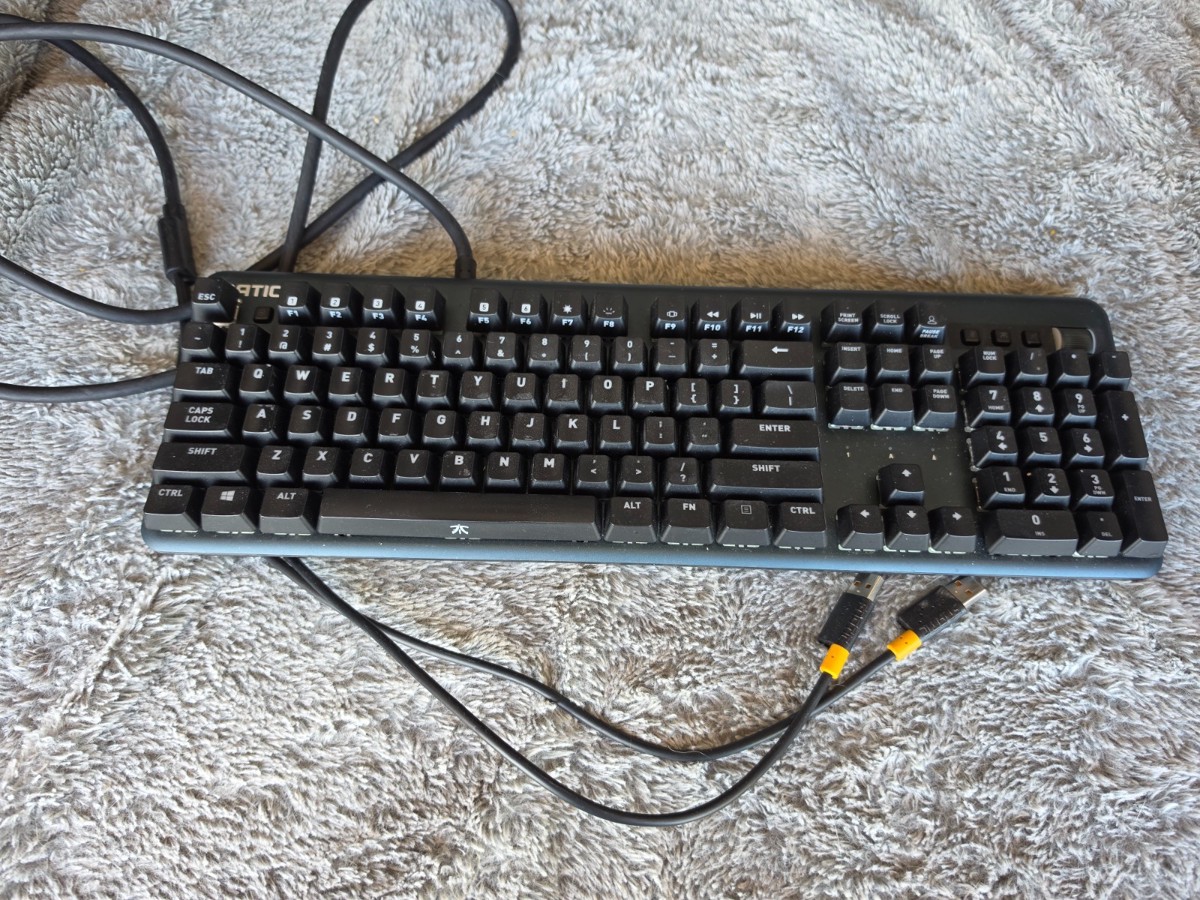

Photos from current listings. Actual item, color, and included accessories may vary.
Red Gaming Keyboard Buying Guide
A red gaming keyboard refers to a mechanical board fitted with linear red switches (Cherry MX Red or equivalent) that actuate with light force and no tactile bump for fast, quiet presses in games. The core trade-off is that linear reds favor rapid repeat inputs but lack tactile feedback for typing accuracy, so the decision rule is: buy reds for FPS/MOBA speed, and choose tactile or clicky switches if you need confirmation for heavy typing.
Key takeaways
- Cherry MX Red: 45 cN actuation, 2.0 mm pre-travel, 4.0 mm total travel, linear, 60 cN bottom-out, rated 100 million keystrokes in newer batches
- Gateron Red and Kailh Red clones use the same linear 45 cN spec at lower cost; optical reds remove physical contact for ~0.2 ms faster response
- Full-size 104-key boards include numpad; TKL drops 17 keys; 60% removes F-row and arrows; 75% keeps arrows and F-row in a compact footprint
At a glance
- Category
- Mechanical Keyboards
- Last updated
- Nov 24, 2026
Current offers
Highlights
- Cherry MX Red: 45 cN actuation, 2.0 mm pre-travel, 4.0 mm total travel, linear, 60 cN bottom-out, rated 100 million keystrokes in newer batches
- Gateron Red and Kailh Red clones use the same linear 45 cN spec at lower cost; optical reds remove physical contact for ~0.2 ms faster response
- Full-size 104-key boards include numpad; TKL drops 17 keys; 60% removes F-row and arrows; 75% keeps arrows and F-row in a compact footprint
- Hot-swap PCB sockets (3-pin and 5-pin) and double-shot PBT keycaps at 1.5 mm thickness determine long-term durability and mod-ability
Best use cases
- FPS and MOBA players: pick a linear red switch board with N-key rollover and 1000 Hz polling to avoid missed simultaneous inputs; skip tactile switches if rapid taps matter.
- Heavy typists and programmers: reds cause more bottom-out and mistypes; choose a tactile brown or clicky blue switch instead, or a red board only as a secondary gaming keyboard.
- Mixed work-and-play desks: a 75% or TKL red board saves 4-5 inches of desk width while keeping arrow keys; skip full-size unless you use a numpad daily.
Buying tips
- Confirm the switch is genuinely linear red: actuation force should be 45 cN (±5) with 2.0 mm pre-travel and no tactile bump; if it says 50-60 cN or 'tactile' it is not a true red.
- Match layout to desk math: full-size is ~17.5 in wide, TKL ~14 in, 75% ~12.6 in, 60% ~11.5 in; measure your mouse swing before choosing.
- Check the case and plate: an aluminum top plate and gasket mount reduce flex and ping; ABS keycaps shine within months, so PBT double-shot is the durability floor.
- Verify connection and rollover: USB-C detachable cable, 1000 Hz polling, and full N-key rollover are the baseline for competitive use; Bluetooth-only boards add latency and cap polling.
Specs
| Switch Type | Linear red 45 cN / 2.0 mm actuation |
|---|---|
| Layout Sizes | Full 104 / TKL 87 / 75% / 60% |
| Keycap Material | Double-shot PBT vs ABS |
| Connection | USB-C wired / 2.4 GHz / Bluetooth |
Related searches
What to check before buying
- Measure desk depth and width: ensure at least 3-4 inches of clear mouse travel beside the board, or drop to a TKL/75% size.
- Confirm the switch socket: if you plan to swap switches, the PCB must be hot-swap 3-pin or 5-pin; soldered boards lock you to the factory reds.
- Check keycap material and layout standard: ANSI vs ISO matters for replacement sets, and PBT double-shot keycaps resist shine better than ABS.
- Verify host compatibility: USB-C or USB-A detachable cable, plus whether the board needs software for RGB and remapping, and whether onboard memory saves profiles.
FAQ
Data sources: eBay / Amazon listings and product attribute feeds. Updated Nov 24, 2026.
Some links on this page are affiliate links. If you buy after clicking one, we may earn a commission at no extra cost to you. This does not change which products appear here or their order. Affiliate disclosure.