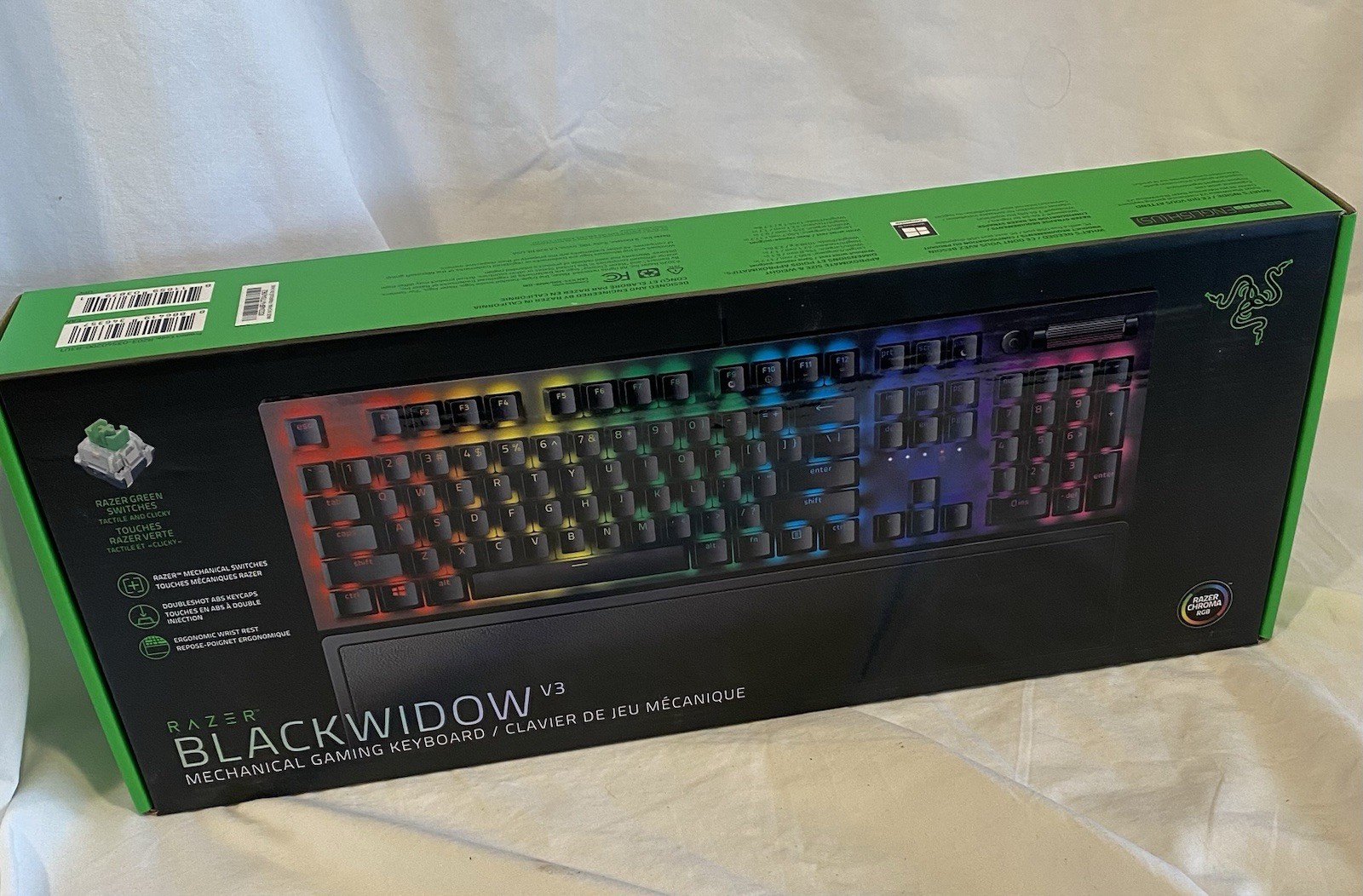

Photos from current listings. Actual item, color, and included accessories may vary.
Razer Mechanical Keyboard Buying Guide
Razer mechanical keyboards span three distinct switch families (green clicky, yellow linear, orange tactile) and two build tiers: the entry-level BlackWidow V3/V4 X with ABS keycaps and stamped steel backplates, versus the Huntsman optical line with aluminum chassis and analog/rapid-trigger options. The core trade-off is switch feel and actuation speed versus price tier: optical switches and aluminum frames add durability and speed, while the base BlackWidow line delivers full mechanical feel at a lower build grade. Buy the BlackWidow X line only if you accept ABS keycaps and plastic-heavy construction; step to the Huntsman or BlackWidow V4 Pro if you need aluminum rigidity, doubleshot PBT caps, or analog input.
Median $52.60
Key takeaways
- Razer Green switches are clicky tactile with 50g actuation force and 1.9mm actuation; Yellow are linear 45g at 1.2mm; Orange are tactile 45g at 1.9mm — these three feel profiles define the entire mechanical line.
- Huntsman models use Razer Optical Switches with 1.5mm actuation (Analog Optical drops to 1.5mm with adjustable 0.1–4.0mm range), eliminating debounce delay and rated at 100 million keystrokes.
- BlackWidow V3 and V4 X use a stamped steel backplate under ABS keycaps; Huntsman and BlackWidow V4 Pro upgrade to 5052 aluminum alloy top plates and doubleshot PBT keycaps for wear resistance.
At a glance
- Category
- Mechanical Keyboards
- Last updated
- Nov 24, 2026
Current offers
Highlights
- Razer Green switches are clicky tactile with 50g actuation force and 1.9mm actuation; Yellow are linear 45g at 1.2mm; Orange are tactile 45g at 1.9mm — these three feel profiles define the entire mechanical line.
- Huntsman models use Razer Optical Switches with 1.5mm actuation (Analog Optical drops to 1.5mm with adjustable 0.1–4.0mm range), eliminating debounce delay and rated at 100 million keystrokes.
- BlackWidow V3 and V4 X use a stamped steel backplate under ABS keycaps; Huntsman and BlackWidow V4 Pro upgrade to 5052 aluminum alloy top plates and doubleshot PBT keycaps for wear resistance.
- The V4 X is a TKL (tenkeyless) layout with a dedicated media roller and volume knob; the full-size V3 adds a numpad but drops the media roller to dedicated keys — layout and control surface differ by tier.
Best use cases
- Competitive FPS players who want the fastest actuation: pick a Huntsman with Analog Optical switches for adjustable 0.1–4.0mm travel and rapid trigger; skip the BlackWidow V3/X if split-second counter-strafing matters.
- Typists and office users sharing a room: choose Razer Orange or Yellow switches (tactile or linear, no click) to avoid the loud click of Green switches — Green is wrong-fit for open offices or shared bedrooms.
- First-time mechanical buyers on a budget: the BlackWidow V4 X delivers full mechanical feel, Chroma RGB, and a media roller at the entry tier; skip the Huntsman if you don't need optical speed or analog input.
- LAN and tournament players who travel: pick the TKL V4 X or Huntsman Mini (60%) for portability; the full-size V3 with numpad and wrist rest is wrong-fit for cramped backpack space.
Buying tips
- Match switch to use: Green = loud clicky for solo gaming; Yellow = fast linear for FPS; Orange = quiet tactile for typing — a keyboard's feel is 80% determined by this choice, not the frame.
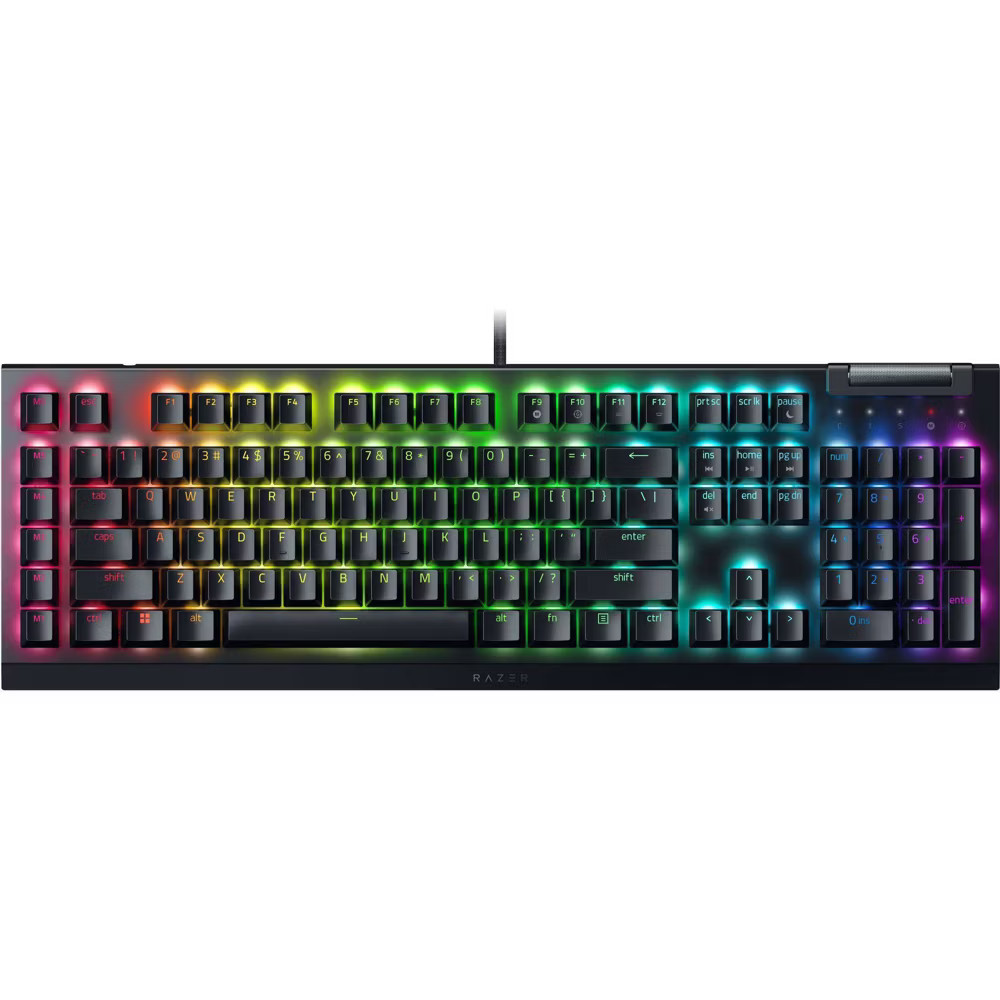
- Check layout before buying: full-size (V3) includes numpad and wrist rest; TKL (V4 X) drops the numpad; 60% (Huntsman Mini) drops arrows and function row — measure desk width and decide if you need a numpad.
- Prioritize doubleshot PBT keycaps and an aluminum top plate (Huntsman, V4 Pro) over ABS-plus-steel (V3, V4 X) if you want years of daily typing without key shine or flex.
- For analog or rapid-trigger gaming, confirm the model explicitly lists 'Analog Optical' or 'Rapid Trigger' — standard optical switches are fast but do not offer adjustable actuation points.
Specs
| Switch Type | Mechanical (Green/Yellow/Orange) vs Optical |
|---|---|
| Actuation Force | 45g linear / 50g clicky-tactile |
| Layout Options | Full-size / TKL / 60% |
| Keycap & Plate | ABS + steel vs PBT + aluminum |
Related searches
What to check before buying
- Measure your desk depth and width: full-size boards run roughly 45cm wide, TKL about 36cm, and 60% around 30cm — confirm clearance for mouse swing before choosing.
- Confirm your PC has a free USB-A port; all Razer mechanical keyboards are wired USB-A (Huntsman Mini and V4 X include detachable USB-C cables on some revisions).
- Check your room's noise tolerance: Green switches are audible through walls; if you share space, budget for Orange or Yellow switches instead.
- Verify your platform: Razer Synapse 3 (Windows) is required for Chroma RGB and macro remapping; macOS supports basic typing but not full software customization.
FAQ
Data sources: eBay / Amazon listings and product attribute feeds. Updated Nov 24, 2026.
Some links on this page are affiliate links. If you buy after clicking one, we may earn a commission at no extra cost to you. This does not change which products appear here or their order. Affiliate disclosure.