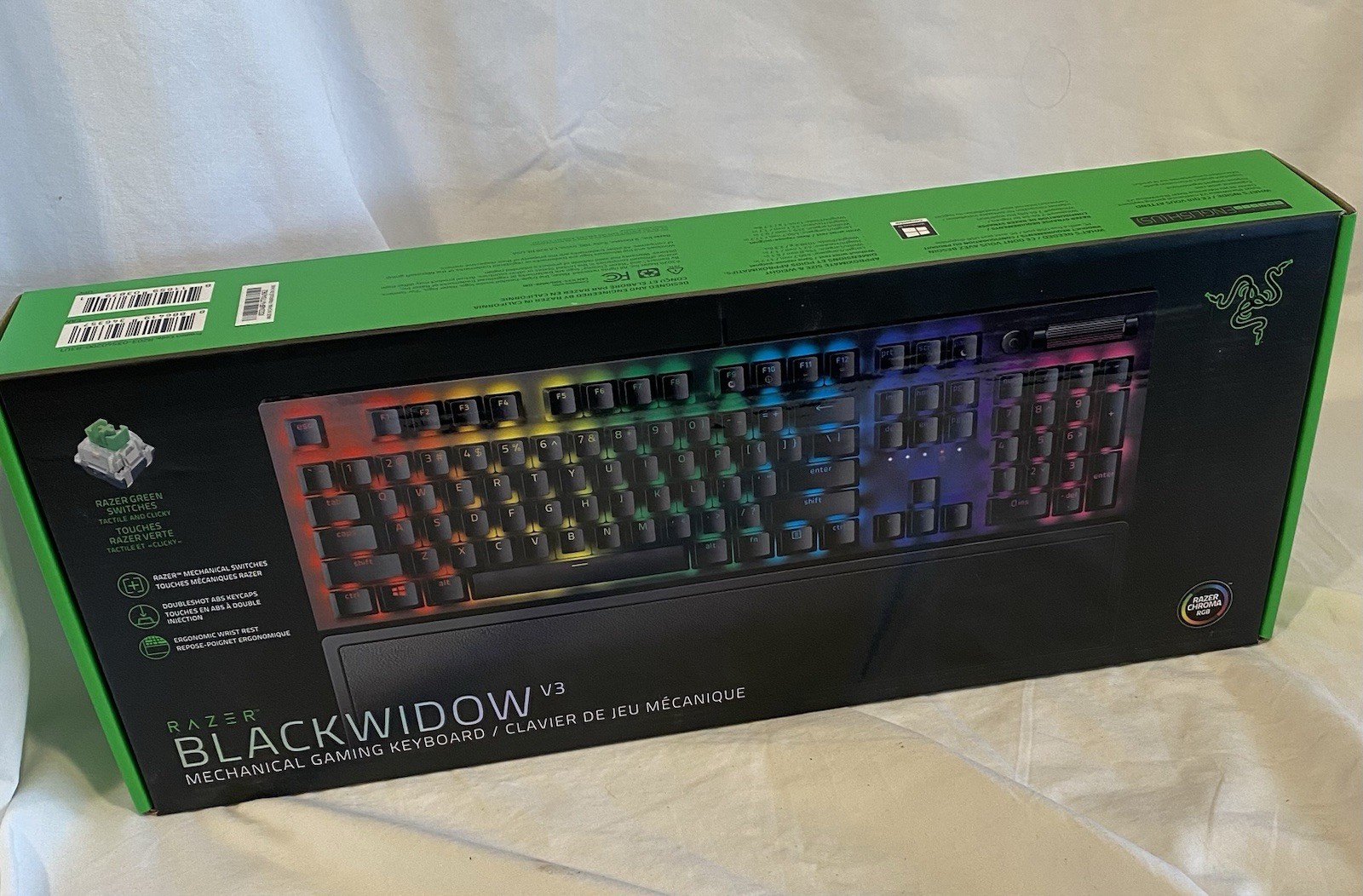

Photos from current listings. Actual item, color, and included accessories may vary.
Razer Blackwidow Keyboard Buying Guide
The Razer BlackWidow is a family of wired mechanical gaming keyboards defined by Razer's proprietary green (clicky) or yellow (linear) switches and a metal-top or full-aluminum chassis. The core trade-off is switch feel and acoustic profile versus chassis rigidity and onboard feature depth, with generation (V3 vs V4) determining whether you get a plastic or aluminum top plate. Buy the V4 if you want the stiffer aluminum build and updated switch tuning; buy the V3 or older X/Tournament models only when you specifically want the lighter, more compact legacy frame.
Median $55.24
Key takeaways
- Switch architecture splits into Razer Green (clicky, tactile bump, audible), Razer Yellow (linear, silent, 1.2mm actuation), and Razer Orange (tactile, quieter) — all rated for 80–100 million keystrokes.
- Generation determines chassis: BlackWidow V3 uses a metal top plate over plastic; BlackWidow V4 and V4 X use a full aluminum-alloy top case for noticeably less deck flex.
- Form factor tiers: full-size (V3/V4 with numpad), TKL (V3 TKL), and 65–75% compact (V4 X 75%) — the smaller the deck, the fewer media keys and the tighter the switch spacing.
At a glance
- Category
- Mechanical Keyboards
- Last updated
- Nov 24, 2026
Current offers
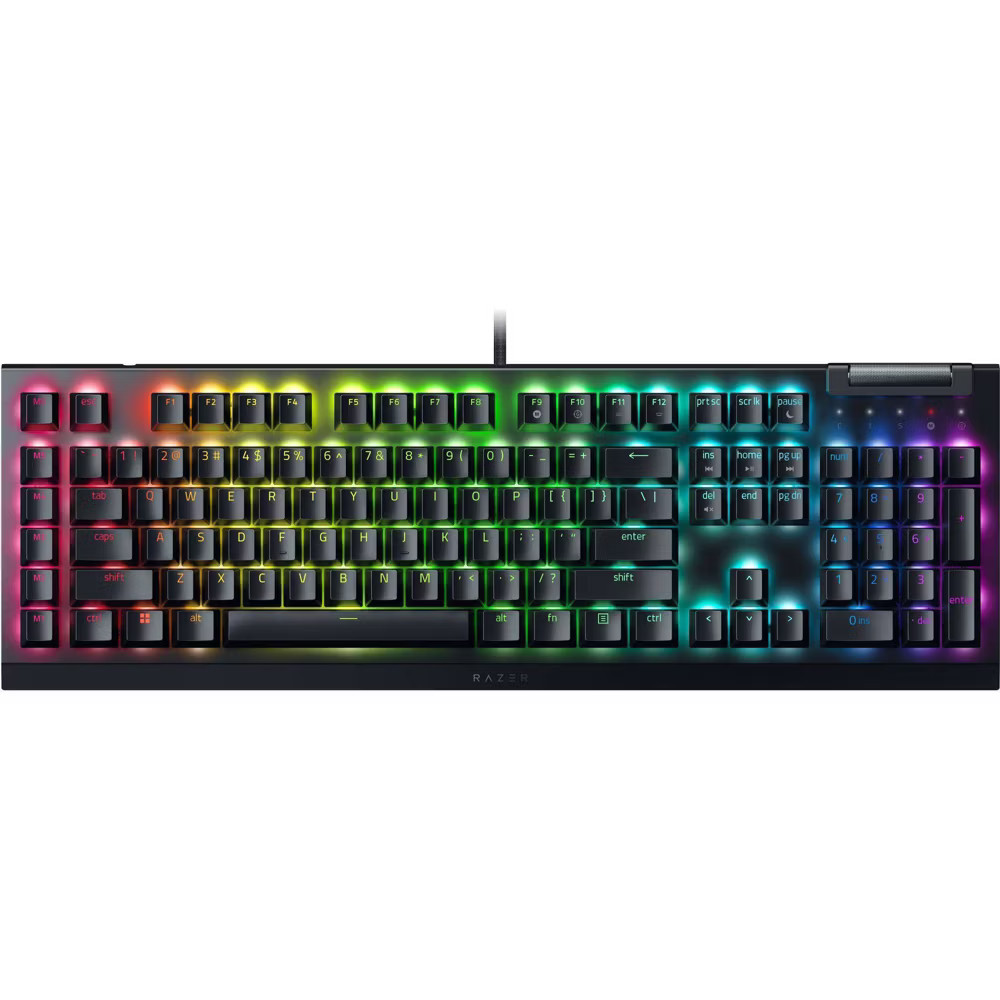
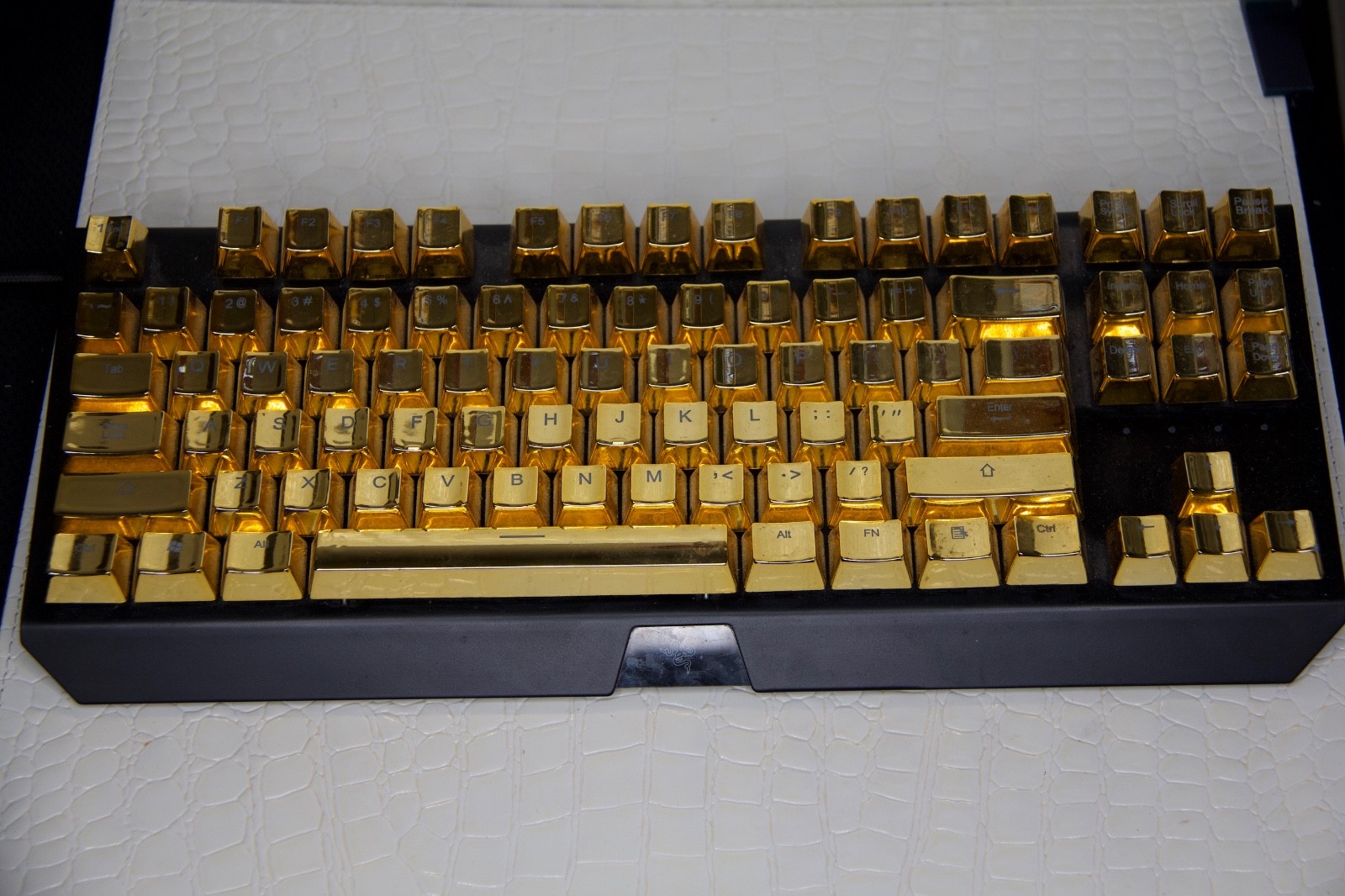
Highlights
- Switch architecture splits into Razer Green (clicky, tactile bump, audible), Razer Yellow (linear, silent, 1.2mm actuation), and Razer Orange (tactile, quieter) — all rated for 80–100 million keystrokes.
- Generation determines chassis: BlackWidow V3 uses a metal top plate over plastic; BlackWidow V4 and V4 X use a full aluminum-alloy top case for noticeably less deck flex.
- Form factor tiers: full-size (V3/V4 with numpad), TKL (V3 TKL), and 65–75% compact (V4 X 75%) — the smaller the deck, the fewer media keys and the tighter the switch spacing.
- Tournament Edition (X TE) models drop the numpad and macro column for a narrower footprint but retain Chroma RGB and the same mechanical switch line.
Best use cases
- Pick the BlackWidow V4 or V4 X if you want the stiffest aluminum chassis and the latest switch tuning for daily gaming and typing — skip the older V3 if deck flex bothers you.
- Choose a TKL or Tournament Edition (X TE) if you have a narrow desk, play low-sensitivity FPS with wide mouse swipes, or need the keyboard to fit a compact LAN bag.
- Buy a Green-switch model for a loud, tactile typing experience in a private room; buy Yellow or Orange switches if you share a room, stream with a hot mic, or work in an open office.
- Skip any BlackWidow if you require wireless operation — the entire line is wired USB only; look elsewhere for Bluetooth or 2.4GHz mechanical boards.
Buying tips
- Match switch to environment: Green (clicky) for solo gaming/typing, Yellow (linear) for fast double-taps and quieter rooms, Orange (tactile) for a middle-ground bump without the click.
- Confirm the generation on the label — V4/V4 X have the aluminum top case, V3 has a metal top plate over plastic, and X Tournament models are the older compact frame.
- Check the form factor against your desk math: full-size needs roughly 45cm of width, TKL about 36cm, and 65–75% compact decks about 32cm — measure before you buy.
- Verify the cable and port: BlackWidow models use a fixed or braided USB-A cable with a USB passthrough on some full-size versions; compact models often drop the passthrough.
Specs
| Switch Type | Razer Green / Yellow / Orange |
|---|---|
| Chassis Material | Aluminum top (V4) vs metal plate (V3) |
| Form Factor | Full-size / TKL / 75% compact |
| Connection | Wired USB-A only, no wireless |
Related searches
What to check before buying
- Measure desk width and depth: full-size V3/V4 is about 45cm wide, TKL about 36cm, and 75% V4 X about 32cm — leave 10cm for mouse swing in FPS games.
- Confirm your PC or laptop has a free USB-A port; the line is wired USB and some compact models omit the USB passthrough.
- Check room acoustics and mic placement: Green switches are audibly clicky and will bleed into open mics and shared spaces.
- Verify you don't need wireless — no BlackWidow model ships with Bluetooth or 2.4GHz, so plan for a cable run to your tower or hub.
FAQ
Data sources: eBay / Amazon listings and product attribute feeds. Updated Nov 24, 2026.
Some links on this page are affiliate links. If you buy after clicking one, we may earn a commission at no extra cost to you. This does not change which products appear here or their order. Affiliate disclosure.