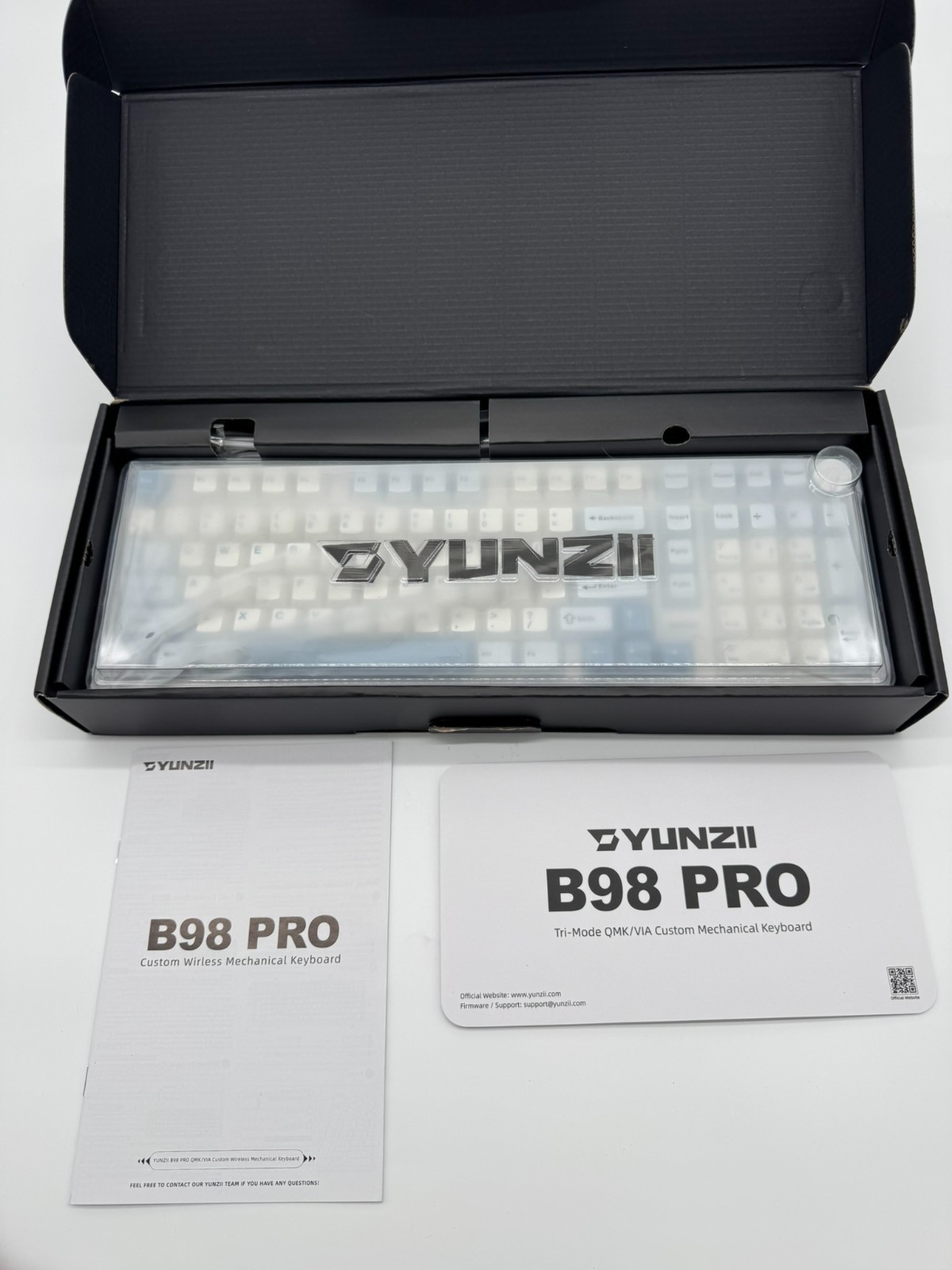

Photos from current listings. Actual item, color, and included accessories may vary.
Mechanical Keyboard Hot Swap Buying Guide
Hot-swap mechanical keyboards let you replace switches without soldering, so the PCB socket type and plate tolerance decide long-term durability. The core trade-off is between 3-pin and 5-pin compatibility, socket quality (Kailh vs. generic), and whether gasket mounting absorbs typing shock. Buy 5-pin Kailh-socket boards with a gasket mount for daily use; skip 3-pin-only PCBs if you plan to experiment with plate-mount switches.
Median $79.99
Key takeaways
- 5-pin hot-swap sockets accept both 3-pin and 5-pin switches; 3-pin-only PCBs reject 5-pin switches unless you clip the two plastic legs.
- Kailh hot-swap sockets are rated for roughly 100 swap cycles; generic or soldered-in sockets fail sooner and often lift pads.
- Gasket-mounted plates (poron or silicone strips) flex to absorb keystroke shock, reducing fatigue versus stiff tray-mount boards.
At a glance
- Category
- Mechanical Keyboards
- Last updated
- Nov 24, 2026
Current offers
Highlights
- 5-pin hot-swap sockets accept both 3-pin and 5-pin switches; 3-pin-only PCBs reject 5-pin switches unless you clip the two plastic legs.
- Kailh hot-swap sockets are rated for roughly 100 swap cycles; generic or soldered-in sockets fail sooner and often lift pads.
- Gasket-mounted plates (poron or silicone strips) flex to absorb keystroke shock, reducing fatigue versus stiff tray-mount boards.
- Tri-mode connectivity (USB-C wired, Bluetooth 5.x, 2.4 GHz dongle) adds wireless flexibility; 2.4 GHz is lower latency than Bluetooth for gaming.
Best use cases
- Pick a 5-pin Kailh-socket 75% or TKL board if you swap switches monthly for sound and feel testing—skip 3-pin PCBs that limit you to plate-mount switches.
- Choose a gasket-mounted 65% with tri-mode wireless for office and travel; skip heavy aluminum tray-mount boards if you carry the keyboard daily.
- Buy a 96% or 98% layout with 5-pin sockets if you need a numpad and hot-swap; skip 60% boards if you rely on function-row shortcuts.
Buying tips
- Match socket count to layout: 65% boards use 67–68 sockets, TKL uses 87, 96%/98% uses 96–100—count before buying keycaps.
- Check switch pin count: 5-pin switches need 5-pin sockets; clipping the two plastic legs converts them to 3-pin but voids switch resale.
- For wireless, confirm Bluetooth 5.0+ and a 2.4 GHz dongle; Bluetooth-only boards add 10–20 ms latency versus wired USB-C.
- Verify plate material: FR4 or polycarbonate plates flex for gasket mounts; steel or brass plates suit stiff, tray-mount builds only.
Specs
| Socket Type | 5-pin Kailh vs 3-pin generic |
|---|---|
| Mount Style | Gasket vs tray mount |
| Connectivity | Tri-mode (USB-C/BT/2.4G) vs wired |
| Layout Size | 60–65% / 75% / TKL / 96–98% |
Related searches
What to check before buying
- Measure desk depth: a 96%/98% board is about 38–40 cm wide; 65% is about 32 cm—confirm clearance for mouse movement.
- Confirm your OS supports the board's software: QMK/VIA works on Windows, macOS, and Linux; proprietary apps may be Windows-only.
- Check keycap compatibility: most hot-swap boards use MX-style stems; Topre or Alps switches need different mounts entirely.
- For wireless use, verify the board ships with a 2.4 GHz dongle or Bluetooth 5.x—some tri-mode boards omit the dongle.
FAQ
Data sources: eBay / Amazon listings and product attribute feeds. Updated Nov 24, 2026.
Some links on this page are affiliate links. If you buy after clicking one, we may earn a commission at no extra cost to you. This does not change which products appear here or their order. Affiliate disclosure.