
Photos from current listings. Actual item, color, and included accessories may vary.
Logitech Gaming Keyboard Buying Guide
Logitech gaming keyboards span three distinct architectures: wired full-size G512, wired tenkeyless G Pro, and wireless low-profile G915 X / G Pro X TKL. The core trade-off is switch type (clicky vs tactile vs linear) and connection (wired vs Lightspeed wireless), with low-profile switches reducing key travel and actuation force. Buy wired if you want maximum durability and zero latency; buy Lightspeed wireless only if you need a clean desk and accept a rechargeable battery.
Median $86.50
Key takeaways
- Switch type defines feel and noise: GX Blue is clicky (audible bump), GX Brown is tactile (quiet bump), GX Red is linear (smooth, no bump); G915 X uses low-profile GL switches with 2.7 mm total travel vs 4.0 mm standard.
- Wired models (G512, G Pro) use USB-A passthrough or plain USB-C; wireless models (G915 X, G Pro X TKL Lightspeed) use 2.4 GHz Lightspeed with 1 ms report rate and require charging via USB-C.
- Build tiers: G512 uses aircraft-grade 5052 aluminum alloy top plate; G Pro and G Pro X TKL use a steel-reinforced plastic frame; G915 X uses a brushed aluminum top plate with low-profile ABS keycaps.
At a glance
- Category
- Mechanical Keyboards
- Last updated
- Nov 24, 2026
Current offers
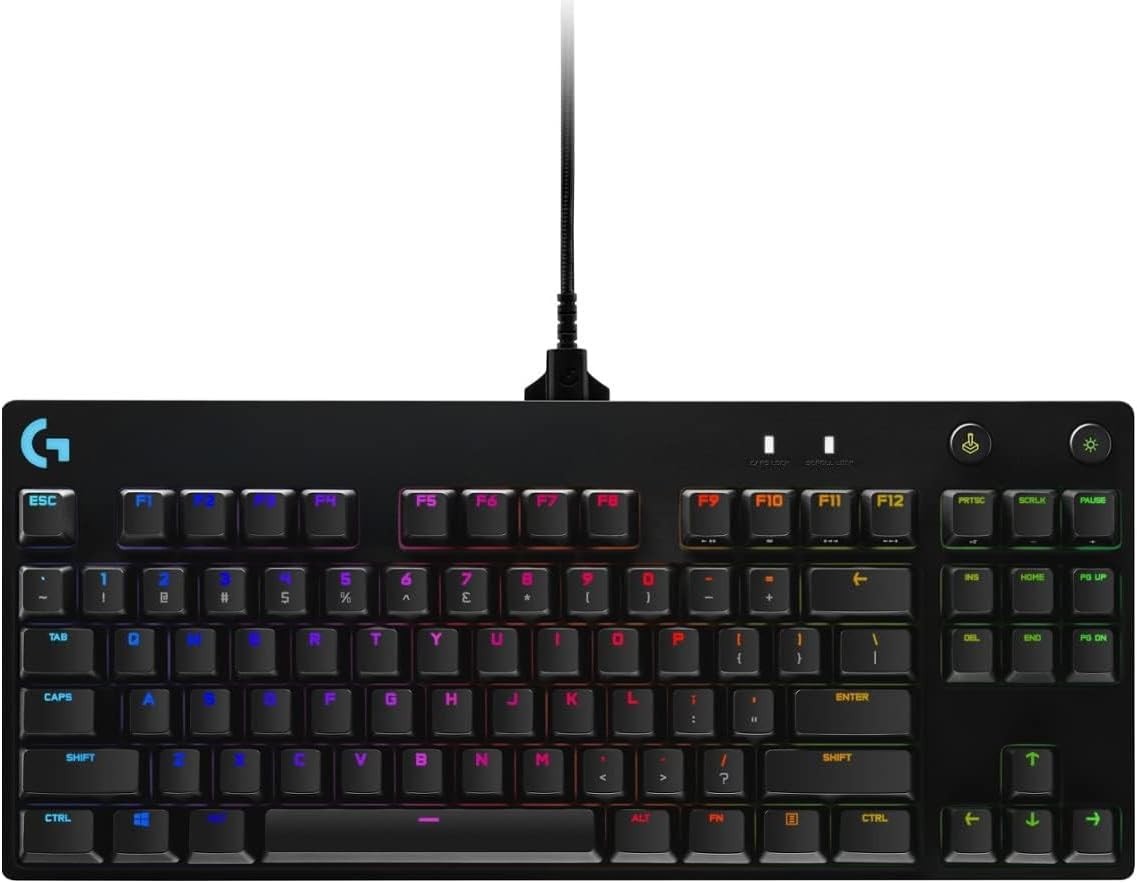 Logitech G Pro TKL Mechanical RGB Gaming Keyboard Black$43.19View on eBay
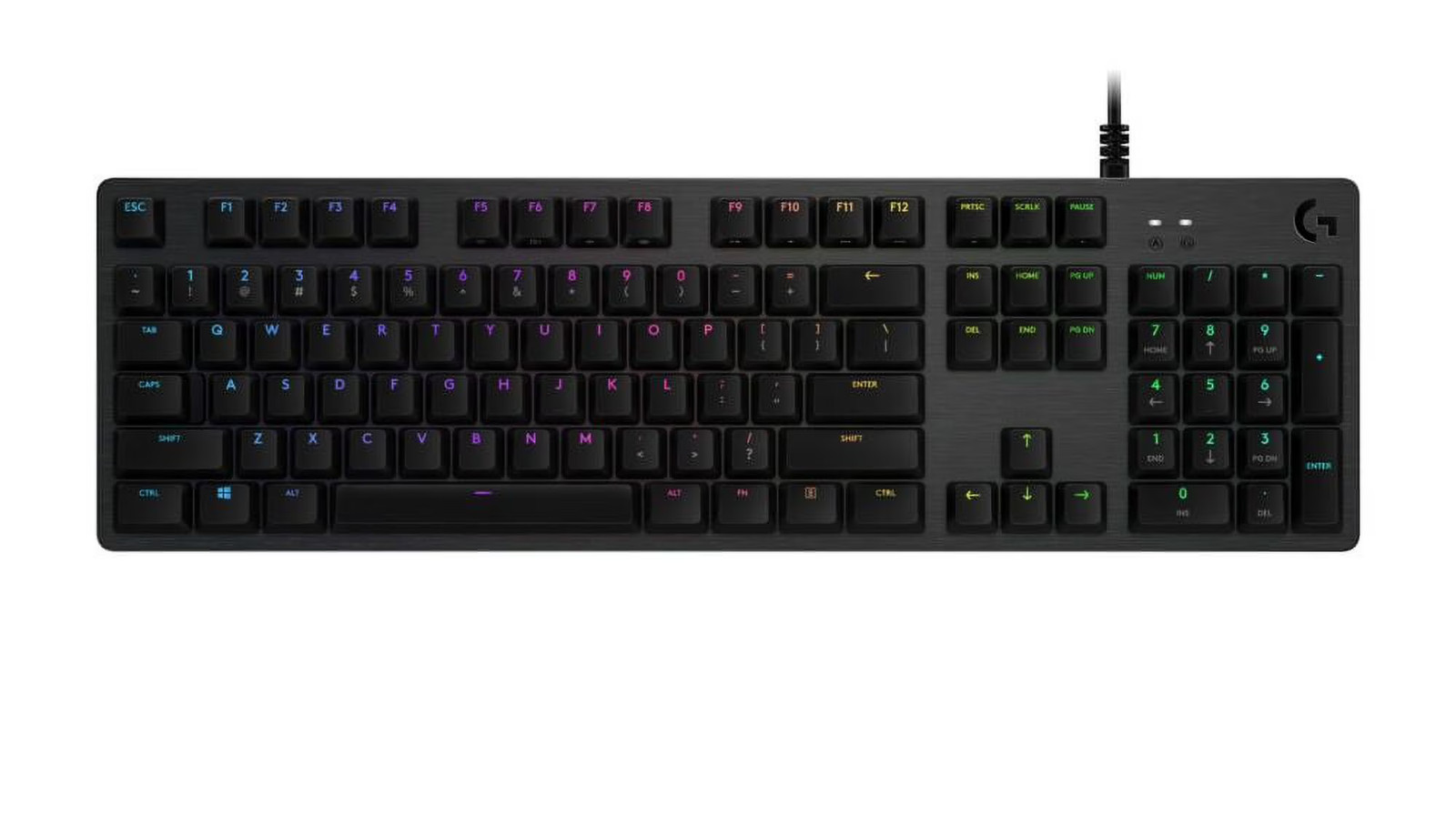 Logitech G512 Carbon LIGHTSYNC RGB Mechanical Gaming Keyboard Black$57.99View on eBay
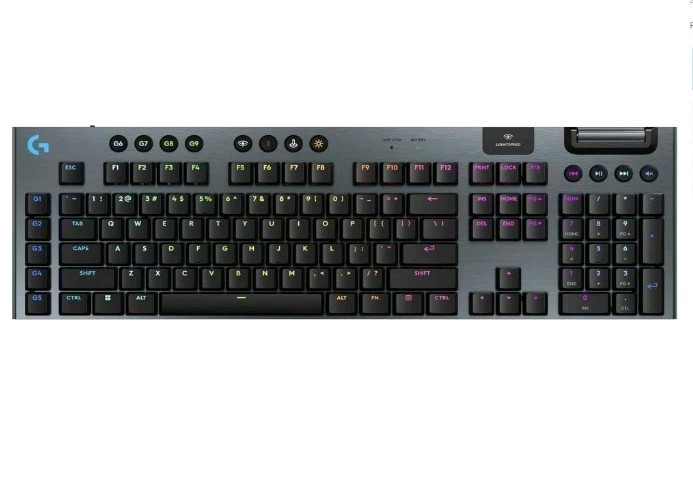 Logitech G915 X Lightspeed Wireless Gaming Keyboard (Clicky) - Black | Low...$115.00View on eBay
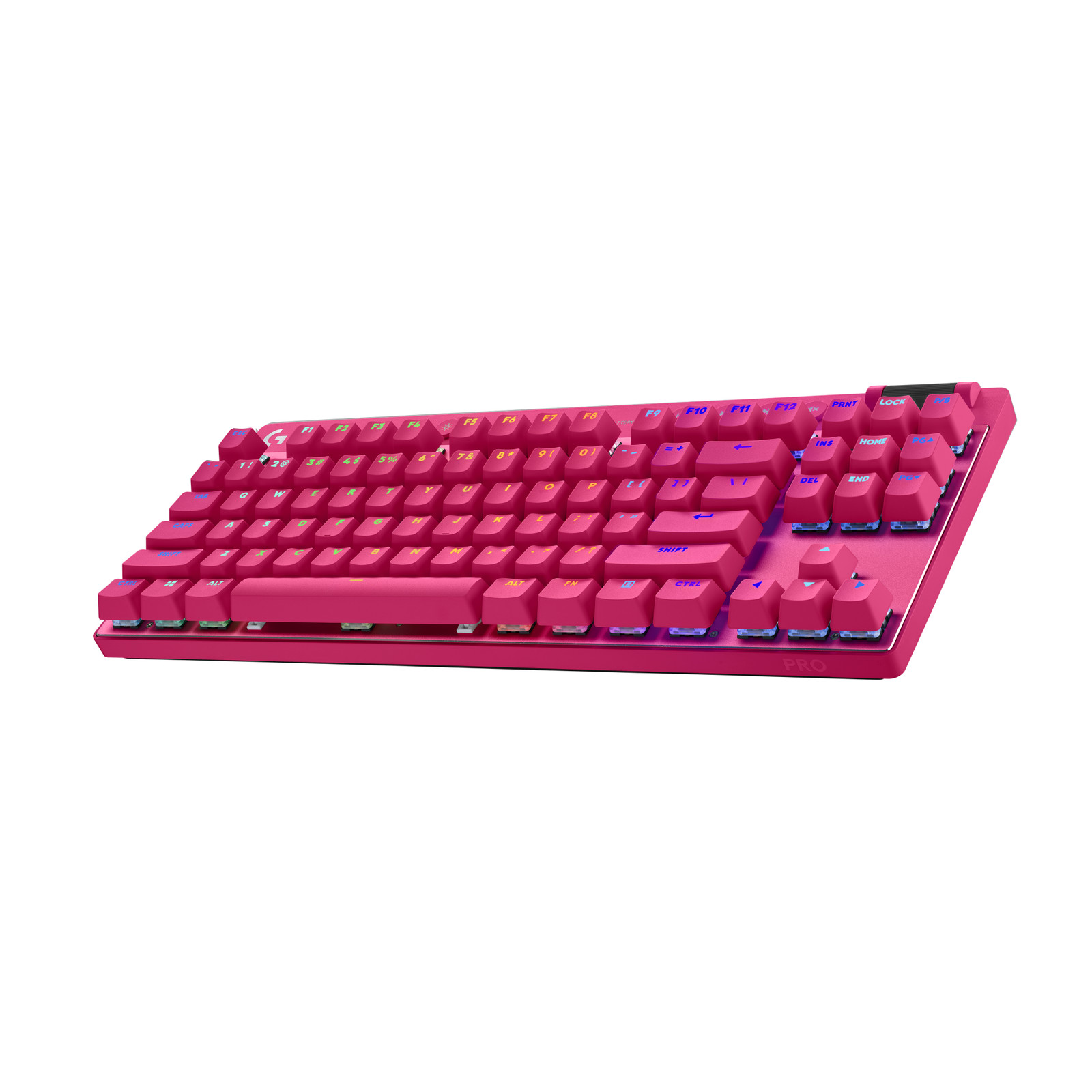 Logitech G PRO X TKL Wireless Gaming Keyboard – Tactile Switches$129.99View on eBay
Highlights
- Switch type defines feel and noise: GX Blue is clicky (audible bump), GX Brown is tactile (quiet bump), GX Red is linear (smooth, no bump); G915 X uses low-profile GL switches with 2.7 mm total travel vs 4.0 mm standard.
- Wired models (G512, G Pro) use USB-A passthrough or plain USB-C; wireless models (G915 X, G Pro X TKL Lightspeed) use 2.4 GHz Lightspeed with 1 ms report rate and require charging via USB-C.
- Build tiers: G512 uses aircraft-grade 5052 aluminum alloy top plate; G Pro and G Pro X TKL use a steel-reinforced plastic frame; G915 X uses a brushed aluminum top plate with low-profile ABS keycaps.
- TKL (tenkeyless) drops the numpad for ~30% narrower footprint; full-size G512 includes dedicated media keys and a volume roller, while TKL models move media controls to Fn shortcuts.
Best use cases
- Pick G512 Carbon if you need a numpad for spreadsheets or MMO keybinds and want a metal top plate under a wired USB connection.
- Pick G Pro TKL wired if you compete in FPS tournaments where wired latency and a compact footprint matter more than media keys.
- Pick G915 X Lightspeed if you want a low-profile wireless board for a clean desk and travel between rooms—skip it if you dislike recharging or prefer tall keycaps.
- Skip the G Pro X TKL Wireless if you need per-key RGB brightness at maximum levels for long sessions; low-profile wireless boards trade battery life for thinness.
Buying tips
- Match switch to environment: clicky switches (GX Blue) are loud enough to disturb roommates or open offices; choose tactile (GX Brown) or linear (GX Red) for shared spaces.
- Measure desk depth before choosing full-size: G512 is roughly 18 inches wide, TKL is about 14 inches—confirm your keyboard tray or mouse space accommodates the width.
- For wireless, budget 25–40 hours of RGB-on battery life on G915 X; plan to charge weekly via USB-C or run 2.4 GHz with RGB off for longer endurance.
- Lightspeed wireless requires the included USB-A receiver; if your PC lacks free USB-A ports, budget for a USB-C hub or choose the wired G Pro X TKL variant.
Specs
| Switch Type | Clicky / Tactile / Linear (GX or GL) |
|---|---|
| Connection | Wired USB or 2.4 GHz Lightspeed |
| Form Factor | Full-size with numpad or TKL |
| Build Material | Aluminum top plate vs plastic frame |
Related searches
What to check before buying
- Confirm your desk or tray width: full-size G512 needs ~18 in; TKL models need ~14 in; low-profile G915 X is ~18.5 in full-size.
- Check your PC or console has a free USB-A port for the Lightspeed receiver or wired connection; USB-C-only laptops need an adapter.
- Verify switch preference by trying a sample: clicky is audible, tactile has a bump, linear is smooth—switch type cannot be changed after purchase on most models.
- For wireless models, confirm you have a USB-C charging cable and a nearby outlet or powered hub for weekly charging.
FAQ
Data sources: eBay / Amazon listings and product attribute feeds. Updated Nov 24, 2026.
Some links on this page are affiliate links. If you buy after clicking one, we may earn a commission at no extra cost to you. This does not change which products appear here or their order. Affiliate disclosure.