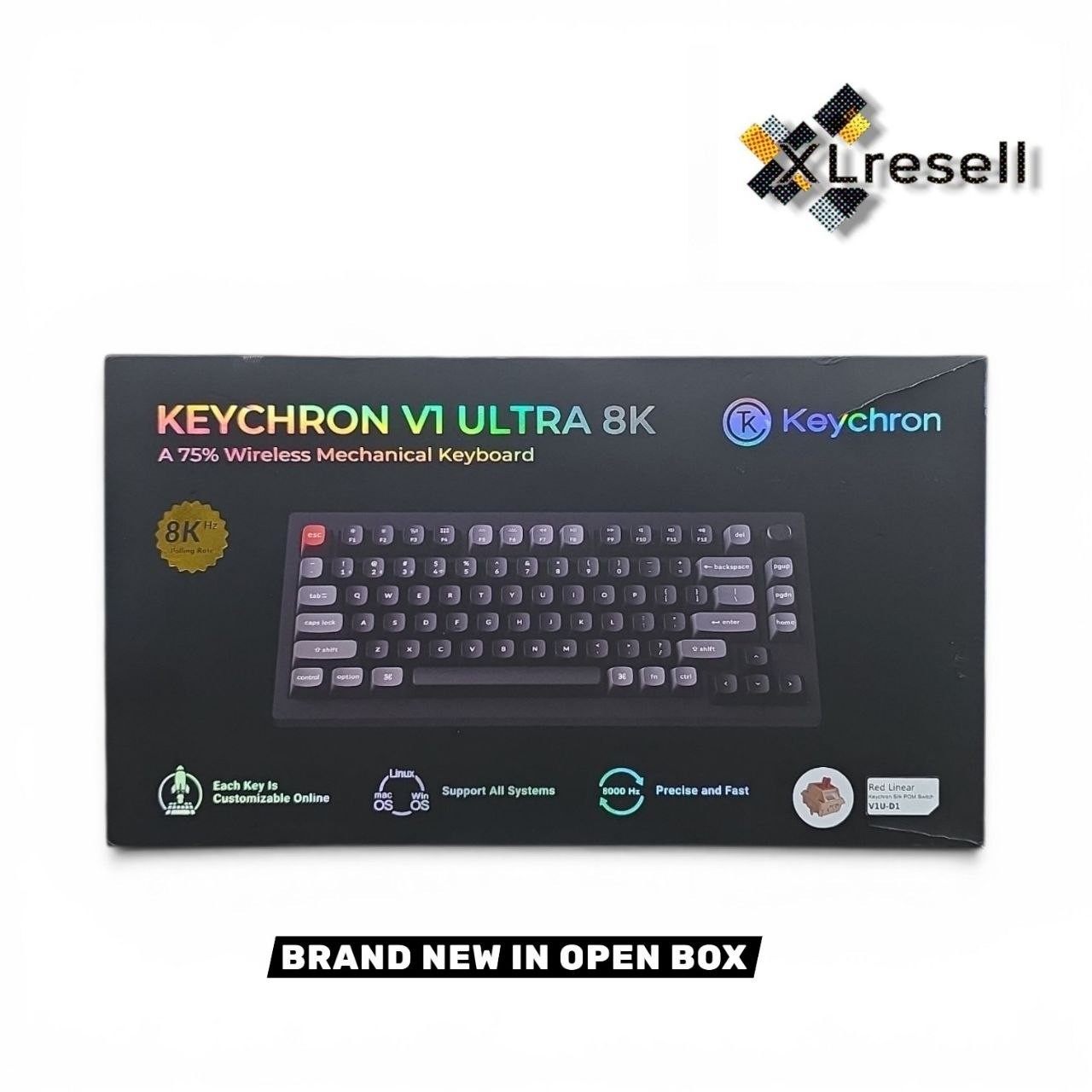

Photos from current listings. Actual item, color, and included accessories may vary.
Linear Mechanical Keyboard Buying Guide
Linear mechanical keyboards use smooth, non-tactile switches that actuate with a straight-down press, favored for fast typing and gaming where feedback bumps are unwanted. The core trade-off is switch feel versus build rigidity: budget boards use thin ABS cases and plate-mounted stabilizers that rattle, while durable options use gasket mounting, PBT keycaps, and hot-swap sockets. Choose a linear board only if you prioritize uninterrupted keystrokes; skip it if you need tactile confirmation for accuracy.
Key takeaways
- Hot-swap sockets (5-pin compatible) let you change linear switches without soldering—critical for tuning weight and feel.
- Gasket mounting with poron foam reduces case ping and harsh bottom-out versus stiff tray-mount designs.
- PBT keycaps resist shine and oil buildup far better than ABS, which wears smooth within months of heavy use.
At a glance
- Category
- Mechanical Keyboards
- Last updated
- Nov 24, 2026
Current offers
Highlights
- Hot-swap sockets (5-pin compatible) let you change linear switches without soldering—critical for tuning weight and feel.
- Gasket mounting with poron foam reduces case ping and harsh bottom-out versus stiff tray-mount designs.
- PBT keycaps resist shine and oil buildup far better than ABS, which wears smooth within months of heavy use.
- Wireless latency varies by protocol: 2.4GHz dongles typically hit 1-4ms, Bluetooth 5.x ranges 8-20ms—pick 2.4GHz for gaming.
Best use cases
- Best fit: fast-paced gaming and long typing sessions—choose a linear board with 2.4GHz wireless, hot-swap sockets, and PBT keycaps.
- Wrong fit: users who rely on tactile bumps for touch-typing accuracy—skip linear and choose a tactile or clicky switch instead.
- Best fit: office environments—pick silent linear switches (e.g., lubed linear with dampened stems) and a gasket mount to reduce noise.
- Wrong fit: buyers wanting a plug-and-play board with zero tuning—skip barebones kits and choose a prebuilt with factory-lubed stabilizers.
Buying tips
- Match switch weight to use: 35-45g for fast gaming, 45-55g for all-day typing, 60g+ for heavy-handed users to avoid accidental presses.
- Prioritize 5-pin hot-swap sockets over 3-pin—5-pin supports plate-mount and PCB-mount switches, expanding your upgrade options.
- Check keycap material: PBT (≥1.5mm thick) outlasts ABS; double-shot or dye-sub legends resist fading better than pad-printed.
- For wireless, confirm 2.4GHz dongle support (not just Bluetooth) if latency matters—Bluetooth alone adds 8-20ms delay unsuitable for competitive gaming.
Specs
| Switch Type | Linear (smooth, no tactile bump) |
|---|---|
| Mount Style | Gasket vs Tray mount |
| Hot-Swap | 5-pin vs 3-pin sockets |
| Connectivity | 2.4GHz / Bluetooth / USB-C |
Related searches
What to check before buying
- Measure your desk space: full-size (104-key) needs ~45cm width; TKL ~36cm; 75% ~32cm; 65% ~30cm—leave 10cm for mouse movement.
- Confirm your device's connectivity: USB-A for 2.4GHz dongles, Bluetooth 5.0+ for multi-device pairing, and USB-C for wired mode.
- Check switch pin count and plate compatibility if buying a barebones kit—5-pin sockets accept more switch types.
- Verify keycap profile and layout (ANSI vs ISO)—ANSI is standard in US; ISO needed for UK/EU layouts with extra keys.
FAQ
Data sources: eBay / Amazon listings and product attribute feeds. Updated Nov 24, 2026.
Some links on this page are affiliate links. If you buy after clicking one, we may earn a commission at no extra cost to you. This does not change which products appear here or their order. Affiliate disclosure.