
Photos from current listings. Actual item, color, and included accessories may vary.
Hot Swappable Keyboard Buying Guide
A hot-swappable keyboard lets you change switches without soldering, so the socket standard and plate construction matter more than the stock switch. The key trade-off is 3-pin vs 5-pin socket compatibility and whether the PCB supports both—buy a 5-pin socket if you want the full switch market. Decide by socket type and layout, not by RGB or wireless features.
Median $54.99
Key takeaways
- 5-pin hot-swap sockets accept both 3-pin and 5-pin MX-style switches; 3-pin sockets only accept 3-pin switches unless you clip the two extra plastic legs.
- Gasket-mounted PC or FR4 plates flex for a softer typing feel, while steel or aluminum plates give a firmer, louder, more rigid keystroke.
- Tri-mode wireless means Bluetooth plus 2.4GHz plus USB-C wired; Bluetooth alone adds latency and limits polling to 125Hz or lower on most boards.
At a glance
- Category
- Mechanical Keyboards
- Last updated
- Nov 24, 2026
Current offers
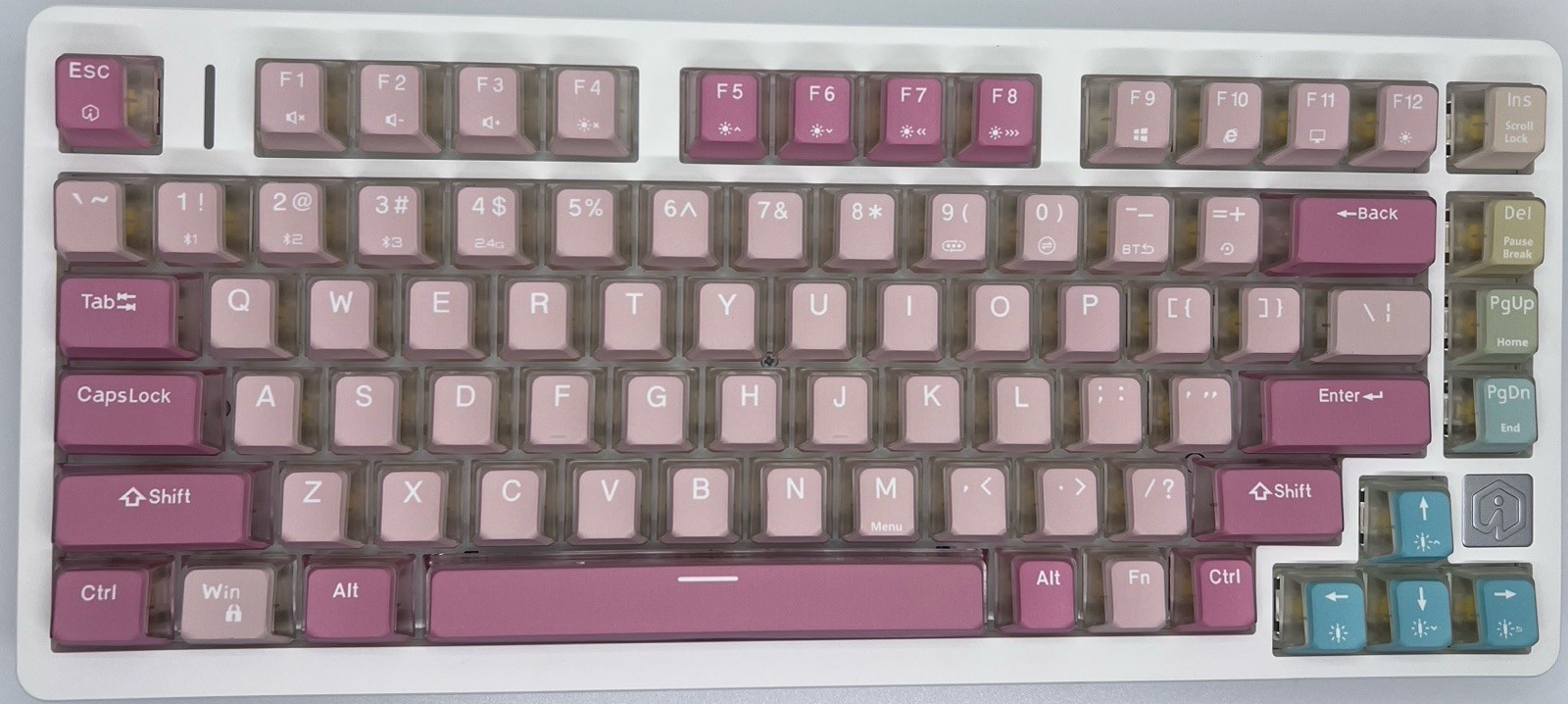 Wireless RGB Hot Swappable Mechanical Keyboard 3 Layers 81 Keys Gaming Keyboard$35.98View on eBay
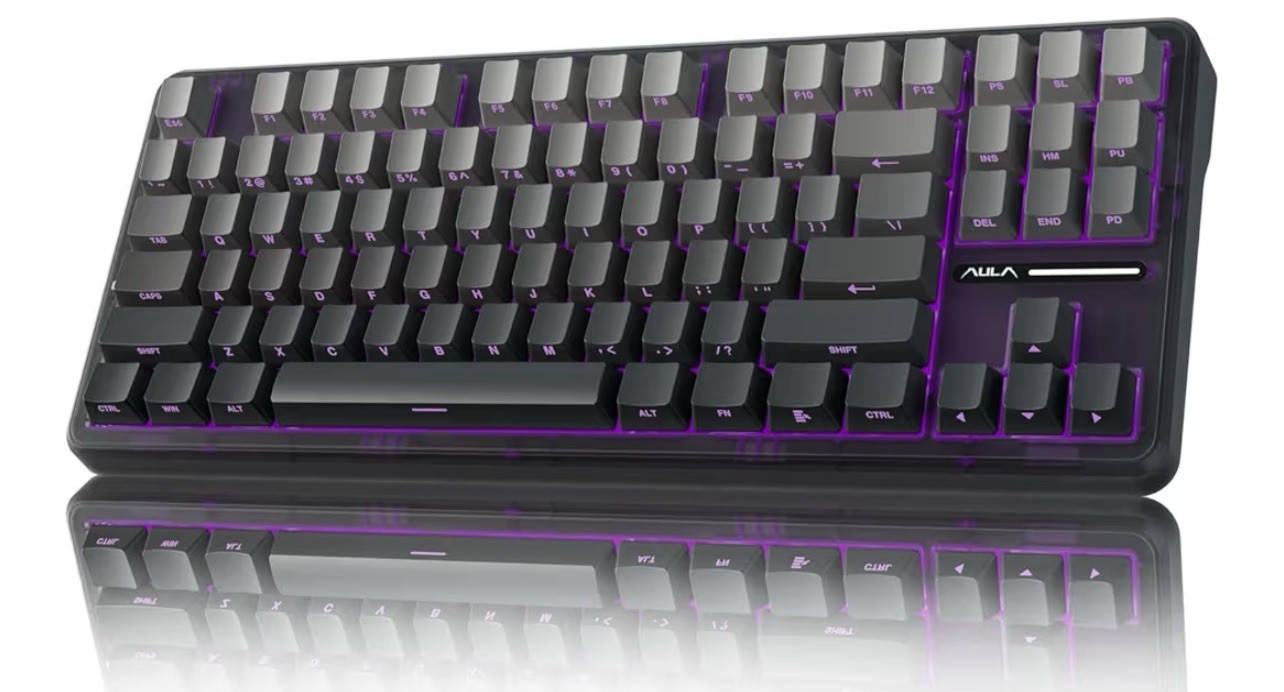 AULA F87 Pro Wireless Mechanical Keyboard Tri-Mode Hot Swappable (F87 Pro-Black)$44.99View on eBay
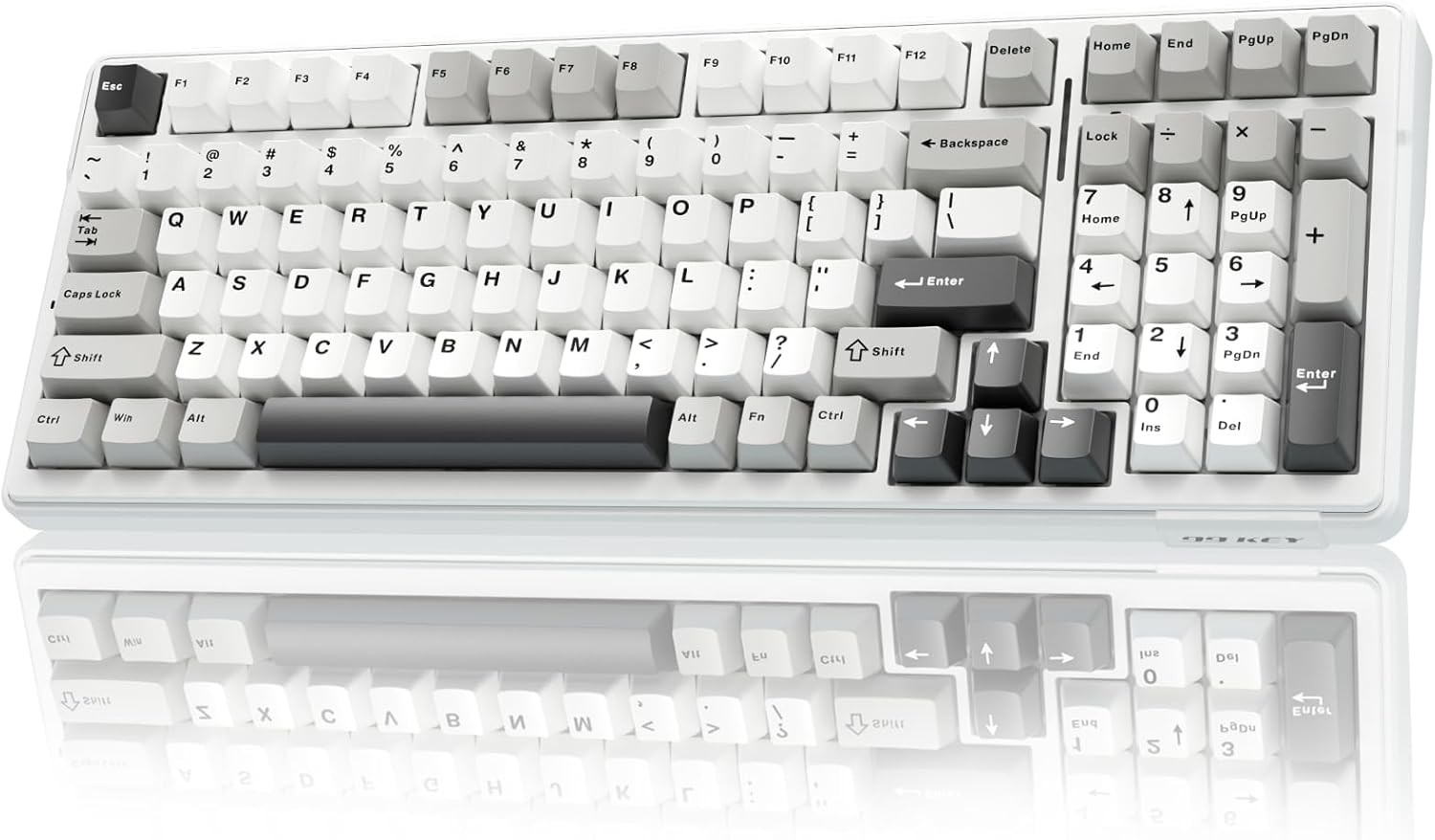 AULA F99/F99 Pro Tri-mode Wireless Mechanical Keyboard RGB Hot Swappable Custom$49.99View on eBay
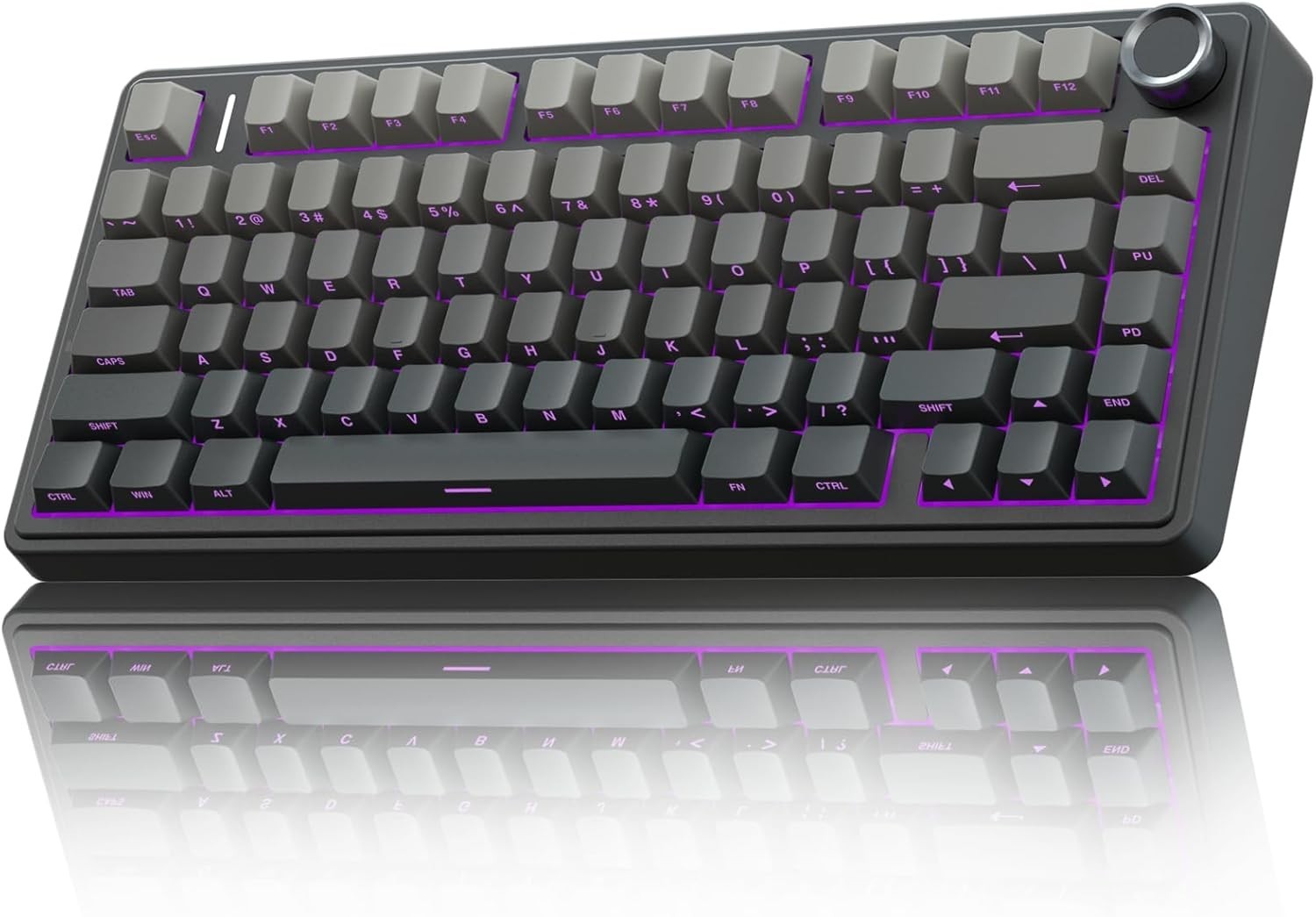 F75 Pro Wireless Mechanical Keyboard,75% Hot Swappable with Knob RGB Backlit$59.99View on eBay
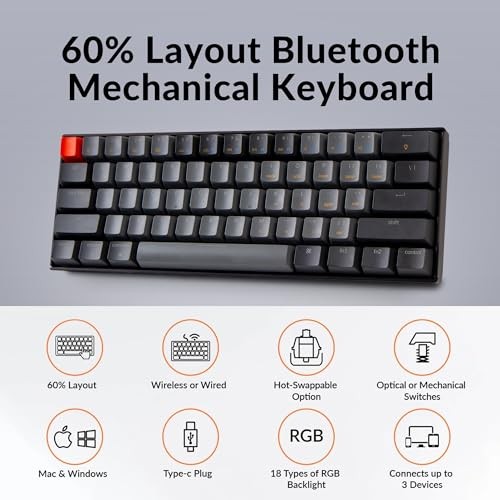 KEYCHRON K12 RGB WIRELESS MECHANICAL KEYBOARD - HOT-SWAPPABLE - BLACK/GRAY$61.22View on eBay
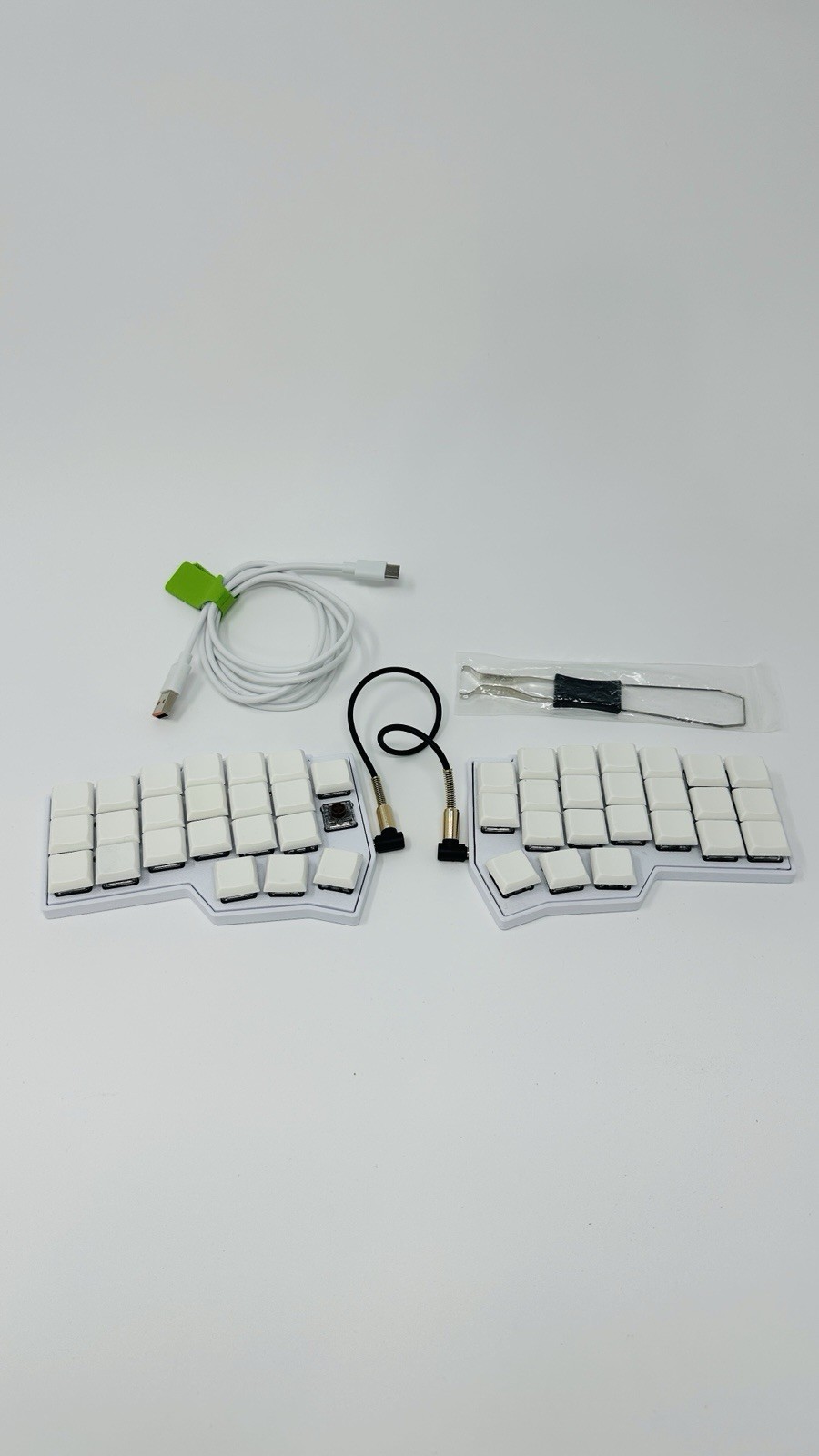 READ! YIVU Corne LP 40% Split Ergonomic Mechanical Keyboard Hot-Swappable RGB$69.99View on eBay
Highlights
- 5-pin hot-swap sockets accept both 3-pin and 5-pin MX-style switches; 3-pin sockets only accept 3-pin switches unless you clip the two extra plastic legs.
- Gasket-mounted PC or FR4 plates flex for a softer typing feel, while steel or aluminum plates give a firmer, louder, more rigid keystroke.
- Tri-mode wireless means Bluetooth plus 2.4GHz plus USB-C wired; Bluetooth alone adds latency and limits polling to 125Hz or lower on most boards.
- South-facing RGB PCBs prevent keycap interference with Cherry-profile rows and keep shine-through legends readable on backlit keycaps.
Best use cases
- Pick a 75% or TKL hot-swap board with 5-pin sockets if you plan to try tactile or silent switches—full-size layouts waste desk space and limit custom keycap choices.
- Choose a tri-mode 2.4GHz board for gaming; pure Bluetooth hot-swap boards add 10–20ms latency and are wrong for competitive play.
- Skip 40% split ergonomic hot-swap boards unless you already touch-type on layers—they are excellent for portability but demand a steep learning curve.
- For office use, select a gasket-mounted 75% with silent linear switches and 5-pin sockets; avoid loud clicky stock switches and RGB-heavy gamer boards.
Buying tips
- Confirm the socket is 5-pin, not 3-pin; 5-pin costs little more and removes clipping work when fitting 5-pin switches.
- Match layout to keycap supply: 75% and TKL accept standard modifier sets, while 65% and 40% need child kits or custom sizing.
- For wireless, require 2.4GHz with at least 1000Hz polling in wired mode; Bluetooth-only boards are fine for typing but not gaming.
- Check plate material: PC or FR4 for a soft, muted feel; aluminum or steel for a hard, clacky sound and heavier build.
Specs
| Socket Type | 5-pin (3-pin compatible) |
|---|---|
| Layout | 60% / 65% / 75% / TKL / Full |
| Connectivity | Wired USB-C / 2.4GHz / Bluetooth |
| Plate Material | PC / FR4 / Aluminum / Steel |
Related searches
What to check before buying
- Measure desk depth and monitor height—75% boards are about 32cm wide, full-size about 44cm; confirm clearance for a wrist rest.
- Verify your switch stash: count 3-pin vs 5-pin switches and confirm the board's socket type before ordering.
- Check host wireless: 2.4GHz needs a free USB-A port or hub; Bluetooth 5.0+ needs an available radio on laptop or tablet.
- Confirm keycap compatibility: south-facing RGB and standard MX stems fit most sets, but 40% and split boards may need custom kits.
FAQ
Data sources: eBay / Amazon listings and product attribute feeds. Updated Nov 24, 2026.
Some links on this page are affiliate links. If you buy after clicking one, we may earn a commission at no extra cost to you. This does not change which products appear here or their order. Affiliate disclosure.