
Photos from current listings. Actual item, color, and included accessories may vary.
Hot Swap Keyboard Buying Guide
Hot-swap keyboards let you change mechanical switches without soldering, so the PCB's socket type and plate construction determine long-term durability and switch compatibility. The core trade-off is between 3-pin and 5-pin socket support, plate material (flex vs rigidity), and whether wireless tri-mode adds latency or battery compromise. Buy a 5-pin hot-swap board with a metal or FR4 plate for repeated swaps; skip 3-pin-only sockets if you plan to use PCB-mount switches.
Median $94.50
Key takeaways
- 5-pin hot-swap sockets accept both 3-pin and 5-pin switches; 3-pin-only sockets require clipping the two plastic PCB-mount legs, permanently modifying the switch.
- Kailh and Gateron hot-swap sockets are rated for roughly 100 switch insertion cycles; repeated swaps wear socket contacts and cause intermittent key registration.
- Tri-mode wireless (2.4GHz + Bluetooth + USB-C) typically adds 5–15ms latency versus wired; competitive gamers should use the USB-C wired mode and disable RGB for lowest latency.
At a glance
- Category
- Mechanical Keyboards
- Last updated
- Nov 24, 2026
Current offers
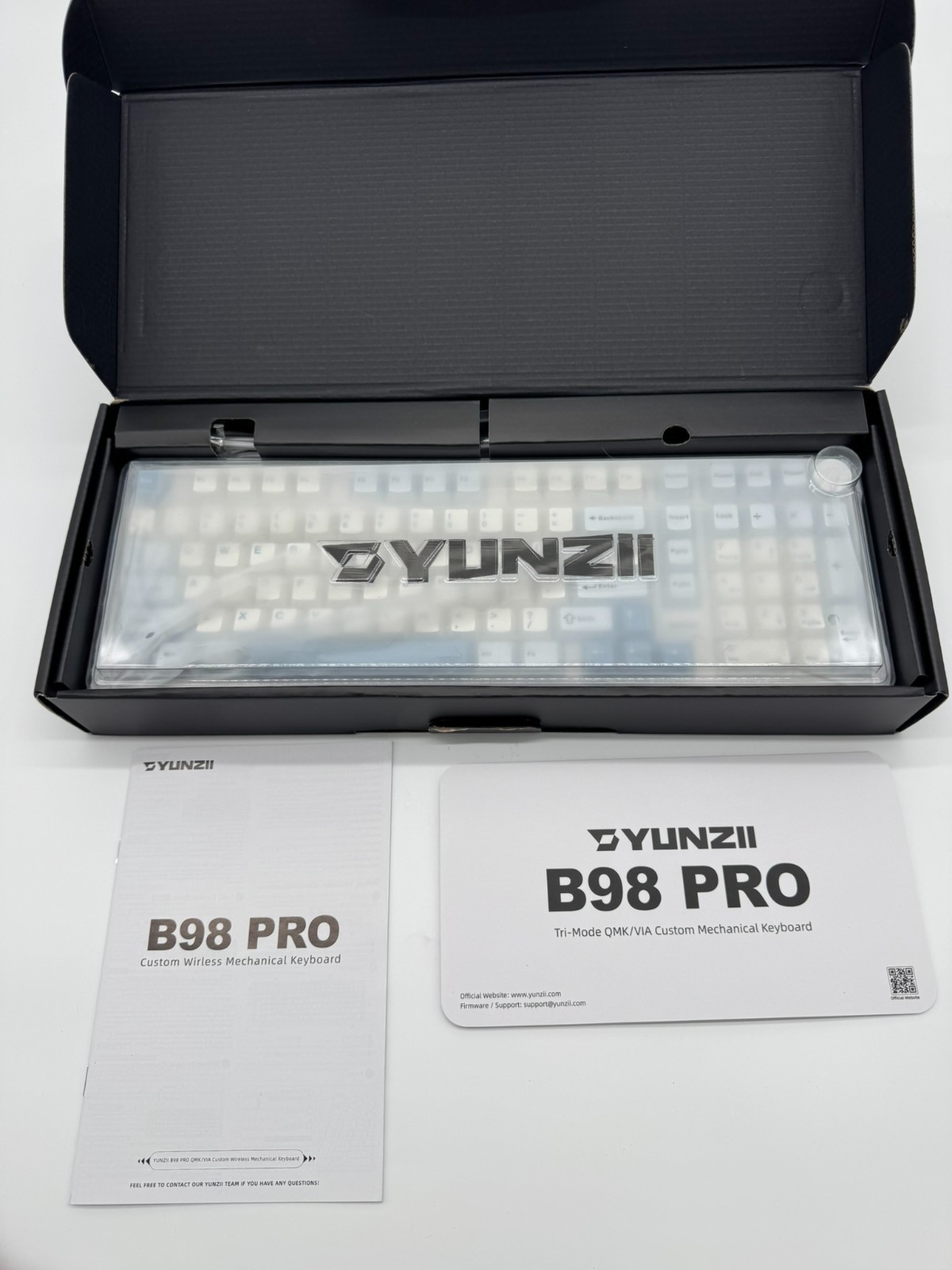 YUNZII B98 PRO 98-Key Wireless Mechanical Keyboard QMK/VIA Tri-Mode Hot-Swap RGB$69.99View on eBay
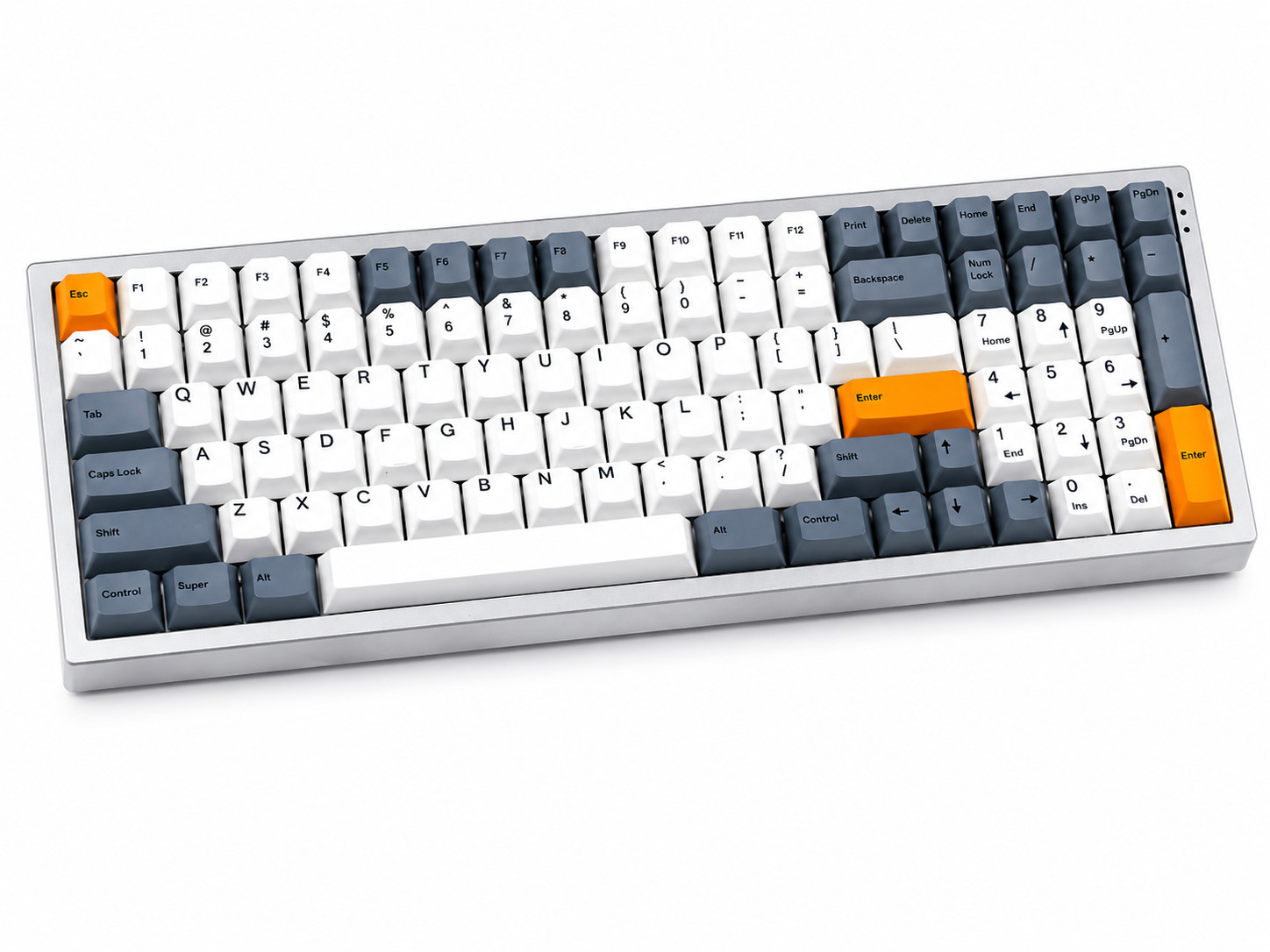 KONO Input Club KIRA 96% Mechanical Keyboard RGB Hot-Swap USB-C w/ Carry Case$79.99View on eBay
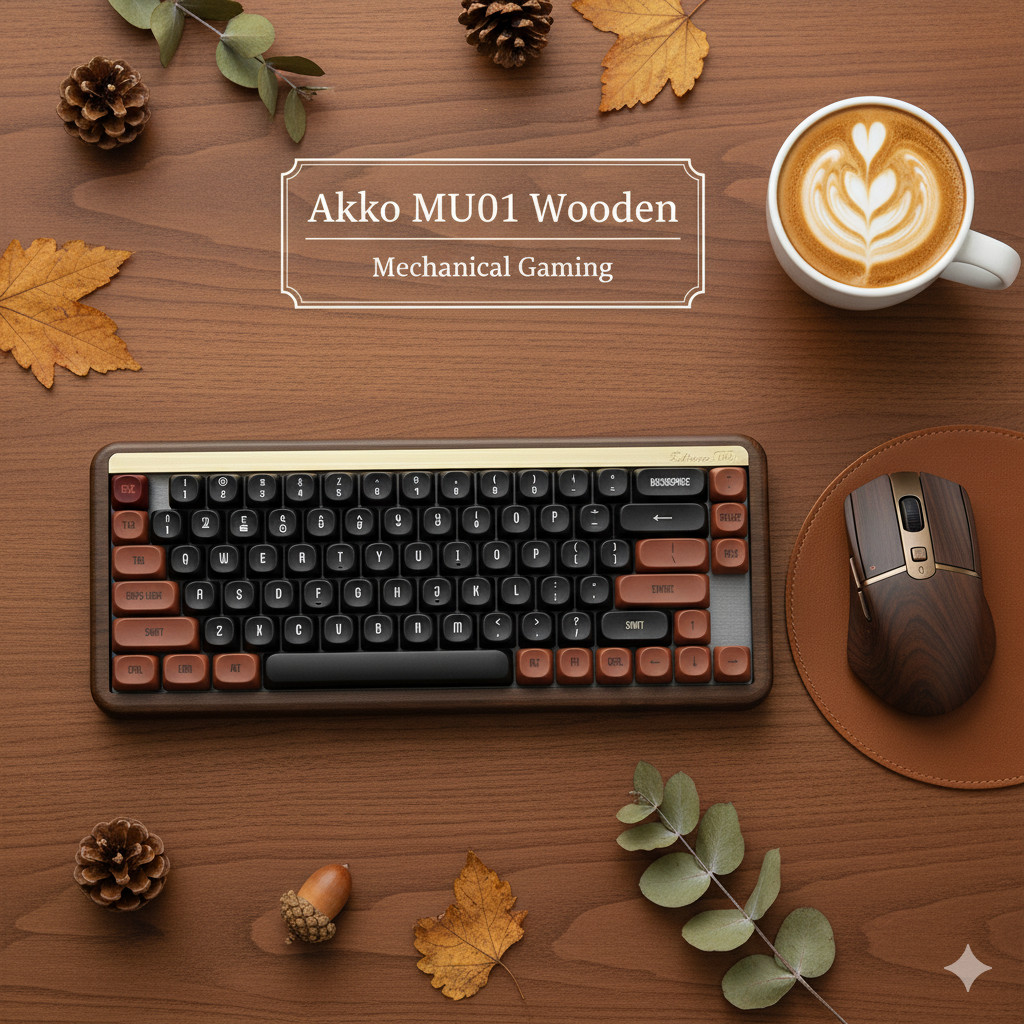 Akko MU01 65% Mechanical Keyboard Walnut RGB Wireless Hot Swap$109.00View on eBay
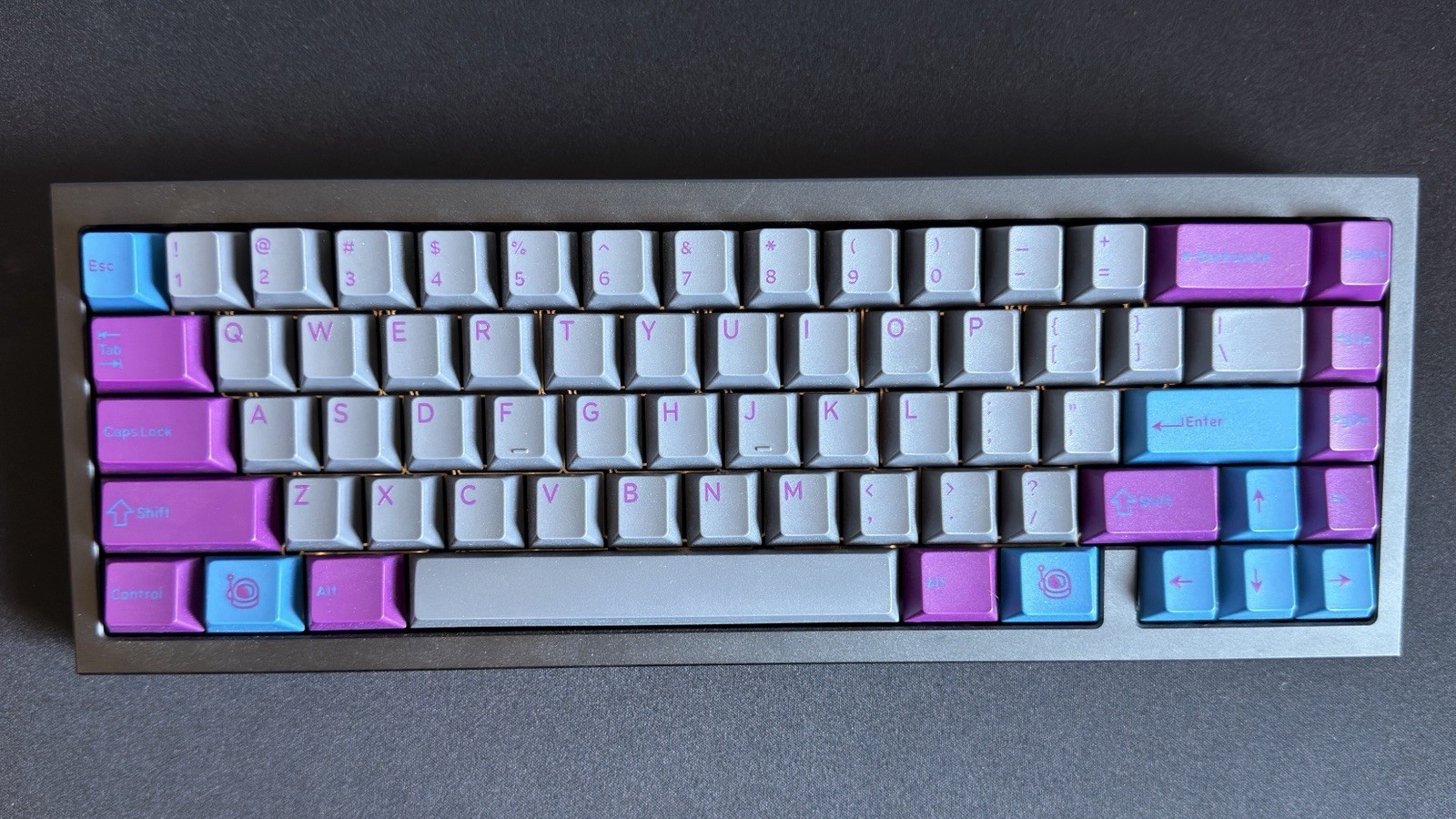 QwertyKeys QK65 Mirror Black Tri-Mode Hot Swap Keyboard DCX Deep Space Aqua King$184.99View on eBay
Highlights
- 5-pin hot-swap sockets accept both 3-pin and 5-pin switches; 3-pin-only sockets require clipping the two plastic PCB-mount legs, permanently modifying the switch.
- Kailh and Gateron hot-swap sockets are rated for roughly 100 switch insertion cycles; repeated swaps wear socket contacts and cause intermittent key registration.
- Tri-mode wireless (2.4GHz + Bluetooth + USB-C) typically adds 5–15ms latency versus wired; competitive gamers should use the USB-C wired mode and disable RGB for lowest latency.
- Plate material changes feel and sound: aluminum is stiff and clacky, FR4 is slightly flexible, polycarbonate is soft and muted, and brass is heavy and bright; gasket mounting decouples the plate from the case for a softer typing feel.
Best use cases
- Pick a 65% or 75% tri-mode hot-swap board like the QK65 or YUNZII B98 Pro if you want one keyboard for office Bluetooth, home 2.4GHz, and wired gaming — skip it only if you need a numpad.
- Choose a 96% or 98-key layout like the KIRA 96 if you need a full number pad and arrow cluster in a compact footprint; skip TKL if desk space is tight and you rarely use function-row keys.
- Buy a walnut or wood-case hot-swap board like the Akko MU01 for a quiet, warm-sounding desktop showpiece; skip it if you need per-key RGB brightness or heavy aluminum heft.
- Avoid hot-swap entirely and buy a soldered board if you never plan to change switches — soldered joints are more reliable long-term and cost less for the same build quality.
Buying tips
- Match switch pins to socket: 5-pin hot-swap sockets accept both 3-pin and 5-pin switches; 3-pin sockets only accept 3-pin switches unless you clip the two plastic legs.
- For 65% layouts, confirm the PCB supports your desired right-column keys (delete, page up/down) via QMK/VIA remapping, since physical keycaps are fixed but firmware layouts vary.
- Check plate material before buying: aluminum for stiff and loud, FR4 for balanced flex, polycarbonate for soft and muted, brass for heavy and bright — gasket mount amplifies these differences.
- For wireless use, verify battery capacity in mAh and expected life with RGB on versus off; tri-mode boards with RGB typically last 1–2 weeks per charge with backlighting on.
Specs
| Socket Type | 5-pin hot-swap (3-pin compatible) |
|---|---|
| Layout Options | 60%, 65%, 75%, 96%/98%, TKL, full-size |
| Connectivity | USB-C wired / 2.4GHz / Bluetooth |
| Plate Material | Aluminum, FR4, polycarbonate, brass |
Related searches
What to check before buying
- Measure your desk or tray: a 65% board is about 12–13 inches wide, a 96%/98-key board about 15–16 inches, and a full-size about 17–18 inches — confirm clearance for mouse movement.
- Confirm your computer or console supports Bluetooth 5.0 or a free USB-A/USB-C port for the 2.4GHz dongle; some consoles require wired USB for keyboard input.
- Check that the board's USB-C port is on the left, right, or center of the rear edge to match your cable routing and avoid strain on the connector.
- If you plan to swap switches often, buy a switch puller and keycap puller (often included) and confirm the board uses Kailh or Gateron sockets rather than unbranded clones.
FAQ
Data sources: eBay / Amazon listings and product attribute feeds. Updated Nov 24, 2026.
Some links on this page are affiliate links. If you buy after clicking one, we may earn a commission at no extra cost to you. This does not change which products appear here or their order. Affiliate disclosure.