
Photos from current listings. Actual item, color, and included accessories may vary.
Gaming Buying Guide
A gaming mechanical keyboard is defined by its switch actuation mechanism (mechanical contact vs. magnetic Hall-effect) and its PCB feature set (hot-swap, polling rate, firmware). The core trade-off is between cheap ABS-plastic 60–75% boards with fixed switches and metal-framed, hot-swap, high-polling boards that survive years of aggressive use. The decision rule: buy hot-swap and at least 1000 Hz polling for competitive play; treat any sealed, non-hot-swap ABS board as a disposable tier.
Median $55.12
Key takeaways
- Hall-effect magnetic switches actuate via magnetic field sensing, enabling adjustable 0.1–4.0 mm actuation and rapid trigger; optical-mechanical and standard MX-contact switches cannot match this adjustability.
- Hot-swap sockets (3-pin or 5-pin) let you replace switches without soldering; 5-pin compatibility accepts virtually all MX-style switches including plate-mount and PCB-mount variants.
- Polling rate tiers separate competitive boards: 1000 Hz is standard, 4000 Hz and 8000 Hz reduce input latency but demand more CPU and USB bandwidth.
At a glance
- Category
- Mechanical Keyboards
- Last updated
- Nov 24, 2026
Current offers
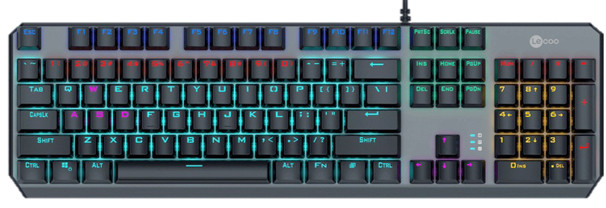 Lenovo (Lecoo) GK301 Wired Mechanical Gaming Keyboard USB wired RGB backlight$29.99View on eBay
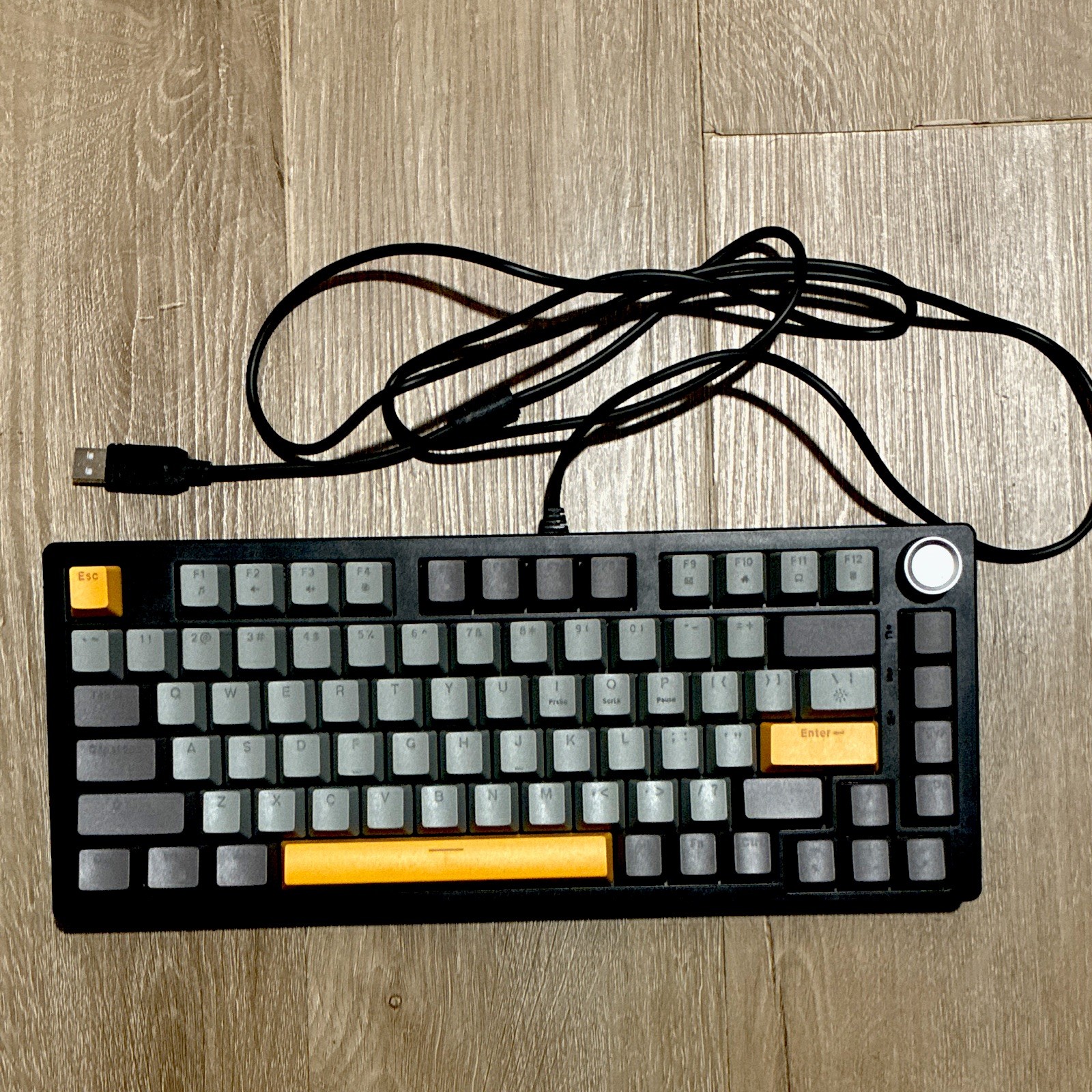 75% Wired USB Mechanical Gaming Keyboard w/ LED Backlights and Volume Knob$30.00View on eBay
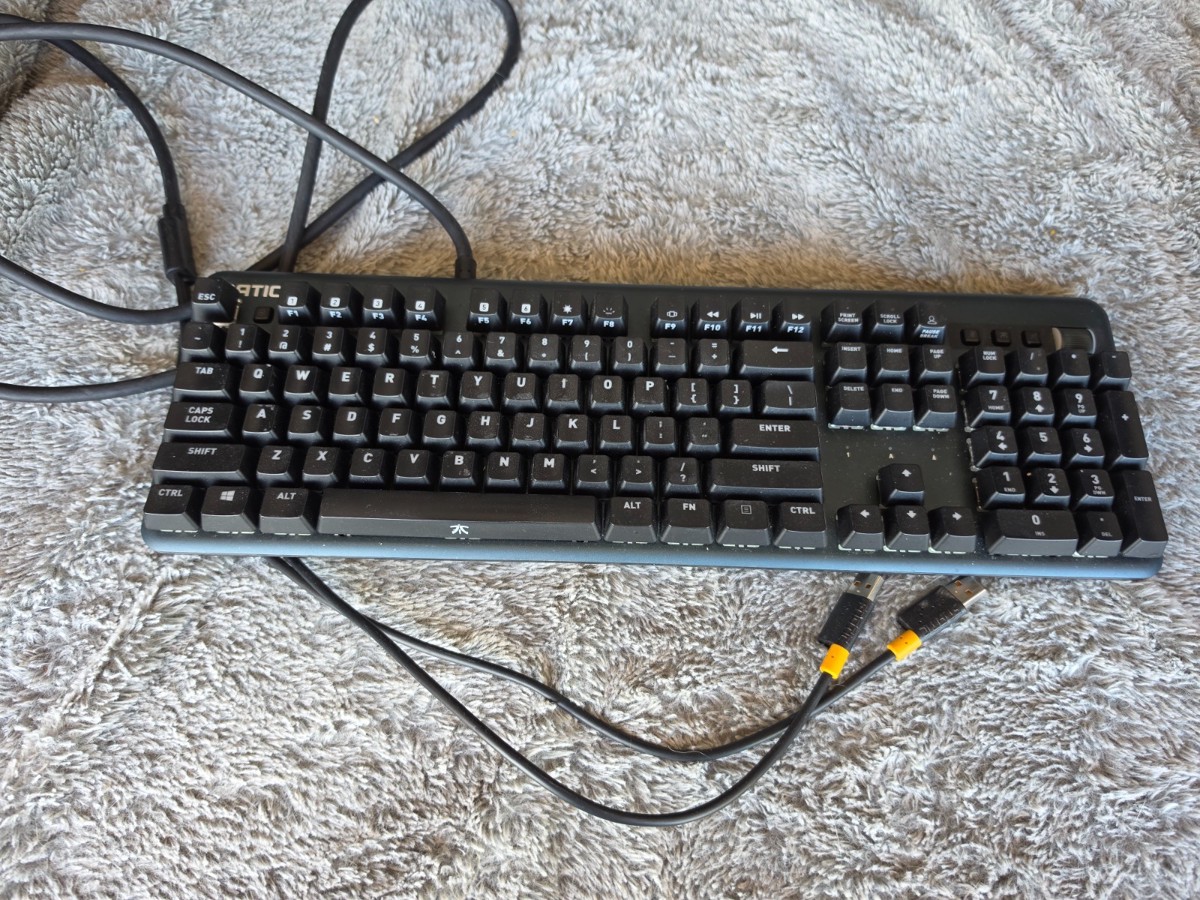 Fnatic Streak Wired Gaming Mechanical Cherry Red MX RGB Switch Keyboard$33.50View on eBay
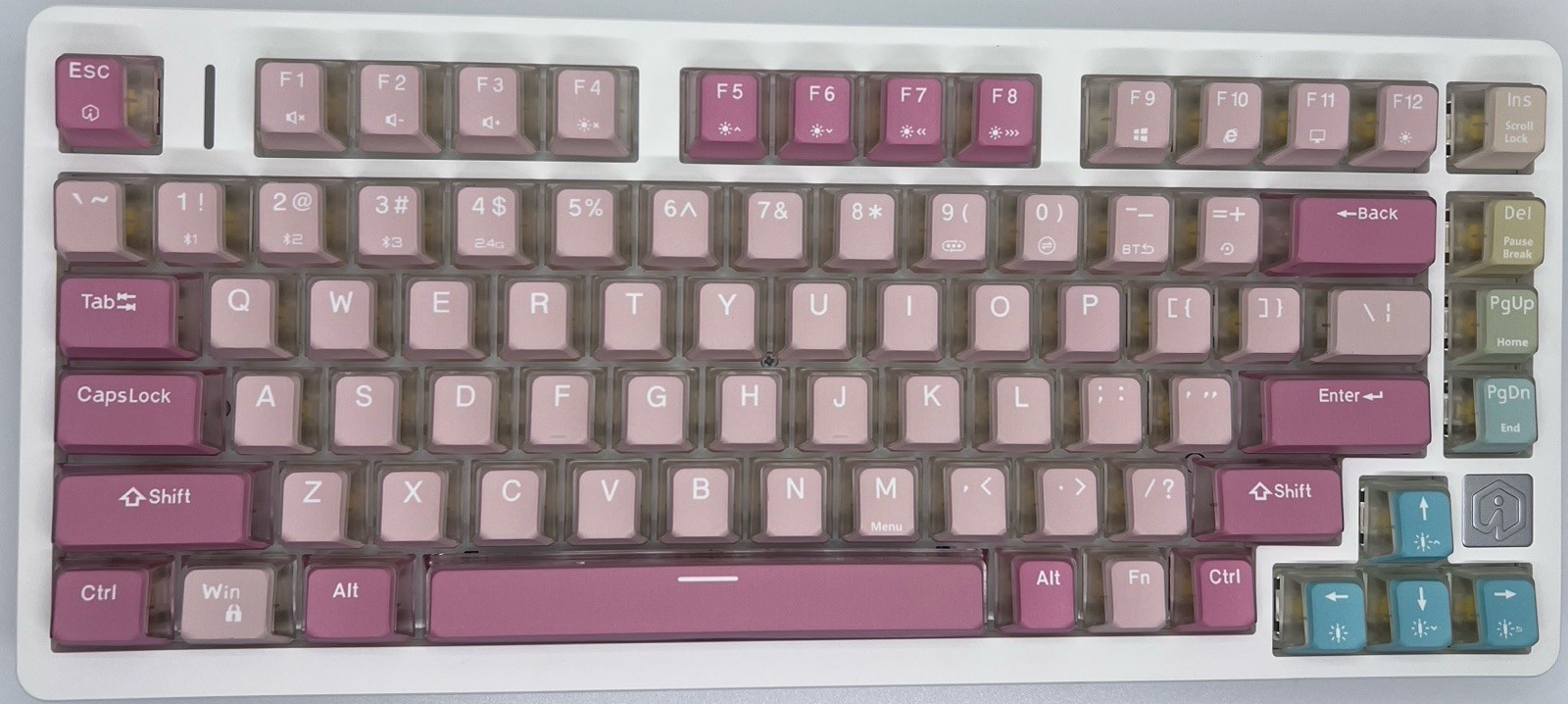 Wireless RGB Hot Swappable Mechanical Keyboard 3 Layers 81 Keys Gaming Keyboard$35.98View on eBay
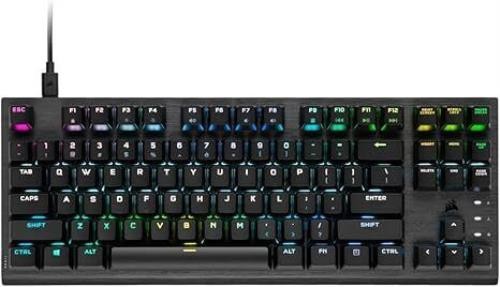 CORSAIR K60 RGB TKL RGB Tenkeyless Optical-Mechanical Wired Gaming Keyboard$37.99View on eBay
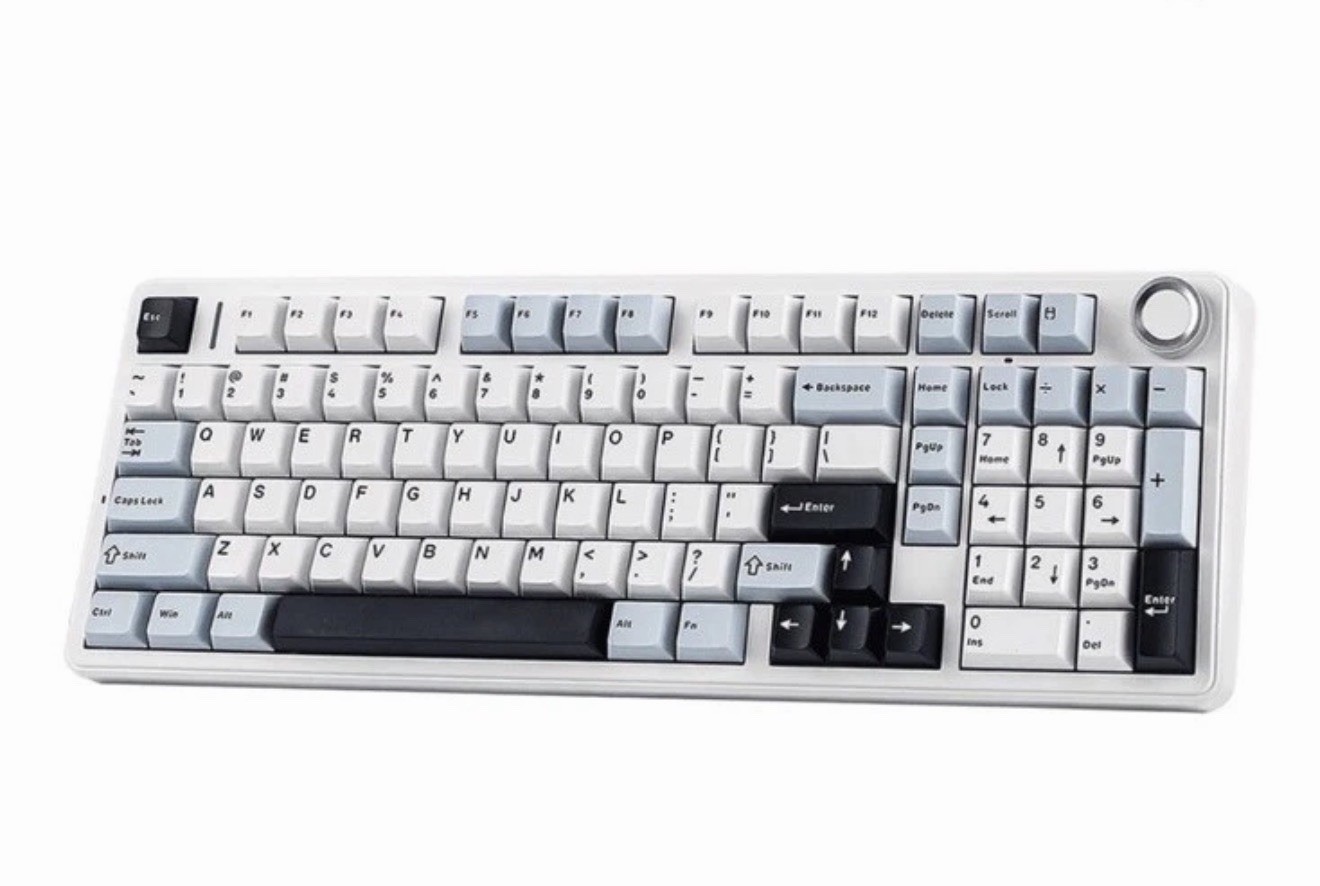 AULA F99 PRO BLUE/WHITE Wireless Mechanical Gaming Keyboard | NEXT DAY SHIP$41.98View on eBay
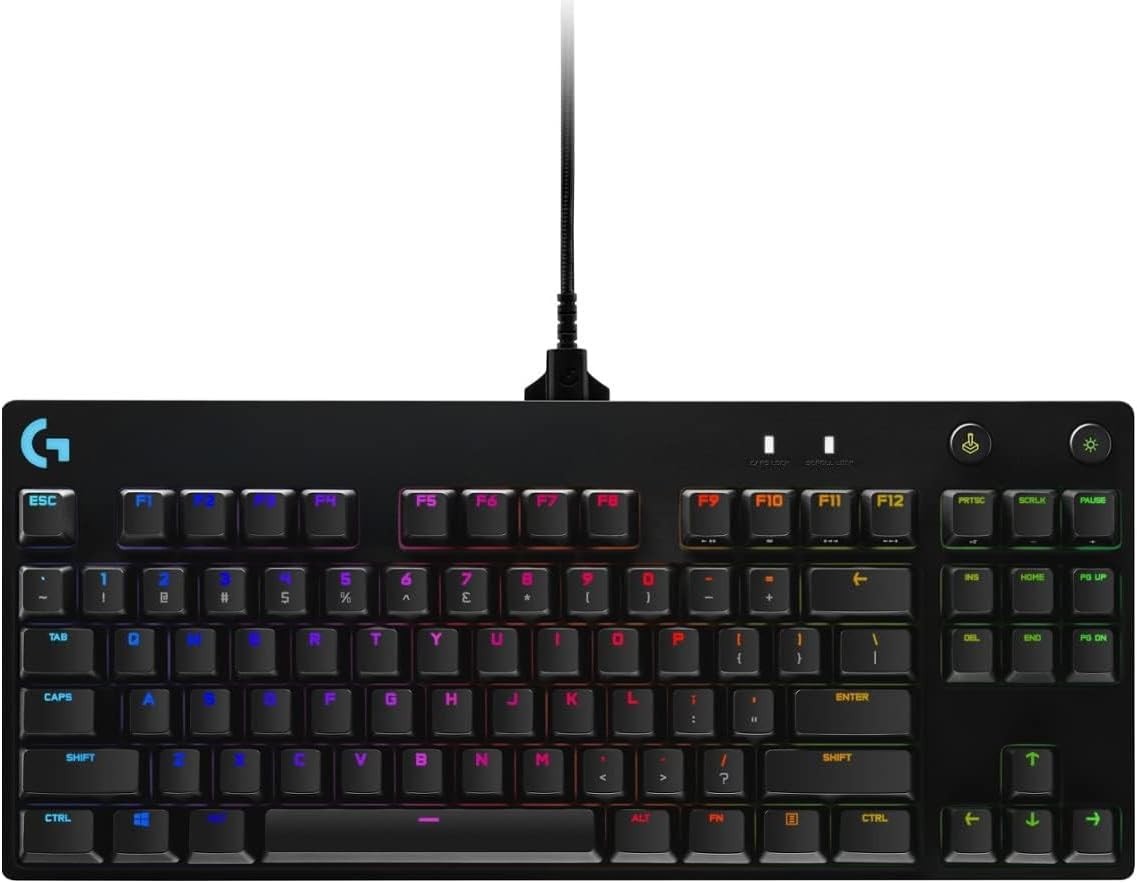 Logitech G Pro TKL Mechanical RGB Gaming Keyboard Black$43.19View on eBay
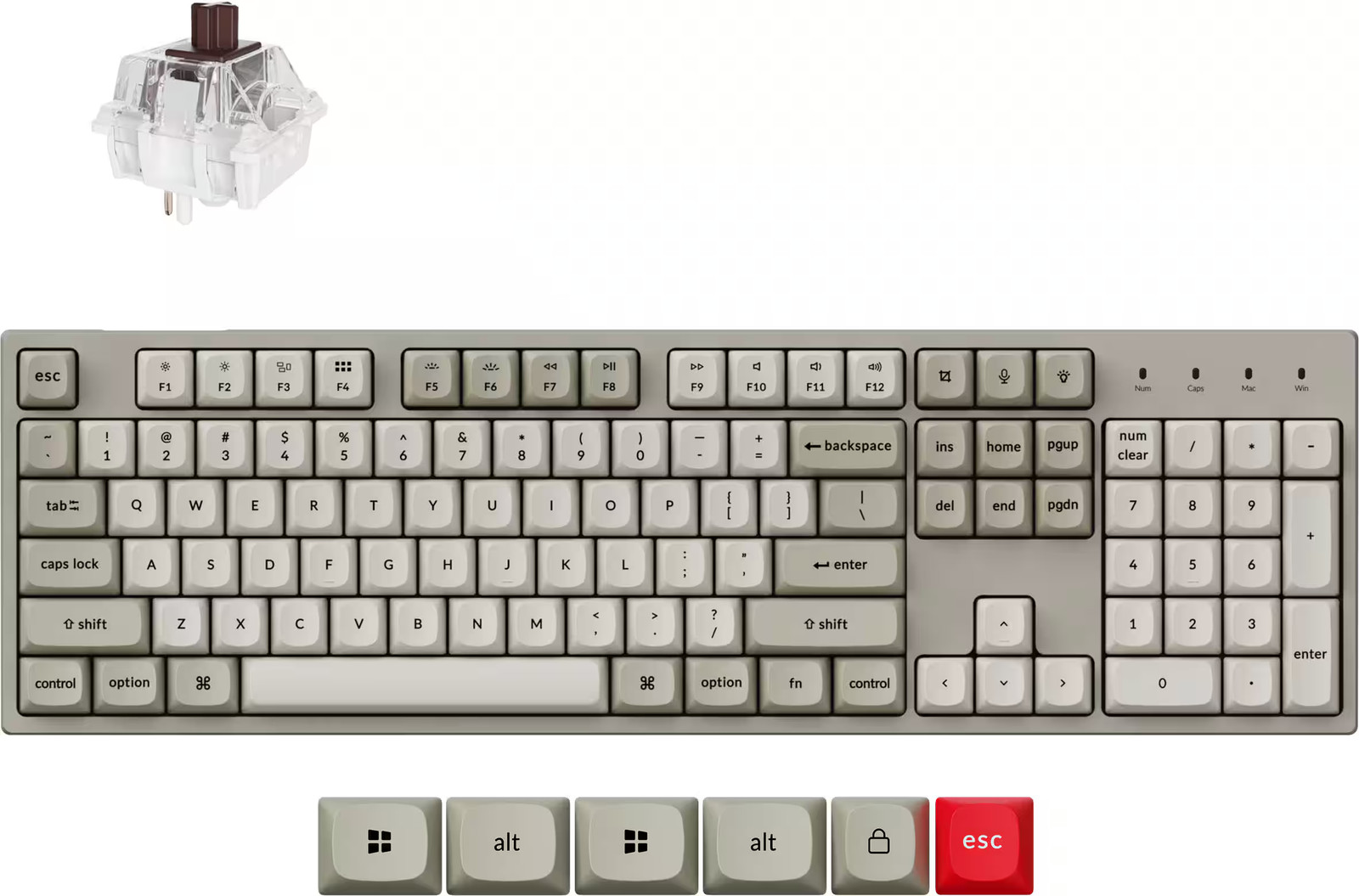 Keychron - C2PX 100% Custom Wired RGB Mechanical Gaming Keyboard with Program...$46.74View on eBay
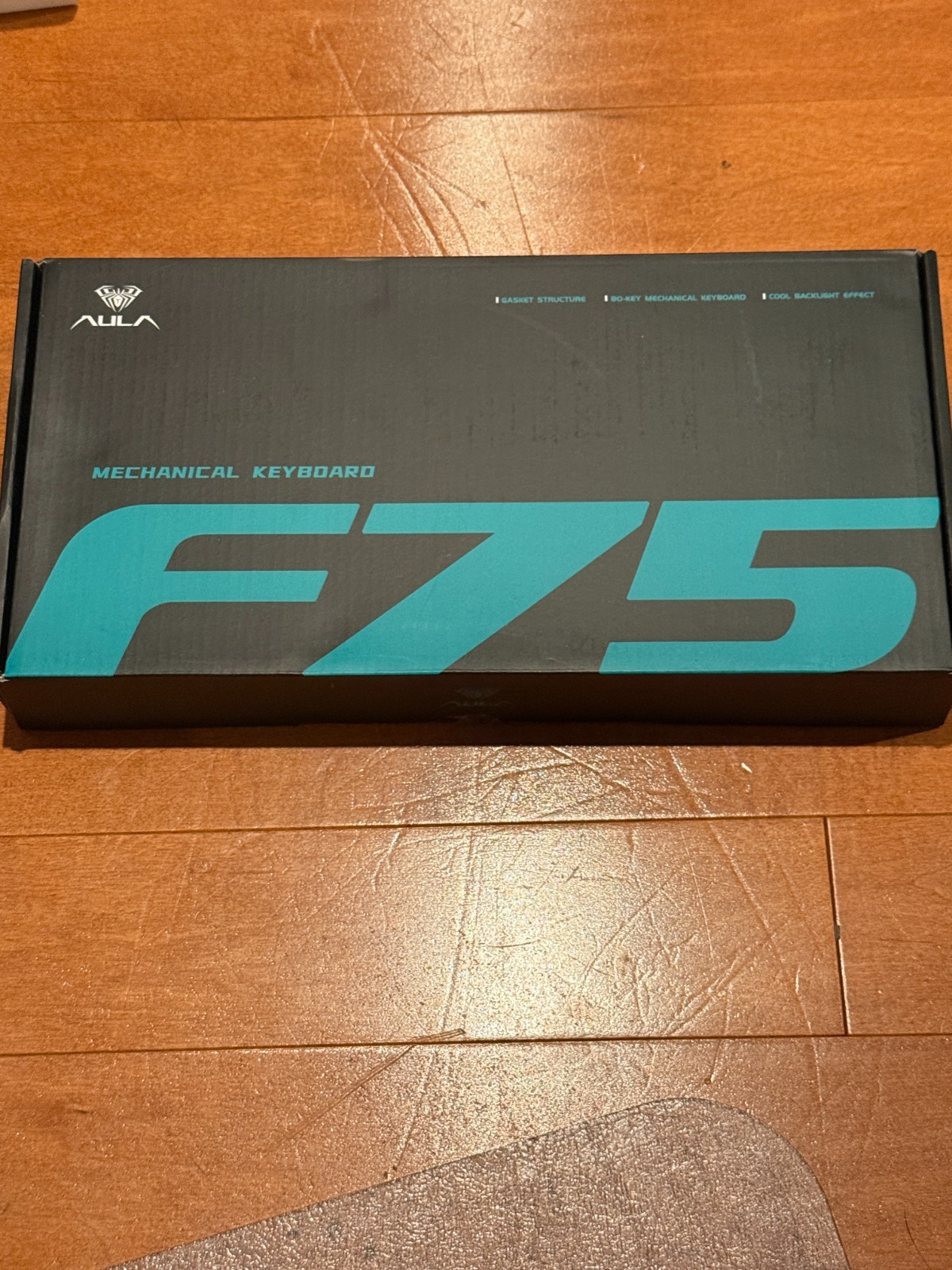 AULA F75 Wireless Gaming Keyboard Mechanical Tri-Mode RGB Backlit NEW SEALED$49.95View on eBay
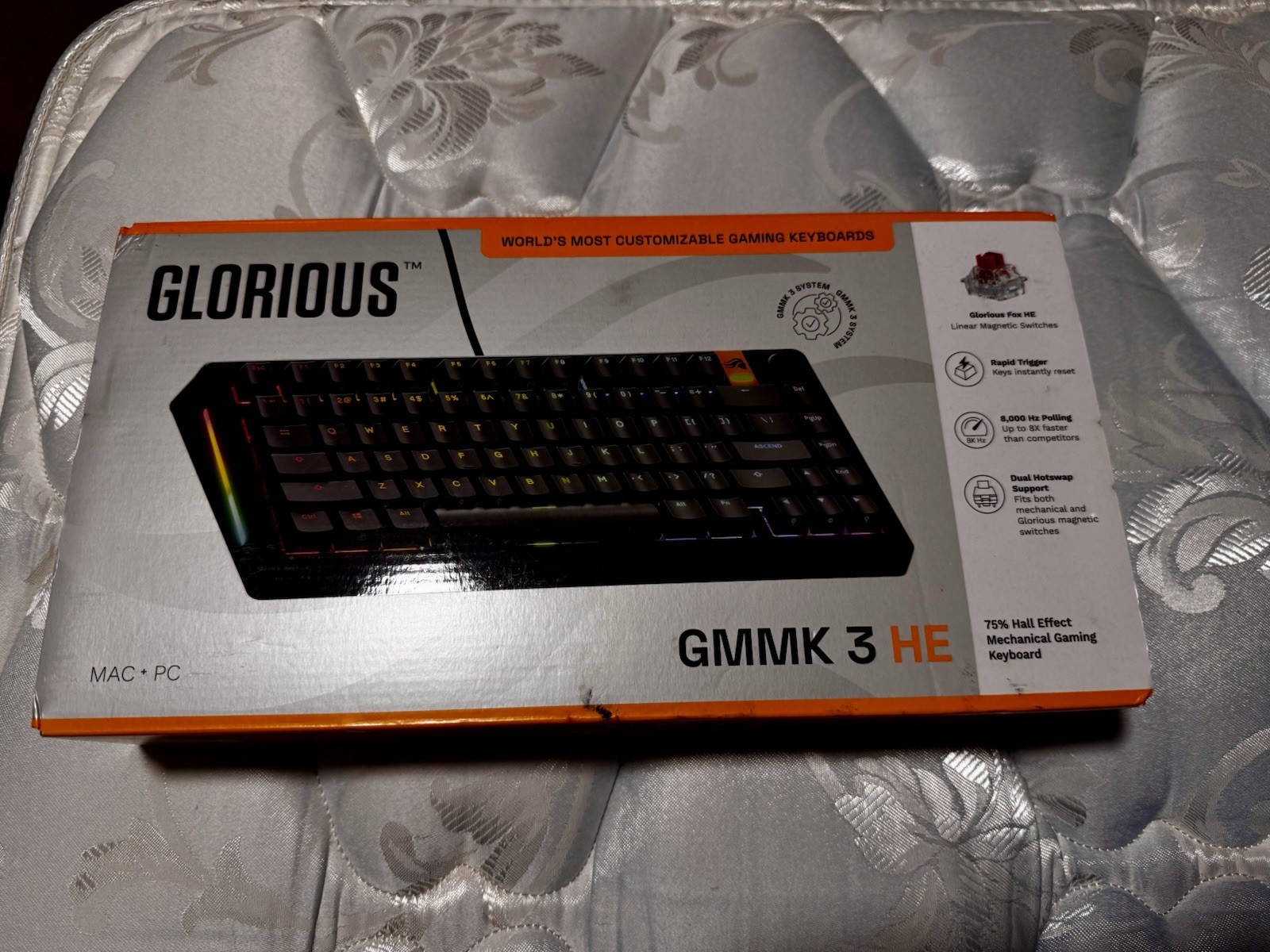 Glorious GMMK 3 HE 75% Wired Hall-Effect Linear Switch Gaming Keyboard$55.00View on eBay
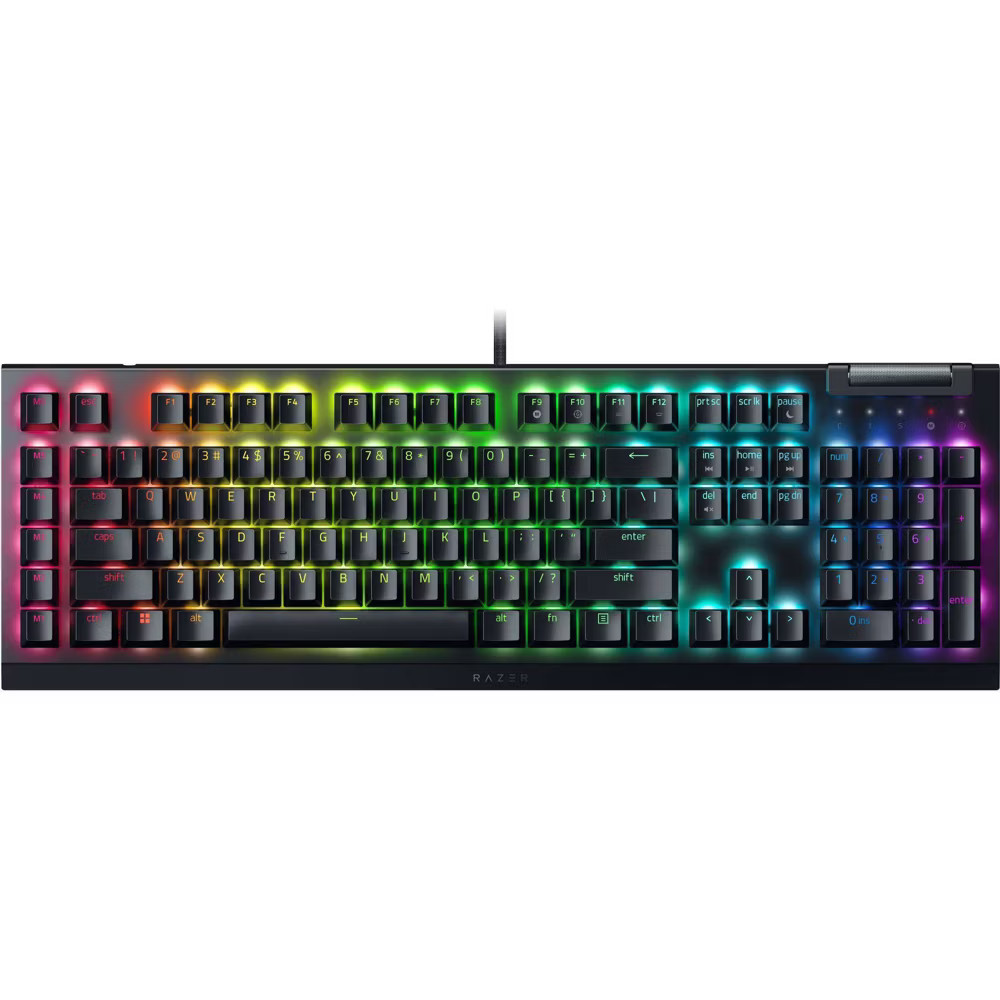 Razer BlackWidow V4 X Mechanical Gaming Keyboard with Razer Chroma RGB: Aluminum$55.24View on eBay
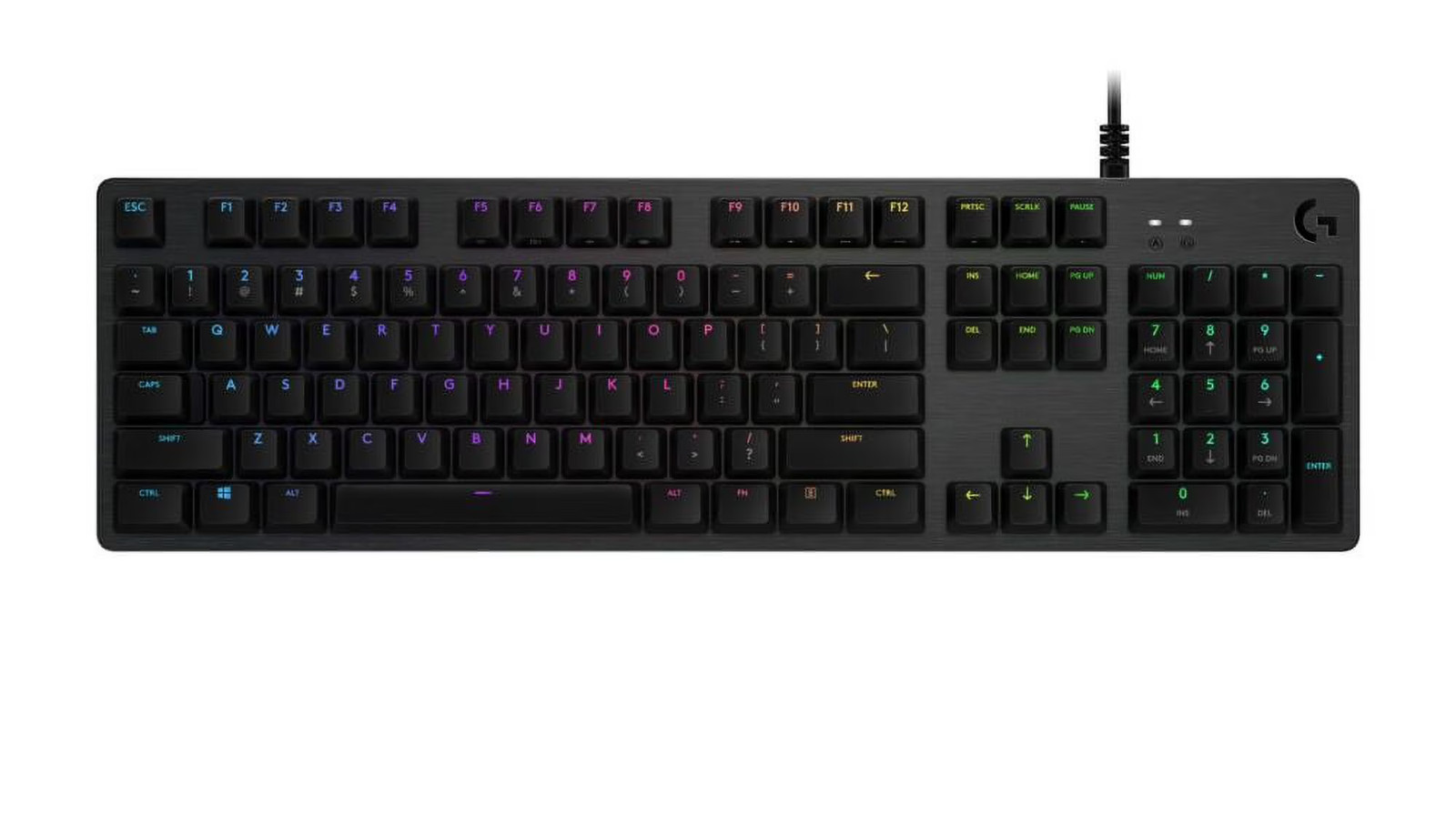 Logitech G512 Carbon LIGHTSYNC RGB Mechanical Gaming Keyboard Black$57.99View on eBay
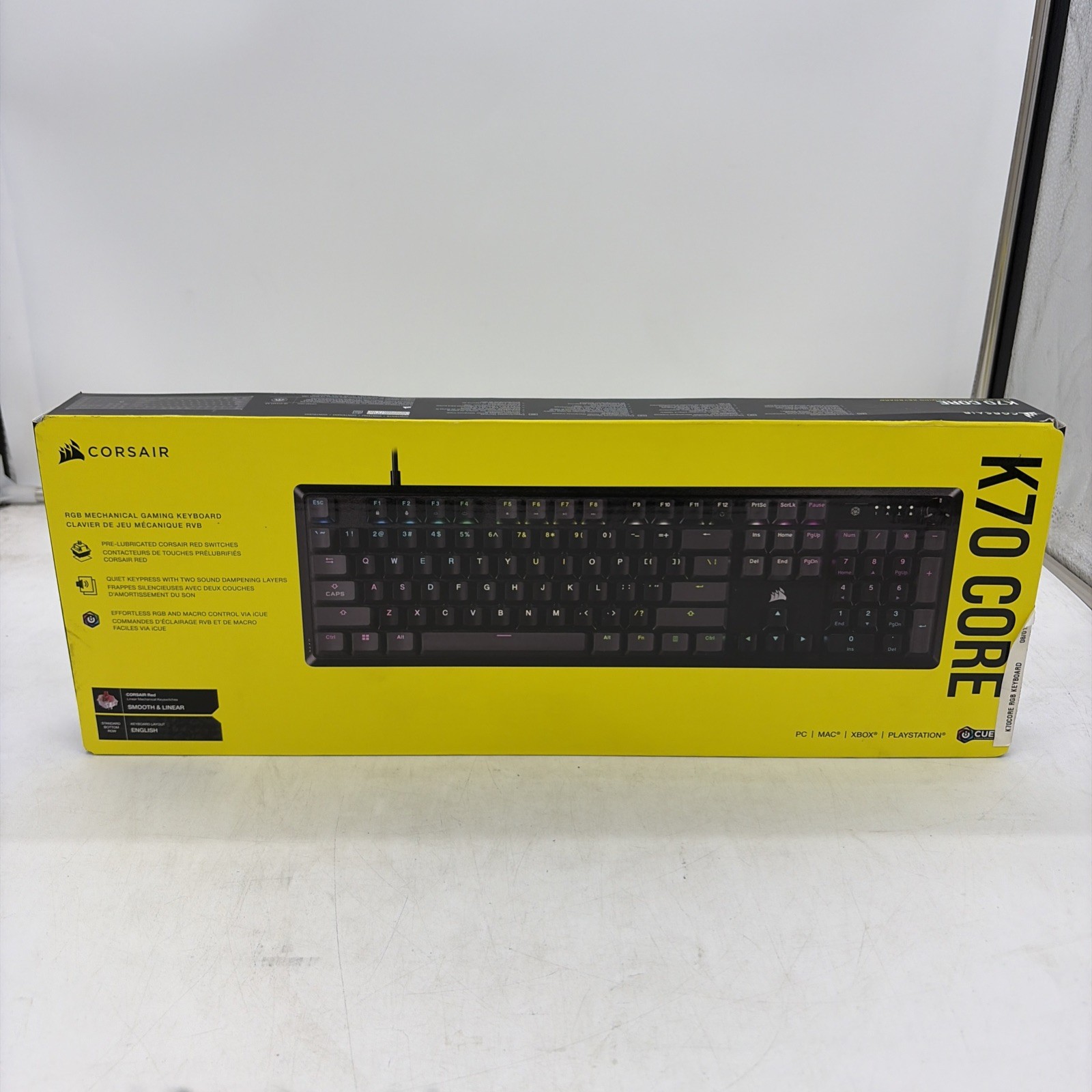 Corsair K70 Core RGB Mechanical Gaming Keyboard$60.00View on eBay
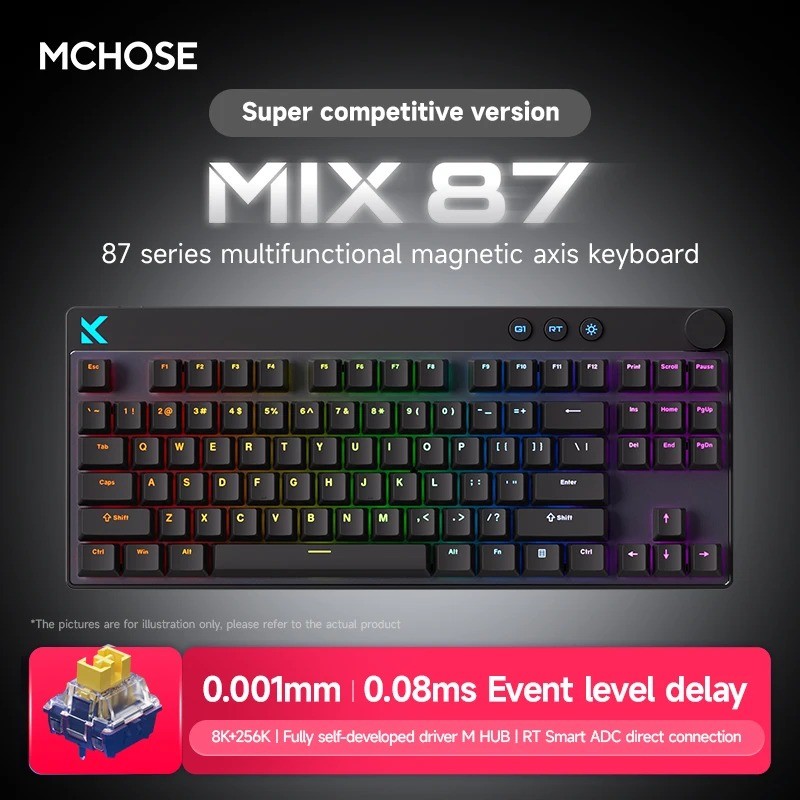 MCHOSE Mix87 Hall Effect Magnetic Switch Gaming Keyboard Wired RGB Keyboard$67.99View on eBay
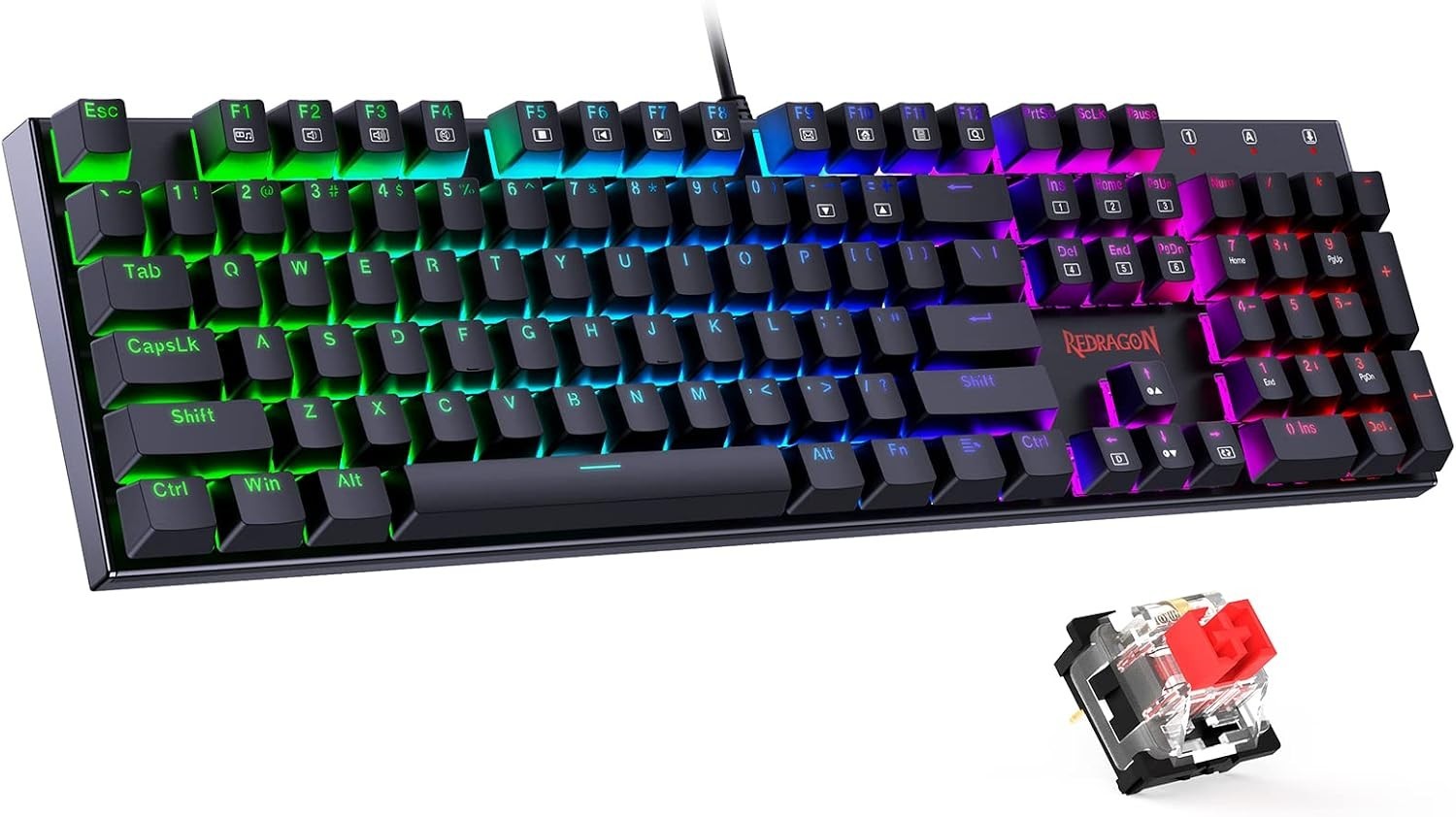 Redragon K565 Mechanical Gaming Keyboard with Red Switches with RGB Backlit$77.77View on eBay
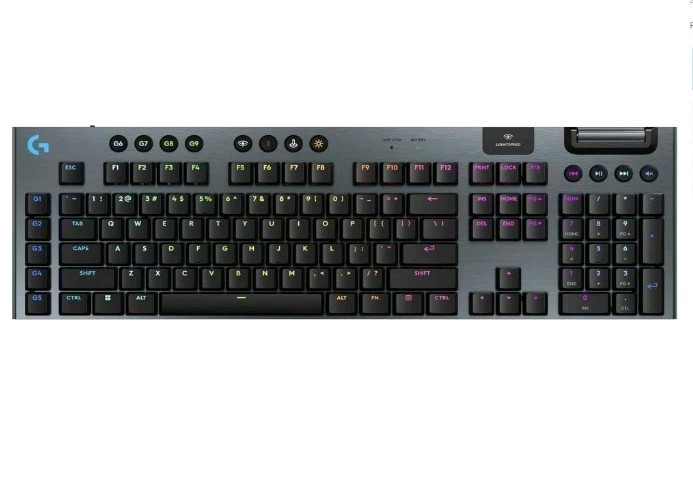 Logitech G915 X Lightspeed Wireless Gaming Keyboard (Clicky) - Black | Low...$115.00View on eBay
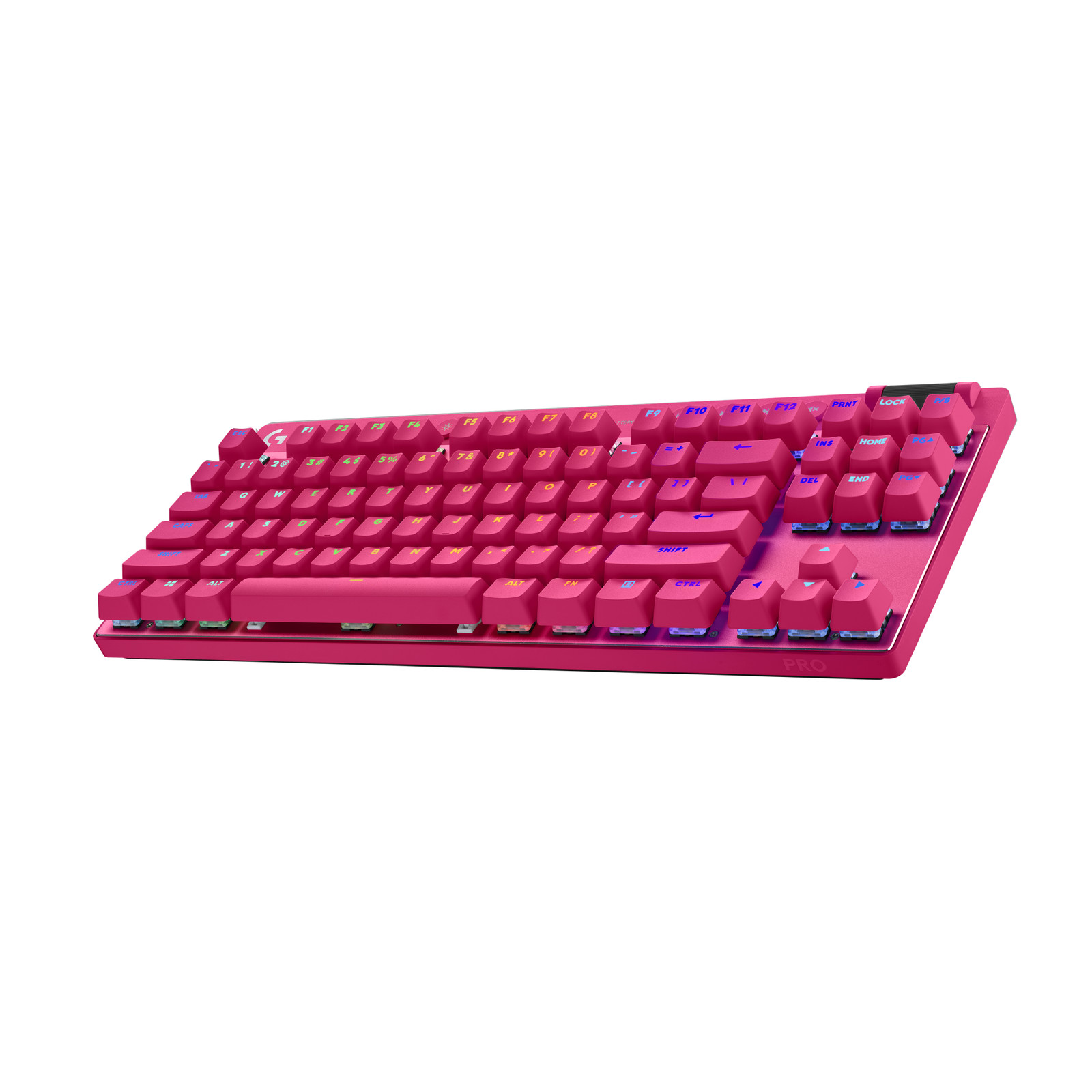 Logitech G PRO X TKL Wireless Gaming Keyboard – Tactile Switches$129.99View on eBay
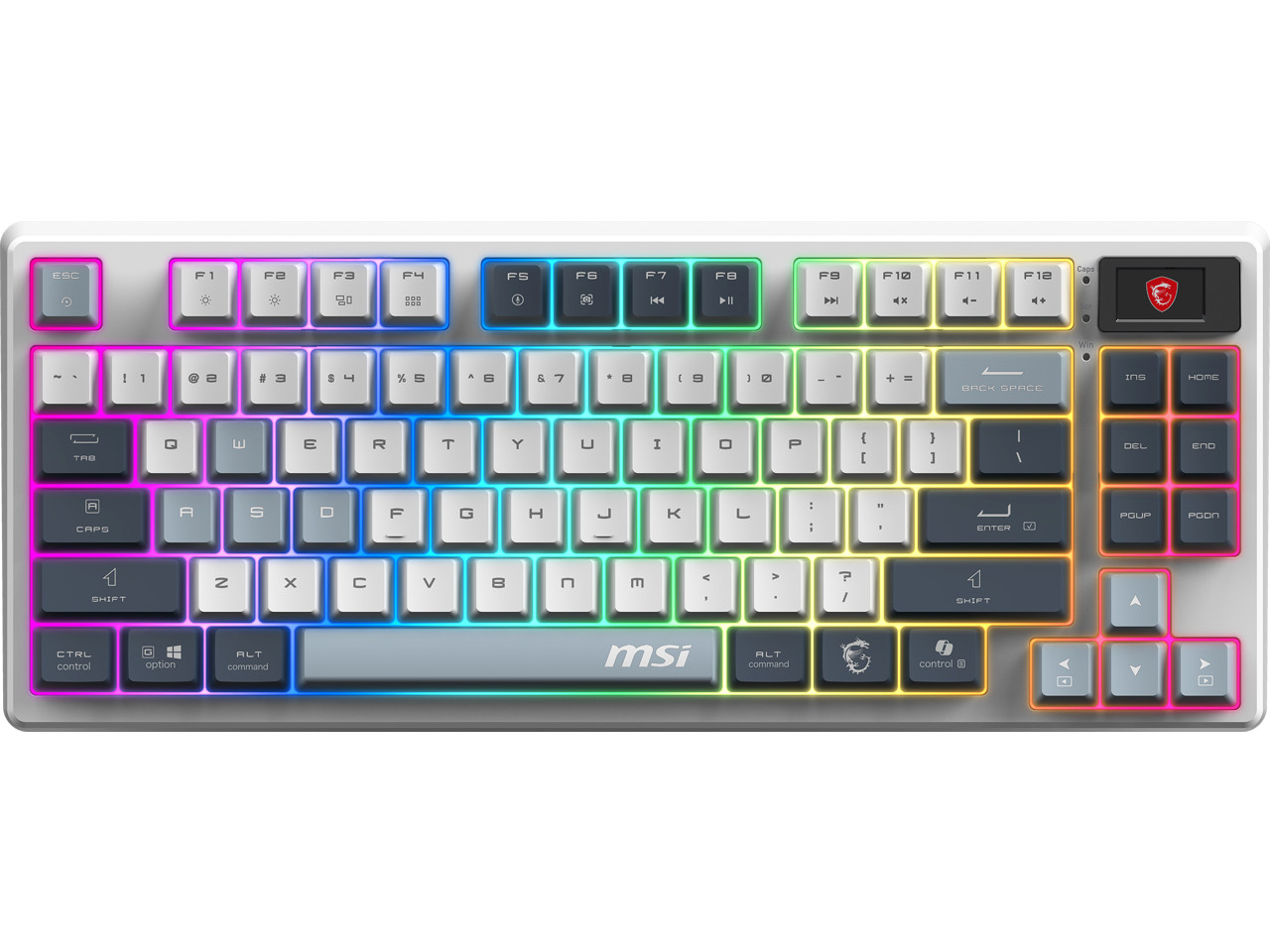 MSI Forge GK600 TKL Wireless Gaming Keyboard - Mechanical Linear Switches,$142.81View on eBay
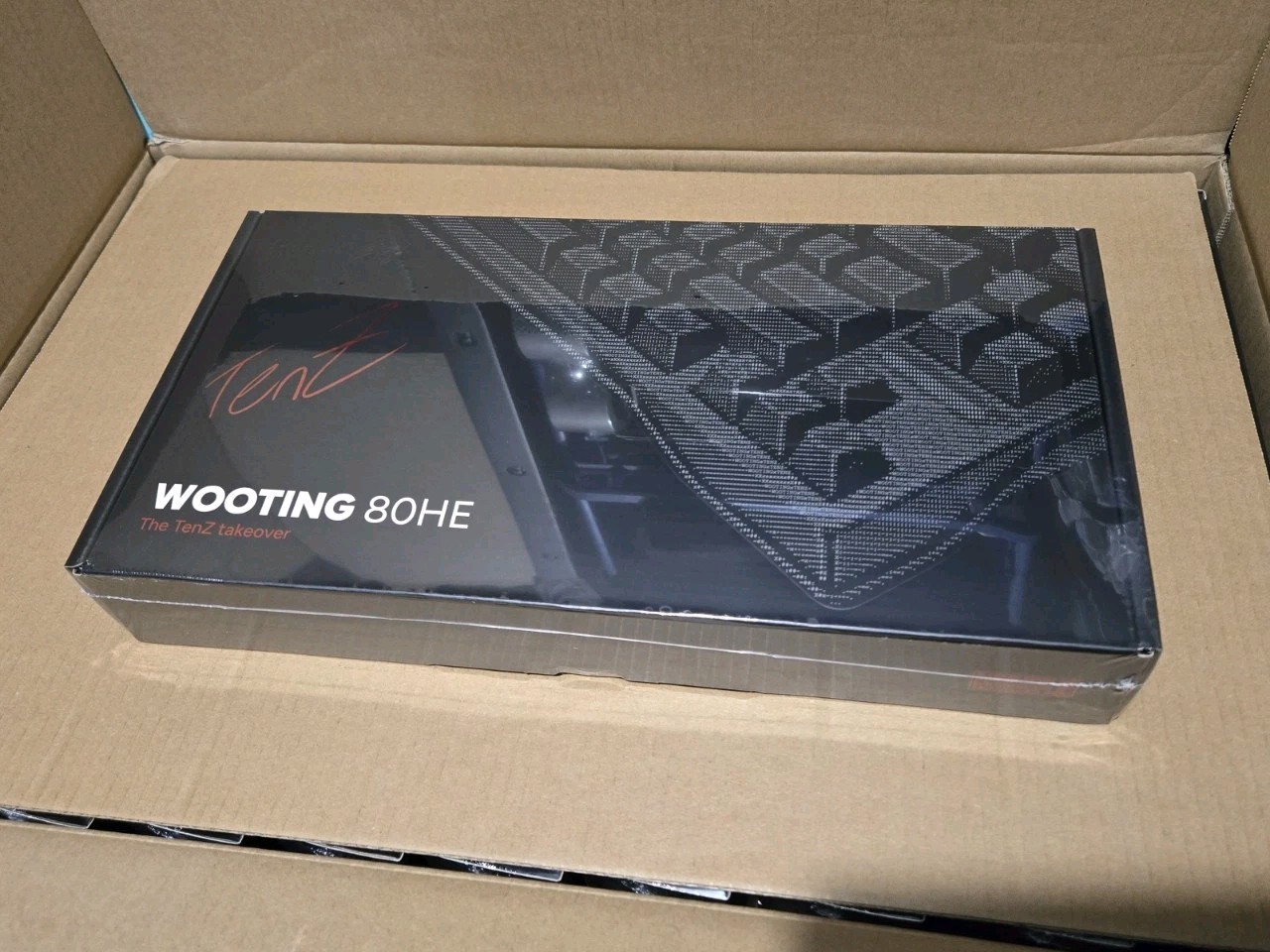 Hall Effect 8khz Pro Gaming Keyboard WOOTING 80HE TenZ Edition The TenZ TakeOver$198.99View on eBay
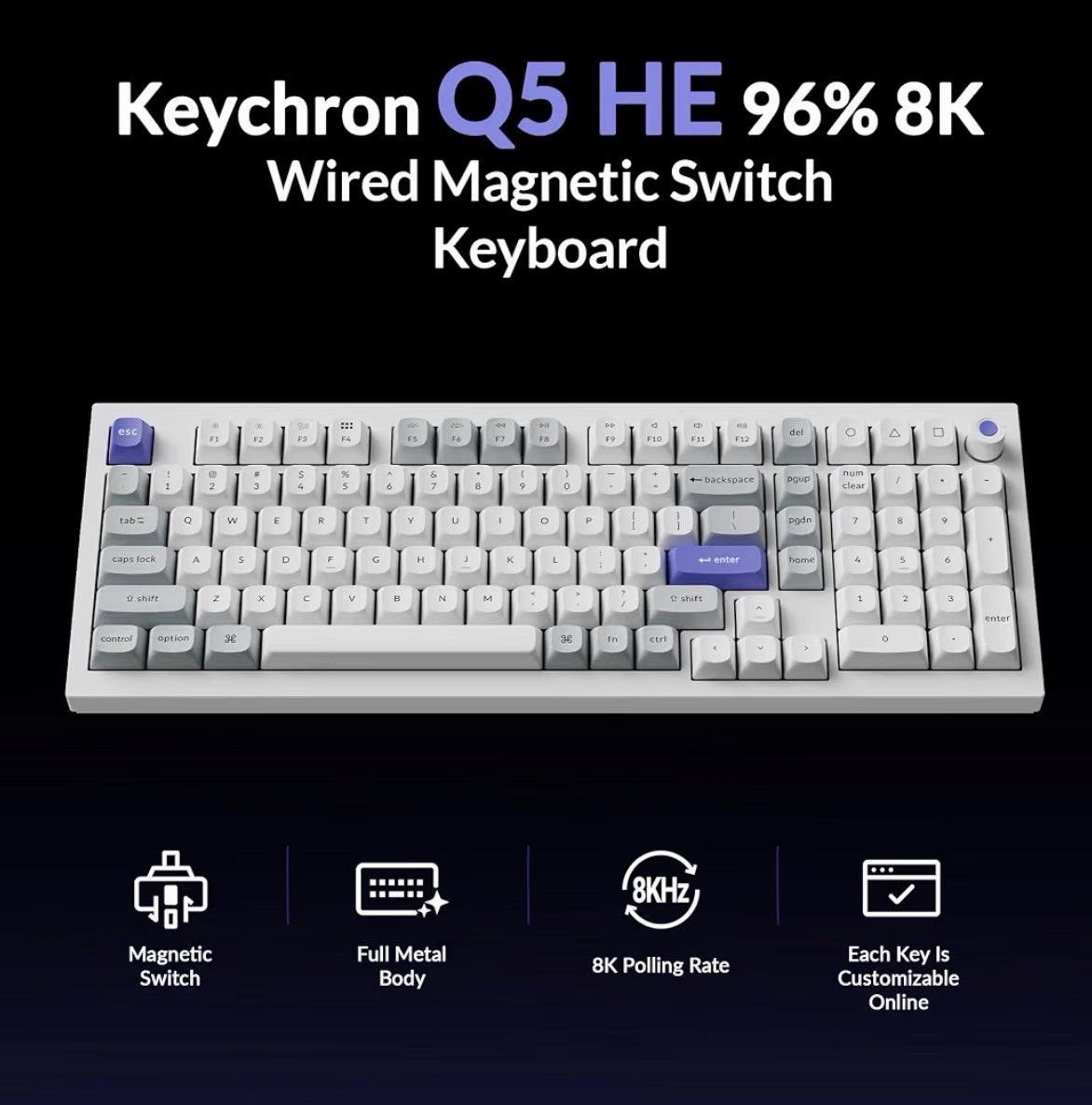 Keychron Q5 HE 96% 8K Wired Hall Effect Gaming Keyboard (White) Magnetic Switch$199.99View on eBay
Highlights
- Hall-effect magnetic switches actuate via magnetic field sensing, enabling adjustable 0.1–4.0 mm actuation and rapid trigger; optical-mechanical and standard MX-contact switches cannot match this adjustability.
- Hot-swap sockets (3-pin or 5-pin) let you replace switches without soldering; 5-pin compatibility accepts virtually all MX-style switches including plate-mount and PCB-mount variants.
- Polling rate tiers separate competitive boards: 1000 Hz is standard, 4000 Hz and 8000 Hz reduce input latency but demand more CPU and USB bandwidth.
- Gasket-mounted PCB with sound-dampening foam and lubed stabilizers produces a deeper, less hollow typing sound and reduces case ping versus tray-mounted ABS-plastic designs.
Best use cases
- Competitive FPS players: choose a Hall-effect or optical board with 1000 Hz+ polling and rapid trigger, such as the ASUS ROG Azoth Extreme or Glorious GMMK 3 HE, and skip standard MX-red boards.
- Mixed work-and-gaming users: pick a 75% or TKL hot-swap board with tri-mode wireless (2.4 GHz + Bluetooth + USB-C) so you can swap to quieter tactile switches for office use; skip 60% boards if you need arrow keys and a function row.
- First-time buyers on a strict budget: a wired 75% hot-swap ABS board with 1000 Hz polling covers the essentials; skip sealed non-hot-swap boards because a single failed switch totals the keyboard.
Buying tips
- Match layout to workflow: 60% drops arrow keys and function row, 75% keeps both with a compact footprint, TKL drops the numpad, and full-size 100% is required for spreadsheet and numpad-heavy work.
- For competitive gaming, require at least 1000 Hz polling and verify N-key rollover (NKRO) over USB; wireless 2.4 GHz must advertise a sub-1 ms report rate to match wired latency.
- Prefer 5-pin hot-swap sockets and plate-mount stabilizers that accept screw-in or clip-in replacements; this determines your long-term switch and keycap upgrade path.
- Check case material and weight: aluminum or steel top frames above roughly 1 kg resist desk slide and flex; ABS-plastic cases under 700 g are portable but flex under heavy typing.
Specs
| Switch Type | Mechanical / Hall-effect / Optical |
|---|---|
| Layout | 60% / 75% / TKL / Full-size 100% |
| Polling Rate | 1000 Hz / 4000 Hz / 8000 Hz |
| Hot-Swap | 3-pin / 5-pin MX-style sockets |
Related searches
What to check before buying
- Measure desk depth and width: a 75% board is roughly 32–34 cm wide, TKL about 36 cm, and full-size 44–46 cm; confirm mouse space remains after placement.
- Confirm connectivity: 2.4 GHz wireless needs a free USB-A port or included dongle; Bluetooth adds pairing latency, so plug in USB-C for competitive play.
- Verify keycap and switch compatibility: 5-pin hot-swap sockets accept MX-style 3-pin and 5-pin switches; check that replacement keycaps match the layout's bottom row (e.g., 1.25u vs 1.5u modifiers).
- Check firmware and software support: QMK/VIA or vendor software for remapping, rapid trigger, and per-key RGB; confirm the board supports the actuation-adjustment features you need before buying.
FAQ
Data sources: eBay / Amazon listings and product attribute feeds. Updated Nov 24, 2026.
Some links on this page are affiliate links. If you buy after clicking one, we may earn a commission at no extra cost to you. This does not change which products appear here or their order. Affiliate disclosure.