
Photos from current listings. Actual item, color, and included accessories may vary.
G Pro Keyboard Buying Guide
The Logitech G Pro keyboard line is a tournament-focused tenkeyless (TKL) mechanical series built for esports portability and low-latency input. The core trade-off is wired USB vs. LIGHTSPEED wireless and fixed pre-installed switches (GX Blue/Clicky, Brown/Tactile, Red/Linear) versus the hot-swappable PRO X modular switch system. Buy the PRO X TKL if you want swappable switches or wireless; buy the original G Pro TKL only as a wired, fixed-switch budget tier.
Median $59.99
Key takeaways
- G Pro TKL (original) is wired USB only with fixed non-swappable GX switches; PRO X TKL adds LIGHTSPEED 1 ms wireless and Bluetooth.
- PRO X TKL uses hot-swappable 3-pin/5-pin sockets, letting you change switch type without soldering; the original G Pro does not.
- Switch tiers: GX Blue is clicky with an audible bump, GX Brown is tactile, GX Red is linear and quietest for competitive play.
At a glance
- Category
- Mechanical Keyboards
- Last updated
- Nov 24, 2026
Current offers
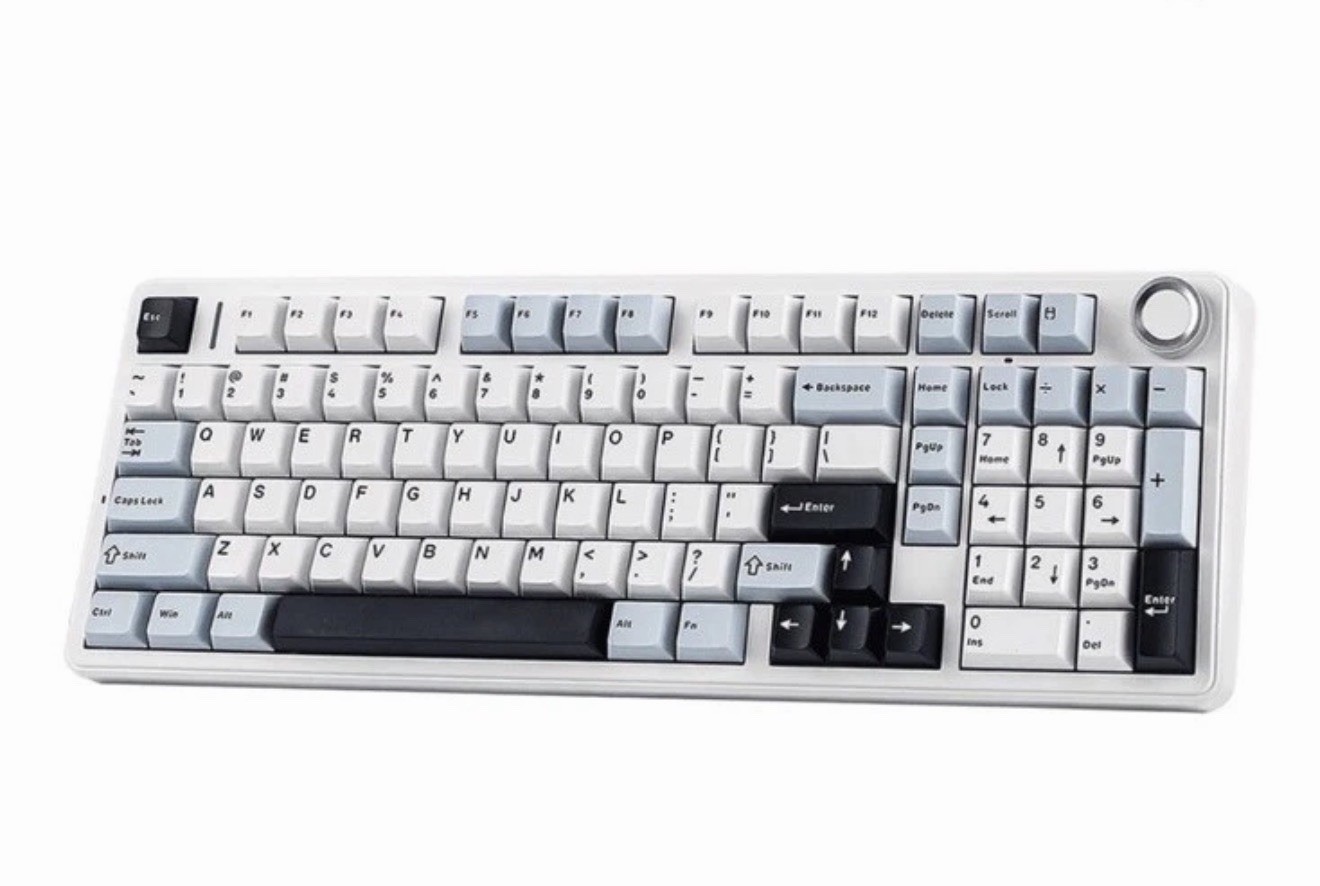 AULA F99 PRO BLUE/WHITE Wireless Mechanical Gaming Keyboard | NEXT DAY SHIP$41.98View on eBay
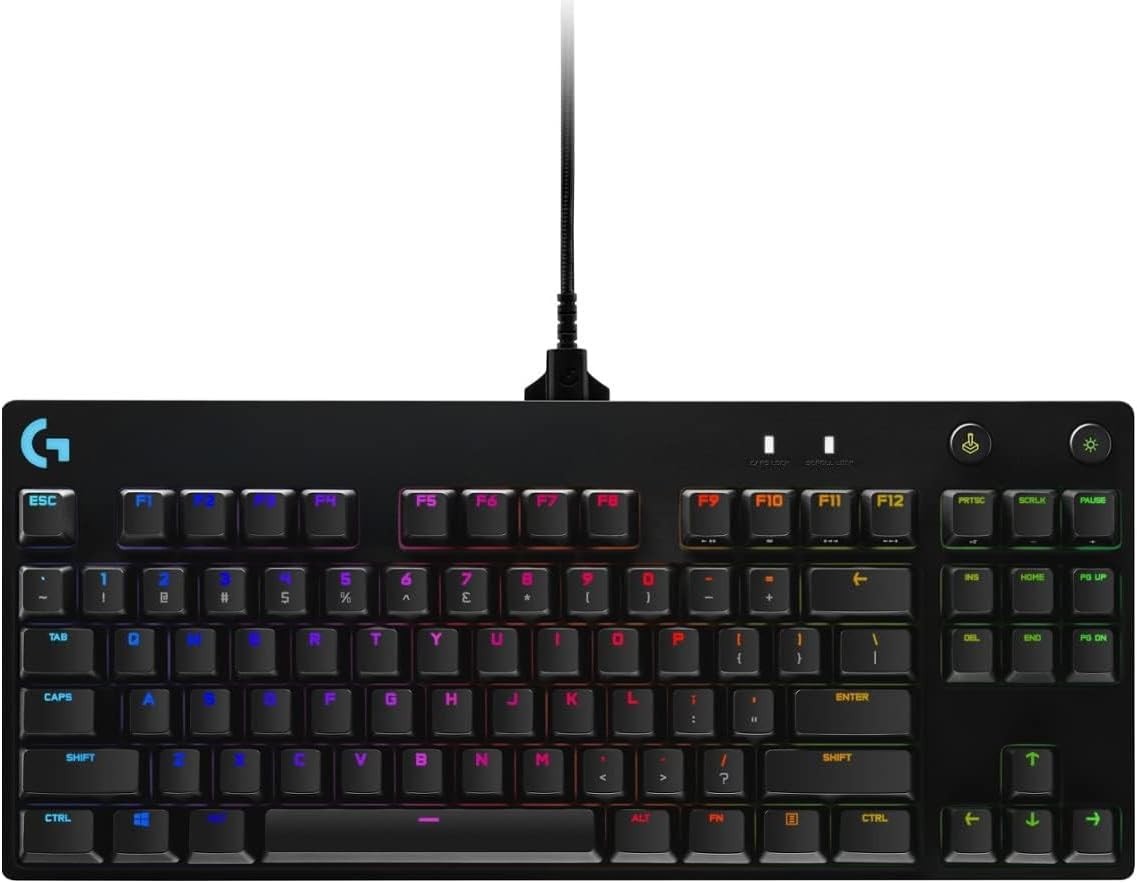 Logitech G Pro TKL Mechanical RGB Gaming Keyboard Black$43.19View on eBay
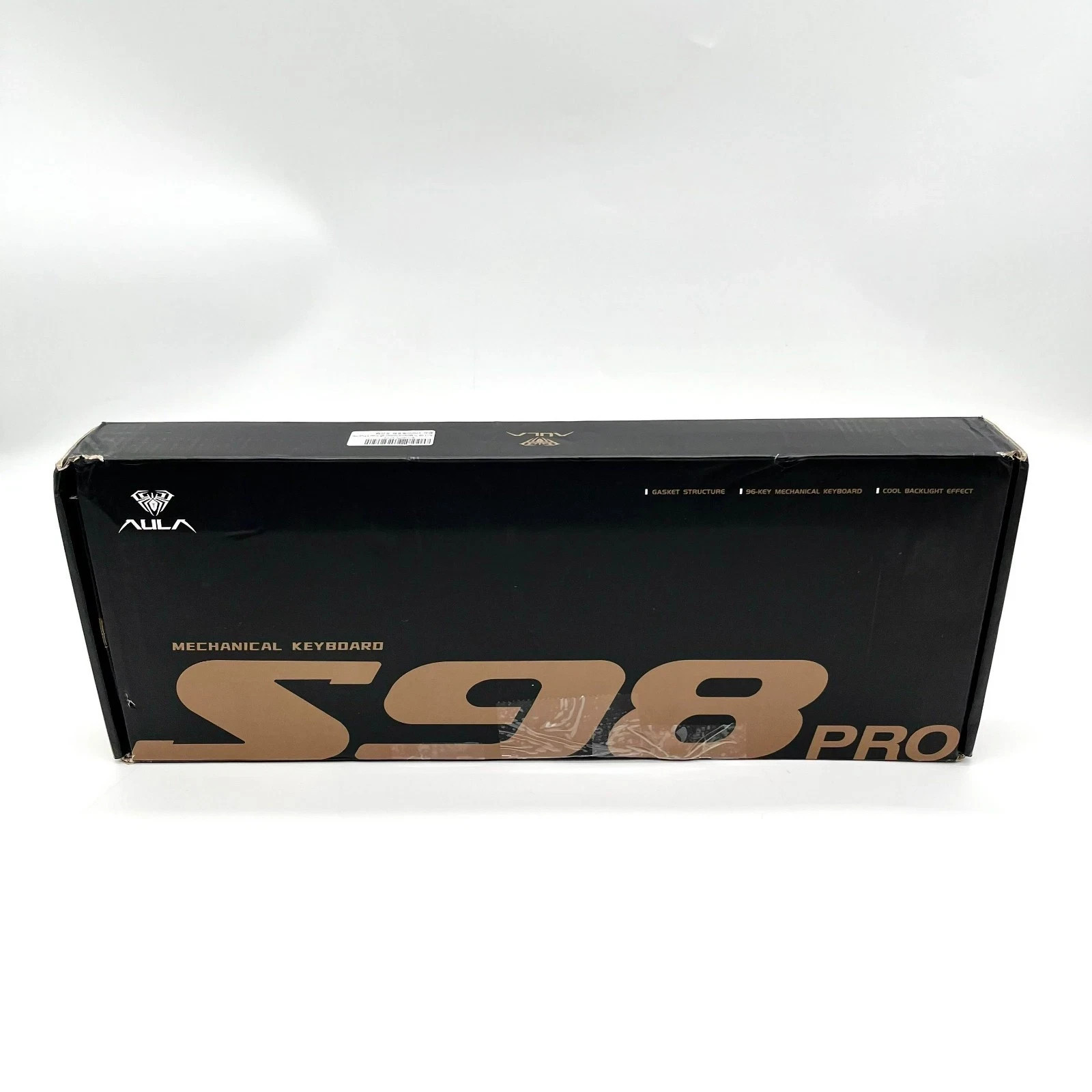 AULA S98 Pro Wireless Mechanical Keyboard with Screen & Knob Blue White$44.95View on eBay
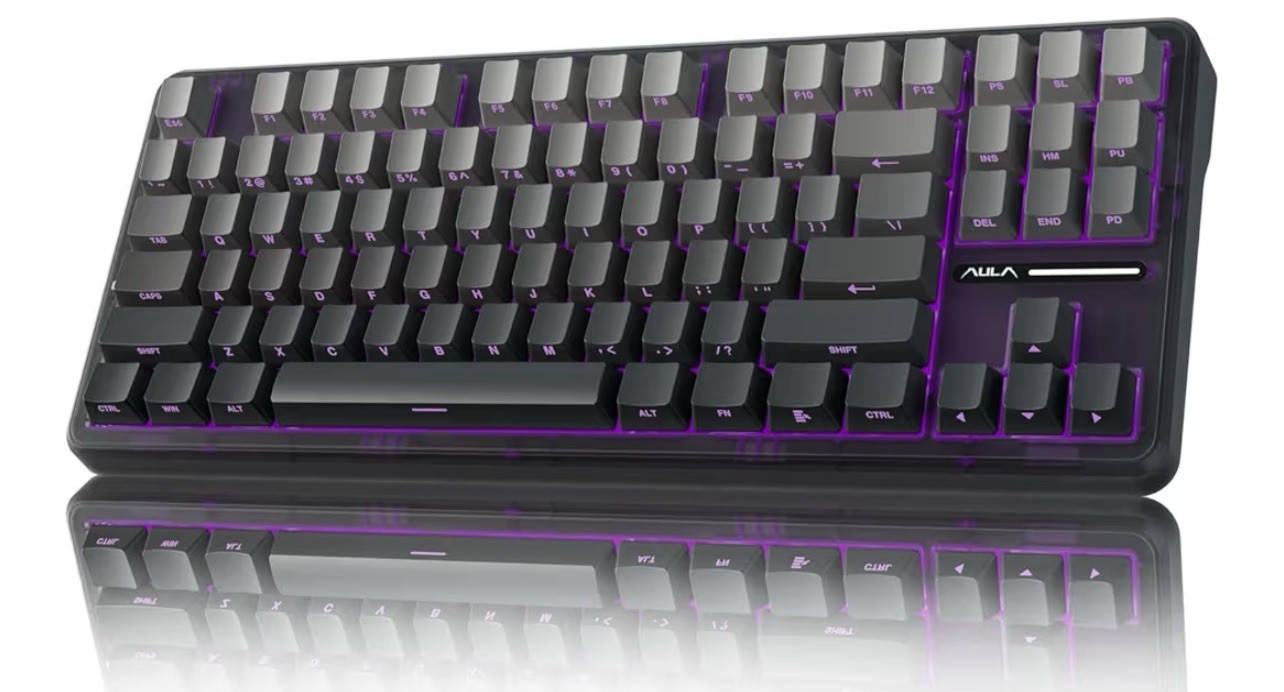 AULA F87 Pro Wireless Mechanical Keyboard Tri-Mode Hot Swappable (F87 Pro-Black)$44.99View on eBay
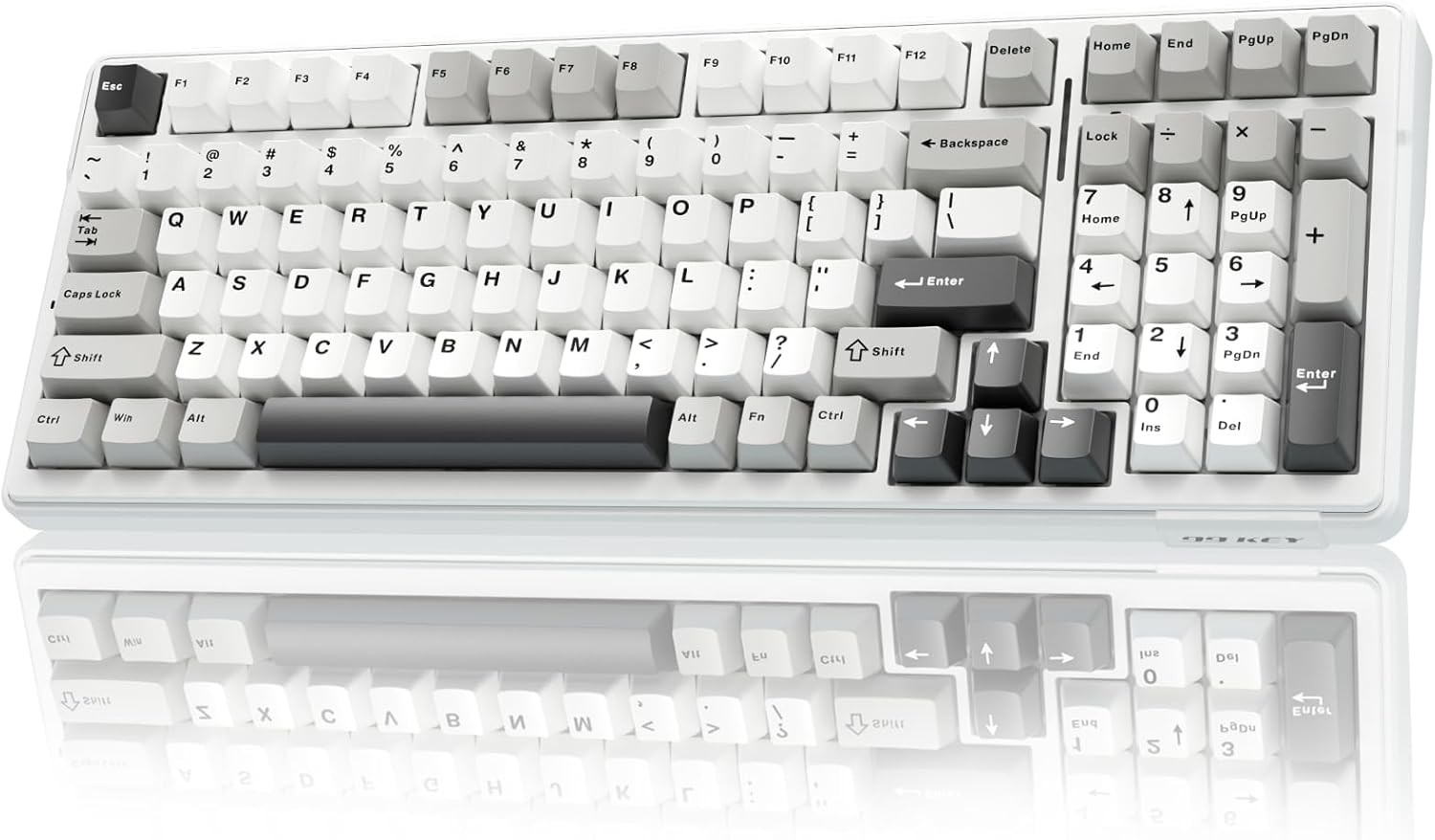 AULA F99/F99 Pro Tri-mode Wireless Mechanical Keyboard RGB Hot Swappable Custom$49.99View on eBay
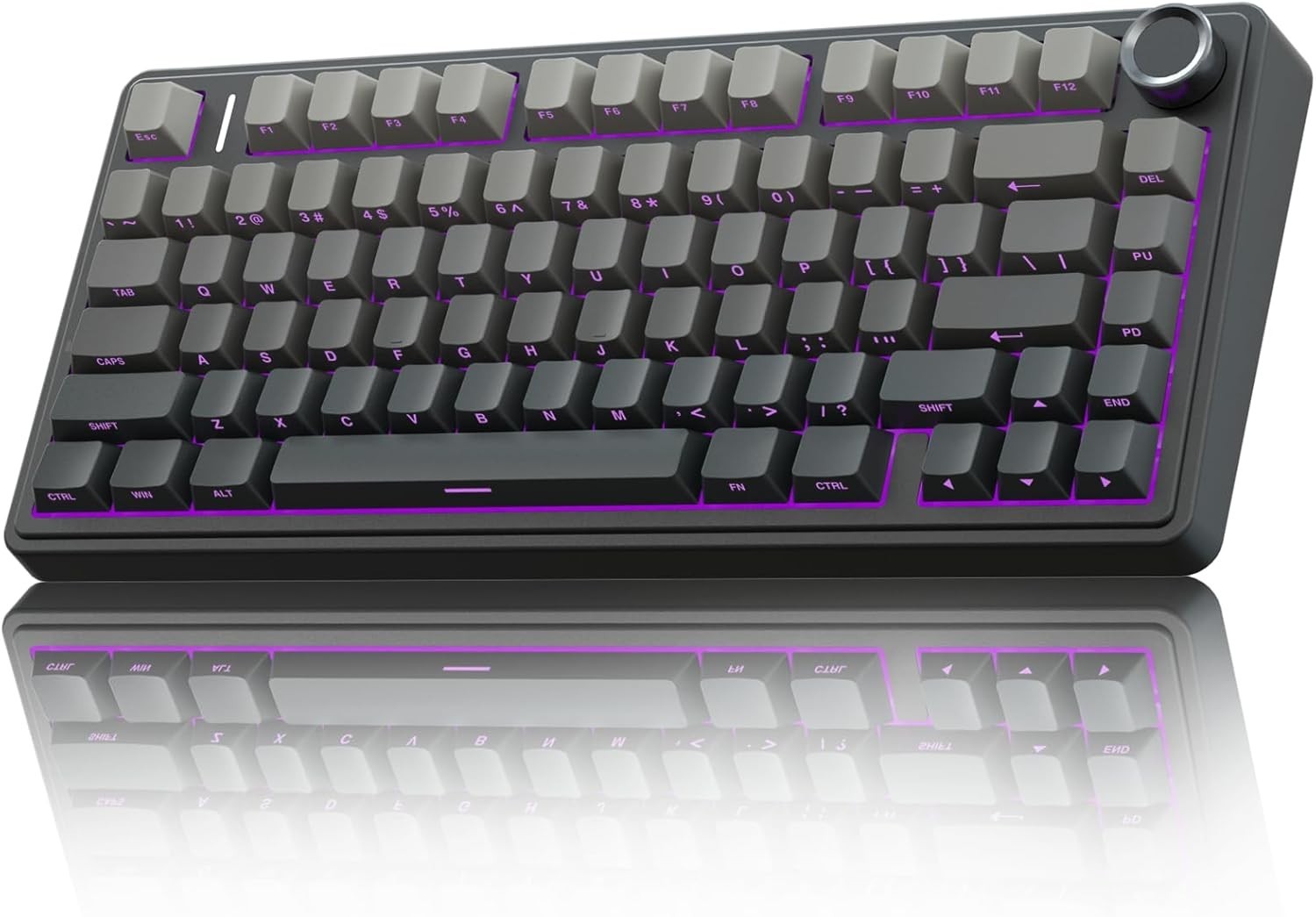 F75 Pro Wireless Mechanical Keyboard,75% Hot Swappable with Knob RGB Backlit$59.99View on eBay
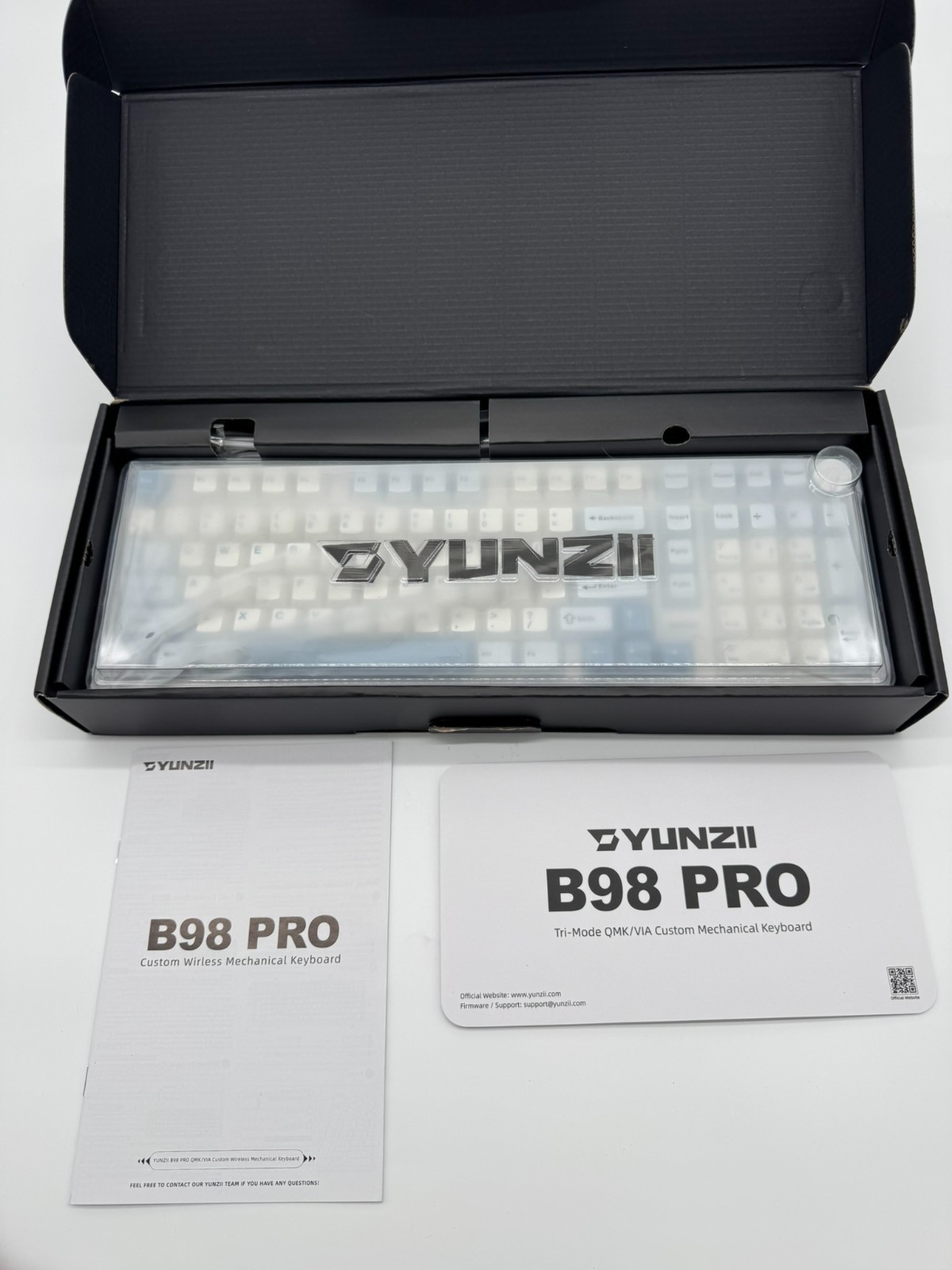 YUNZII B98 PRO 98-Key Wireless Mechanical Keyboard QMK/VIA Tri-Mode Hot-Swap RGB$69.99View on eBay
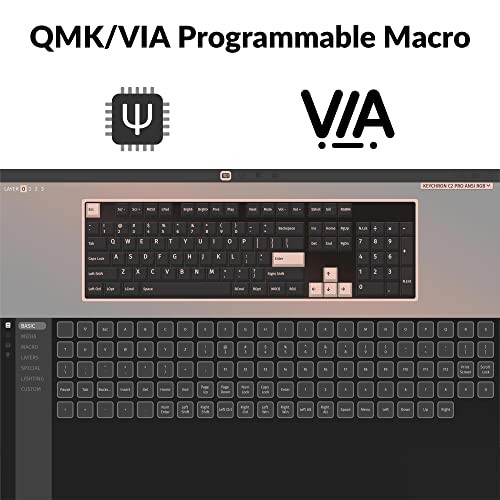 KEYCHRON C2 PRO WIRED QMK/VIA MECHANICAL KEYBOARD FULL SIZE LAYOUT CUSTOM -$73.58View on eBay
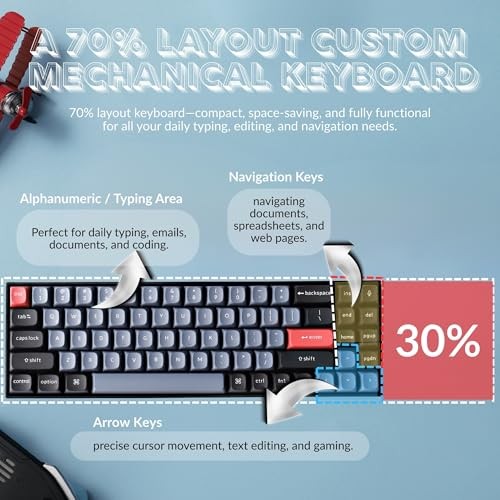 KEYCHRON K14 PRO WIRELESS CUSTOM MECHANICAL KEYBOARD,70% - BLACK/GRAY/RED$87.32View on eBay
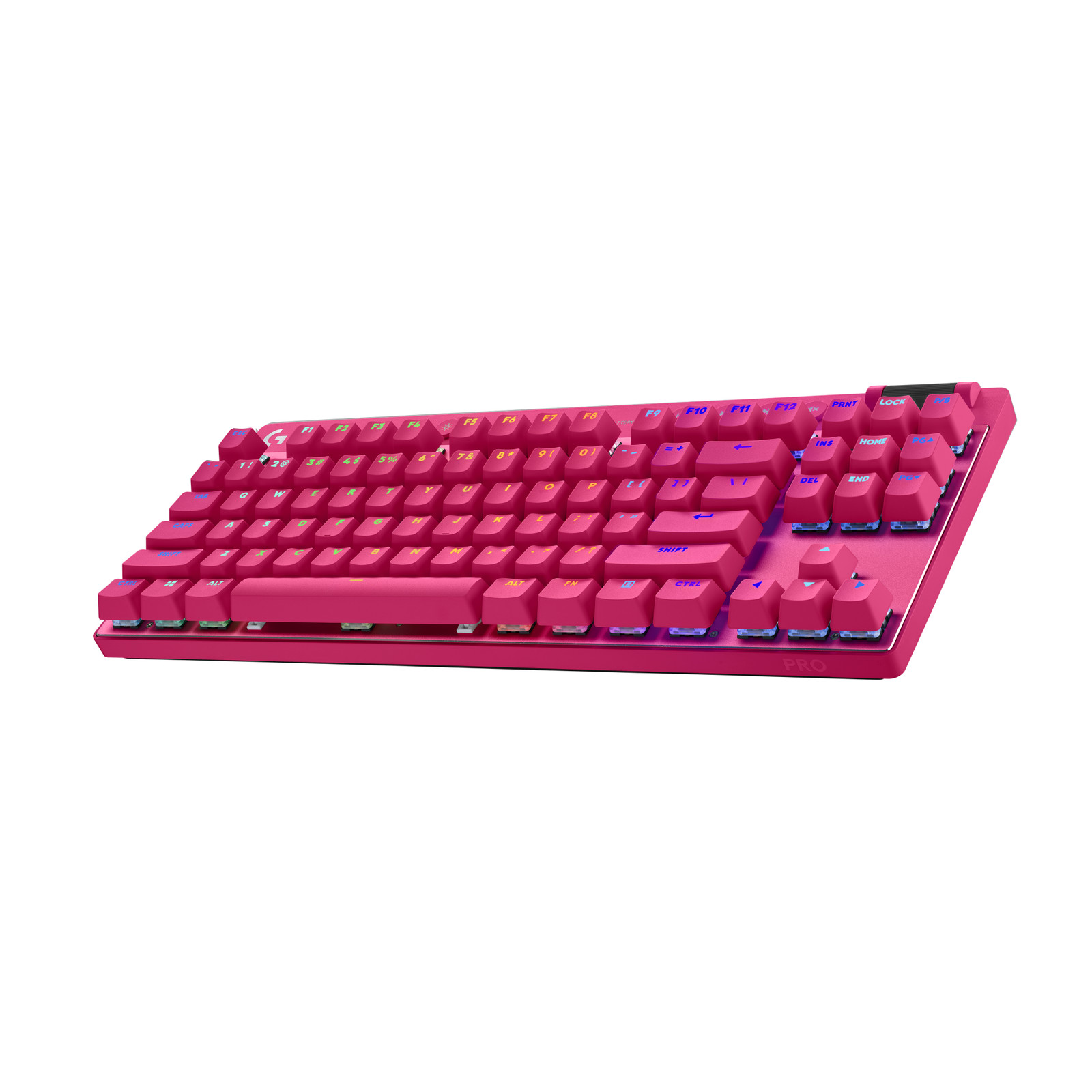 Logitech G PRO X TKL Wireless Gaming Keyboard – Tactile Switches$129.99View on eBay
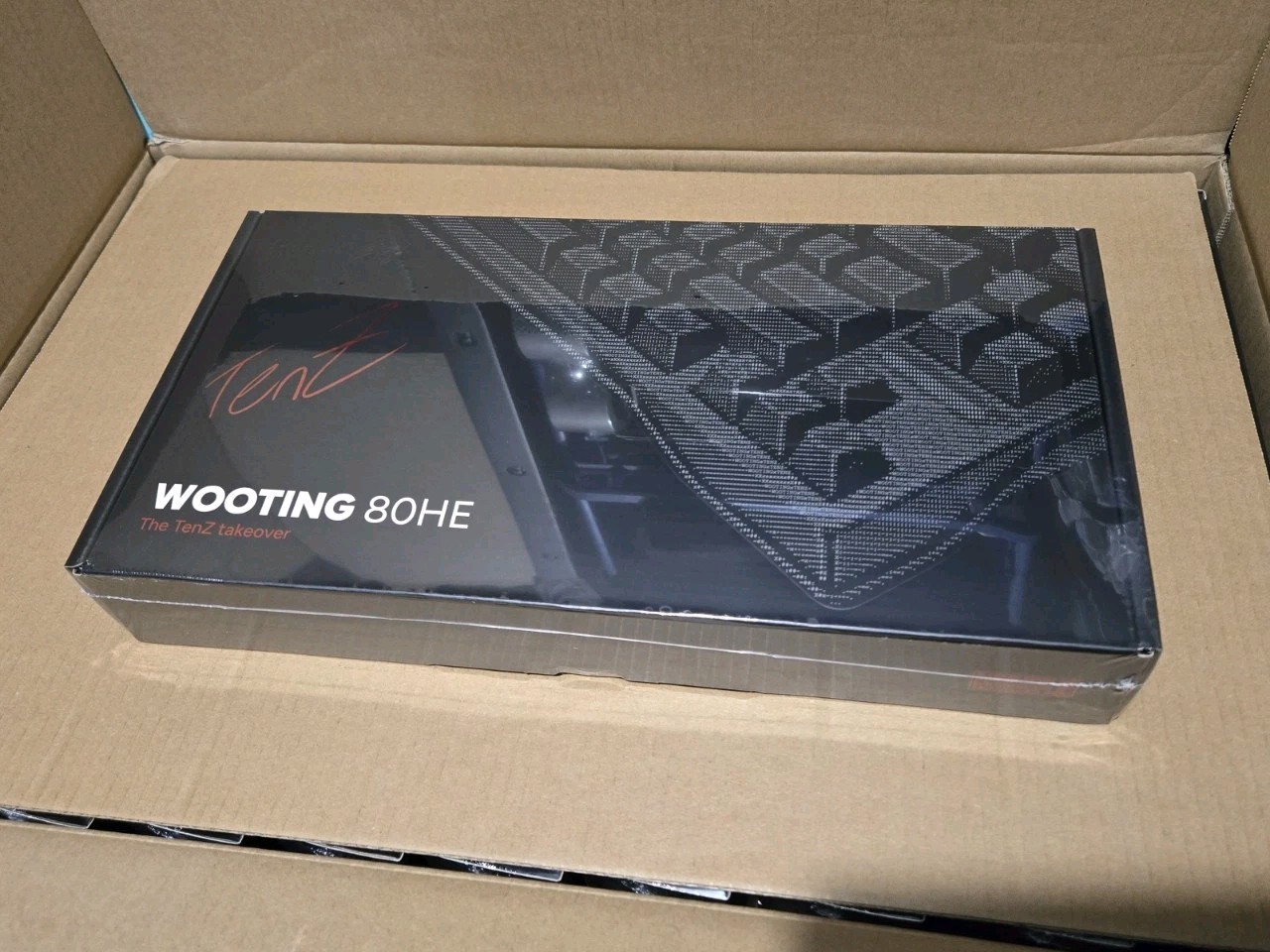 Hall Effect 8khz Pro Gaming Keyboard WOOTING 80HE TenZ Edition The TenZ TakeOver$198.99View on eBay
Highlights
- G Pro TKL (original) is wired USB only with fixed non-swappable GX switches; PRO X TKL adds LIGHTSPEED 1 ms wireless and Bluetooth.
- PRO X TKL uses hot-swappable 3-pin/5-pin sockets, letting you change switch type without soldering; the original G Pro does not.
- Switch tiers: GX Blue is clicky with an audible bump, GX Brown is tactile, GX Red is linear and quietest for competitive play.
- TKL layout removes the numpad, freeing desk space for large mouse arcs; all models use ABS or PBT keycaps and per-key RGB.
Best use cases
- Competitive FPS players wanting low-latency wireless and swappable switches: pick PRO X TKL LIGHTSPEED.
- Desk-space-limited gamers who want a wired, fixed-switch board at lower cost: pick the original G Pro TKL.
- Users needing numpad data entry or macro-heavy MMO play: skip the TKL line and choose a full-size keyboard.
- Silent-office or shared-room users: choose GX Red linear switches; skip GX Blue clicky, which is audibly loud.
Buying tips
- Prioritize PRO X TKL if you want hot-swap or wireless; the original G Pro TKL is wired-only with soldered switches.
- Match switch to use: GX Red linear for fast competitive input, GX Brown tactile for typing feedback, GX Blue clicky only if noise is acceptable.
- Confirm connection tier before buying: PRO X TKL LIGHTSPEED includes a USB receiver and Bluetooth; the original G Pro is USB-C wired only.
- Check keycap material: PBT resists shine and wear far longer than ABS, which polishes smooth on WASD within months of heavy use.
Specs
| Connectivity | Wired USB-C vs LIGHTSPEED wireless |
|---|---|
| Layout | TKL tenkeyless, no numpad |
| Switch Mount | Soldered fixed vs hot-swap sockets |
| Switch Type | GX Blue clicky / Brown tactile / Red linear |
Related searches
What to check before buying
- Measure desk depth and width: TKL is roughly 14–15 in wide, so confirm space for wide mouse swipes without the numpad.
- Verify your PC or console supports USB-A for the LIGHTSPEED receiver, or use Bluetooth on PRO X TKL for laptops.
- Confirm switch type in the listing title (Clicky/Tactile/Linear) because G Pro models ship in multiple fixed switch variants.
- If buying used, check that the PRO X TKL includes its USB receiver and charging cable, since the receiver is required for wireless.
FAQ
Data sources: eBay / Amazon listings and product attribute feeds. Updated Nov 24, 2026.
Some links on this page are affiliate links. If you buy after clicking one, we may earn a commission at no extra cost to you. This does not change which products appear here or their order. Affiliate disclosure.