
Photos from current listings. Actual item, color, and included accessories may vary.
Custom Keyboard Buying Guide
A custom keyboard is a mechanical board where you choose the case material, layout, mounting style, and switches, rather than accepting a fixed retail configuration. The core trade-off is between a plastic tray-mount board with soldered switches (cheap but rigid and non-upgradable) and an aluminum gasket-mount board with hot-swap sockets and QMK/VIA firmware (heavier, pricier, but repairable and tunable). The decision rule: buy a hot-swap PCB with QMK/VIA support and a gasket-mounted aluminum or reinforced plastic case if you want a long-term platform; skip any board with soldered switches and proprietary software if you plan to modify or repair it.
Median $88.66
Key takeaways
- Gasket-mounted aluminum cases (e.g., Keychron Q series) use poron foam strips to isolate the PCB, producing a softer, deeper typing sound than tray-mounted plastic boards.
- Hot-swap sockets (5-pin Kailh or Gateron) let you change switches without soldering; soldered PCBs like the Keychron C2PX permanently lock your switch choice.
- QMK/VIA open-source firmware enables full key remapping and macro layers; boards with only proprietary software (e.g., some AULA models) limit customization to the vendor's app.
At a glance
- Category
- Mechanical Keyboards
- Last updated
- Nov 24, 2026
Current offers
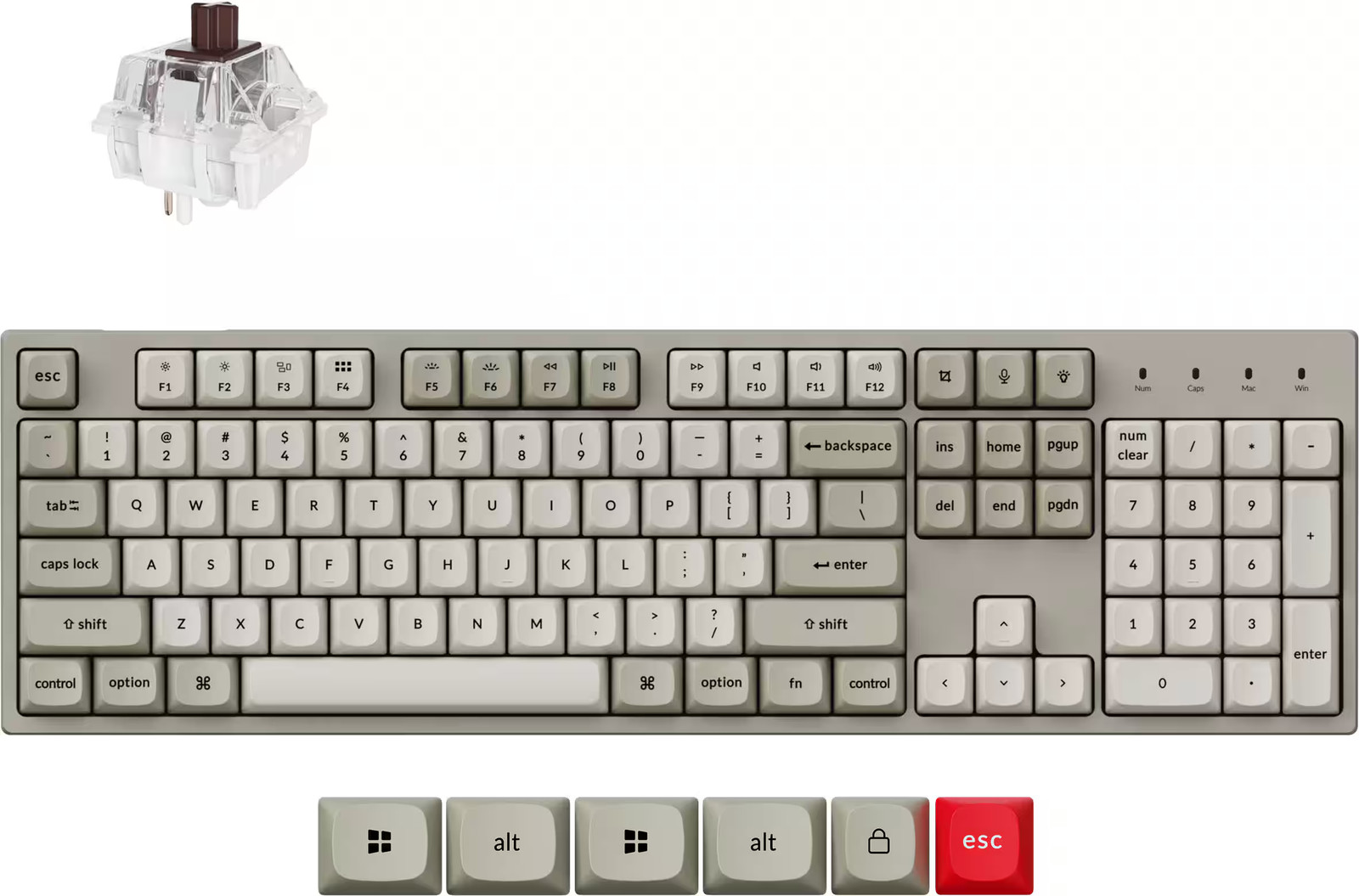 Keychron - C2PX 100% Custom Wired RGB Mechanical Gaming Keyboard with Program...$46.74View on eBay
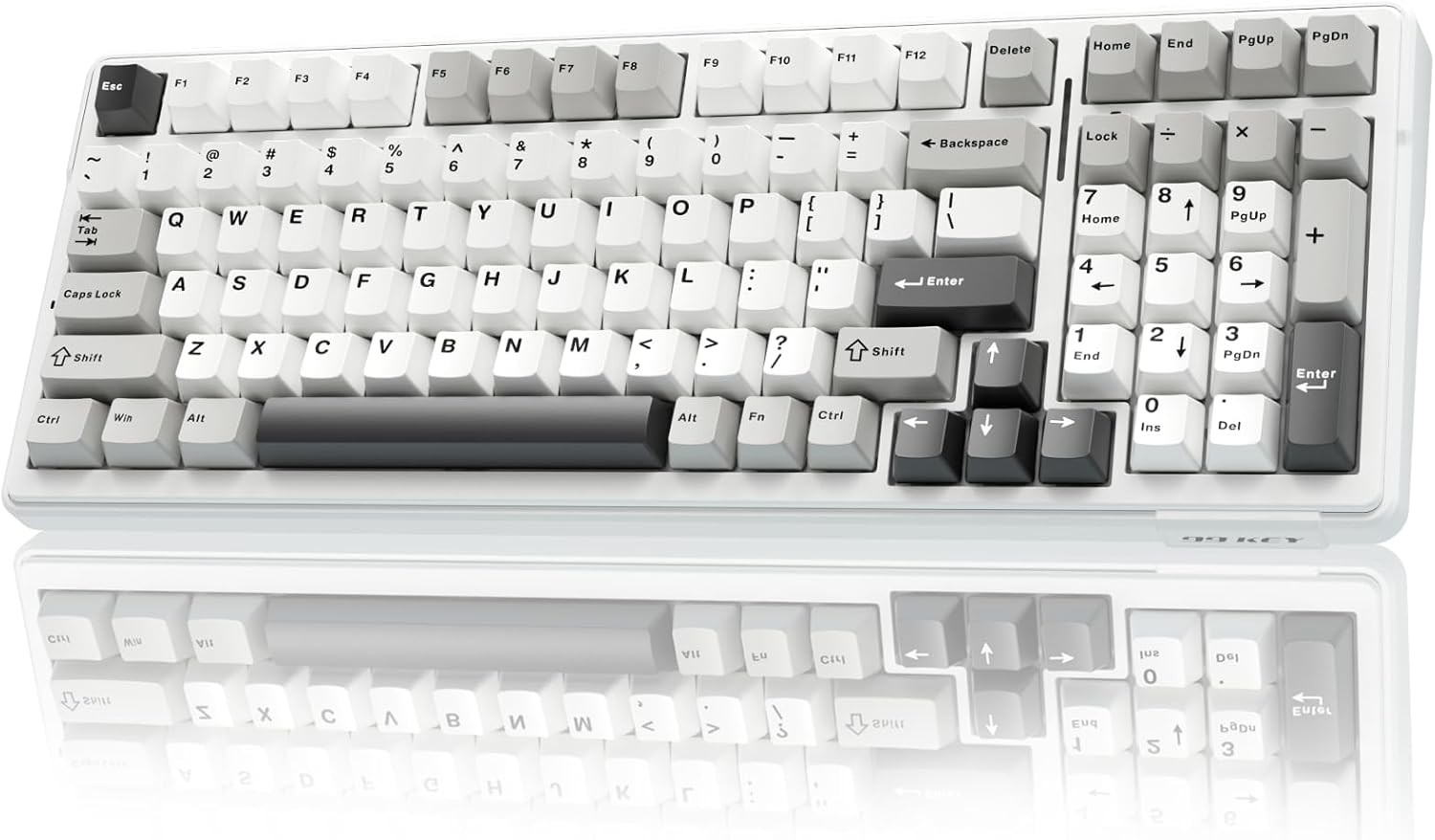 AULA F99/F99 Pro Tri-mode Wireless Mechanical Keyboard RGB Hot Swappable Custom$49.99View on eBay
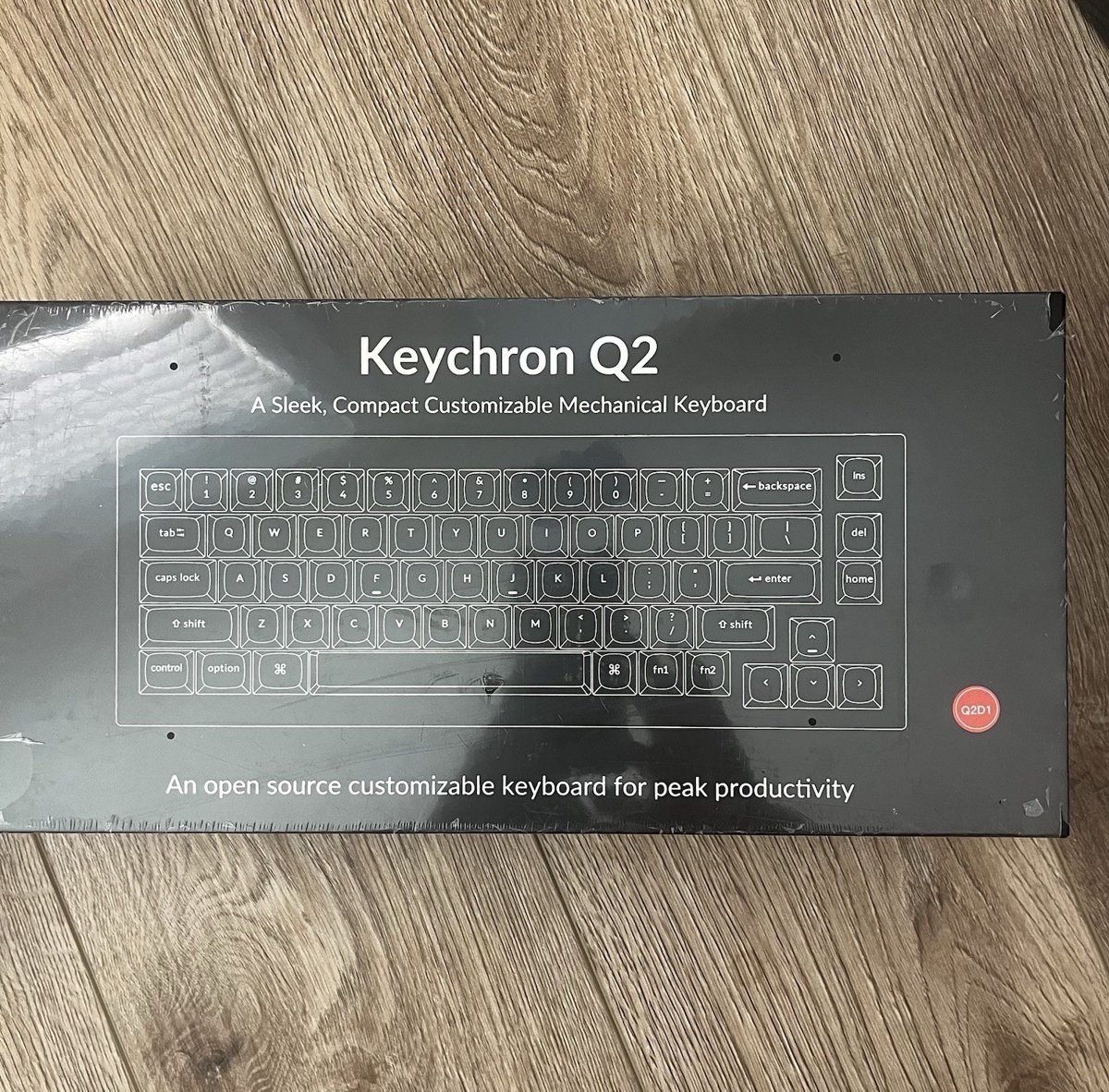 Keychron Q2 Wired Custom Mechanical Keyboard QMK/VIA Programmable Macro$69.00View on eBay
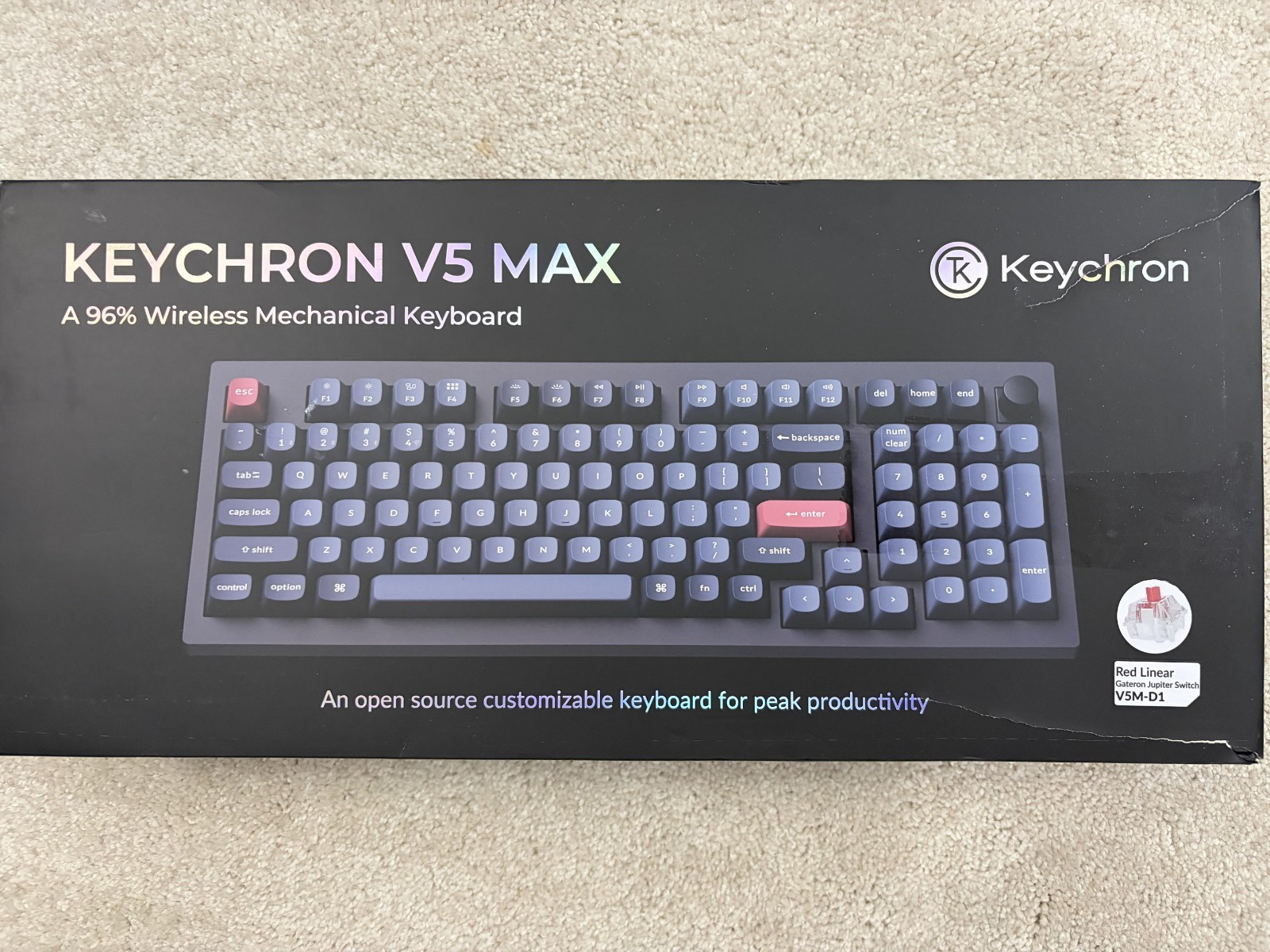 Keychron - V5 Max 96% Custom Wireless RGB Mechanical Keyboard with Programmable$69.90View on eBay
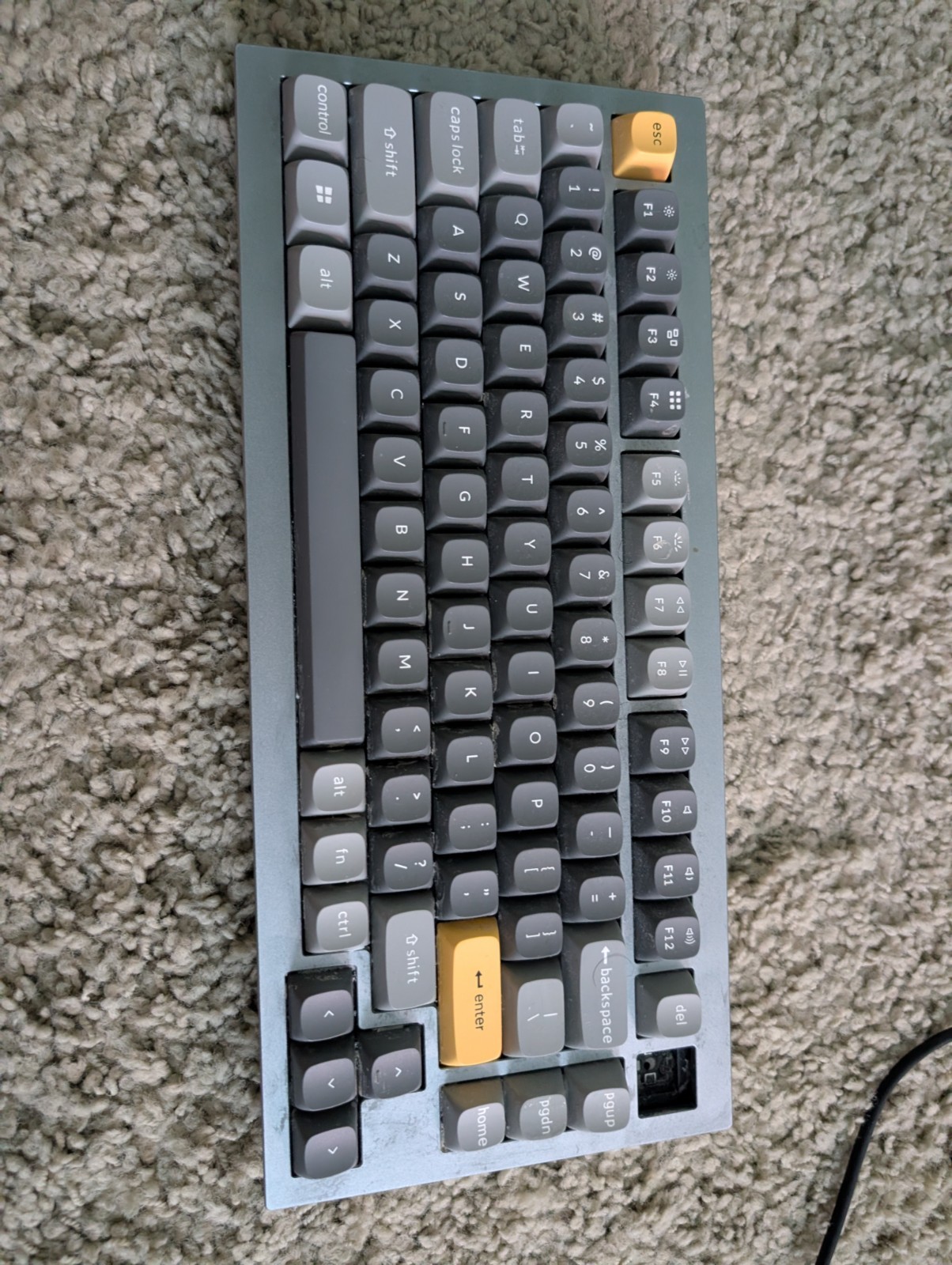 Keychron Q1 75% Custom Mechanical Keyboard – Powers On / Spill Project (As-Is)$70.00View on eBay
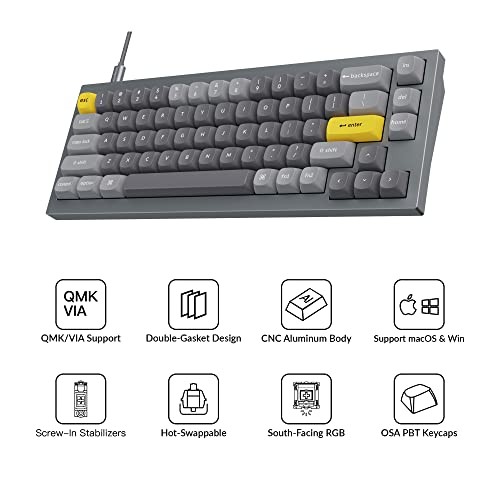 KEYCHRON Q2 WIRED CUSTOM MECHANICAL KEYBOARD, QMK/VIA PROGRAMMABLE MACRO, -$70.72View on eBay
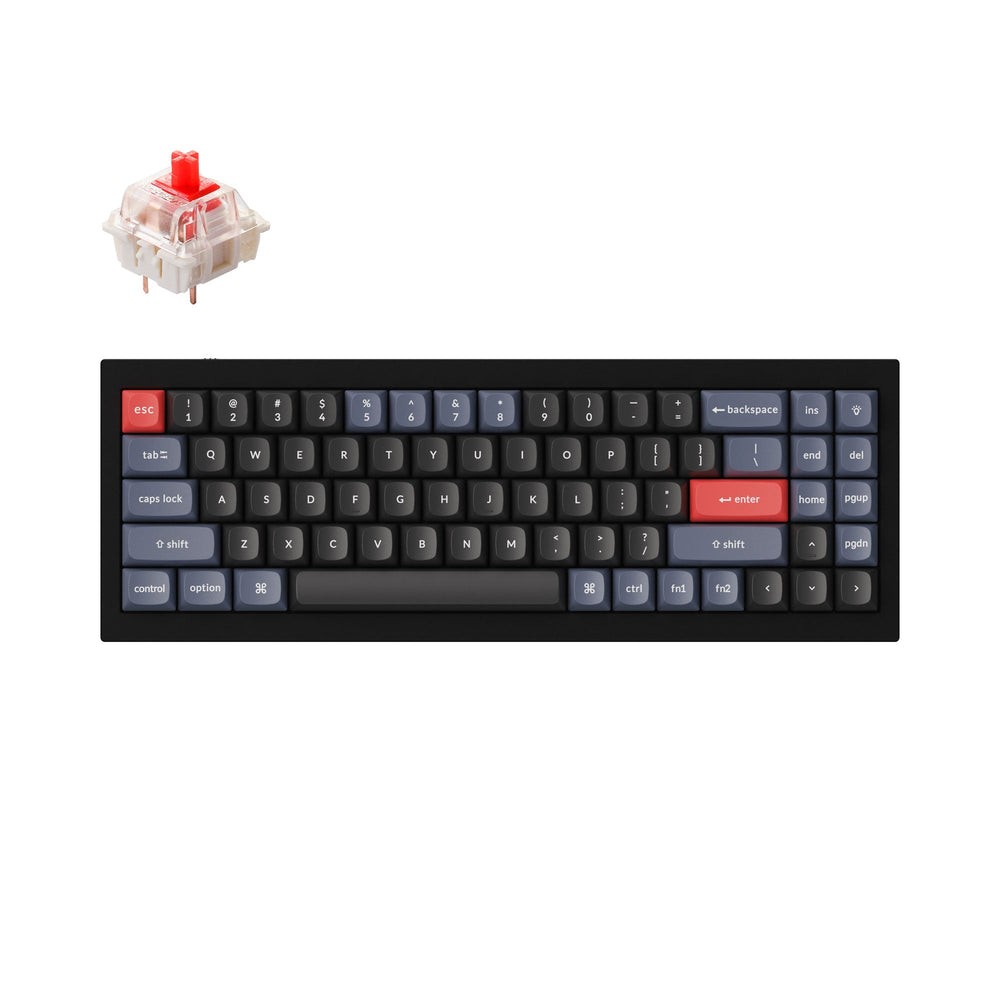 KEYCHRON Q7 QMK CUSTOM MECHANICAL KEYBOARD - FULLY ASSEMBLED - CARBON BLACK (B)$72.72View on eBay
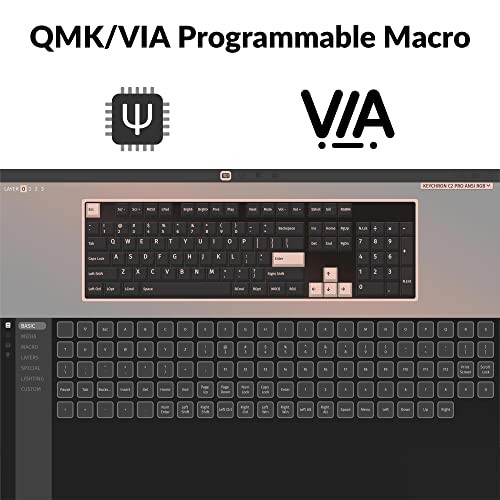 KEYCHRON C2 PRO WIRED QMK/VIA MECHANICAL KEYBOARD FULL SIZE LAYOUT CUSTOM -$73.58View on eBay
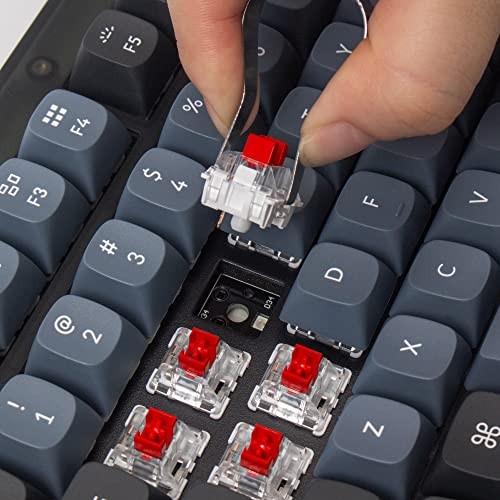 KEYCHRON V1 WIRED CUSTOM MECHANICAL KEYBOARD, 75% LAYOUT QMK/VIA PROGRAMMABLE -$77.58View on eBay
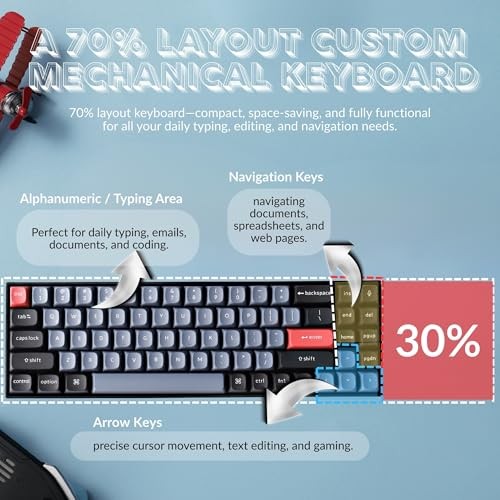 KEYCHRON K14 PRO WIRELESS CUSTOM MECHANICAL KEYBOARD,70% - BLACK/GRAY/RED$87.32View on eBay
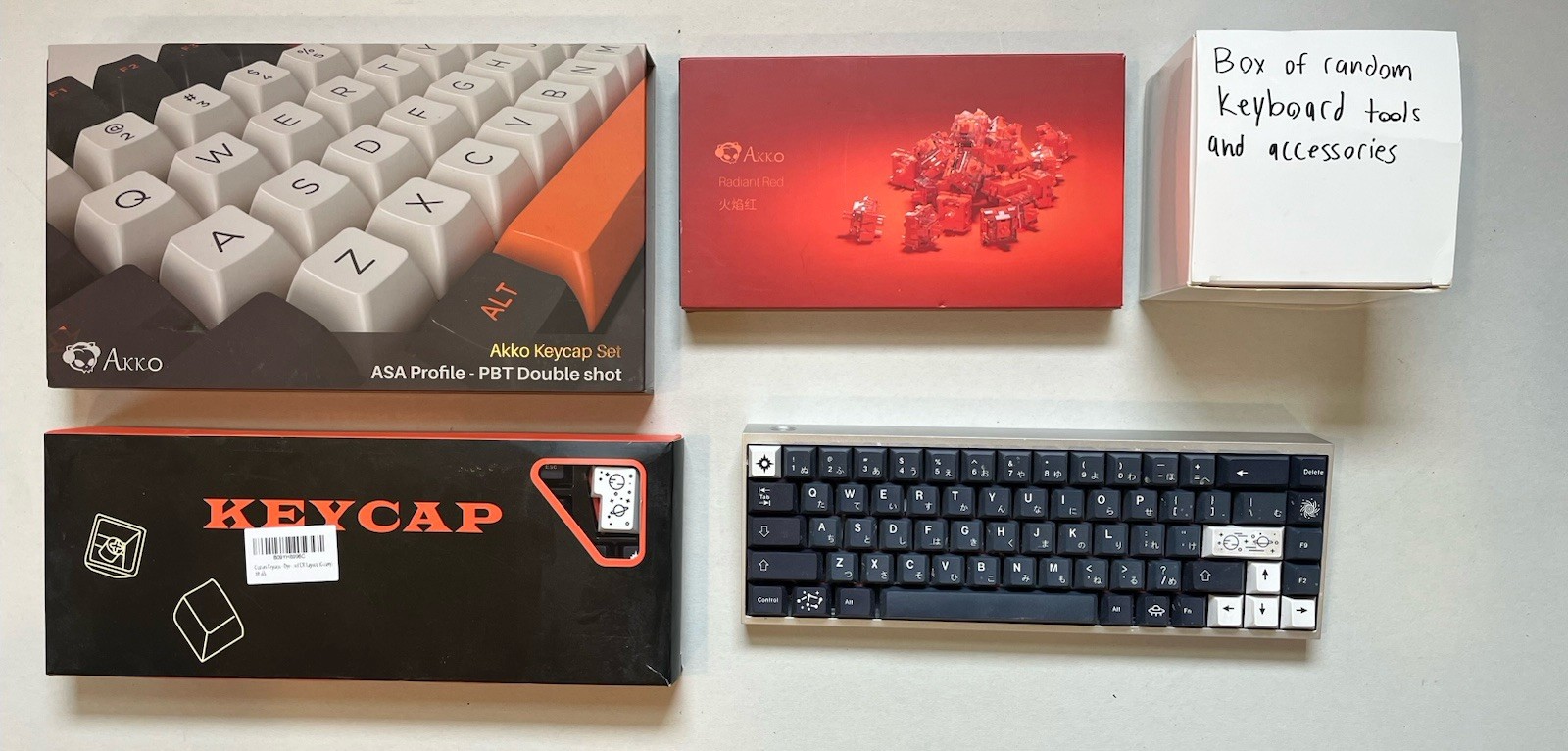 KBDFans custom mechanical keyboard with Akko switches, more keycaps, and tools$90.00View on eBay
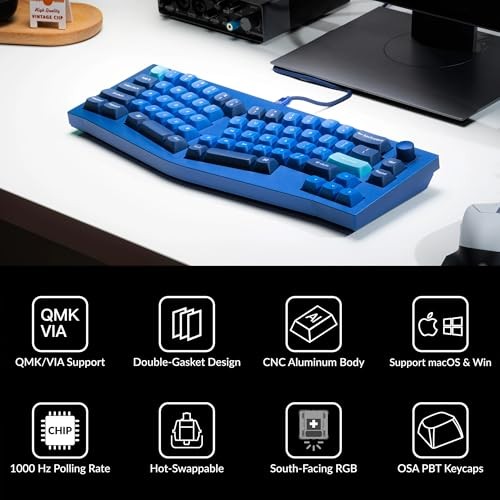 KEYCHRON Q8 (ALICE LAYOUT) QMK CUSTOM MECHANICAL KEYBOARD - NAVY - NAVY BLUE$90.99View on eBay
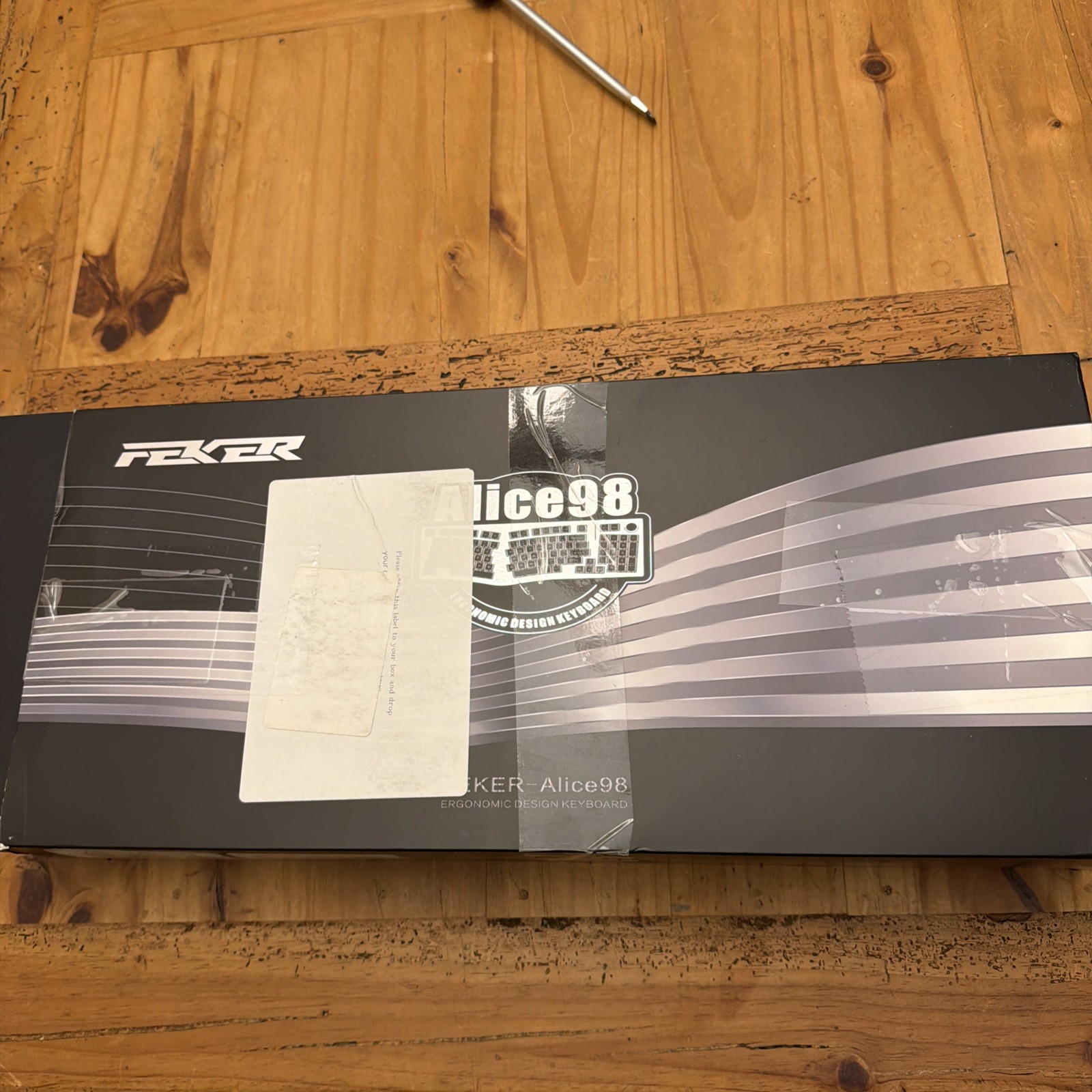 Feker Alice98 Ergonomic 98 Keys Custom Mechanical Keyboard, VIA Programmable,...$95.00View on eBay
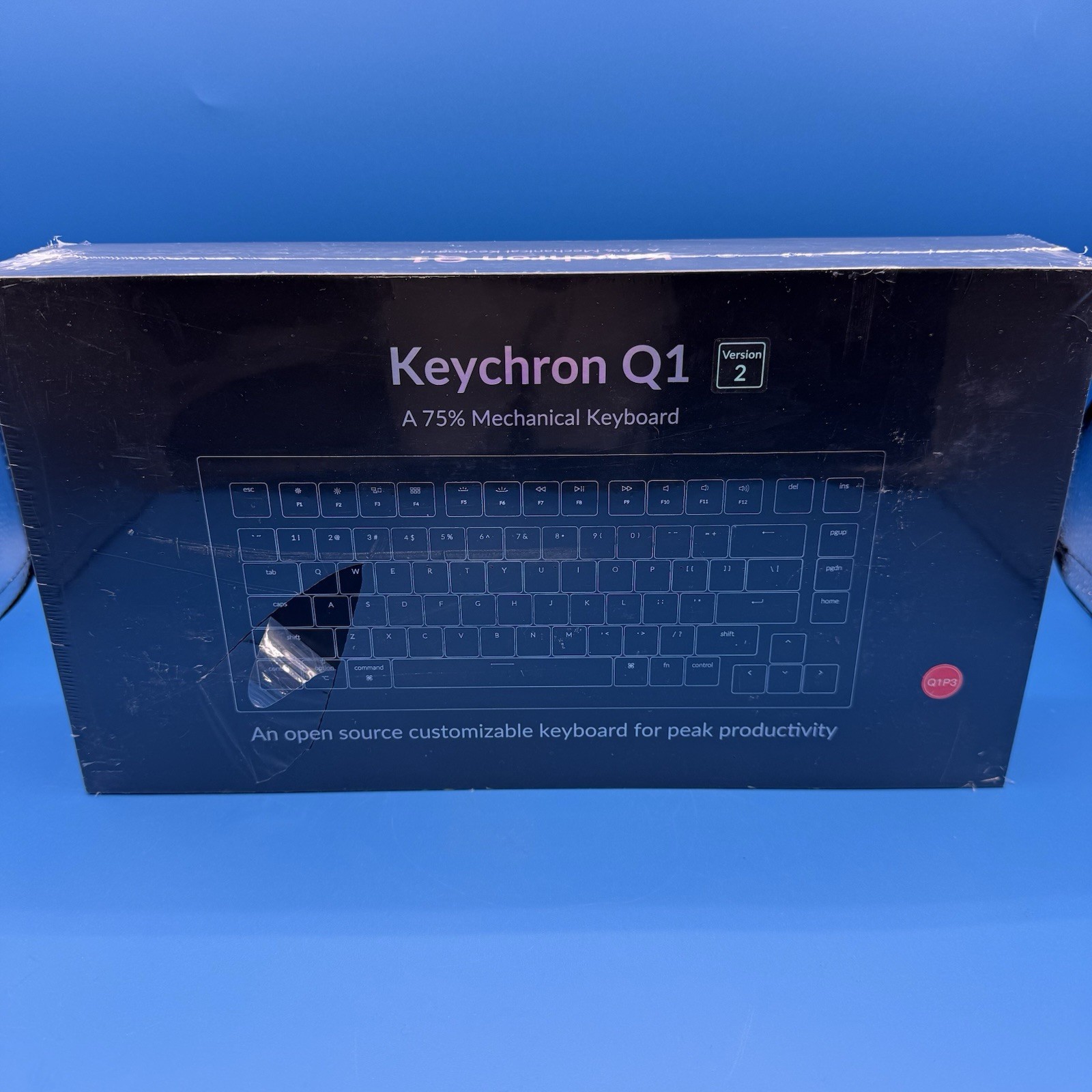 Keychron Q1 RGB Wired Custom Mechanical Keyboard, Version 2 White$100.00View on eBay
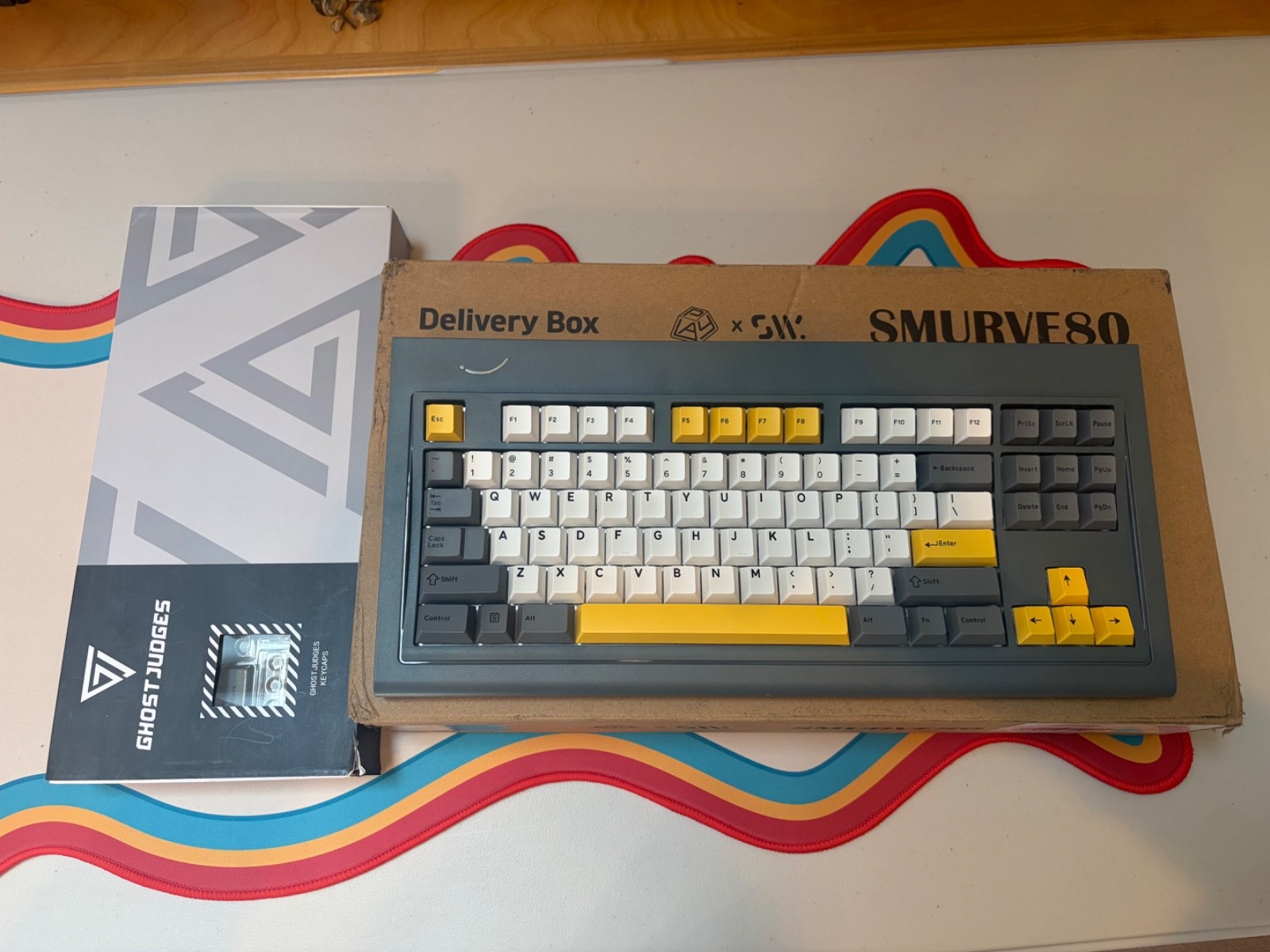 Swagkeys Smurve80 Keyboard, Custom Curved Mechanical Keyboard with Solenoid$115.00View on eBay
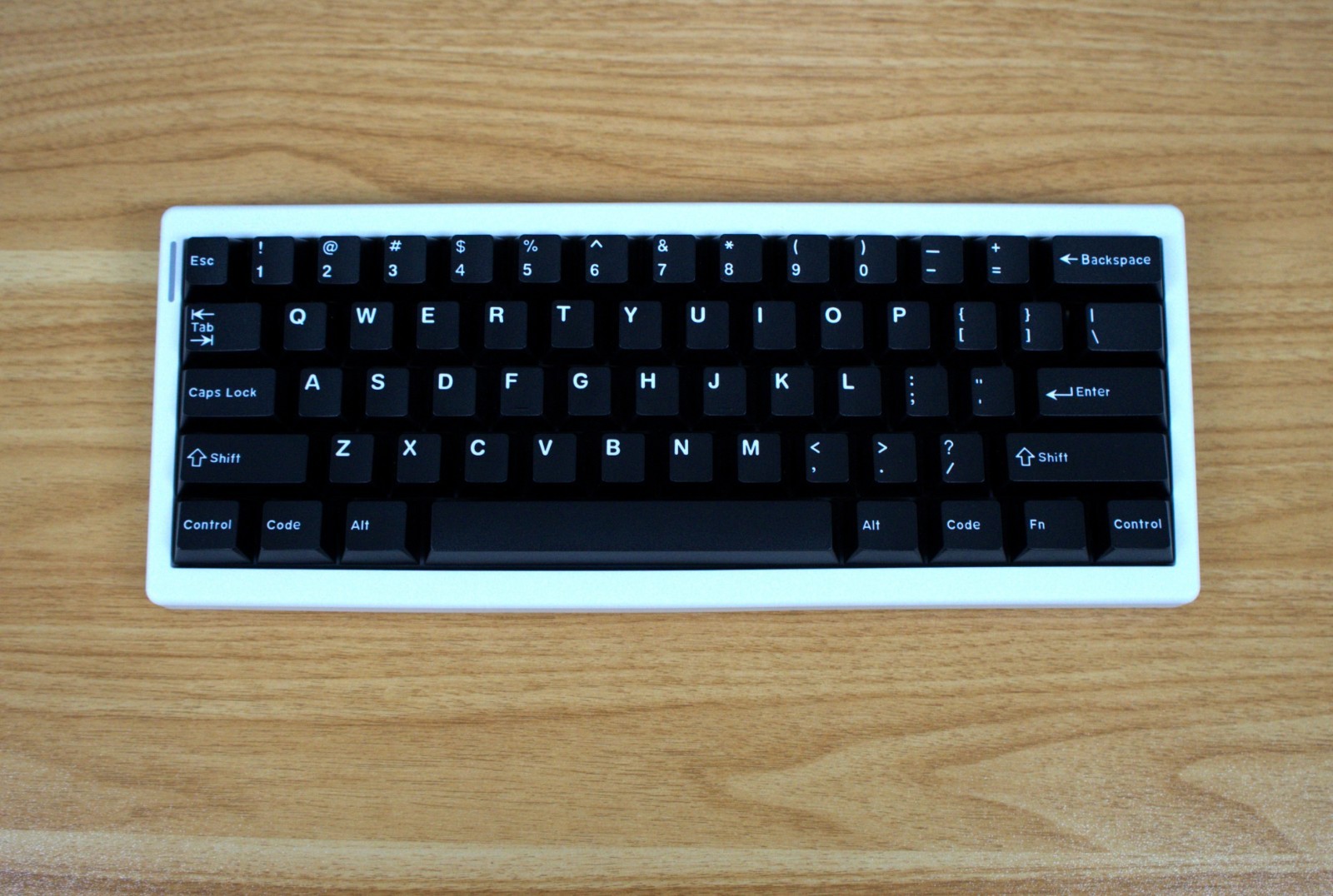 White Custom GMK61 | Hotswap Gaming Keyboard 60% | HMX Jelly | VIA/QMK$150.00View on eBay
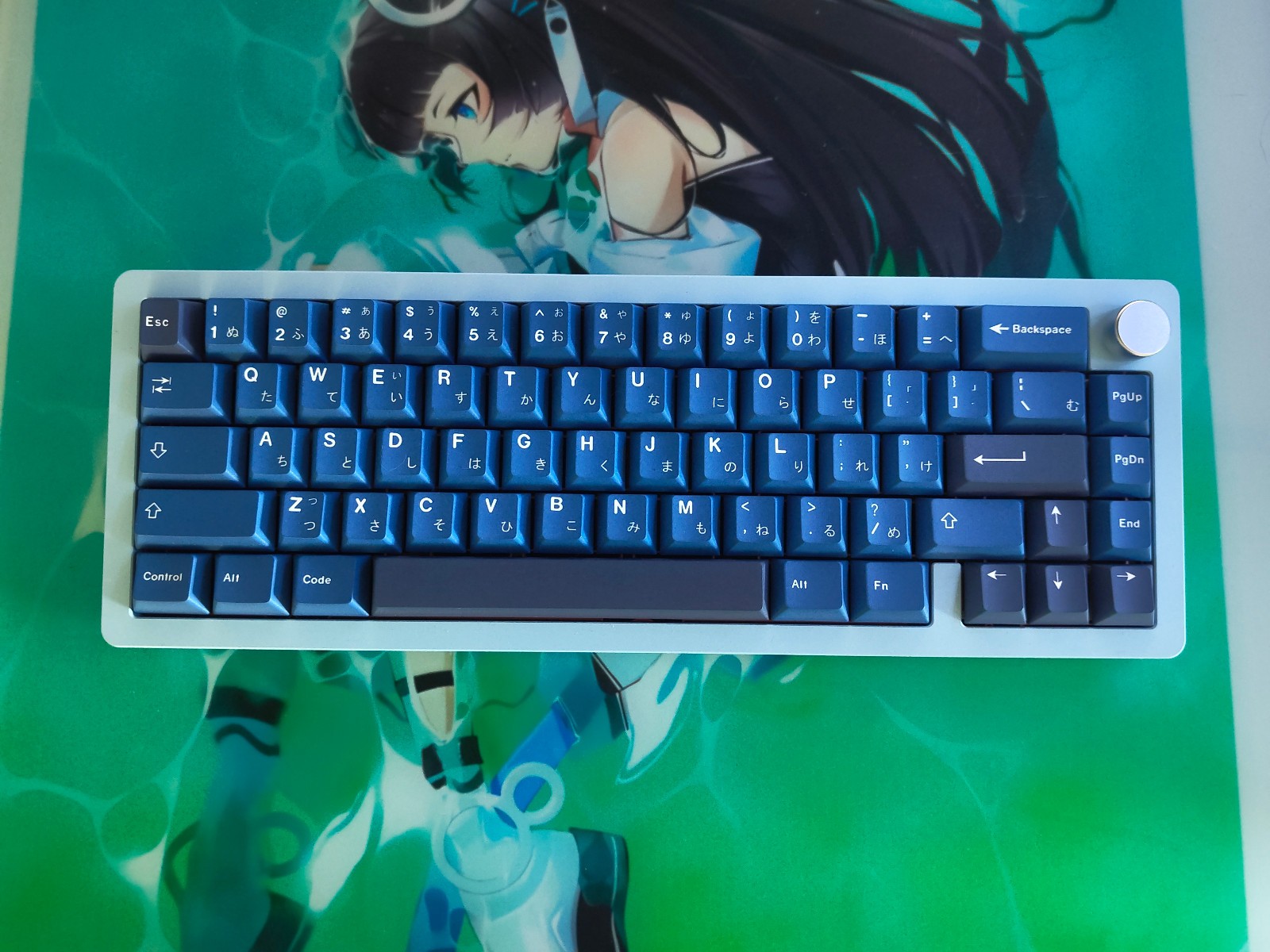 CUSTOM Aluminum 65% RGB Keyboard (Creamy) | Tide65 | Fully Modded$157.79View on eBay
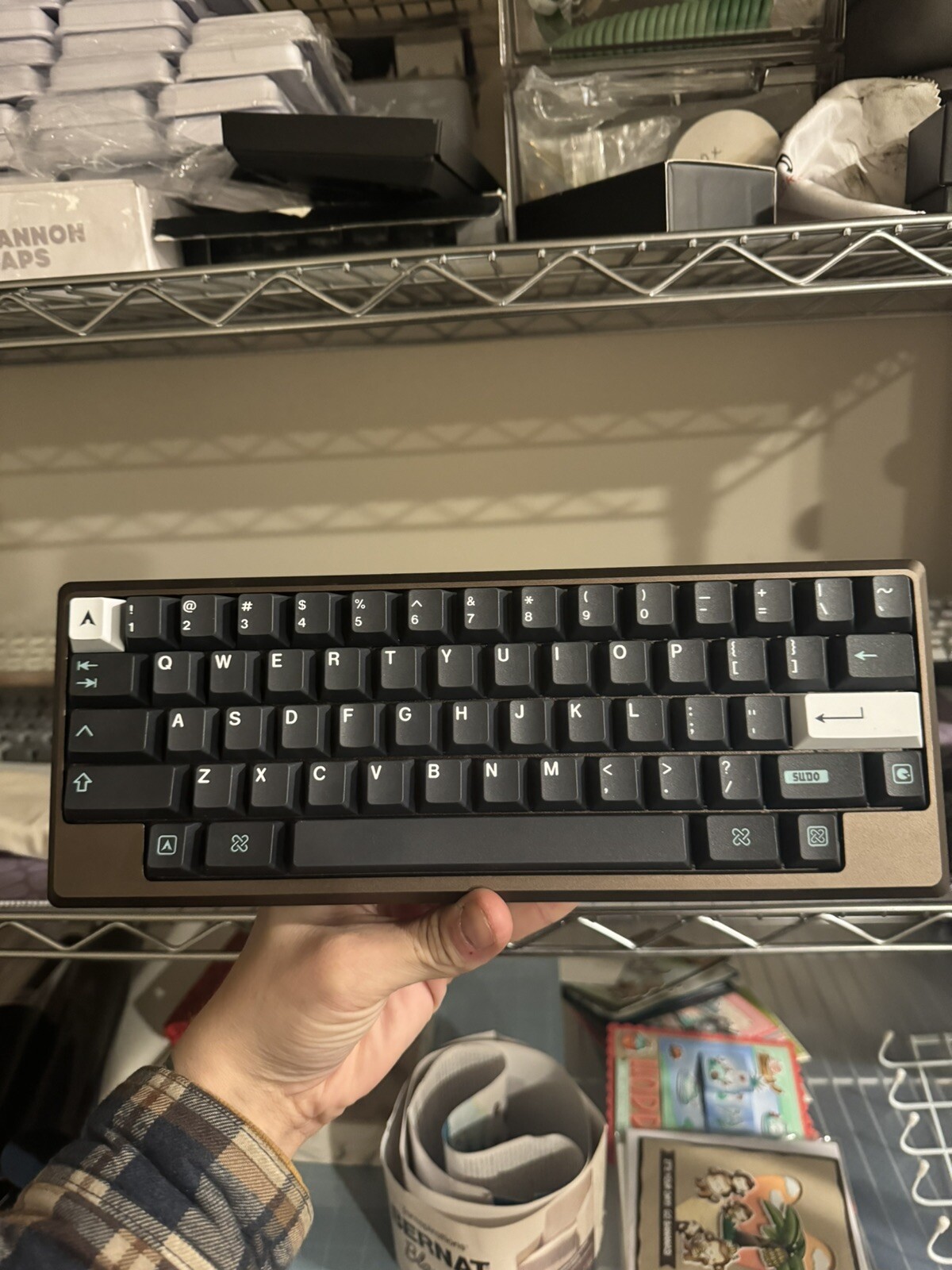 custom mechanical keyboard Tokyo 60$180.00View on eBay
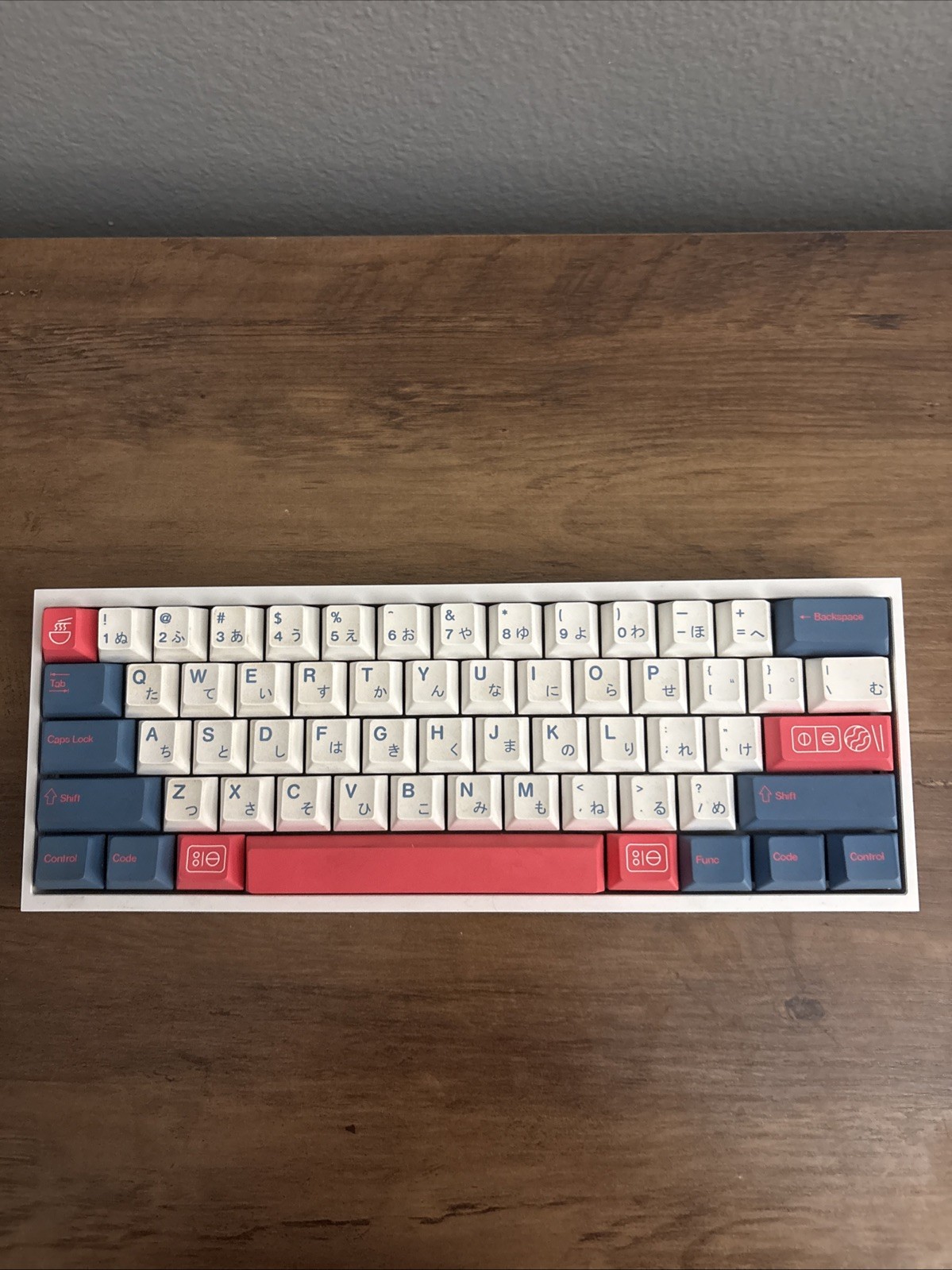 Custom Mechanical Keyboard 65% Minimal, Sleek, Thocky & Creamy$215.00Last checked Nov 18, 2026View on eBay
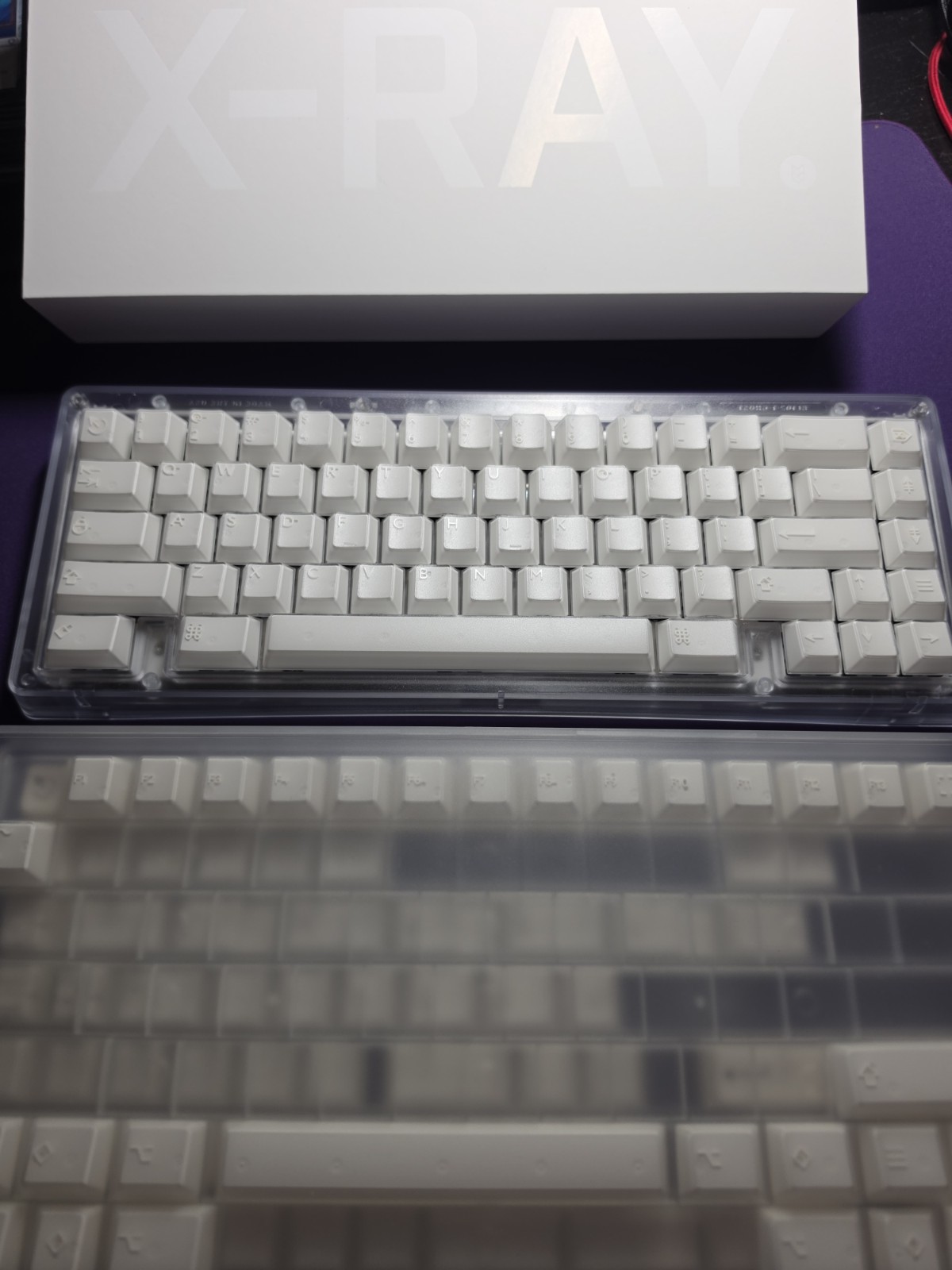 Omnitype Bauer Lite Clear Pre-Built Custom Keyboard W/mods X-Ray Keycaps$300.00Last checked Nov 18, 2026View on eBay
Highlights
- Gasket-mounted aluminum cases (e.g., Keychron Q series) use poron foam strips to isolate the PCB, producing a softer, deeper typing sound than tray-mounted plastic boards.
- Hot-swap sockets (5-pin Kailh or Gateron) let you change switches without soldering; soldered PCBs like the Keychron C2PX permanently lock your switch choice.
- QMK/VIA open-source firmware enables full key remapping and macro layers; boards with only proprietary software (e.g., some AULA models) limit customization to the vendor's app.
- 75% and 96% layouts retain arrow keys and function row in a compact footprint; 60% boards drop both, requiring Fn-layer combos for arrows and function keys.
Best use cases
- Pick a 75% aluminum gasket-mount board (Keychron Q1, V5 Max) if you want arrow keys plus a compact footprint and plan to swap switches—skip 60% boards if you use arrows daily.
- Choose a full-size 100% hot-swap board (Keychron V6, C2PX) for spreadsheet and data-entry work where a numpad is non-negotiable—avoid 96% layouts if you need dedicated navigation keys.
- Buy a plastic tray-mount hot-swap board (AULA F99, Keychron V series) for a first custom build on a budget—skip aluminum if you frequently carry the keyboard between locations.
- Select an as-is or pre-built custom (Omnitype Bauer Lite, Q1 spill project) only if you can diagnose switch or PCB faults—avoid these for a plug-and-play daily driver.
Buying tips
- Match layout to workflow: 60% saves desk space but hides arrows and F-row behind Fn; 75% adds arrows and a knob; 96%/100% add numpad. Measure your desk and arm reach before choosing.
- Confirm hot-swap socket type: 5-pin sockets accept both 3-pin and 5-pin switches; 3-pin-only boards reject PCB-mount switches unless you clip the extra legs.
- Check case material and weight: aluminum cases (e.g., Keychron Q series) typically weigh over 1.5 kg and stay planted; ABS plastic cases are lighter but can flex and amplify hollow sound.
- Verify firmware: QMK/VIA support means you can remap keys in-browser without installing vendor software; boards without it lock customization to the manufacturer's app.
Specs
| Layout | 60% / 75% / 96% / 100% |
|---|---|
| Case Material | Aluminum / ABS plastic / Acrylic |
| Mount Style | Gasket / Tray / Sandwich |
| Switch Socket | Hot-swap 5-pin / Soldered |
Related searches
What to check before buying
- Measure your desk depth and width: a full-size 100% board is roughly 45 cm wide; a 75% is about 33 cm—confirm clearance for mouse movement.
- Confirm your computer's USB port type: most custom boards use USB-C, but some kits ship with USB-A cables—check before buying a separate cable.
- Decide on wired vs wireless: tri-mode boards (AULA F99 Pro, Keychron V5 Max) add Bluetooth/2.4 GHz but require battery management; wired-only boards (Q2, V6) are simpler and never need charging.
- Check keycap compatibility: most custom boards use MX-style stems; if you plan to reuse keycaps from a membrane board, they likely won't fit.
FAQ
Data sources: eBay / Amazon listings and product attribute feeds. Updated Nov 24, 2026.
Some links on this page are affiliate links. If you buy after clicking one, we may earn a commission at no extra cost to you. This does not change which products appear here or their order. Affiliate disclosure.