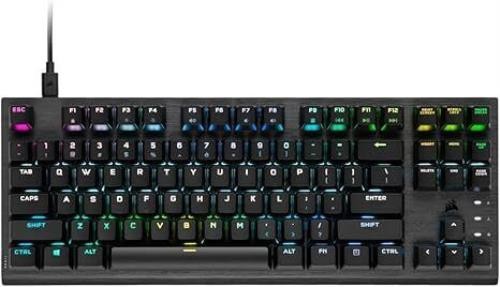

Photos from current listings. Actual item, color, and included accessories may vary.
Corsair Keyboard Buying Guide
Corsair mechanical keyboards span optical-mechanical (K60/K70/K100) and classic MX-style switches, with the primary trade-off being switch hot-swapability and frame rigidity versus tier-limited features like per-key versus zone RGB. Decide by switch generation and layout first: optical switches like OPX require specific boards and cannot be swapped with older MX-style models.
Median $49.00
Key takeaways
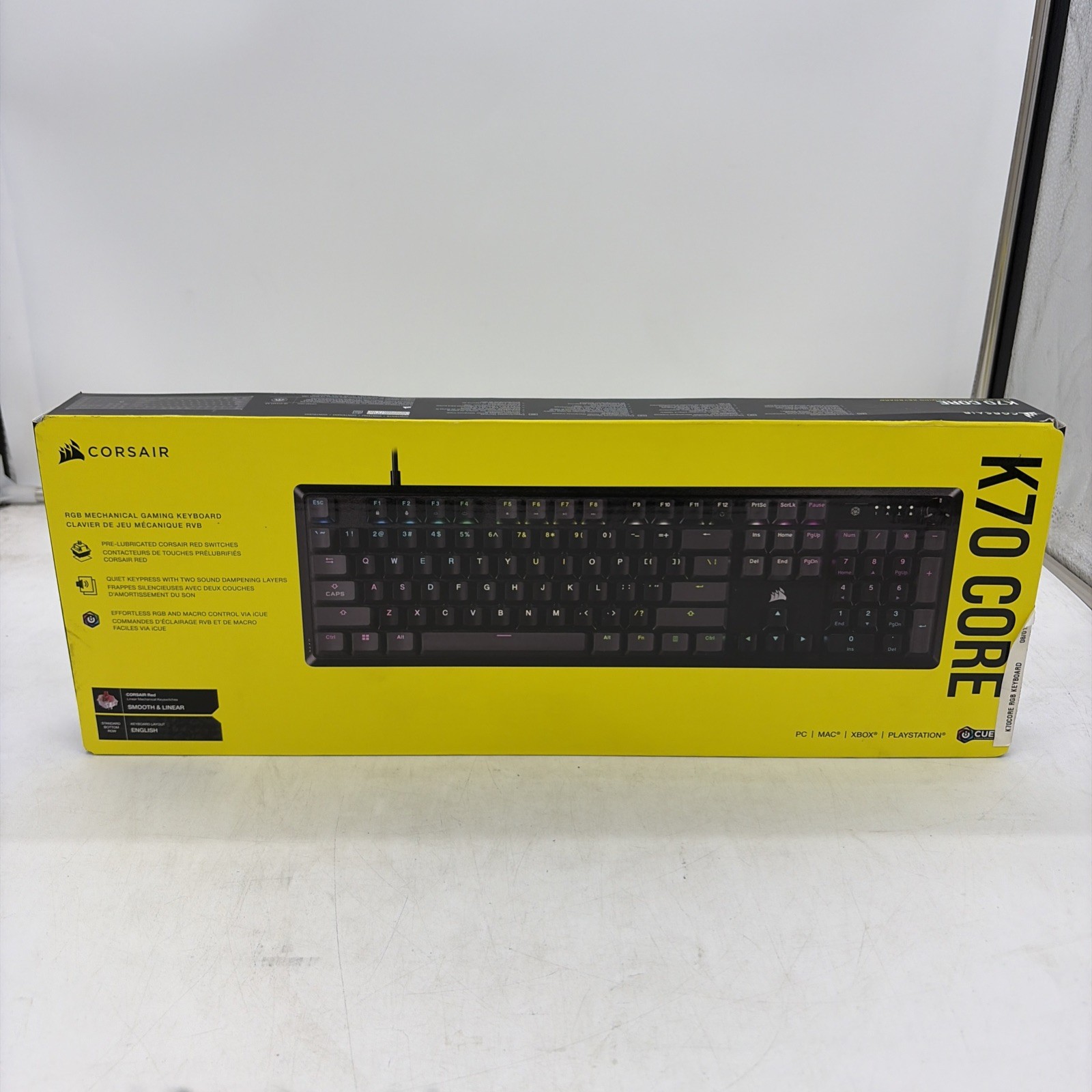
- K70 Core uses hot-swappable MLX Red linear switches (MX-style) and a 5-layer sound-dampening stack with gasket mounting for a softer, quieter typing feel.
- K60 RGB TKL pairs an aluminum top plate with optical-mechanical switches rated for 150 million clicks—double the 50–100M lifespan of standard mechanical stems—but requires Corsair's optical-compatible keycaps.
- K100 and K70 MAX add AXON 8,000 Hz polling over USB-C, reducing input latency versus standard 1,000 Hz boards; the higher rate requires the dedicated iCUE software and a compatible high-refresh-USB port.
At a glance
- Category
- Mechanical Keyboards
- Last updated
- Nov 24, 2026
Current offers
Highlights
- K70 Core uses hot-swappable MLX Red linear switches (MX-style) and a 5-layer sound-dampening stack with gasket mounting for a softer, quieter typing feel.
- K60 RGB TKL pairs an aluminum top plate with optical-mechanical switches rated for 150 million clicks—double the 50–100M lifespan of standard mechanical stems—but requires Corsair's optical-compatible keycaps.
- K100 and K70 MAX add AXON 8,000 Hz polling over USB-C, reducing input latency versus standard 1,000 Hz boards; the higher rate requires the dedicated iCUE software and a compatible high-refresh-USB port.
- Older K70 MK.2 and K95 use soldered MX Cherry switches (Red/Brown/Speed) with 50M ratings and no hot-swap, while newer K70 Core/C70 Pro boards accept 3-pin and 5-pin MX-style switches.
Best use cases
- Choose a full-size K70/K100 only if you need a dedicated numpad for spreadsheets or MMO hotkeys; TKL (K60) is the better fit for FPS players who want more mouse room.
- Avoid low-profile or wireless Corsair models if you need per-key hot-swap and standard MX-compatible keycaps—stick to standard-height K70 Core/K100 for keycap compatibility.
- If you type in a shared room, pick a board with dampening (K70 Core's 5-layer stack) or add O-rings; raw aluminum-plate boards without foam transmit more ping and bottom-out noise.
Buying tips
- Match switch type to use: linear MLX Red for gaming and speed, tactile Brown for typing feedback, and optical OPX only on optical-compatible boards—never force a mechanical stem into an optical socket.
- Confirm keycap compatibility: standard MX-style switches accept 3-pin and 5-pin aftermarket sets, while Corsair's bottom row uses a 6.5u spacebar on many models, so check spacebar size before buying custom caps.
- For hot-swap boards, verify the socket is 5-pin capable (K70 Core is) and socket type is 3-pin/5-pin MX-compatible; optical sockets only accept Corsair optical switches.
- Prioritize USB-C detachable cables on newer models (K70 Core, K100) for easier replacement; older K70 MK.2 uses a fixed or non-standard cable that is harder to source.
Specs
| Switch Type | Optical OPX vs MX-style mechanical |
|---|---|
| Hot-Swap Support | 3-pin/5-pin on K70 Core; none on optical |
| Layout Sizes | Full-size, TKL, 60% (varies by model) |
| Polling Rate | 1,000 Hz standard; 8,000 Hz on K100/K70 MAX |
Related searches
What to check before buying
- Measure desk depth and mouse space: full-size boards are ~44 cm wide, TKL ~36 cm, so confirm room for a mouse before choosing a numpad model.
- Check your PC or laptop has a free USB-A or USB-C port; 8,000 Hz polling boards need a direct, high-quality USB connection (avoid unpowered hubs).
- Verify your region's layout: Corsair sells NA, UK, DE, and Nordic layouts—keycap legends and Enter key shape differ, so match your OS language.
- If you plan custom keycaps, confirm the spacebar width (6.5u on many Corsair boards) and row profile before buying a set.
FAQ
Data sources: eBay / Amazon listings and product attribute feeds. Updated Nov 24, 2026.
Some links on this page are affiliate links. If you buy after clicking one, we may earn a commission at no extra cost to you. This does not change which products appear here or their order. Affiliate disclosure.