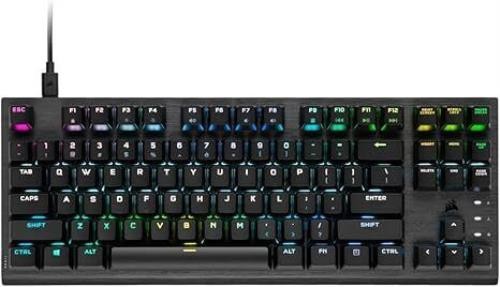

Photos from current listings. Actual item, color, and included accessories may vary.
Corsair Gaming Buying Guide
Corsair gaming keyboards span optical-mechanical, Cherry MX, and membrane models, but the core trade-off is between the fast, linear feel of optical switches and the proven durability of traditional mechanical contacts. Buy the K70/K60 tier for hot-swappable switches and aluminum top plates; skip the K55 membrane line if you need true mechanical feedback.
Median $49.00
Key takeaways
- K70 Core uses pre-lubed Corsair MLX linear switches with a 45g actuation force and 1.9mm pre-travel for faster typing than standard Cherry MX Red.
- K60 RGB TKL optical-mechanical switches actuate via light beam interruption, eliminating contact bounce and rated for 150 million keystrokes versus 50-100 million on contact-based switches.
- Aluminum top-plate frames on K70 and K60 models reduce deck flex and add 200-300g of chassis weight compared to plastic-bodied K55 membrane boards.
At a glance
- Category
- Mechanical Keyboards
- Last updated
- Nov 24, 2026
Current offers
Highlights
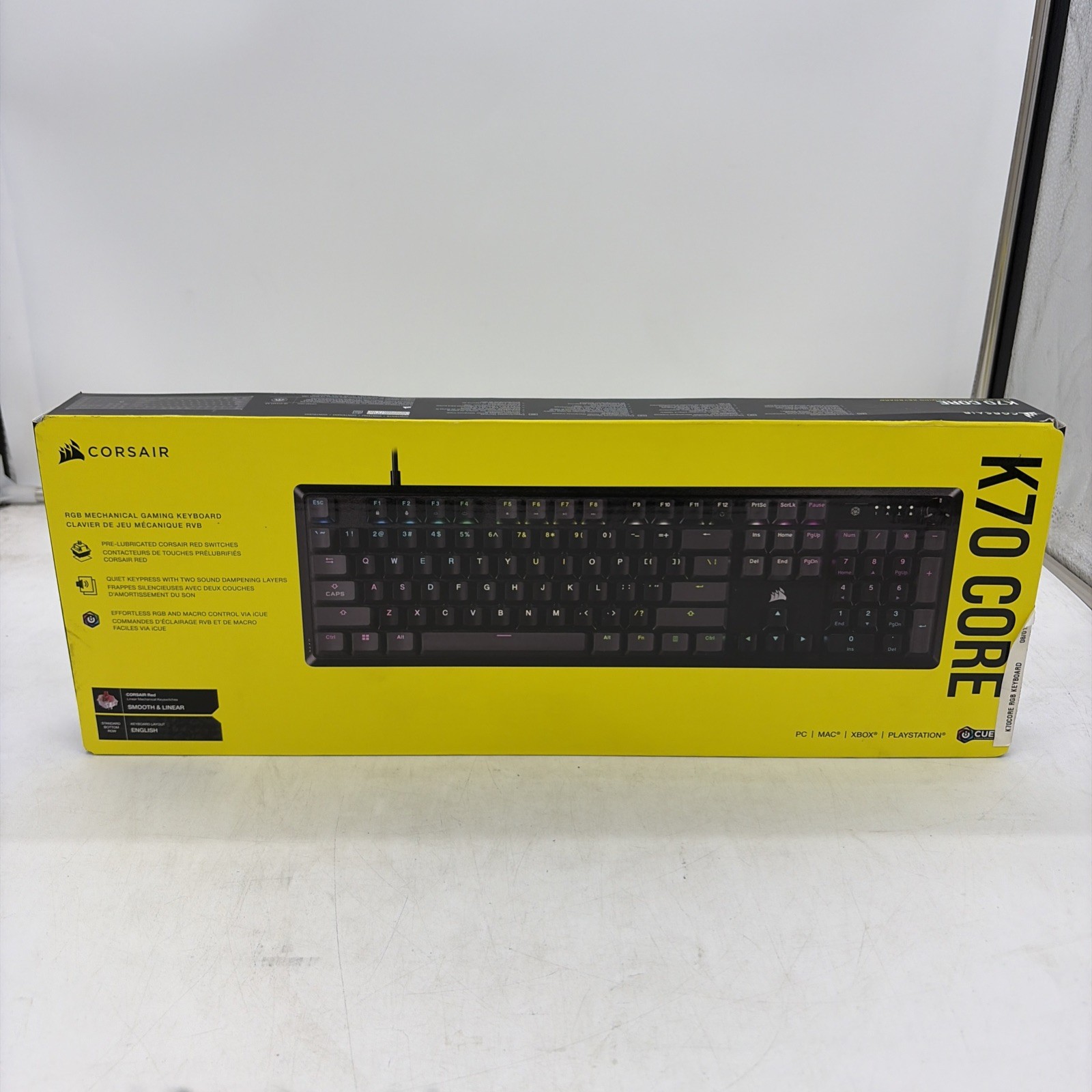
- K70 Core uses pre-lubed Corsair MLX linear switches with a 45g actuation force and 1.9mm pre-travel for faster typing than standard Cherry MX Red.
- K60 RGB TKL optical-mechanical switches actuate via light beam interruption, eliminating contact bounce and rated for 150 million keystrokes versus 50-100 million on contact-based switches.
- Aluminum top-plate frames on K70 and K60 models reduce deck flex and add 200-300g of chassis weight compared to plastic-bodied K55 membrane boards.
- Per-key RGB and 8MB onboard profiles on K70 Core allow hardware-level macro storage without iCUE software running on the host PC.
Best use cases
- Best fit: FPS and competitive gamers wanting sub-2ms actuation — choose the K60 RGB TKL optical-mechanical for its tenkeyless layout and 150M-keystroke optical switches.
- Best fit: Mixed typing and gaming on a full-size layout — pick the K70 Core RGB with MLX linear switches and a detachable wrist rest for long sessions.
- Wrong fit: Buyers needing silent operation in shared spaces — skip all Corsair mechanical boards and choose a membrane or silent-switch model instead.
- Wrong fit: Budget-first buyers who want hot-swappable switches — Corsair's hot-swap support is limited to select K70 Pro models, so verify the exact SKU before buying.
Buying tips
- Match switch type to use: optical-mechanical (K60 TKL) for fastest response and 150M lifecycle; MLX linear (K70 Core) for smoother, quieter linear feel at 45g actuation.
- Confirm layout before buying: TKL saves 4-5 inches of desk width and suits low-DPI mouse swings; full-size K70 adds numpad for spreadsheet and data-entry work.
- Check onboard memory tier: 8MB onboard profiles store macros and lighting without iCUE; entry models with 2MB or less require software running for custom layouts.
- Verify keycap material: PBT double-shot keycaps resist shine and oil buildup over years; ABS keycaps (common on base K70 Core) shine within months of heavy use.
Specs
| Switch Type | Optical-mechanical / MLX linear / membrane |
|---|---|
| Actuation Force | 45g linear (MLX) / 45-50g optical |
| Layout Options | Full-size / TKL tenkeyless |
| Keycap Material | PBT double-shot vs ABS |
Related searches
What to check before buying
- Measure desk depth: full-size K70 is roughly 17.5 inches wide and needs 6+ inches of mouse clearance; TKL K60 frees 4-5 inches for low-sensitivity mouse movement.
- Confirm USB-A port availability: all Corsair K70/K60 wired boards use USB-A; USB-C-only laptops need a USB-A hub or adapter before use.
- Check wrist rest clearance: K70 Core includes a detachable wrist rest adding 2-3 inches of depth; verify your desk edge and chair arm height accommodate it.
- Verify iCUE compatibility: Corsair keyboards require iCUE software for advanced lighting and macro setup; confirm your OS version is supported (Windows 10/11, macOS limited).
FAQ
Data sources: eBay / Amazon listings and product attribute feeds. Updated Nov 24, 2026.
Some links on this page are affiliate links. If you buy after clicking one, we may earn a commission at no extra cost to you. This does not change which products appear here or their order. Affiliate disclosure.