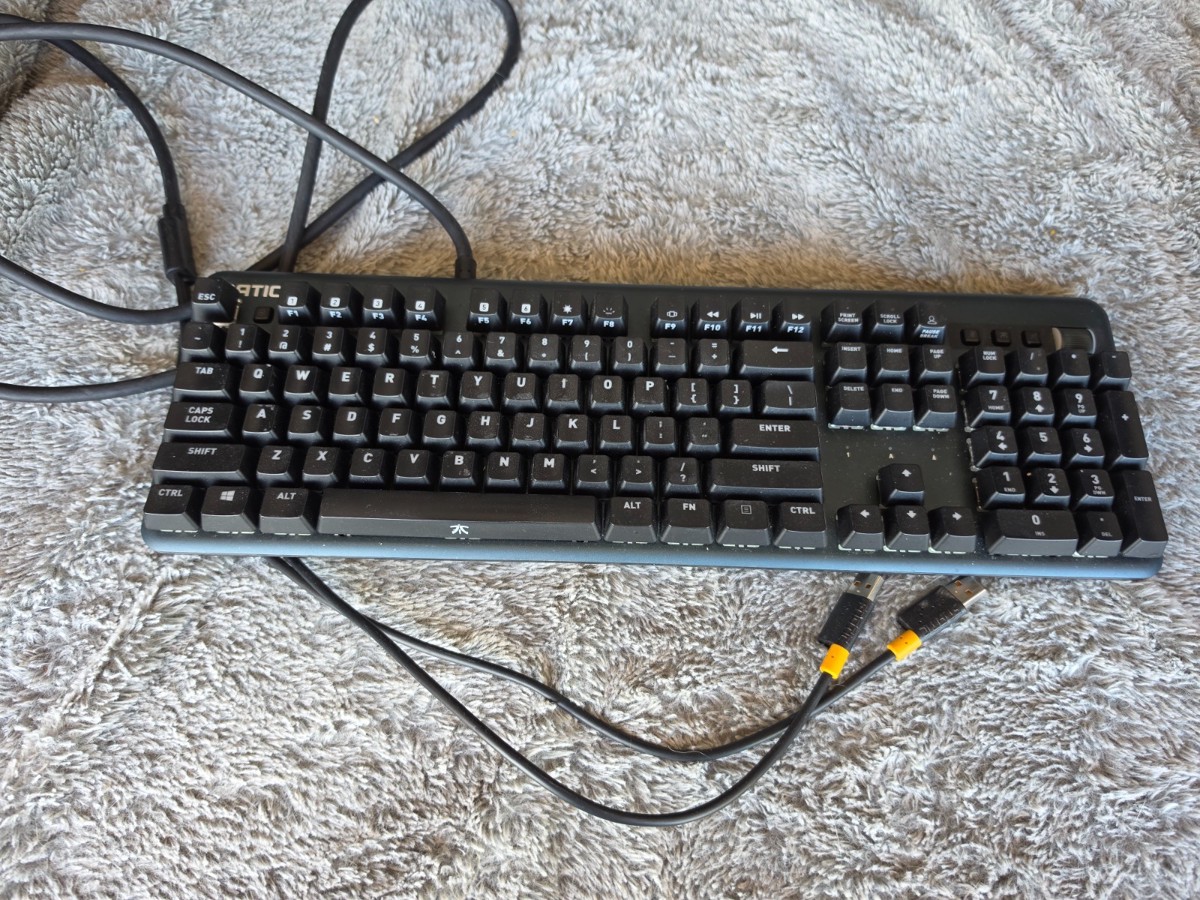

Photos from current listings. Actual item, color, and included accessories may vary.
Cherry Red Keyboard Buying Guide
Cherry Red keyboards use a linear mechanical switch with no tactile bump or click, actuating at roughly 45 cN for fast, smooth, bottom-out typing and gaming. The core trade-off is authentic Cherry MX Red versus licensed/clone linear switches, plus whether the board uses a standard 60%–TKL–full layout or a proprietary case that limits keycap swaps. Buy authentic Cherry MX Red (or a licensed equivalent like Gateron Red) with a standard layout and PBT keycaps if you want durable linear feel; skip no-name clones and ABS-capped boards if longevity matters.
Key takeaways
- Cherry MX Red is a linear switch: ~45 cN actuation, ~2.0 mm pre-travel, ~4.0 mm total travel, rated 100 million actuations.
- Authentic Cherry MX Red uses gold-crosspoint contacts and a self-cleaning mechanism; clones vary widely in spring weight and wobble.
- Linear Reds lack tactile feedback, so accidental keypresses are common for heavy-handed typists; o-rings and heavier springs mitigate this.
At a glance
- Category
- Mechanical Keyboards
- Last updated
- Nov 24, 2026
Current offers
Highlights
- Cherry MX Red is a linear switch: ~45 cN actuation, ~2.0 mm pre-travel, ~4.0 mm total travel, rated 100 million actuations.
- Authentic Cherry MX Red uses gold-crosspoint contacts and a self-cleaning mechanism; clones vary widely in spring weight and wobble.
- Linear Reds lack tactile feedback, so accidental keypresses are common for heavy-handed typists; o-rings and heavier springs mitigate this.
- Standard 60%/TKL/full-size layouts with plate-mount or PCB-mount MX-style footprints allow keycap and switch swaps; proprietary layouts do not.
Best use cases
- Best fit: fast-paced gaming and low-fatigue long typing sessions — pick a TKL or 60% Cherry MX Red board with PBT keycaps and per-key RGB.
- Wrong fit: typists who need tactile confirmation of actuation — choose Cherry MX Brown or Blue instead of Red.
- Best fit: shared offices or late-night use — Red is quiet relative to clicky switches, but add o-rings or choose silent Red variants for open-plan rooms.
- Wrong fit: buyers wanting hot-swap experimentation — pick a hot-swap board with standard MX footprints rather than a soldered Cherry Red board.
Buying tips
- Confirm the switch is genuine Cherry MX Red (or a licensed linear like Gateron Red); unbranded 'red switches' vary from 35–60 cN and may feel mushy.
- Match layout to desk space: full-size needs ~45 cm width, TKL ~36 cm, 60% ~30 cm; measure before buying to avoid wrist-rest conflicts.
- Prefer PBT keycaps (≥1.4 mm thick) over ABS; PBT resists shine and lasts years longer under daily gaming.
- For hot-swap boards, verify 3-pin or 5-pin MX-style compatibility; 5-pin PCBs accept both, 3-pin PCBs need pin clipping.
Specs
| Switch Type | Linear MX-style, ~45 cN actuation |
|---|---|
| Actuation Travel | ~2.0 mm pre-travel / ~4.0 mm total |
| Durability Rating | ~100 million actuations (genuine Cherry) |
| Layout Options | 60% / TKL / full-size, MX footprint |
Related searches
What to check before buying
- Measure desk width and clearance for full-size (~45 cm), TKL (~36 cm), or 60% (~30 cm) before choosing a layout.
- Confirm connection type: wired USB-A/USB-C detachable cable for lowest latency, or 2.4 GHz/BT wireless with polling-rate specs.
- Check keycap material and profile (Cherry, OEM, ASA) — profile affects feel and replacement keycap availability.
- Verify plate material and case construction (aluminum vs plastic) for flex, sound, and long-term durability.
FAQ
Data sources: eBay / Amazon listings and product attribute feeds. Updated Nov 24, 2026.
Some links on this page are affiliate links. If you buy after clicking one, we may earn a commission at no extra cost to you. This does not change which products appear here or their order. Affiliate disclosure.