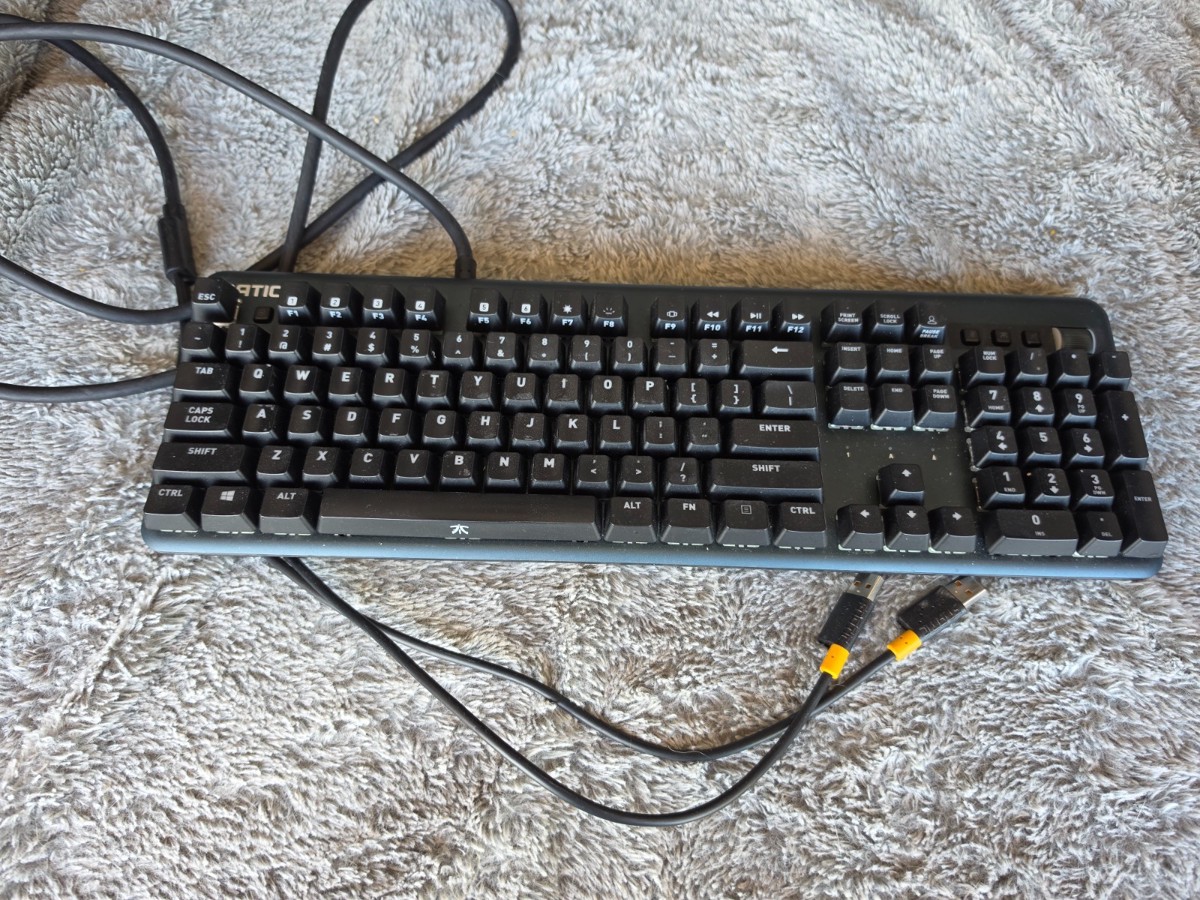

Photos from current listings. Actual item, color, and included accessories may vary.
Cherry Mx Red Keyboard Buying Guide
Cherry MX Red is a linear mechanical switch with a 45 cN actuation force, no tactile bump, and a 2.0 mm pre-travel point, making it the baseline for fast, quiet-typing gaming keyboards. The central trade-off is switch authenticity and plate rigidity: genuine Cherry MX Red switches paired with a steel or aluminum plate deliver consistent 50-million-click durability, while clone linear switches and thin ABS cases introduce wobble and inconsistent bottom-out feel. Buy a board with genuine Cherry MX Red switches and a rigid plate if you need linear speed and longevity; skip budget clones or flex-heavy plastic trays if consistent keystrokes matter.
Key takeaways
- Genuine Cherry MX Red: 45 cN actuation, 2.0 mm pre-travel, 4.0 mm total travel, 50 million cycle rating, linear with no tactile bump.
- Switch mounting matters: steel or aluminum plate with PCB-mount stabilizers holds switch housings rigid; plastic-only trays flex and amplify wobble under fast typing.
- Keycap material changes feel: PBT keycaps resist shine and hold a crisper bottom-out sound, while ABS keycaps develop gloss and soften the acoustic signature over months.
At a glance
- Category
- Mechanical Keyboards
- Last updated
- Nov 24, 2026
Current offers
Highlights
- Genuine Cherry MX Red: 45 cN actuation, 2.0 mm pre-travel, 4.0 mm total travel, 50 million cycle rating, linear with no tactile bump.
- Switch mounting matters: steel or aluminum plate with PCB-mount stabilizers holds switch housings rigid; plastic-only trays flex and amplify wobble under fast typing.
- Keycap material changes feel: PBT keycaps resist shine and hold a crisper bottom-out sound, while ABS keycaps develop gloss and soften the acoustic signature over months.
- Polling and matrix architecture: 1000 Hz USB polling with full N-key rollover and anti-ghosting is standard on gaming-grade Cherry MX Red boards; 125 Hz office boards drop fast simultaneous inputs.
Best use cases
- Best fit: fast-paced FPS and MOBA gaming where linear 45 cN actuation and 2.0 mm pre-travel reduce finger fatigue — pick a full-size or TKL board with genuine Cherry MX Red and 1000 Hz polling.
- Best fit: shared-office or late-night typing where the lack of a tactile bump keeps noise below clicky switches — choose a board with PBT keycaps and plate-mounted stabilizers to minimize rattle.
- Wrong fit: heavy-handed typists who rest fingers on keys will trigger accidental keystrokes at 45 cN — skip MX Red and choose a 60–67 cN tactile or clicky switch instead.
- Wrong fit: buyers wanting hot-swap experimentation should skip soldered Cherry MX Red boards and pick a hot-swap socket board that accepts 3-pin or 5-pin switches.
Buying tips
- Confirm genuine Cherry MX Red by the switch housing: Cherry branding and the Cherry cross-stem logo are molded into the top housing; clone linear switches lack this marking.
- Match layout to desk math: full-size is about 17.5 in wide, TKL about 14.2 in, and 60% about 11.5 in — measure available desk width before choosing a tier.
- Pick keycap material by durability: PBT (1.5 mm thick walls typical) resists shine and oil; ABS is smoother initially but glosses and wears faster under daily use.
- Verify connectivity and rollover: USB wired with 1000 Hz polling and full N-key rollover for gaming; Bluetooth 5.0 boards add latency and often limit rollover — choose wired for competitive play.
Specs
| Switch Type | Linear, 45 cN, no tactile bump |
|---|---|
| Actuation Travel | 2.0 mm pre-travel / 4.0 mm total |
| Durability Rating | 50 million keystrokes (genuine Cherry) |
| Plate Material | Steel or aluminum vs plastic tray |
Related searches
What to check before buying
- Measure desk or keyboard-tray width and depth; full-size, TKL, and 60% each need different clearance, and a wrist rest adds about 3 in of depth.
- Confirm your PC or console accepts USB-A or USB-C wired connection and that the board's cable is detachable if you plan to swap or route it.
- Check plate and case material: steel or aluminum plate with a rigid case reduces flex; plastic trays flex under fast typing and can cause missed keystrokes.
- Decide whether you need backlighting or RGB and confirm the board offers per-key lighting with the switch housing compatible with Cherry MX Red's clear or opaque top.
FAQ
Data sources: eBay / Amazon listings and product attribute feeds. Updated Nov 24, 2026.
Some links on this page are affiliate links. If you buy after clicking one, we may earn a commission at no extra cost to you. This does not change which products appear here or their order. Affiliate disclosure.