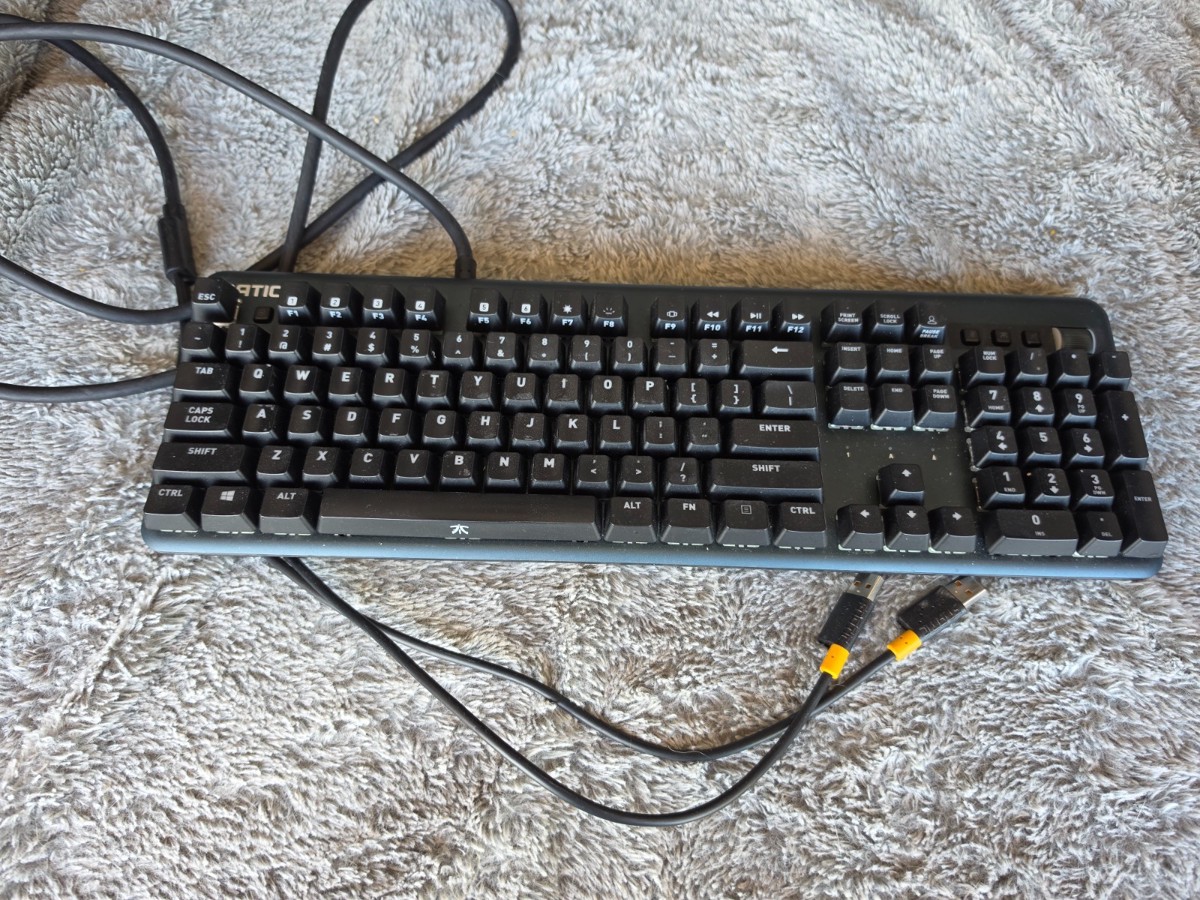

Photos from current listings. Actual item, color, and included accessories may vary.
Cherry Mx Mechanical Keyboard Buying Guide
Cherry MX mechanical keyboards are decks built around Cherry's branded MX switch family, where the primary trade-off is switch feel and durability versus price and feature gating. The clear decision rule: buy a board whose switch variant and mounting match your typing or gaming use, and skip any listing that hides the switch type or uses clone switches under a Cherry MX label.
Key takeaways
- Cherry MX switches are rated for 100 million actuations per key, versus 50 million for most clone switches.
- Linear Red is 45 cN, silent into bottom-out; tactile Brown adds a 55 cN bump; clicky Blue is 50-60 cN with audible click.
- Cherry MX2A is the current generation, with factory lubing and improved spring/contact design over original MX.
At a glance
- Category
- Mechanical Keyboards
- Last updated
- Nov 24, 2026
Current offers
Highlights
- Cherry MX switches are rated for 100 million actuations per key, versus 50 million for most clone switches.
- Linear Red is 45 cN, silent into bottom-out; tactile Brown adds a 55 cN bump; clicky Blue is 50-60 cN with audible click.
- Cherry MX2A is the current generation, with factory lubing and improved spring/contact design over original MX.
- Hot-swap sockets accept 3- or 5-pin MX-footprint switches, but Cherry MX2A boards are typically soldered or plate-mounted.
Best use cases
- Fast-paced gaming: pick Cherry MX Red linear switches for low 45 cN actuation and no tactile bump interfering with rapid key presses.
- Office typing: choose Cherry MX Brown tactile switches for a quiet 55 cN bump that confirms actuation without the loud click of Blue.
- Skip Cherry MX Blue in shared or open-plan spaces — the audible click is disruptive; use Brown or silent Red instead.
- Skip budget 'Cherry MX' listings that do not name the exact variant (Red, Brown, Blue, Speed) — clone switches are frequently mislabeled.
Buying tips
- Verify the switch name is spelled out (Cherry MX Red/Brown/Blue/Speed) and not shortened to 'Cherry switch' or 'MX-style'.
- Check the board's mounting: plate-mounted boards feel stiffer; gasket-mounted boards with Cherry MX feel softer and less pingy.
- Match layout to use: full-size for numpad work, TKL or 75% for mouse space, 60% only if you accept layered function keys.
- Confirm keycap profile and material: PBT keycaps resist shine better than ABS on Cherry MX stems over years of use.
Specs
| Switch Type | Cherry MX Red / Brown / Blue / Speed |
|---|---|
| Actuation Force | 45-60 cN by variant |
| Switch Lifespan | 100 million actuations |
| Layout Options | Full-size / TKL / 75% / 60% |
Related searches
What to check before buying
- Measure desk depth and width against the layout — full-size needs roughly 45 cm width, TKL about 36 cm.
- Confirm connection type: wired USB-A for lowest latency, or 2.4 GHz/Bluetooth wireless if cable clutter matters.
- Check OS compatibility for media and macro keys — macOS needs remapping for many Windows-labeled Cherry MX boards.
- Verify the board includes a keycap puller and switch puller if you plan to swap keycaps or service switches.
FAQ
Data sources: eBay / Amazon listings and product attribute feeds. Updated Nov 24, 2026.
Some links on this page are affiliate links. If you buy after clicking one, we may earn a commission at no extra cost to you. This does not change which products appear here or their order. Affiliate disclosure.