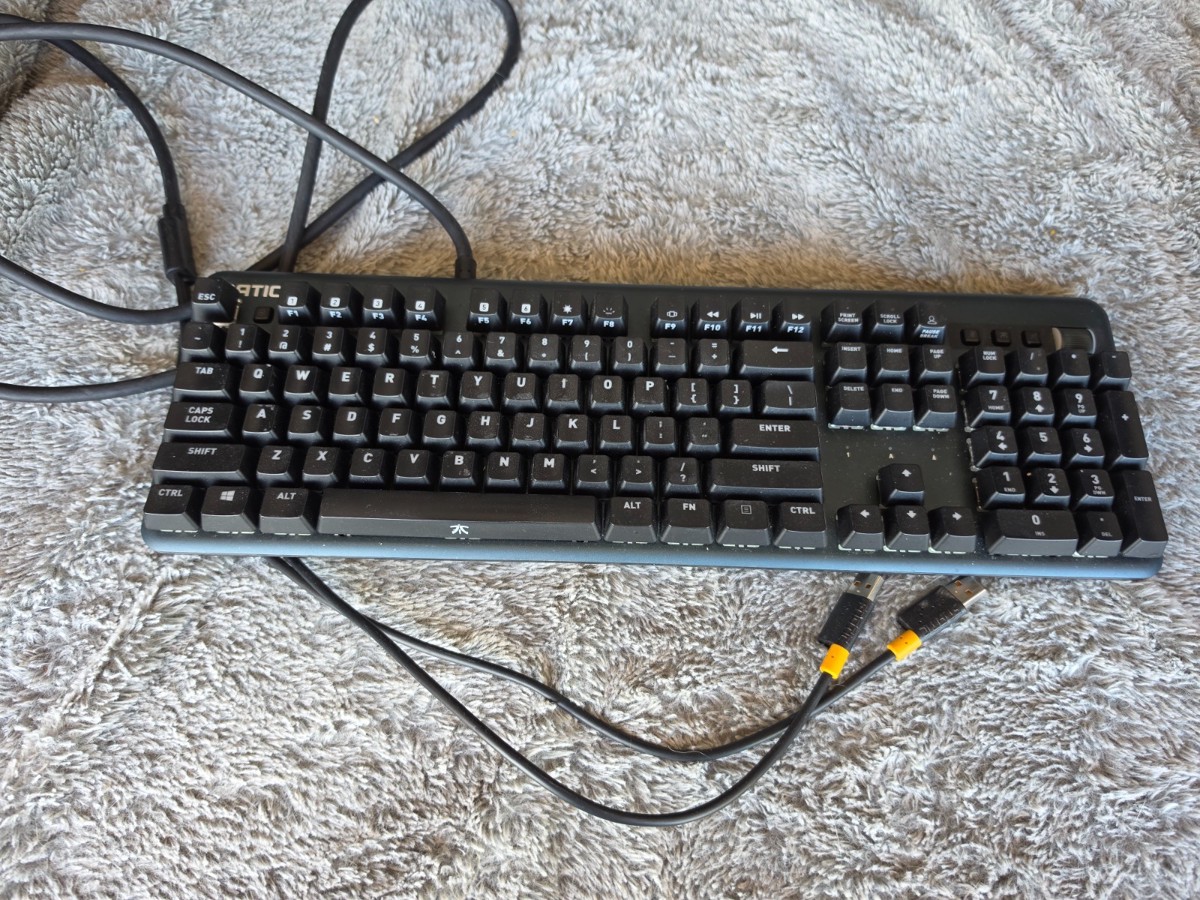

Photos from current listings. Actual item, color, and included accessories may vary.
Cherry Mechanical Keyboard Buying Guide
A Cherry mechanical keyboard uses genuine Cherry MX switches (Red, Brown, Blue, Speed, etc.) or licensed Cherry-profile clones, with the primary trade-off between switch feel/actuation and build rigidity. The decisive rule: buy a board with genuine Cherry MX switches and a rigid steel or aluminum plate, and skip anything with unlabeled or plate-mount-only clones if durability and consistent keyfeel matter.
Key takeaways
- Cherry MX switch families differ by actuation force and feedback: Red (linear, 45cN), Brown (tactile, 55cN), Blue (clicky, 50-60cN), Speed (linear, 45cN short throw).
- Genuine Cherry MX switches are rated for 100 million actuations; most clone switches are rated 50-80 million, a real long-term durability gap.
- Plate-mounted switches with a steel or aluminum top plate reduce case flex and keycap wobble versus tray-mount plastic cases.
At a glance
- Category
- Mechanical Keyboards
- Last updated
- Nov 24, 2026
Current offers
Highlights
- Cherry MX switch families differ by actuation force and feedback: Red (linear, 45cN), Brown (tactile, 55cN), Blue (clicky, 50-60cN), Speed (linear, 45cN short throw).
- Genuine Cherry MX switches are rated for 100 million actuations; most clone switches are rated 50-80 million, a real long-term durability gap.
- Plate-mounted switches with a steel or aluminum top plate reduce case flex and keycap wobble versus tray-mount plastic cases.
- PCB hot-swap sockets (5-pin compatible) let you change switch type without soldering, but only if the socket supports 3-pin and 5-pin Cherry MX footprints.
Best use cases
- Competitive FPS players: pick Cherry MX Red or Speed linear switches for fast, consistent actuation with no tactile bump.
- Typists and office users: pick Cherry MX Brown tactile switches for feedback without the loud click that disturbs coworkers.
- Shared or quiet environments: skip Blue clicky switches and choose silent Red or Brown variants with dampened stems.
- Heavy daily use and LAN transport: choose a steel-plate board with detachable USB-C cable over a plastic tray-mount board with fixed cable.
Buying tips
- Match switch to use: linear (Red/Speed) for gaming, tactile (Brown) for typing, clicky (Blue) only for private loud workspaces.
- Check plate material: steel or aluminum plate boards resist flex; plastic-only tray mounts feel hollow and wear faster.
- Verify switch footprint: 5-pin PCB hot-swap supports both 3-pin and 5-pin Cherry MX, but 3-pin-only sockets block PCB-mount switches.
- Confirm layout standard: full-size 104/108 key, TKL 87-key, or 60-65% compact; ensure keycap set and wrist rest match the chosen size.
Specs
| Switch Type | Cherry MX Red / Brown / Blue / Speed |
|---|---|
| Actuation Force | 45-60cN by switch family |
| Switch Rating | 100M actuations (genuine Cherry) |
| Plate Material | Steel / aluminum vs plastic tray |
Related searches
What to check before buying
- Measure desk width: full-size boards need roughly 45cm, TKL about 36cm, and 60% about 29cm of clear space.
- Confirm USB connection: detachable USB-C is preferable; fixed micro-USB cables are a failure point on older boards.
- Check keycap compatibility: standard Cherry MX stems fit most aftermarket sets, but non-standard bottom rows need extra keys.
- Verify OS layout: ANSI US vs ISO UK physical key layout changes key count and replacement keycap availability.
FAQ
Data sources: eBay / Amazon listings and product attribute feeds. Updated Nov 24, 2026.
Some links on this page are affiliate links. If you buy after clicking one, we may earn a commission at no extra cost to you. This does not change which products appear here or their order. Affiliate disclosure.