
Photos from current listings. Actual item, color, and included accessories may vary.
84 Key Keyboard Buying Guide
An 84-key keyboard is a compact 75%-style layout that retains the full function row, arrow cluster, and navigation column while deleting the numpad and spacing between blocks. The core trade-off is between a space-saving footprint and the switch/plate/stabilizer quality that determines typing feel and longevity at any given size. Buy the 84-key form factor only if your workflow relies on dedicated arrows and F-keys without a numpad; otherwise step up to a 96%/1800 or down to a 65% based on whether you need the nav column.
Median $65.00
Key takeaways
- 84-key layout = 75% TKL: 12 F-keys, 4 arrows, and a 3-key nav column (Del/Ins/PgUp/PgDn cluster) with no numpad and minimal bezel gaps.
- Hot-swap PCB sockets (5-pin Kailh/MX-compatible) let you change switches without soldering; soldered boards lock you into the stock switch forever.
- Gasket-mounted plates with poron foam and PC/FR4 plate options deliver softer, lower-pitched typing versus tray-mount steel plates that sound hollow and stiff.
At a glance
- Category
- Mechanical Keyboards
- Last updated
- Nov 24, 2026
Current offers
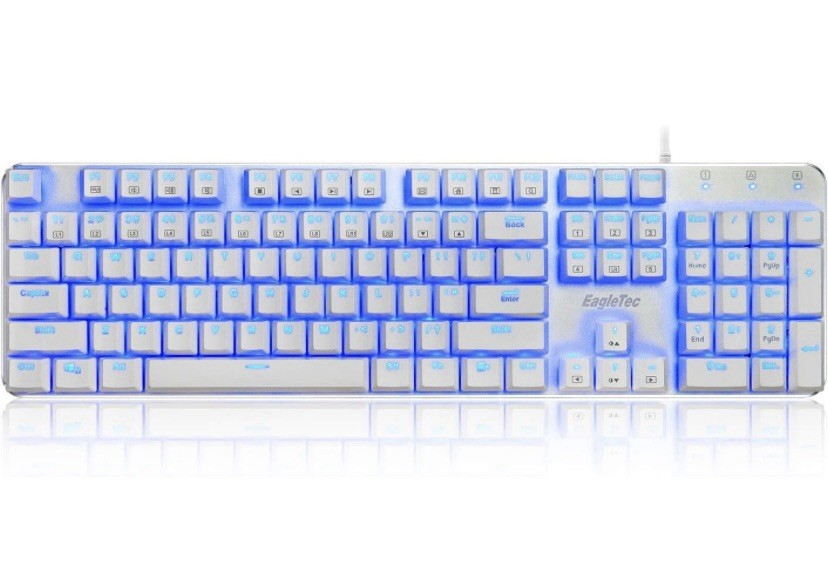 EagleTec kg051-BR -1 Mechanical Keyboard Wired Ergonomic Brown Switches 104 Keys$29.00View on eBay
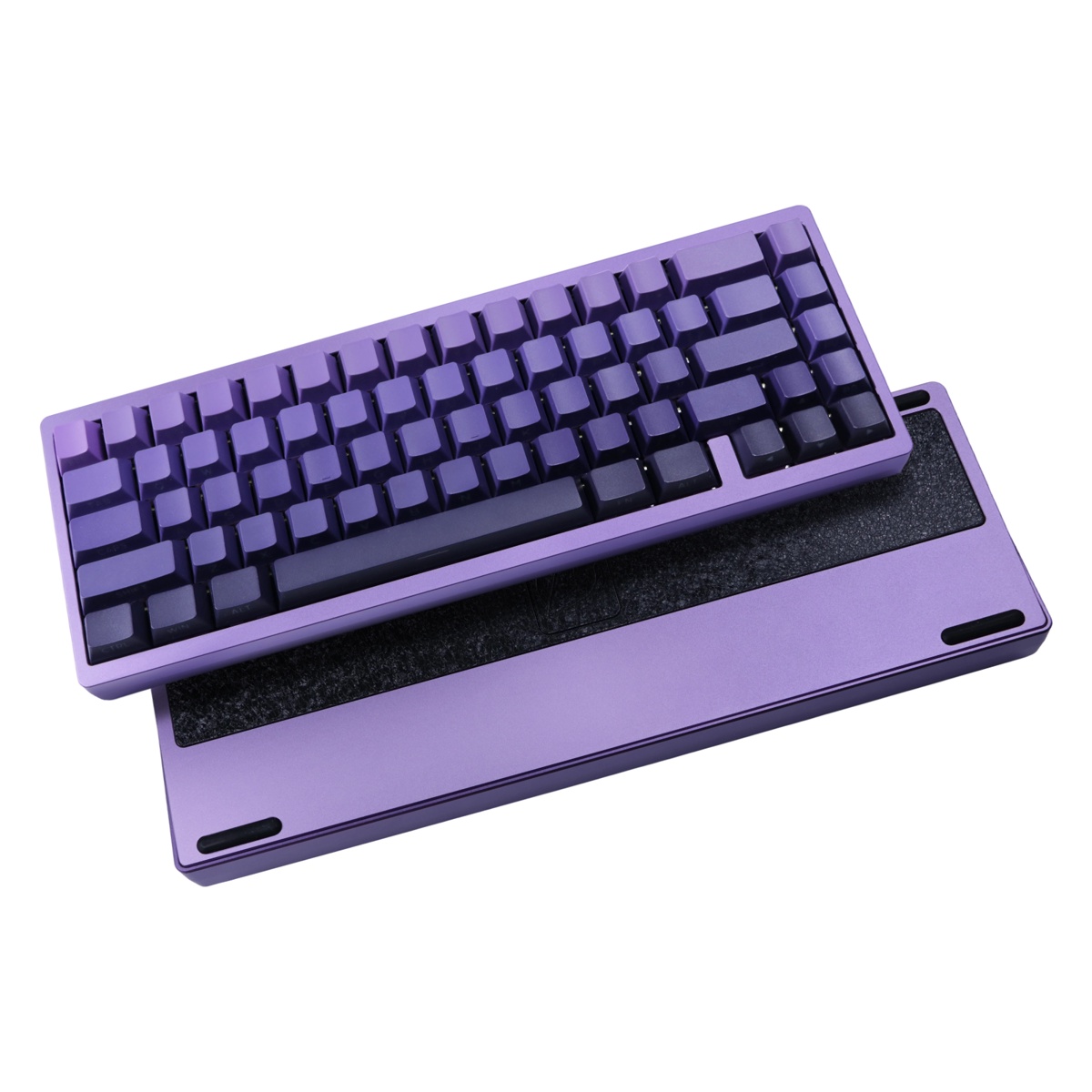 Aluminum Block 65-Key Tri-Mode Mechanical Keyboard$102.99View on Mallflare
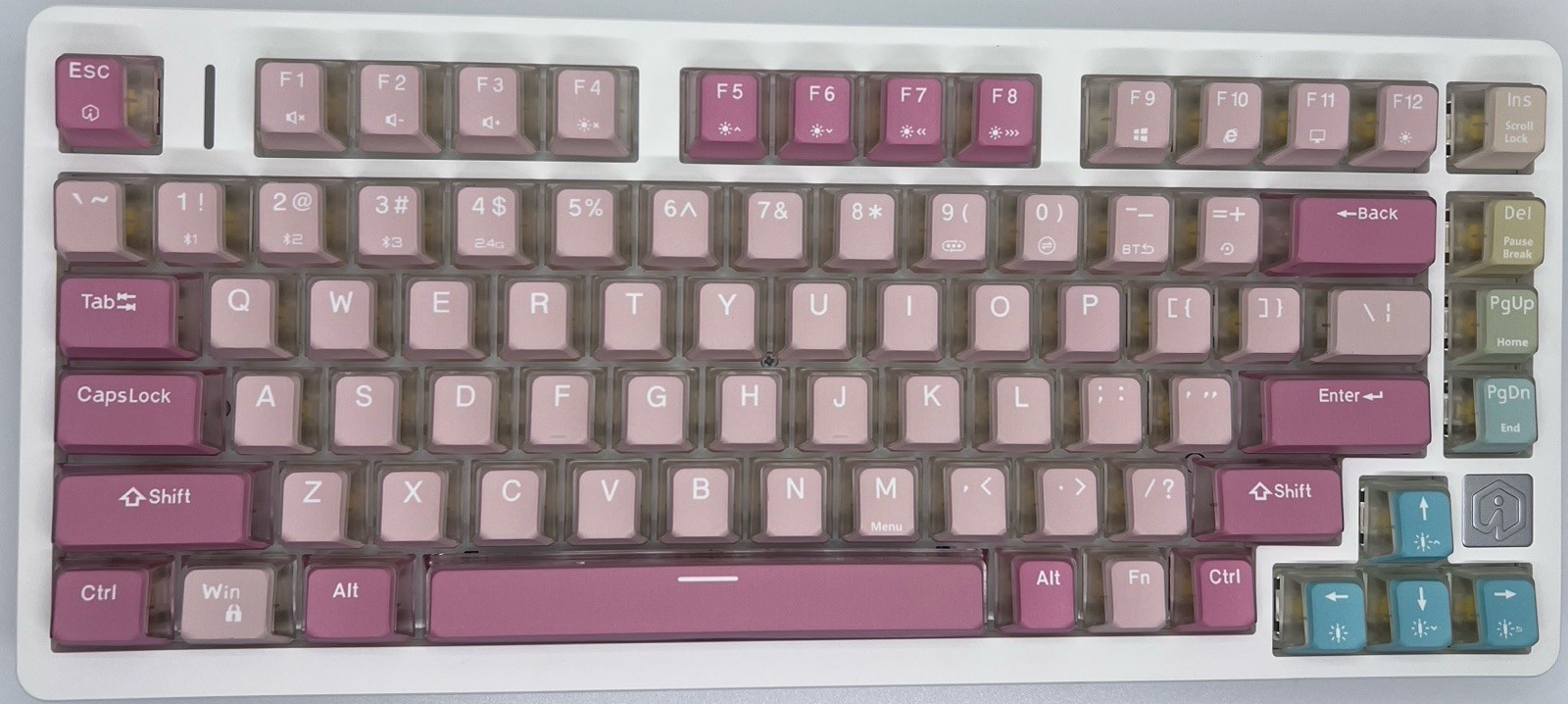 Wireless RGB Hot Swappable Mechanical Keyboard 3 Layers 81 Keys Gaming Keyboard$35.98View on eBay
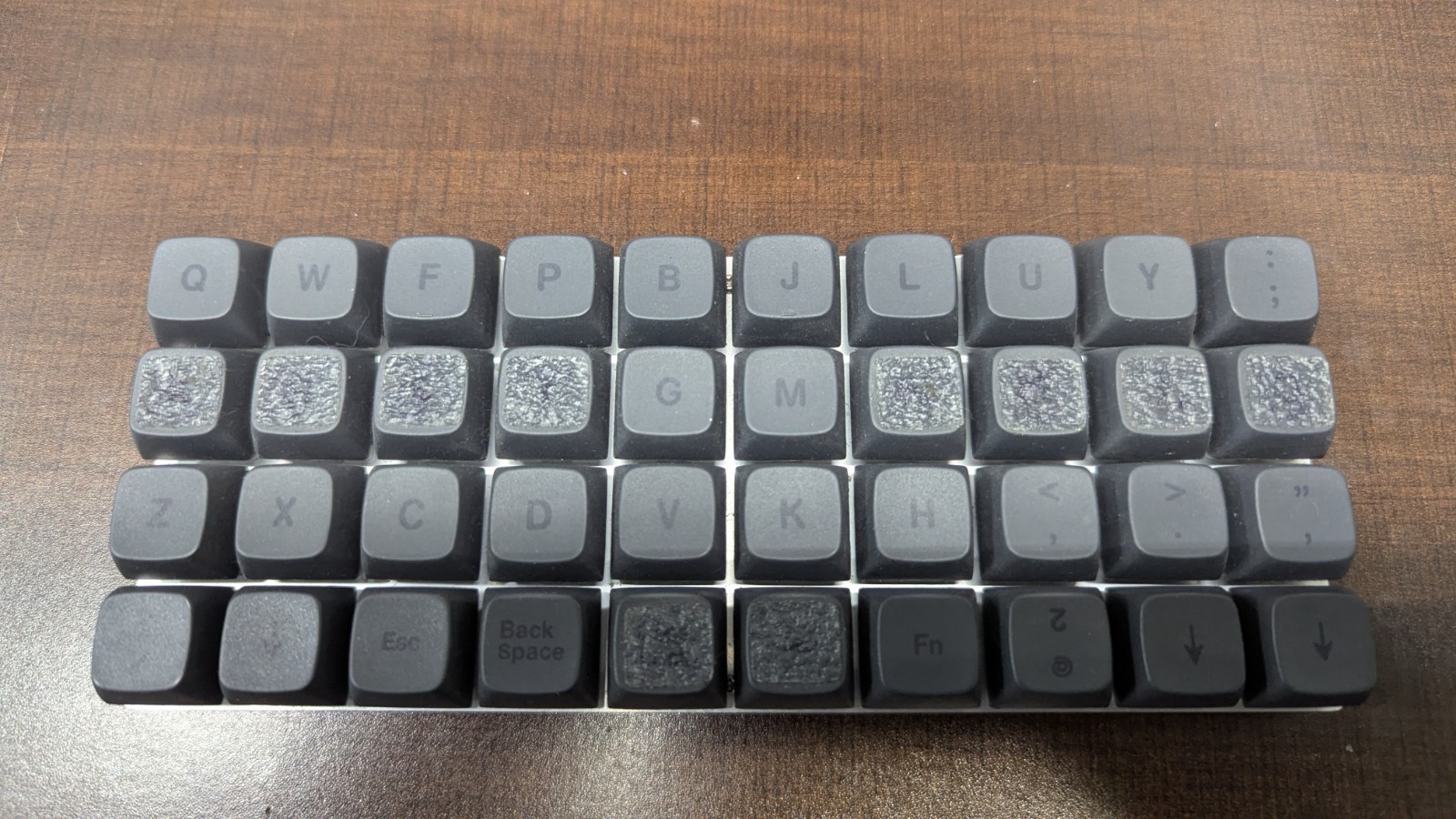 40 Key Ortholinear Mechanical keyboard - QMK (VIAL) P40v2 linear switches$60.00View on eBay
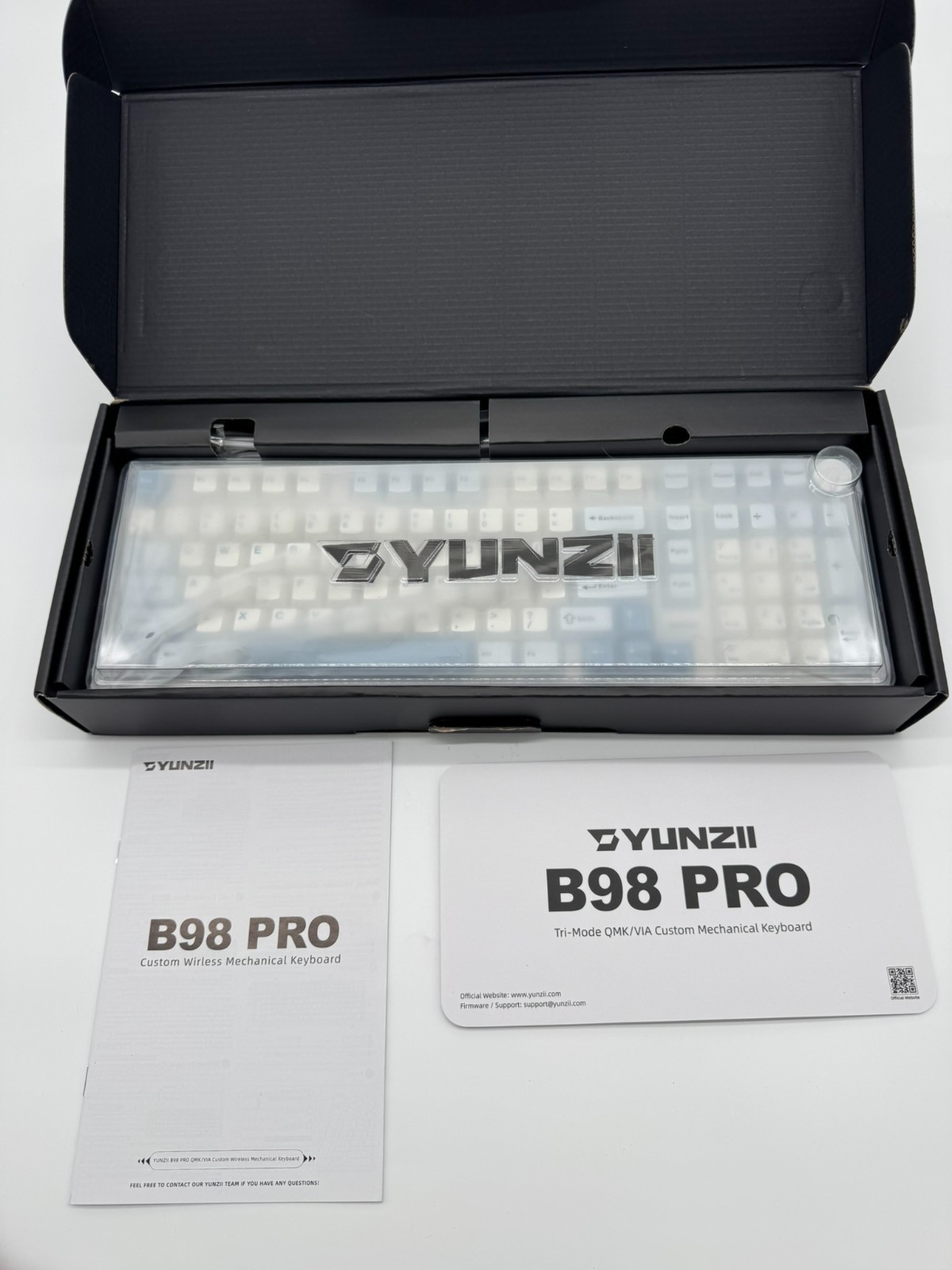 YUNZII B98 PRO 98-Key Wireless Mechanical Keyboard QMK/VIA Tri-Mode Hot-Swap RGB$69.99View on eBay
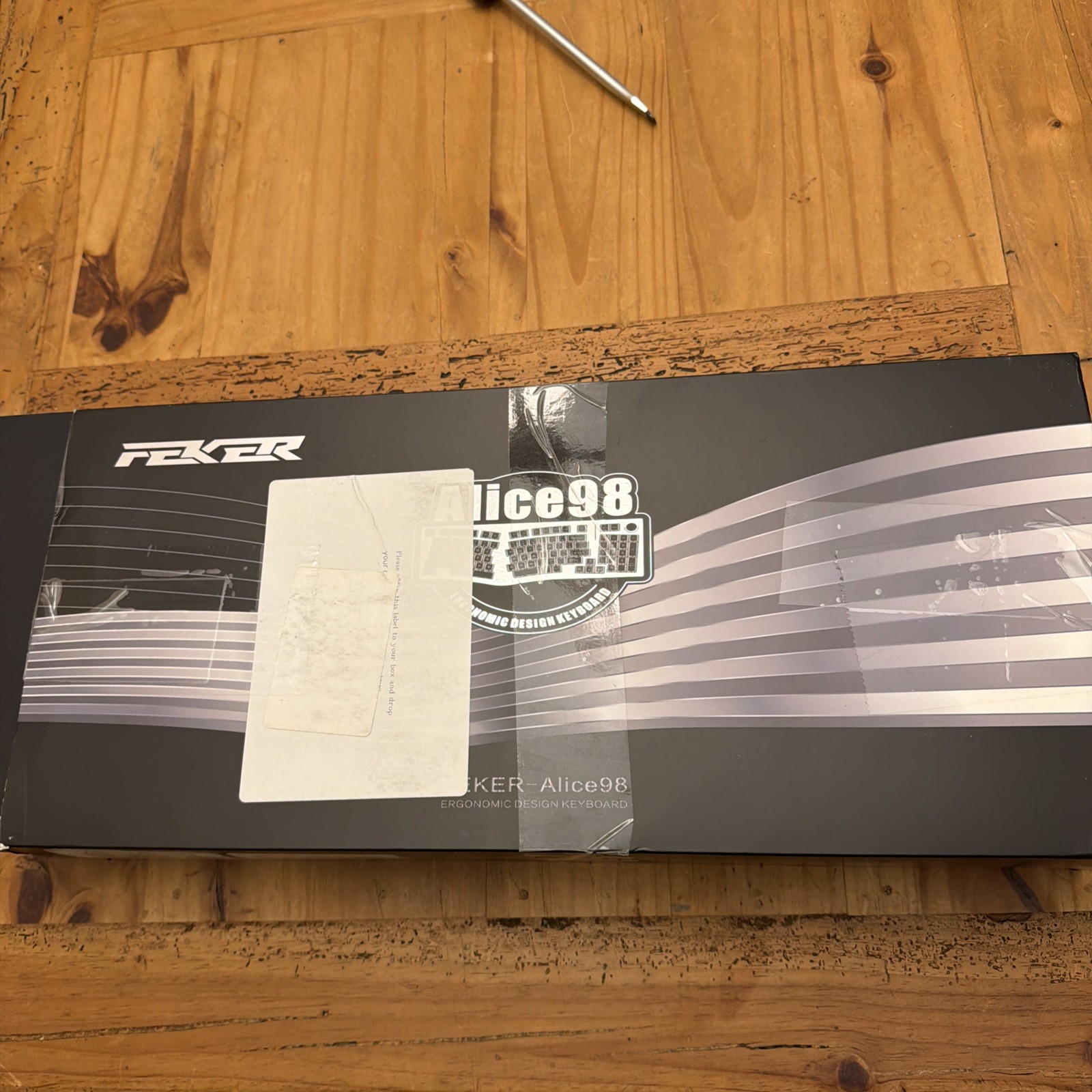 Feker Alice98 Ergonomic 98 Keys Custom Mechanical Keyboard, VIA Programmable,...$95.00View on eBay
Highlights
- 84-key layout = 75% TKL: 12 F-keys, 4 arrows, and a 3-key nav column (Del/Ins/PgUp/PgDn cluster) with no numpad and minimal bezel gaps.
- Hot-swap PCB sockets (5-pin Kailh/MX-compatible) let you change switches without soldering; soldered boards lock you into the stock switch forever.
- Gasket-mounted plates with poron foam and PC/FR4 plate options deliver softer, lower-pitched typing versus tray-mount steel plates that sound hollow and stiff.
- Tri-mode connectivity (USB-C wired + 2.4GHz dongle + Bluetooth 5.x) is now standard above entry tier; 2.4GHz is required for low-latency gaming, Bluetooth is for multi-device typing.
Best use cases
- Best fit: programmers and writers who use F-keys and arrows constantly but want more mouse room — pick an 84-key with hot-swap, gasket mount, and 2.4GHz.
- Best fit: gamers on a small desk who need arrow keys for menu navigation — choose a wired or 2.4GHz 84-key with rapid trigger or 1000Hz polling, not a Bluetooth-only board.
- Wrong fit: spreadsheet and data-entry users who live on the numpad — skip 84-key entirely and buy a 96%/1800 or full-size board.
- Wrong fit: travelers wanting the absolute smallest deck — a 65% (68-key) saves another column; only choose 84-key if the dedicated nav column is non-negotiable.
Buying tips
- Confirm the exact key count and layout map: true 84-key boards have 12 F-keys plus a 3-key vertical nav column; some '75%' boards drop to 81 or 82 keys with a knob or 2u column.
- Prioritize hot-swap (5-pin) and south-facing PCB if you plan to experiment with switches or use thick Cherry-profile keycaps — north-facing LEDs collide with some sculpted caps.
- For wireless, require 2.4GHz alongside Bluetooth; Bluetooth-only 84-key boards add 10-30ms latency and are unsuitable for competitive gaming.
- Check plate and mount: gasket mount with PC or FR4 plate gives a softer, quieter board; tray-mount with steel plate is stiffer and louder — pick by typing preference, not marketing tier.
Specs
| Layout | 84-key 75% (F-row + arrows + nav column) |
|---|---|
| Mount Type | Gasket mount vs tray mount |
| Switch Socket | 5-pin hot-swap vs soldered |
| Connectivity | Tri-mode: USB-C / 2.4GHz / Bluetooth |
Related searches
What to check before buying
- Measure your desk width and mouse path: an 84-key board is roughly 315-330mm wide, leaving room for a large mousepad where a full-size (440mm+) would not fit.
- Confirm your OS and layout: 84-key boards ship in ANSI or ISO; ISO buyers need the correct Enter/left-Shift sizing, and Mac users should verify a Mac/Win switch or remap layer.
- Check connectivity needs: count devices (PC, laptop, tablet) — tri-mode covers three Bluetooth hosts plus 2.4GHz, while wired-only is fine for a fixed desktop.
- Verify switch compatibility and socket type if you own spare switches: 5-pin hot-swap accepts 3-pin and 5-pin MX-style; optical or low-profile boards use proprietary switches.
FAQ
Data sources: eBay / Amazon listings and product attribute feeds. Updated Nov 24, 2026.
Some links on this page are affiliate links. If you buy after clicking one, we may earn a commission at no extra cost to you. This does not change which products appear here or their order. Affiliate disclosure.