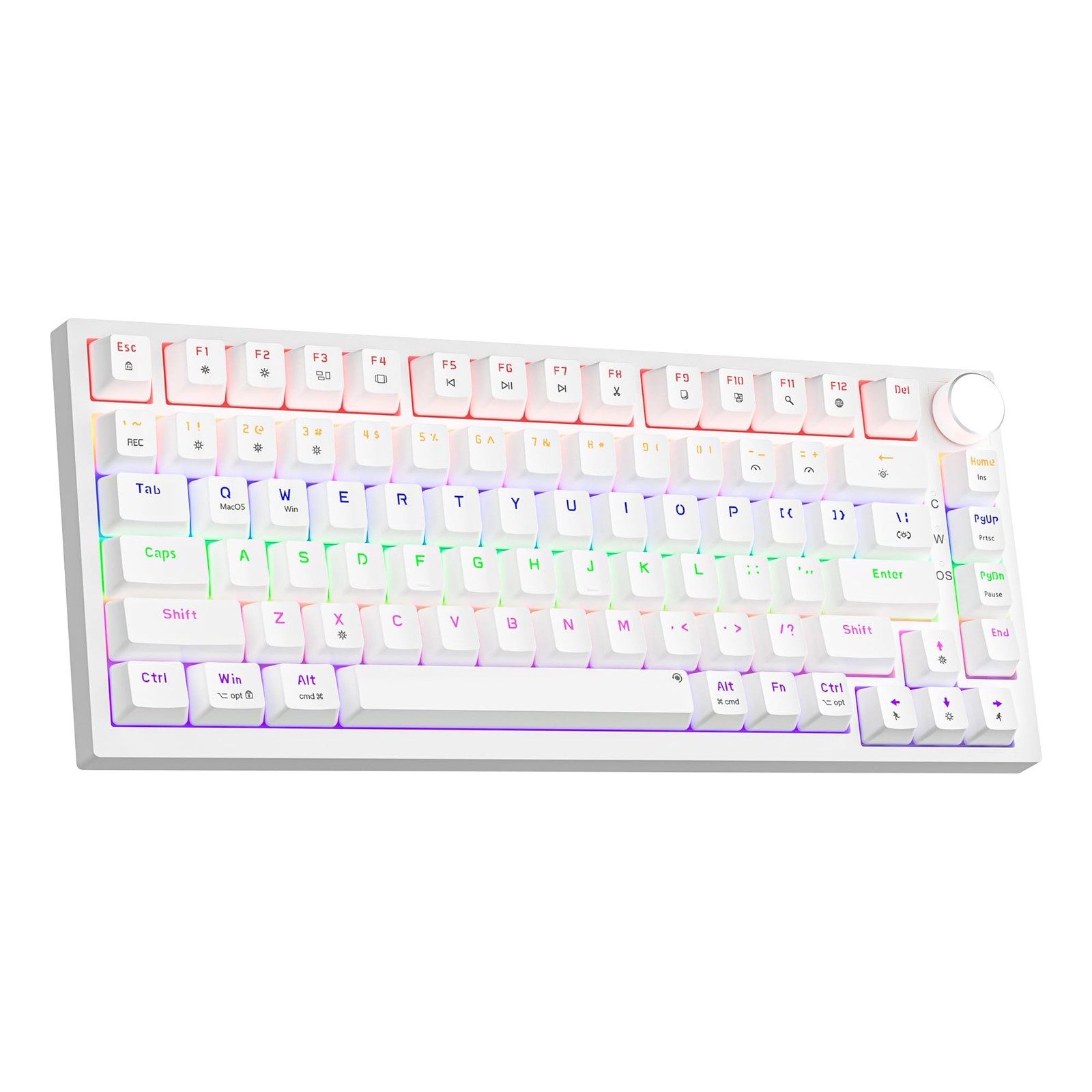

Photos from current listings. Actual item, color, and included accessories may vary.
60 Percent Keyboard Buying Guide
A 60 percent keyboard is a compact mechanical board that removes the number pad, function row, arrow cluster, and navigation keys, relying on layered Fn shortcuts to reclaim those functions. The core trade-off is desk space and portability versus immediate access to dedicated keys, which forces buyers to choose between a pure 60% layout and a slightly larger 65% or 75% board if arrow keys are non-negotiable. The decision rule: buy a 60% only if you routinely use Fn layers or VIA/QMK remapping, and avoid it if your daily workflow depends on dedicated arrows, F-keys, or a numpad without relearning muscle memory.
Median $39.10
Key takeaways
- Layout standard: true 60% uses a 61-key ANSI or 62-key ISO matrix with no dedicated arrows, F-row, or nav cluster; 65% adds arrows and a column of nav keys, 75% adds a function row.
- Firmware tier: QMK/VIA-compatible boards allow full per-key remapping and multiple layers; fixed-firmware boards limit you to factory Fn combos and often lack Mac/Win toggle support.
- Case and plate materials: aluminum or polycarbonate cases with a steel or FR4 plate reduce flex and ping versus ABS plastic trays; gasket mounting isolates the plate from the case for a softer, quieter typing feel.
At a glance
- Category
- Mechanical Keyboards
- Last updated
- Nov 24, 2026
Current offers
Highlights
- Layout standard: true 60% uses a 61-key ANSI or 62-key ISO matrix with no dedicated arrows, F-row, or nav cluster; 65% adds arrows and a column of nav keys, 75% adds a function row.
- Firmware tier: QMK/VIA-compatible boards allow full per-key remapping and multiple layers; fixed-firmware boards limit you to factory Fn combos and often lack Mac/Win toggle support.
- Case and plate materials: aluminum or polycarbonate cases with a steel or FR4 plate reduce flex and ping versus ABS plastic trays; gasket mounting isolates the plate from the case for a softer, quieter typing feel.
- Switch and hot-swap: 5-pin hot-swap sockets accept both 3-pin and 5-pin MX-style switches, while 3-pin-only boards restrict you to plate-mount switches and limit later customization.
Best use cases
- Best fit: competitive FPS gamers and minimal-desk users who want maximum mouse room and will remap WASD-adjacent keys via Fn layers — pick a 60% with QMK/VIA and hot-swap sockets.
- Best fit: programmers who live in Vim/Emacs and rarely touch arrows — choose a 60% with a split-spacebar or HHKB-style layout for easier layer access; skip RGB-heavy gamer boards if you need onboard macro layers.
- Wrong fit: spreadsheet, CAD, or finance users who need a numpad and dedicated arrows daily — step up to a 96% or full-size board; a 60% will cost you hours in Fn gymnastics.
- Wrong fit: buyers who want a plug-and-play board with no software — a fixed-firmware 60% will frustrate you; choose a 65% or 75% with dedicated arrows instead.
Buying tips
- Count your must-have keys first: if you need arrows, F-keys, and a numpad without layers, a 60% is the wrong segment — move to 75% or 96%.
- Prioritize hot-swap 5-pin sockets and QMK/VIA firmware: these two features determine whether you can change switches and remap keys without soldering or vendor software.
- Match plate material to sound goals: FR4 or polycarbonate plates give a softer, quieter typing feel; brass or steel plates produce a sharper, louder clack and add weight.
- Check case height and angle: a 60% with a tall aluminum case and 7–9° typing angle needs a wrist rest; low-profile plastic trays sit flatter for laptop-style typists.
Specs
| Layout | 60% (61-key ANSI / 62-key ISO) |
|---|---|
| Firmware | QMK/VIA vs fixed factory Fn |
| Hot-swap | 5-pin MX sockets vs 3-pin only |
| Case/Plate | Aluminum/FR4 gasket vs ABS tray |
Related searches
What to check before buying
- Measure your desk depth and mouse-swing zone: a 60% board is roughly 11–12 inches wide, freeing 4–6 inches versus a TKL for mouse movement.
- Confirm your OS and layout: pick ANSI for US/UK familiarity or ISO for European enter key; verify the board has a Mac/Win toggle if you switch platforms.
- Check connectivity and power: USB-C wired is standard; for wireless 60% boards confirm Bluetooth 5.0+ or 2.4GHz dongle and a battery of at least 2000mAh for multi-week use.
- Plan your keycap set: 60% boards use non-standard right shift and bottom-row widths, so confirm the board ships with or supports a compatible keycap kit before buying aftermarket caps.
FAQ
Data sources: eBay / Amazon listings and product attribute feeds. Updated Nov 24, 2026.
Some links on this page are affiliate links. If you buy after clicking one, we may earn a commission at no extra cost to you. This does not change which products appear here or their order. Affiliate disclosure.