
Photos from current listings. Actual item, color, and included accessories may vary.
Polycarbonate 3D Printer Filament Buying Guide
Polycarbonate (PC) filament is a high-strength engineering thermoplastic for 3D printing, prized for impact resistance and heat tolerance but demanding high nozzle temperatures, enclosure control, and careful drying. The primary trade-off is between raw mechanical performance (polycarbonate, PC blends, PC-CF) and printability, where blends lower warping and temperature needs at some strength cost. The clear decision rule: if you lack an enclosure and hotend reaching 280-300°C, choose PC blend or PC-CF instead of pure PC; if you have controlled heat and need maximum toughness, pure PC is the durable choice.
Median $130.34 · New listings
Key takeaways
- Pure polycarbonate requires nozzle temperatures around 270-310°C and bed temperatures of 90-110°C, plus an enclosure to prevent warping and layer separation.
- PC-CF (carbon fiber reinforced polycarbonate) improves stiffness and reduces warping but is more abrasive, requiring a hardened steel nozzle and often slightly higher print temperatures.
- PC blends (PC/ABS, PC/PBT, PC/ASA) lower processing temperatures to roughly 240-270°C and improve interlayer adhesion, making them viable on many enclosed printers.
At a glance
- Category
- 3D Printing Filament & Resin
- Last updated
- Nov 24, 2026
Current offers
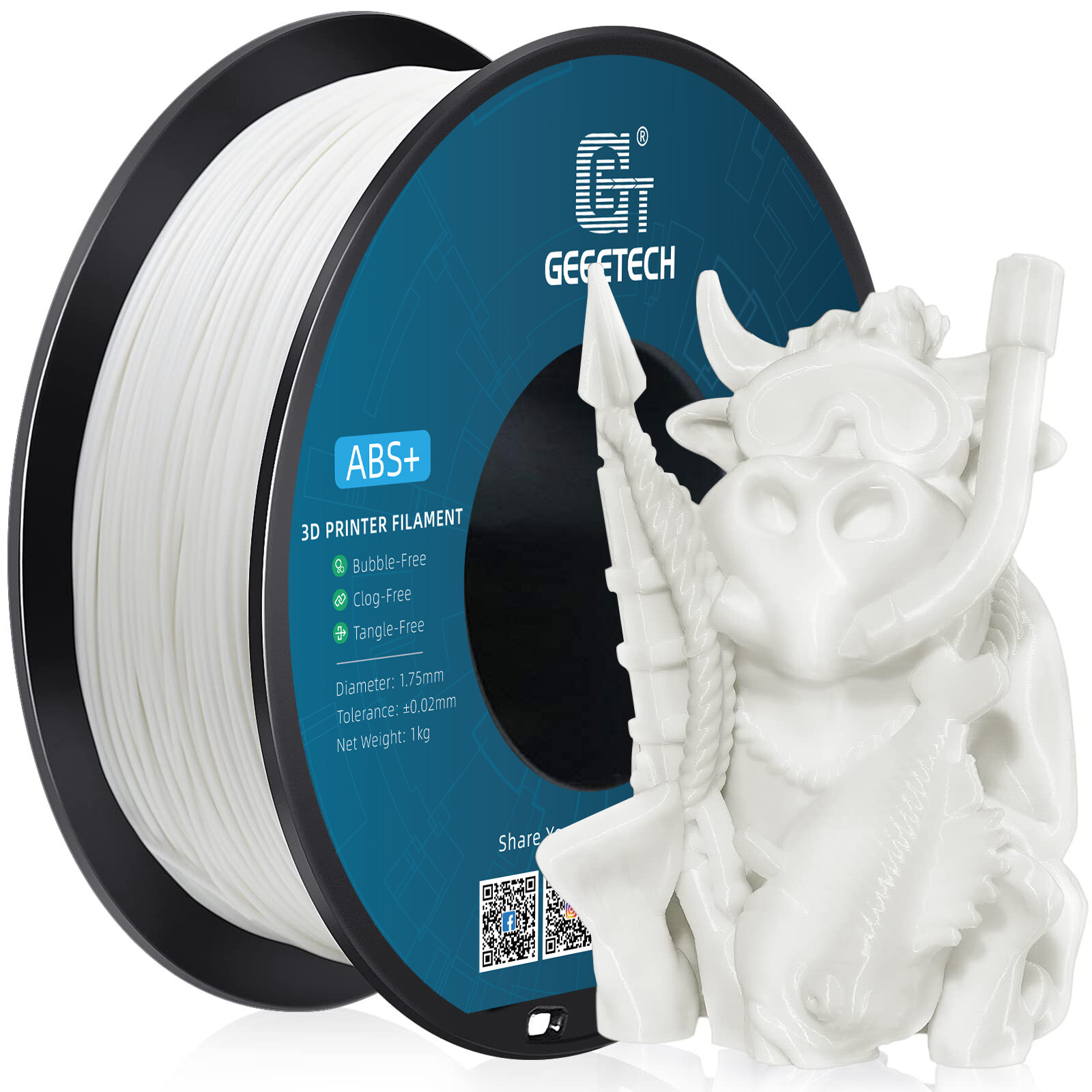 【Buy 5 Get 5 Free!Add 10】GEEETECH 1KG PLA PETG ABS+ TPU ASA 3D Printer Filament$23.74View on eBay
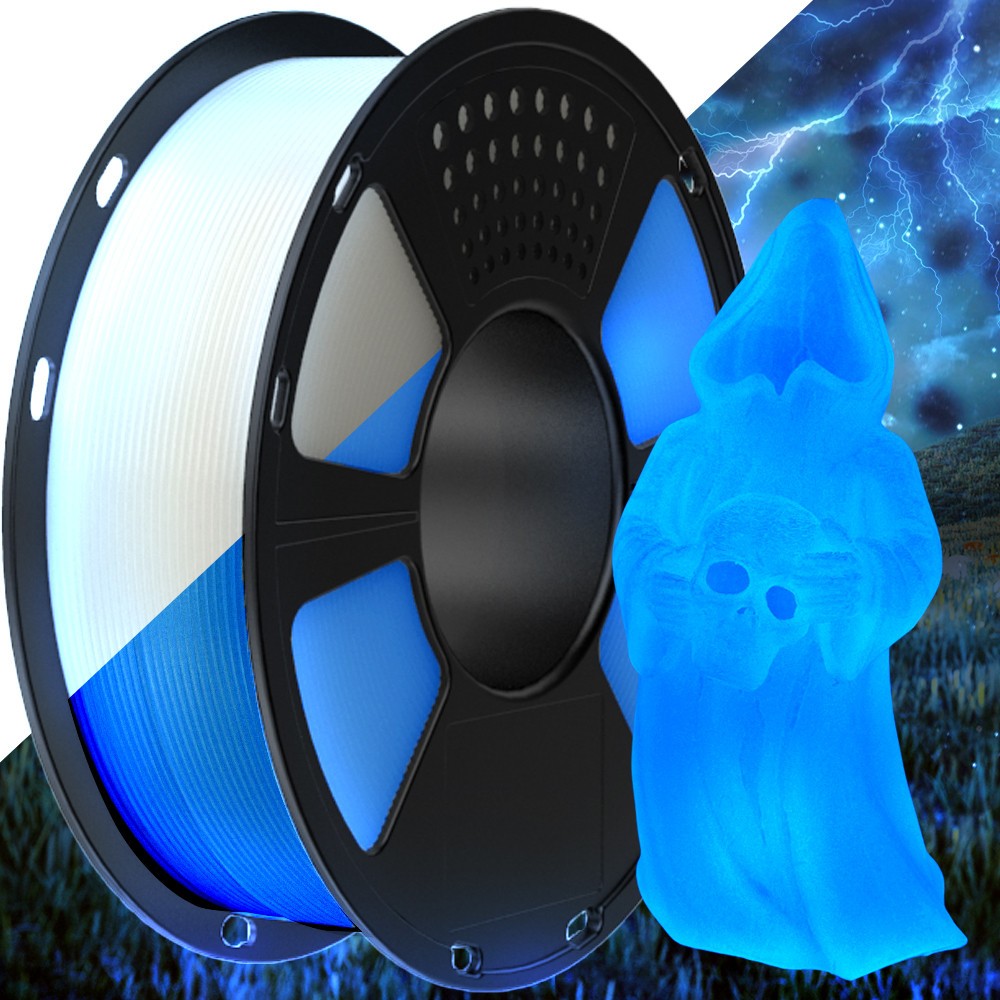 【Buy 5 Get 5 Free!Add 10】GEEETECH 1KG PLA ABS+ PETG TPU ASA 3D Printer Filament$27.99View on eBay
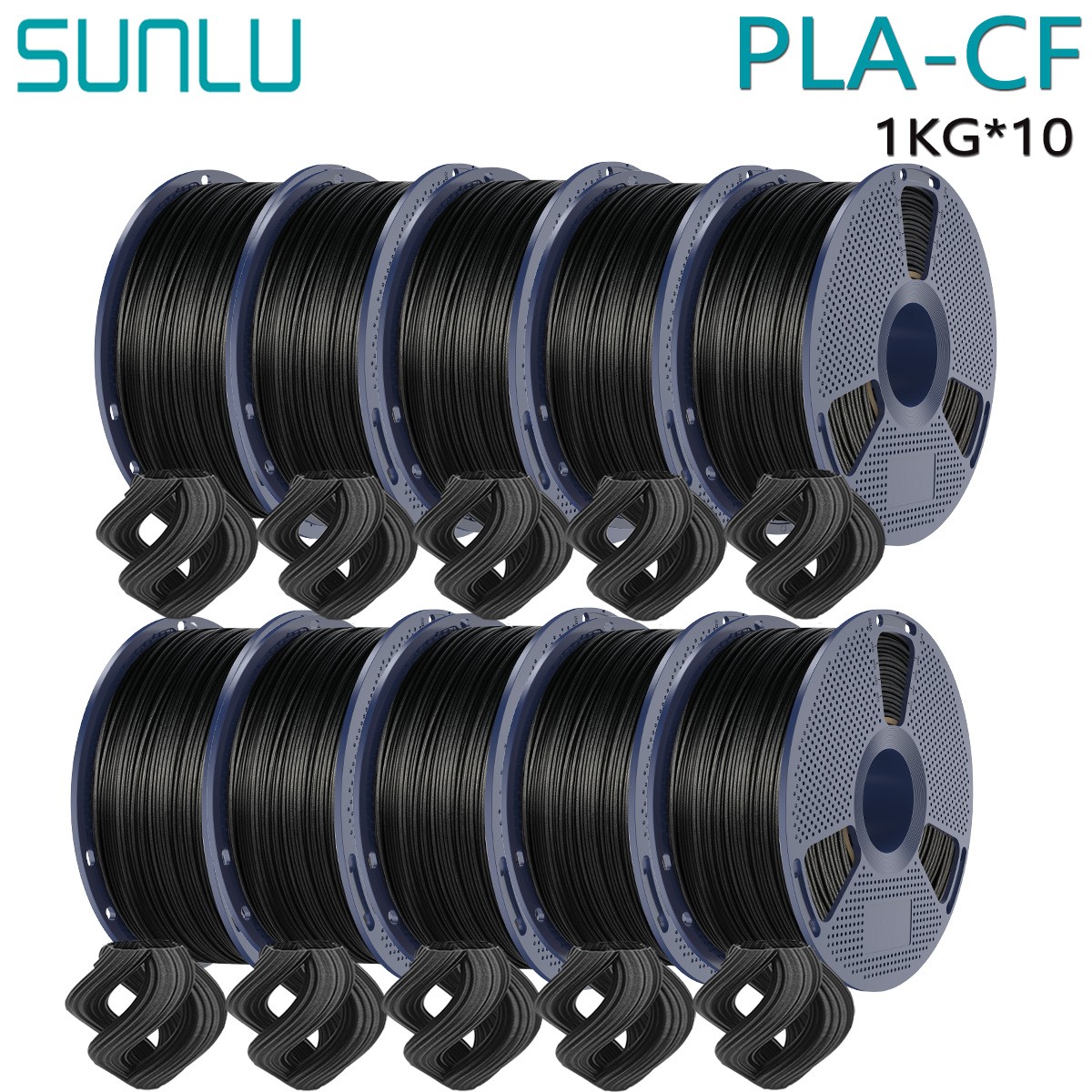 SUNLU 10KG PLA PLA+ ASA SILK PETG2.0 ABS 3D Printer Filament 1.75mm 1KG/Spool$232.69New · Last checked Nov 21, 2026View on eBay
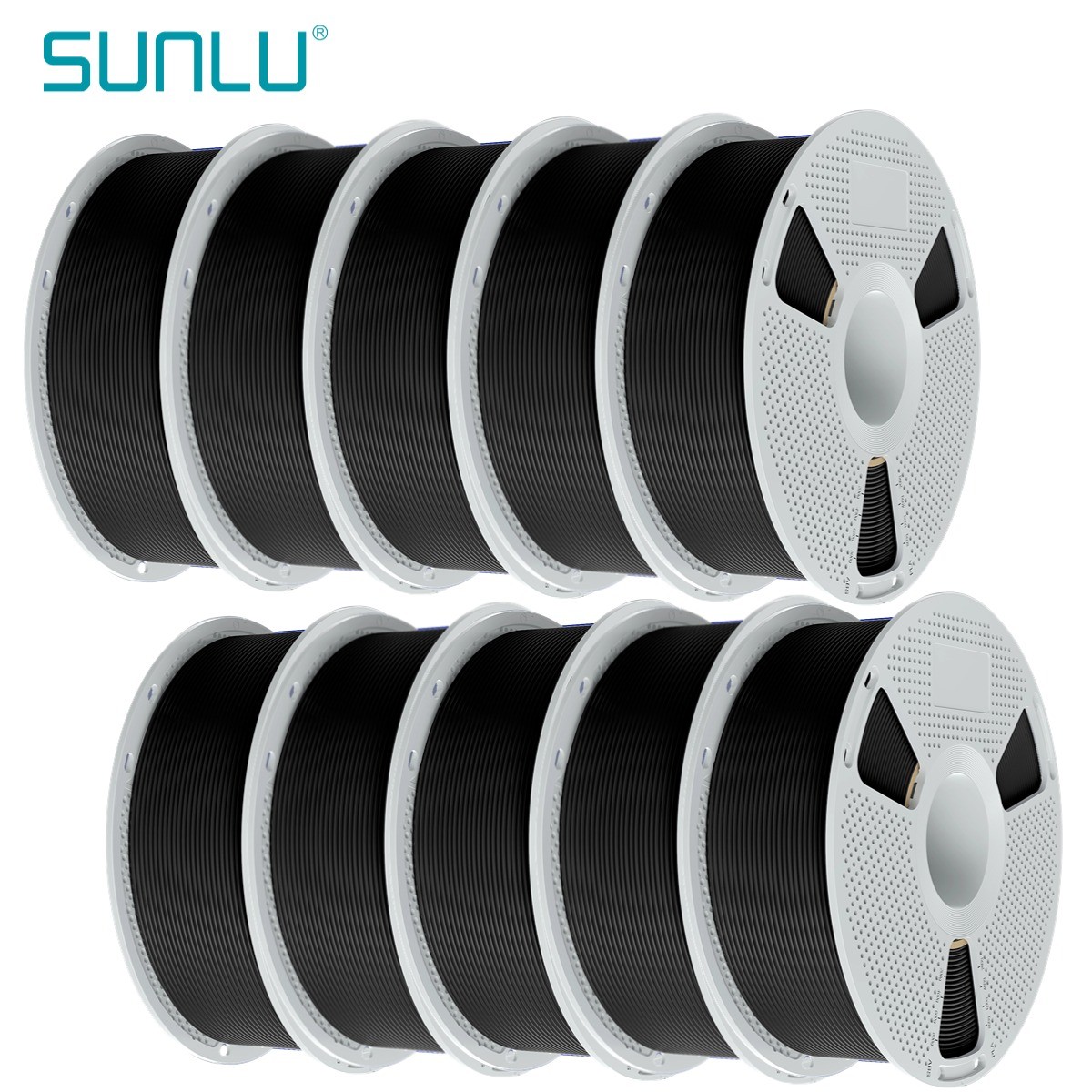 10×1KG SUNLU PLA Matte Meta PLA+ PETG SILK ABS TPU95A 1KG 3D Printer Filament$278.94New · Last checked Nov 21, 2026View on eBay
Highlights
- Pure polycarbonate requires nozzle temperatures around 270-310°C and bed temperatures of 90-110°C, plus an enclosure to prevent warping and layer separation.
- PC-CF (carbon fiber reinforced polycarbonate) improves stiffness and reduces warping but is more abrasive, requiring a hardened steel nozzle and often slightly higher print temperatures.
- PC blends (PC/ABS, PC/PBT, PC/ASA) lower processing temperatures to roughly 240-270°C and improve interlayer adhesion, making them viable on many enclosed printers.
- Moisture sensitivity is severe: polycarbonate absorbs water rapidly, so filament must be dried at 70-80°C for 4-8 hours and printed from a dry box to prevent bubbles and weak parts.
Best use cases
- Best fit for pure PC: functional mechanical parts needing high impact strength and heat resistance above 100°C, such as brackets, housings, and jigs, on a printer with an enclosure and all-metal hotend reaching 300°C.
- Choose PC-CF for structural components where stiffness and dimensional stability matter more than ultimate elongation, such as mounts and fixtures, but only with a hardened steel nozzle and good ventilation.
- Pick PC blend if your printer is enclosed but limited to 260-270°C or if you want easier bed adhesion and less warping for large cosmetic or load-bearing parts; skip pure PC on open-frame printers.
- Wrong fit: open-frame printers without enclosure, stock PTFE-lined hotends, or users unwilling to dry filament will get delamination and weak parts; use PETG or ABS/ASA instead.
Buying tips
- Match filament grade to hotend: pure PC needs an all-metal hotend rated to at least 300°C; PC blends can print at 240-270°C but still benefit from all-metal.
- For large parts, calculate expected warping: PC shrinks roughly 0.5-0.8%, so design with a 0.6% shrinkage compensation and use a bed adhesive (PEI sheet or glue stick) plus an enclosure.
- If using PC-CF, budget for a hardened steel or ruby-tipped nozzle (0.4-0.6mm) because carbon fibers abrade brass quickly; expect to replace brass nozzles within a few hundred grams.
- Verify spool dryness: buy vacuum-sealed filament with desiccant and always re-dry before use; store in a dry box at below 20% RH to maintain print quality.
Specs
| Polymer Type | Pure PC vs PC Blend vs PC-CF |
|---|---|
| Nozzle Temp Range | 240-310°C (grade dependent) |
| Bed Temp Range | 80-110°C with enclosure |
| Nozzle Requirement | All-metal; hardened for PC-CF |
Related searches
What to check before buying
- Confirm your printer has an enclosure capable of maintaining 40-60°C ambient and an all-metal hotend that reaches at least 280°C (300°C for pure PC).
- Measure your print bed: ensure it can hold 90-110°C consistently and is covered with PEI or glass with adhesive for PC adhesion.
- Check nozzle compatibility: PC-CF requires a hardened steel nozzle; pure PC works with hardened steel or brass but brass wears faster at high temps.
- Plan filament storage: have a filament dryer capable of 70-80°C and a sealed dry box with desiccant to keep PC below 20% relative humidity.
FAQ
Data sources: eBay / Amazon listings and product attribute feeds. Updated Nov 24, 2026.
Some links on this page are affiliate links. If you buy after clicking one, we may earn a commission at no extra cost to you. This does not change which products appear here or their order. Affiliate disclosure.