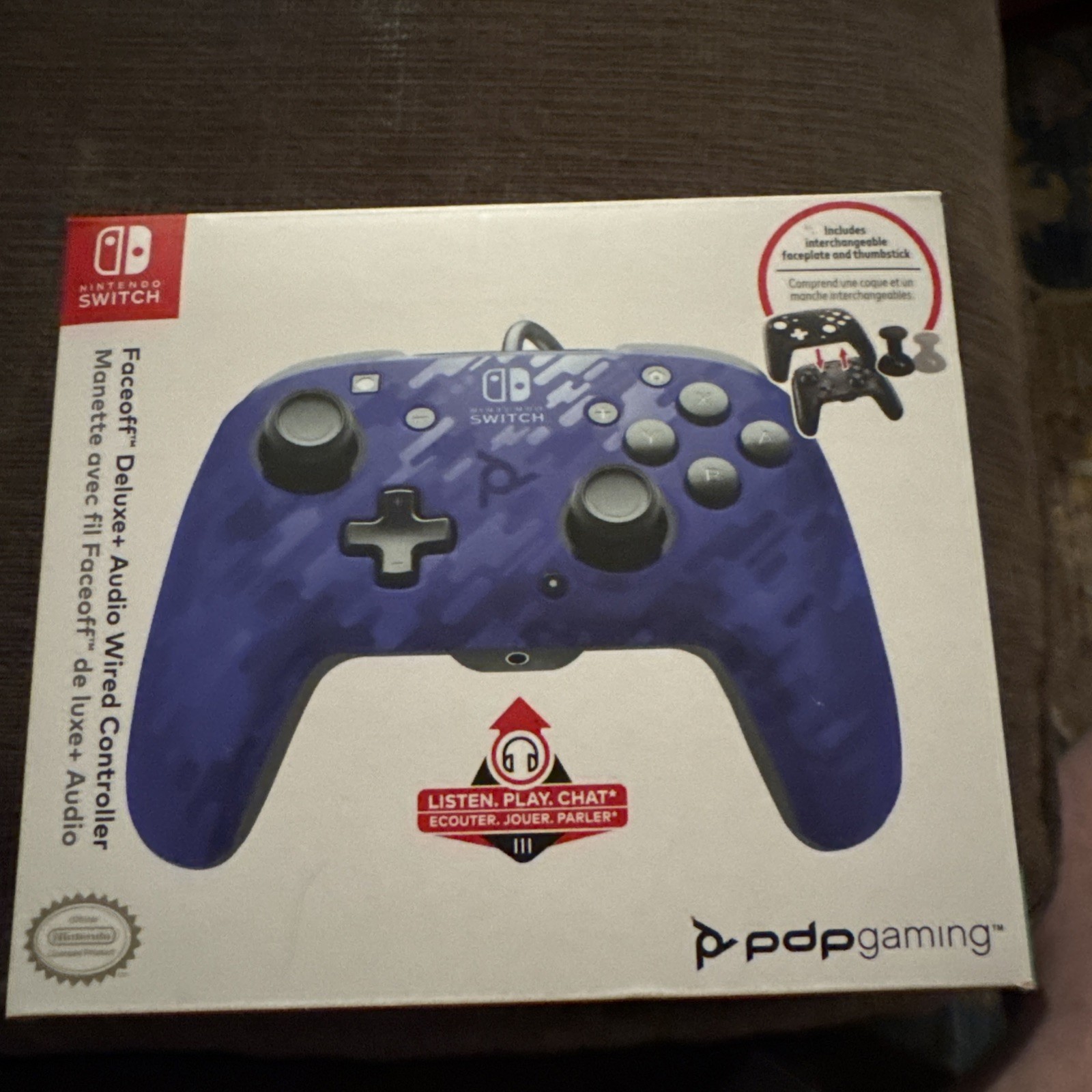

Photos from current listings. Actual item, color, and included accessories may vary.
PDP Switch Buying Guide
PDP Switch refers to third-party wired and wireless controllers for the Nintendo Switch family, primarily the Faceoff line, built to a lower price than first-party Pro Controllers. The core trade-off is wired USB reliability and lower cost versus wireless freedom and rumble/NFC features, with durability hinging on stick mechanism (potentiometer vs Hall effect) and cable strain relief. The clear decision rule: buy a PDP only for budget wired play or a kid-proof spare, and step up to a first-party or Hall-effect pad if you need wireless, gyro, or long-term stick life.
Key takeaways
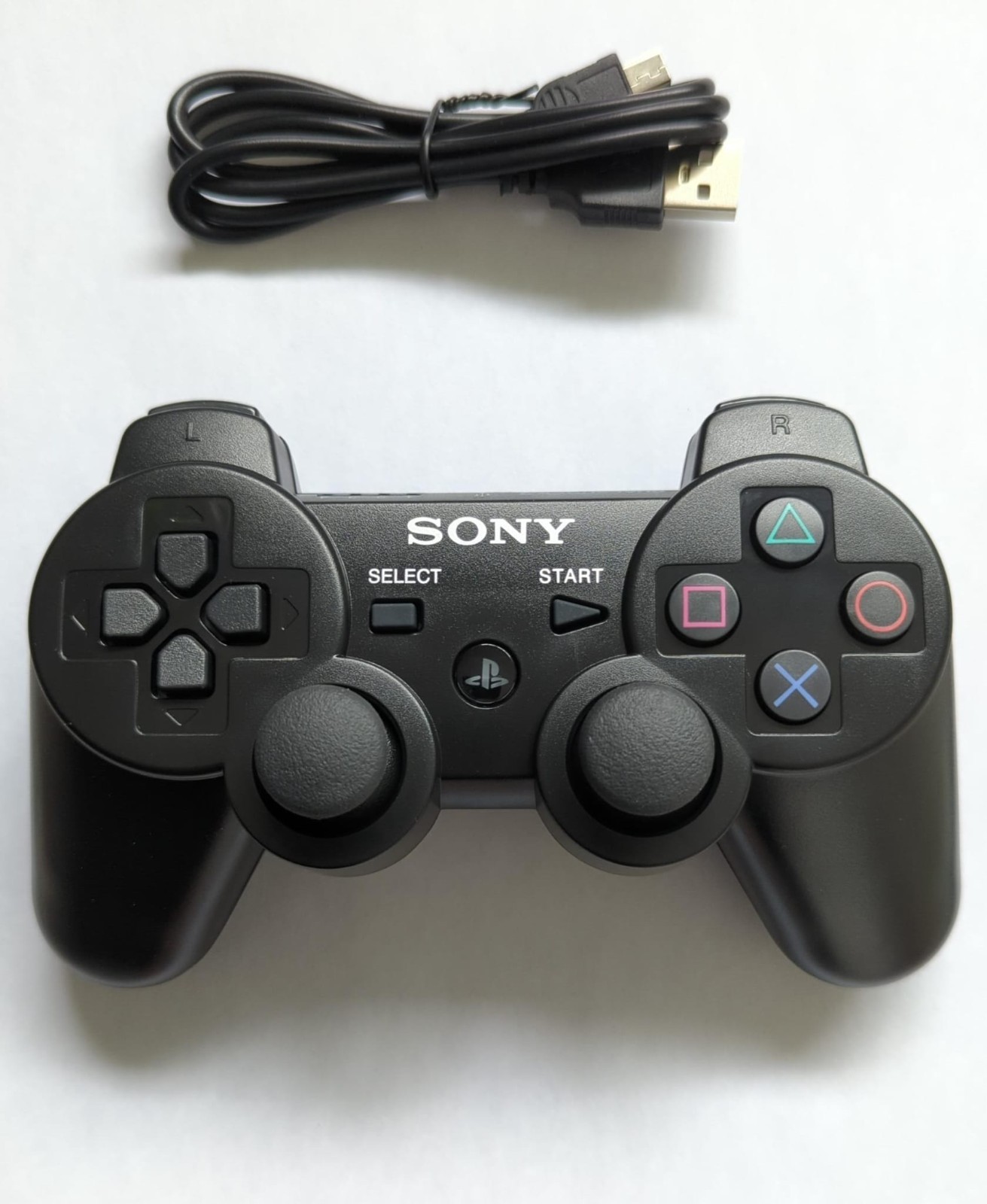
- PDP Faceoff Wired Pro Controller uses a USB-A cable (often around 3 ft) for lag-free play but no battery, no rumble, and no Amiibo NFC.
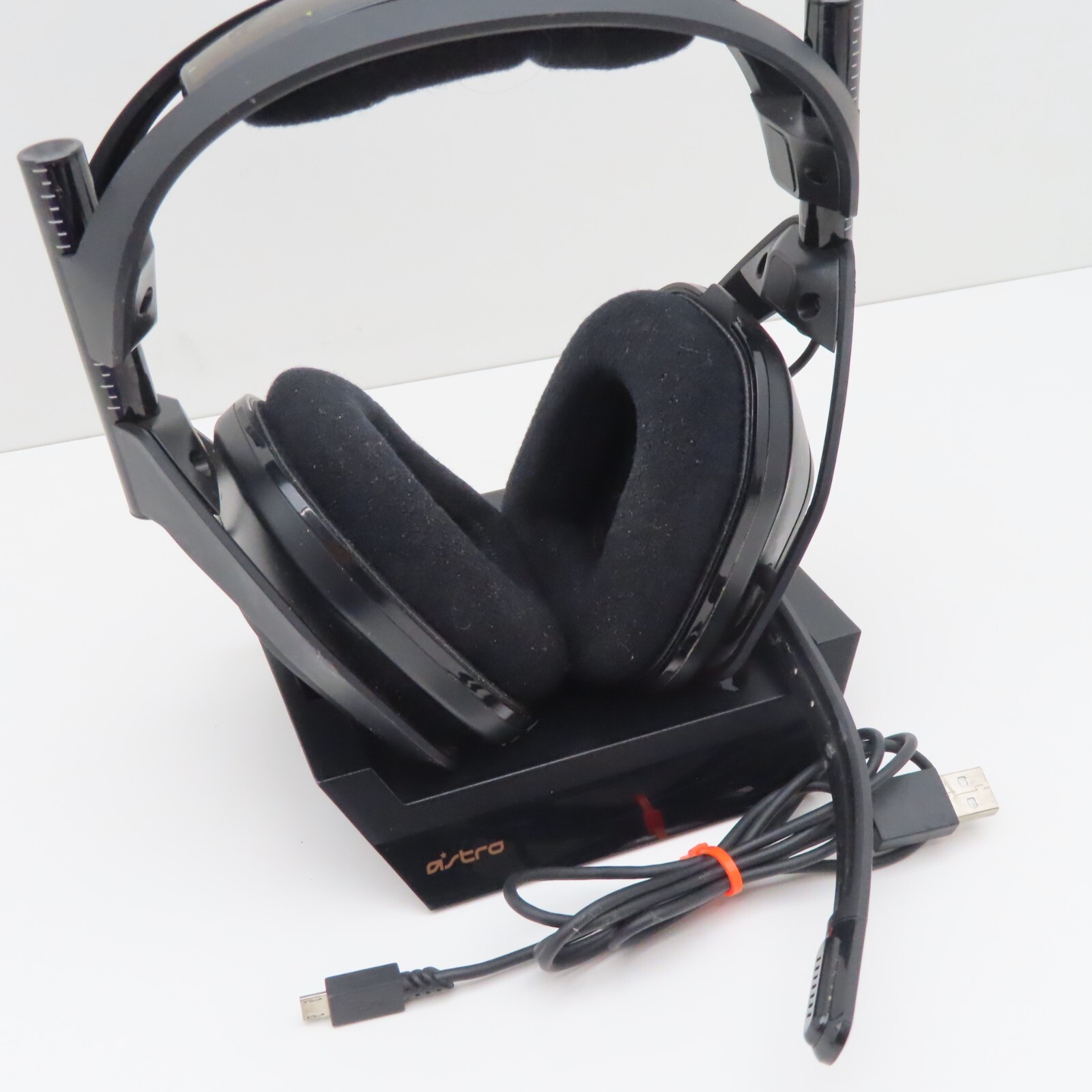
- Faceoff Deluxe+ adds audio jack and volume controls for headset chat, a meaningful tier jump over the base wired model.
- Wireless PDP Switch pads use 2.4GHz USB dongles rather than Bluetooth, trading portability for lower latency and simpler pairing.
At a glance
- Category
- Controllers & Gaming Accessories
- Status
- Listings available
- Last updated
- Nov 28, 2026
Current offers
Highlights
- PDP Faceoff Wired Pro Controller uses a USB-A cable (often around 3 ft) for lag-free play but no battery, no rumble, and no Amiibo NFC.
- Faceoff Deluxe+ adds audio jack and volume controls for headset chat, a meaningful tier jump over the base wired model.
- Wireless PDP Switch pads use 2.4GHz USB dongles rather than Bluetooth, trading portability for lower latency and simpler pairing.
- Stick durability separates tiers: stock potentiometer sticks drift over time, while Hall-effect sticks (rare in PDP models) resist wear.
Best use cases
- Best fit: docked Switch play on a TV where a 3 ft USB cable reaches the console — pick the wired Faceoff for zero charging and low latency.
- Best fit: a child's spare controller or second-player pad — the plastic-bodied wired Faceoff absorbs drops without a battery to degrade.
- Wrong fit: handheld or tabletop play — a 3 ft cable is too short; choose a wireless 2.4GHz or Bluetooth pad instead.
- Skip if you need gyro aiming, Amiibo scanning, or HD rumble — PDP wired models omit these; go first-party Pro Controller.
Buying tips
- Measure console-to-seat distance: a 3 ft cable only suits close couch play; beyond that, choose a wireless 2.4GHz model or a USB extension.
- Check Switch compatibility tier: PDP Faceoff works on Switch 1 and Switch 2 in docked USB mode, but verify the model lists Switch 2 explicitly.
- Prefer Faceoff Deluxe+ over base Faceoff if you use voice chat — the audio jack and volume wheel are the deciding features.
- For long-session durability, treat potentiometer sticks as consumables; Hall-effect pads cost more but eliminate drift replacement cycles.
Specs
| Connection | Wired USB-A vs 2.4GHz wireless dongle |
|---|---|
| Cable Length | ~3 ft (wired models) |
| Stick Type | Potentiometer vs Hall effect |
| Switch Compatibility | Switch 1 / Switch 2 (model-dependent) |
Alternatives to compare
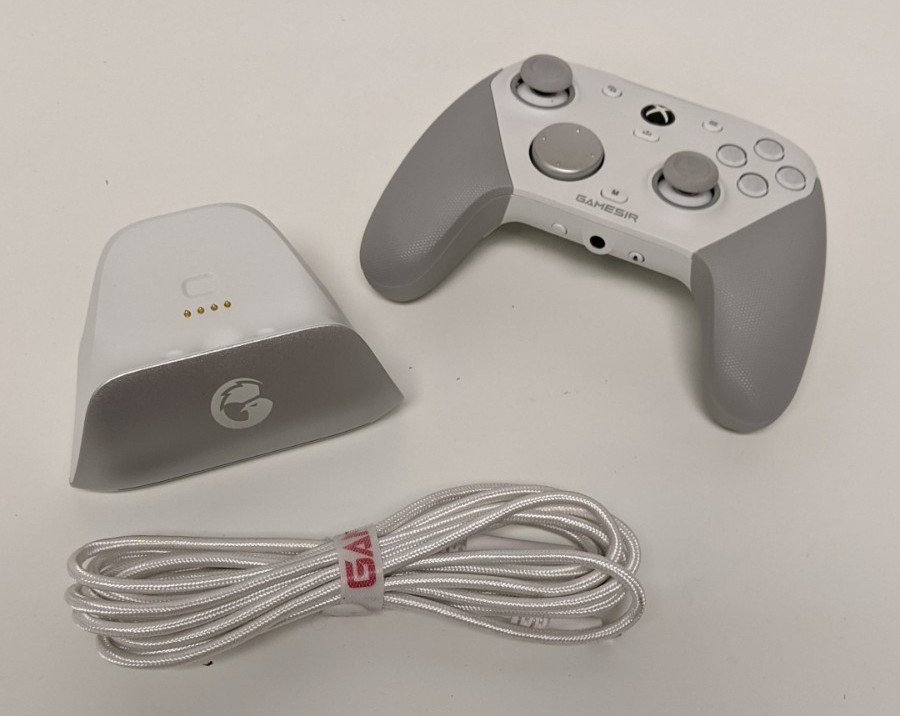
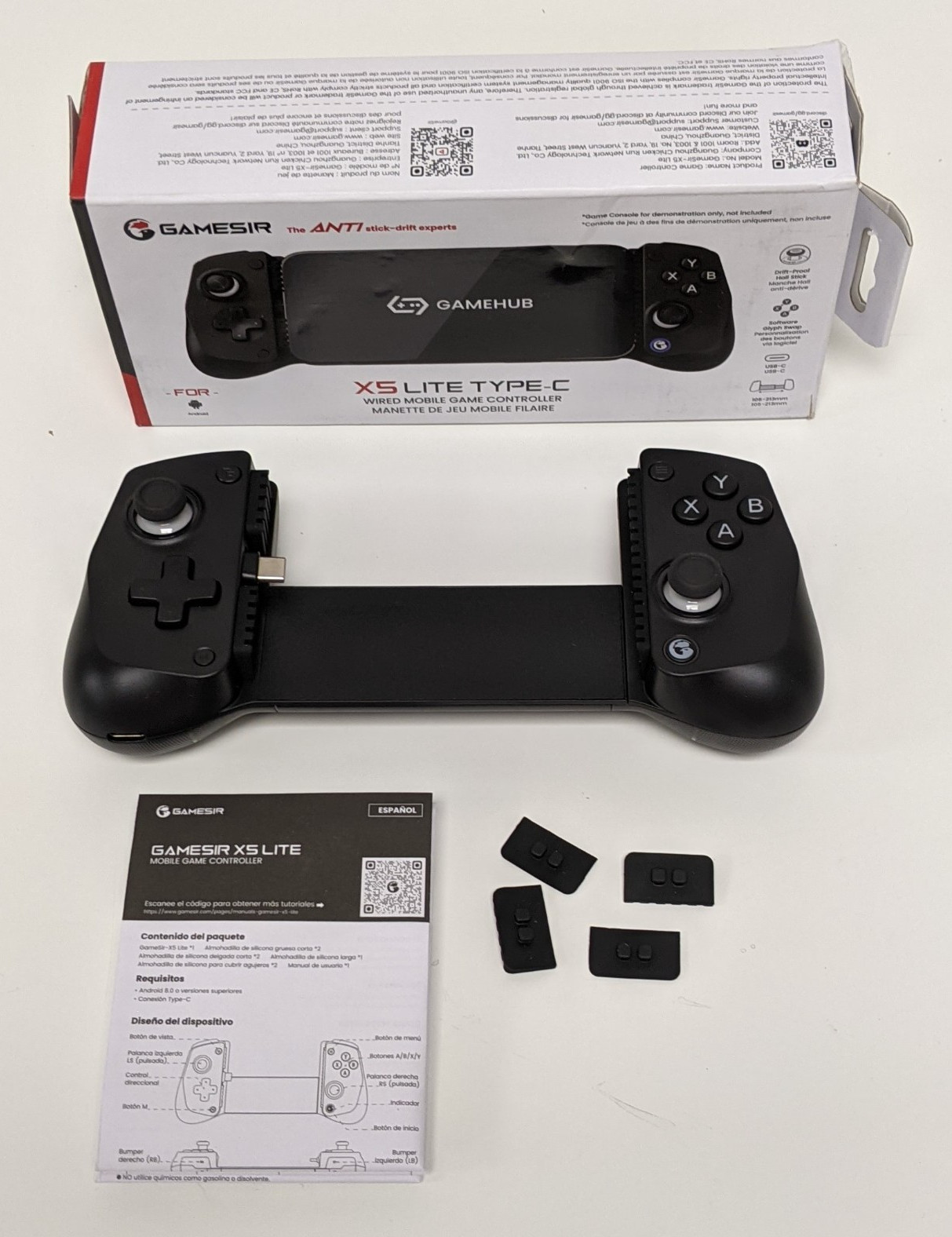
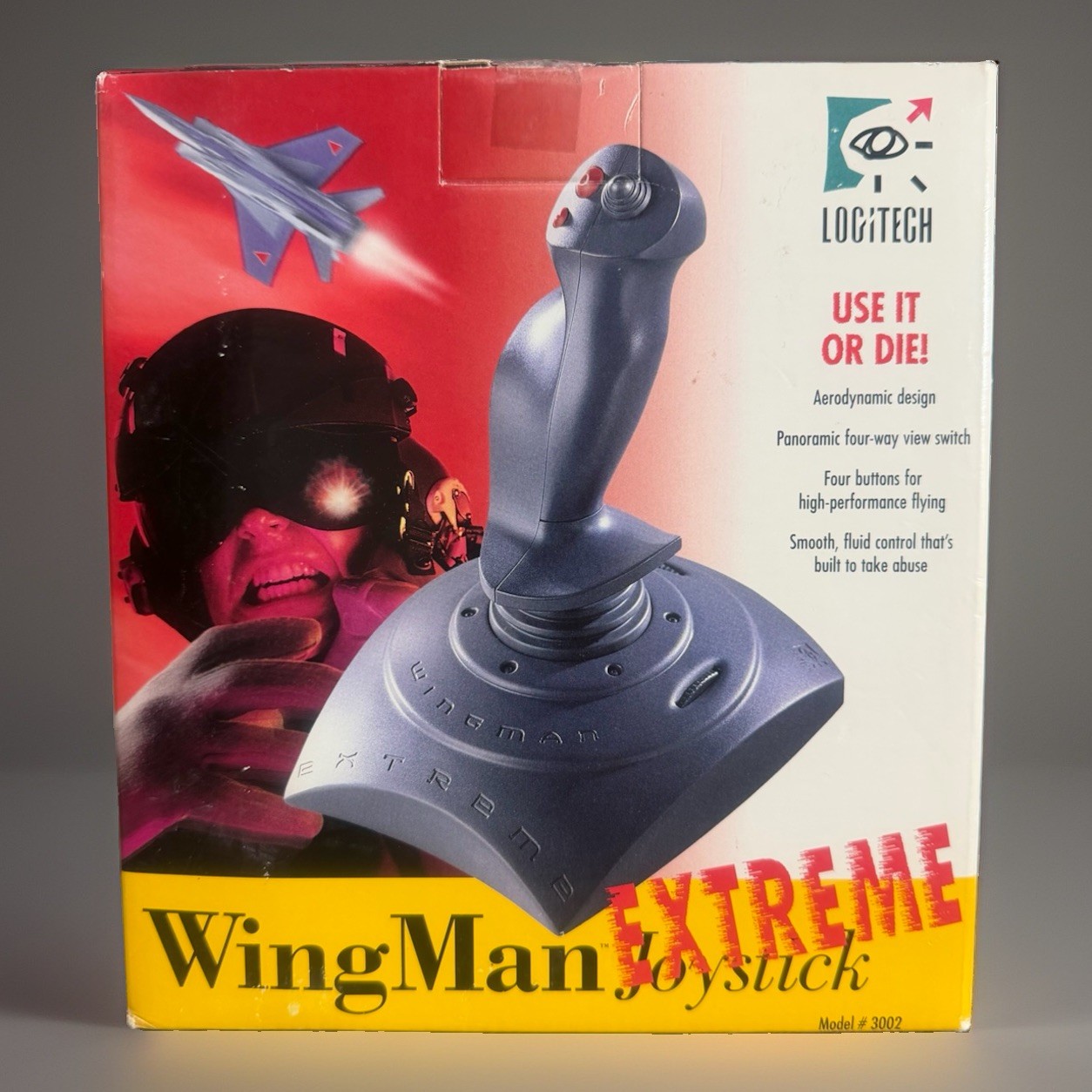
Related searches
What to check before buying
- Confirm your Switch dock's USB-A ports are free or add a hub — wired PDP pads need one open port.
- Measure the distance from your seating position to the dock; a 3 ft cable requires sitting within arm's reach.
- Verify the model number matches your region's plug/voltage if buying a bundled power accessory.
- Check whether you need gyro, rumble, or NFC — if yes, a wired PDP is the wrong tier and a Pro Controller is required.
FAQ
Data sources: eBay / Amazon listings and product attribute feeds. Updated Nov 28, 2026.
Some links on this page are affiliate links. If you buy after clicking one, we may earn a commission at no extra cost to you. This does not change which products appear here or their order. Affiliate disclosure.