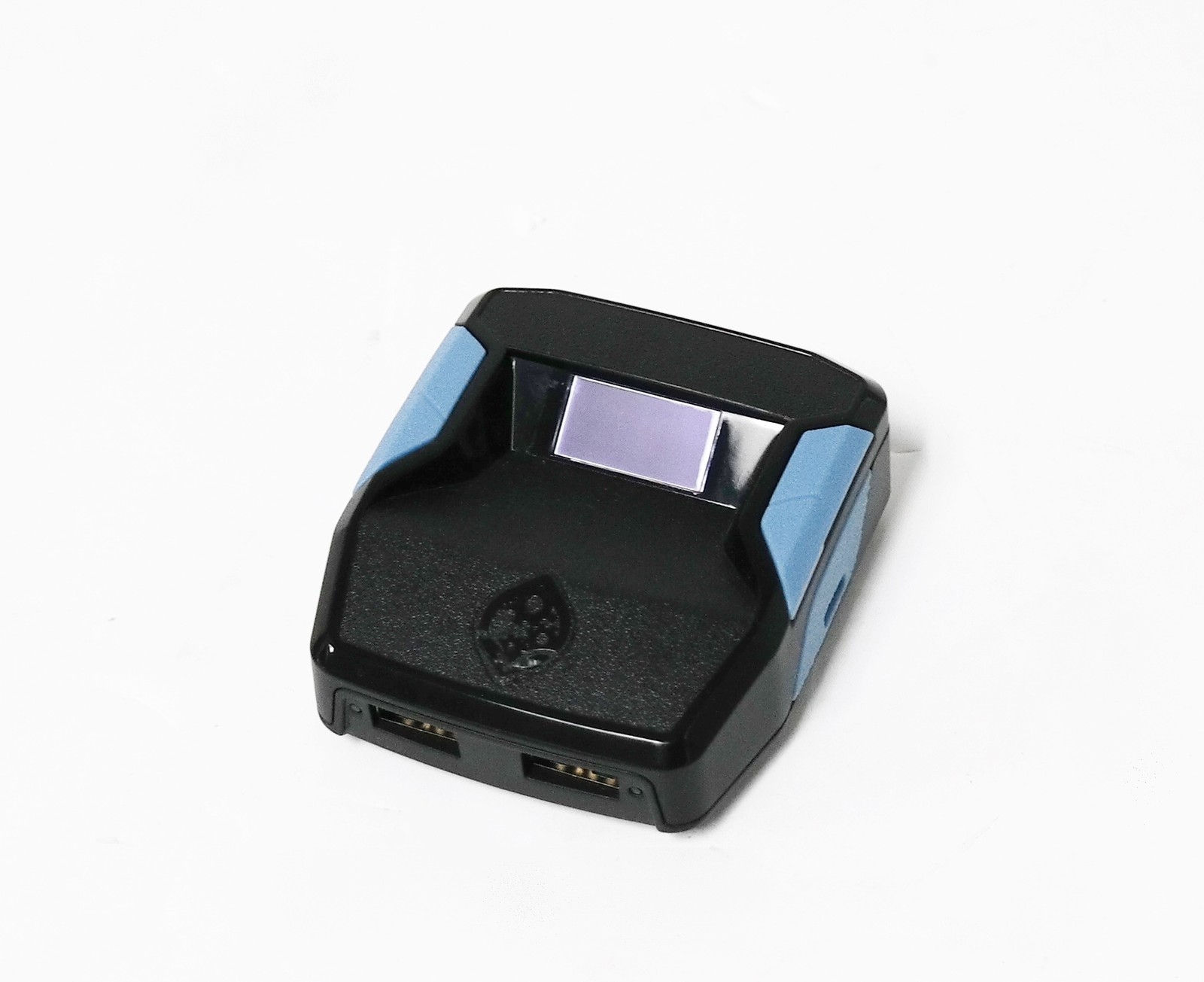

Photos from current listings. Actual item, color, and included accessories may vary.
Cronus Zen Buying Guide
Cronus Zen is a programmable controller adapter/emulator that lets you use almost any controller on almost any console, run game packs and macros, and add mouse-and-keyboard support. The core trade-off is flexibility versus latency: every input is translated by the Zen's processor and script engine, so competitive players must weigh customization against the ~1-4 ms translation overhead and the required wired controller authentication. The decision rule: buy only if you need cross-platform controller freedom or scripted inputs and will use a compatible wired controller plus the official desktop app; skip it for pure next-gen tournament play or if you demand zero added input latency.
Key takeaways
- Cronus Zen (CM00053) is a USB controller emulator with a script engine, not a passthrough hub; it requires a supported wired controller for console authentication.
- Input translation adds measurable latency, typically around 1–4 ms depending on script complexity; simpler game packs are faster than stacked macros.
- Mouse-and-keyboard support is console-side emulated through the Zen, not native; keyboard/mouse polling and aim behavior depend on the connected controller's authentication.
At a glance
- Category
- Controllers & Gaming Accessories
- Status
- Listings available
- Last updated
- Nov 28, 2026
Current offers
Highlights
- Cronus Zen (CM00053) is a USB controller emulator with a script engine, not a passthrough hub; it requires a supported wired controller for console authentication.
- Input translation adds measurable latency, typically around 1–4 ms depending on script complexity; simpler game packs are faster than stacked macros.
- Mouse-and-keyboard support is console-side emulated through the Zen, not native; keyboard/mouse polling and aim behavior depend on the connected controller's authentication.
- Compatibility spans PS5 (with supported controller), PS4, Xbox Series X/S, Xbox One, Switch, and PC; the Zen is updated via the Cronus Zen Studio desktop app over USB.
Best use cases
- Best fit: console players who want to use a preferred third-party or older controller across PS5, Xbox, and Switch—pair the Zen with a supported wired controller for authentication.
- Best fit: accessibility or single-player gamers needing remaps, macros, and button combos—use Game Packs and simple scripts, and keep script stacks minimal to limit latency.
- Wrong fit: competitive FPS or fighting-game players chasing the lowest possible input latency—skip the Zen and use a native wired controller or a direct tournament-legal stick.
- Wrong fit: buyers expecting plug-and-play wireless controller support—the Zen requires a wired controller connection for most console authentication, so budget for cables and a compatible pad.
Buying tips
- Buy the official CM00053 unit and confirm firmware support for your console generation; Cronus Zen Studio updates are mandatory for PS5 and newer Xbox compatibility.
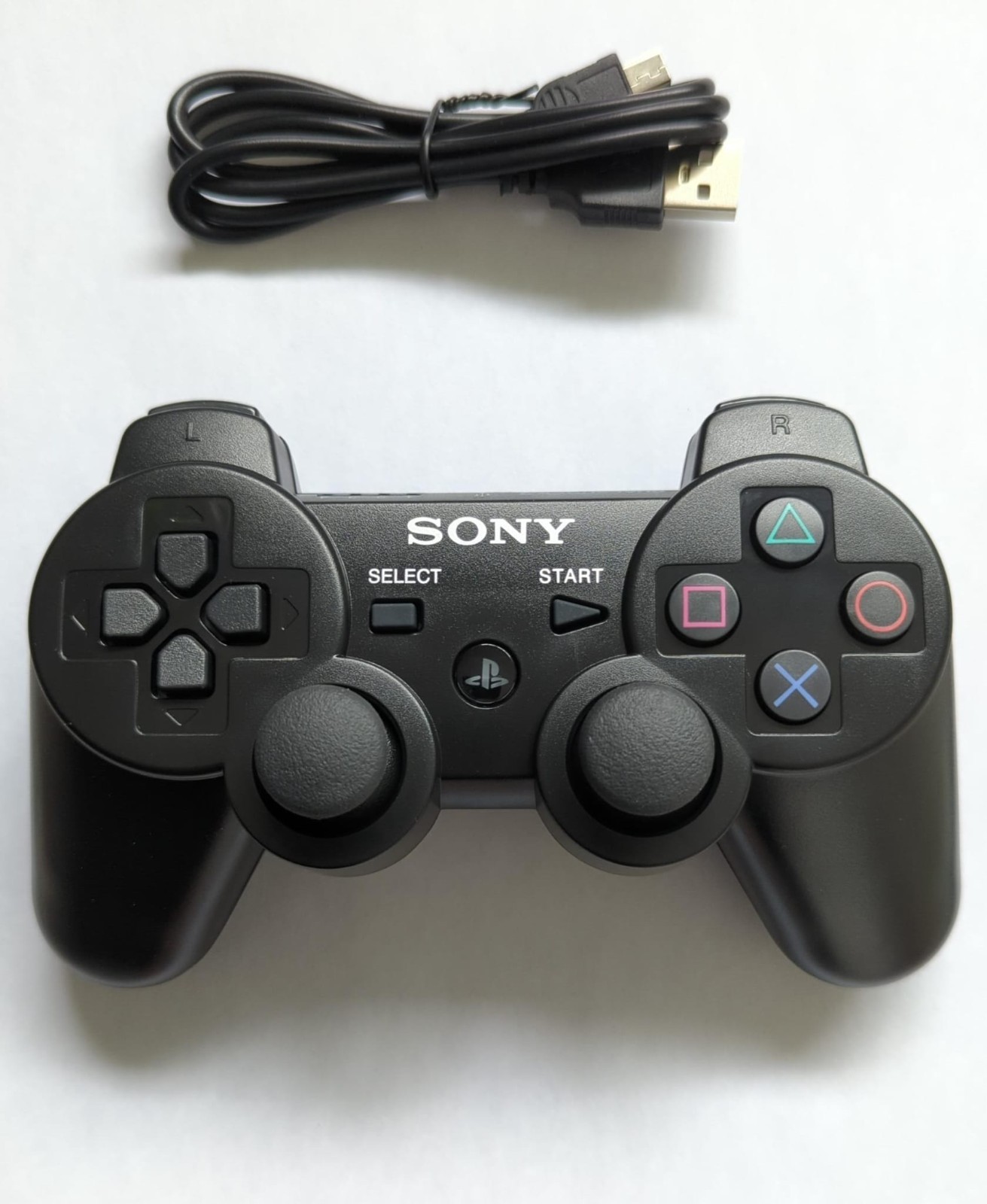
- Plan for a supported wired controller for authentication: DualShock 4, Xbox Series controller, or Switch Pro-style wired pads work; Bluetooth-only controllers will not authenticate alone.
- Budget for USB cables and a powered USB hub if you use mouse-and-keyboard or multiple accessories; the Zen has limited ports and bus-powered hubs can cause disconnects.
- For latency-sensitive play, prefer Game Packs over custom scripts and avoid stacking multiple macros; each script layer adds processing time to every input.
Specs
| Device Type | USB controller emulator/adapter |
|---|---|
| Console Support | PS5/PS4, Xbox Series/One, Switch, PC |
| Auth Requirement | Supported wired controller |
| Configuration | Cronus Zen Studio (Win/Mac) |
Alternatives to compare
Related searches
What to check before buying
- Confirm your console generation is supported by the current Zen firmware (PS5 and Xbox Series require current updates via Zen Studio).
- Have a supported wired controller ready for authentication; wireless-only controllers will not work as the auth device.
- Verify you have a Windows PC or Mac for Cronus Zen Studio setup—initial configuration and firmware updates require the desktop app.
- Check USB port count and cable lengths for your setup; mouse-and-keyboard plus controller plus headset may require a powered hub.
FAQ
Data sources: eBay / Amazon listings and product attribute feeds. Updated Nov 28, 2026.
Some links on this page are affiliate links. If you buy after clicking one, we may earn a commission at no extra cost to you. This does not change which products appear here or their order. Affiliate disclosure.