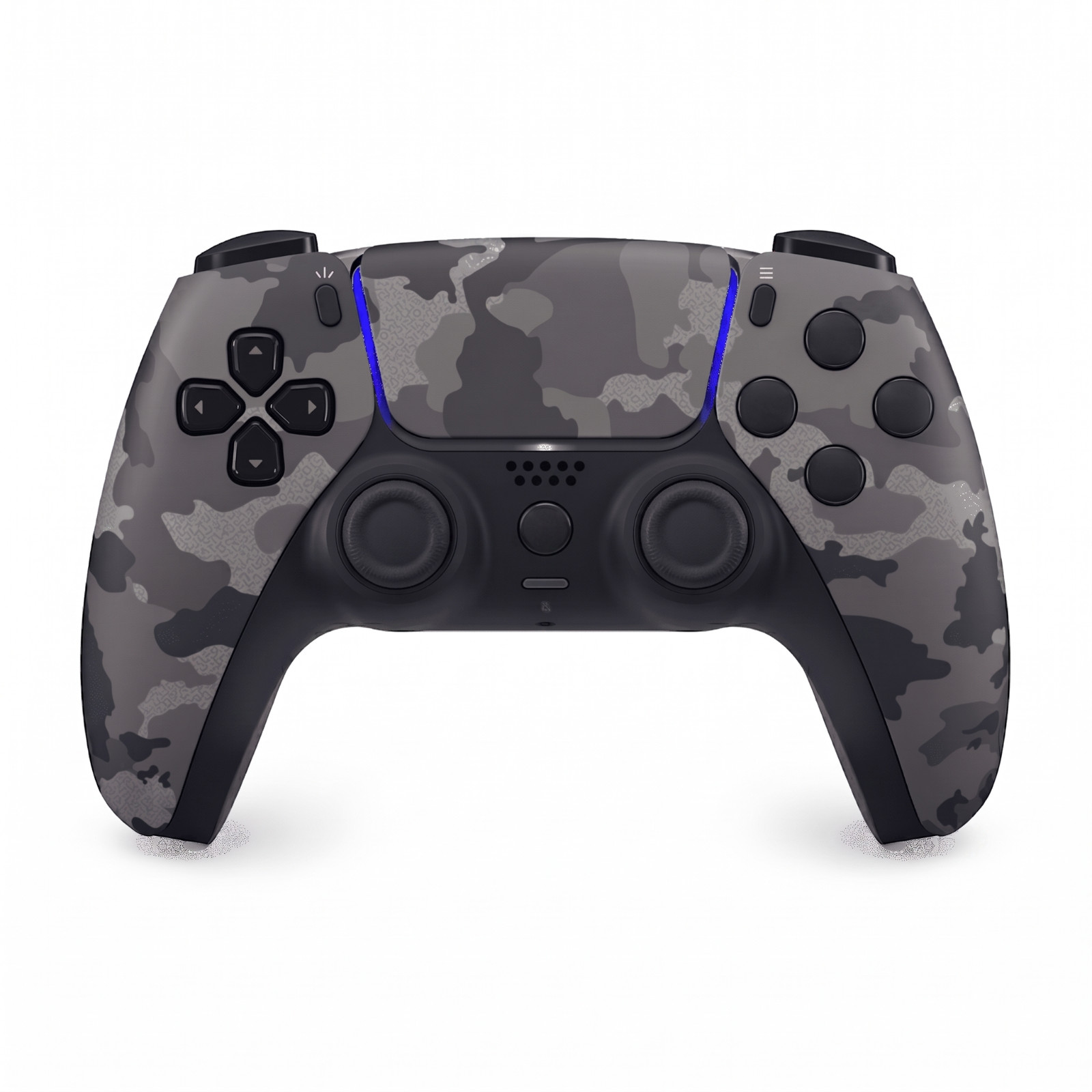

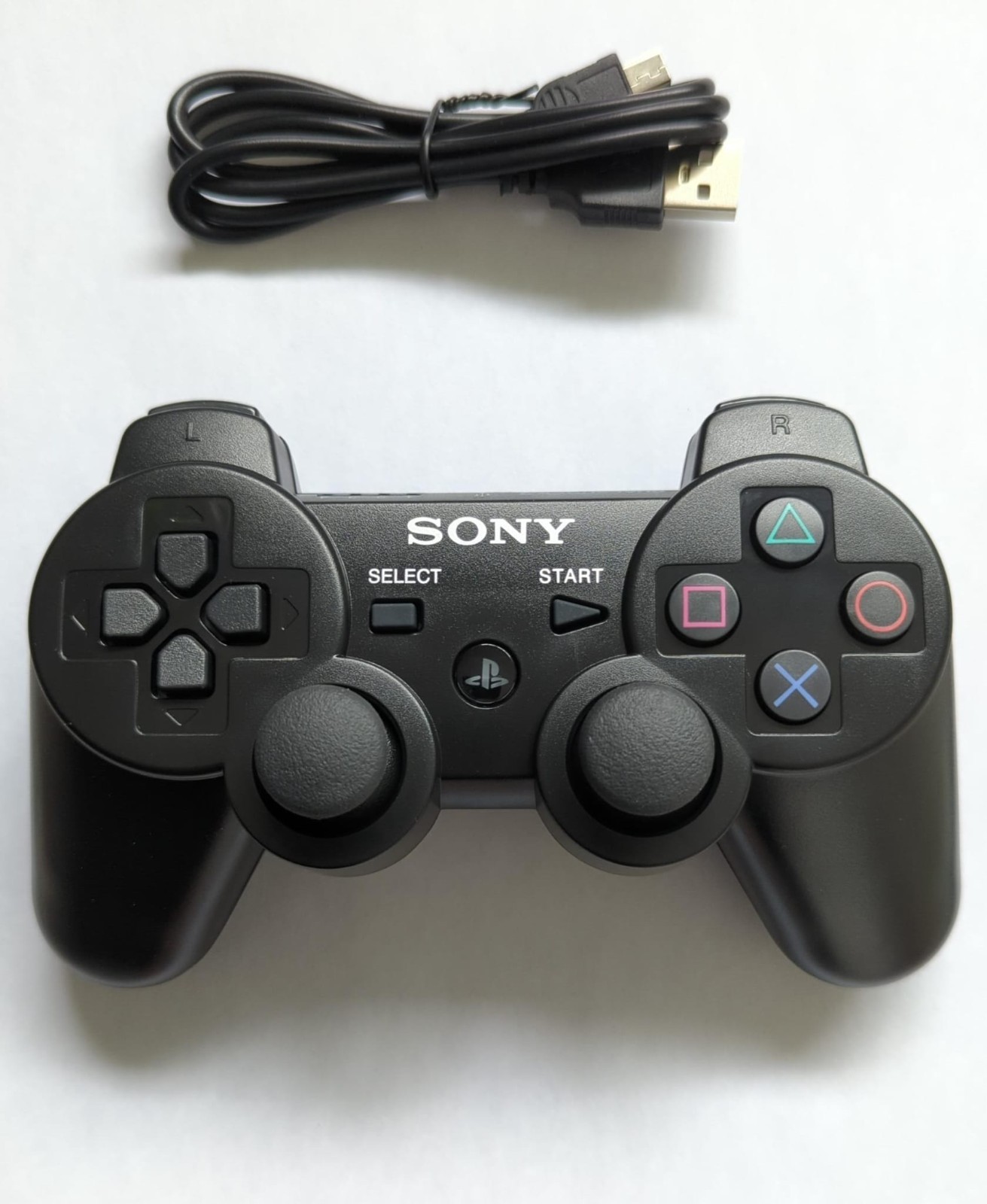
Photos from current listings. Actual item, color, and included accessories may vary.
Sony DualSense Buying Guide
The Sony DualSense is the first-party wireless controller for PlayStation 5 and PC, and its two defining hardware tiers are the standard DualSense (adaptive triggers + haptics, non-replaceable battery) and the DualSense Edge (swappable sticks, trigger-stop toggles, rear paddles, carrying case). The primary trade-off is between the standard model's integrated battery and lightweight shell versus the Edge's modular stick/trigger hardware and heavier, shorter-runtime chassis. The decision rule is simple: buy the standard DualSense for casual-to-core play and replace it at end of life; buy the Edge only if stick drift or trigger travel is a recurring competitive problem and you will actually use the remappable back buttons.
Key takeaways
- Standard DualSense uses adaptive L2/R2 triggers with resistance motors and dual haptic voice-coil actuators, plus a built-in rechargeable lithium battery (not user-swappable).
- DualSense Edge is modular: stick modules are replaceable (sold separately), triggers have three-stop travel toggles, and two rear buttons plus two half-dome back paddles map to any face/shoulder input.
- Both models connect via Bluetooth 5.1 on PC and PS5, and charge over USB-C; the Edge adds a USB-C braided cable and hard carrying case in the box.
At a glance
- Category
- Controllers & Gaming Accessories
- Status
- Listings available
- Last updated
- Nov 28, 2026
Current offers
Highlights
- Standard DualSense uses adaptive L2/R2 triggers with resistance motors and dual haptic voice-coil actuators, plus a built-in rechargeable lithium battery (not user-swappable).
- DualSense Edge is modular: stick modules are replaceable (sold separately), triggers have three-stop travel toggles, and two rear buttons plus two half-dome back paddles map to any face/shoulder input.
- Both models connect via Bluetooth 5.1 on PC and PS5, and charge over USB-C; the Edge adds a USB-C braided cable and hard carrying case in the box.
- The 30th Anniversary edition is a cosmetic colorway of the standard DualSense (not the Edge) — identical internals, so buy it only for the retro gray-shell look, not performance.
Best use cases
- Best fit for PS5 story-driven and racing games: standard DualSense — adaptive triggers and haptics are fully supported, and the integrated battery keeps the controller light and balanced.
- Best fit for competitive shooters and fighting games where stick drift kills you: DualSense Edge — swap in a fresh stick module instead of buying a whole new controller, and map face buttons to rear paddles.
- Wrong fit for buyers who want a cheap second controller for guests: skip the Edge (its modular sticks and paddles are wasted on casual play); a standard DualSense or licensed third-party pad is the correct tier.
- Wrong fit for PC-only players who never use haptics/adaptive triggers: a standard DualSense still works over Bluetooth/USB-C, but a cheaper XInput pad often maps more cleanly in older Windows games — buy the DualSense only if you specifically want its PS5 features in supported PC titles.
Buying tips
- Stick drift is the #1 failure on both models: on the Edge you fix it with a replaceable stick module (sold separately); on the standard DualSense you must replace the whole controller — factor that into the price-per-year math.
- Battery runtime on the standard DualSense is roughly 6–12 hours depending on haptics/trigger intensity; the Edge runs shorter (heavier motors and more electronics), so plan a USB-C charging dock or long cable for marathon sessions.
- Verify you are buying the genuine Sony model (MPN 3005715 family) — third-party 'PS5-compatible' pads often lack adaptive trigger and haptic support entirely, even if they look identical.
- For PC use, the DualSense works wired over USB-C with full features in supported titles, but Bluetooth on Windows requires DS4Windows or Steam Input for haptic/trigger support — buy a USB-C cable if you want zero-config full features.
Specs
| Model Tiers | Standard DualSense vs DualSense Edge |
|---|---|
| Stick Modules | Soldered (Standard) vs Replaceable (Edge) |
| Trigger Hardware | Adaptive fixed-travel vs 3-stop toggle |
| Connectivity | Bluetooth 5.1 / USB-C wired |
Alternatives to compare
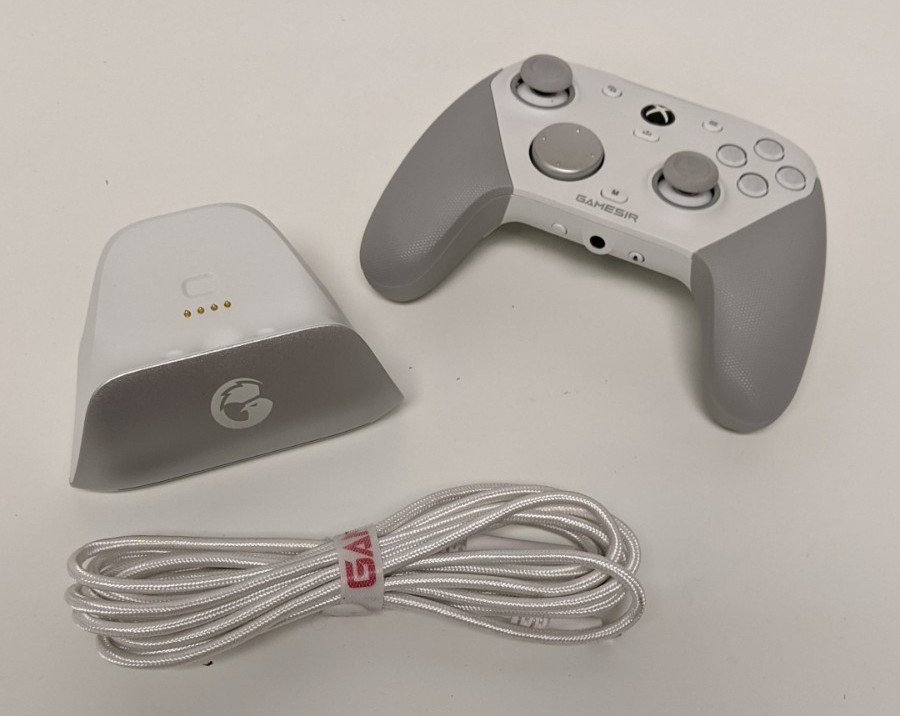
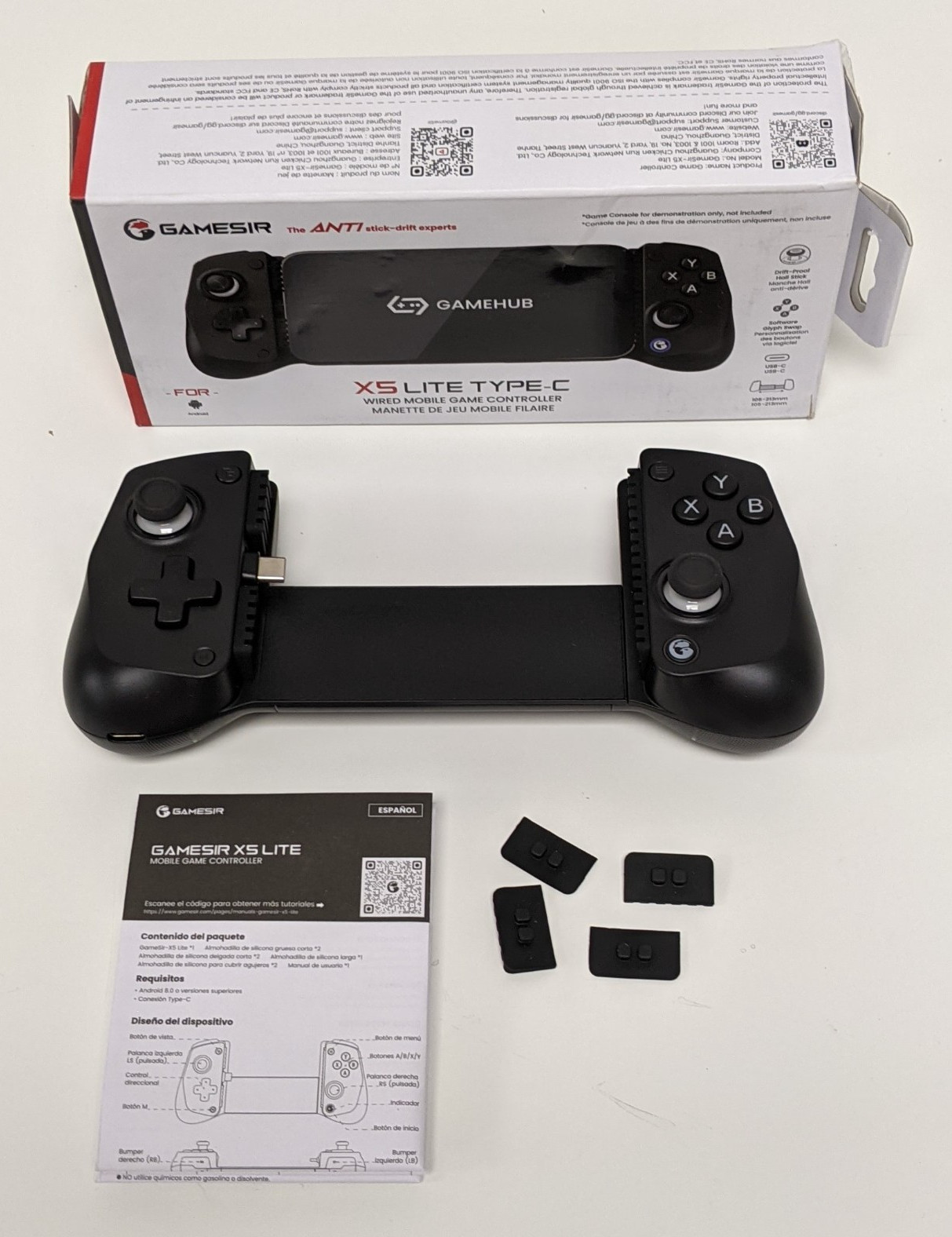
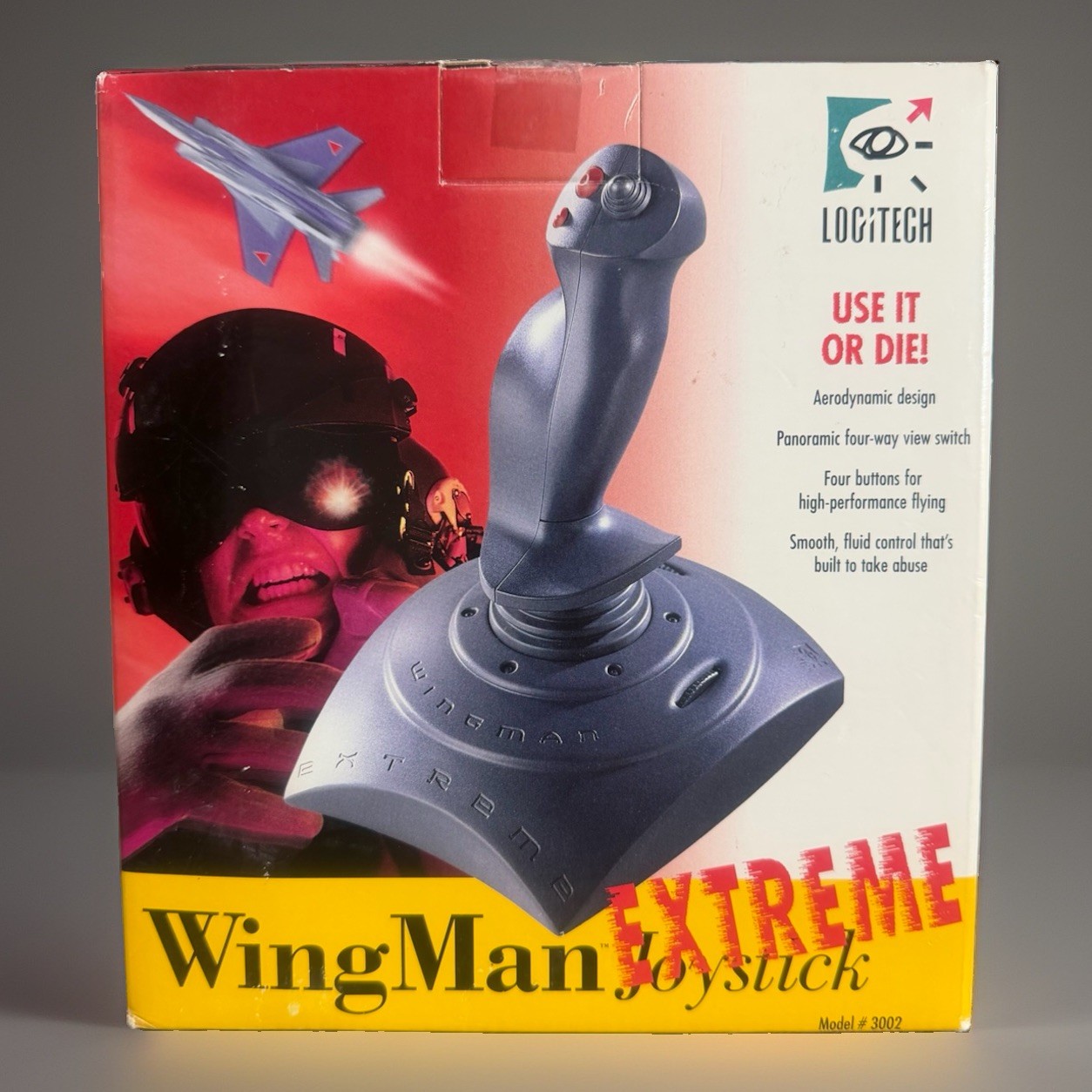
Related searches
What to check before buying
- Confirm you have a PS5 or a PC with USB-C/Bluetooth, plus a USB-C cable long enough for your seating distance if you plan to play wired.
- For the Edge, budget for at least one spare stick module (sold separately) — the replaceable-stick design is only worth it if you actually keep spares on hand.
- If you want the 30th Anniversary look, confirm you are buying the standard DualSense colorway, not the Edge — they are different products with different internals.
- Check hand size and grip: the DualSense is wider and thicker than the DualShock 4, so players with small hands should try one in person before committing to the Edge's additional rear paddles.
FAQ
Data sources: eBay / Amazon listings and product attribute feeds. Updated Nov 28, 2026.
Some links on this page are affiliate links. If you buy after clicking one, we may earn a commission at no extra cost to you. This does not change which products appear here or their order. Affiliate disclosure.