QNAP TS-809 Pro vs D-Link DNR-326: Which NAS Fits Your Storage Plan?
QNAP TS-809 Pro brings an 8-bay design, an installed 128GB SSD, and iSCSI target-server wording; D-Link DNR-326 offers Ethernet at $50. Compare the concrete tradeoffs before choosing your NAS.
Last updated Oct 7, 2026
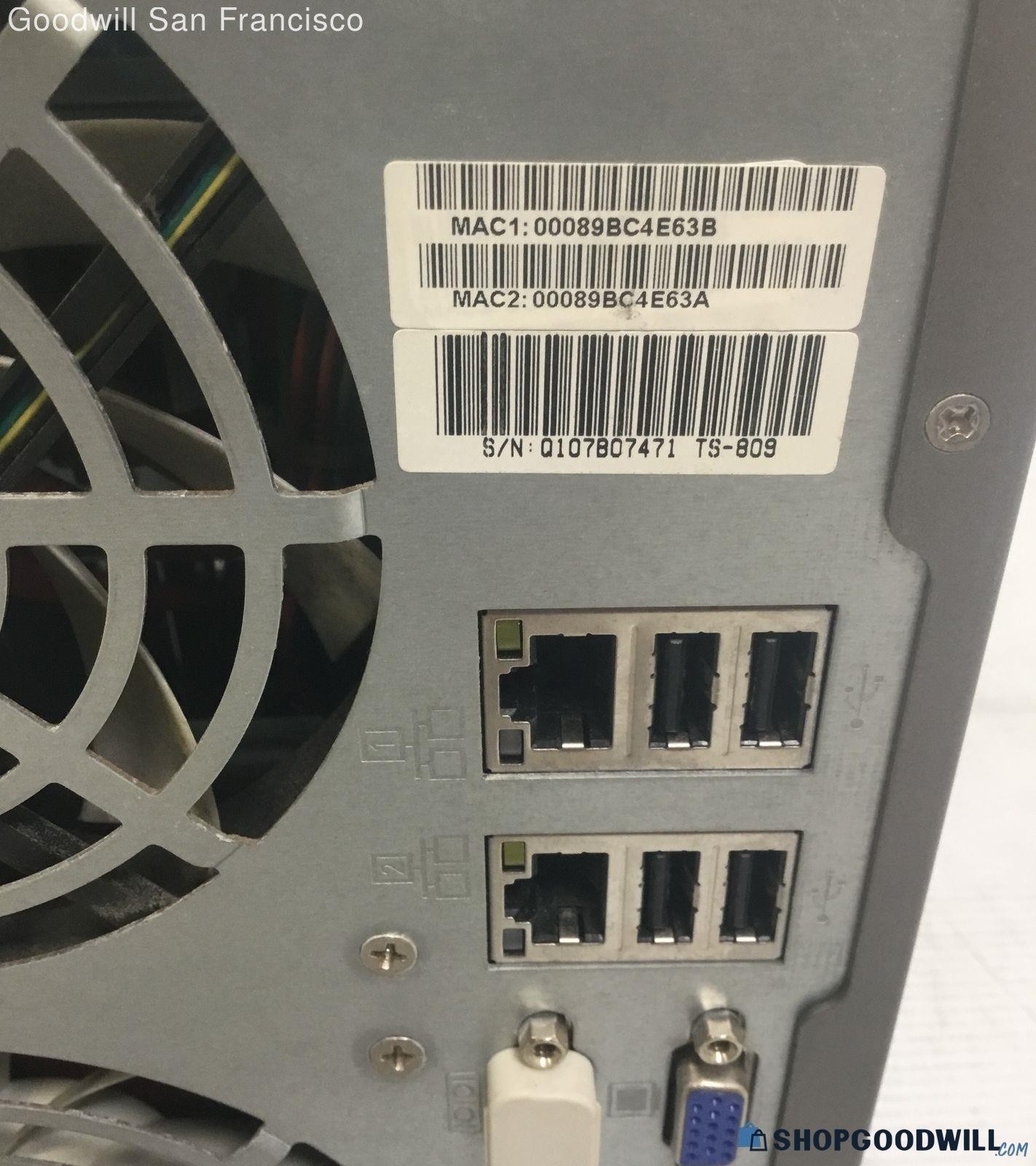
QNAP TS-809 Pro Turbo NAS and an iSCSI target server 8 bay Tower Core 2 Duo 2.8
$297.49Listed at review time
Original listing may be ended — you can still view it or find similar offers.
Affiliate disclosure: We may earn a commission if you buy through links on this page, at no extra cost to you. Confirm live price, stock, and return terms on the seller page. Affiliate disclosure.
Choosing NAS storage & drives comes down to a practical tradeoff: do you want a more specifically configured unit, or a lower-priced network storage option with a clearly stated connection type? The QNAP TS-809 Pro and D-Link DNR-326 serve different priorities, so the right choice depends on how you plan to use the hardware.
Quick verdict
Choose the QNAP TS-809 Pro if the installed 128GB SSD and iSCSI target-server role matter to your setup. Choose the D-Link DNR-326 if an explicit Ethernet interface is the deciding attribute and you want the lower listed price: $50.00 versus $297.49 for the QNAP. Both units are used, so condition is part of the decision either way.
Side-by-side comparison
| Product | Price | Listed configuration | Key consideration |
|---|---|---|---|
| QNAP TS-809 Pro | USD 297.49 | 8-bay desktop external HDD; Model TS-809 Pro | Power cord is not included |
| D-Link DNR-326 | USD 50.00 | Black desktop unit; Network Attached Storage type | Requires a 12V Adapter and is marked "Sold as is" |
Where each product wins
QNAP TS-809 Pro
The QNAP wins when the explicitly stated 8-bay format is the priority. That gives the product a clearly defined role for shoppers considering a multi-drive desktop enclosure, without requiring assumptions about performance or compatibility. Its TS-809 Pro model designation also makes it easier to distinguish from the more general D-Link unit when planning around a specific NAS model.
D-Link DNR-326
The D-Link wins when a black desktop NAS unit for a home or office network fits the plan. Its description focuses on storing, backing up, and accessing files across a network, while the $50.00 price keeps the purchase decision centered on a smaller initial outlay. The 12V Adapter requirement is the main practical condition attached to that choice.
Product notes
QNAP TS-809 Pro Turbo NAS and an iSCSI target server 8 bay Tower Core 2 Duo 2.8
The QNAP TS-809 Pro makes sense for shoppers who want a defined storage configuration with an installed 128GB SSD in bay 1 and an iSCSI target-server role called out in its title. The description says the drive ships with the unit, making that configuration part of the purchase rather than an add-on to plan around. Its used condition is an important qualifier, and the unit does not include a power cord; the description identifies a standard desktop-PC type cord as the required kind. That missing accessory is the practical limitation to weigh before choosing it. Select the QNAP when the drive-included configuration and iSCSI wording suit your network better than a lower entry price.
D-Link Network Attached Storage NAS Desktop Unit, Ethernet, Black #DNR-326
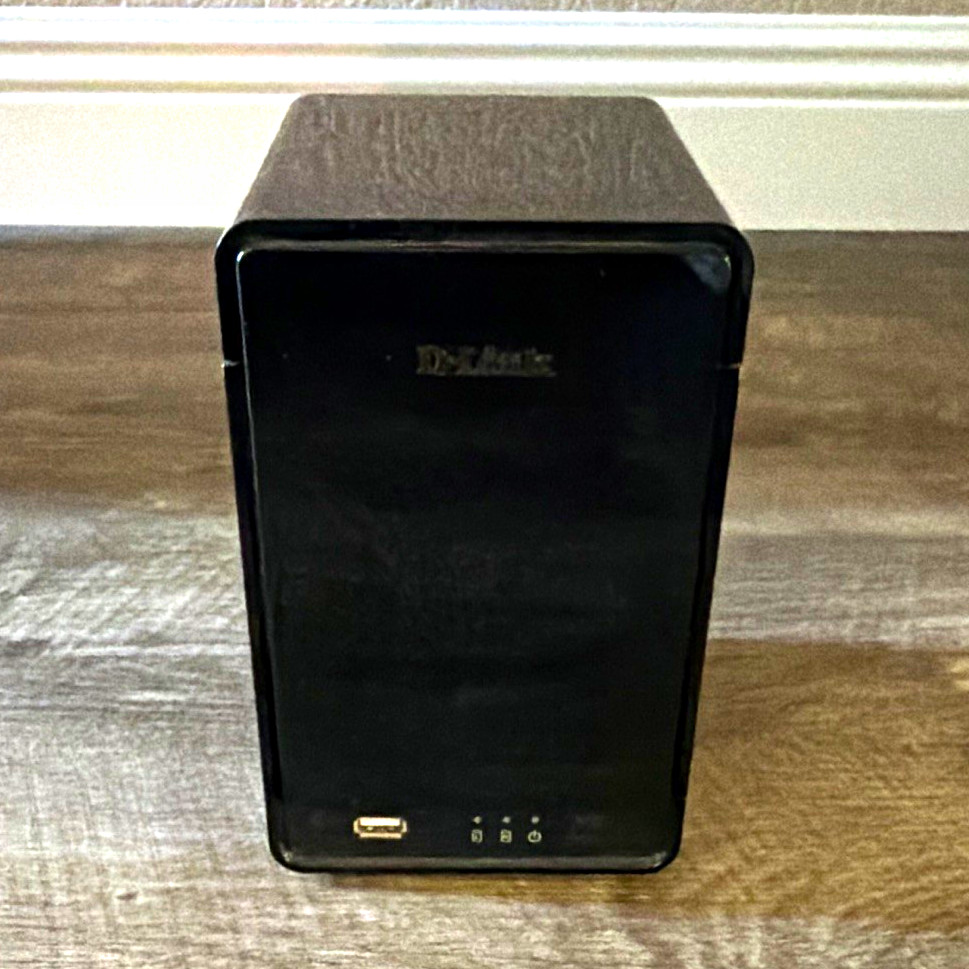
The D-Link DNR-326 is a sensible fit for a shopper who wants the selection anchored to a stated Ethernet interface and a Network Attached Storage type. Its black desktop-unit description keeps the use case focused on storing and accessing files across a home or office network. The practical limitation is its power requirement: a 12V Adapter is required. The item is also marked Used and "Sold as is," so that wording matters when deciding whether the unit fits your expectations. Choose D-Link when Ethernet connectivity is the deciding attribute and the adapter requirement works for your setup; the configuration is less suitable if you specifically need the QNAP's installed drive or iSCSI role.
Final choice by use case
- Choose the QNAP when you want a unit that ships with an installed drive and the iSCSI target-server role is relevant to your storage plan.
- Choose the D-Link when the required 12V Adapter is workable and the "Sold as is" condition suits your purchase decision.
For shoppers prioritizing the explicitly defined multi-bay format, the QNAP is the clearer match. For shoppers focused on Ethernet network storage at the $50.00 price point, the D-Link is the more direct fit.