
Photos from current listings. Actual item, color, and included accessories may vary.
NAS Drive Buying Guide
A NAS drive is a storage device engineered for continuous 24/7 operation in a network-attached enclosure, sharing data across multiple devices. The core trade-off is between desktop-grade drives with aggressive power management and NAS-grade drives with vibration tolerance, TLER/ERC firmware, and higher workload ratings. Choose NAS-rated CMR drives for any multi-bay array; reserve desktop or SMR drives for single-bay cold storage only.
Median $84.97
Key takeaways
- NAS drives use CMR recording and rated workloads of 180-550 TB/year; desktop SMR drives stall during RAID rebuilds and are unsuitable for multi-bay arrays.
- Vibration sensors and rotational vibration compensation matter in 4-bay-and-up enclosures; 7200 RPM multi-drive arrays require drives with RV sensors to avoid throughput loss.
- TLER/ERC (time-limited error recovery) prevents drives from dropping out of RAID during deep error recovery; desktop drives lack this firmware and trigger array rebuilds.
At a glance
- Category
- NAS Storage & Drives
- Last updated
- Nov 29, 2026
Current offers
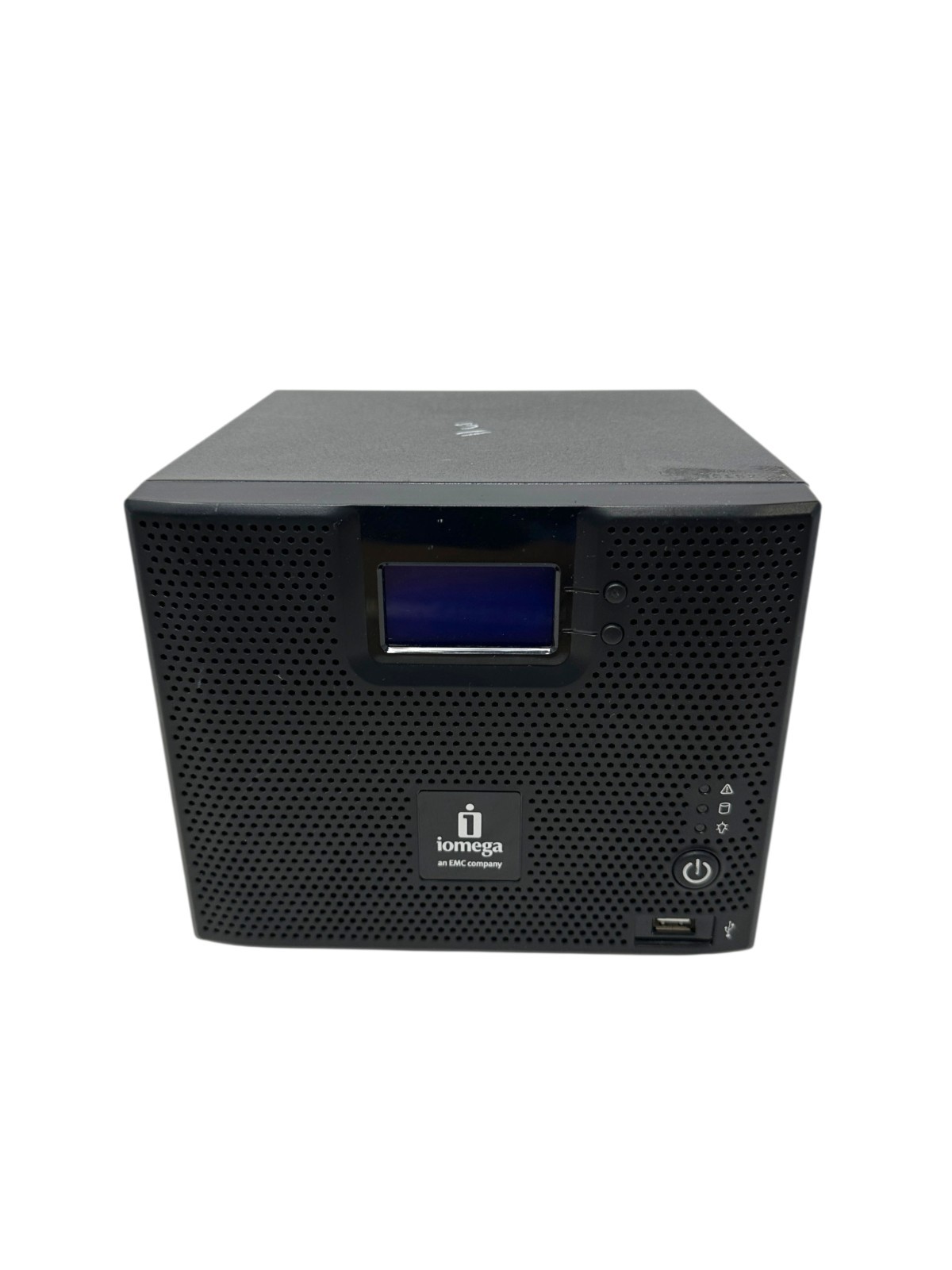 Iomega StorCenter ix4-200d NAS Server 4-Bay Network Attached Storage$47.13View on eBay
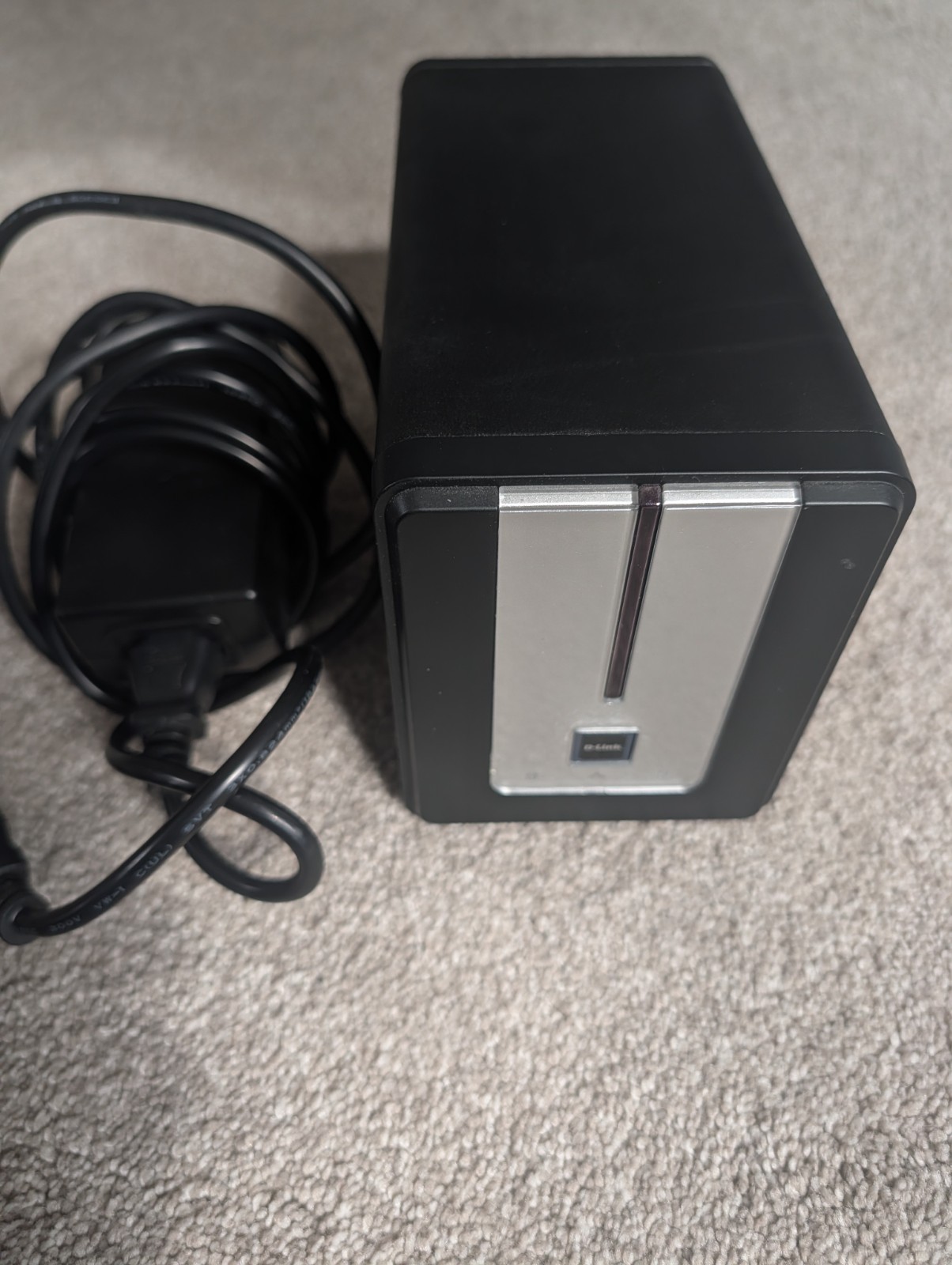 D-Link DNS-323 2-Bay NAS Network Storage Enclosure with Power cord (No Drives)$49.99View on eBay
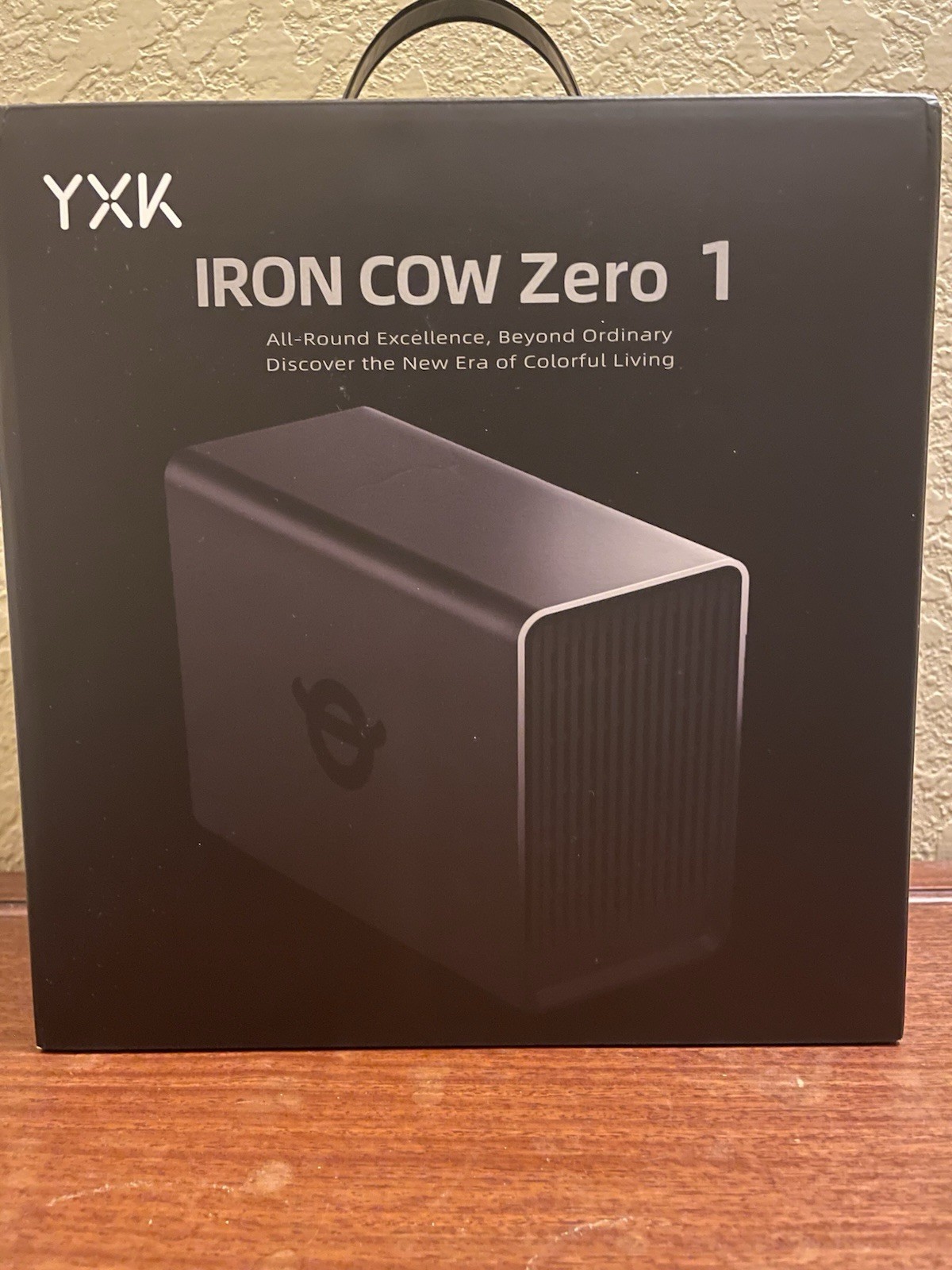 IRON COW ZERO 1 NETWORK STORAGE SYSTEM 2-BAY NAS ENCLOSURE 2.5GbE LAN$79.95View on eBay
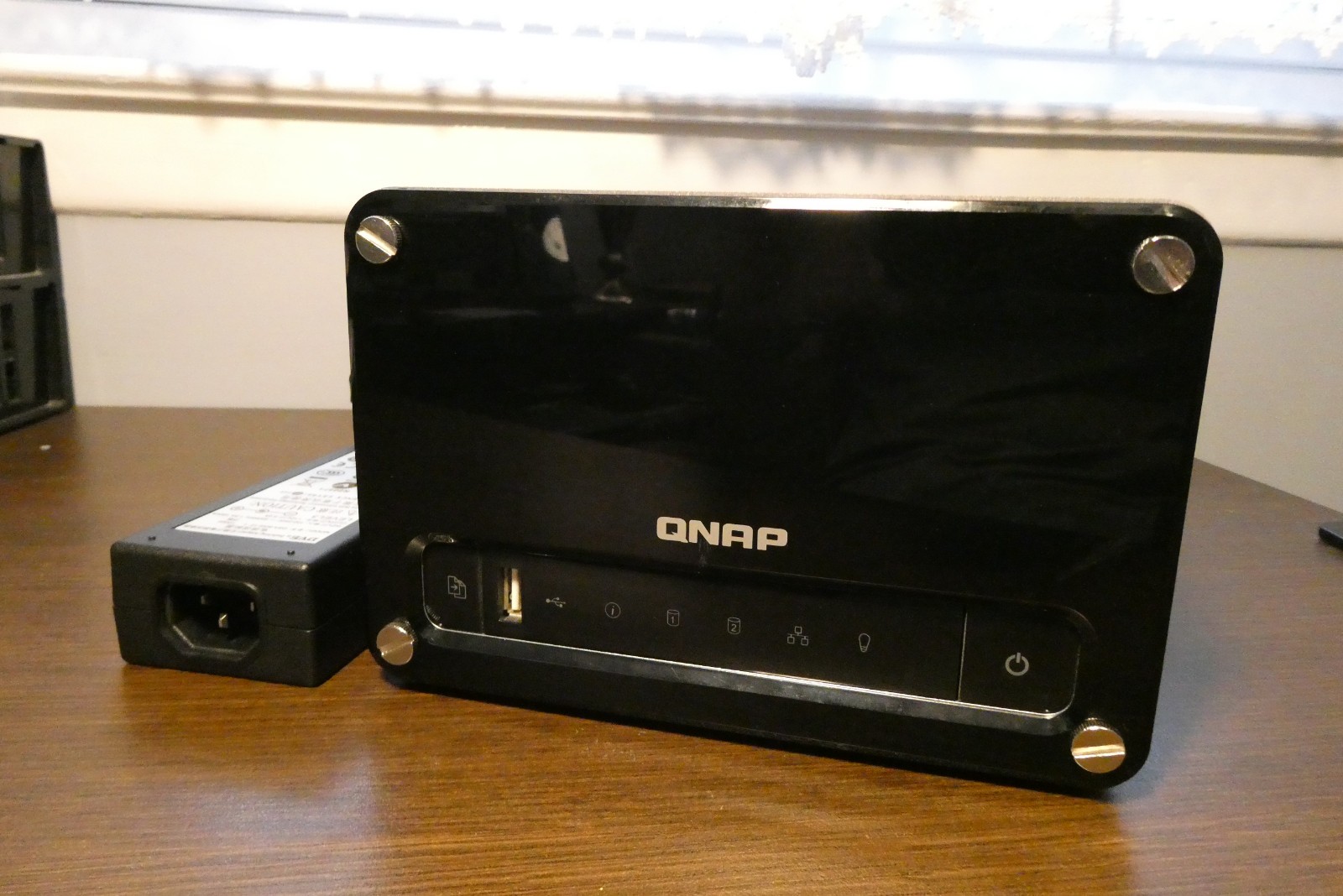 QNAP TS-209 Pro 2-Bay NAS Server, SoC 500MHz 128MB DDR2 Network Attached Server$89.99View on eBay
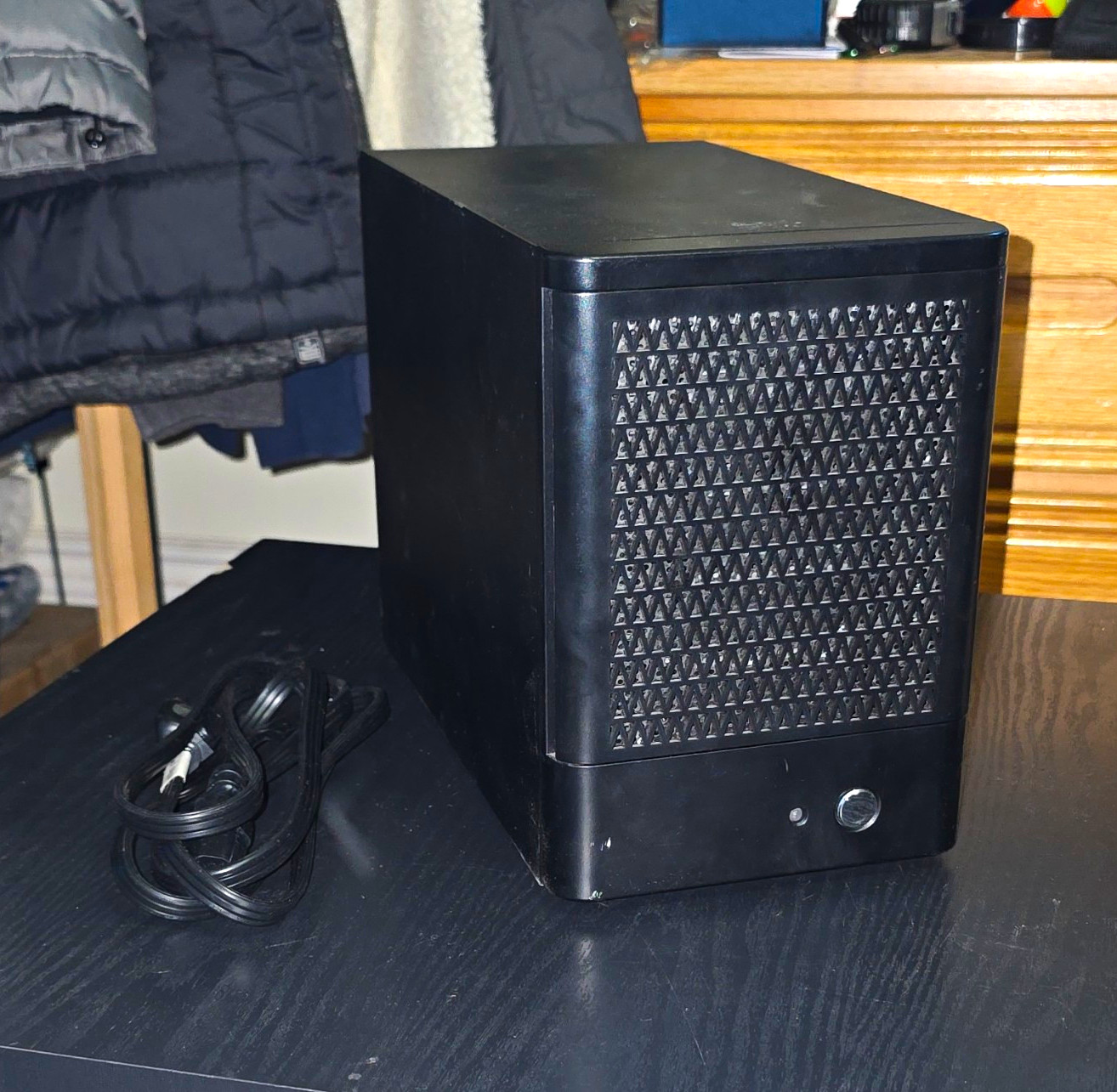 5-Bay Black Network Attached Storage NAS Enclosure w/ Drive Trays$170.00View on eBay
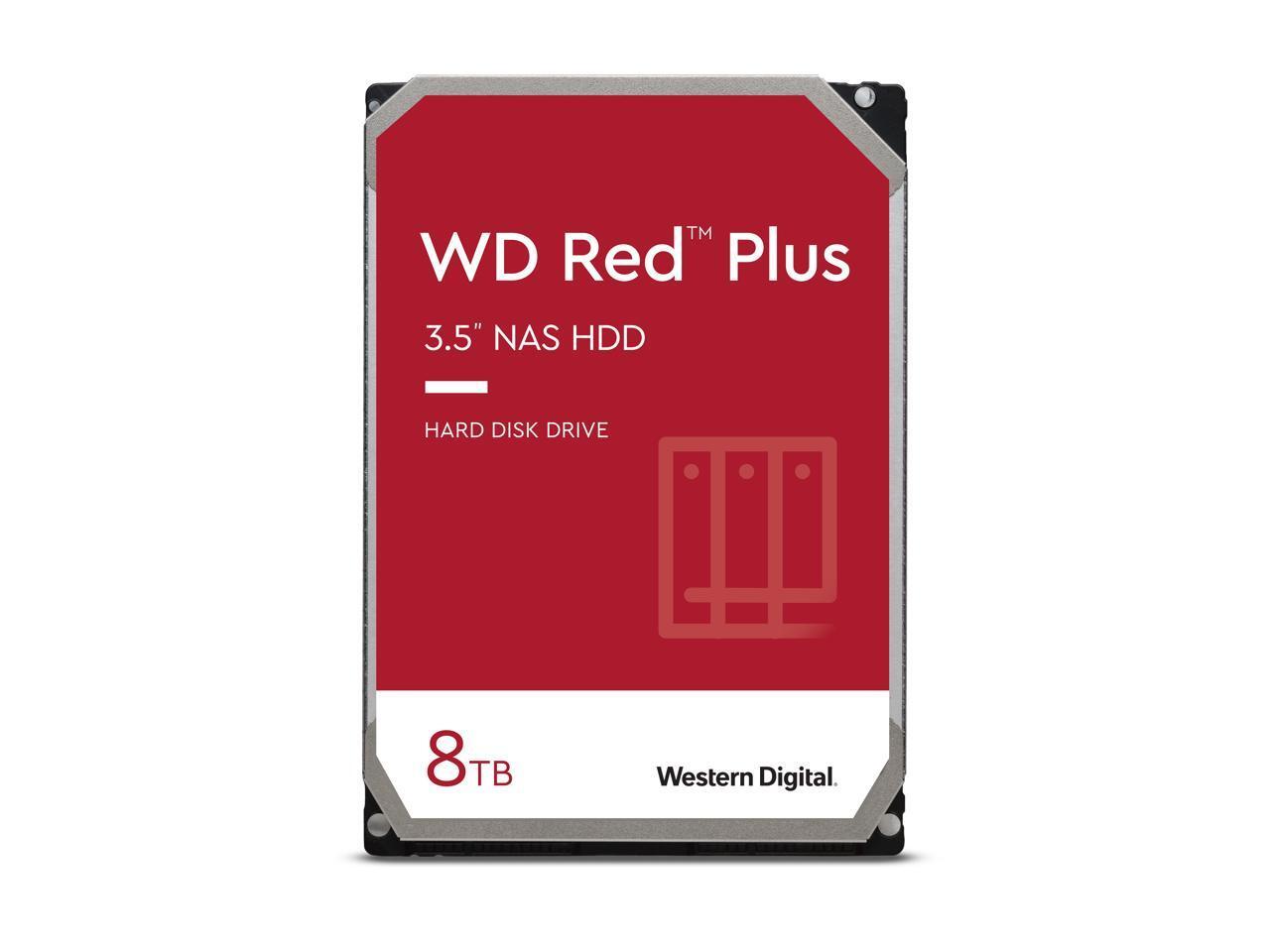 WD Red Plus 8TB Hard Drive 3.5" Internal HDD (SATA/600) 5640rpm NAS$365.49Last checked Nov 18, 2026View on eBay
Highlights
- NAS drives use CMR recording and rated workloads of 180-550 TB/year; desktop SMR drives stall during RAID rebuilds and are unsuitable for multi-bay arrays.
- Vibration sensors and rotational vibration compensation matter in 4-bay-and-up enclosures; 7200 RPM multi-drive arrays require drives with RV sensors to avoid throughput loss.
- TLER/ERC (time-limited error recovery) prevents drives from dropping out of RAID during deep error recovery; desktop drives lack this firmware and trigger array rebuilds.
- NAS HDD spindle speeds: 5400/5900 RPM for quiet low-power arrays, 7200 RPM for performance tiers; NAS SSDs use 2.5-inch SATA or M.2 with 24/7 endurance ratings.
Best use cases
- Home 2-bay photo backup and media streaming: pick two NAS-rated 5400-5900 RPM CMR drives in mirror (RAID 1) — skip desktop external drives and SMR models.
- 4-8 bay SMB file server or virtualization datastore: choose 7200 RPM NAS drives with RV sensors or NAS SSDs for cache/tiering — skip 5400 RPM desktop-class drives.
- Single-bay enclosure or USB DAS: a standard desktop CMR drive is acceptable and cheaper — skip NAS-rated premiums unless the enclosure runs 24/7.
- Surveillance or write-heavy logging: use surveillance- or enterprise-rated drives with high TBW — skip consumer NAS drives rated under 180 TB/year.
Buying tips
- Match drive count to workload: 1-2 bays use 180 TB/year NAS drives; 4+ bays or RAID rebuilds need 300-550 TB/year enterprise-NAS ratings.
- Never mix SMR drives into a RAID array — SMR write amplification causes rebuild times measured in days and can drop drives from the array.
- Keep 10-15% free capacity: RAID 5 with N drives yields (N-1) x capacity; plan raw capacity at 1.2-1.3x usable to preserve performance and rebuild headroom.
- For 2.5GbE or 10GbE NAS, a SATA SSD read/write cache or SSD tier removes HDD random-access bottlenecks; HDD arrays alone saturate around 1GbE for small files.
Specs
| Drive Type | NAS HDD / NAS SSD / Desktop HDD |
|---|---|
| Recording | CMR (RAID-safe) vs SMR |
| Workload Rating | 180-550 TB/year |
| Spindle / Interface | 5400-7200 RPM / SATA 6Gb/s |
Related searches
What to check before buying
- Confirm the enclosure's bay count, drive height clearance (3.5-inch vs 2.5-inch), and SATA interface before buying bare drives.
- Verify the NAS compatibility list for your model — firmware lock-in and vibration profiles vary by vendor and drive family.
- Check the power budget: each 3.5-inch HDD draws roughly 5-9W idle and 20-30W spin-up; a 4-bay array needs a PSU rated for simultaneous spin-up.
- Plan network uplink: 1GbE caps arrays near 110 MB/s; use 2.5GbE/10GbE ports and matching switch to benefit from multi-drive RAID.
FAQ
Data sources: eBay / Amazon listings and product attribute feeds. Updated Nov 29, 2026.
Some links on this page are affiliate links. If you buy after clicking one, we may earn a commission at no extra cost to you. This does not change which products appear here or their order. Affiliate disclosure.