
Photos from current listings. Actual item, color, and included accessories may vary.
NAS Storage Buying Guide
A NAS (network attached storage) is a dedicated appliance that shares drives over your LAN for backups, media, and file serving. The core trade-off is between CPU/network headroom and cost — underpowered 1GbE boxes bottleneck modern 2.5GbE clients, while 10GbE units demand faster drives and switching. Buy for your present client speed and bay count plus one generation of growth; skip single-bay and legacy 100Mb-era enclosures for anything beyond cold backup.
Median $71.00
Key takeaways
- Bay count sets RAID capability: 2-bay supports RAID 0/1 or SHR, 4-bay adds RAID 5/6, 6-8+ bay adds RAID 10 and hot-spare options with dual-parity protection.
- Network tier is the real throughput ceiling: 1GbE caps near 110 MB/s, 2.5GbE near 280 MB/s, 10GbE near 1 GB/s — match ports to your switch and client NICs.
- Desktop 2-6 bay units use external power bricks and low-noise fans; 1U-2U rackmount units use internal PSUs, higher static-pressure fans, and rail kits.
At a glance
- Category
- NAS Storage & Drives
- Last updated
- Nov 29, 2026
Current offers
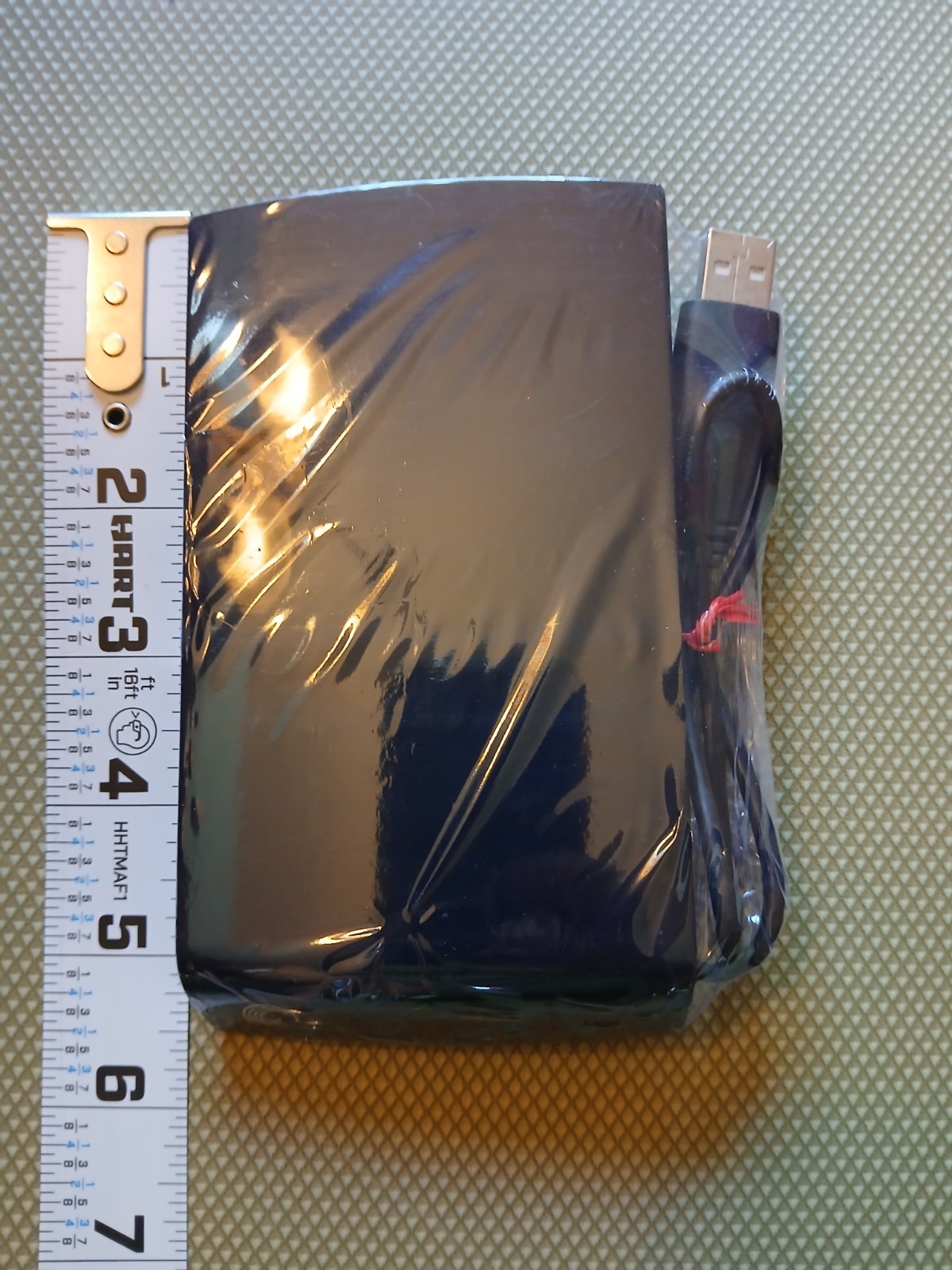 Network Attached Storage (NAS) device, Seagate BlackArmor NAS 400 series$39.00View on eBay
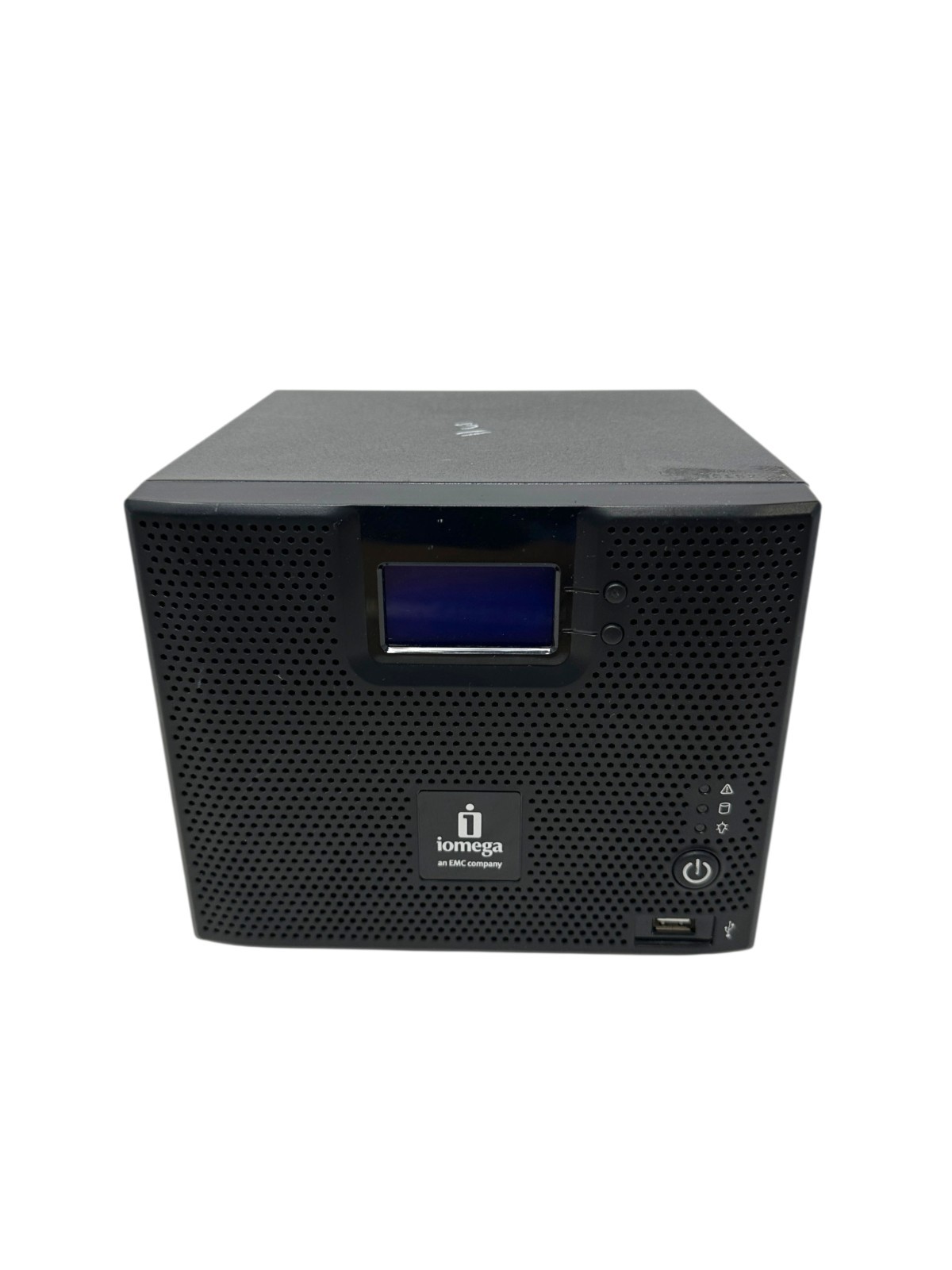 Iomega StorCenter ix4-200d NAS Server 4-Bay Network Attached Storage$47.13View on eBay
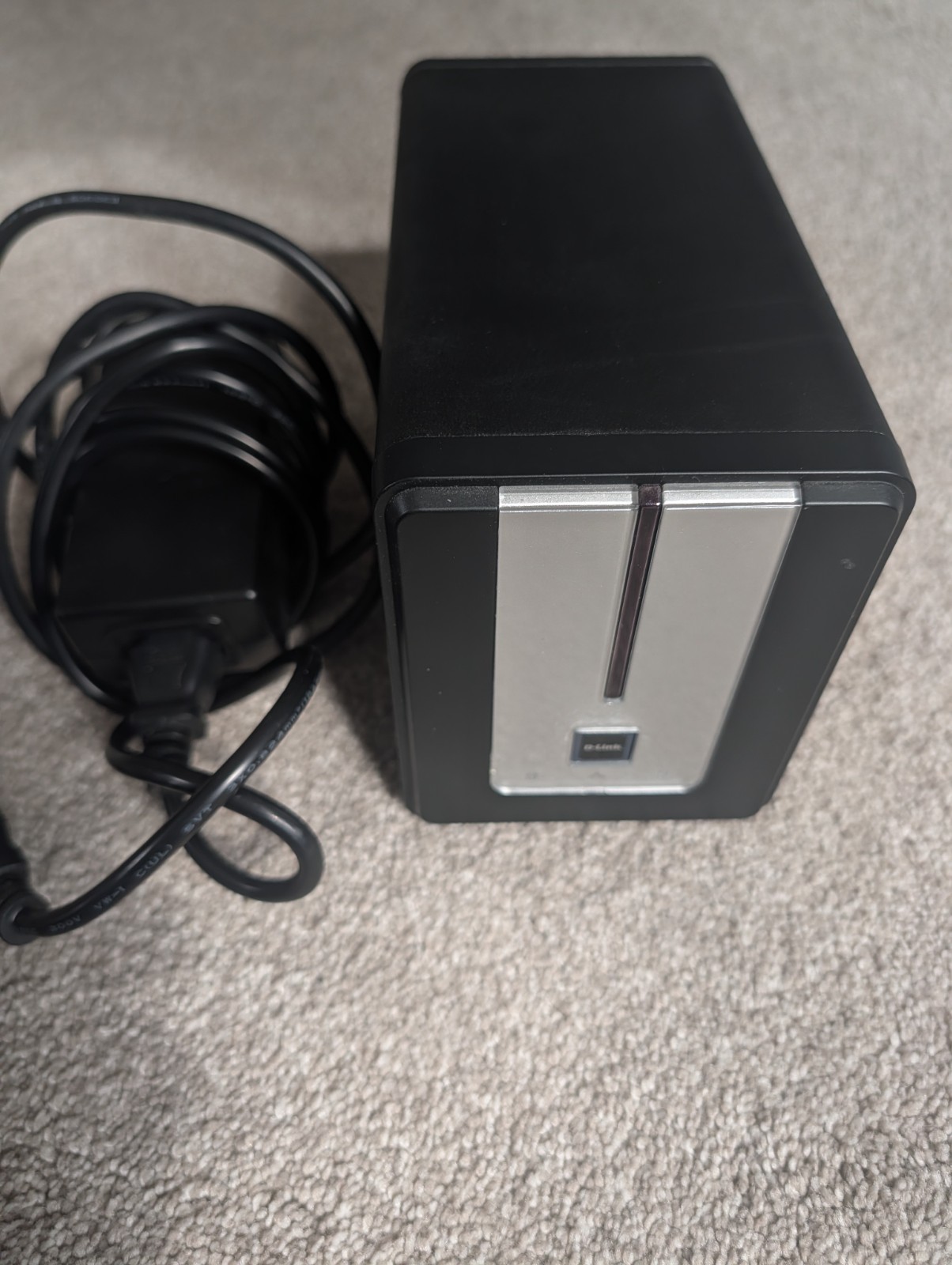 D-Link DNS-323 2-Bay NAS Network Storage Enclosure with Power cord (No Drives)$49.99View on eBay
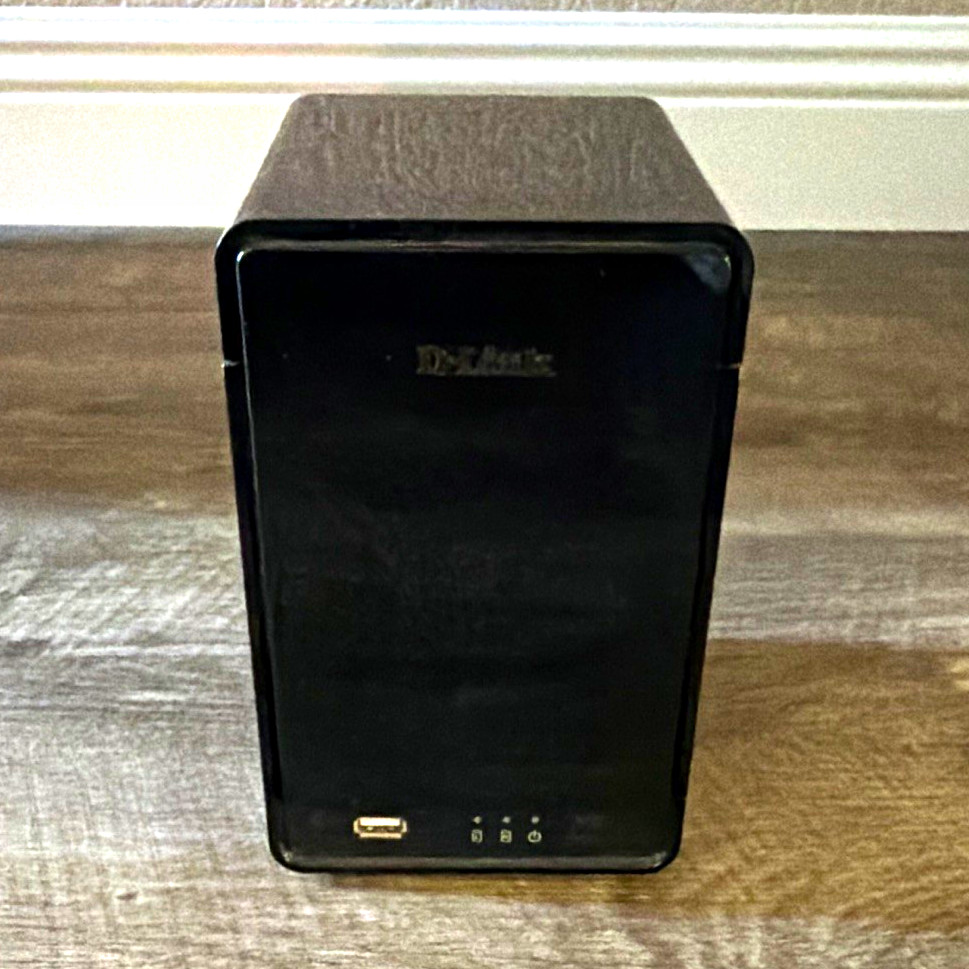 D-Link Network Attached Storage NAS Desktop Unit, Ethernet, Black #DNR-326$50.00View on eBay
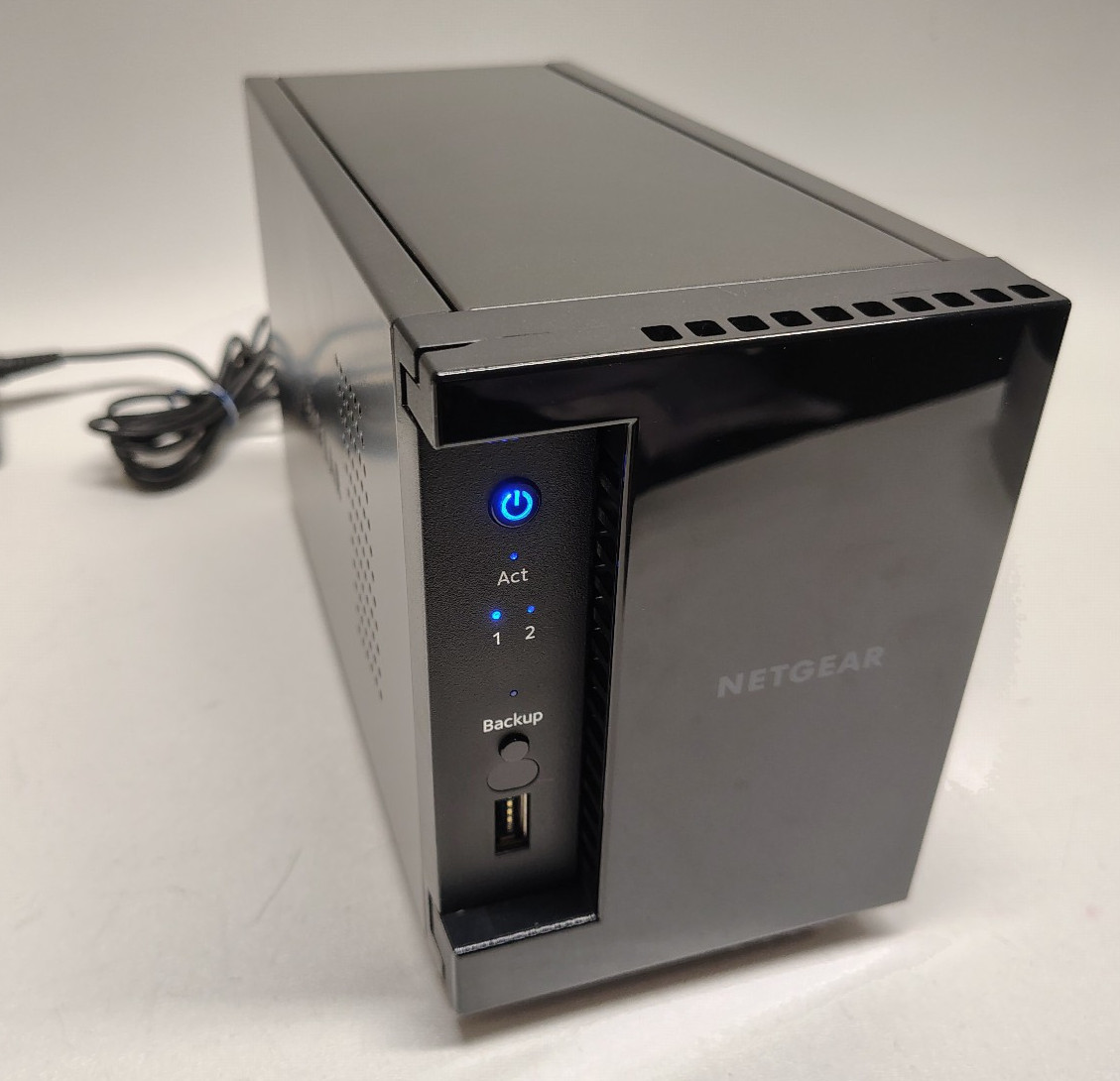 NETGEAR ReadyNAS 202 RN202 2-Bay Network Attached Storage NAS RN20200-100NES$71.00View on eBay
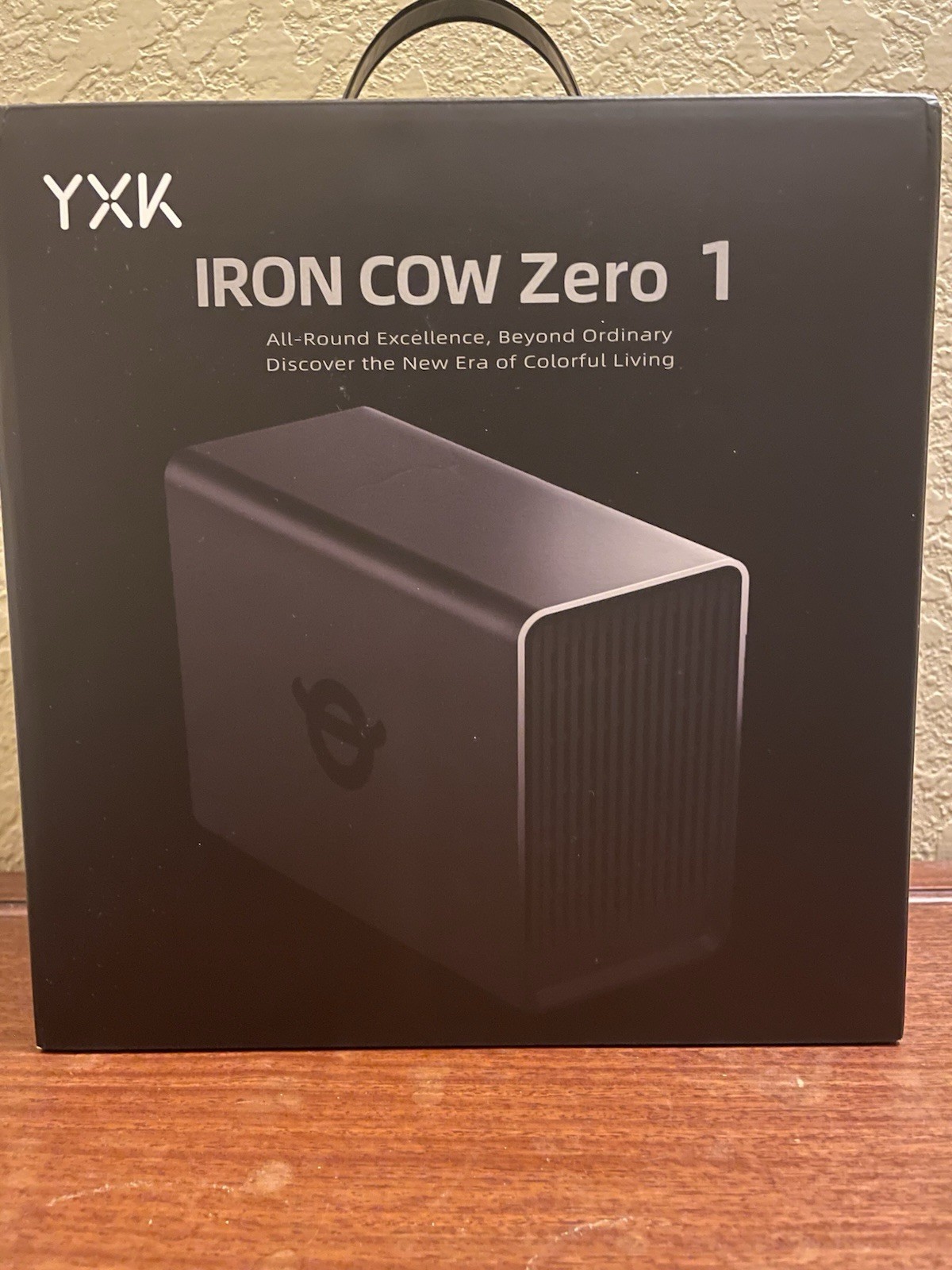 IRON COW ZERO 1 NETWORK STORAGE SYSTEM 2-BAY NAS ENCLOSURE 2.5GbE LAN$79.95View on eBay
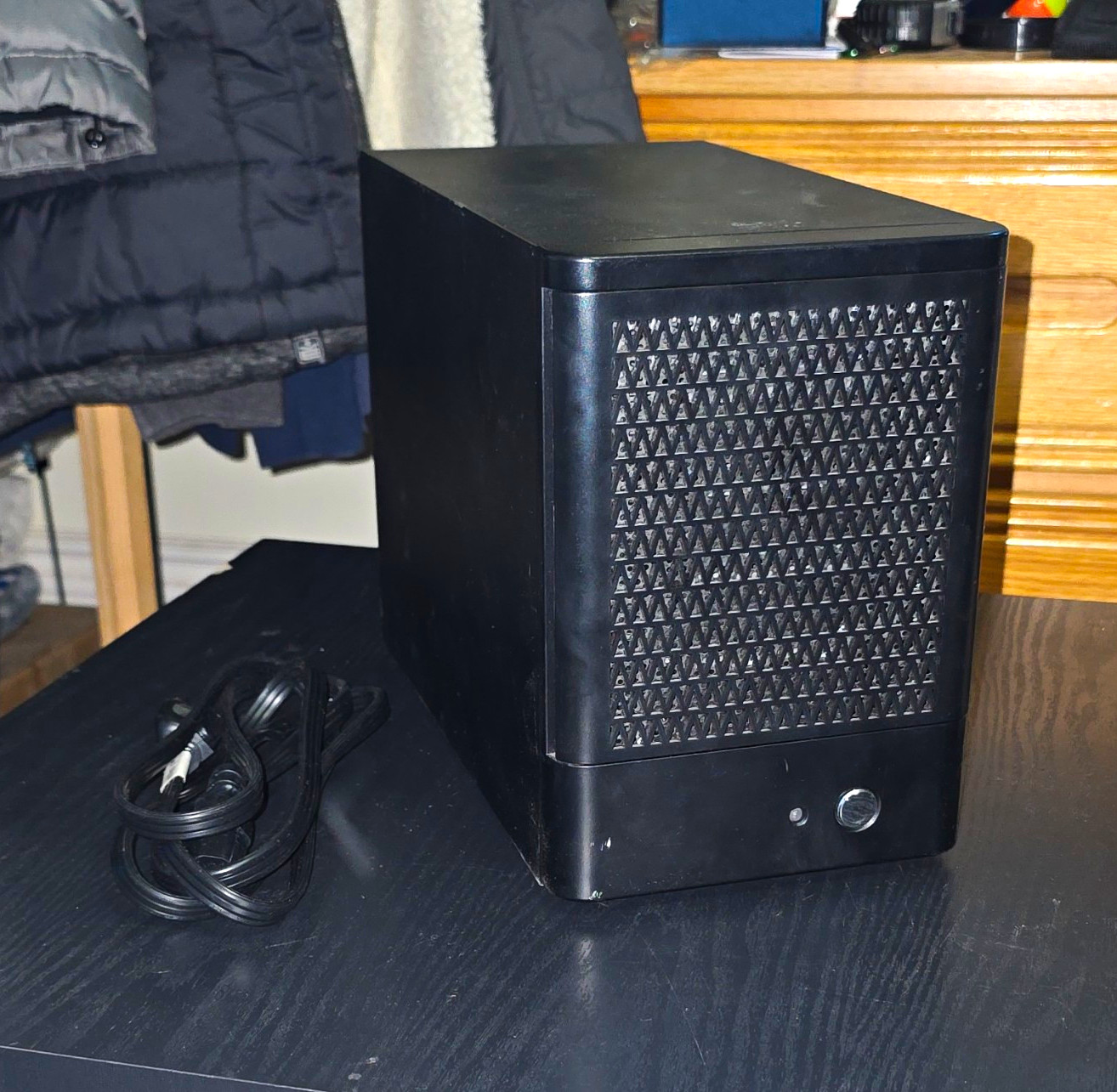 5-Bay Black Network Attached Storage NAS Enclosure w/ Drive Trays$170.00View on eBay
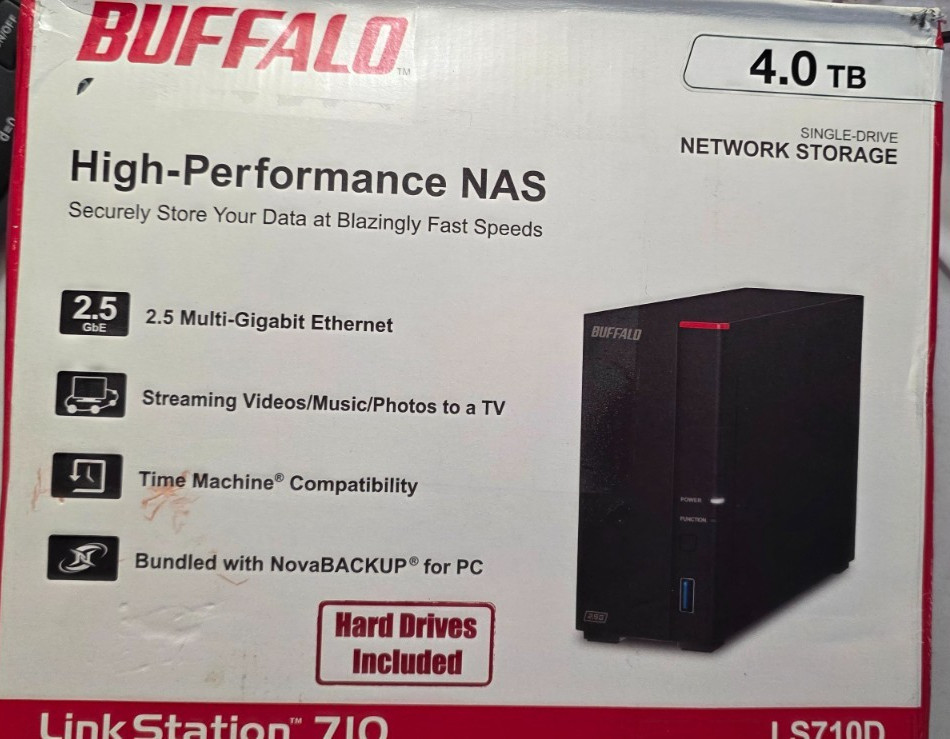 4 TB 1-Bay Buffalo LinkStation 710D LS710D Storage System NAS$189.99View on eBay
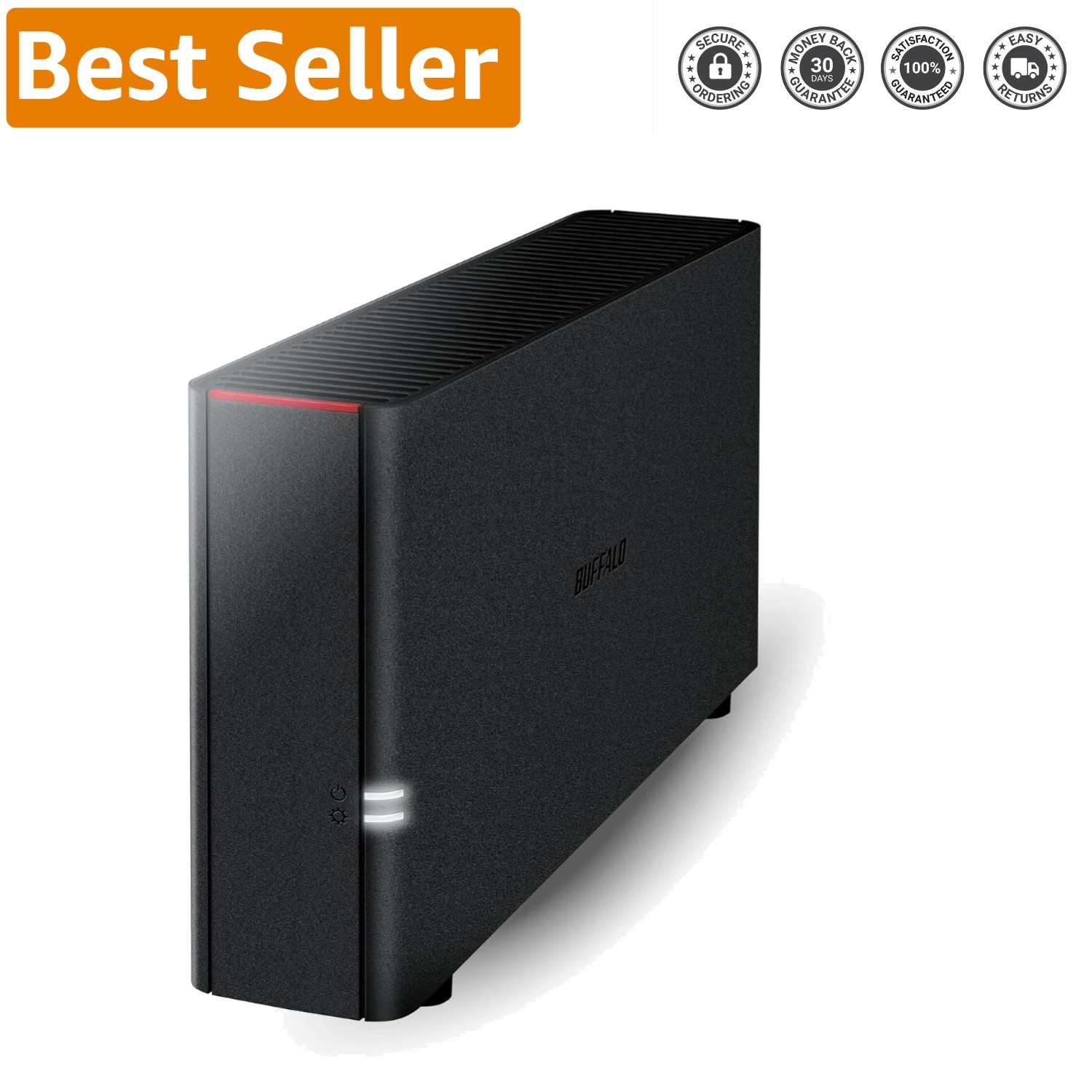 4TB LinkStation 210: Easy-to-Setup Secure NAS Storage for Home and Office$347.39Last checked Nov 17, 2026View on eBay
Highlights
- Bay count sets RAID capability: 2-bay supports RAID 0/1 or SHR, 4-bay adds RAID 5/6, 6-8+ bay adds RAID 10 and hot-spare options with dual-parity protection.
- Network tier is the real throughput ceiling: 1GbE caps near 110 MB/s, 2.5GbE near 280 MB/s, 10GbE near 1 GB/s — match ports to your switch and client NICs.
- Desktop 2-6 bay units use external power bricks and low-noise fans; 1U-2U rackmount units use internal PSUs, higher static-pressure fans, and rail kits.
- CPU class separates tiers: ARM-based 2-bay units handle file sharing and backups; x86 units add Plex transcoding, VMs, Docker, and 10GbE expansion.
Best use cases
- Home backup and media library: pick a 2-4 bay desktop with 2.5GbE and Btrfs/ext4 RAID 1 or SHR — skip rackmount and 10GbE, which add noise and cost with no home benefit.
- Small office file server: choose 4-6 bay x86 with dual 1GbE or 2.5GbE, RAID 5/6, and snapshot support — skip ARM 2-bay units, which choke on concurrent users and VM workloads.
- Rack/IT closet deployment: select 1U-2U rackmount with redundant PSU option, rail kit, and 10GbE — skip desktop units, which lack rails and centralized power monitoring.
- Cold archive and offsite copy: a 1-2 bay or USB-backed NAS is adequate — skip high-bay, high-CPU units, since archive throughput is bounded by the backup link, not the NAS.
Buying tips
- Plan capacity as (raw drive capacity × bays) minus RAID overhead: RAID 5 loses one drive, RAID 6 loses two, RAID 10 loses half — size bays so usable space plus one drive of growth fits your data.
- Match NAS drive class to bay count: use CMR NAS-rated drives (e.g., WD Red Plus/Pro, Seagate IronWolf) for 4+ bays; skip SMR desktop drives in RAID arrays due to rebuild failures.
- Buy 2.5GbE or 10GbE only if your switch and client NICs support it; otherwise negotiate a 1GbE unit and invest the savings in drives and RAM.
- Prefer x86 (Intel/AMD) over ARM when you need Plex hardware transcoding, Docker containers, or VMs; ARM is fine for SMB file serving, rsync backups, and surveillance recording.
Specs
| Form Factor | Desktop 2-6 bay / Rackmount 1U-2U |
|---|---|
| Drive Bays | 1 / 2 / 4 / 6 / 8+ bays |
| Network Ports | 1GbE / 2.5GbE / 10GbE |
| RAID Levels | RAID 0/1/5/6/10 + SHR |
Related searches
What to check before buying
- Measure your shelf or rack: desktop 4-bay units are roughly 16-24 cm wide and need 10 cm rear clearance; 1U rackmount requires a 19-inch rack with 60-80 cm depth and rail kit.
- Confirm electrical: desktop NAS use external 12V/19V bricks with regional plugs; rackmount units use IEC C14/C20 inlets — verify your PDU or UPS outlet type and VA rating.
- Check drive compatibility: confirm the NAS supports your planned drive capacity (many older 2-bay units cap at 4-8 TB per bay) and lists CMR NAS drives on its compatibility list.
- Account for companion parts: rackmount needs rails and caddies (often sold separately); desktop units need drives, RAM upgrades, and a UPS for clean shutdown during outages.
FAQ
Data sources: eBay / Amazon listings and product attribute feeds. Updated Nov 29, 2026.
Some links on this page are affiliate links. If you buy after clicking one, we may earn a commission at no extra cost to you. This does not change which products appear here or their order. Affiliate disclosure.