
Photos from current listings. Actual item, color, and included accessories may vary.
NAS Buying Guide
A NAS is a dedicated network appliance that centralizes file storage, backups, and media serving for every device on your LAN. The core trade-off is drive-bay count and CPU/RAM tier versus idle power, noise, and cost—more bays and a faster SoC buy longevity, but only if you actually populate them. Buy a multi-bay enclosure with a current 64-bit SoC, ECC-or-better RAM headroom, and 2.5GbE or upgradeable networking; skip single-drive personal-cloud boxes and legacy 32-bit ARM units with 128MB RAM if you want years of service.
Median $84.97
Key takeaways
- Bay count sets RAID ceiling: 2-bay units cap at RAID 1 mirroring; 4-bay and up unlock RAID 5/6 or SHR-style hybrid RAID with single- or dual-drive fault tolerance.
- Network tier decides throughput: 1GbE tops out near 110 MB/s; 2.5GbE lifts sequential reads to roughly 280 MB/s, so match the NIC to your switch and client ports.
- CPU architecture separates generations: 64-bit x86 (Intel Celeron/Atom, AMD Ryzen) supports containers, VMs, and Plex transcoding; 32-bit ARM SoCs with 128–512MB RAM are file-share-only.
At a glance
- Category
- NAS Storage & Drives
- Last updated
- Nov 29, 2026
Current offers
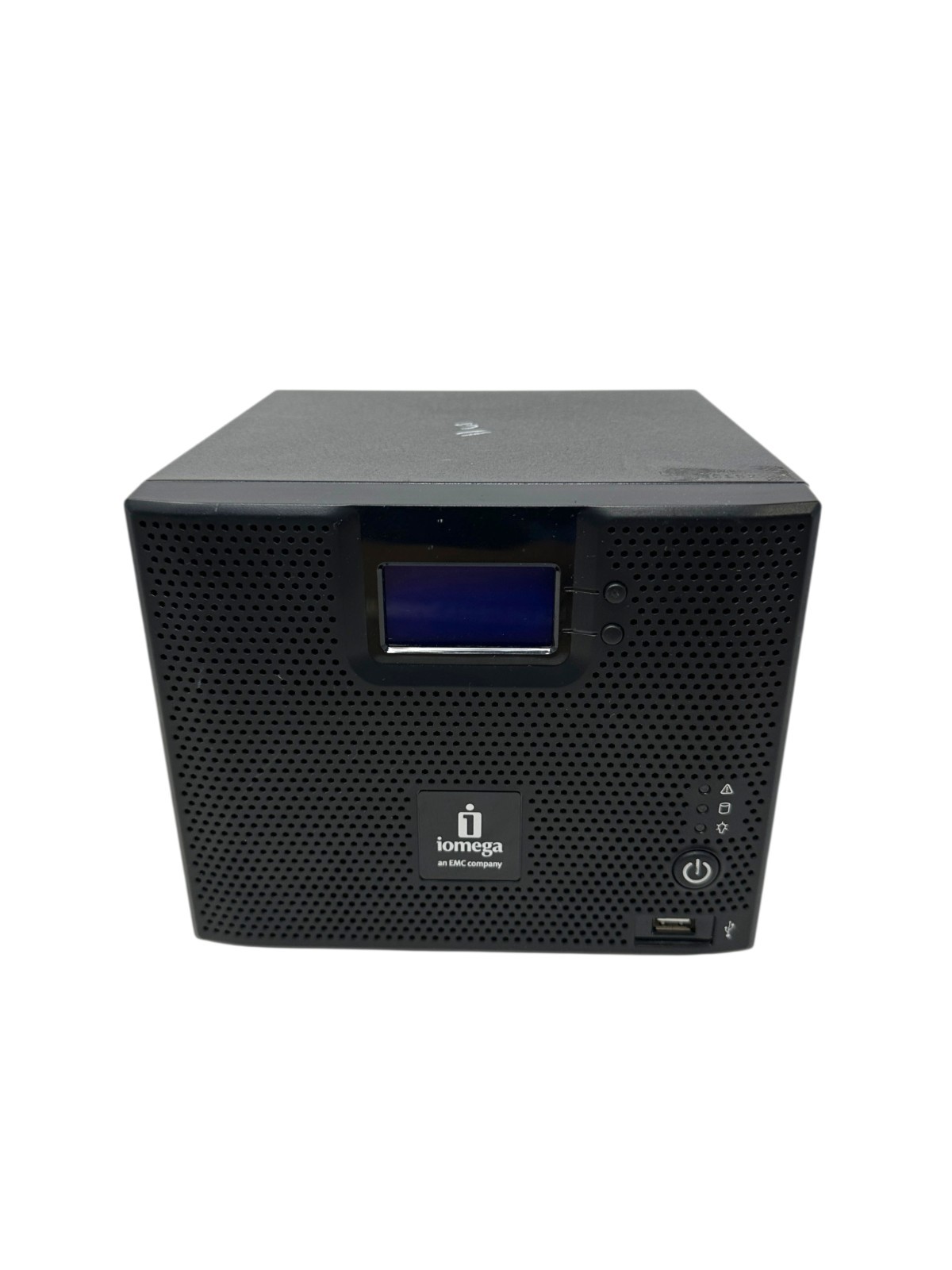 Iomega StorCenter ix4-200d NAS Server 4-Bay Network Attached Storage$47.13View on eBay
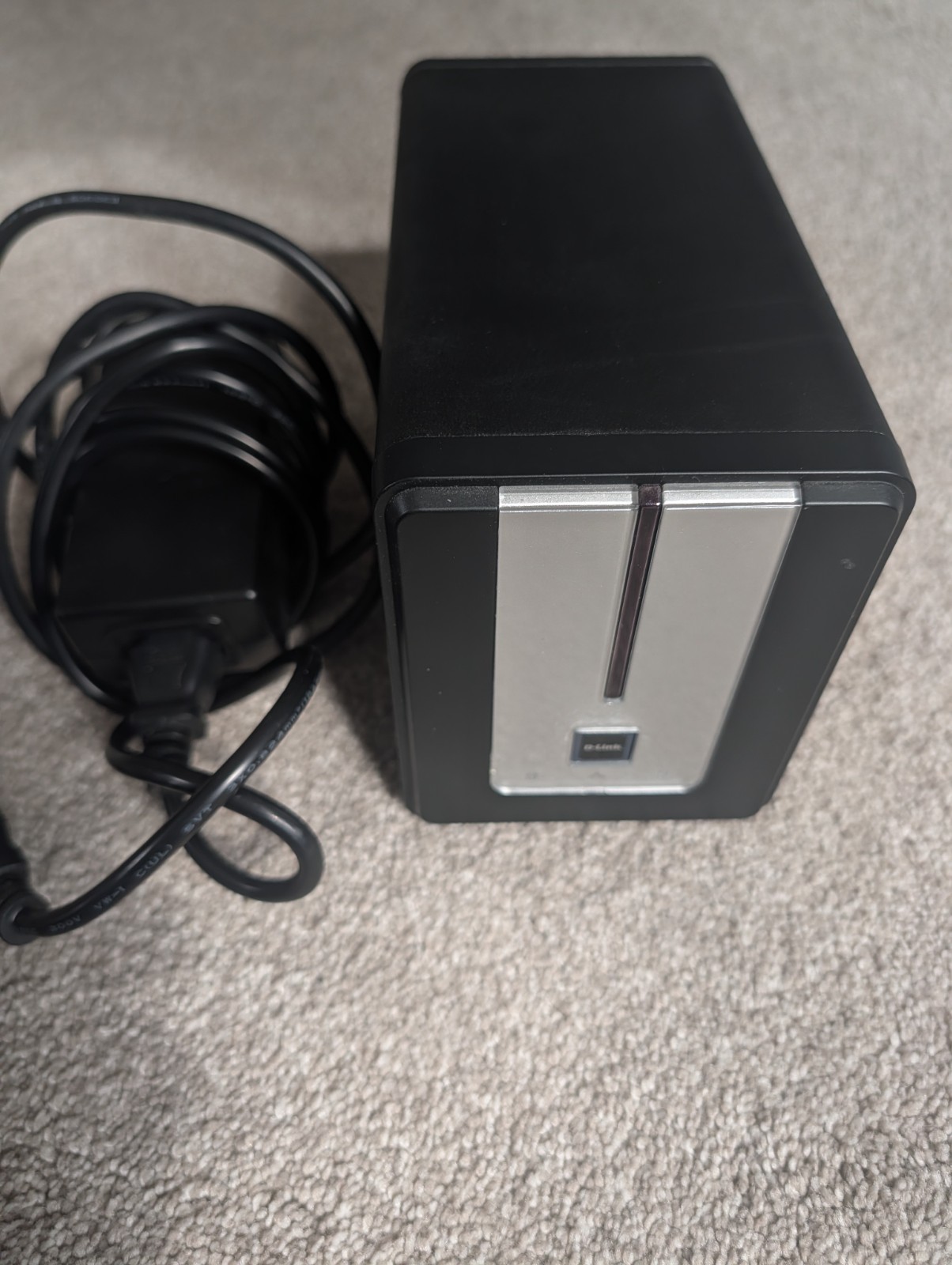 D-Link DNS-323 2-Bay NAS Network Storage Enclosure with Power cord (No Drives)$49.99View on eBay
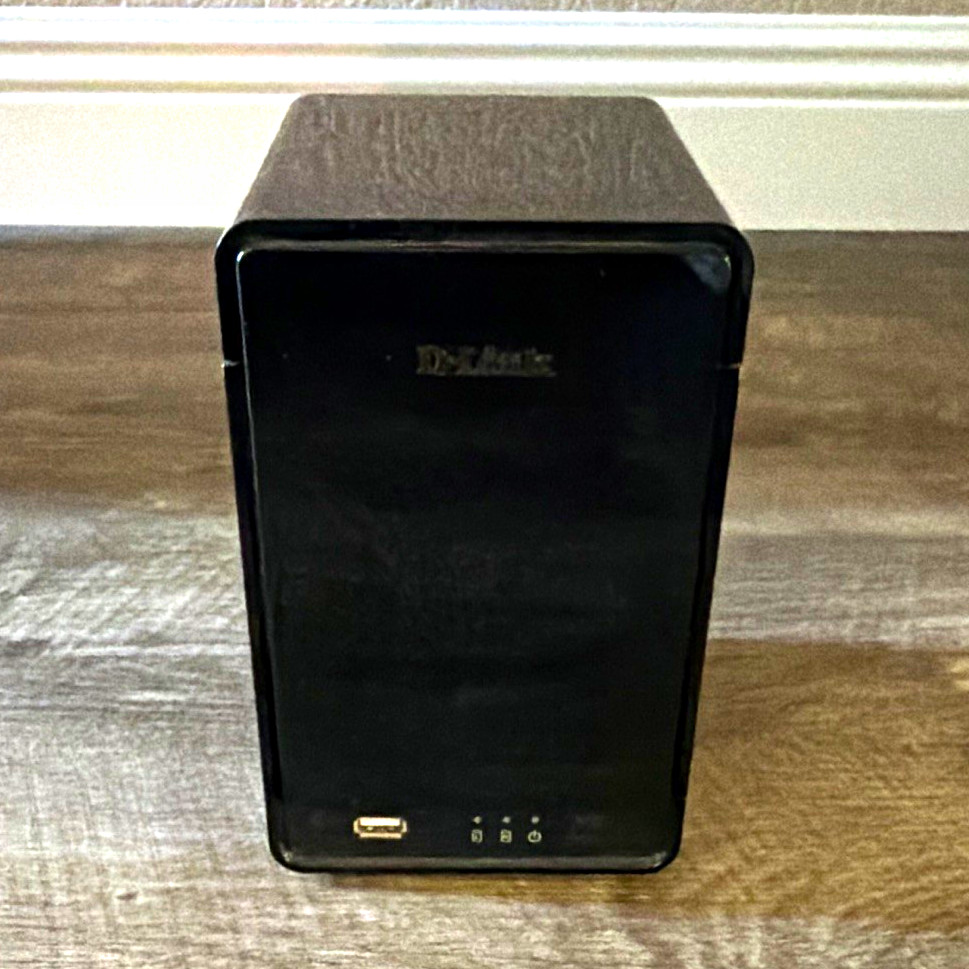 D-Link Network Attached Storage NAS Desktop Unit, Ethernet, Black #DNR-326$50.00View on eBay
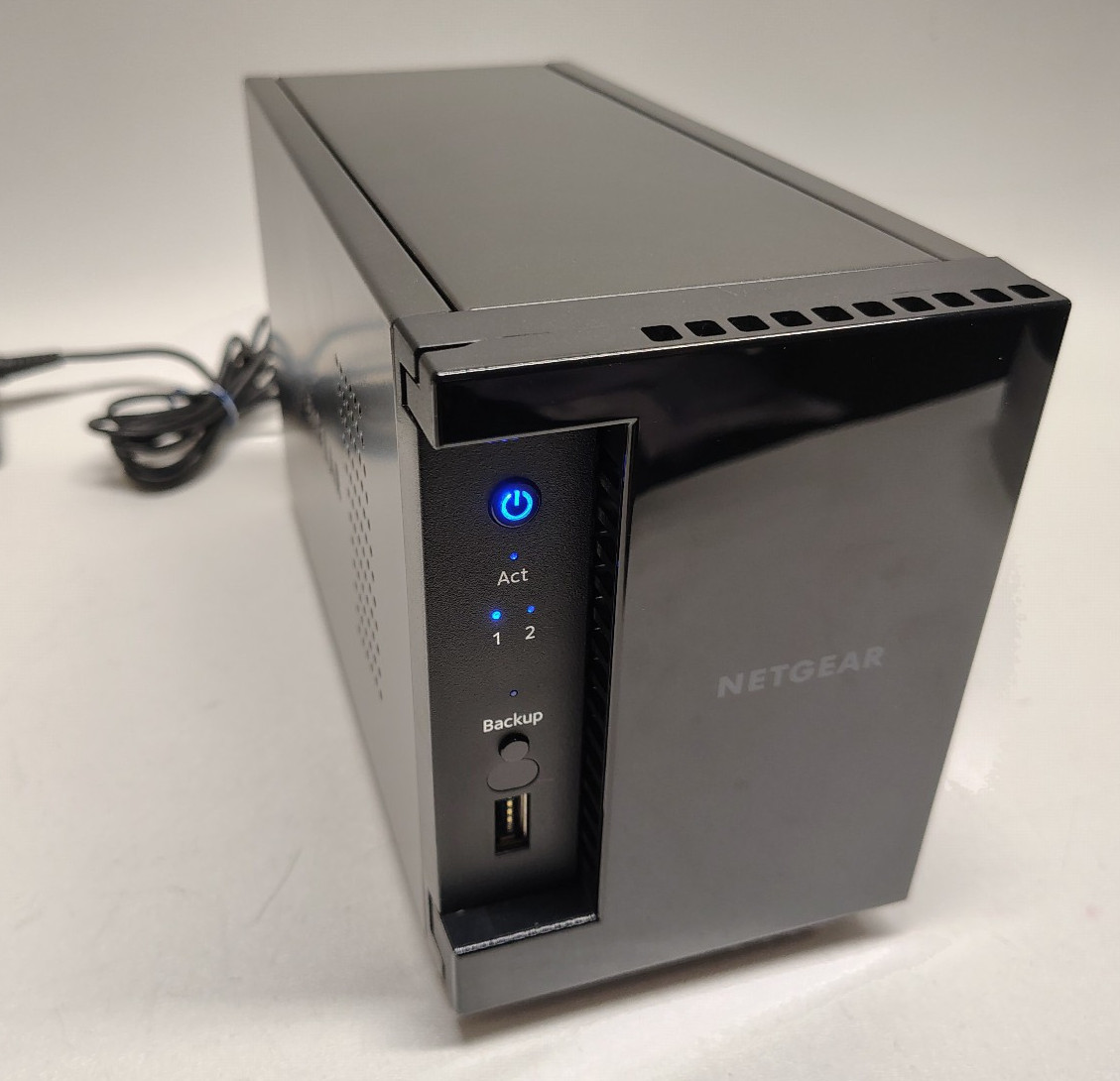 NETGEAR ReadyNAS 202 RN202 2-Bay Network Attached Storage NAS RN20200-100NES$71.00View on eBay
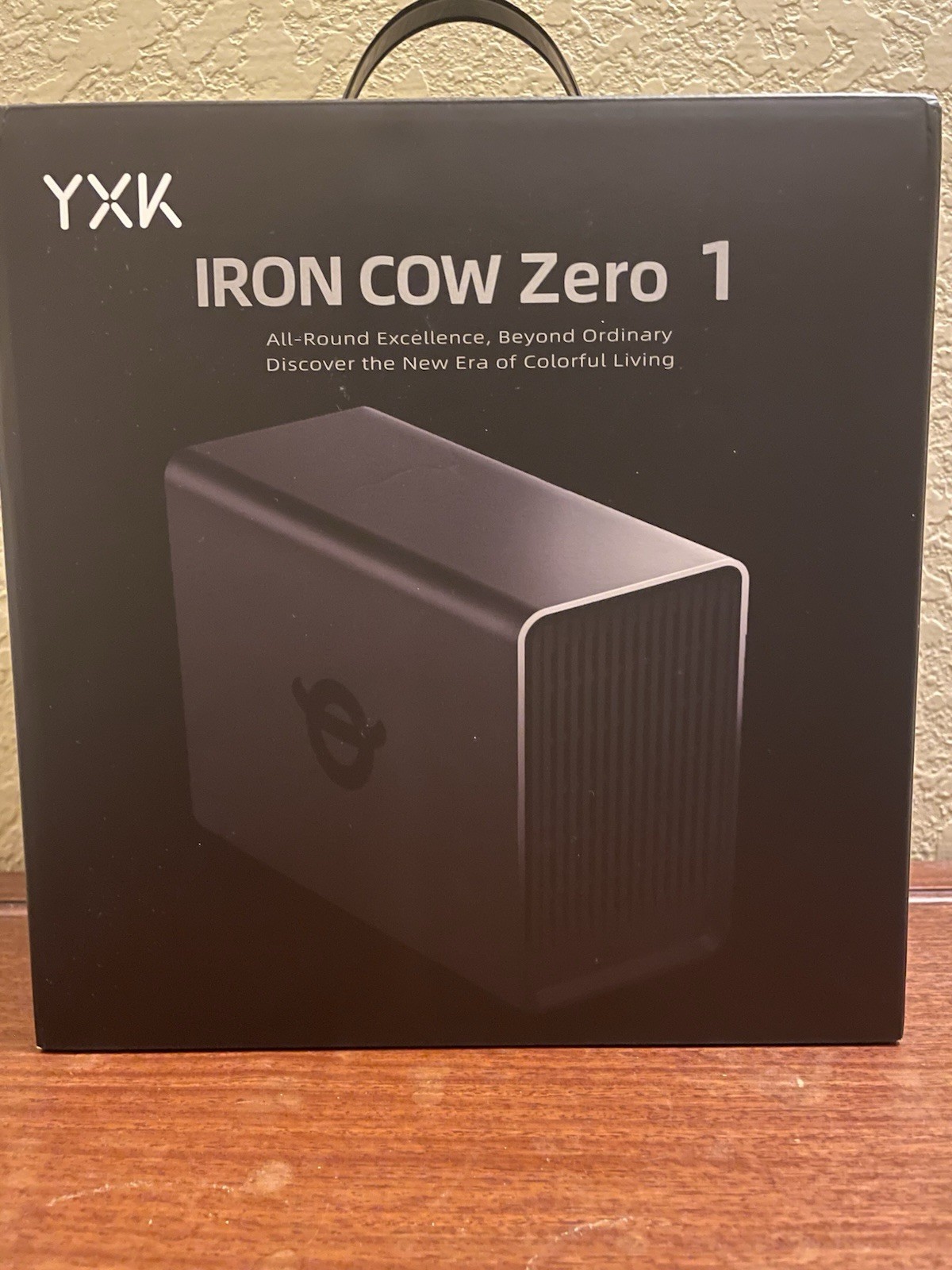 IRON COW ZERO 1 NETWORK STORAGE SYSTEM 2-BAY NAS ENCLOSURE 2.5GbE LAN$79.95View on eBay
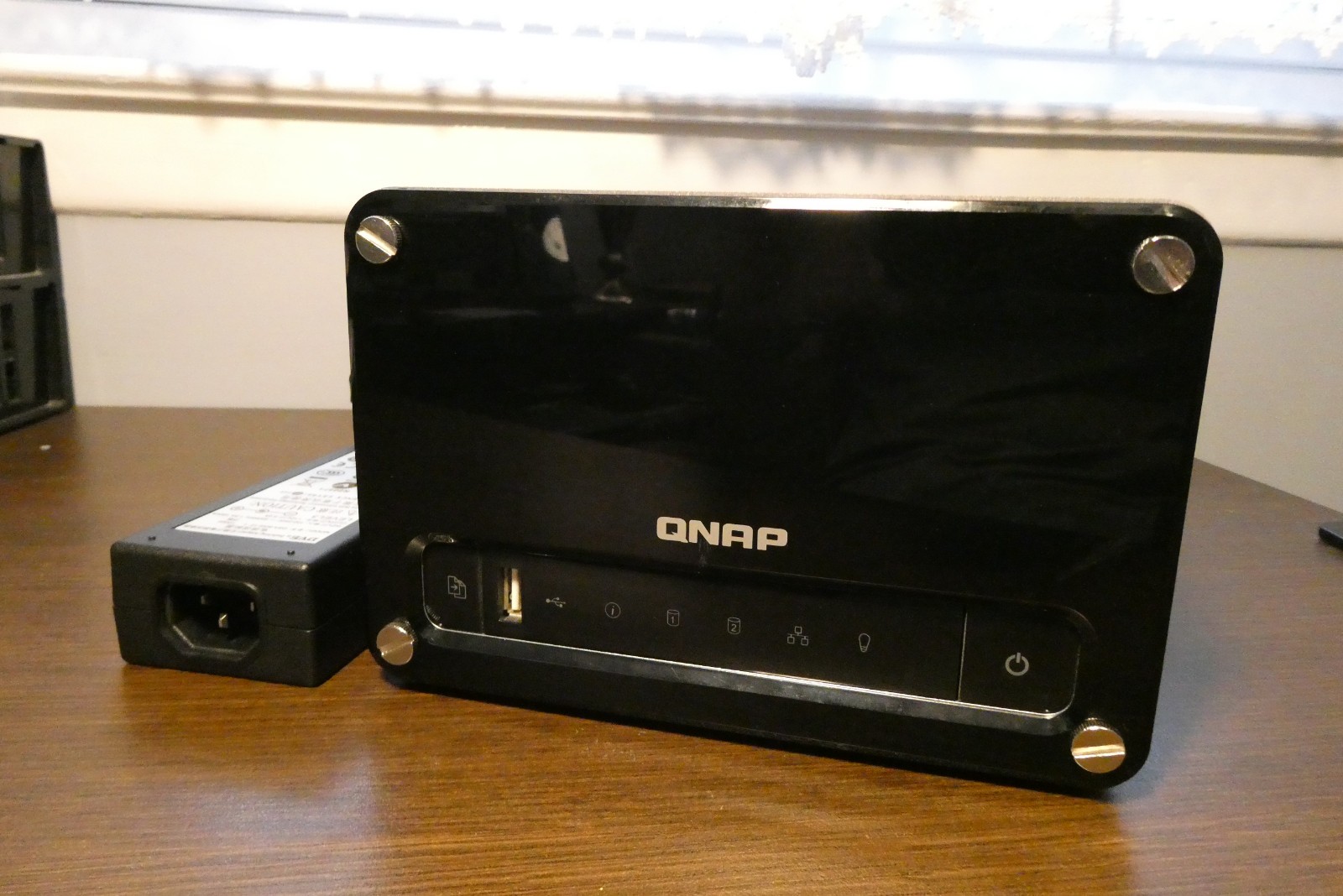 QNAP TS-209 Pro 2-Bay NAS Server, SoC 500MHz 128MB DDR2 Network Attached Server$89.99View on eBay
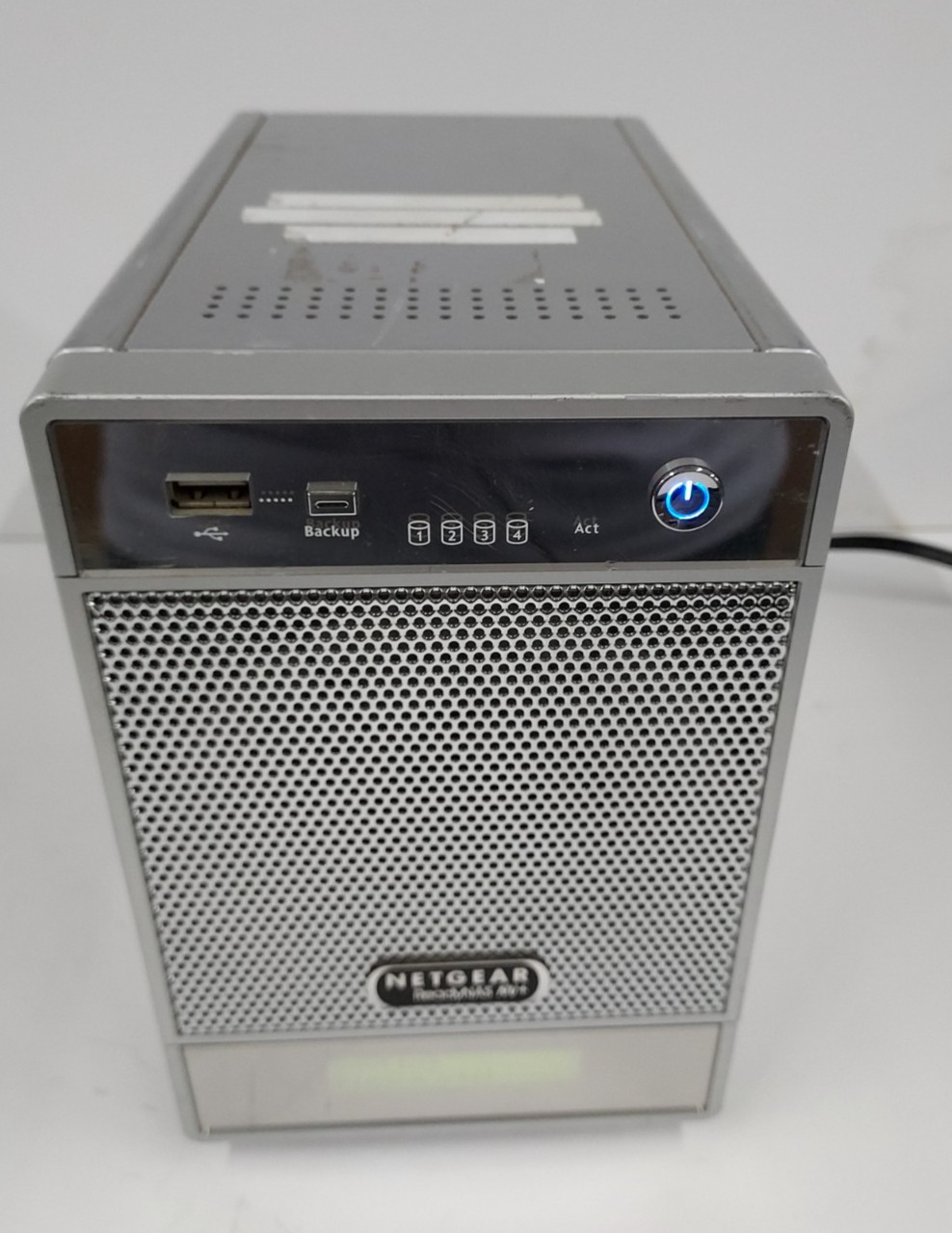 NETGEAR ReadyNAS RND4410 4 Bay NAS NV+ with caddies, And 4 drives$129.95View on eBay
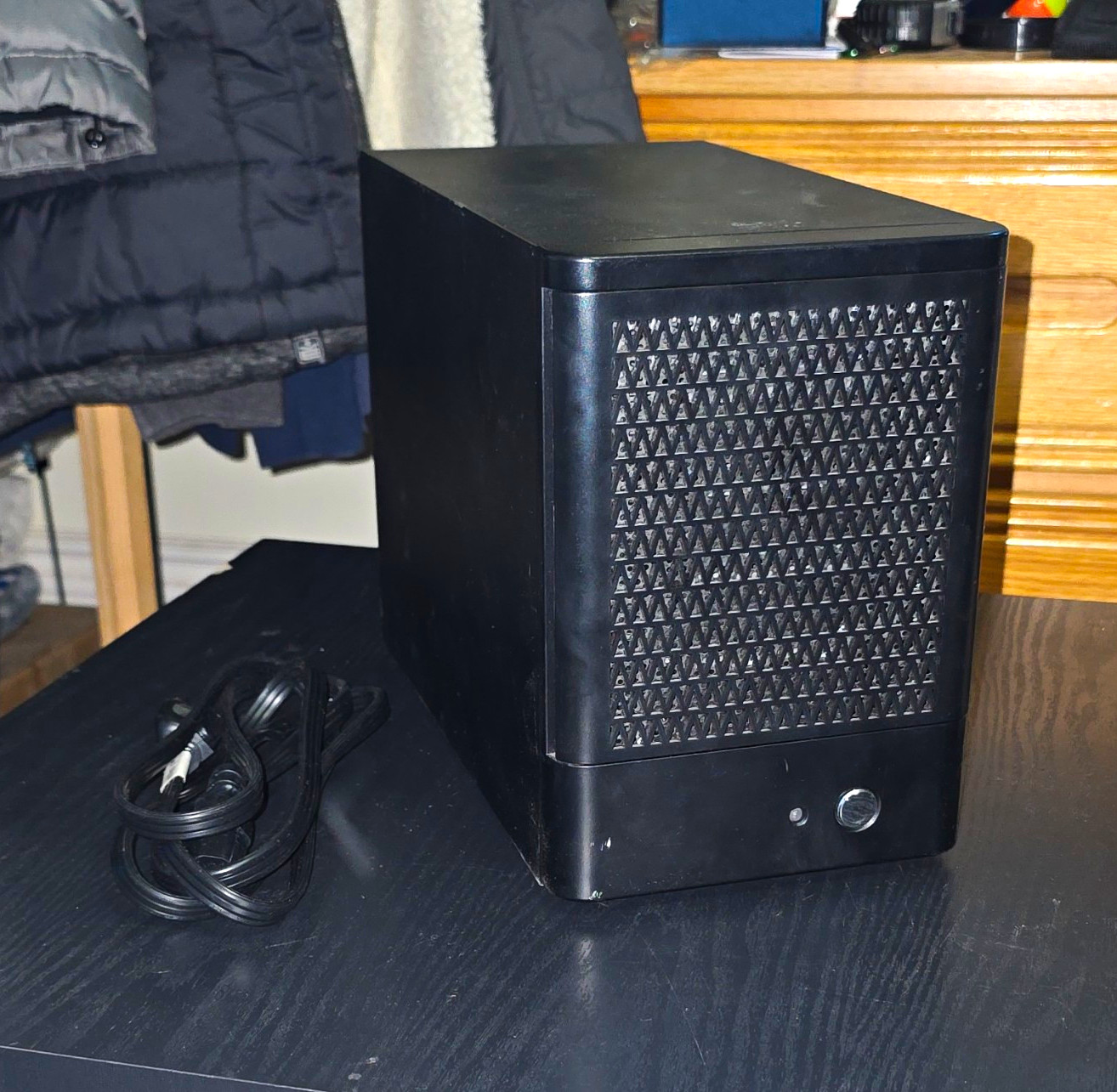 5-Bay Black Network Attached Storage NAS Enclosure w/ Drive Trays$170.00View on eBay
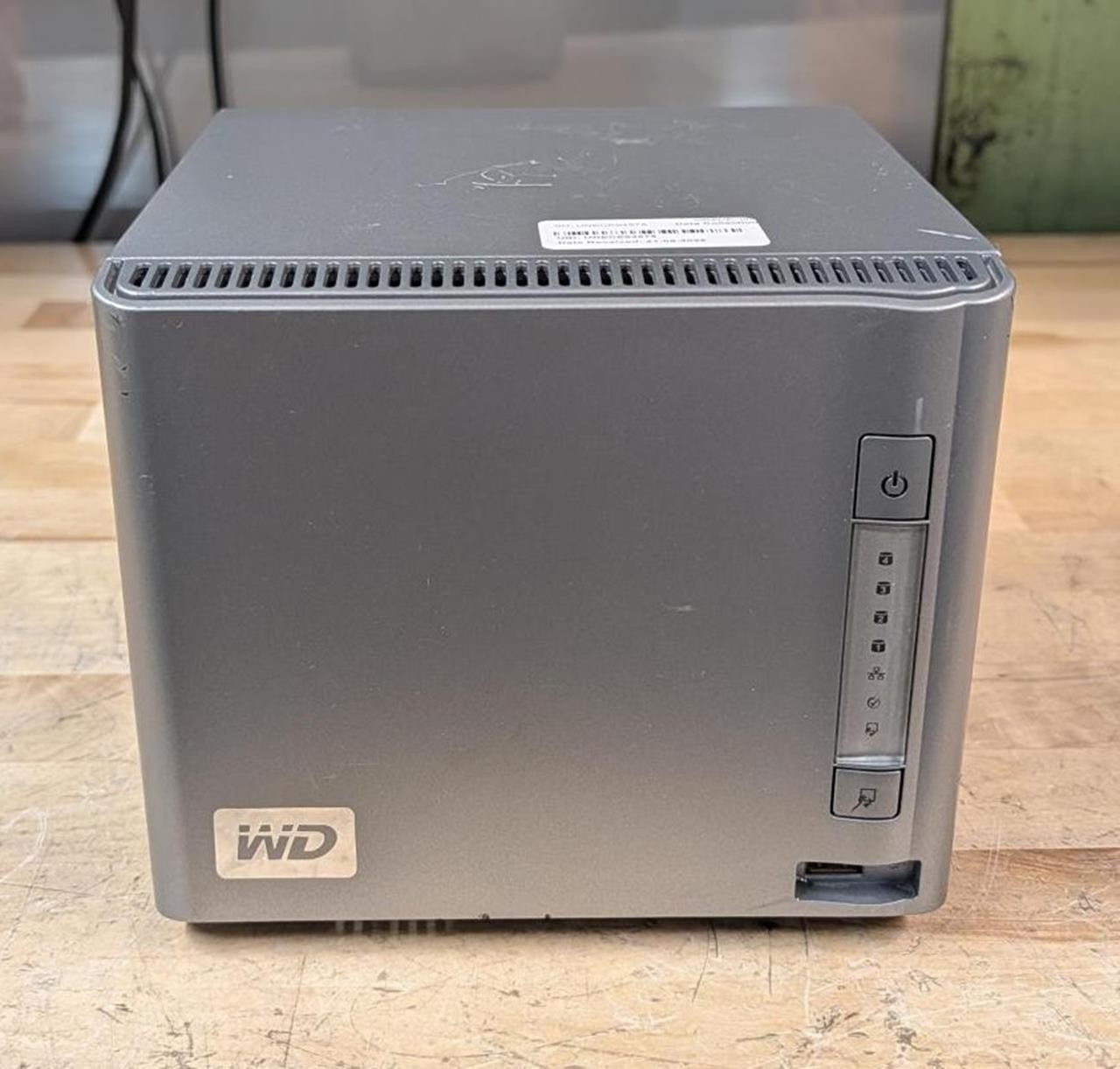 Western Digital WD ShareSpace NAS, 4 Bays, With 4x 2TB HDD$178.68View on eBay
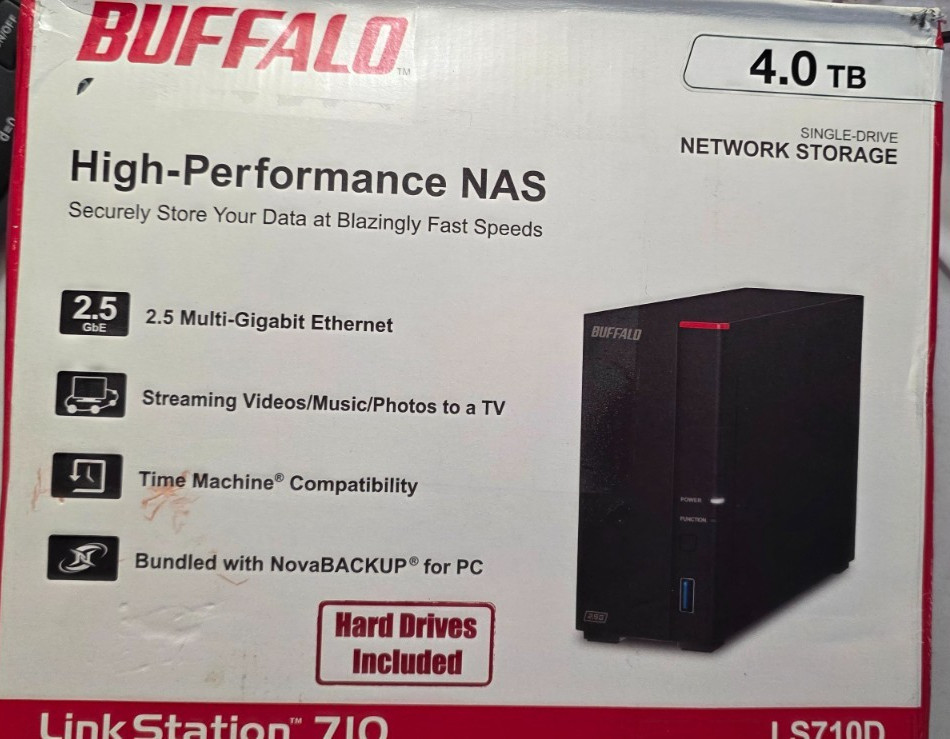 4 TB 1-Bay Buffalo LinkStation 710D LS710D Storage System NAS$189.99View on eBay
Highlights
- Bay count sets RAID ceiling: 2-bay units cap at RAID 1 mirroring; 4-bay and up unlock RAID 5/6 or SHR-style hybrid RAID with single- or dual-drive fault tolerance.
- Network tier decides throughput: 1GbE tops out near 110 MB/s; 2.5GbE lifts sequential reads to roughly 280 MB/s, so match the NIC to your switch and client ports.
- CPU architecture separates generations: 64-bit x86 (Intel Celeron/Atom, AMD Ryzen) supports containers, VMs, and Plex transcoding; 32-bit ARM SoCs with 128–512MB RAM are file-share-only.
- Drive health is the real failure point: use CMR NAS-grade drives (WD Red Plus/Pro, Seagate IronWolf) rated for 24/7 duty, and avoid SMR drives in any RAID rebuild path.
Best use cases
- Home media server with Plex/Jellyfin transcoding: pick a 4-bay x86 NAS with Intel Quick Sync and 8GB+ RAM; skip 2-bay ARM units, which cannot transcode and cap at mirrored storage.
- Mac household backups and file sharing: choose a NAS with native Time Machine support (Synology DSM, QNAP QTS) and 2.5GbE to match modern Mac Ethernet; skip single-drive personal cloud boxes lacking snapshot or RAID protection.
- Small business file share and backup target: select a 4–6 bay unit with dual 1GbE or 2.5GbE, snapshot replication, and room for hot-spare drives; skip consumer 2-bay enclosures that cannot survive a single drive failure during rebuild.
- Cold archive or secondary backup only: a 2-bay NAS with large CMR drives in RAID 1 is sufficient; do not overbuy x86 compute for pure SMB file storage.
Buying tips
- Size bays for growth: buy at least one bay more than your current drive count so you can expand RAID capacity without replacing the whole array.
- Budget RAM at 1GB per TB of active data for Docker/VMs, and confirm the model has a user-accessible SO-DIMM slot rather than soldered memory.
- Match drive form factor to chassis: 3.5-inch bays take high-capacity CMR NAS drives; 2.5-inch bays cap at 5TB and suit compact, low-noise deployments.
- Prefer models with at least one PCIe or USB 3.2 expansion path for a 10GbE card or external backup drive; sealed consumer units lock you to 1GbE forever.
Specs
| Bay Count | 2-bay / 4-bay / 6-bay+ |
|---|---|
| CPU Class | 64-bit x86 vs 32-bit ARM |
| Network Port | 1GbE / 2.5GbE / 10GbE |
| RAID Support | RAID 0/1/5/6 + hybrid RAID |
Related searches
What to check before buying
- Measure the shelf or rack depth and confirm clearance for drive caddies plus at least 5cm rear ventilation; NAS units run 24/7 and need airflow.
- Confirm your router or switch has free 1GbE/2.5GbE ports and that client devices (Mac, PC, TV) can reach the NAS over wired or strong Wi-Fi backhaul.
- Verify drive compatibility against the vendor's qualified-drive list and buy all array drives from the same CMR model and batch where possible.
- Check the power supply voltage and plug standard for your region, and confirm the unit supports scheduled shutdown or UPS signaling via USB.
FAQ
Data sources: eBay / Amazon listings and product attribute feeds. Updated Nov 29, 2026.
Some links on this page are affiliate links. If you buy after clicking one, we may earn a commission at no extra cost to you. This does not change which products appear here or their order. Affiliate disclosure.