
Photos from current listings. Actual item, color, and included accessories may vary.
NAS Backup Buying Guide
NAS backup pairs a network-attached storage enclosure with dedicated drives and a backup strategy, where the real trade-off is between proprietary appliance simplicity (Buffalo, Iomega) and open-platform flexibility (QNAP, NETGEAR). Durable, recoverable backups require drives rated for 24/7 operation, a NAS with at least two bays for RAID, and a separate backup target such as an external USB drive. Choose a 2-bay or larger enclosure with standard SATA bays and USB backup ports; skip single-bay sealed appliances if your data cannot be recreated.
Median $60.50
Key takeaways
- Drive rating: use NAS-class HDDs (CMR, 24/7 workload, vibration-tolerant) rather than desktop SMR drives, which stall in RAID rebuilds and multi-drive arrays.
- Bay count and RAID: 2-bay units support RAID 1 mirroring (one-drive failure tolerance); 4-bay units support RAID 5/6 or RAID 10 for higher capacity or speed with survivability.
- Backup interfaces: USB 3.0 host ports on the NAS enable direct external-drive backups; eSATA appears on older models (StorCenter ix4-200d, BlackArmor NAS 400) and is slower to source.
At a glance
- Category
- NAS Storage & Drives
- Last updated
- Nov 28, 2026
Current offers
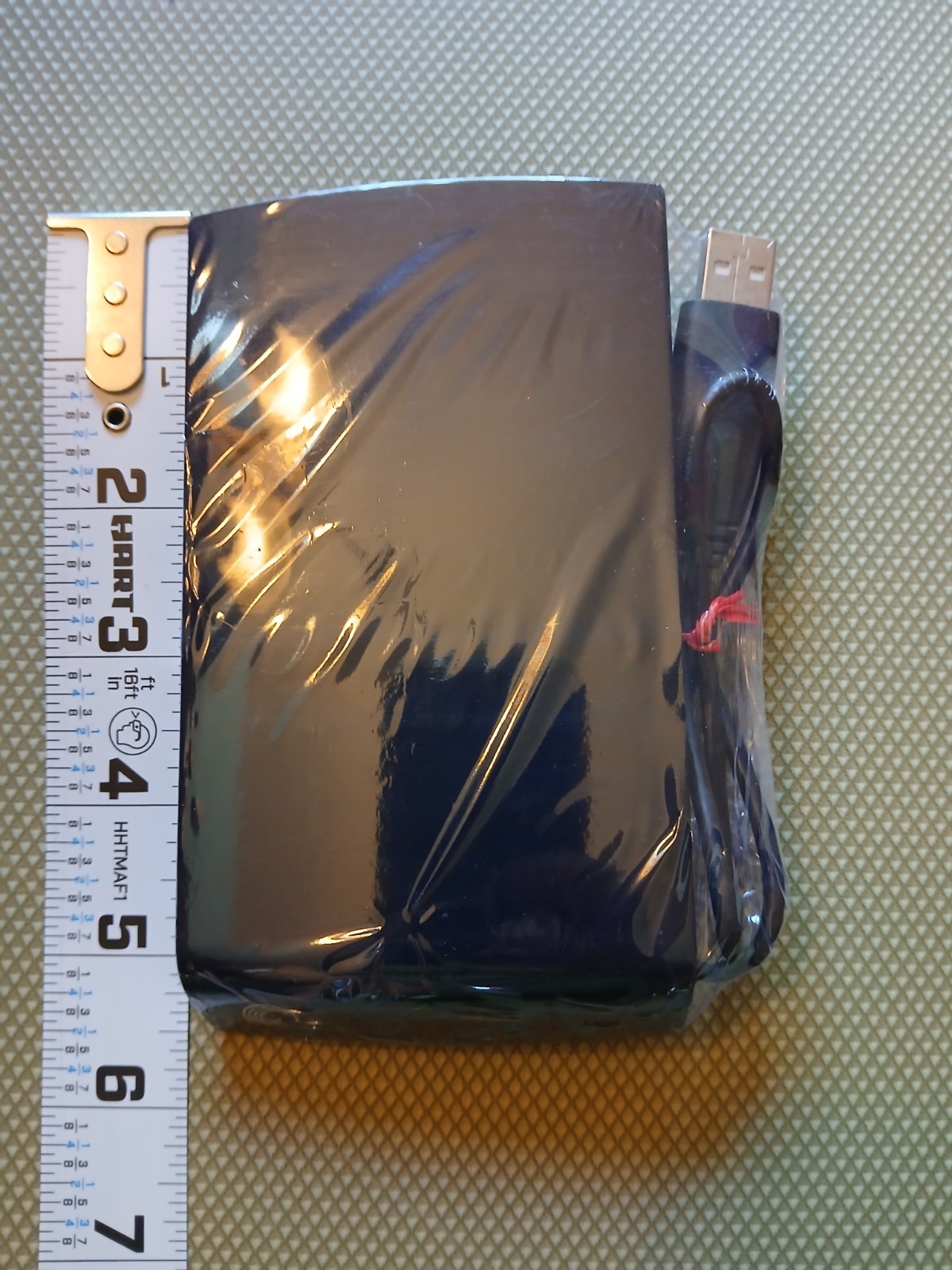 Network Attached Storage (NAS) device, Seagate BlackArmor NAS 400 series$39.00View on eBay
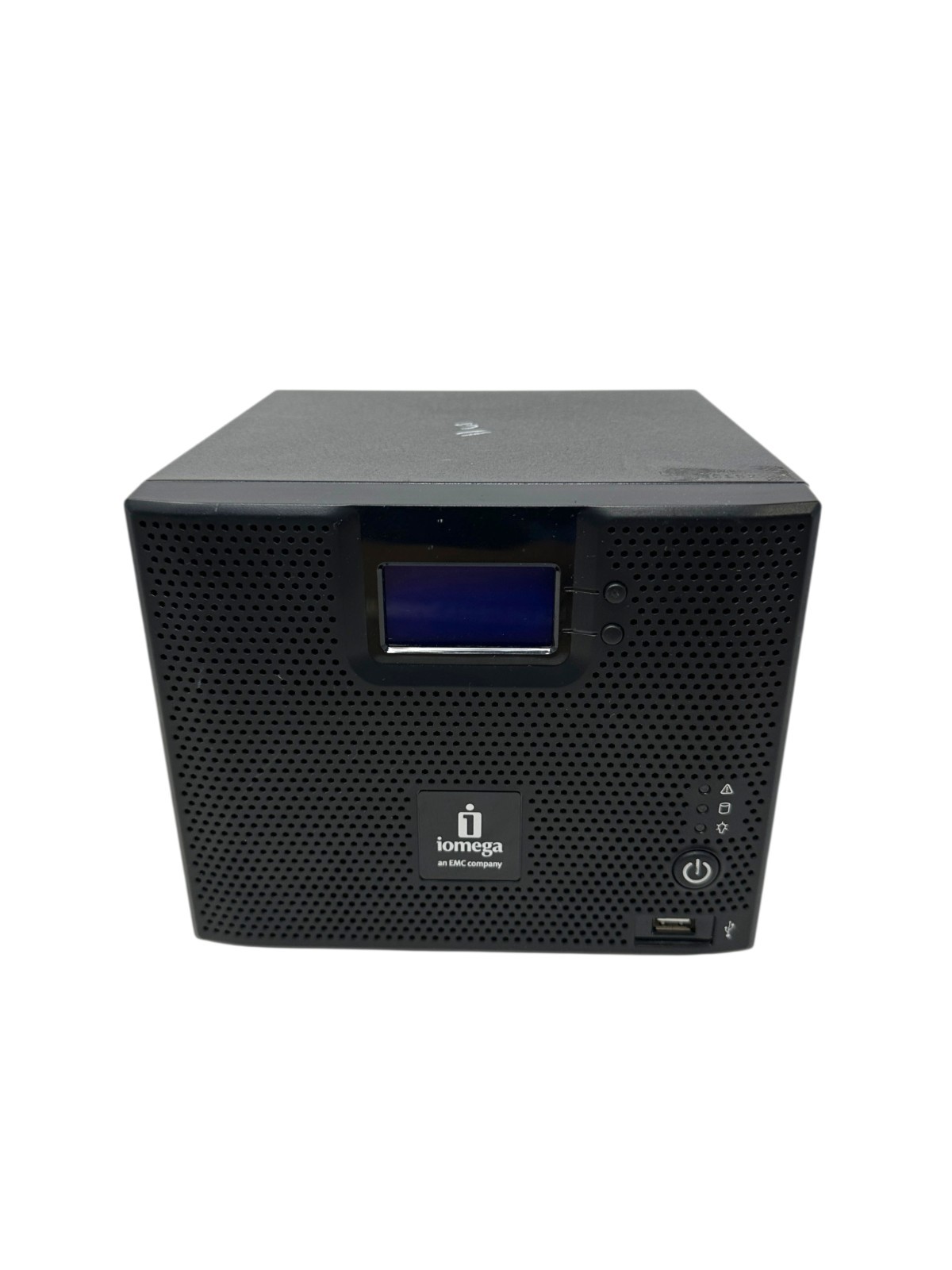 Iomega StorCenter ix4-200d NAS Server 4-Bay Network Attached Storage$47.13View on eBay
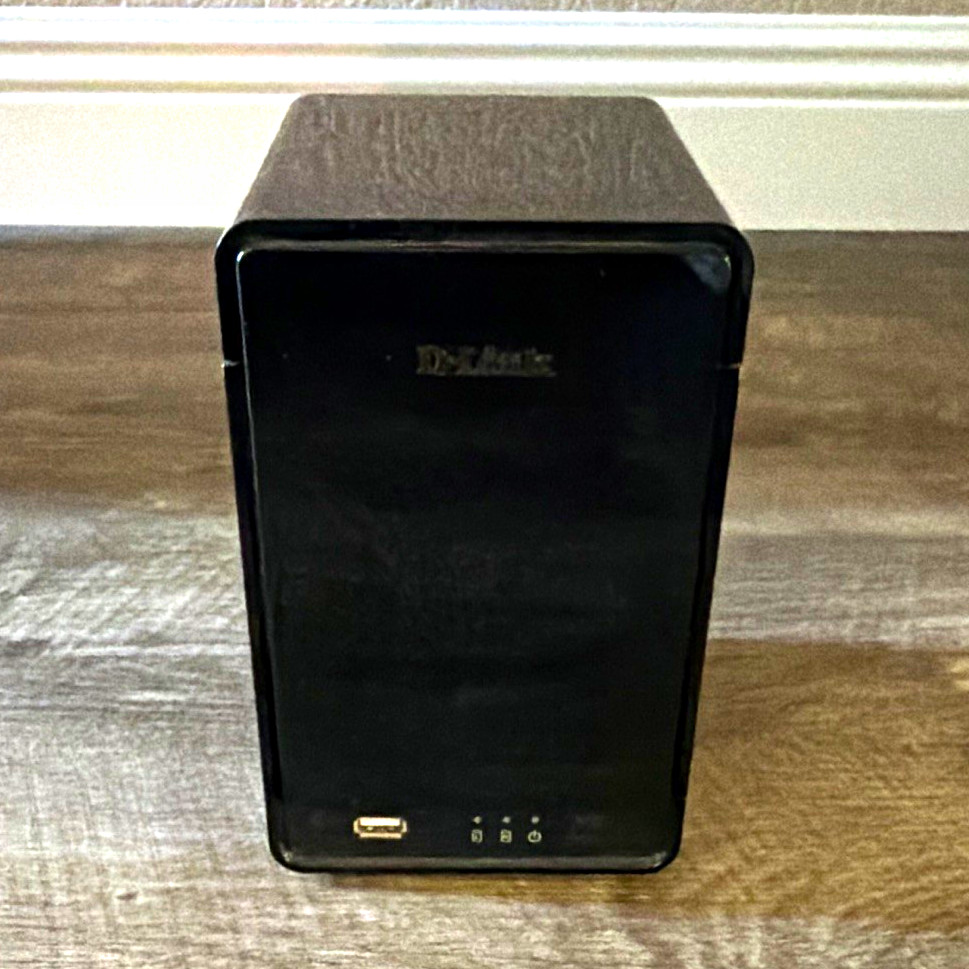 D-Link Network Attached Storage NAS Desktop Unit, Ethernet, Black #DNR-326$50.00View on eBay
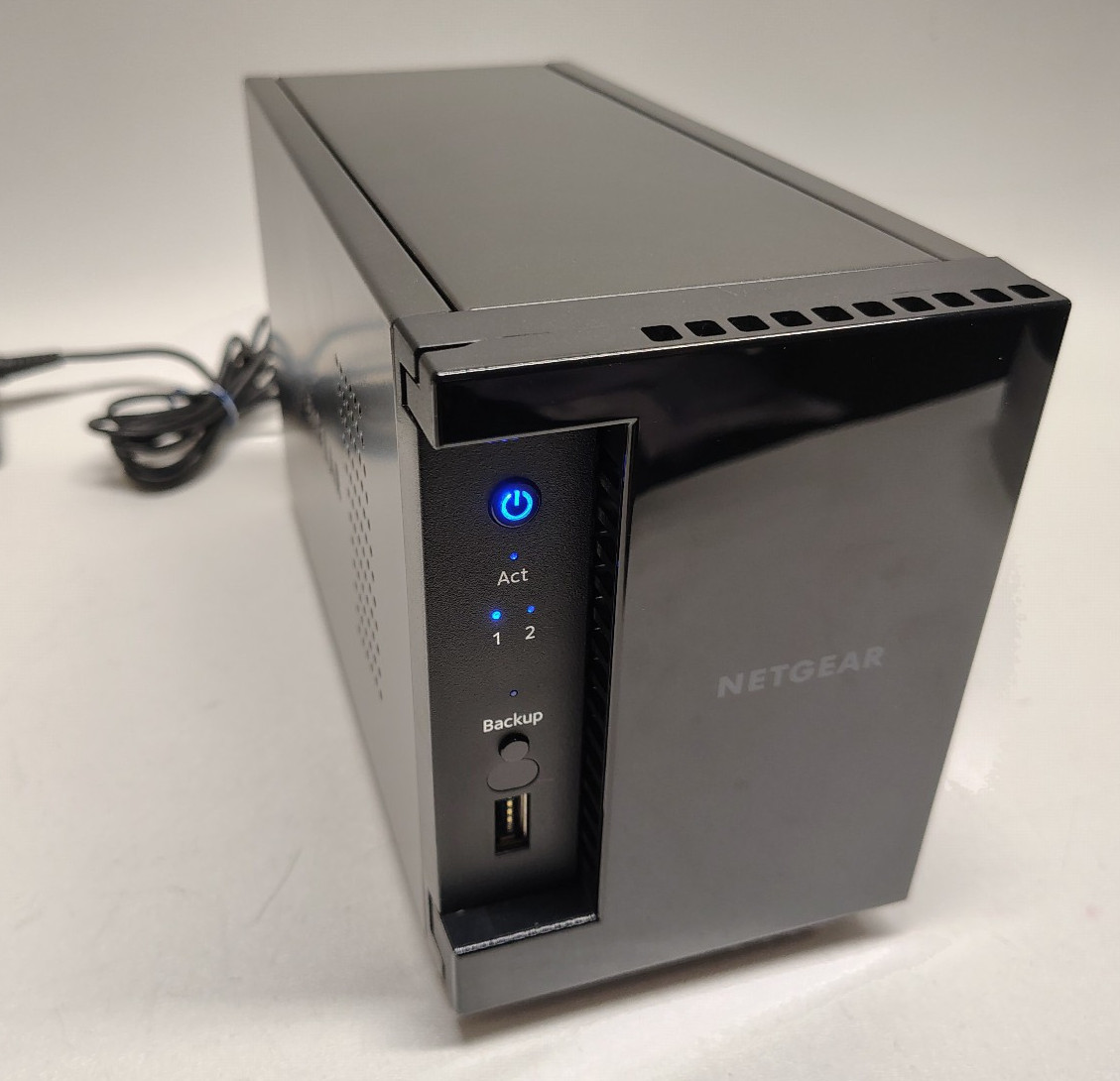 NETGEAR ReadyNAS 202 RN202 2-Bay Network Attached Storage NAS RN20200-100NES$71.00View on eBay
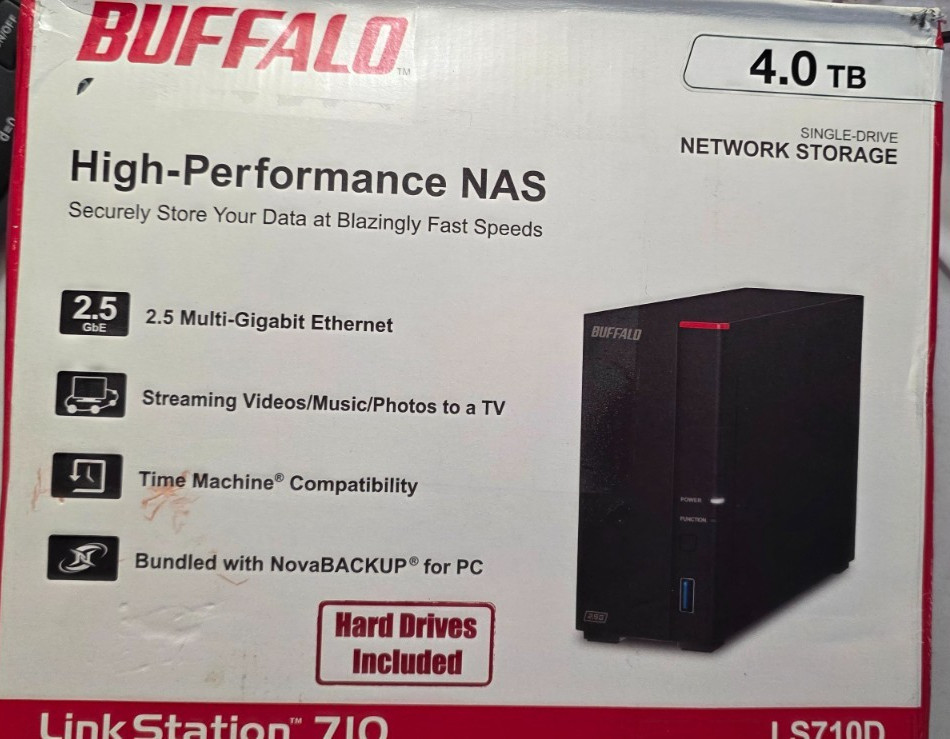 4 TB 1-Bay Buffalo LinkStation 710D LS710D Storage System NAS$189.99View on eBay
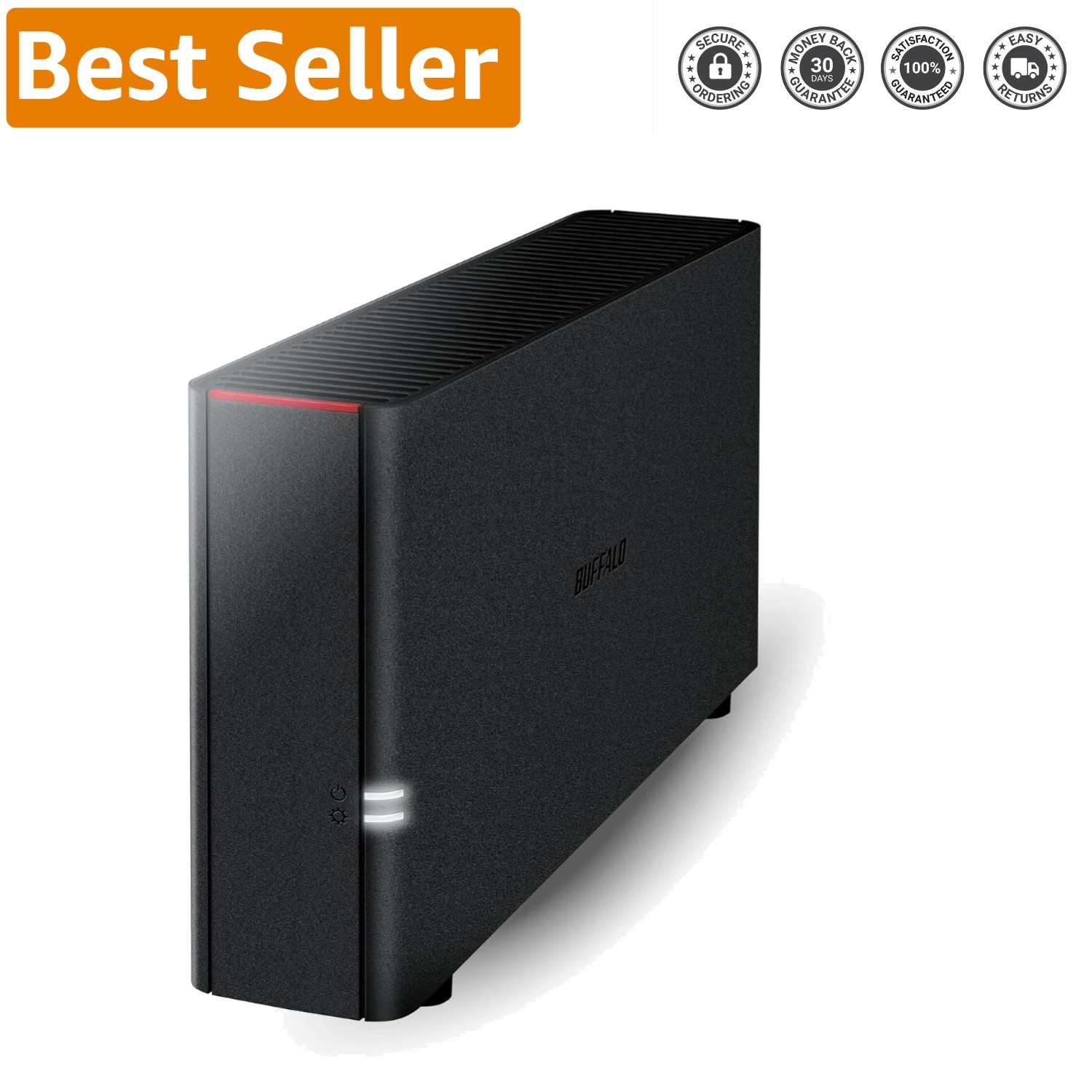 4TB LinkStation 210: Easy-to-Setup Secure NAS Storage for Home and Office$347.39Last checked Nov 17, 2026View on eBay
Highlights
- Drive rating: use NAS-class HDDs (CMR, 24/7 workload, vibration-tolerant) rather than desktop SMR drives, which stall in RAID rebuilds and multi-drive arrays.
- Bay count and RAID: 2-bay units support RAID 1 mirroring (one-drive failure tolerance); 4-bay units support RAID 5/6 or RAID 10 for higher capacity or speed with survivability.
- Backup interfaces: USB 3.0 host ports on the NAS enable direct external-drive backups; eSATA appears on older models (StorCenter ix4-200d, BlackArmor NAS 400) and is slower to source.
- Platform generation: older appliances (D-Link DNS-326, ReadyNAS 202, LinkStation 210/710D) may lack current SMB3, TLS 1.2+ update channels, or vendor security patches; newer QNAP TS-431P2 and similar ARM-based units receive longer firmware support.
Best use cases
- Best fit: home or small-office with 2–10 TB of active data and a second off-NAS copy — pick a 2-bay QNAP or NETGEAR with USB 3.0 and NAS-grade drives in RAID 1.
- Best fit: media library or multi-user share exceeding 8 TB — pick a 4-bay enclosure (TS-431P2, ix4-200d) and use RAID 5 with a matching external USB drive for weekly backups.
- Wrong fit: sole copy of irreplaceable data on a single-bay appliance (LinkStation 210, 1-bay 710D) — no redundancy and no second copy; add an external USB drive or a second NAS.
- Wrong fit: expecting current security patches from discontinued appliances (BlackArmor NAS 400, StorCenter ix4-200d) — these run end-of-life firmware and should be isolated from the internet.
Buying tips
- Size drives to 2× your current data: a 2-bay RAID 1 array yields the capacity of one drive, so two 4 TB drives give 4 TB usable, not 8 TB.
- Match drive technology to bay count: in 4-bay RAID 5, use CMR NAS drives of identical capacity and model to avoid rebuild failures and mismatched performance.
- Confirm the NAS supports your backup protocol: SMB for file-level copies, rsync for NAS-to-NAS, and USB 3.0 for direct external-drive backup; older units may be USB 2.0 only.
- Budget for a second backup target: RAID is redundancy, not backup; a USB external drive or second NAS protects against ransomware, enclosure failure, and accidental deletion.
Specs
| Bay Count | 1-bay / 2-bay / 4-bay |
|---|---|
| RAID Levels | RAID 0/1/5/6/10 (model-dependent) |
| Backup Interface | USB 3.0 / USB 2.0 / eSATA |
| Drive Class | NAS CMR HDD vs desktop SMR |
Related searches
What to check before buying
- Measure your shelf or rack space and confirm clearance for the enclosure's dimensions and fan exhaust; 4-bay units are substantially wider than 2-bay models.
- Verify your router or switch has a free Gigabit Ethernet port and that the NAS supports your network's SMB version (SMB2/3 for current Windows and macOS).
- Check the power adapter's voltage and plug standard for your region; imported eBay units may ship with 100–120 V adapters unsuitable for 220–240 V mains.
- Confirm you have a spare USB 3.0 external drive or second NAS of equal or greater capacity for the backup copy, plus matching SATA drives if the enclosure ships diskless.
FAQ
Data sources: eBay / Amazon listings and product attribute feeds. Updated Nov 28, 2026.
Some links on this page are affiliate links. If you buy after clicking one, we may earn a commission at no extra cost to you. This does not change which products appear here or their order. Affiliate disclosure.