D-Link DNR-326 vs 5-Bay NAS Enclosure: Which NAS Storage Fits?
The D-Link DNR-326 focuses on Ethernet networking and a desktop format, while the 5-Bay NAS Enclosure emphasizes bay capacity and drive trays. Here is which setup fits home or small-office storage needs.
Last updated Oct 7, 2026
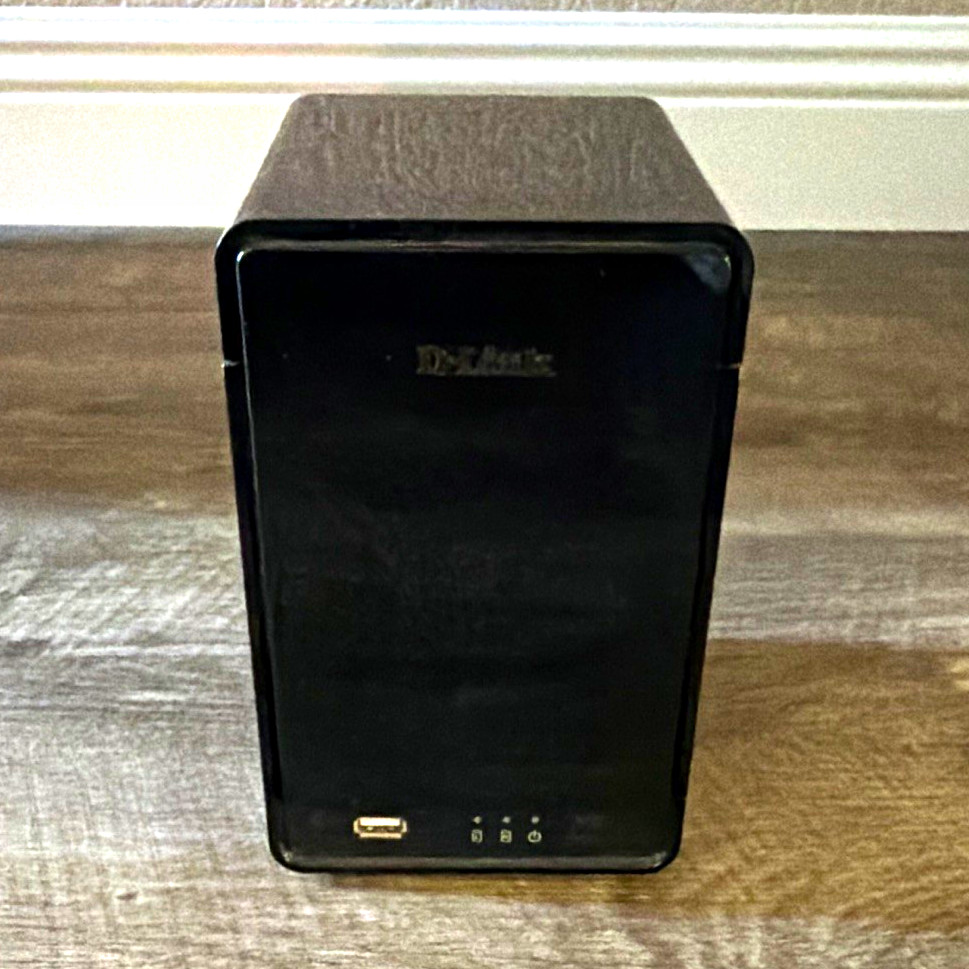
D-Link Network Attached Storage NAS Desktop Unit
$50.00Listed at review time
Affiliate disclosure: We may earn a commission if you buy through links on this page, at no extra cost to you. Confirm live price, stock, and return terms on the seller page. Affiliate disclosure.
Choosing the right setup for NAS storage & drives comes down to a practical choice: do you want a desktop NAS aimed at network backup, or an enclosure built around multiple drive bays? The D-Link DNR-326 and the 5-Bay Black NAS Enclosure take different approaches, so the better fit depends on the hardware format and storage plan you have in mind.
Quick verdict
Choose the D-Link Network Attached Storage NAS Desktop Unit if its desktop format, Ethernet interface, and USD 50.00 listed price match your needs. Choose the 5-Bay Black Network Attached Storage NAS Enclosure w/ Drive Trays if the enclosure design and bay count are more important than keeping the purchase to USD 50.00. The listed price spread between them is $120.
Comparison at a glance
| Detail | D-Link DNR-326 | 5-Bay NAS Enclosure |
|---|---|---|
| Listed price | USD 50.00 | USD 170.00 |
| Format | Network attached storage desktop unit | Network attached storage enclosure with drive trays |
| Key listed attribute | Ethernet interface; model DNR-326 | 5 bays |
| Stated use | Backing up and storing data on a home or office network | Storing and sharing files, photos, and videos across multiple devices |
Where each product wins
- D-Link DNR-326: A better match for a home or office network where the product's Ethernet interface and desktop-unit format fit the planned setup. Its stated use around backing up and storing data also gives it a clear network-storage role.
- 5-Bay NAS Enclosure: The stronger fit when five bays are the central requirement. The drive-tray design and stated file, photo, and video storage use make its purpose more specific for a multi-drive enclosure setup.
Product notes
D-Link DNR-326 NAS Desktop Unit
The D-Link DNR-326 is a clear fit for shoppers focused on backing up and storing data across a home or office network. Its description identifies a desktop unit with an Ethernet interface, giving the setup a specific network-storage direction rather than leaving the format open-ended. The model phrase also makes it easier to distinguish from a generic enclosure. The main limitation is practical: it requires a 12V adapter, and the item is described as sold as is. That matters if you want a setup with fewer power-accessory considerations or prefer more flexible purchase conditions. Select the D-Link when network backup, a desktop form, and the lower USD 50.00 price align with the way you plan to use your NAS.
5-Bay NAS Enclosure with Drive Trays
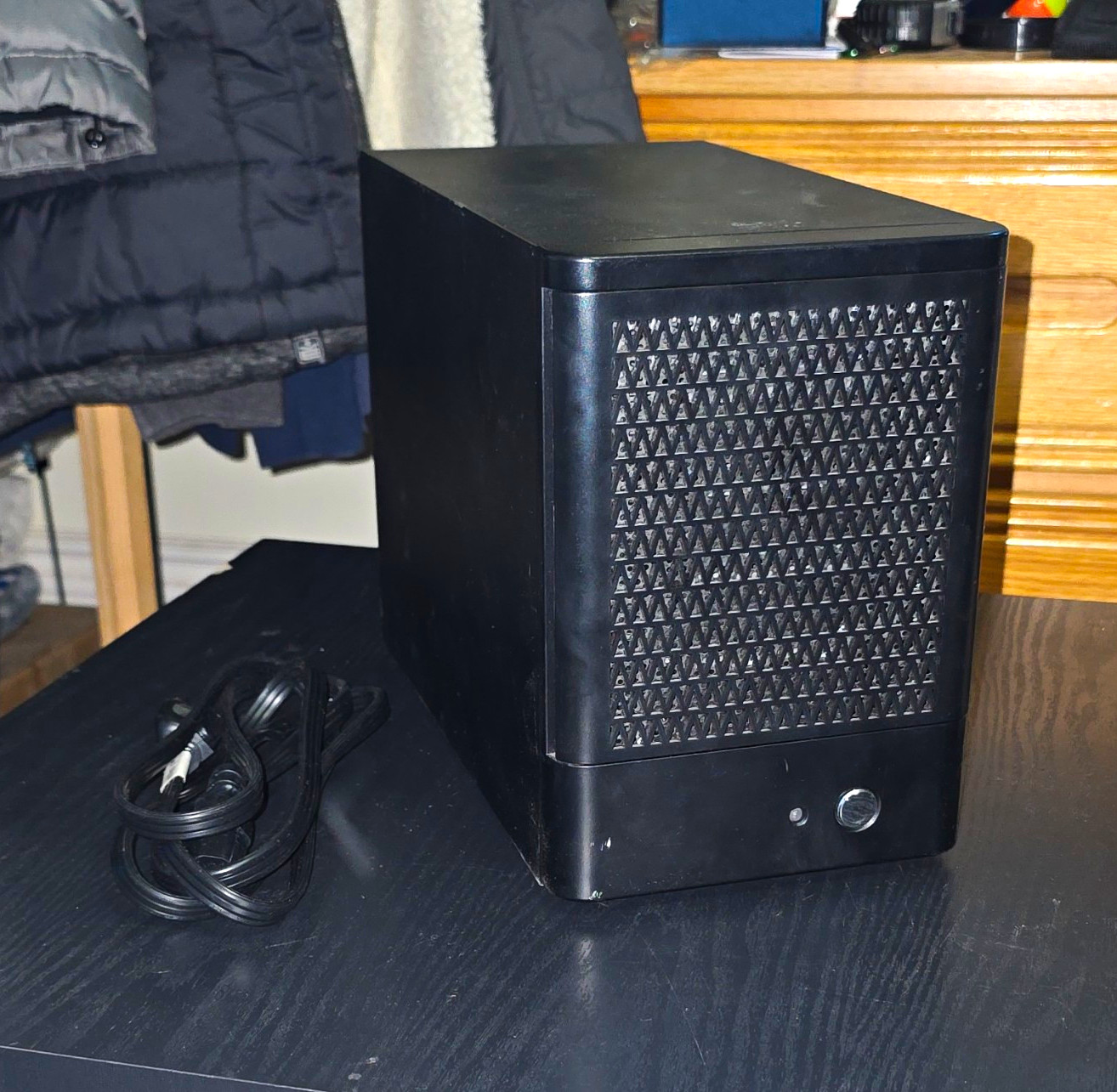
The 5-Bay Black NAS Enclosure with Drive Trays makes the most sense for a setup organized around its five-bay enclosure design. Its stated use covers storing and sharing files, photos, and videos across multiple devices, with home or small-office use called out as the target setting. That gives it a concrete role when a multi-drive enclosure is more relevant than a desktop NAS unit. Its limitation is the testing statement: the power indicator turns on, but no additional testing has been done. The enclosure is also described as used. Choose it when the five-bay format and drive trays are the deciding requirements; otherwise, the D-Link's Ethernet-oriented desktop design is the more direct match.
Final choice by use case
For a home or office network backup setup, the D-Link DNR-326 is the more direct choice because its desktop-unit description and Ethernet interface align with that use. Its USD 50.00 price also makes it the lower-priced path in this comparison.
For a multi-drive enclosure plan, choose the 5-Bay NAS Enclosure with Drive Trays. The five-bay attribute and drive-tray wording directly address that use case, while its description covers sharing files, photos, and videos across multiple devices. The decision is therefore straightforward: D-Link for Ethernet-focused desktop storage, or the 5-Bay enclosure when bay capacity is the priority.