
Photos from current listings. Actual item, color, and included accessories may vary.
Surround Sound System Buying Guide
A surround sound system is a multi-channel speaker setup that places sound around the listener rather than only in front, and the core trade-off is channel count and discrete speaker placement versus a single soundbar's convenience. Durable, convincing surround requires a true multichannel decode chain (5.1 or higher) with a wired or dedicated wireless subwoofer and discrete rear speakers; anything sold as a "2.0" or "virtual surround" bar is a stereo compromise, not a surround system.
Median $169.99
Key takeaways
- Channel architecture defines the experience: 5.1 = front L/C/R, two surrounds, one sub; 7.1 adds two rear surrounds; 5.1.2 adds two height/elevation channels for Dolby Atmos.
- A real home-theater surround system uses discrete speakers wired to an AVR or a soundbar with dedicated wireless rear speakers and subwoofer - not a single stereo bar with virtual processing.
- Subwoofer driver size drives low-frequency output: 6.5-8 in suits small rooms, 10-12 in moves the air needed for home-theater LFE impact in medium-to-large rooms.
At a glance
- Category
- Home Theater Speakers & Subwoofers
- Last updated
- Nov 27, 2026
Current offers
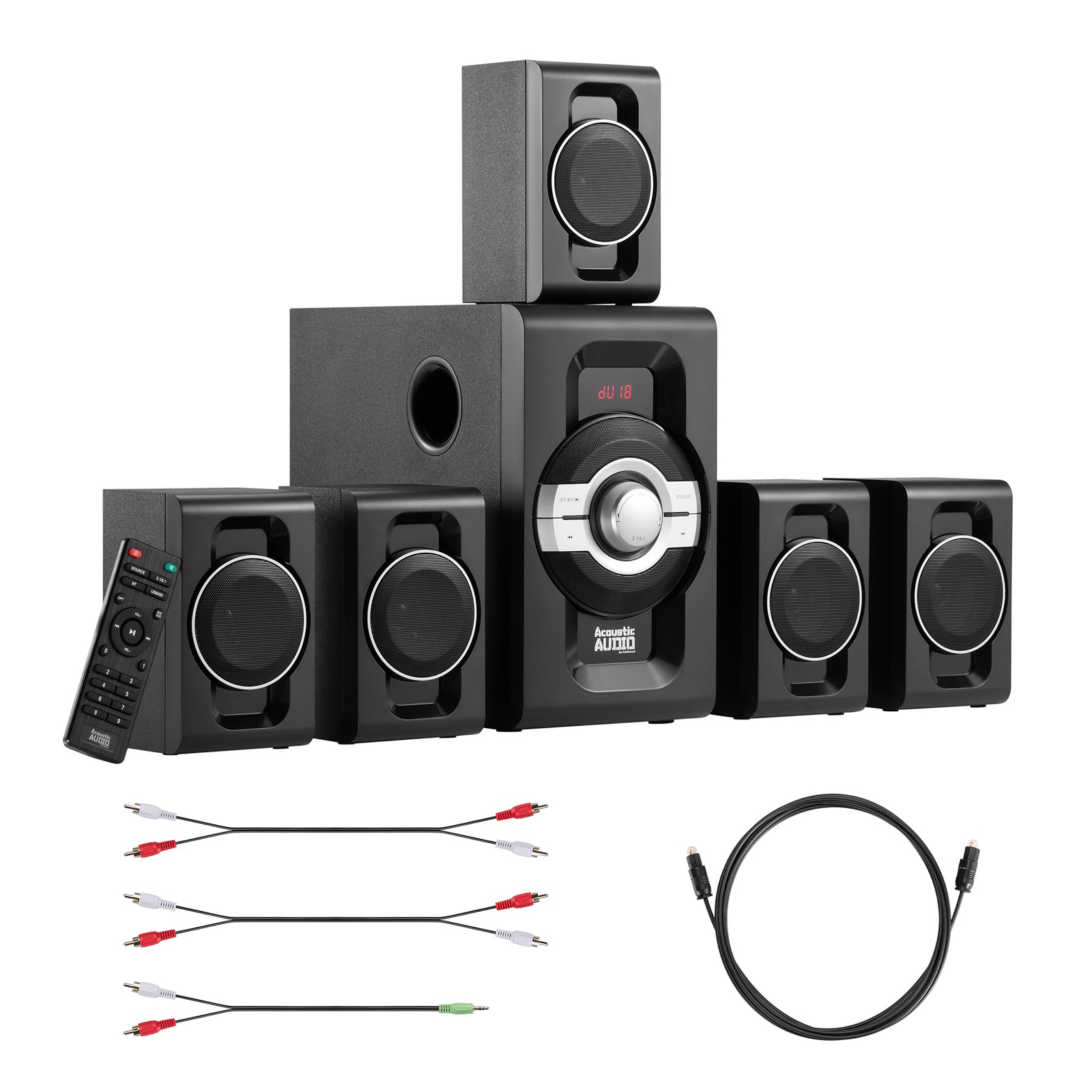 Acoustic Audio 5.1 Bluetooth 6 Speaker System Home Theater Surround Sound NEW$94.88View on eBay
 ULTIMEA Skywave F40 Boom 5.1.2 Sound Bar with Subwoofer & Surround Speakers 460W$169.99View on eBay
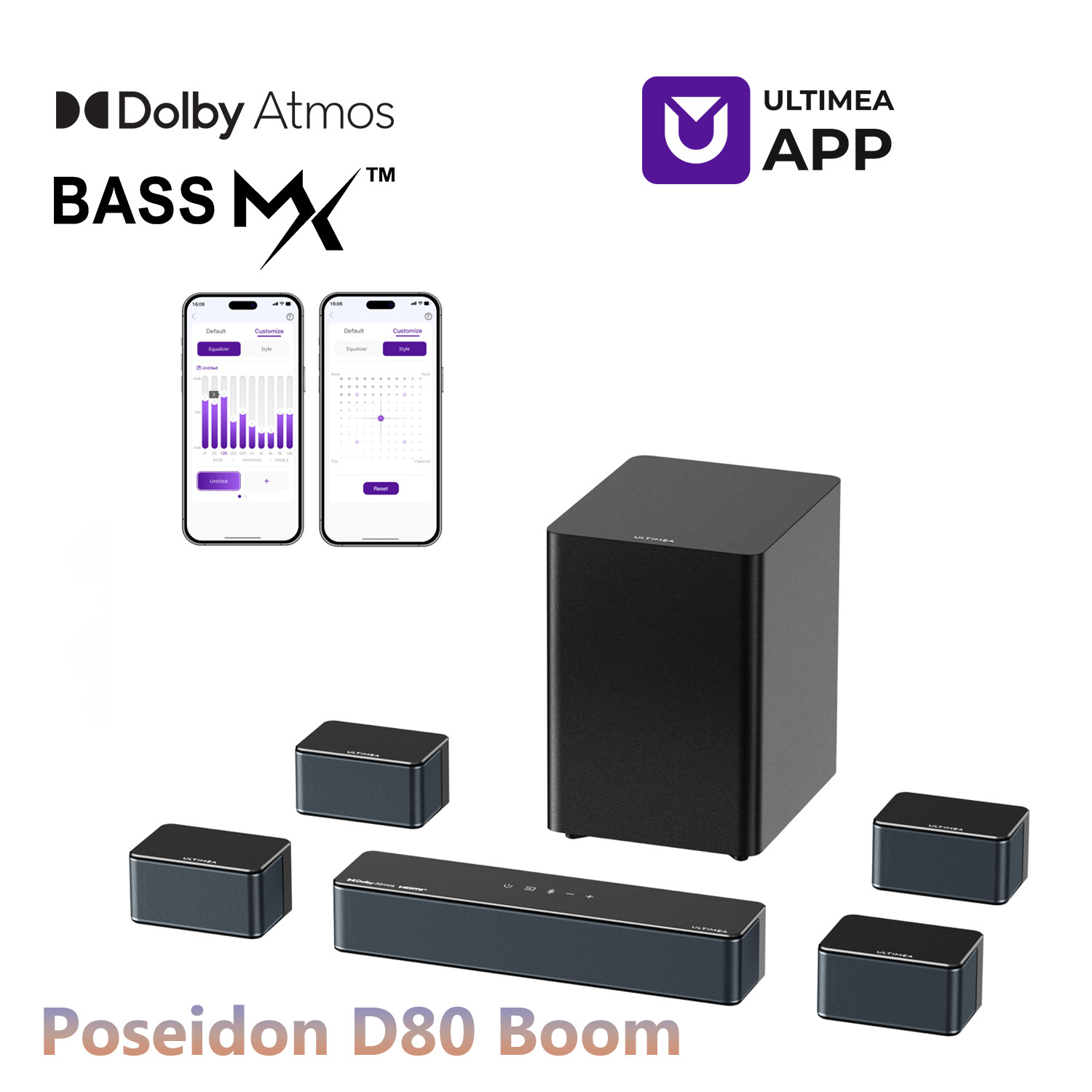 Ultimea - Poseidon D80 Boom 7.1CH Dolby Atmos Sound bar, Surround sound system$279.99Last checked Nov 18, 2026View on eBay
Highlights
- Channel architecture defines the experience: 5.1 = front L/C/R, two surrounds, one sub; 7.1 adds two rear surrounds; 5.1.2 adds two height/elevation channels for Dolby Atmos.
- A real home-theater surround system uses discrete speakers wired to an AVR or a soundbar with dedicated wireless rear speakers and subwoofer - not a single stereo bar with virtual processing.
- Subwoofer driver size drives low-frequency output: 6.5-8 in suits small rooms, 10-12 in moves the air needed for home-theater LFE impact in medium-to-large rooms.
- Dolby Atmos decoding on a soundbar requires dedicated up-firing or height channels; bars without height drivers only simulate overhead sound and cannot render true object-based audio.
Best use cases
- Living room TV with space for rear speakers: choose a 5.1 or 5.1.2 system with a wired or dedicated wireless subwoofer and discrete surrounds for genuine directional audio.
- Apartment or bedroom where rear speaker placement is impossible: choose a 3.1 or 2.1 soundbar-plus-subwoofer setup and skip 5.1 labels that require satellites you cannot place.
- Dedicated media room with an AVR: build a component 5.1.2 or 7.1 system with matched speakers and a 10-12 in subwoofer rather than an all-in-one bar.
- Desktop or projector setup in a small space: a compact 2.0 or 2.1 bar is the correct fit; skip multichannel systems whose rear speakers have nowhere to go.
Buying tips
- Match channel count to room geometry: 5.1 needs roughly 6-8 ft of rear wall behind the listening position for surround placement; 7.1 needs more width and depth to avoid crowding.
- Verify HDMI ARC or eARC on the bar or AVR and confirm your TV passes Dolby Digital or Atmos over that connection - optical cannot carry lossless or height-coded audio.
- Size the subwoofer to room volume: an 8 in subwoofer suits rooms under about 1,500 cu ft; step to 10-12 in for larger open-plan spaces to avoid distortion at reference levels.
- For component systems, keep speaker impedance matched to the AVR rating (commonly 6 or 8 ohm) and budget for speaker wire and stands, which all-in-one kits often omit.
Specs
| Channel Config | 2.1 / 3.1 / 5.1 / 5.1.2 / 7.1 |
|---|---|
| Surround Type | Discrete satellites vs virtual |
| Subwoofer Driver | 6.5-8 in small / 10-12 in large |
| TV Connection | HDMI eARC / ARC / Optical |
Related searches
What to check before buying
- Measure the TV wall width and rear-wall distance: confirm the bar length fits between or under the TV and that rear speaker cables or power outlets reach the surround positions.
- Confirm TV outputs: at least one HDMI ARC/eARC port, or optical as a fallback, and check whether the TV passes Dolby Atmos or only Dolby Digital.
- Check power access at the subwoofer and rear-speaker locations; wireless surrounds still need AC outlets, and wired surrounds need cable runs.
- Confirm the subwoofer footprint and downward- vs front-firing design fit your floor and won't rattle shared walls or sit in a corner that booms.
FAQ
Data sources: eBay / Amazon listings and product attribute feeds. Updated Nov 27, 2026.
Some links on this page are affiliate links. If you buy after clicking one, we may earn a commission at no extra cost to you. This does not change which products appear here or their order. Affiliate disclosure.