
Photos from current listings. Actual item, color, and included accessories may vary.
Sound Bar Buying Guide
A sound bar is a slim, multi-driver speaker array plus dedicated subwoofer that replaces TV down-firing speakers with clearer dialogue and real bass. The core trade-off is channel architecture and subwoofer quality: 2.0/2.1 bars deliver clean stereo and punch, while 5.1.2/7.1.4 bars add discrete rear and height channels for true surround. The decision rule: buy a bar with a wired or wireless subwoofer and at least Dolby Digital decoding for a living-room upgrade; skip any bar without a subwoofer out or HDMI ARC/eARC if you want to avoid muffled dialogue and handshake headaches.
Median $174.99
Key takeaways
- Channel count defines immersion: 2.1 bars use virtual surround only; 5.1.2 adds rear satellites and two height drivers for Dolby Atmos object placement.
- Subwoofer connection is the reliability marker: wired subwoofers never drop out, while wireless subs can suffer interference—prefer 5 GHz or auto-pairing wireless designs.
- HDMI eARC passes uncompressed Dolby Atmos and DTS:X from modern TVs; optical Toslink is limited to compressed 5.1 and cannot carry height channels.
At a glance
- Category
- Home Theater Speakers & Subwoofers
- Last updated
- Nov 27, 2026
Current offers
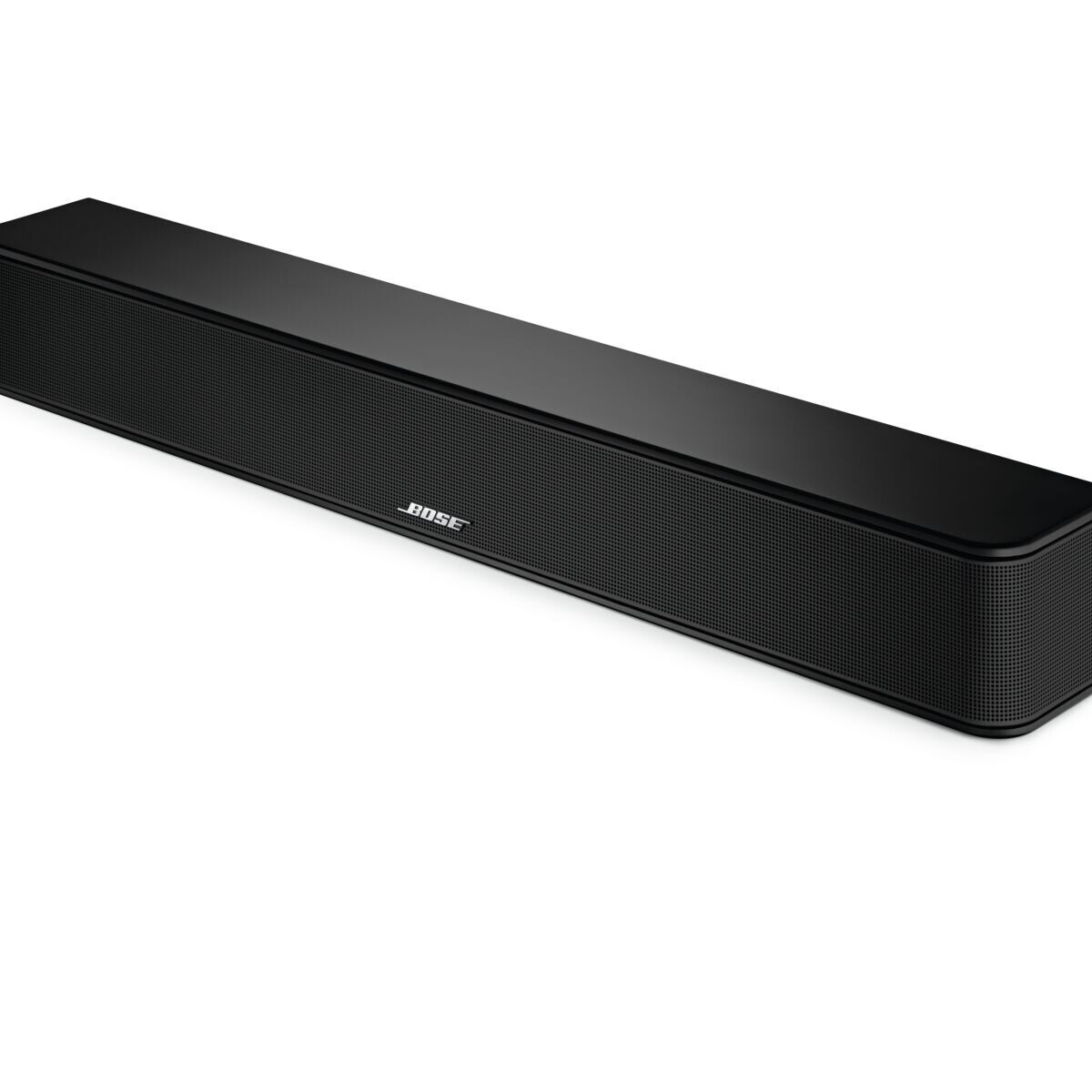 Bose Solo Soundbar 2 Home Theater, Certified Refurbished$94.00View on eBay
 ULTIMEA Skywave F40 Boom 5.1.2 Sound Bar with Subwoofer & Surround Speakers 460W$169.99View on eBay
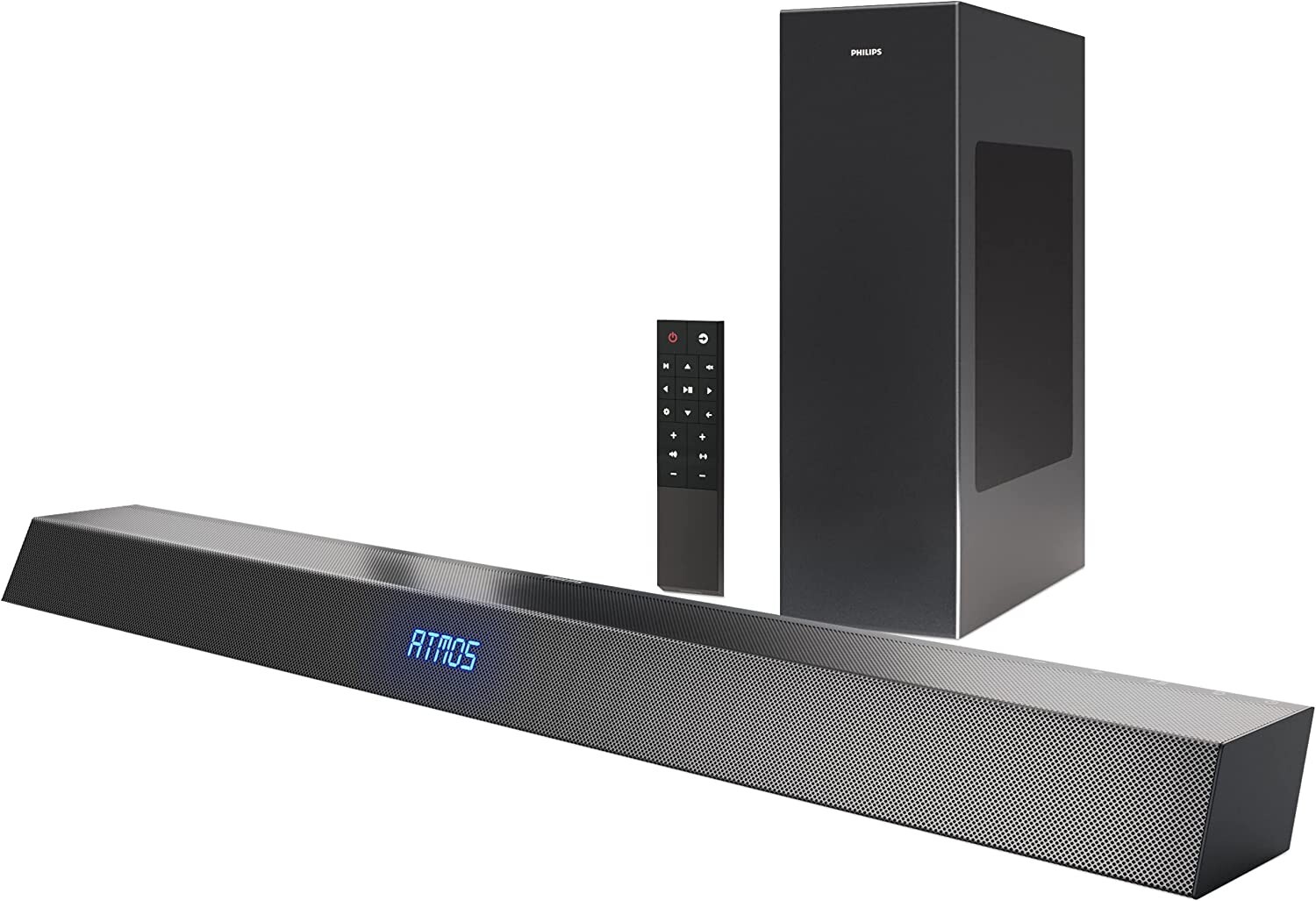 Philips Sound bar with Subwoofer. Great for Home Theater. TV Speaker$179.99View on eBay
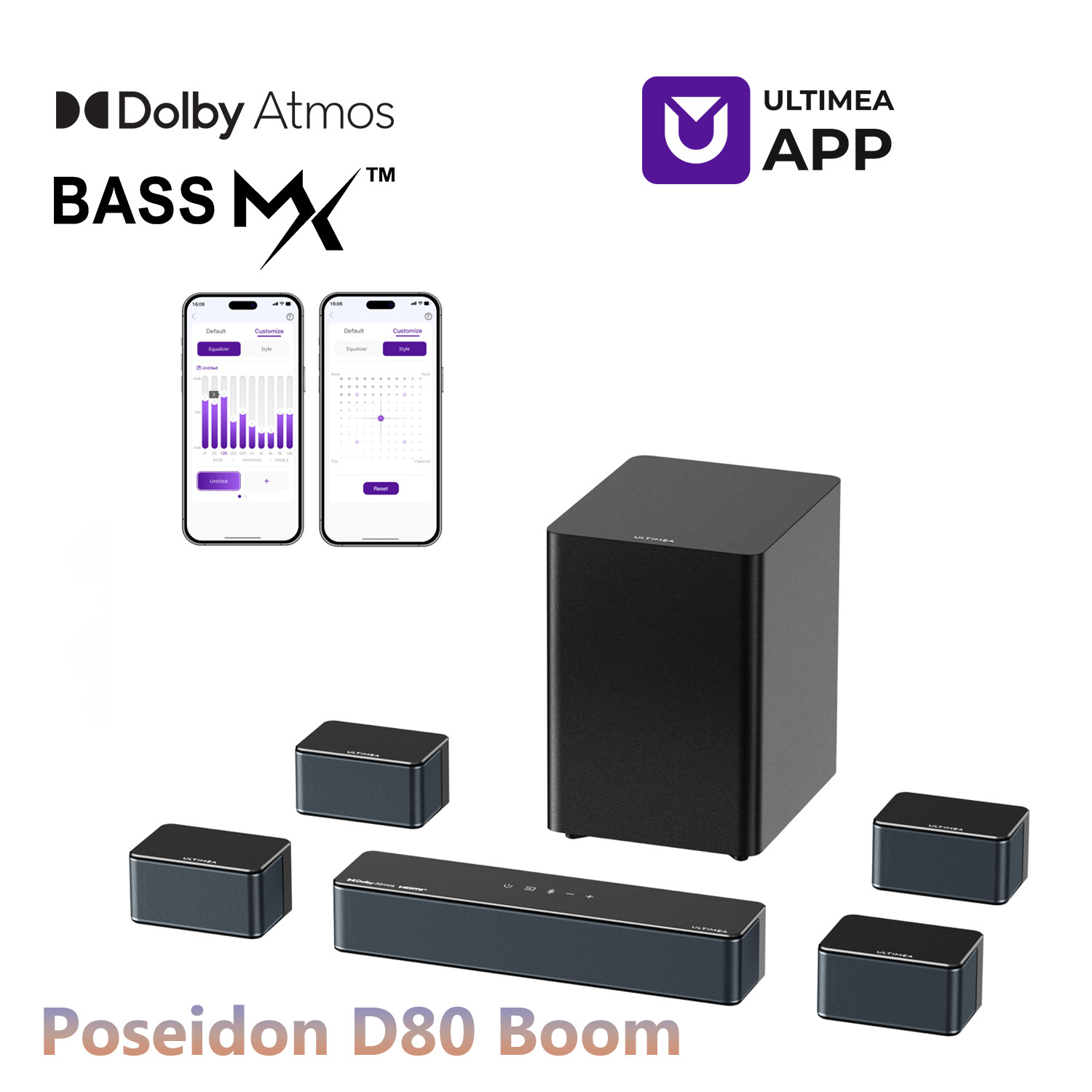 Ultimea - Poseidon D80 Boom 7.1CH Dolby Atmos Sound bar, Surround sound system$279.99Last checked Nov 18, 2026View on eBay
Highlights
- Channel count defines immersion: 2.1 bars use virtual surround only; 5.1.2 adds rear satellites and two height drivers for Dolby Atmos object placement.
- Subwoofer connection is the reliability marker: wired subwoofers never drop out, while wireless subs can suffer interference—prefer 5 GHz or auto-pairing wireless designs.
- HDMI eARC passes uncompressed Dolby Atmos and DTS:X from modern TVs; optical Toslink is limited to compressed 5.1 and cannot carry height channels.
- Driver size and cabinet volume set bass extension: bars with 3-inch or larger woofers and a separate 6.5–8-inch sub reach below 40 Hz; slim 1.5-inch drivers typically roll off above 100 Hz.
Best use cases
- Best-fit for a 55–65 inch TV in a medium room: a 2.1 bar with a wireless 6.5-inch sub and HDMI eARC—skip 7.1.4 bars if the sofa is against the wall and rear satellites have no placement.
- Best-fit for a dedicated movie room with seating 8–10 feet back: a 5.1.2 or 7.1.4 system with discrete rear speakers and up-firing height drivers—skip all-in-one virtual bars that rely on wall reflections.
- Best-fit for a bedroom or small apartment: a compact 2.0 bar with dialogue enhancement and night mode—skip large subwoofers that boom through shared walls.
- Wrong-fit: buying a flagship Atmos bar for a TV that lacks HDMI eARC or Dolby Atmos passthrough—you pay for height channels the TV cannot deliver.
Buying tips
- Match bar width to TV width: a sound bar should be equal to or narrower than the TV stand—measure the stand depth, not the screen, since a 42-inch bar overhangs a 55-inch TV's 10-inch-deep feet.
- Choose the subwoofer by room volume: rooms under 1,500 cubic feet pair well with 6.5-inch subs; rooms over 2,500 cubic feet need 8-inch or larger subs to pressurize the space.
- Confirm HDMI version on the TV: eARC requires HDMI 2.1 or certified eARC on HDMI 2.0b ports; older ARC ports pass only compressed 5.1 and no Atmos.
- Prefer bars with at least three discrete EQ modes (movie, music, dialogue) and a dedicated center-channel driver—virtual center processing cannot match a real center driver for dialogue clarity.
Specs
| Channel Config | 2.0 / 2.1 / 5.1.2 / 7.1.4 |
|---|---|
| Subwoofer Link | Wired vs wireless 5 GHz |
| TV Connection | HDMI eARC / ARC / Optical |
| Atmos Support | Dolby Atmos / DTS:X passthrough |
Related searches
What to check before buying
- Measure TV stand width and depth plus the clearance below the screen; a bar taller than 2.5 inches can block the TV's IR receiver or bottom bezel.
- Verify the TV has HDMI ARC/eARC or optical output; if only Bluetooth is available, expect latency and no surround decoding.
- Check wall construction and outlet placement for rear satellite power: most 5.1.2 systems need two AC outlets behind the sofa or long low-voltage runs.
- Confirm subwoofer placement: front-firing subs need 6–12 inches from the wall; down-firing subs need a solid floor and can transfer vibration into downstairs rooms.
FAQ
Data sources: eBay / Amazon listings and product attribute feeds. Updated Nov 27, 2026.
Some links on this page are affiliate links. If you buy after clicking one, we may earn a commission at no extra cost to you. This does not change which products appear here or their order. Affiliate disclosure.